
 15
15presentation
Yoga Workshop Marketing Presentation
Promote classes with a yoga workshop marketing presentation featuring playful beige, pink, and purple illustrations for PowerPoint and Google Slides.
Google SlidesPowerPoint
spreadsheet · English
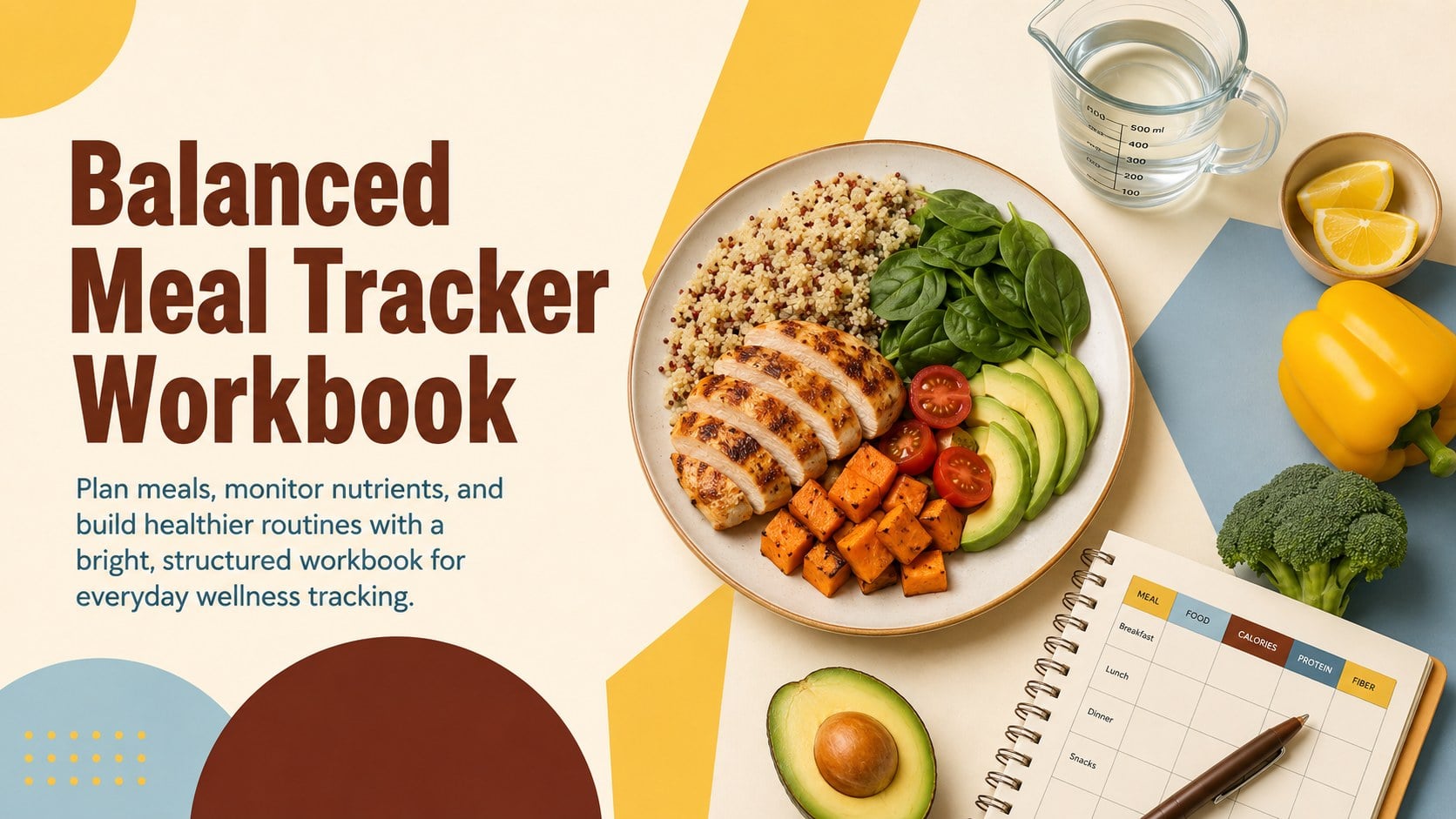
Build healthier routines with a balanced meal tracker workbook for meal planning, nutrient logging, and wellness check-ins in PowerPoint or Google Slides.
Design notes
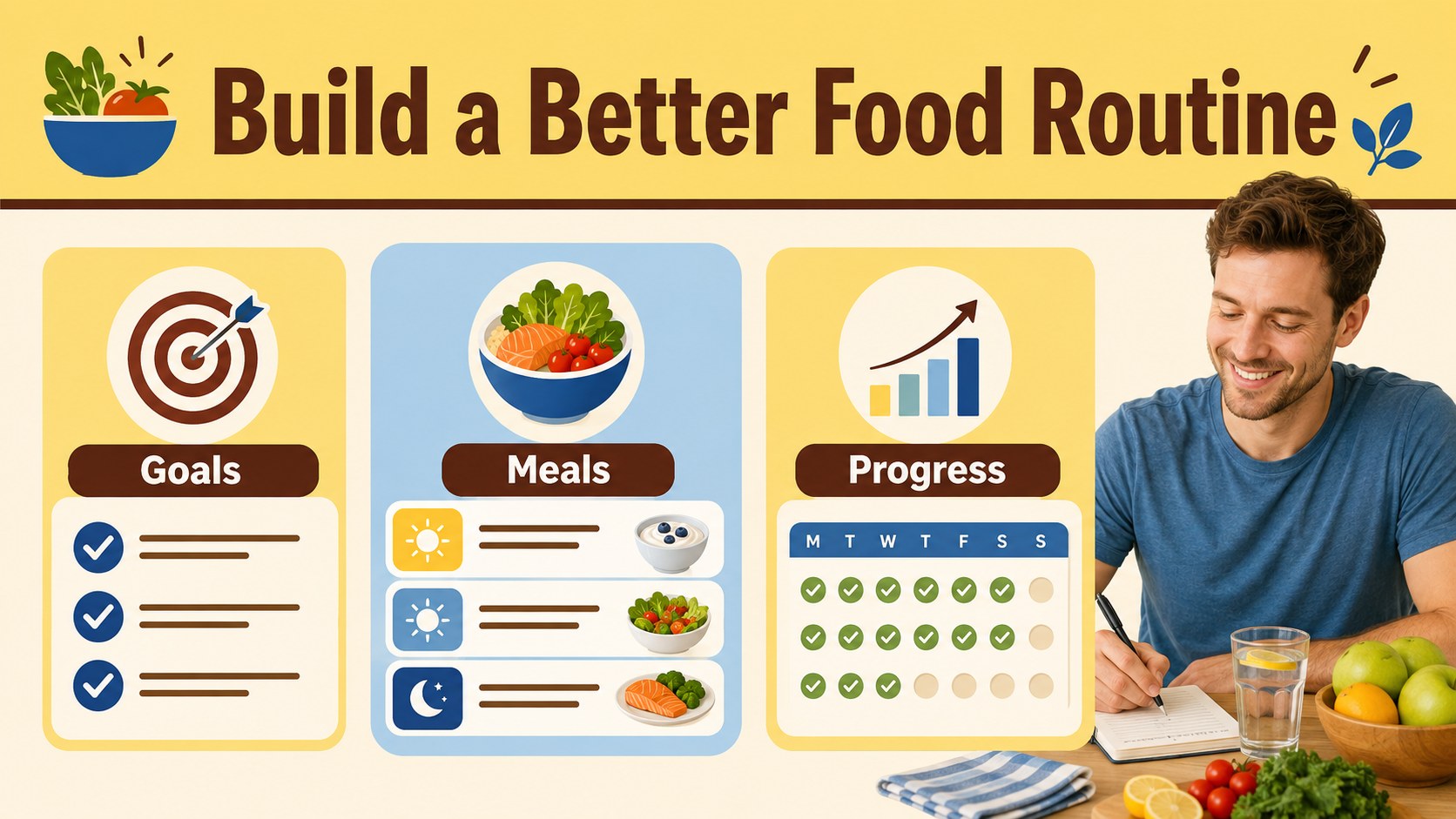
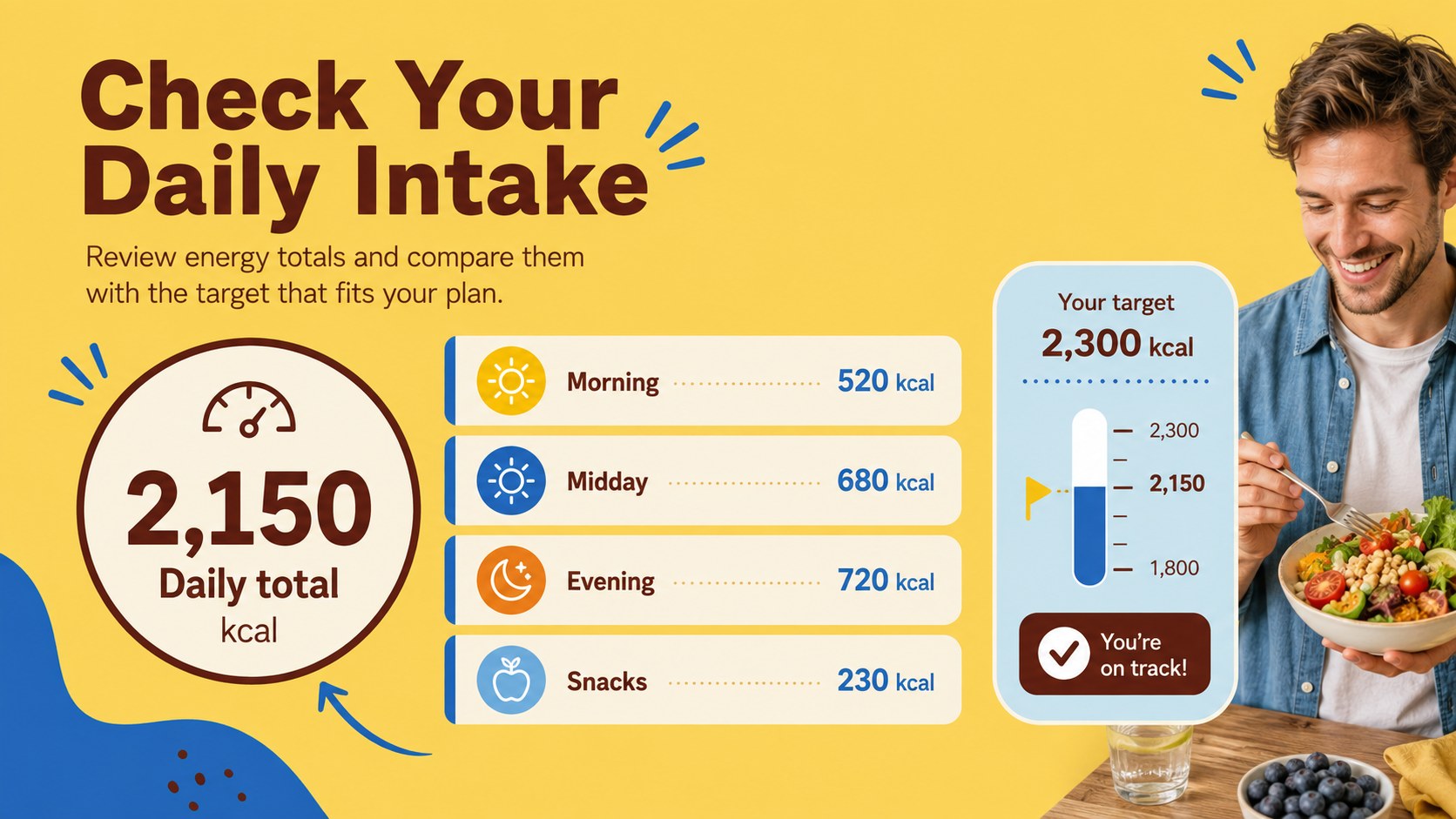
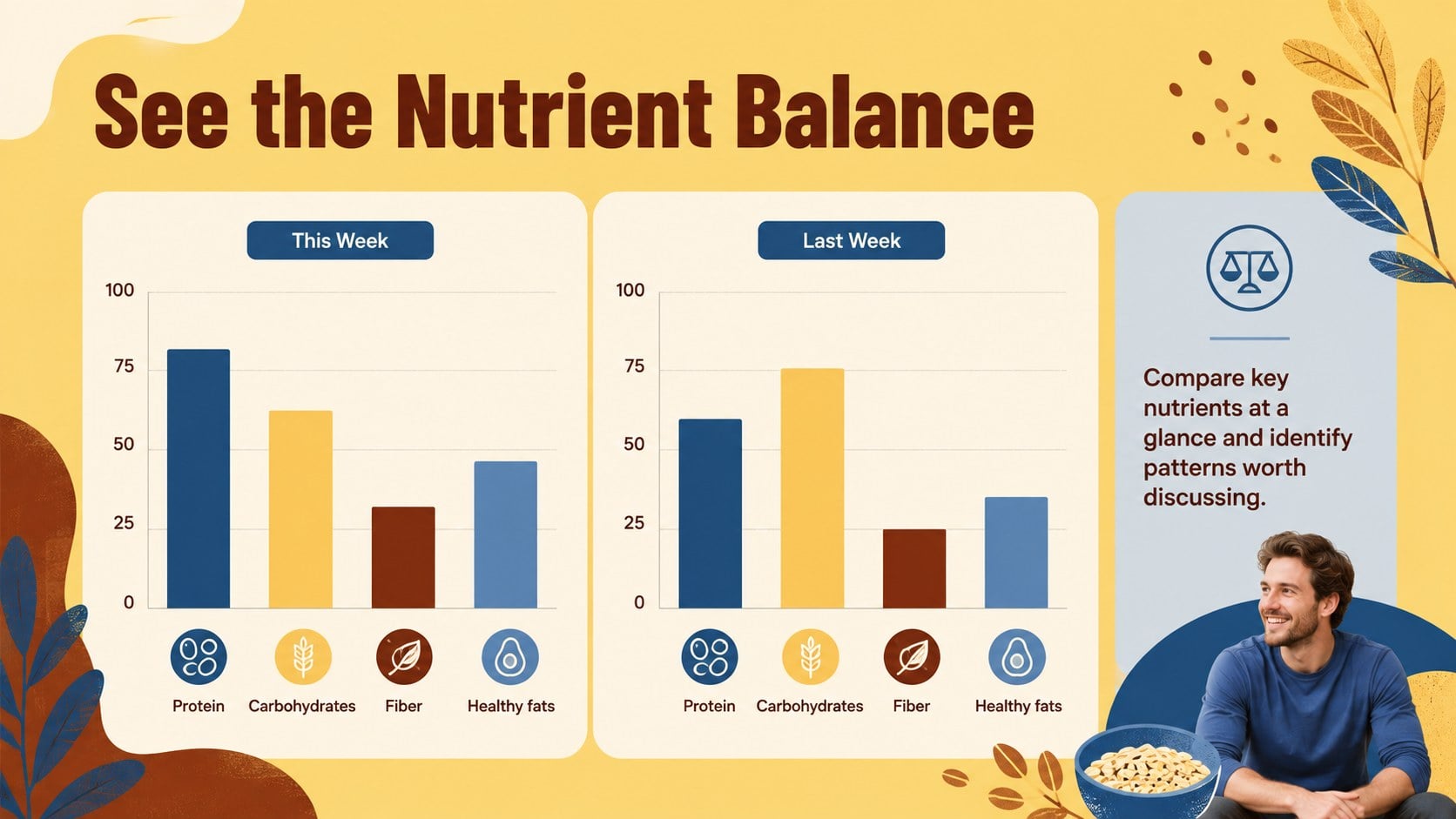
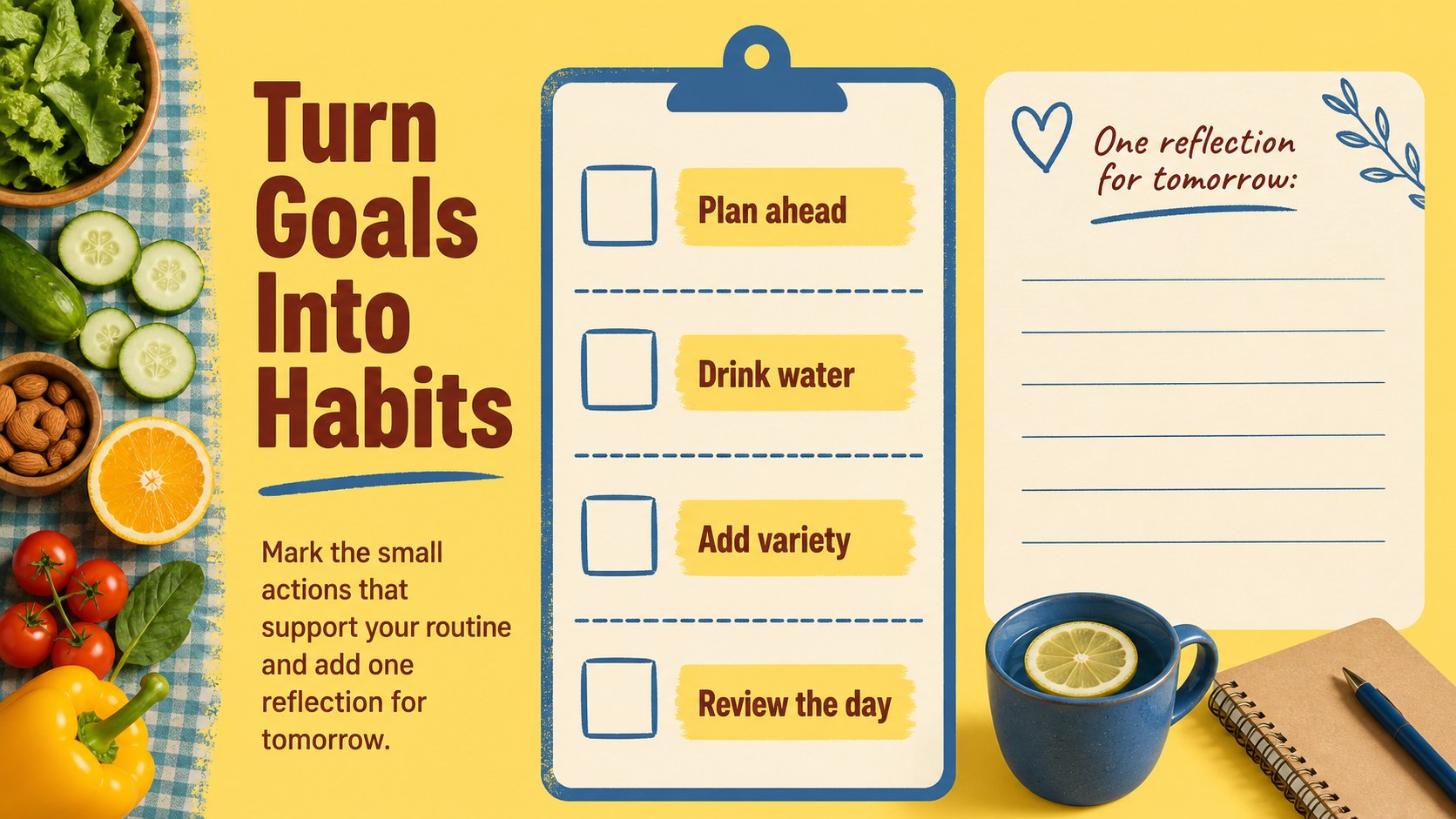
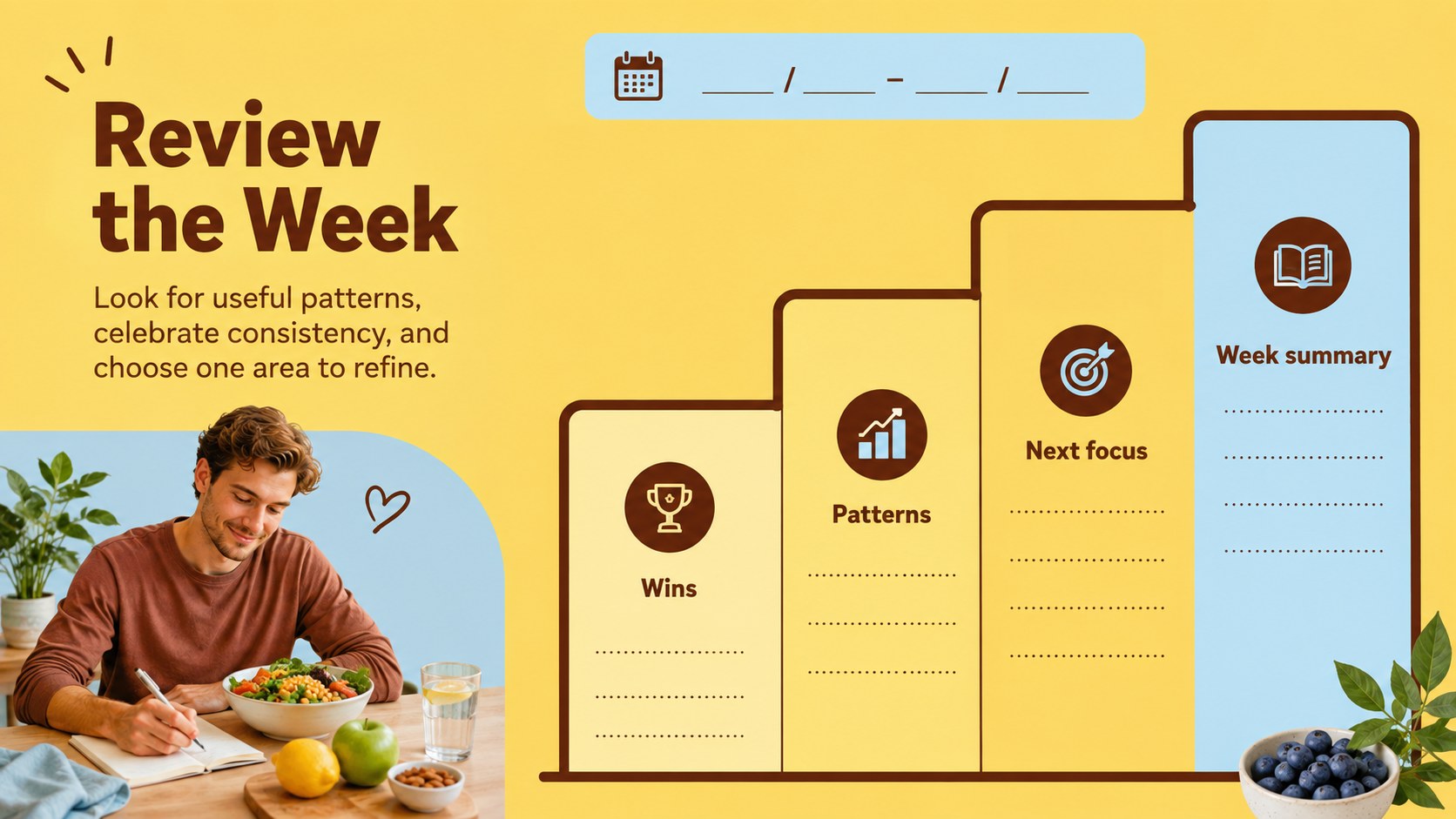
Build a clearer picture of your eating habits with the Balanced Meal Tracker Workbook, a vibrant presentation and spreadsheet-style template for planning meals and reviewing nutrition goals. Its bold combination of yellow, brown, and blue gives health information an energetic, organized feel without sacrificing readability.
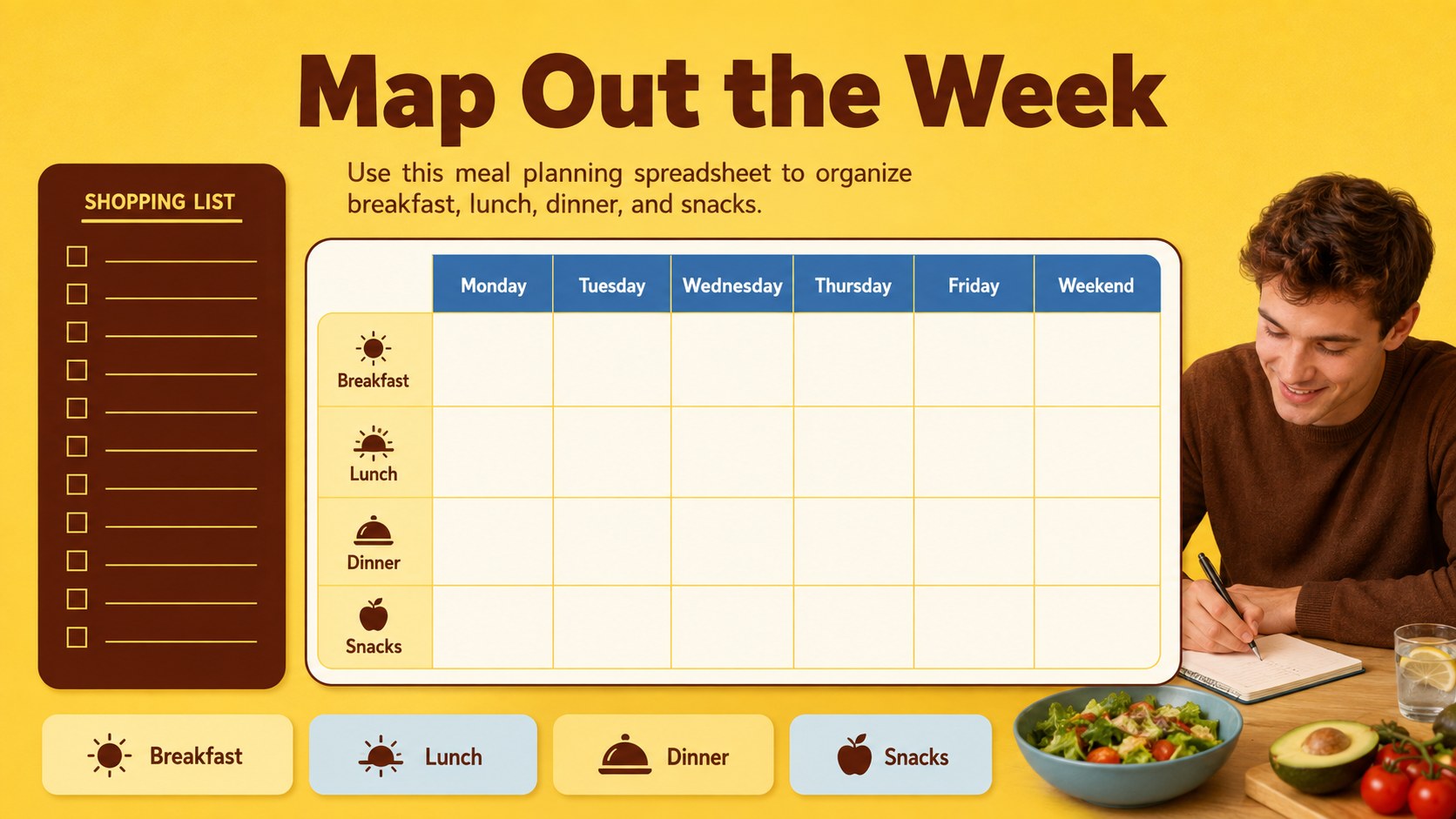
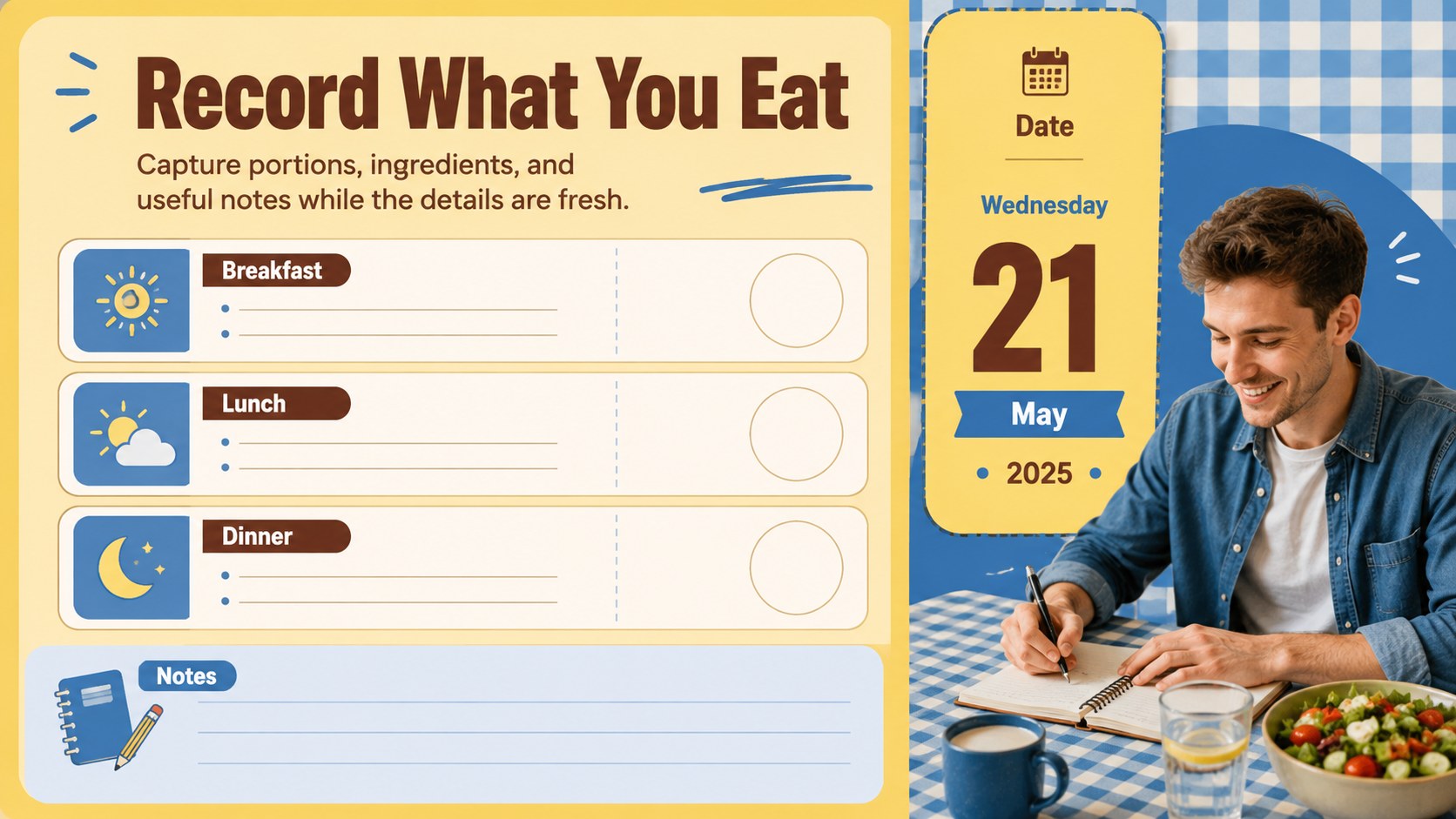
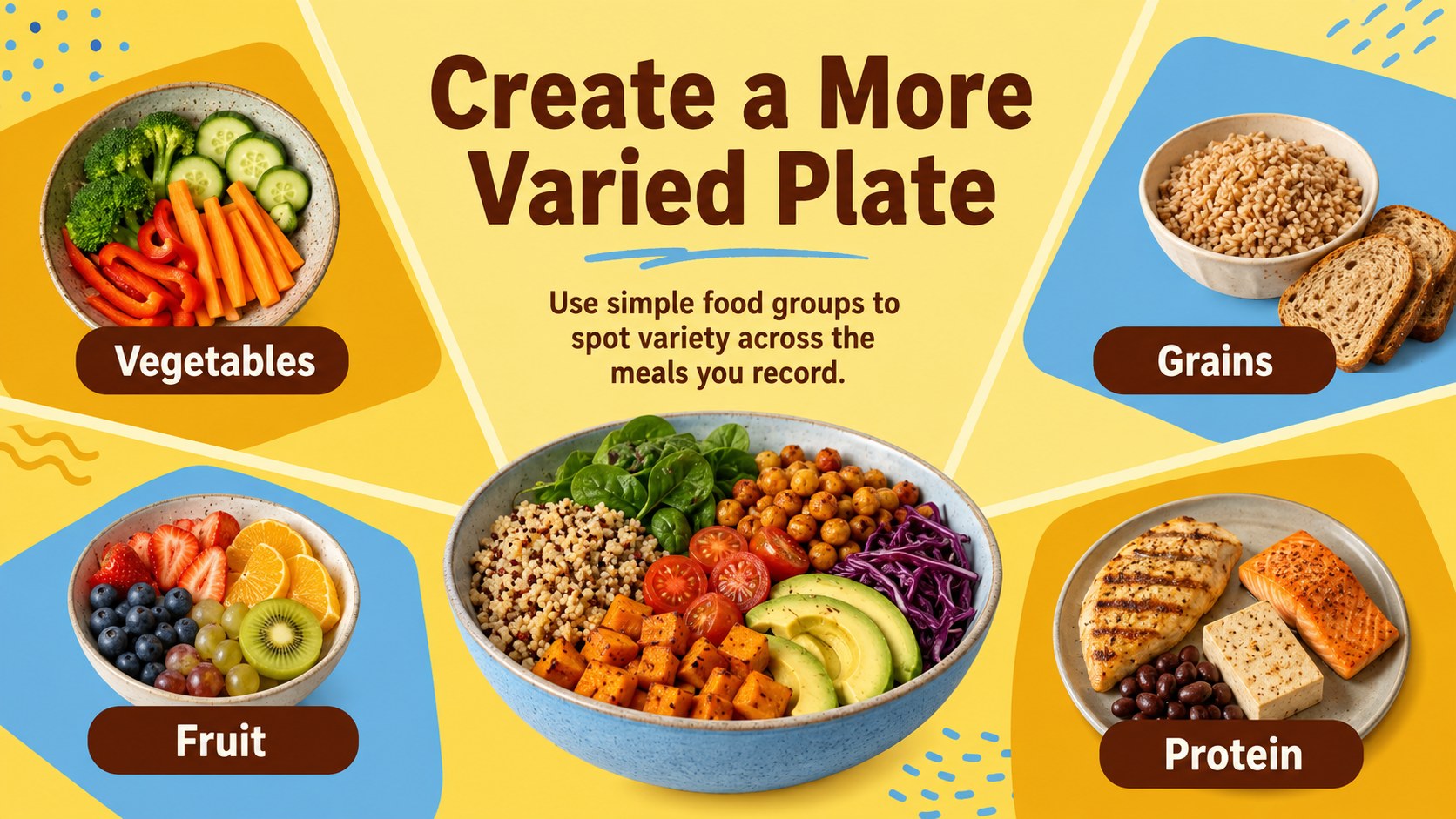
Inside, you’ll find structured pages for setting wellness objectives, recording daily meals, comparing nutrients, organizing food groups, and reviewing progress over time. The built-in meal planning spreadsheet can be adapted for weekly menus, shopping preparation, or athletic fueling. A daily calorie tracker template layout also gives you a practical starting point for logging portions, energy intake, and key nutrition notes. Charts, tables, editable shapes, and visual food categories help turn routine entries into information that is easier to scan and discuss.
This workbook is designed for nutritionists, wellness coaches, personal trainers, educators, health-conscious families, and anyone working toward more consistent eating habits. Use it for a client check-in, a classroom activity, a personal nutrition tracking workbook, or a visual report for training and recovery. Edit the text, colors, tables, and data in PowerPoint or Google Slides, with spreadsheet elements also adaptable in Excel or Google Sheets.
Perfect for: nutrition counseling session; weekly meal planning; personal wellness review; athletic training nutrition plan; health education workshop.
Frequently asked questions
Can I edit this workbook in PowerPoint? Yes. The layouts, text, charts, tables, and decorative elements can be edited in PowerPoint. Replace the sample entries with your own meals, nutrient targets, and progress data.
Practical details
Yes. The layouts, text, charts, tables, and decorative elements can be edited in PowerPoint. Replace the sample entries with your own meals, nutrient targets, and progress data.
Yes, you can use the presentation layouts in Google Slides. Upload the PowerPoint file, then adjust fonts, charts, tables, and images directly in your browser.
You can adapt the workbook for weight management, athletic fueling, family meal planning, or classroom instruction. Rename categories, change measurement fields, and update the sample data to match your workflow.
Yes. The tracker layouts can be recreated or edited in Excel and Google Sheets when you need formulas or sortable records. The presentation version is useful for visual summaries and client or team reviews.
Keep exploring
15Promote classes with a yoga workshop marketing presentation featuring playful beige, pink, and purple illustrations for PowerPoint and Google Slides.
 15
15Build a clear breast cancer awareness bulletin with bold pink-and-red slides for campaign news, screening reminders, impact data, and community updates.
 15
15Build a clear World Cancer Day message with this global cancer awareness campaign deck, featuring editable blue-green layouts for PowerPoint and Google Slides.
 4
4Document wound findings, treatment decisions, and healing progress with clinical wound evaluation slides for nurses in PowerPoint and Google Slides.
 14
14Plan a clear donor campaign with this blood donation awareness presentation, featuring editable beige-and-red visuals for PowerPoint and Google Slides.
 15
15Build a Kidney Health Awareness Campaign Deck with blue illustrated slides for prevention tips, risk education, screening events, and outreach.
 15
15Build an actionable training session with this fitness program workshop deck, using energetic yellow geometry and editable PowerPoint and Google Slides layouts.
 15
15Equip health teams with this malaria prevention education deck for workshops, community outreach, and policy briefings in PowerPoint or Google Slides.