
 14
14presentation
2036 Dragon Year Celebration Theme
Plan a memorable Lunar New Year campaign with the 2036 Dragon Year Celebration Theme, featuring bold red-and-yellow slides for lessons and events.
Google SlidesPowerPoint
presentation · English
Build an autumn harvest event flyer in warm yellow and orange tones for school fairs, pumpkin patches, and neighborhood celebrations in PowerPoint or Google…

Design notes
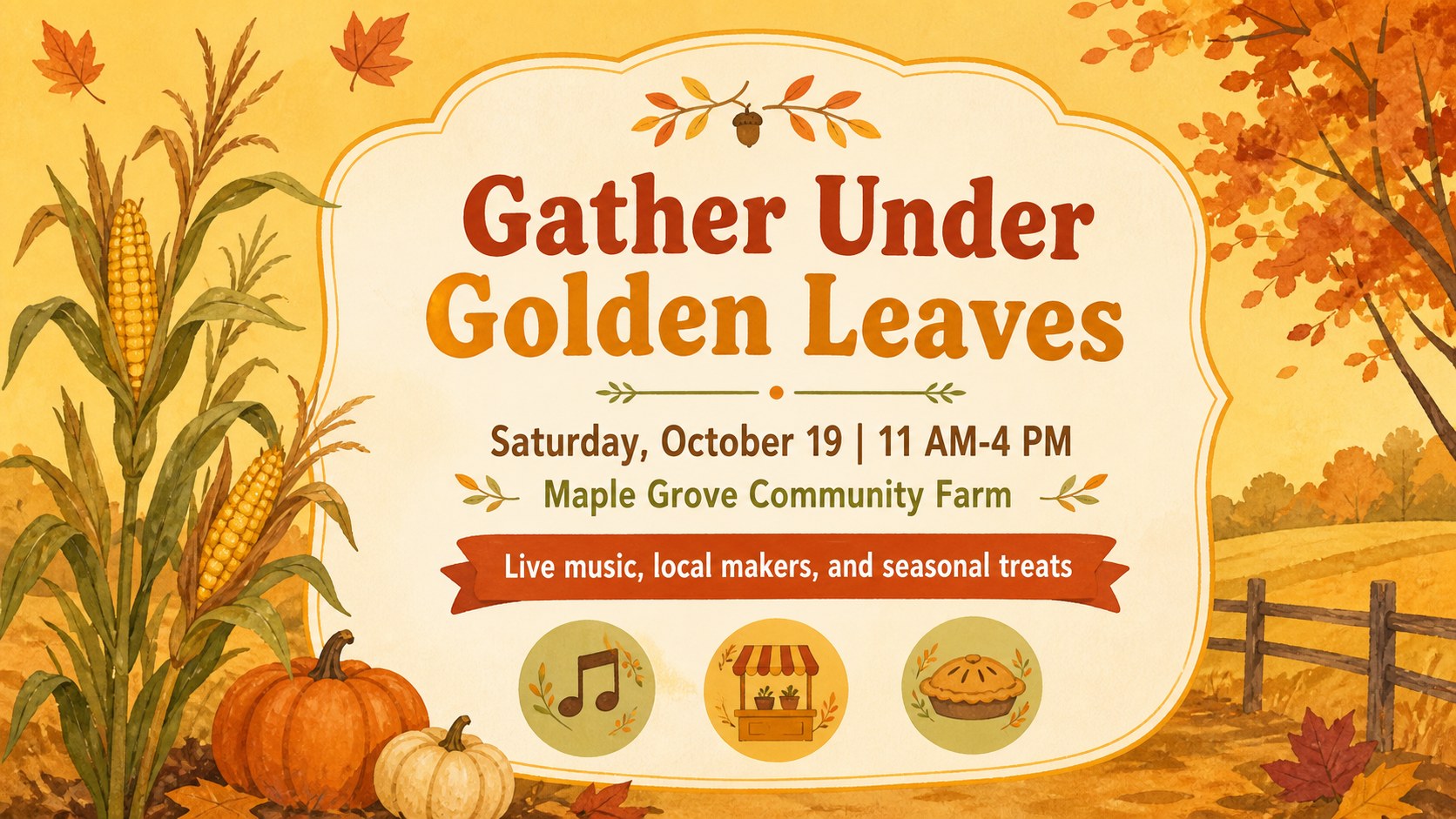
Turn a seasonal announcement into a cheerful invitation with this autumn harvest event flyer template. Its warm yellow and orange palette, hand-drawn botanical details, and playful display typography create a friendly look for pumpkin patches, school fairs, neighborhood gatherings, and small business celebrations.
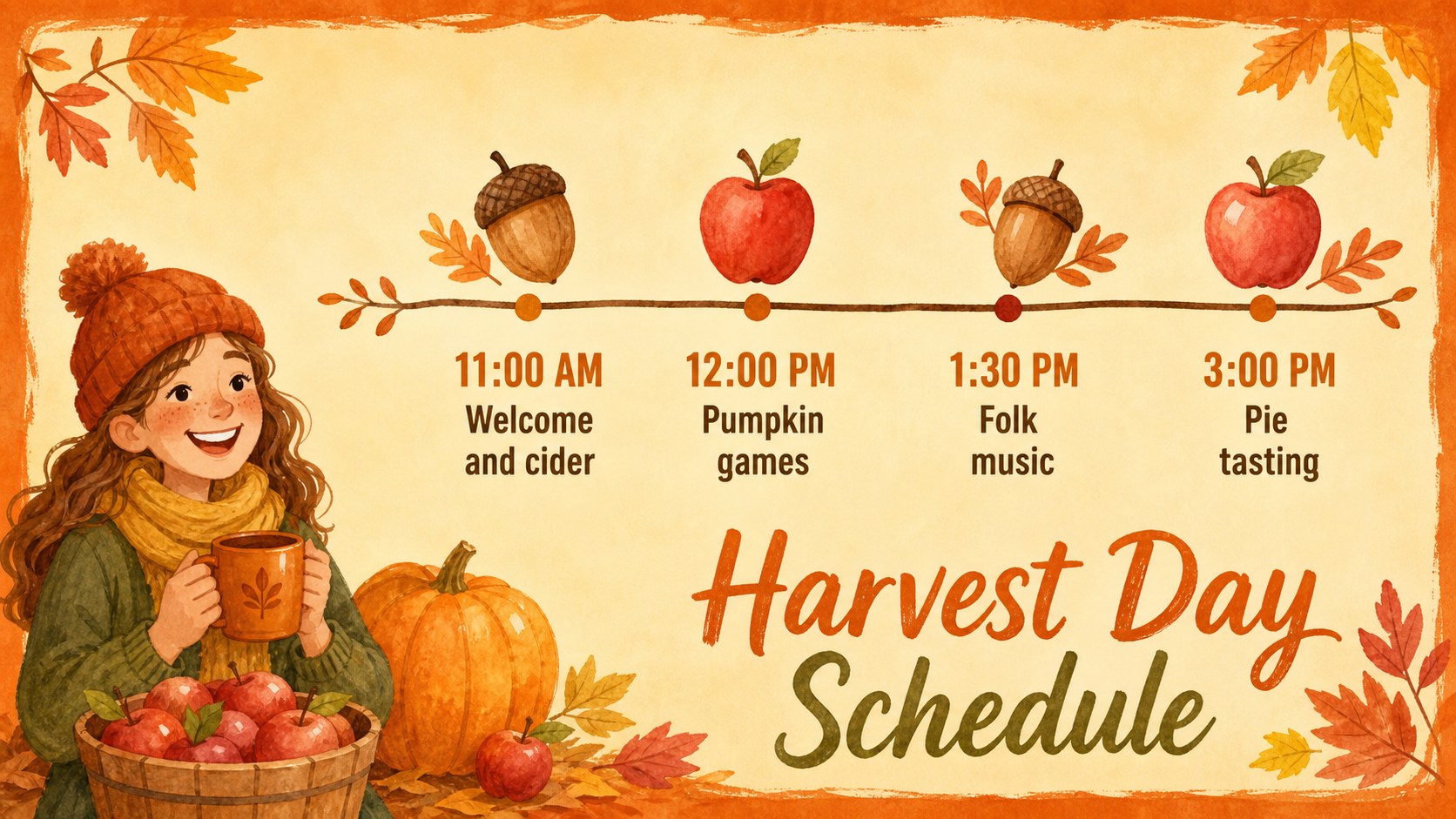
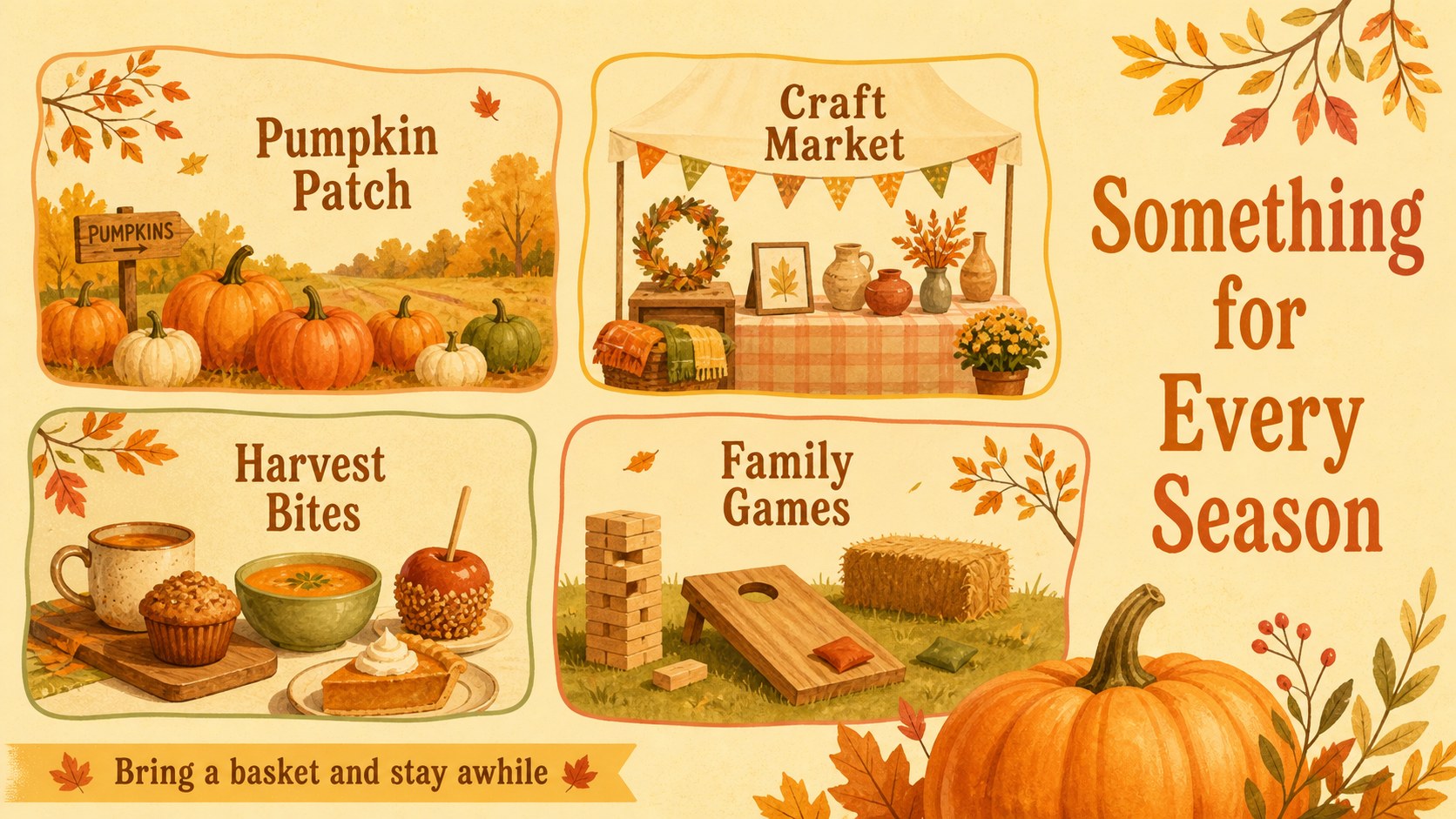
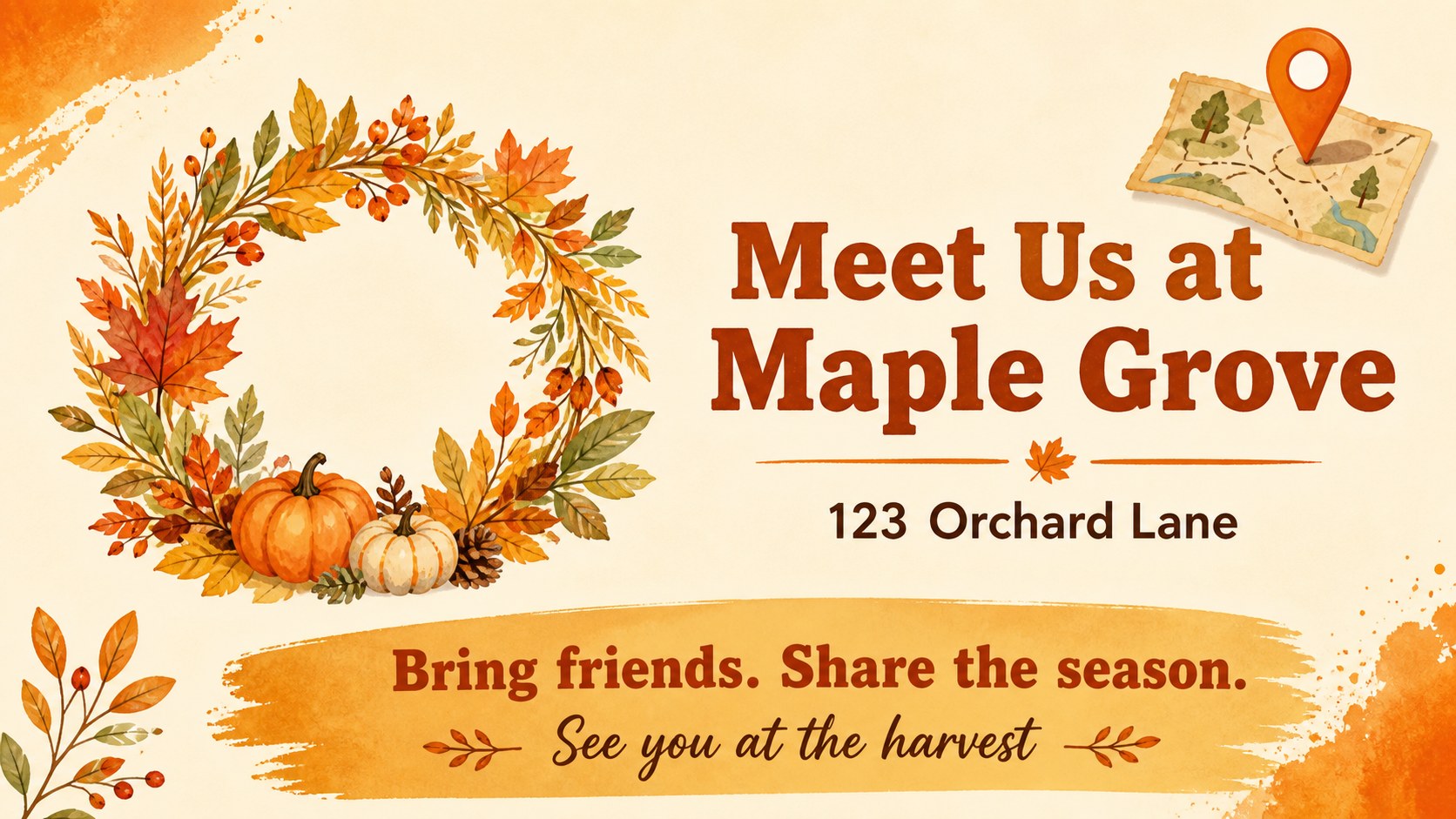
The five-slide deck includes a prominent cover flyer, an event details layout, a schedule panel, a feature section for activities and food, and a closing slide for directions or a call to action. Each page is arranged for quick editing, so you can replace the event name, date, venue, contact details, and schedule without rebuilding the design. The illustrated style works especially well for fall festival promotion, family programming, and printed handouts.
Use the template with PowerPoint or Google Slides to adjust text, recolor selected elements, add venue information, and export a digital or print-ready version. It is suited to community organizers, teachers, parent groups, farms, cafés, libraries, and local retailers that need a bright seasonal announcement. Search-friendly concepts such as printable fall event flyer and pumpkin patch promotion template fit naturally into the deck's intended use while keeping the visual message clear.
Perfect for: school harvest fair announcement; pumpkin patch promotion; neighborhood autumn celebration; farm market seasonal event; local café fall gathering.
Frequently asked questions
Can I edit the autumn harvest event flyer in PowerPoint? Yes. Open the downloadable PowerPoint file and replace the sample wording with your event name, date, location, schedule, and contact information. You can also adjust colors and reposition editable elements.
Practical details
Yes. Open the downloadable PowerPoint file and replace the sample wording with your event name, date, location, schedule, and contact information. You can also adjust colors and reposition editable elements.
Yes. Upload the PowerPoint file to Google Drive and open it with Google Slides. Review the typography and spacing after import, then customize the deck and share or export it from Google Slides.
Yes. The layouts are suitable for digital announcements and printed promotional materials. Update the page details, check the final dimensions, and export a high-quality PDF or image for printing.
You can change headlines, body copy, dates, times, venue details, calls to action, and activity descriptions. The illustrated autumn graphics and warm yellow-orange styling can remain in place while you adapt the message to your event.
Keep exploring
14Plan a memorable Lunar New Year campaign with the 2036 Dragon Year Celebration Theme, featuring bold red-and-yellow slides for lessons and events.
 15
15Build playful lessons and party stories with a kid-friendly zombie celebration theme in purple, green and pastel blue for PowerPoint and Google Slides.
 15
15Build eerie lessons, campaigns, and story pitches with an undead survival scenario theme featuring editable slides for PowerPoint and Google Slides.
 3
3Share festive messages with a Lunar Horse New Year Wishes Theme, featuring bold red-and-yellow layouts for PowerPoint and Google Slides celebrations.
 15
15Bring zodiac traditions to life with a Lunar Snake Festival Presentation featuring 15 cheerful red illustrated slides for PowerPoint and Google Slides.
 6
6Honor teams and individuals with an Orange Year-End Recognition Certificate Set featuring six editable designs for PowerPoint and Google Slides.
 14
14Honor the people behind the headlines with a World Sports Press Appreciation Deck for PowerPoint and Google Slides, styled in crisp, modern green.
 15
15Teach, inspire, and celebrate with our Plant-Powered Vegetarian Day Lesson Deck, featuring cheerful editable visuals for PowerPoint and Google Slides.