
 14
14presentation
2036 Dragon Year Celebration Theme
Plan a memorable Lunar New Year campaign with the 2036 Dragon Year Celebration Theme, featuring bold red-and-yellow slides for lessons and events.
Google SlidesPowerPoint
presentation · English
Turn shared memories into a playful sendoff with an Annual Recap Bingo Poster, editable in PowerPoint or Google Slides for classrooms, parties, and teams.
Design notes
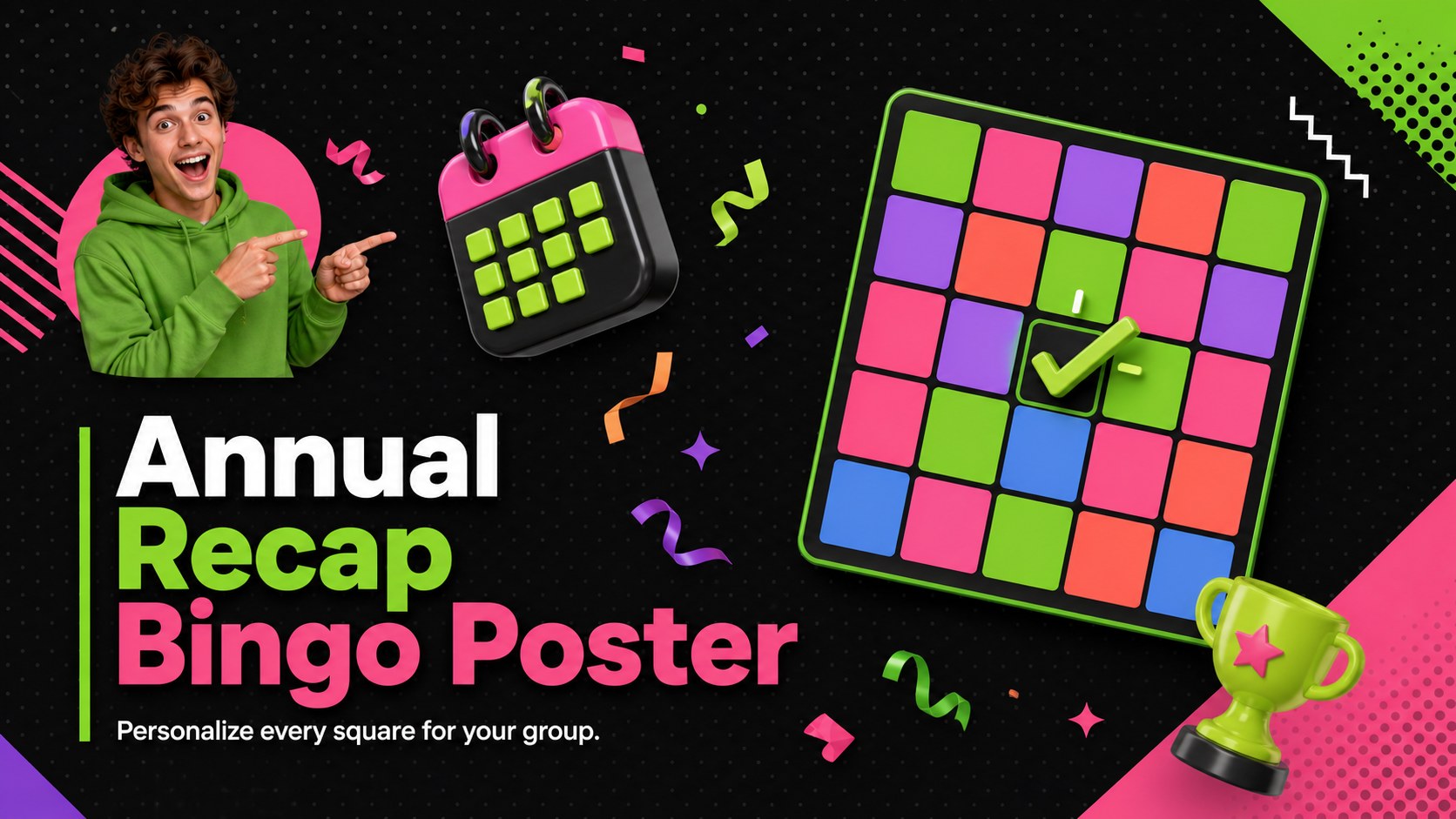
The Annual Recap Bingo Poster turns memorable moments from the past twelve months into an easy group activity. Its energetic 3D graphics, high-contrast black background, and vivid green and pink accents create a playful look suited to celebrations, final meetings, and classroom wrap-ups. Edit the prompts to reflect the experiences your audience will instantly recognize.
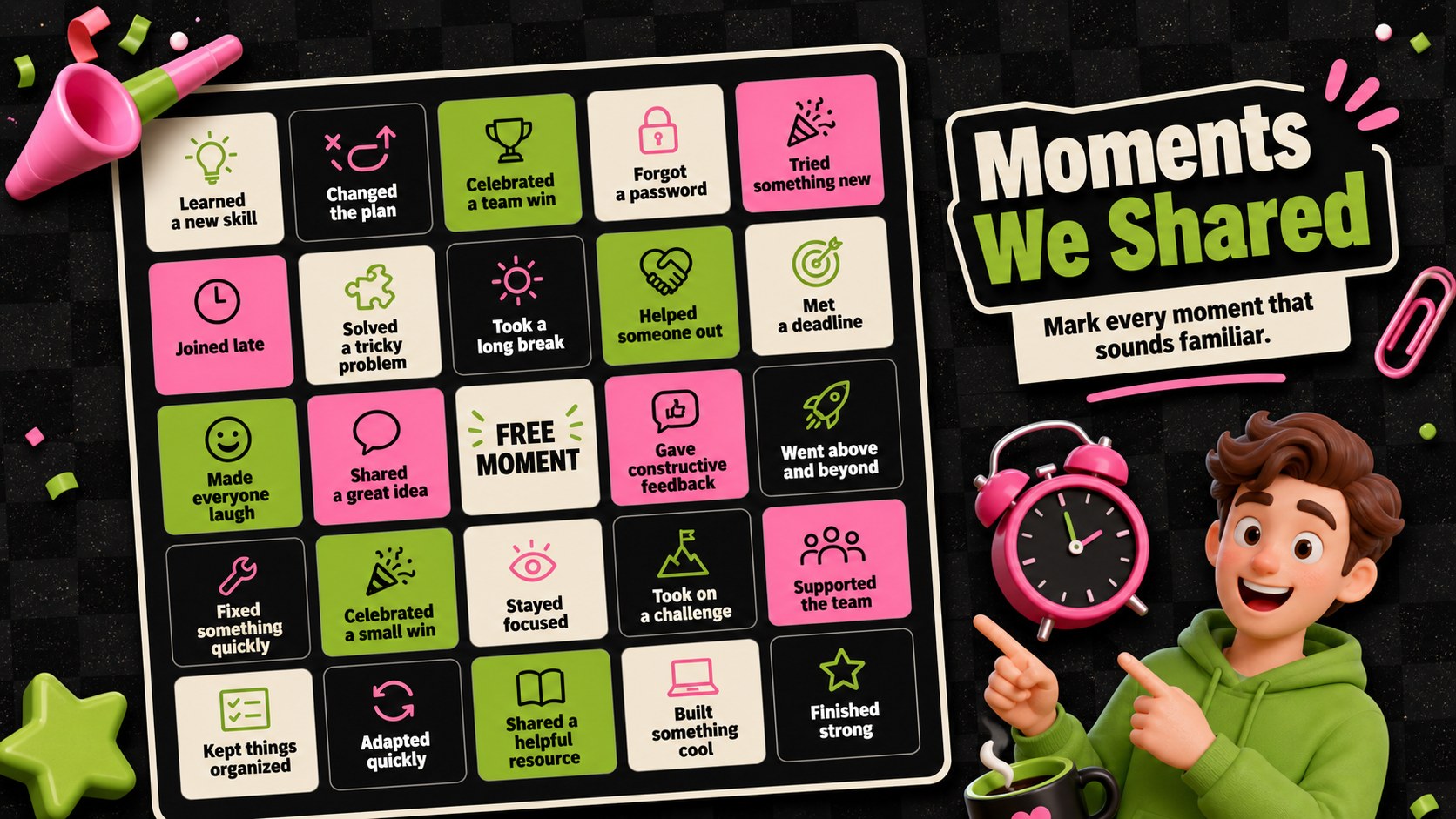
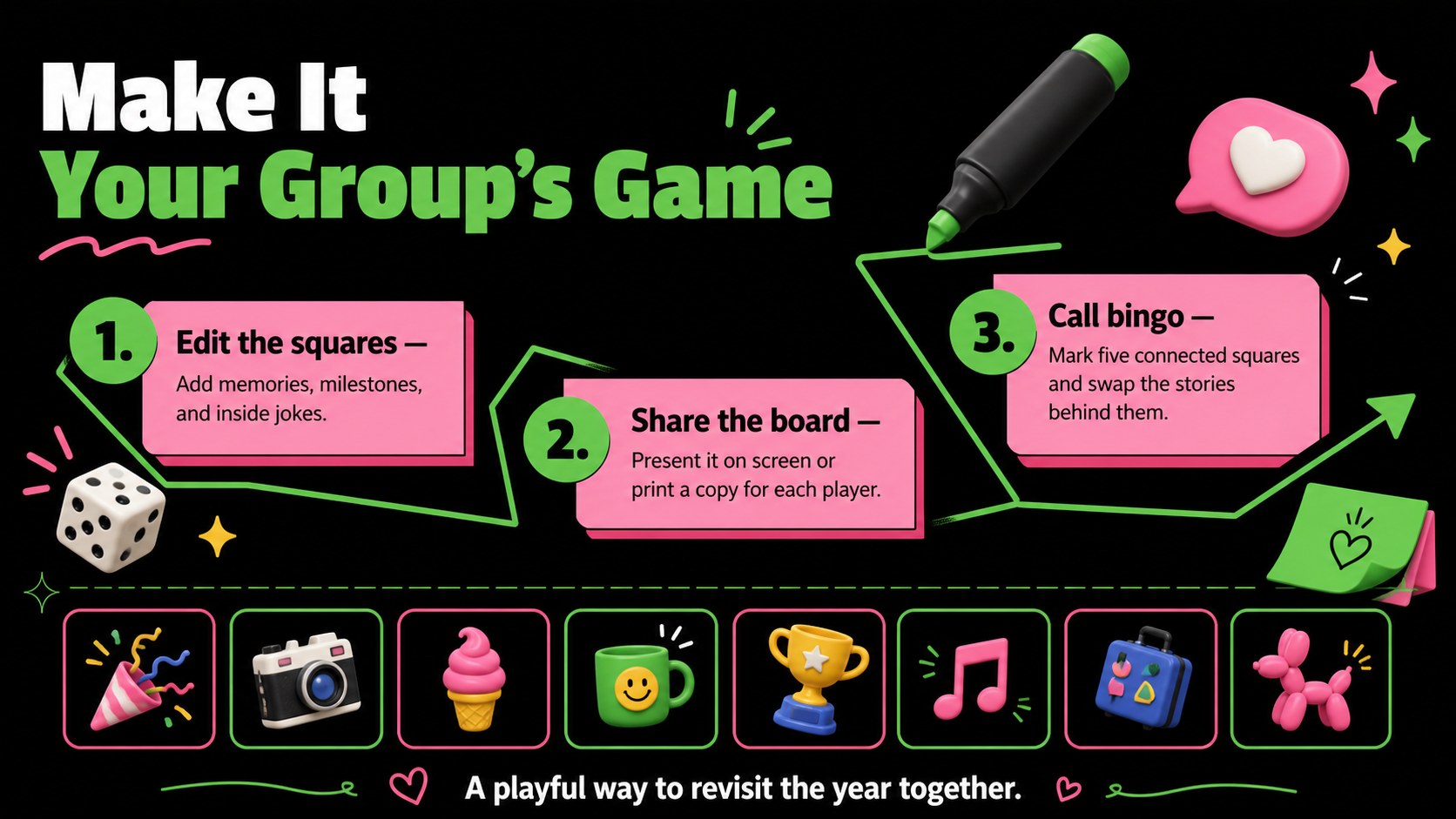
Inside, you will find a bold introduction slide, a complete bingo grid, and a concise instruction layout. Sample squares include “learned a new skill,” “forgot an important password,” “celebrated a team win,” and “changed the plan at the last minute.” Every headline, square, color, and shape can be adjusted in PowerPoint or Google Slides, making this a flexible customizable bingo poster for teams. The 16:9 layouts can be presented on screen or adapted for printing and sharing.
Use this annual recap bingo poster as an office annual recap activity, a classroom year end reflection game, or an informal party icebreaker. It works especially well for teachers, managers, event organizers, student groups, and friends who want to revisit shared experiences without turning the occasion into a formal review. Add inside jokes, project milestones, seasonal memories, or personal achievements to create a game that feels specific to your group while preserving the upbeat pop-culture-inspired design.
Perfect for: office year-end gathering; classroom reflection activity; holiday party icebreaker; team retrospective game; student club celebration.
Frequently asked questions
Can I replace the prompts in the bingo squares? Yes. Every square can be edited so you can add team milestones, classroom memories, personal achievements, or inside jokes relevant to your group.
Practical details
Yes. Every square can be edited so you can add team milestones, classroom memories, personal achievements, or inside jokes relevant to your group.
The template is designed for PowerPoint and Google Slides. Text, colors, shapes, and layouts remain editable in both platforms.
Yes. You can export the finished design as a PDF and print copies for participants. Check your printer settings and scale the slide to the preferred paper size before printing.
Select the background, text, or decorative shapes and apply your preferred colors using the platform's formatting tools. Keep strong contrast between the squares and their labels for clear reading.
Keep exploring
14Plan a memorable Lunar New Year campaign with the 2036 Dragon Year Celebration Theme, featuring bold red-and-yellow slides for lessons and events.
 15
15Build playful lessons and party stories with a kid-friendly zombie celebration theme in purple, green and pastel blue for PowerPoint and Google Slides.
 15
15Build eerie lessons, campaigns, and story pitches with an undead survival scenario theme featuring editable slides for PowerPoint and Google Slides.
 3
3Share festive messages with a Lunar Horse New Year Wishes Theme, featuring bold red-and-yellow layouts for PowerPoint and Google Slides celebrations.
 15
15Bring zodiac traditions to life with a Lunar Snake Festival Presentation featuring 15 cheerful red illustrated slides for PowerPoint and Google Slides.
 6
6Honor teams and individuals with an Orange Year-End Recognition Certificate Set featuring six editable designs for PowerPoint and Google Slides.
 14
14Honor the people behind the headlines with a World Sports Press Appreciation Deck for PowerPoint and Google Slides, styled in crisp, modern green.
 15
15Teach, inspire, and celebrate with our Plant-Powered Vegetarian Day Lesson Deck, featuring cheerful editable visuals for PowerPoint and Google Slides.