
 14
14presentation
2036 Dragon Year Celebration Theme
Plan a memorable Lunar New Year campaign with the 2036 Dragon Year Celebration Theme, featuring bold red-and-yellow slides for lessons and events.
Google SlidesPowerPoint
presentation · English
Turn any presentation ending into a lively celebration with an Animated Gratitude Message Deck, ready to customize in PowerPoint or Google Slides.





Design notes
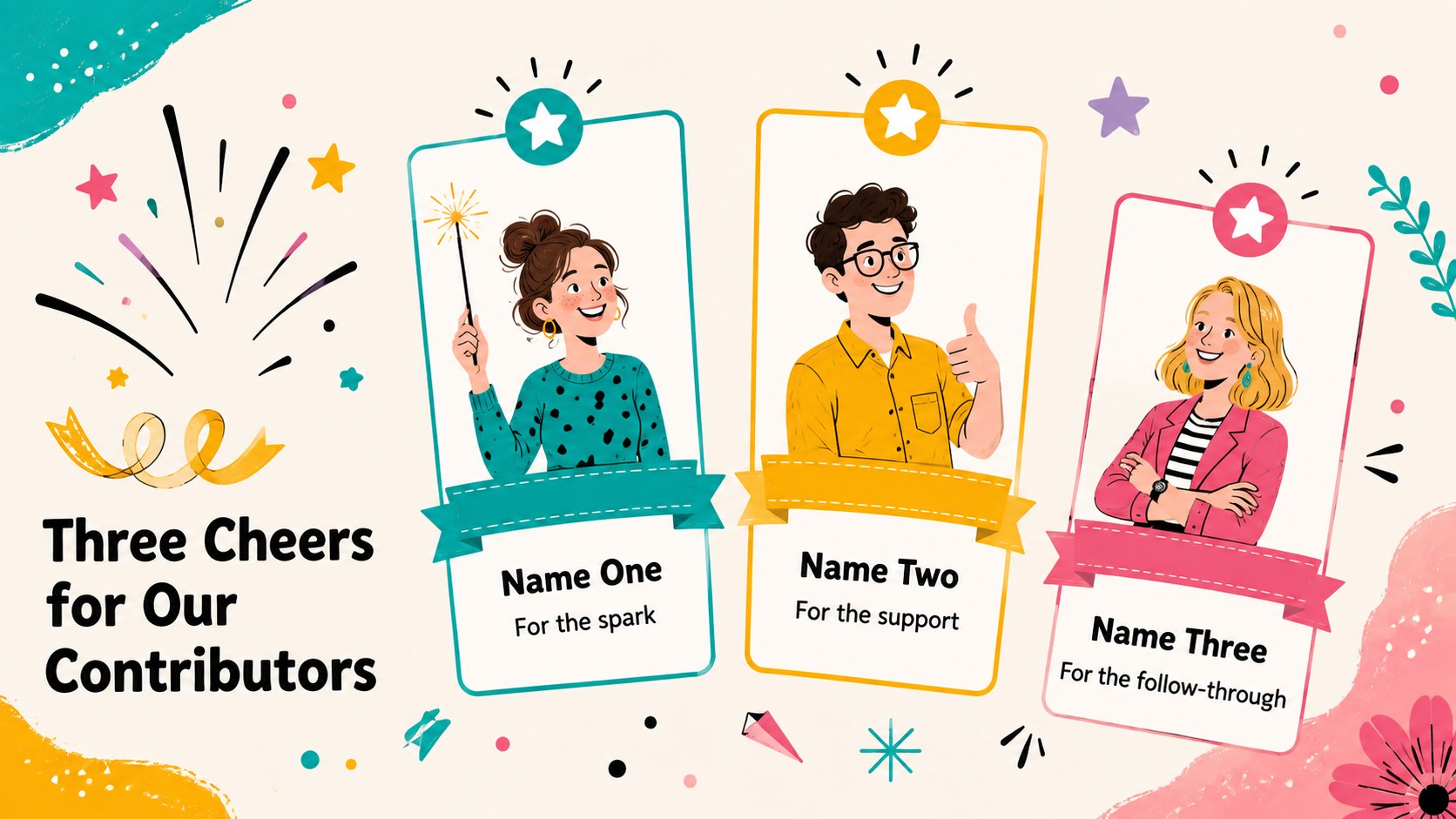
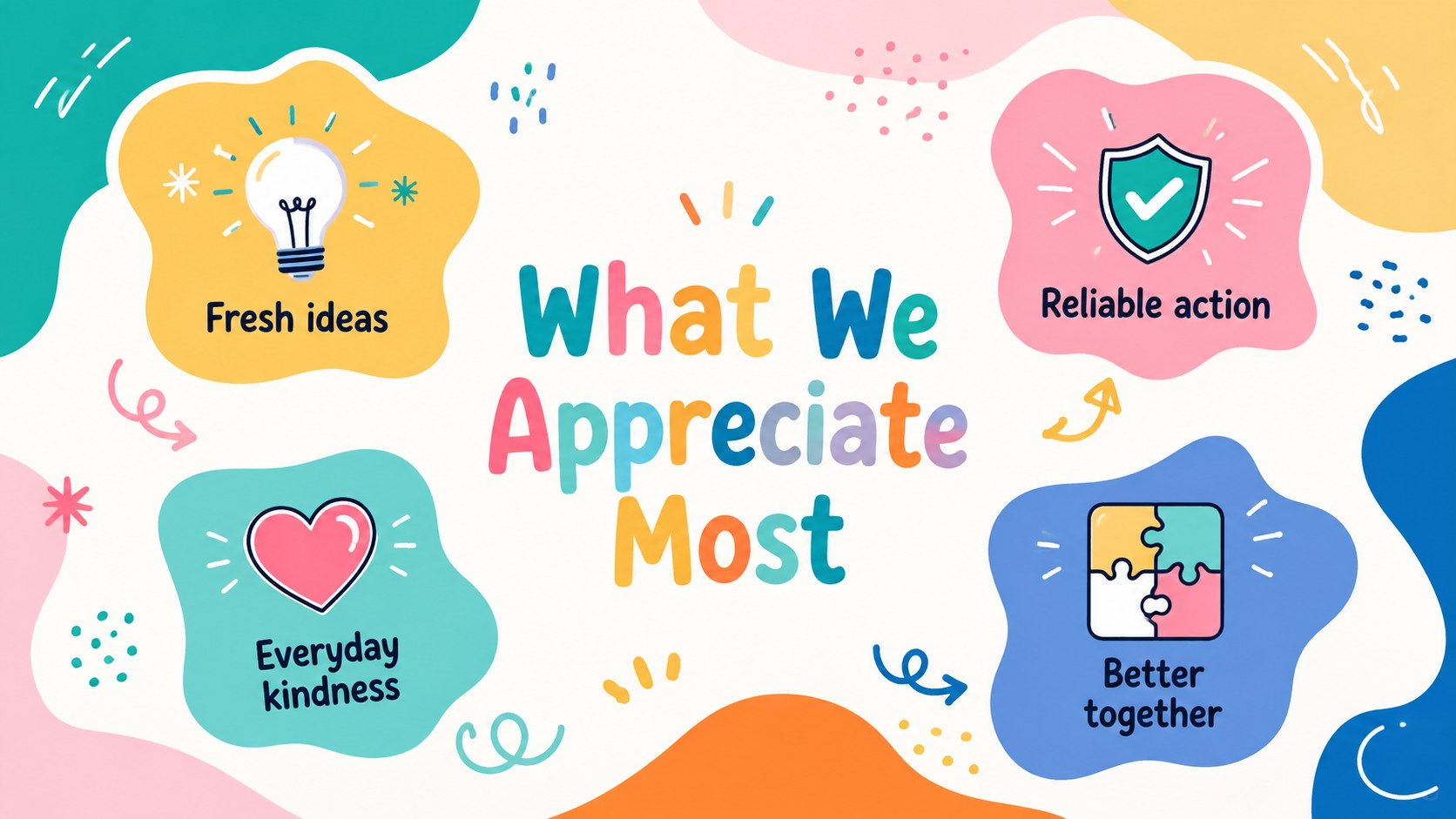
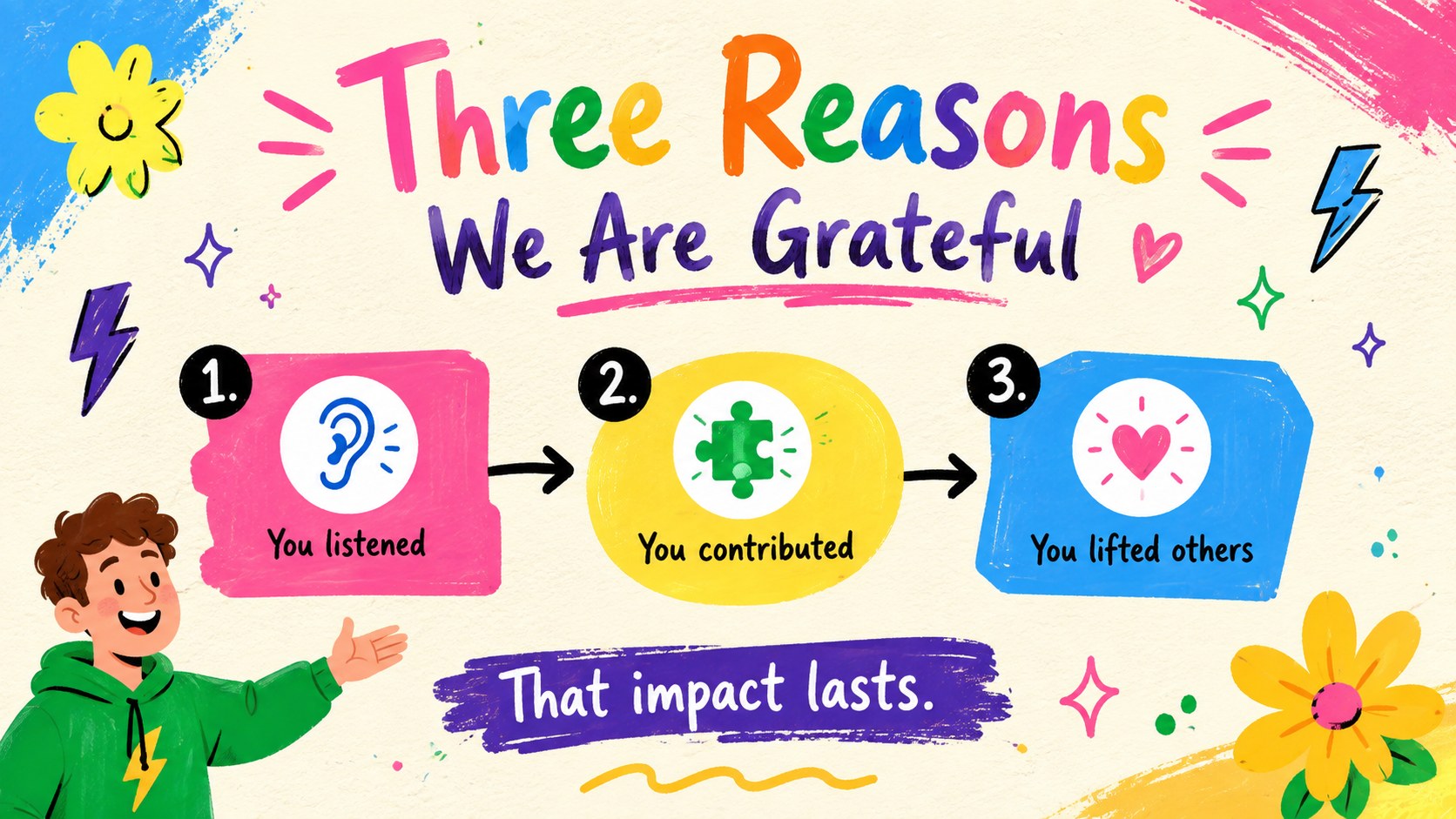
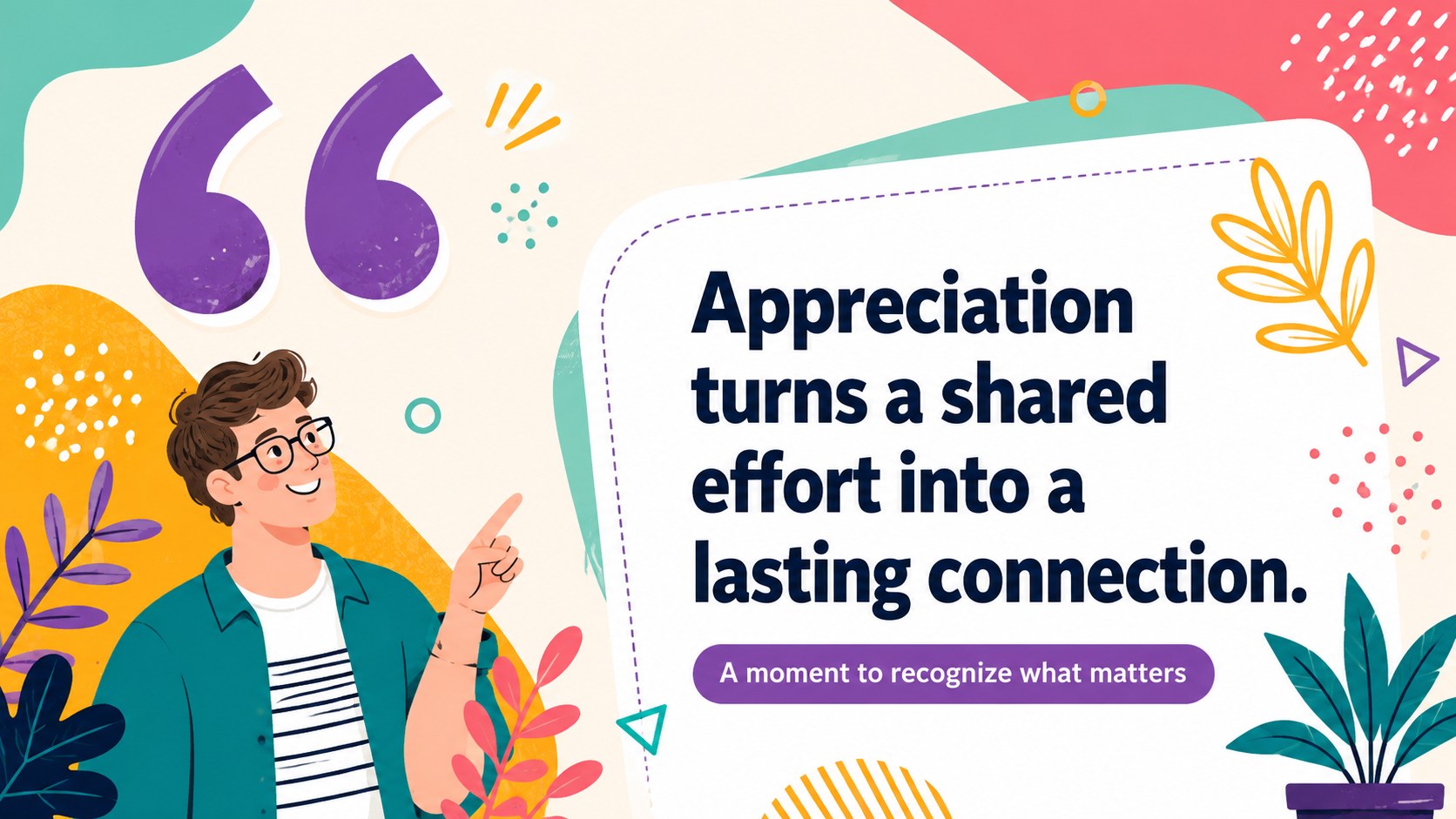
The Animated Gratitude Message Deck turns an ordinary presentation ending into a bright, upbeat expression of appreciation. Its playful illustrations, vivid multicolored palette, and energetic layouts help you recognize people without making the moment feel formal or predictable. Use it to thank colleagues, clients, students, volunteers, friends, or family members.
The deck includes 12 ready-to-edit 16:9 layouts covering an opening message, individual recognition, team contributions, milestone celebrations, appreciation quotes, achievement highlights, and a memorable final sign-off. This animated appreciation presentation template also provides flexible spaces for photos, short notes, names, event details, and simple statistics. Every element can be adjusted to match the occasion while preserving the cheerful illustrated style.
Create colorful thank you slides for PowerPoint when wrapping up a meeting, awards event, classroom project, or company presentation. The same layouts also work as playful closing slides for Google Slides, making them practical for remote celebrations and collaborative editing. Customize the wording, replace images, update colors, and reorder pages to build either a quick closing sequence or a complete recognition presentation. The lively visual system suits educators, team leaders, event organizers, community groups, and anyone who wants gratitude to feel genuine, joyful, and visually engaging.
Perfect for: employee recognition meeting; class project celebration; volunteer appreciation event; client presentation closing; milestone awards ceremony.
Frequently asked questions
Can I edit every part of the presentation? Yes. You can change the text, colors, fonts, images, shapes, and slide order to suit your event or audience. Duplicate selected layouts when you need to recognize more people.
Practical details
Yes. You can change the text, colors, fonts, images, shapes, and slide order to suit your event or audience. Duplicate selected layouts when you need to recognize more people.
The deck is designed for PowerPoint and Google Slides. Some animation timing or font rendering may vary slightly between the two platforms, so review the presentation before delivering it.
Replace the sample wording with names, specific contributions, short anecdotes, or milestone details. Adding a team photo or event image can make each appreciation message feel more personal.
Yes. Select one or two layouts for a concise presentation ending, or use all 12 slides for a complete recognition sequence. The designs can be reordered without disrupting the visual style.
Keep exploring
14Plan a memorable Lunar New Year campaign with the 2036 Dragon Year Celebration Theme, featuring bold red-and-yellow slides for lessons and events.
 15
15Build playful lessons and party stories with a kid-friendly zombie celebration theme in purple, green and pastel blue for PowerPoint and Google Slides.
 15
15Build eerie lessons, campaigns, and story pitches with an undead survival scenario theme featuring editable slides for PowerPoint and Google Slides.
 3
3Share festive messages with a Lunar Horse New Year Wishes Theme, featuring bold red-and-yellow layouts for PowerPoint and Google Slides celebrations.
 15
15Bring zodiac traditions to life with a Lunar Snake Festival Presentation featuring 15 cheerful red illustrated slides for PowerPoint and Google Slides.
 6
6Honor teams and individuals with an Orange Year-End Recognition Certificate Set featuring six editable designs for PowerPoint and Google Slides.
 14
14Honor the people behind the headlines with a World Sports Press Appreciation Deck for PowerPoint and Google Slides, styled in crisp, modern green.
 15
15Teach, inspire, and celebrate with our Plant-Powered Vegetarian Day Lesson Deck, featuring cheerful editable visuals for PowerPoint and Google Slides.