
 15
15presentation
Indie Magazine Startup Pitch Deck
Shape your publishing concept with an indie magazine startup pitch deck featuring pastel gradients, bold collage layouts, and editable planning slides.
Google SlidesPowerPoint
presentation · English
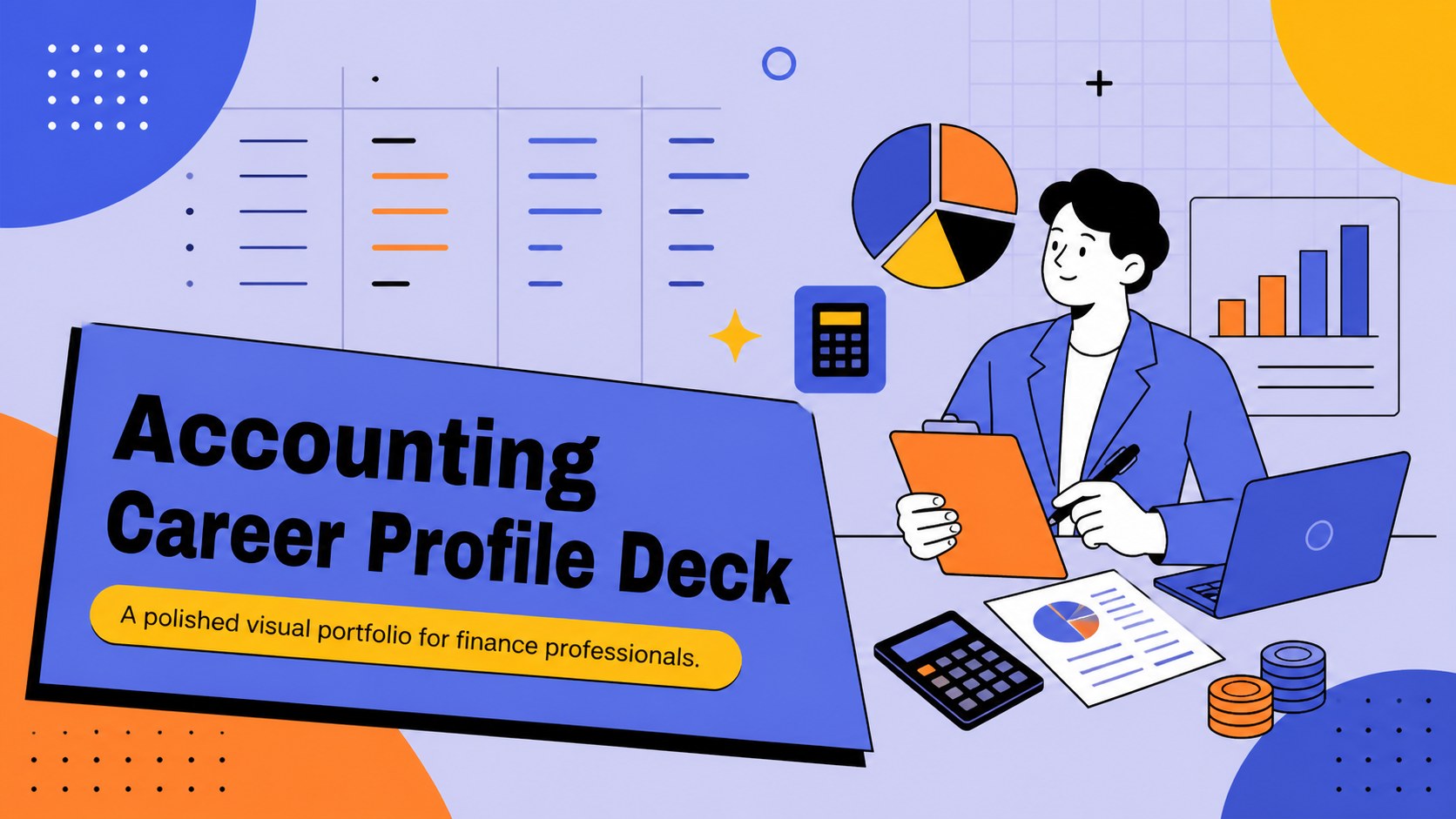
Build an accounting career profile deck that presents your finance experience, skills, and goals with colorful blue-orange visuals for job applications.

Design notes
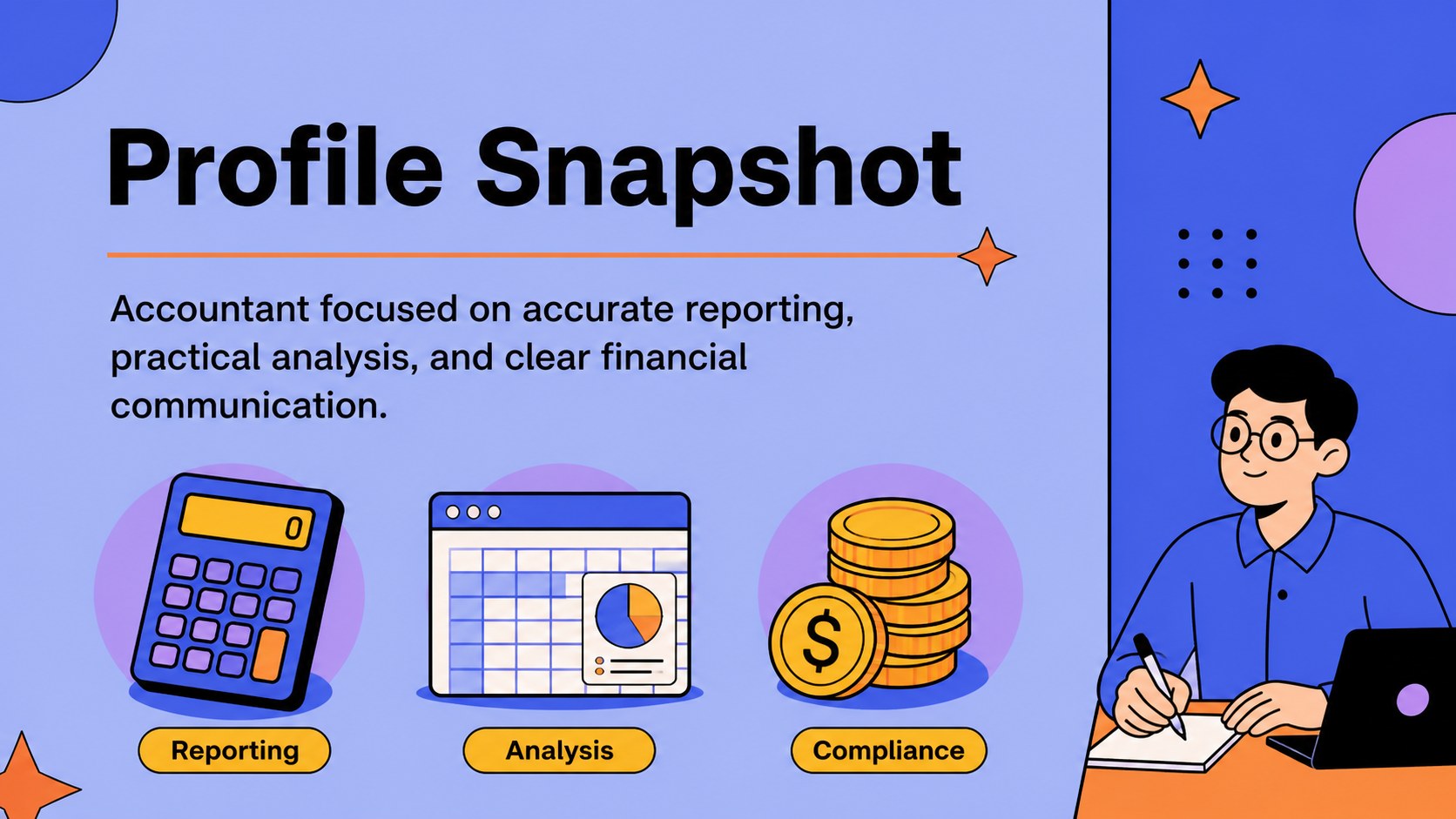
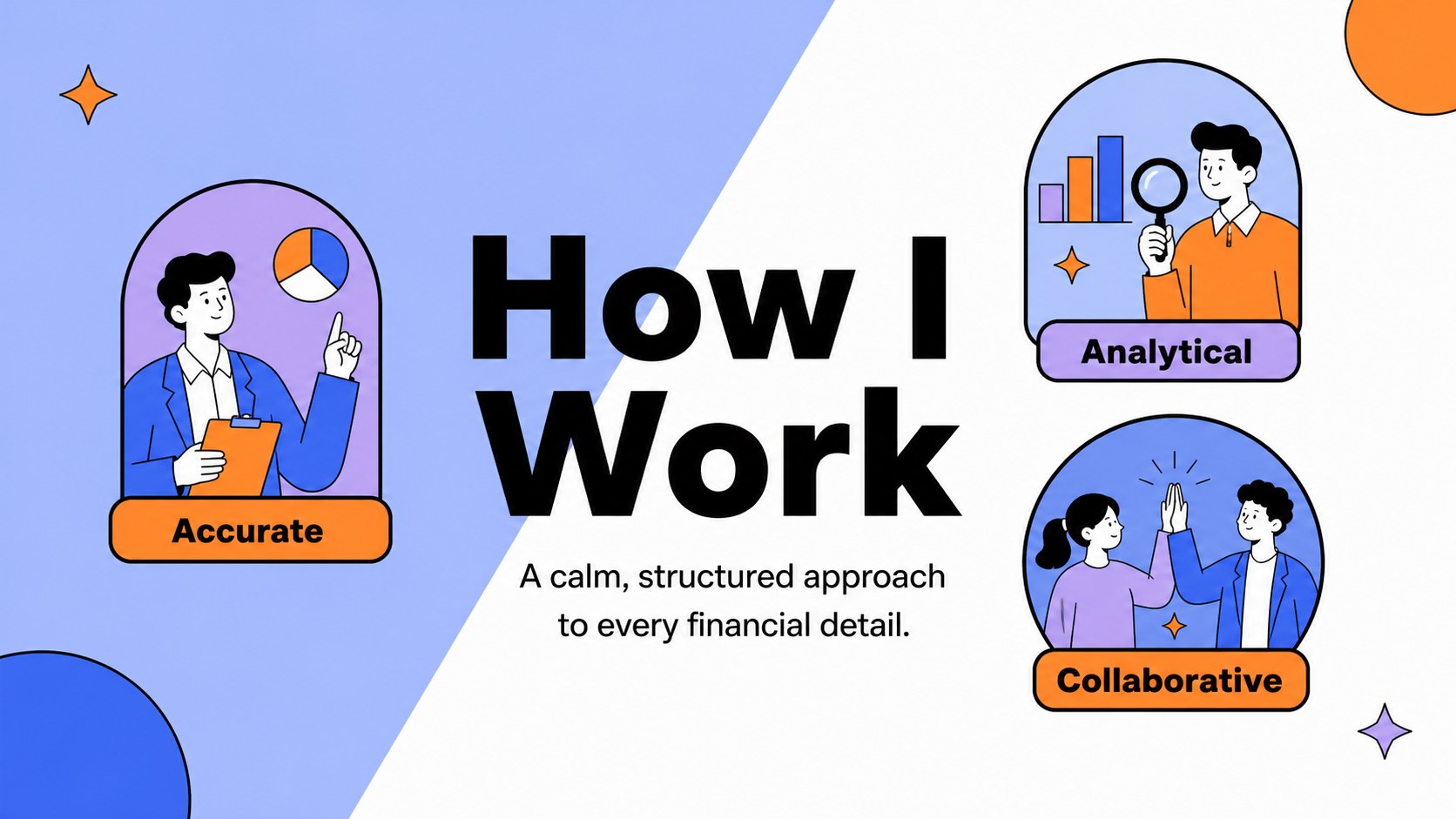
An accounting career profile deck gives finance professionals a clear way to introduce their experience, technical strengths, and professional goals. Use the colorful illustrated design to turn a conventional CV into a visual story that feels organized, approachable, and easy to remember. Blue, orange, purple, and black accents create a lively business look while keeping important details readable.
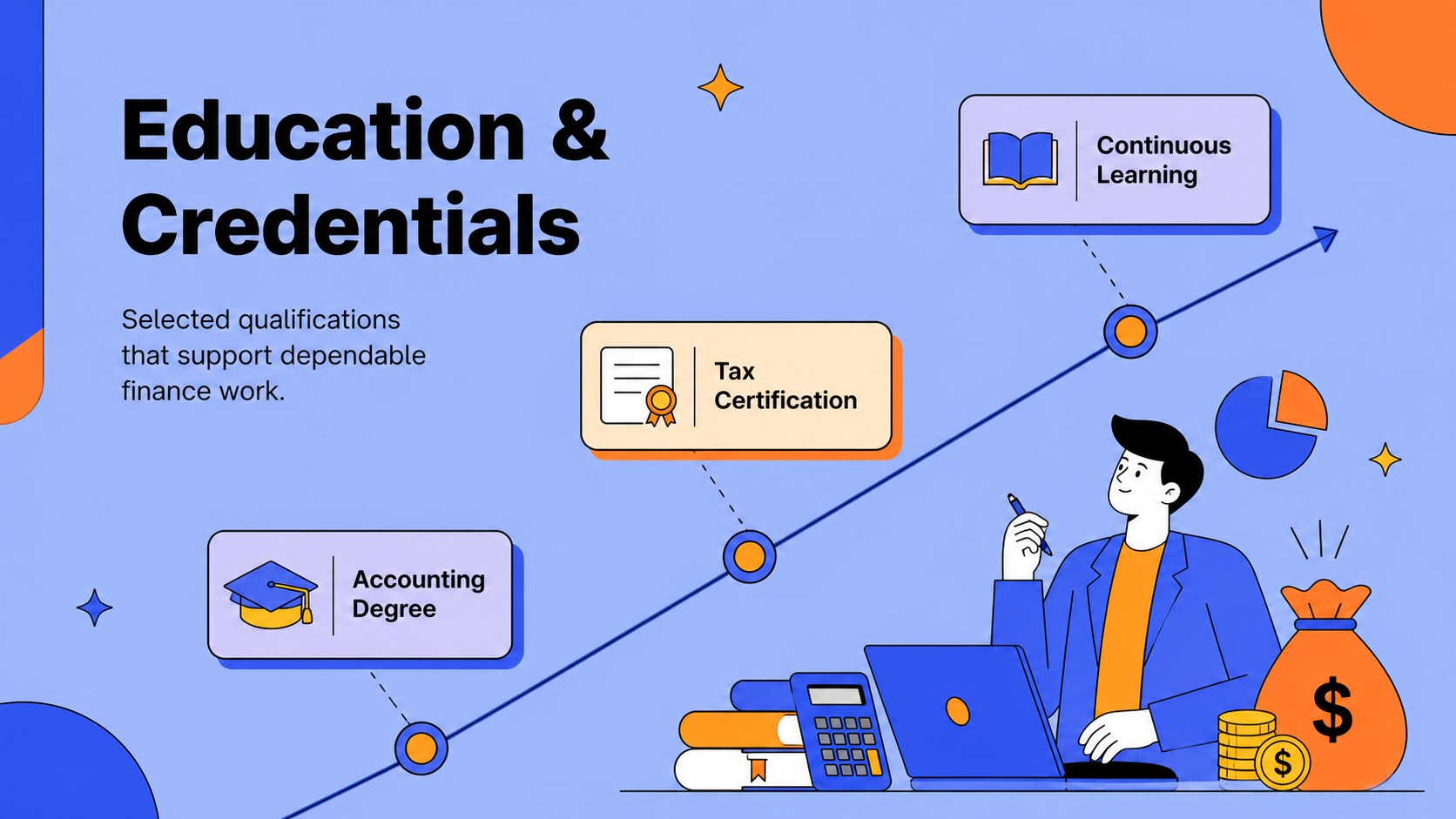
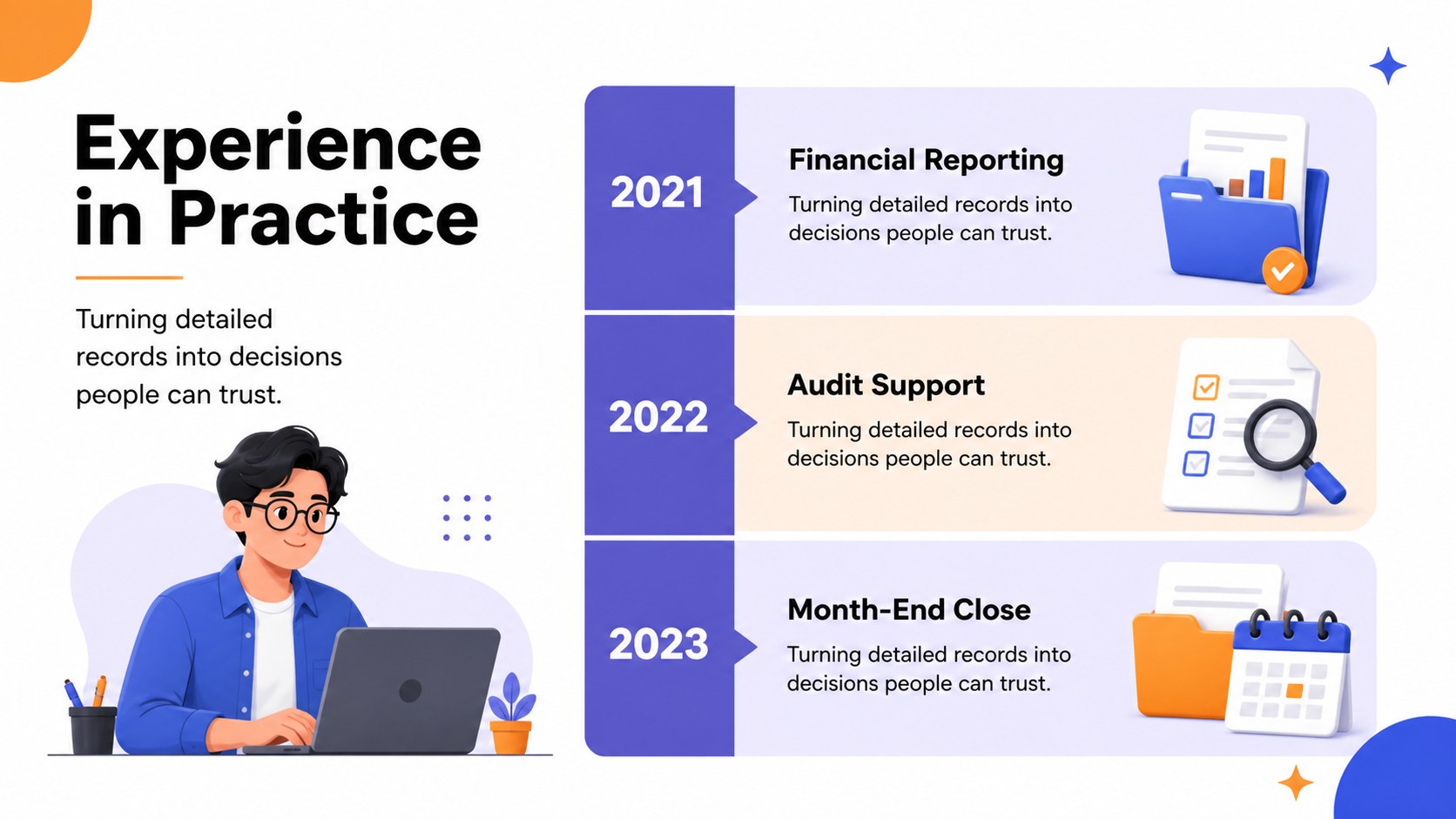
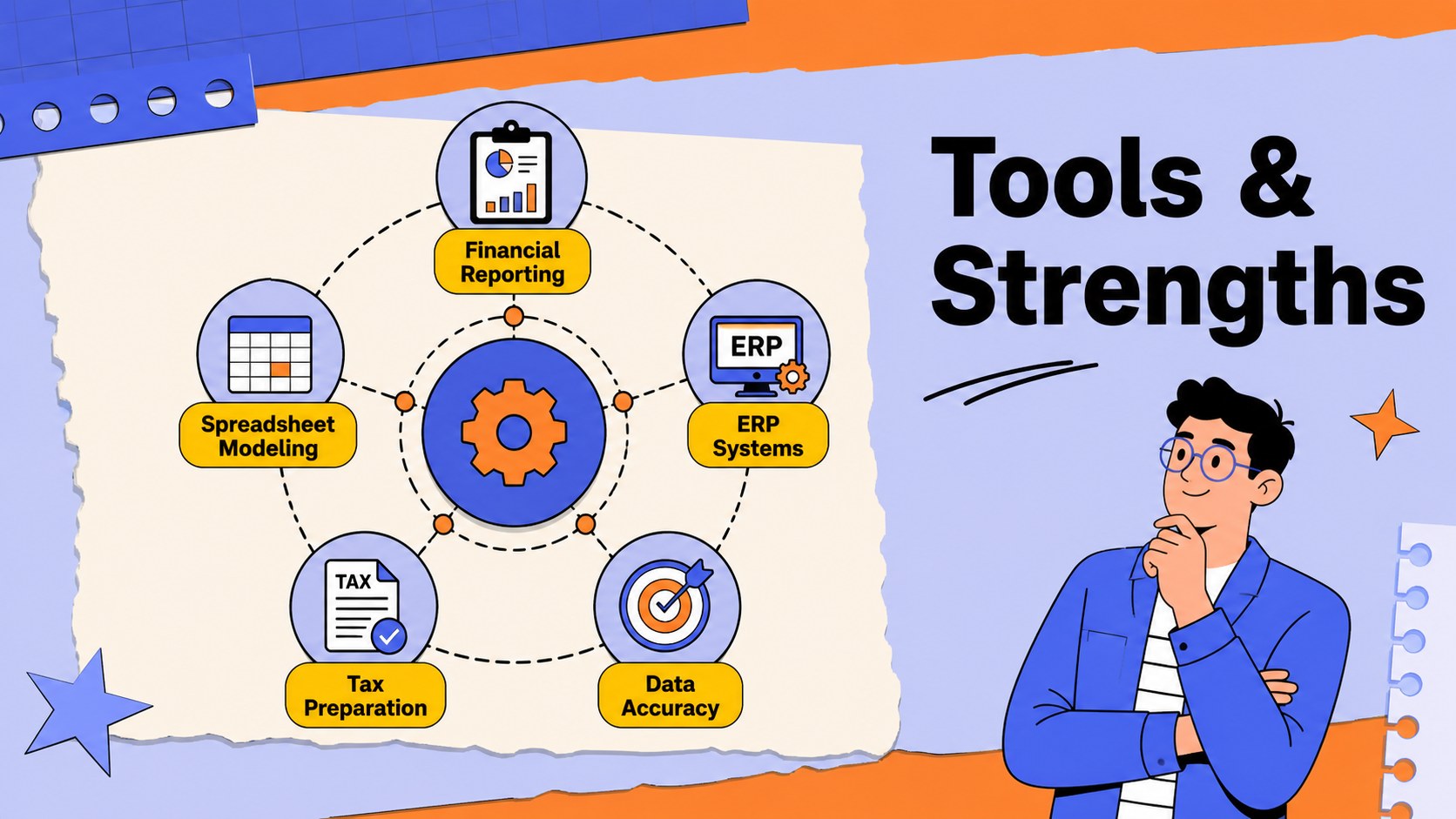
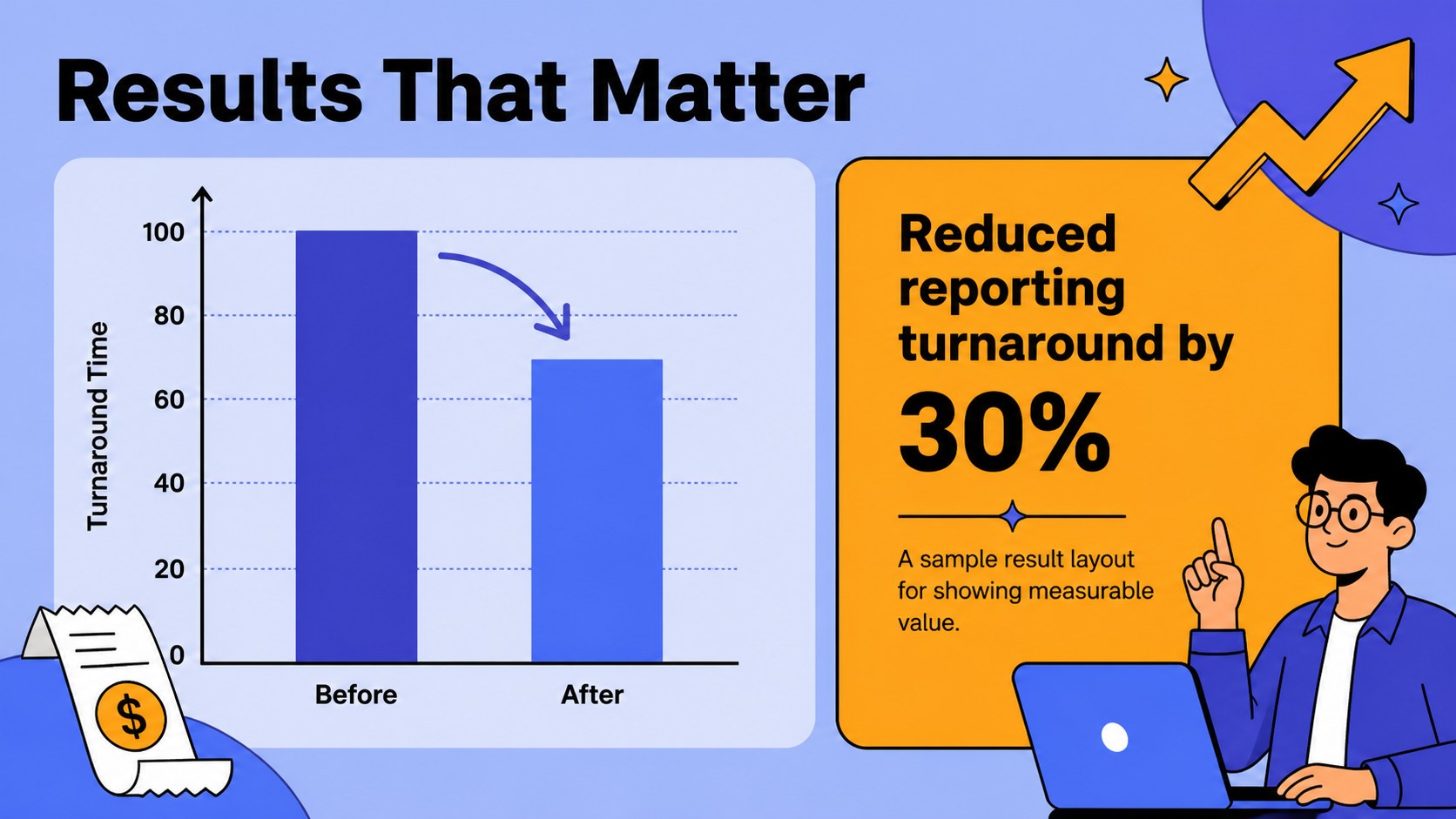
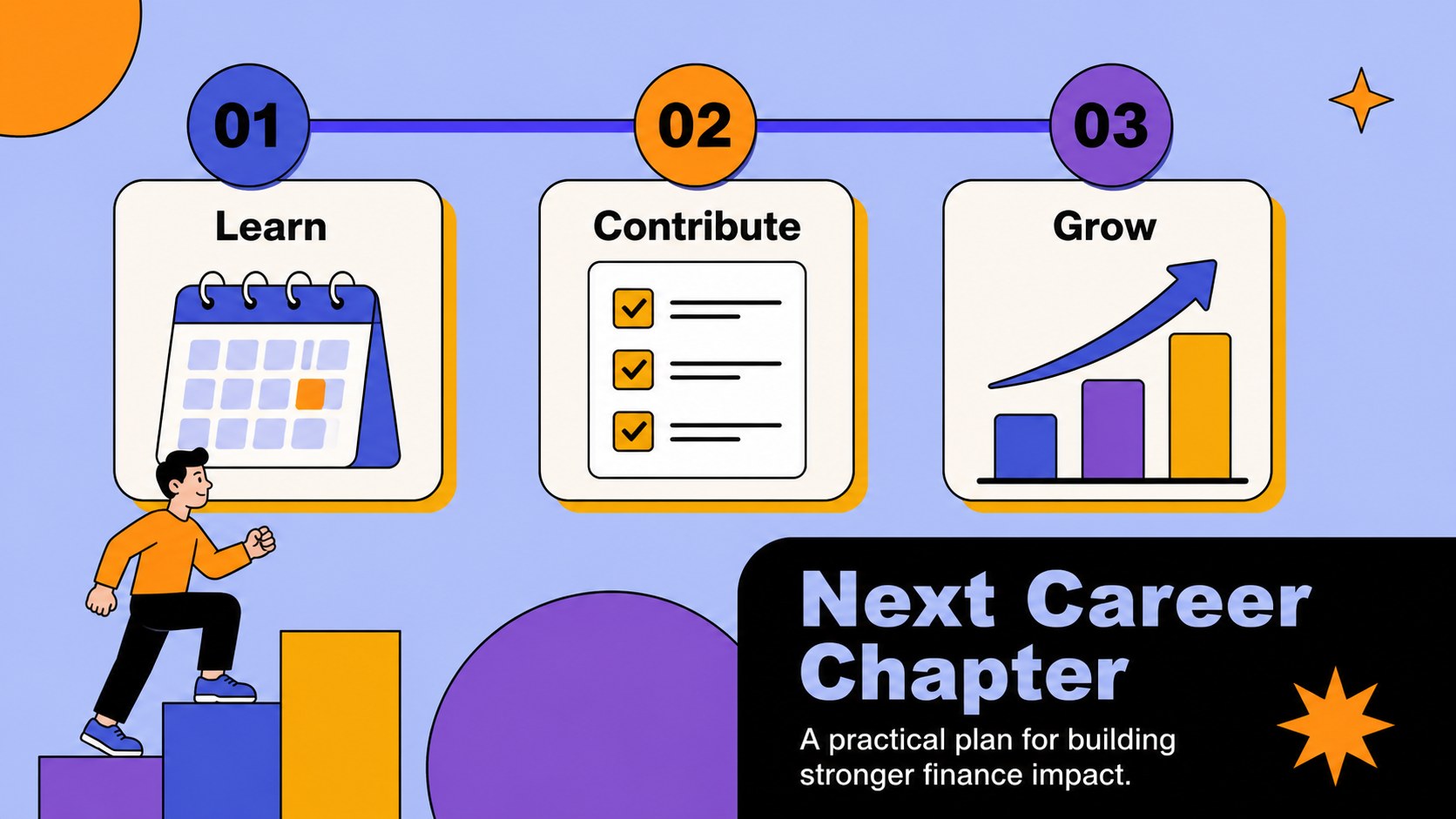
The template includes layouts for a career summary, education, work history, accounting software skills, certifications, achievements, and future goals. Add charts, timelines, icons, profile details, and selected project highlights to create an illustrated accounting CV presentation for interviews, networking meetings, or online applications. Its structured slides can also support an editable accountant portfolio when you want to show more than a one-page resume.
The deck works well for students entering finance, experienced accountants changing roles, bookkeepers, auditors, tax specialists, and finance consultants. Customize the typography, illustrations, color accents, and content in PowerPoint or Google Slides. With reusable visual elements and presentation-ready layouts, you can create a finance job application slide deck that reflects your qualifications without overwhelming the audience.
Perfect for: accounting job interview; finance career fair; accountant portfolio review; graduate finance application; freelance bookkeeping introduction.
Frequently asked questions
Can I edit the accounting career profile deck in PowerPoint? Yes. The layouts, text, colors, illustrations, charts, and shapes can be edited in PowerPoint. Replace the sample content with your own experience, qualifications, and contact details.
Practical details
Yes. The layouts, text, colors, illustrations, charts, and shapes can be edited in PowerPoint. Replace the sample content with your own experience, qualifications, and contact details.
Yes, the template is available for Google Slides and PowerPoint. Use the platform that best fits your workflow, then export the finished profile in a format suitable for applications or interviews.
Include a short career summary, relevant roles, education, certifications, accounting tools, measurable achievements, and professional goals. Keep each slide focused so recruiters can scan your qualifications quickly.
Yes. You can adjust the accent colors and background treatments while preserving the illustrated visual system. Use a small set of consistent colors to keep the profile professional and cohesive.
Keep exploring
15Shape your publishing concept with an indie magazine startup pitch deck featuring pastel gradients, bold collage layouts, and editable planning slides.
 16
16Build clear project stories with the Icon Grid Teamwork Theme, a flexible blue illustrated deck for proposals, strategy updates, and team meetings.
 3
3Turn priorities into an actionable plan with an annual goals roadmap infographic, featuring editable orange and teal layouts for PowerPoint and Google Slides.
 15
15Create an Annual Achievement Report Presentation with colorful geometric layouts for milestones, results, lessons, and priorities in PowerPoint or Google Slides.
 15
15Turn results into a focused annual performance evaluation report with dark 3D slides for KPIs, achievements, feedback, and next-step goals for teams.
 15
15