
 15
15presentation
College Essay Thesis Builder Slides
Build stronger academic arguments with a college essay thesis builder featuring guided examples, revision prompts, and editable PowerPoint and Google Slides.
Google SlidesPowerPoint
presentation · English
Build a memorable dragon boat festival culture presentation with blue-red illustrations, race history, customs, and editable slides for PowerPoint and…

Design notes
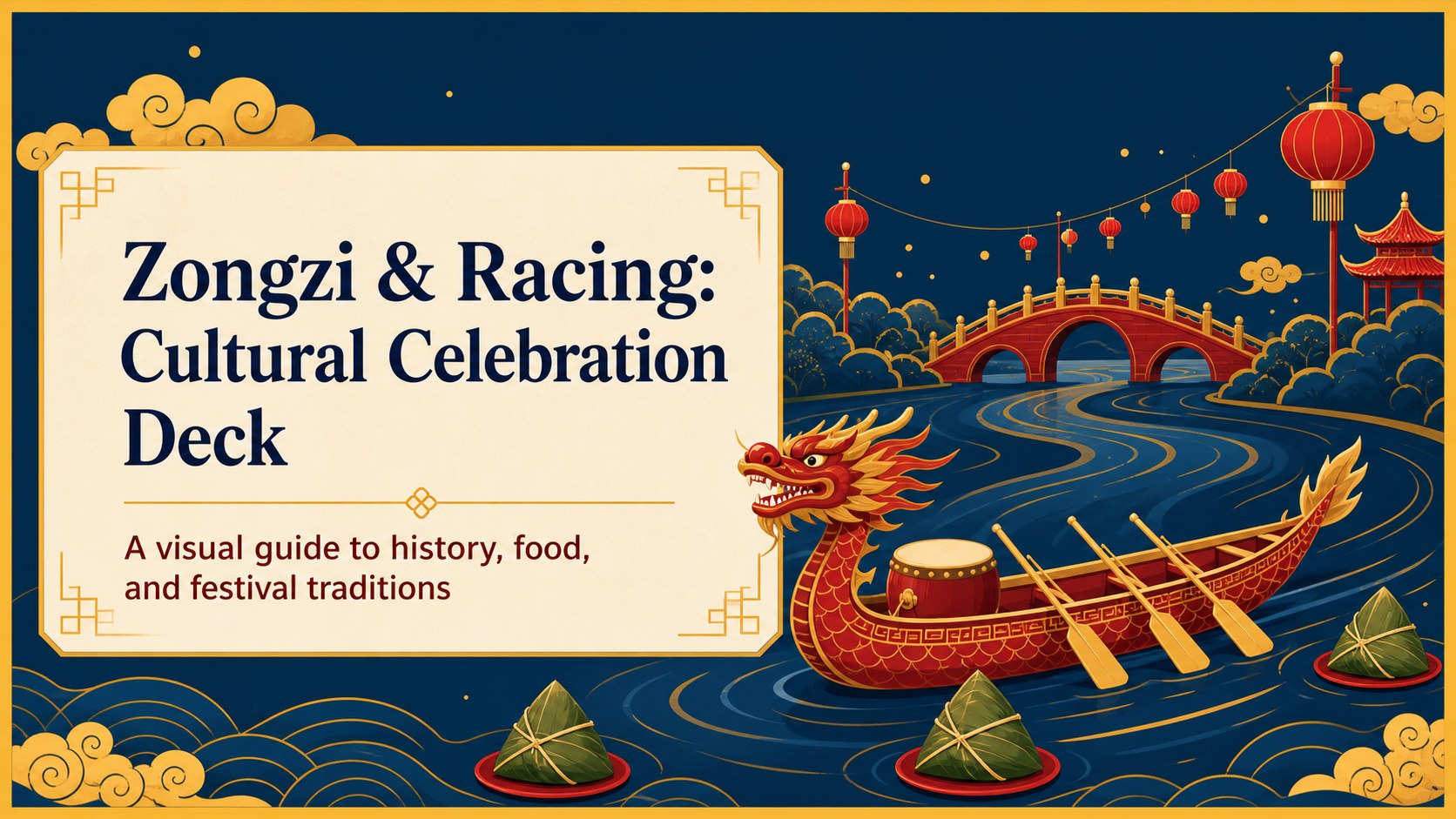
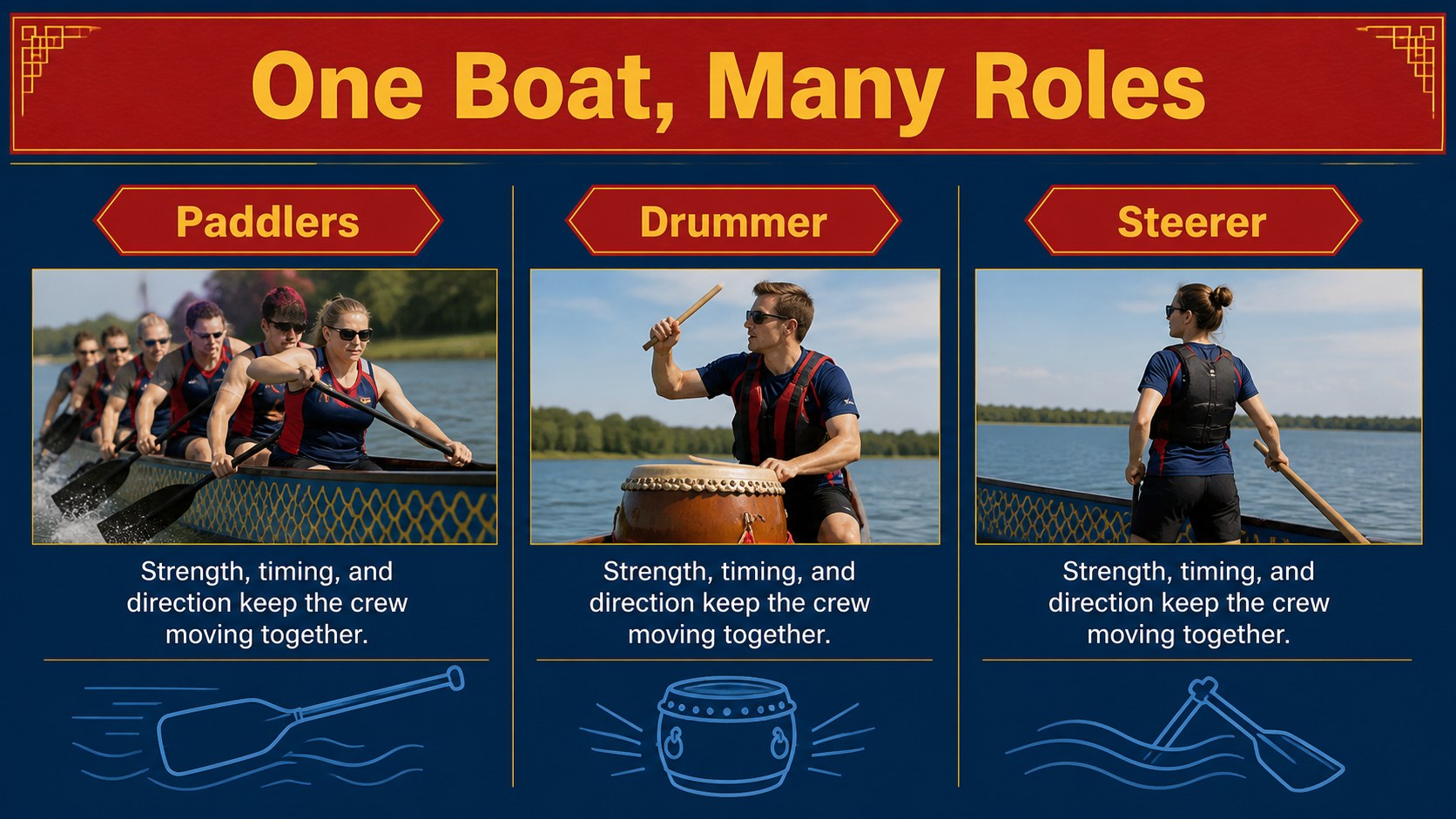
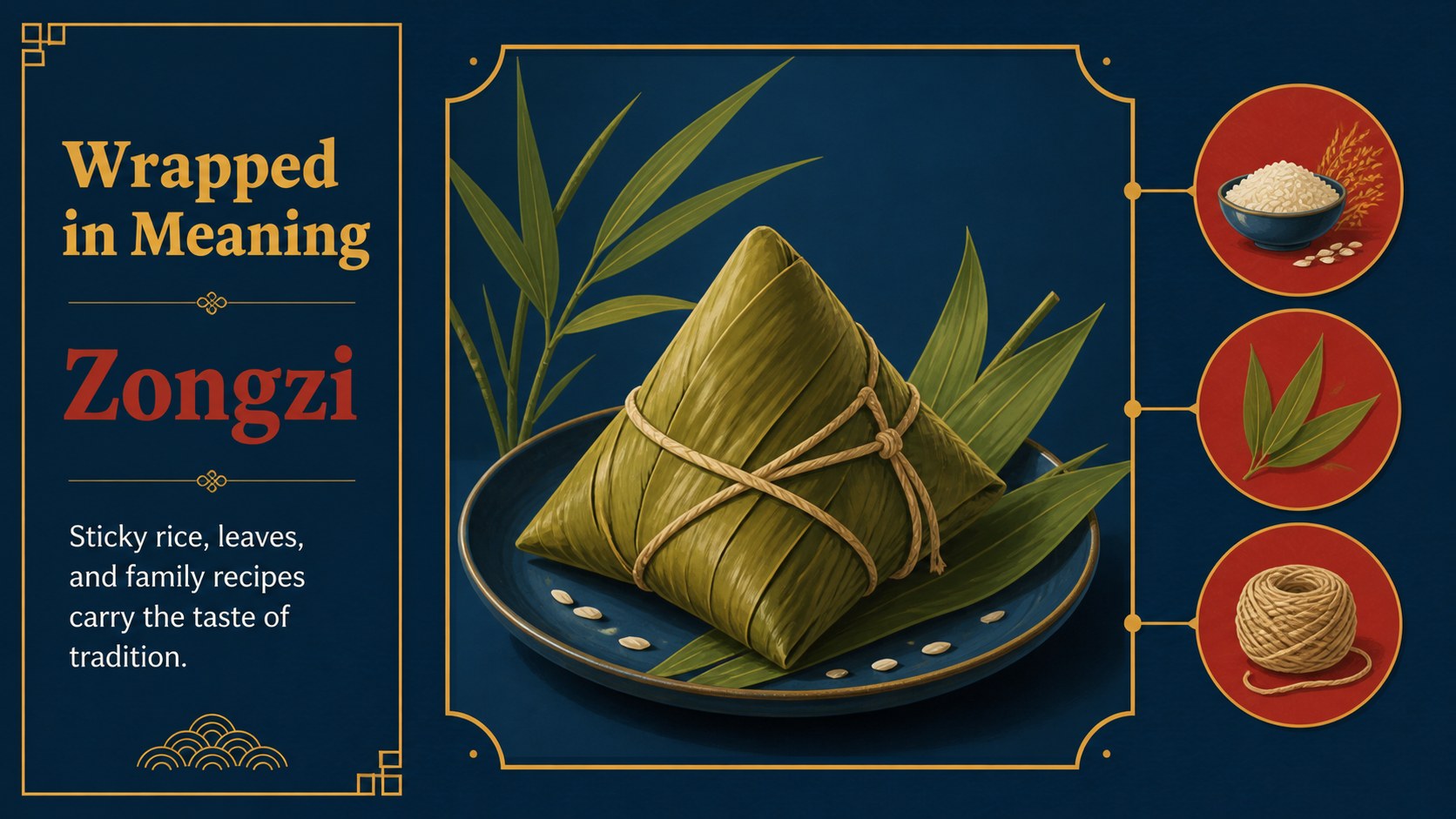
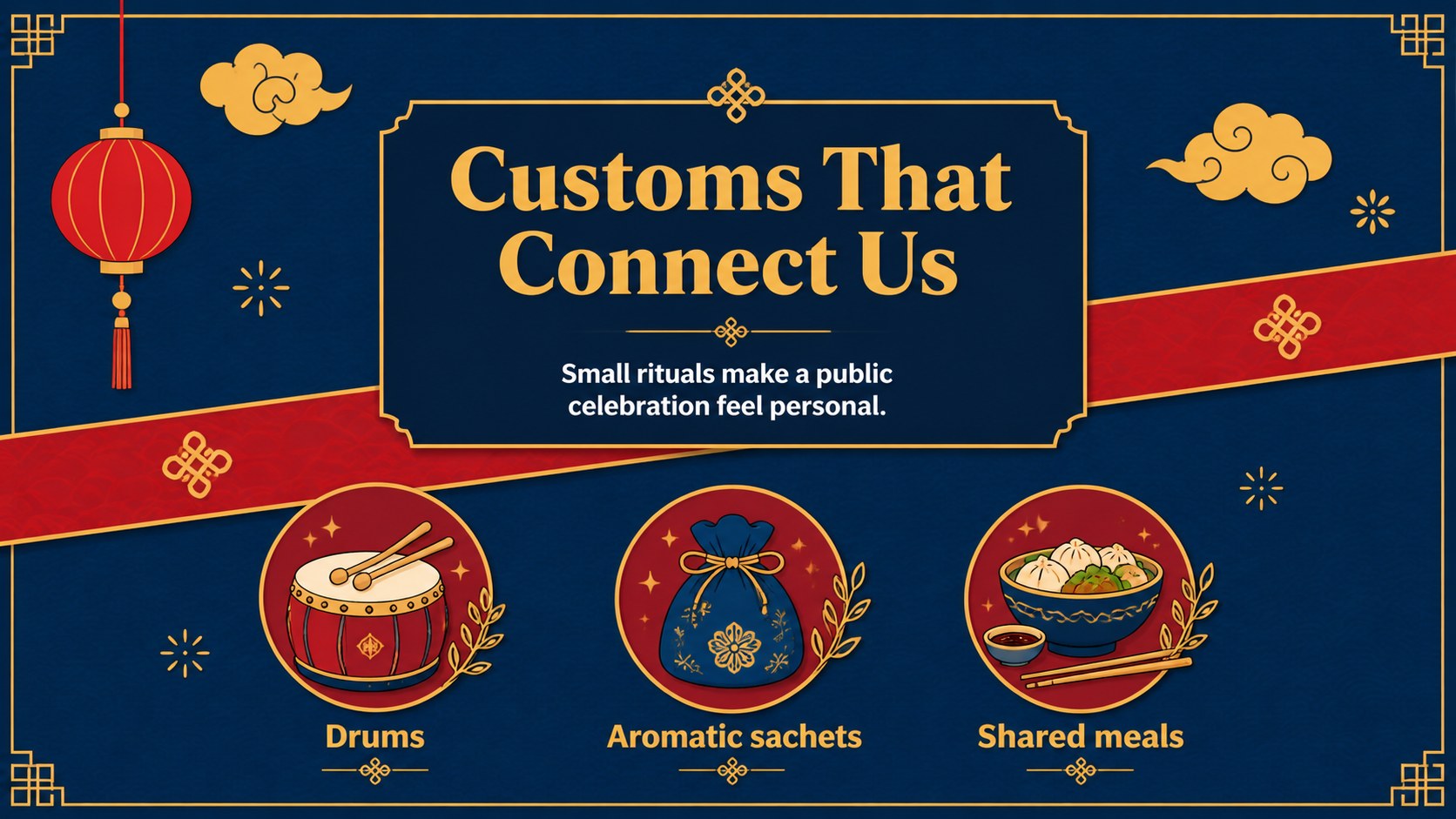
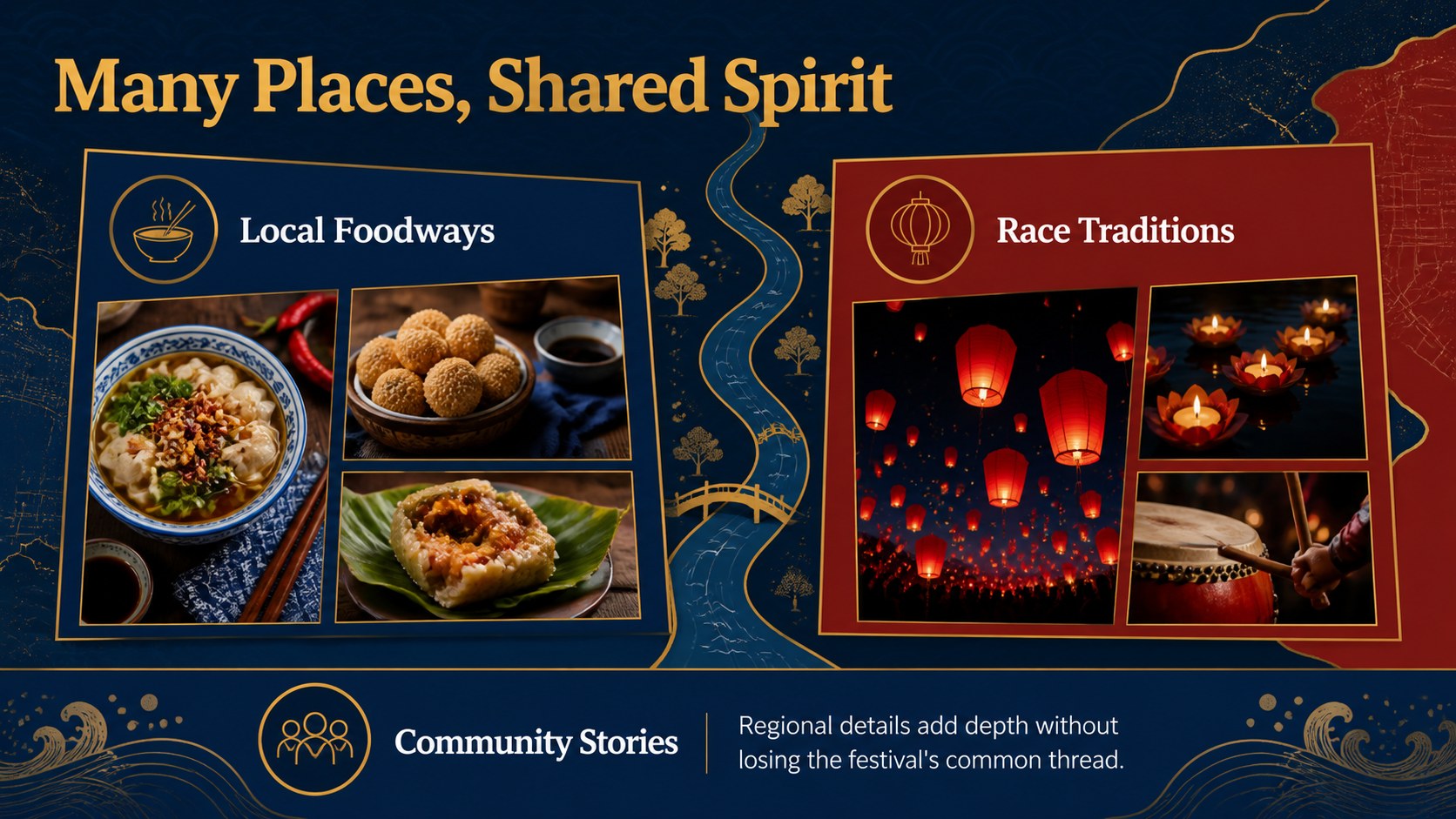
Bring the history and energy of the Dragon Boat Festival into the room with a dragon boat festival culture presentation designed for clear storytelling. Blue waves, red accents, and lively illustrated details create a festive visual identity while leaving enough space for facts, timelines, photographs, and discussion prompts. Use the deck to explain the festival’s origins, introduce the symbolism of zongzi, or set the scene for a community celebration.
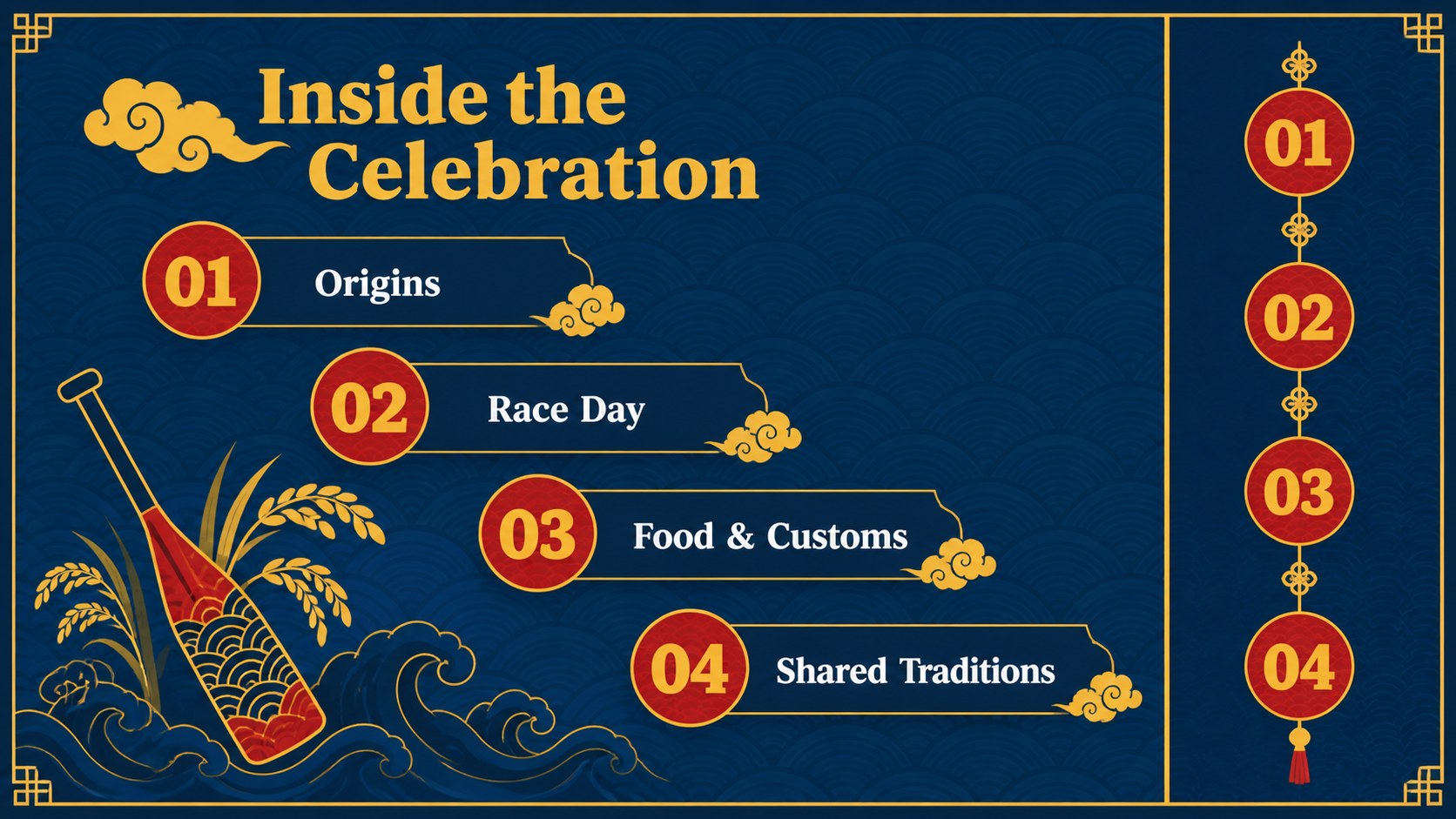
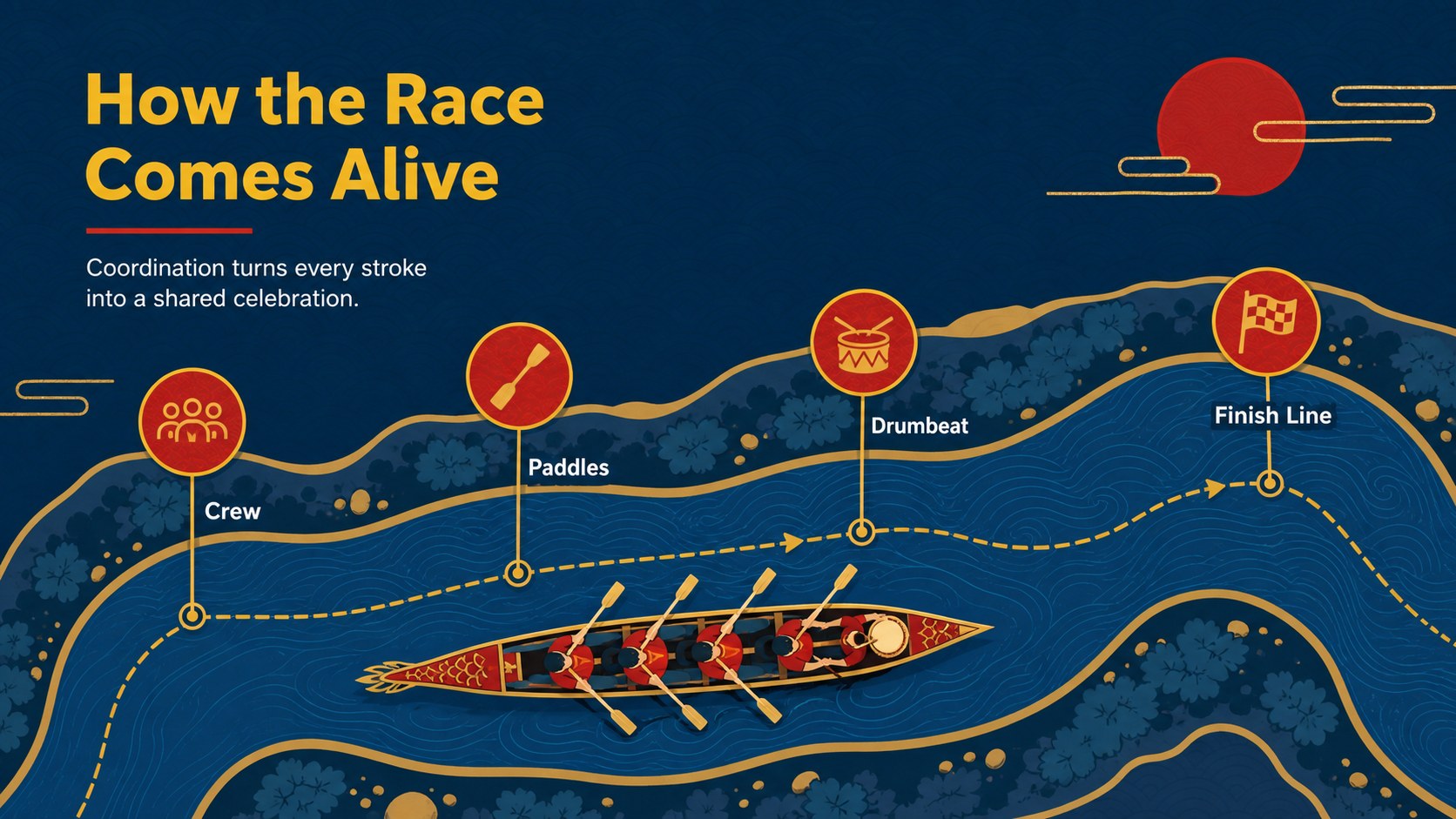
Inside, you’ll find 15 editable 16:9 slides for a complete cultural narrative: an opening title, agenda, historical background, festival calendar, boat-race overview, team roles, traditional foods, customs, regional perspectives, activity prompts, comparison layouts, and a closing discussion slide. The structure also works as an educational presentation about Chinese traditions, an event program, or a tourism and cultural heritage briefing.
Educators, museum teams, event organizers, travel professionals, and community groups can adapt the content quickly in PowerPoint or Google Slides. Replace the sample copy with local details, add race schedules or speaker information, and adjust the visuals while retaining the bold blue-and-red illustrated style. The layout supports both classroom learning and public-facing festival promotion.
Perfect for: classroom cultural heritage lesson; museum education program; community festival briefing; tourism destination presentation; dragon boat race event program.
Frequently asked questions
Can I edit this deck in PowerPoint? Yes. The presentation is designed for PowerPoint with editable text, shapes, layouts, and illustrations. Replace the sample content with your own festival details and speaker information.
Practical details
Yes. The presentation is designed for PowerPoint with editable text, shapes, layouts, and illustrations. Replace the sample content with your own festival details and speaker information.
Yes, you can open and customize the deck in Google Slides. Check imported fonts and transitions after uploading, then make any small adjustments needed for your presentation.
You can change the headlines, body copy, colors, images, charts, and decorative elements. The existing blue-and-red palette can be retained for a consistent cultural festival look or adjusted to match your organization.
It suits teachers, museum educators, event organizers, tourism teams, and community groups. The layouts can support a classroom lesson, race briefing, cultural heritage talk, or public festival program.
Keep exploring
15Build stronger academic arguments with a college essay thesis builder featuring guided examples, revision prompts, and editable PowerPoint and Google Slides.
 15
15Build an engaging World UFO Day session with this flying saucer history lesson deck, featuring retro green-and-brown slides for PowerPoint and Google Slides.
 14
14Plan a memorable Lunar New Year campaign with the 2036 Dragon Year Celebration Theme, featuring bold red-and-yellow slides for lessons and events.
 15
15Build a thoughtful classroom discussion with this interfaith awareness lesson deck, featuring editable blue-and-white slides for PowerPoint and Google Slides.
 15
15Use this environmental awareness lesson deck to teach climate action through illustrated activities, discussion prompts, and ready-to-edit visuals.
 15
15Build playful lessons and party stories with a kid-friendly zombie celebration theme in purple, green and pastel blue for PowerPoint and Google Slides.
 15
15Build eerie lessons, campaigns, and story pitches with an undead survival scenario theme featuring editable slides for PowerPoint and Google Slides.
 16
16Turn environmental research into a clear story with a Watercolor Ecology Presentation Theme for PowerPoint and Google Slides in calming green and blue.