
 15
15presentation
College Essay Thesis Builder Slides
Build stronger academic arguments with a college essay thesis builder featuring guided examples, revision prompts, and editable PowerPoint and Google Slides.
Google SlidesPowerPoint
presentation · English
Build a thoughtful classroom discussion with this interfaith awareness lesson deck, featuring editable blue-and-white slides for PowerPoint and Google Slides.
Design notes
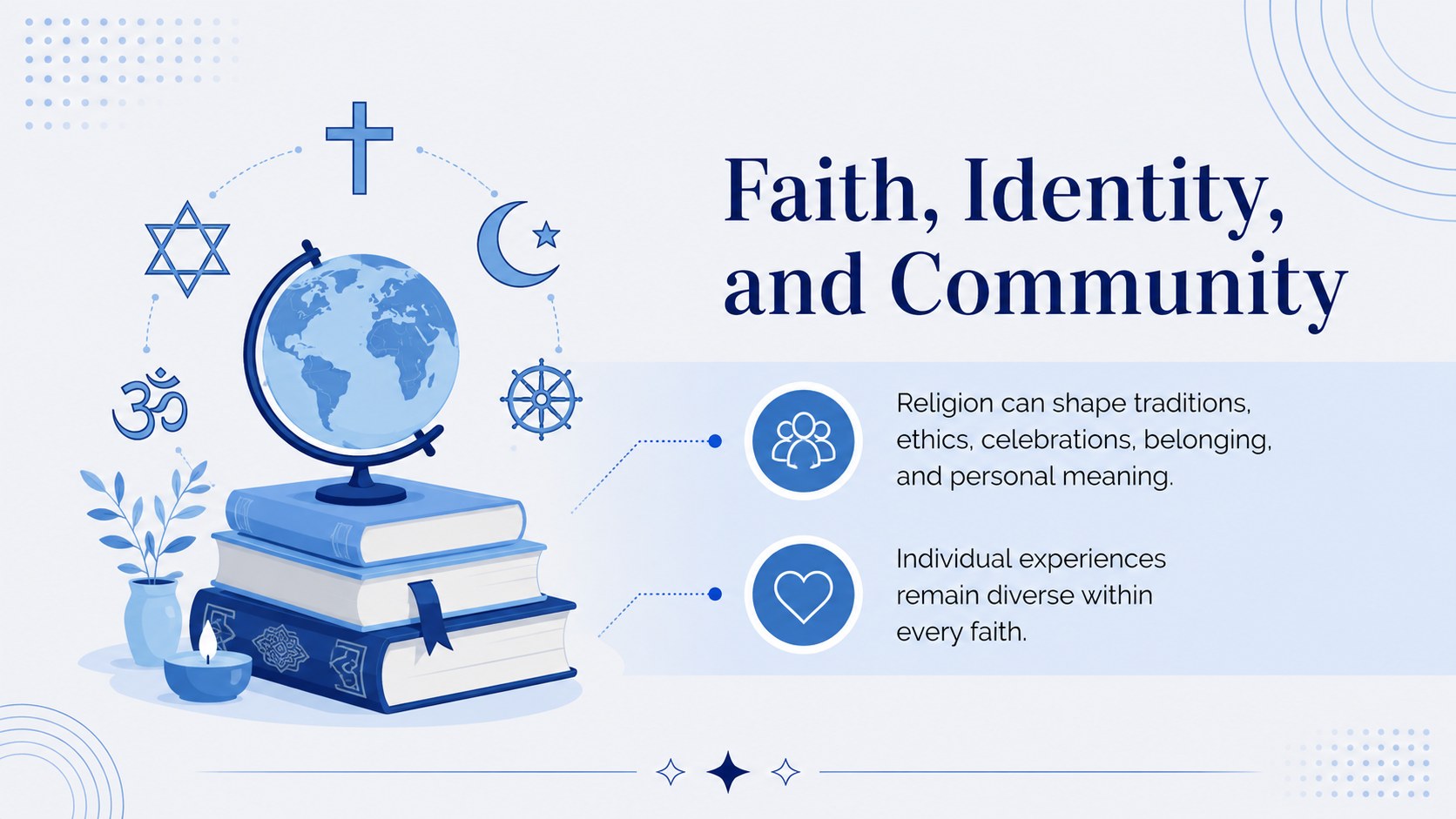
Create an informed, respectful conversation about belief and cultural diversity with this interfaith awareness lesson deck. Its crisp blue-and-white palette, refined serif typography, and restrained geometric details give complex topics a calm, approachable setting. Every layout is designed to help educators present balanced information without overwhelming learners.
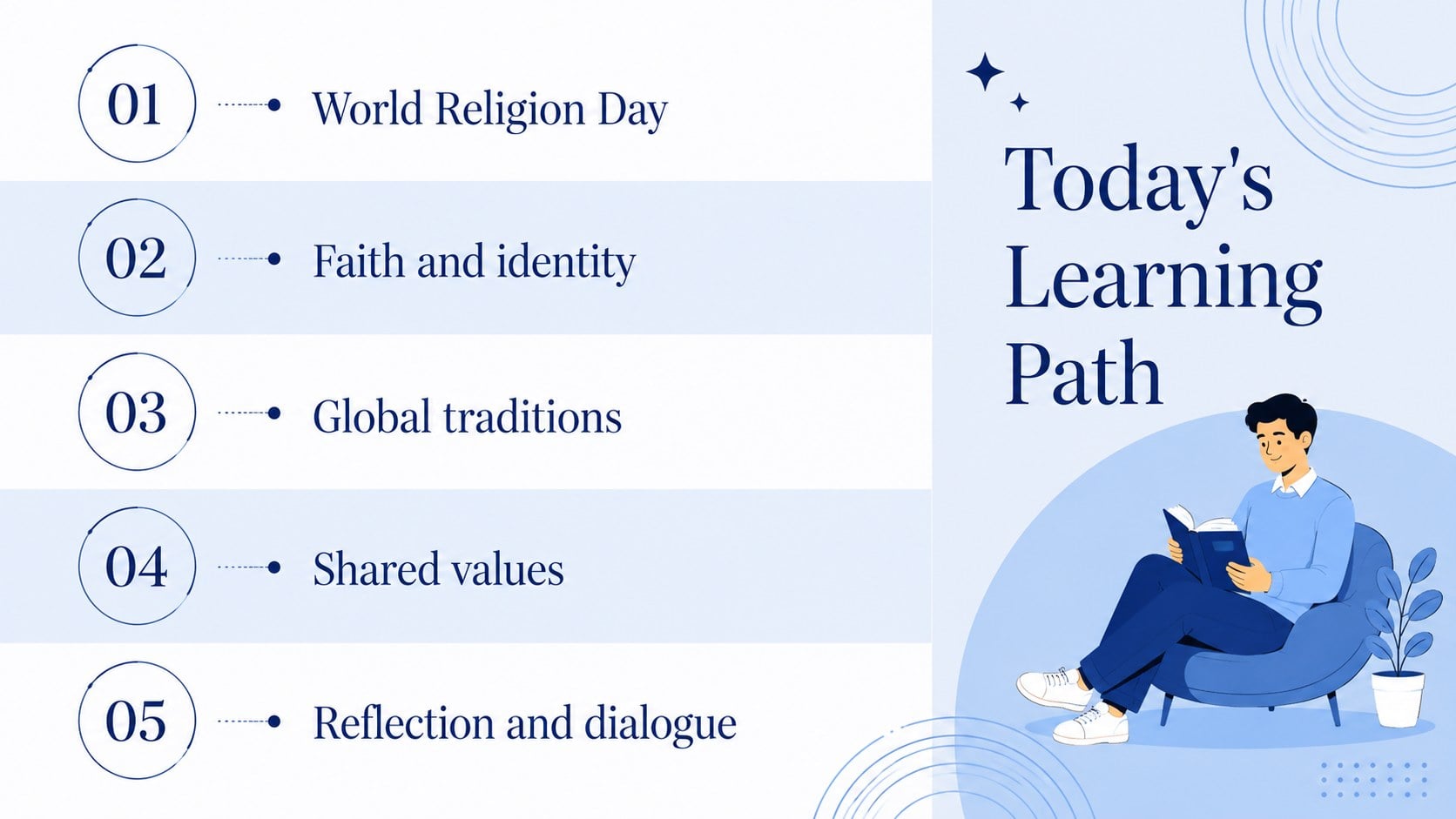
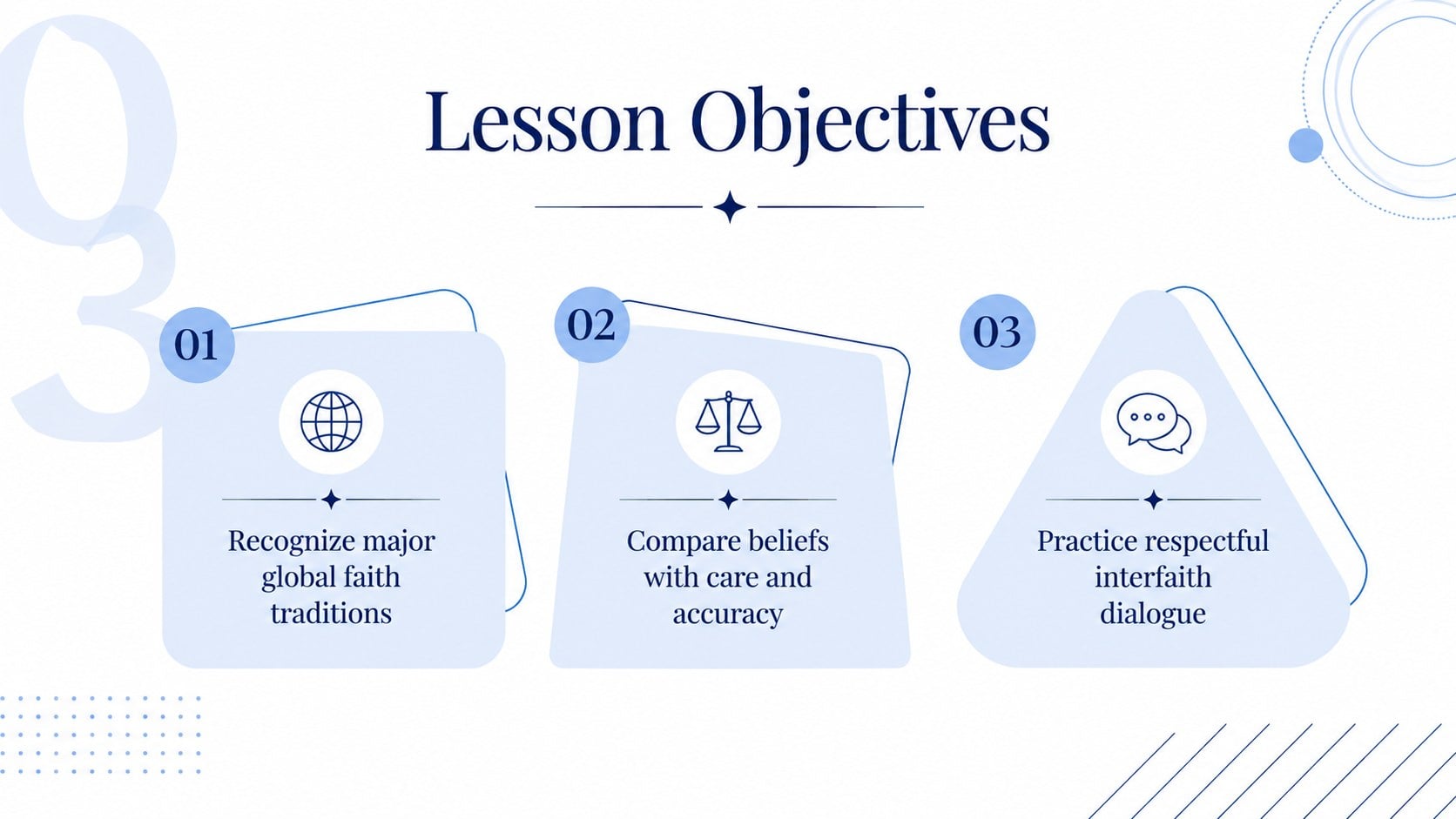
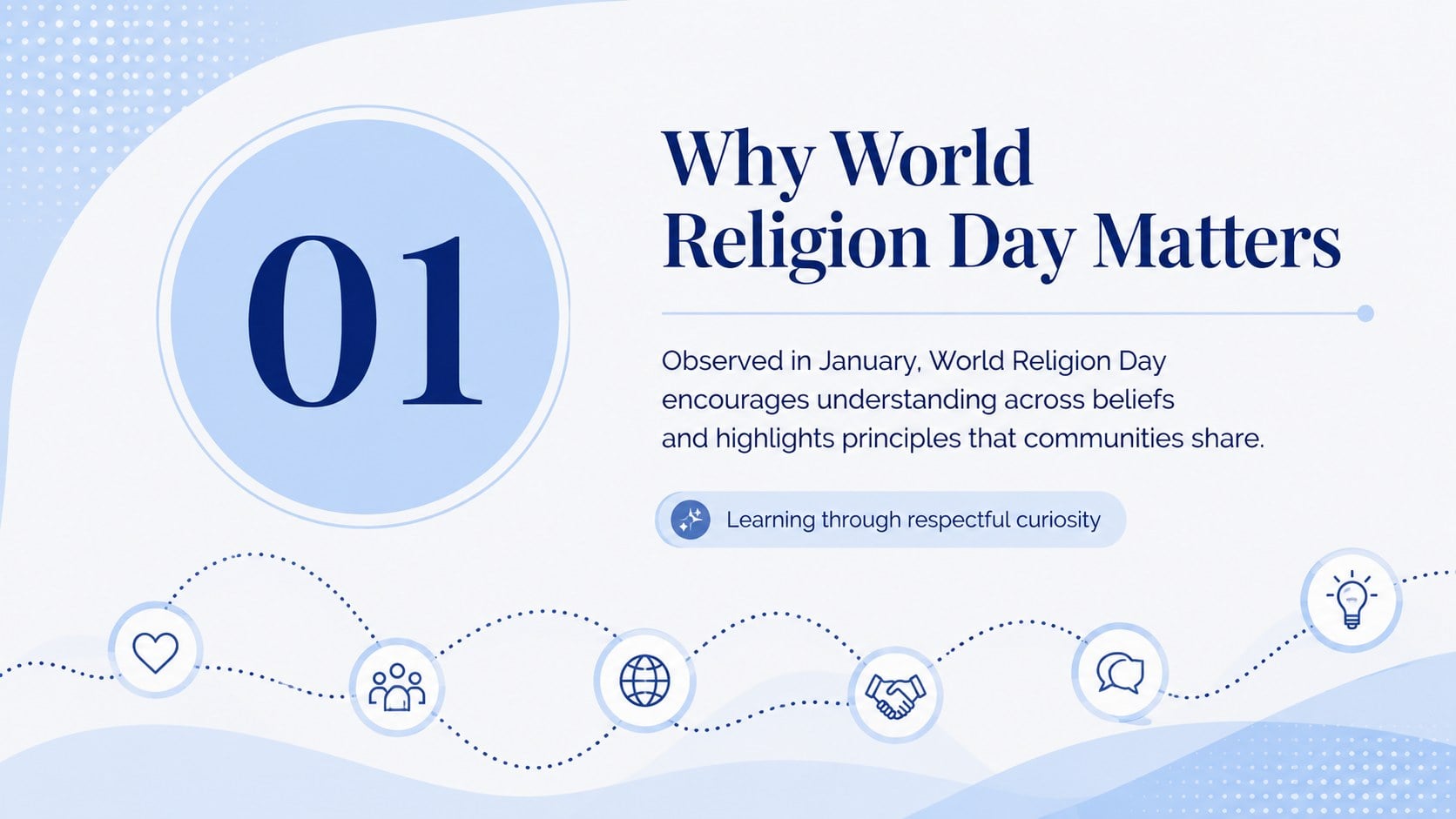
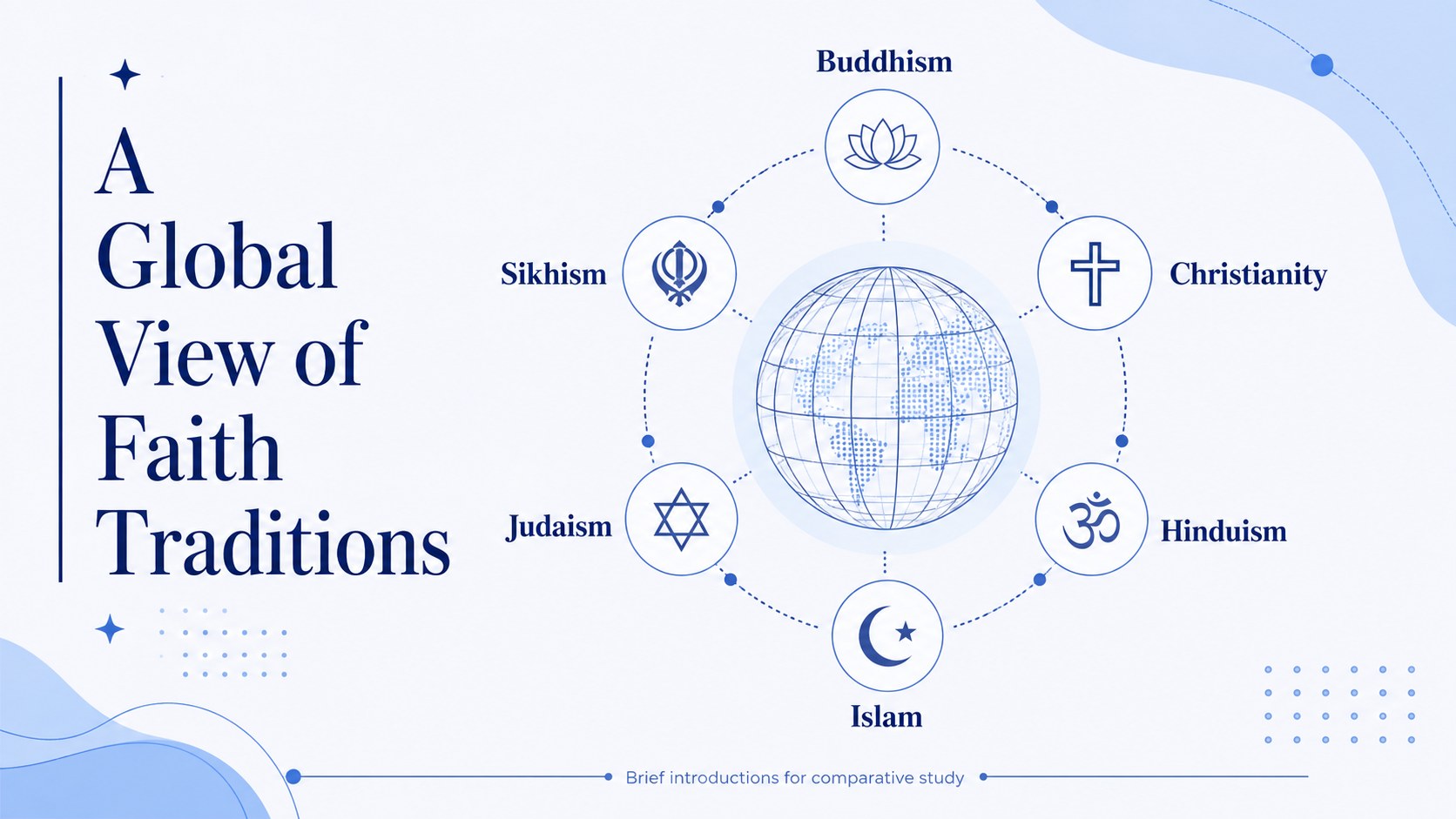
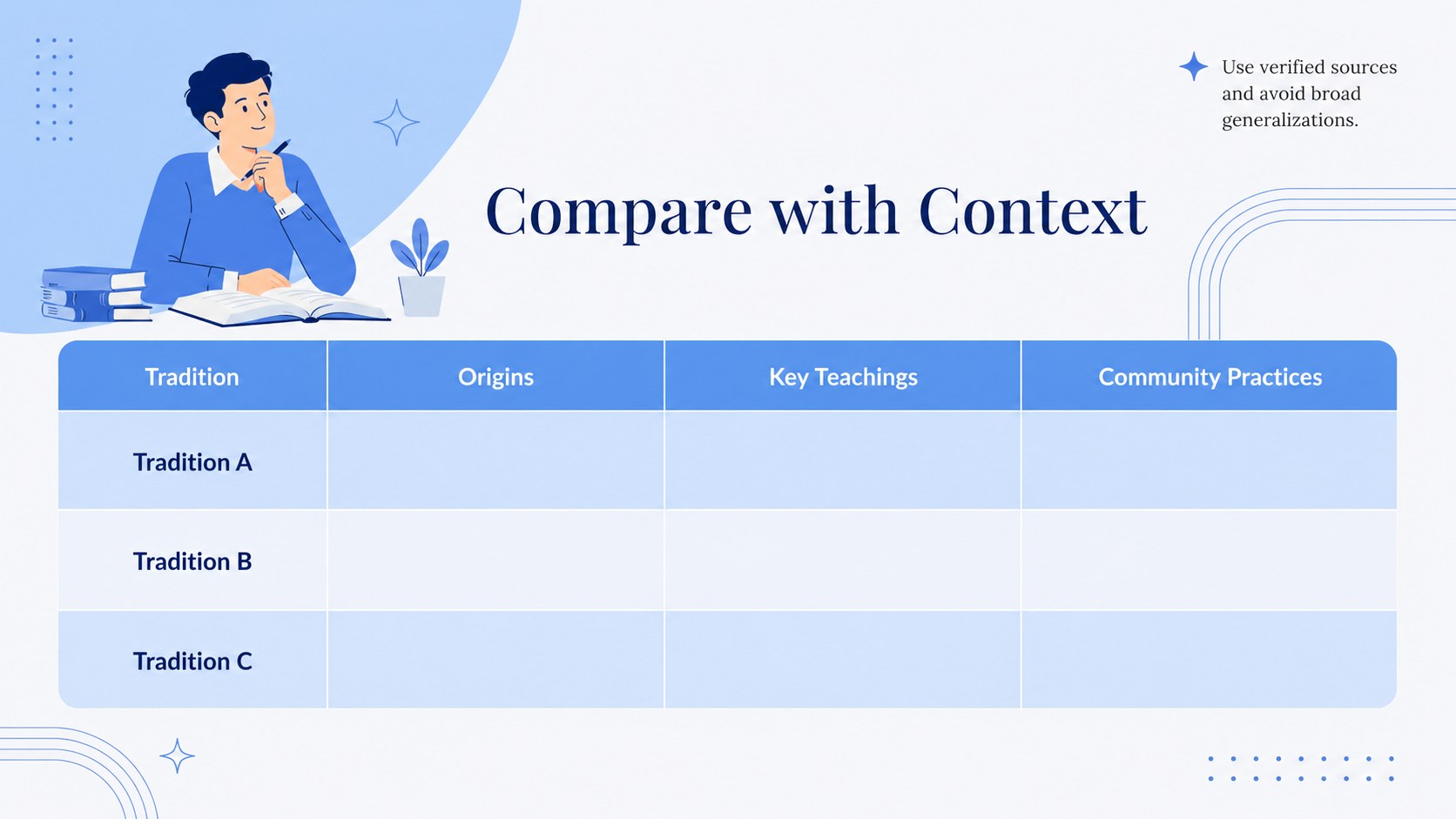
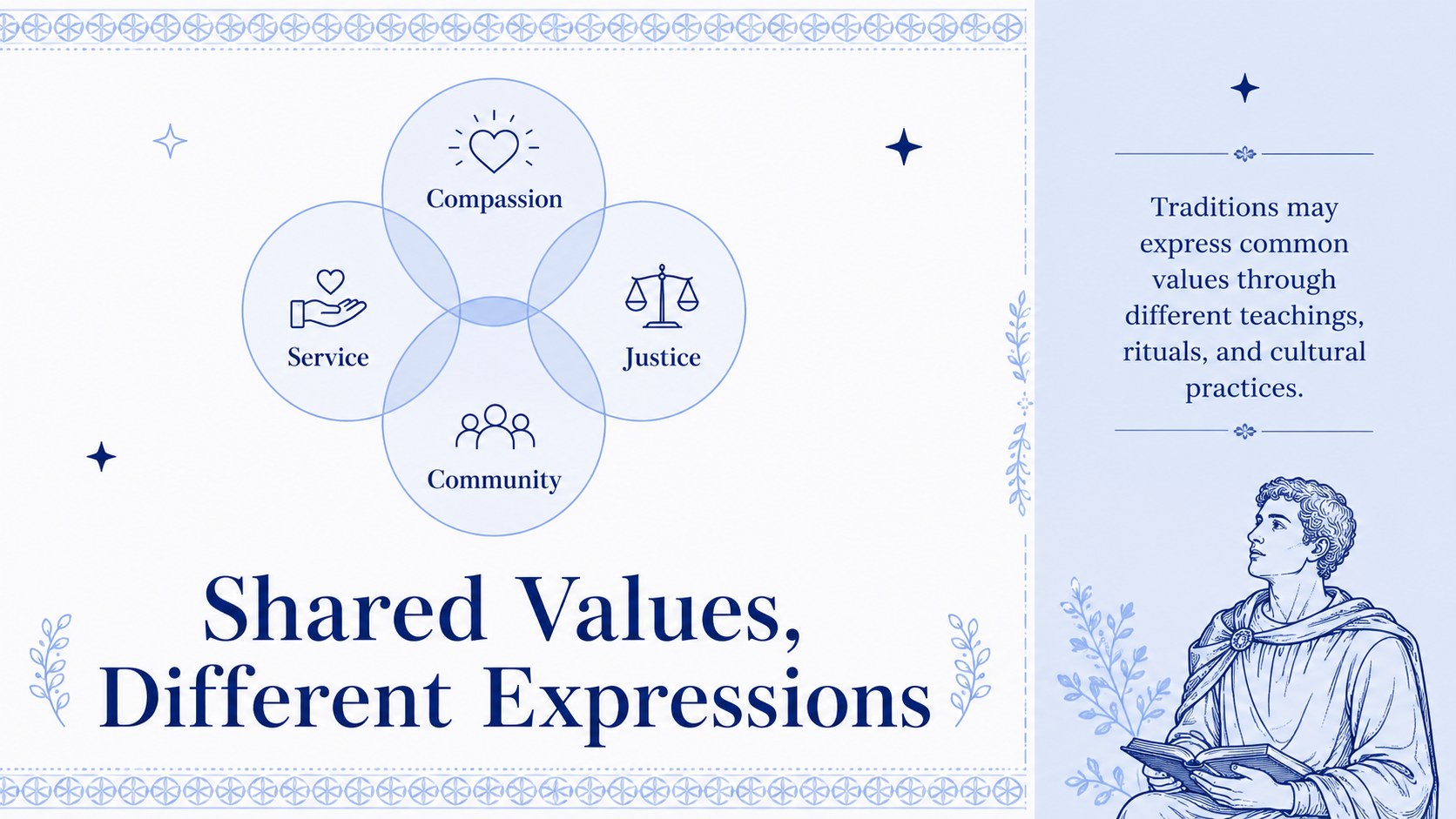
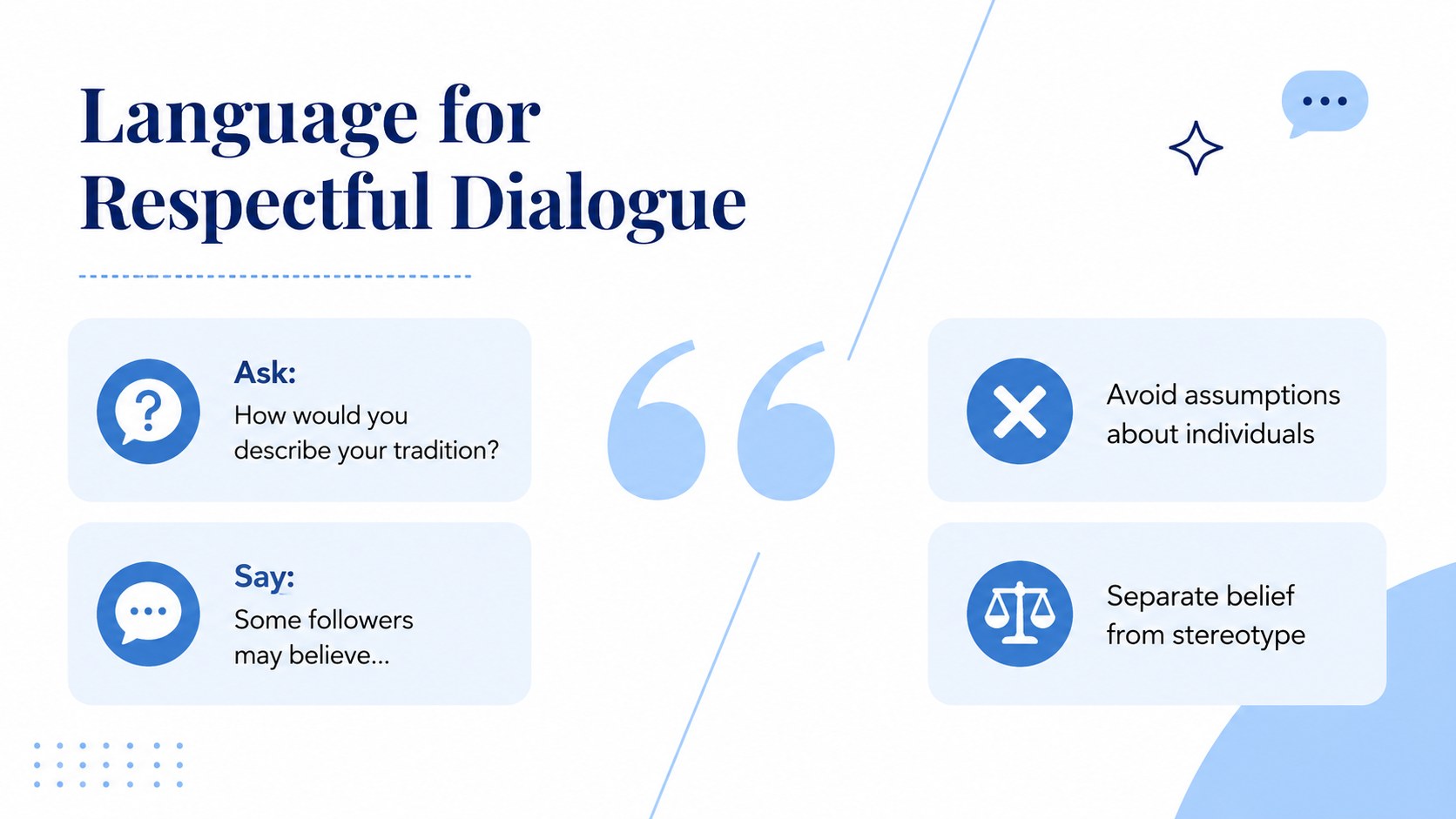
The deck includes an opening discussion prompt, lesson objectives, an introduction to World Religion Day, profiles of major faith traditions, a comparison table, a global overview, shared-values content, respectful vocabulary, a classroom activity, reflection questions, and a closing summary. Flexible diagrams, timelines, quote layouts, and image spaces make it useful as both a world religion day classroom presentation and a broader comparative religion PowerPoint template. All text, colors, images, and graphic elements can be edited in PowerPoint or Google Slides.
This resource is suited to secondary schools, colleges, community education programs, cultural awareness workshops, and faith literacy sessions. Teachers can shorten it for a single class or expand it into a multi-part unit. Facilitators can also adapt the interfaith education Google Slides layouts for staff development, community dialogue, or nonprofit outreach. The minimalist design keeps attention on accurate information, thoughtful questions, and the connections between diverse traditions.
Perfect for: World Religion Day classroom lesson; comparative religion course introduction; interfaith community workshop; cultural awareness staff training; student faith traditions project.
Frequently asked questions
Can I edit every part of the lesson deck? Yes. You can revise the wording, rearrange layouts, replace images, and adjust the blue-and-white palette to match your lesson or organization.
Practical details
Yes. You can revise the wording, rearrange layouts, replace images, and adjust the blue-and-white palette to match your lesson or organization.
The template is designed for Microsoft PowerPoint and Google Slides. Import it into your preferred platform and review font availability before presenting.
Yes. The profile, comparison, map, and timeline layouts can be duplicated or customized for the traditions relevant to your curriculum and audience.
Yes. Select the introduction, comparison, discussion, and reflection slides for a shorter lesson, or use the full deck for a multi-session unit.
Keep exploring
15Build stronger academic arguments with a college essay thesis builder featuring guided examples, revision prompts, and editable PowerPoint and Google Slides.
 15
15Build an engaging World UFO Day session with this flying saucer history lesson deck, featuring retro green-and-brown slides for PowerPoint and Google Slides.
 14
14Plan a memorable Lunar New Year campaign with the 2036 Dragon Year Celebration Theme, featuring bold red-and-yellow slides for lessons and events.
 15
15Use this environmental awareness lesson deck to teach climate action through illustrated activities, discussion prompts, and ready-to-edit visuals.
 15
15Build playful lessons and party stories with a kid-friendly zombie celebration theme in purple, green and pastel blue for PowerPoint and Google Slides.
 15
15Build eerie lessons, campaigns, and story pitches with an undead survival scenario theme featuring editable slides for PowerPoint and Google Slides.
 16
16Turn environmental research into a clear story with a Watercolor Ecology Presentation Theme for PowerPoint and Google Slides in calming green and blue.
 15
15Build a clear World Cancer Day message with this global cancer awareness campaign deck, featuring editable blue-green layouts for PowerPoint and Google Slides.