
 15
15presentation
College Essay Thesis Builder Slides
Build stronger academic arguments with a college essay thesis builder featuring guided examples, revision prompts, and editable PowerPoint and Google Slides.
Google SlidesPowerPoint
presentation · English
Build a memorable year of the ox celebration deck for cultural lessons, company greetings, and festive events with editable red and gold slides.

Design notes
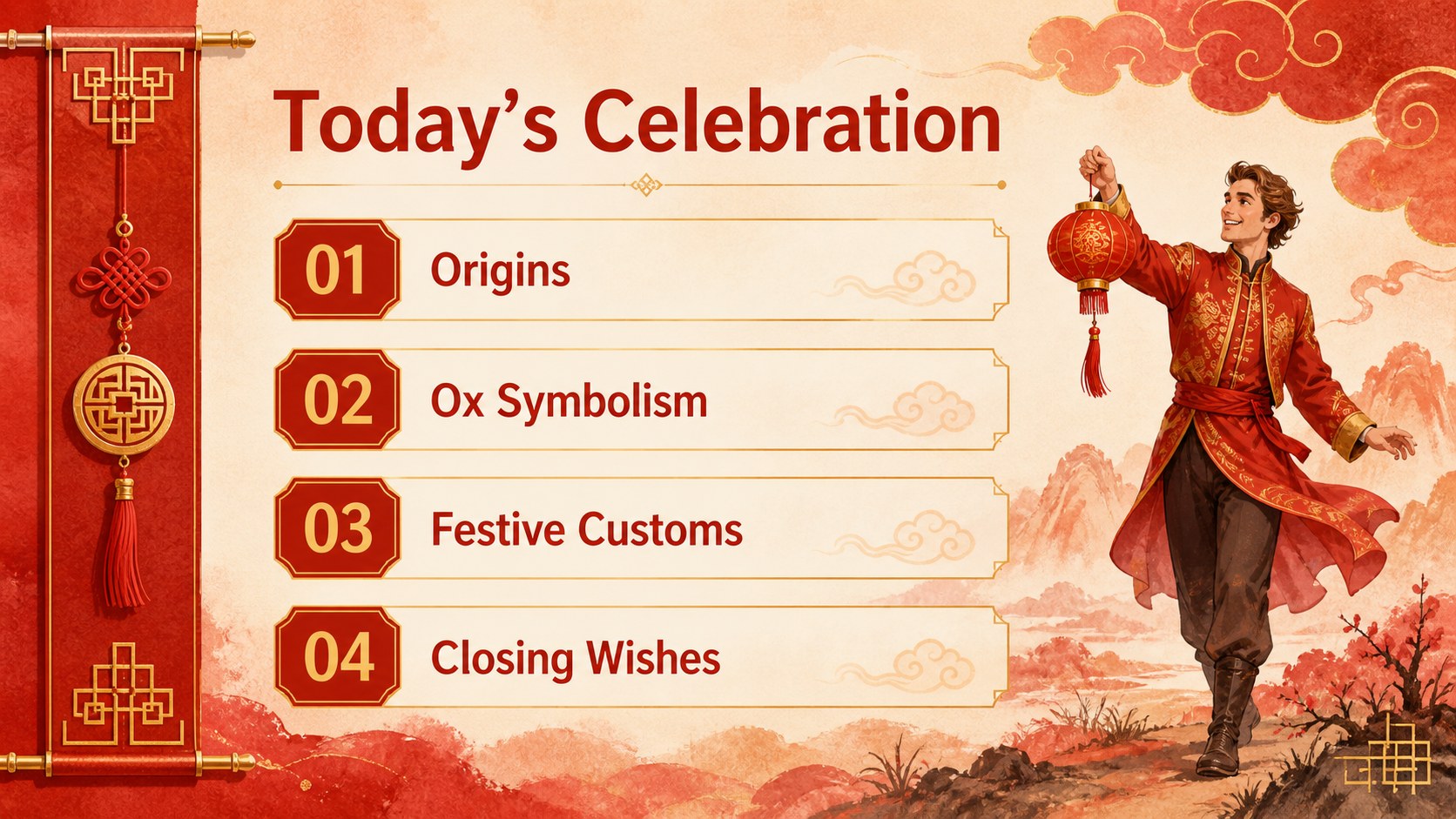
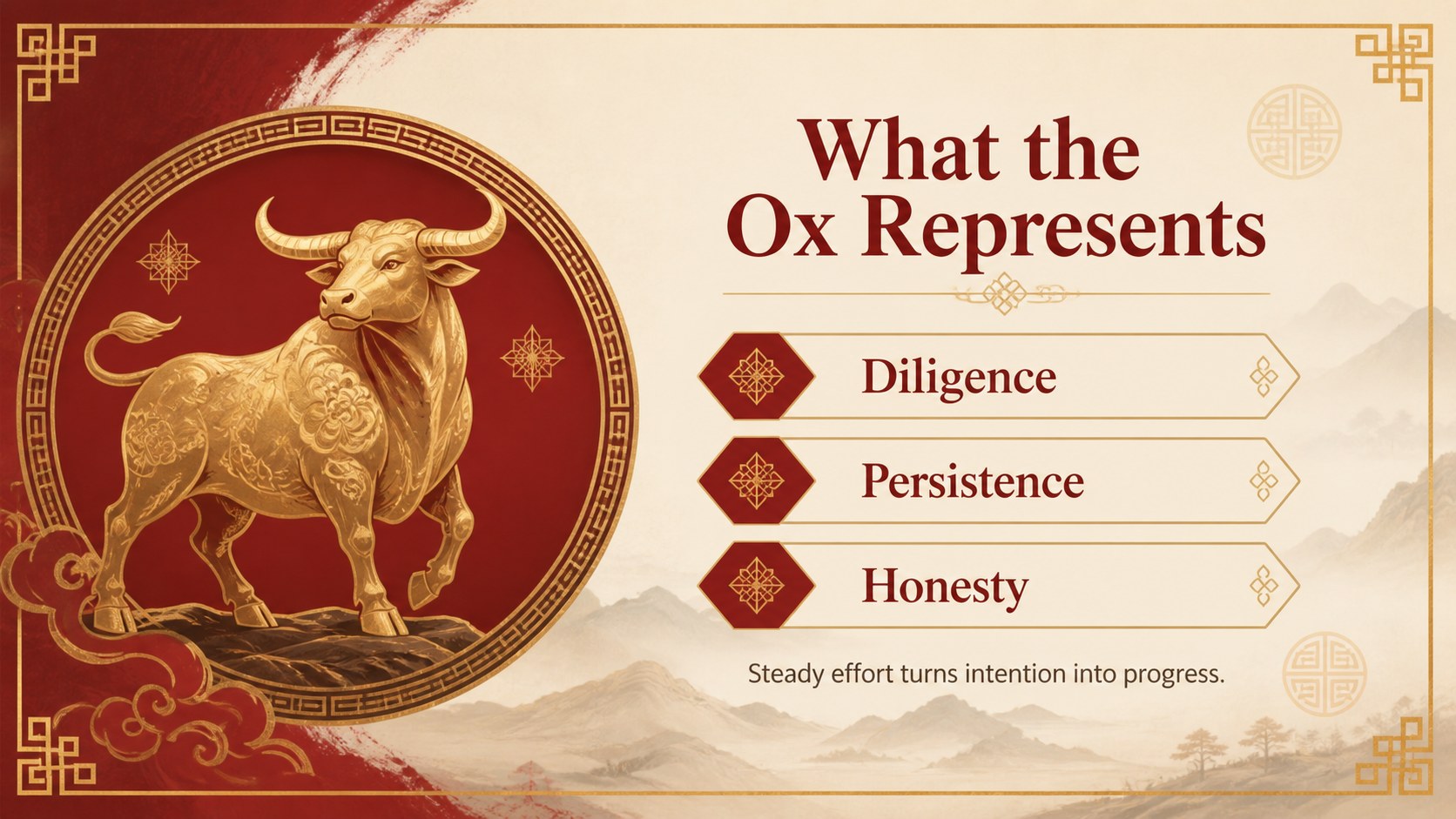
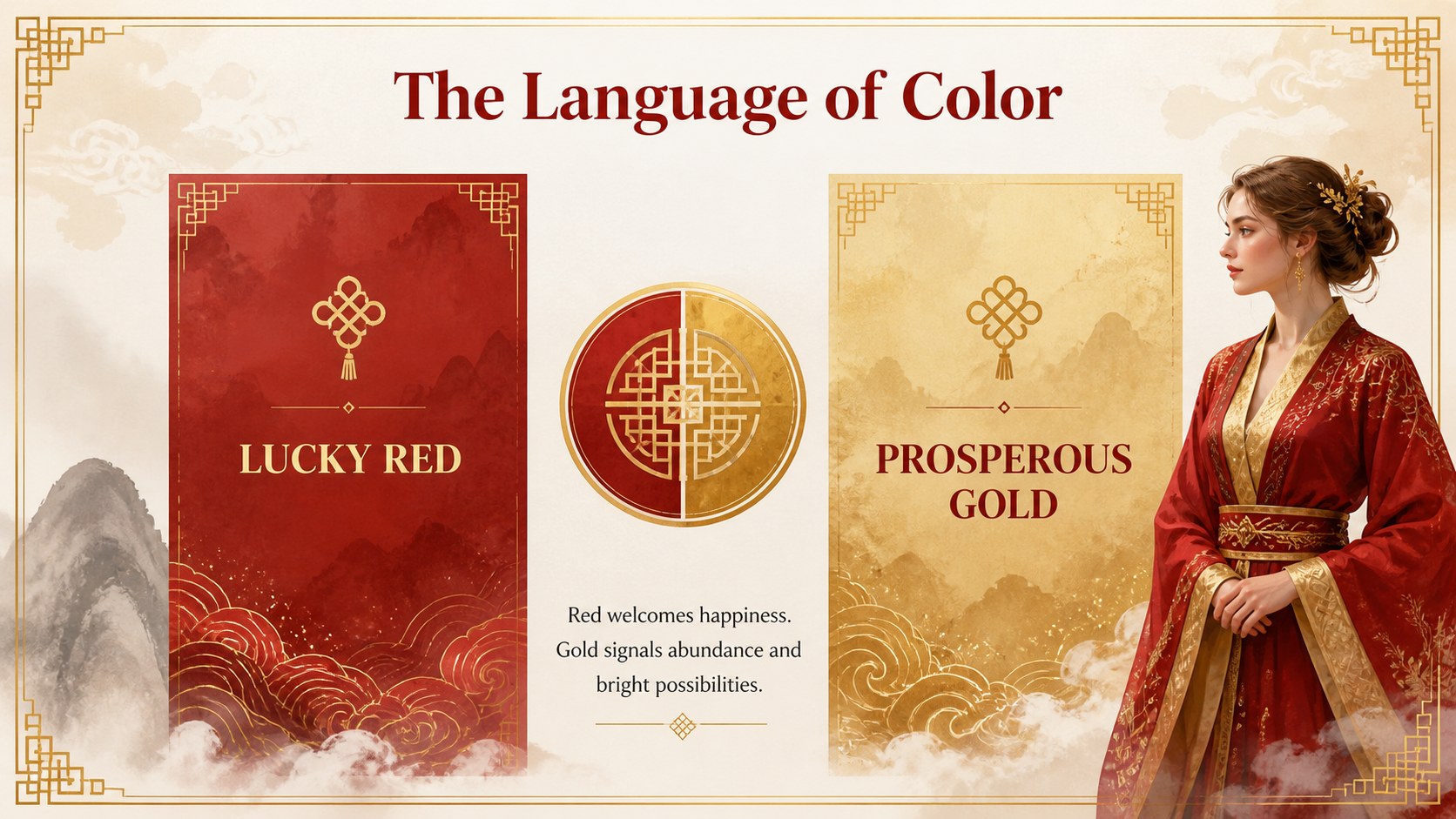
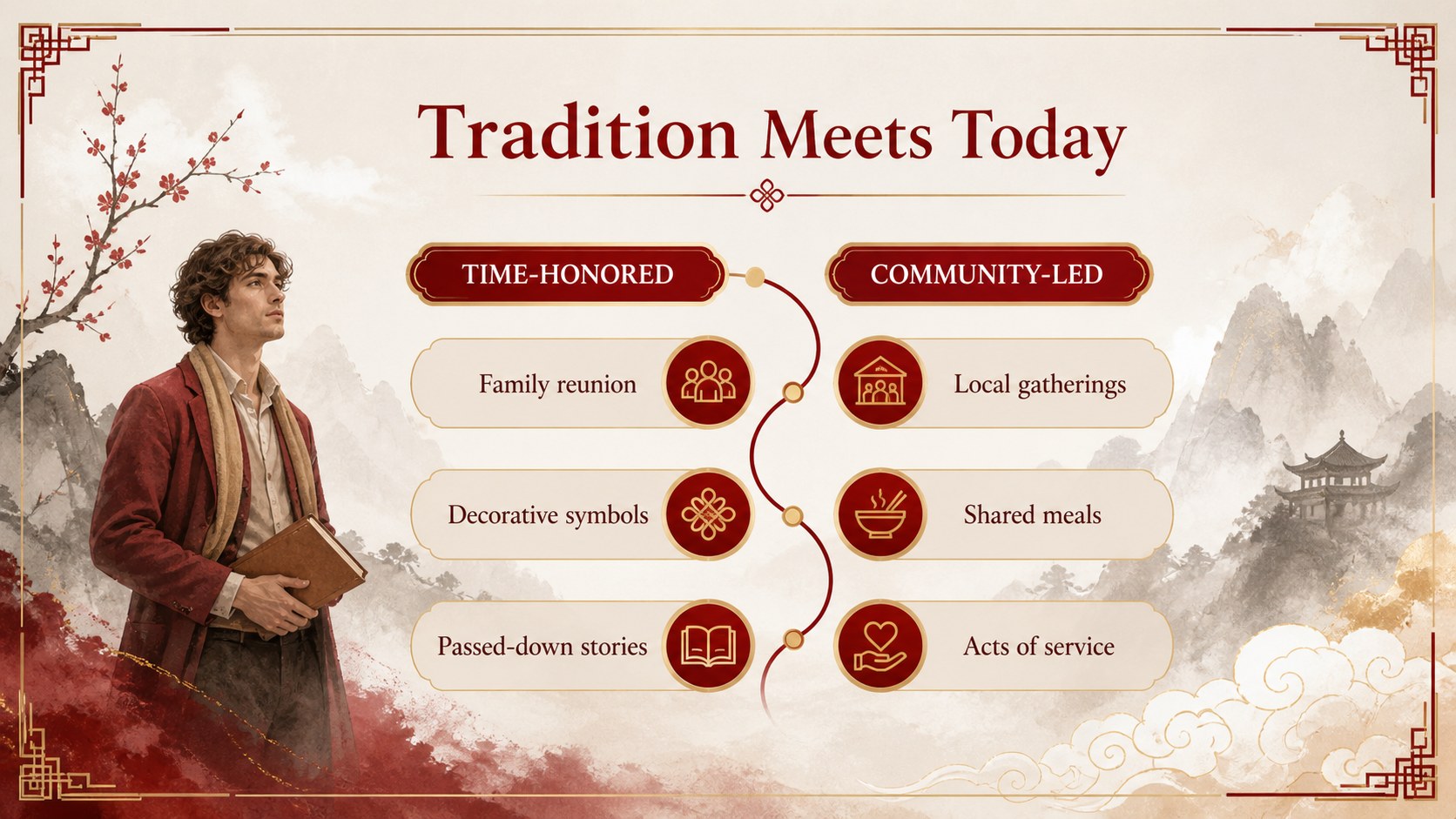
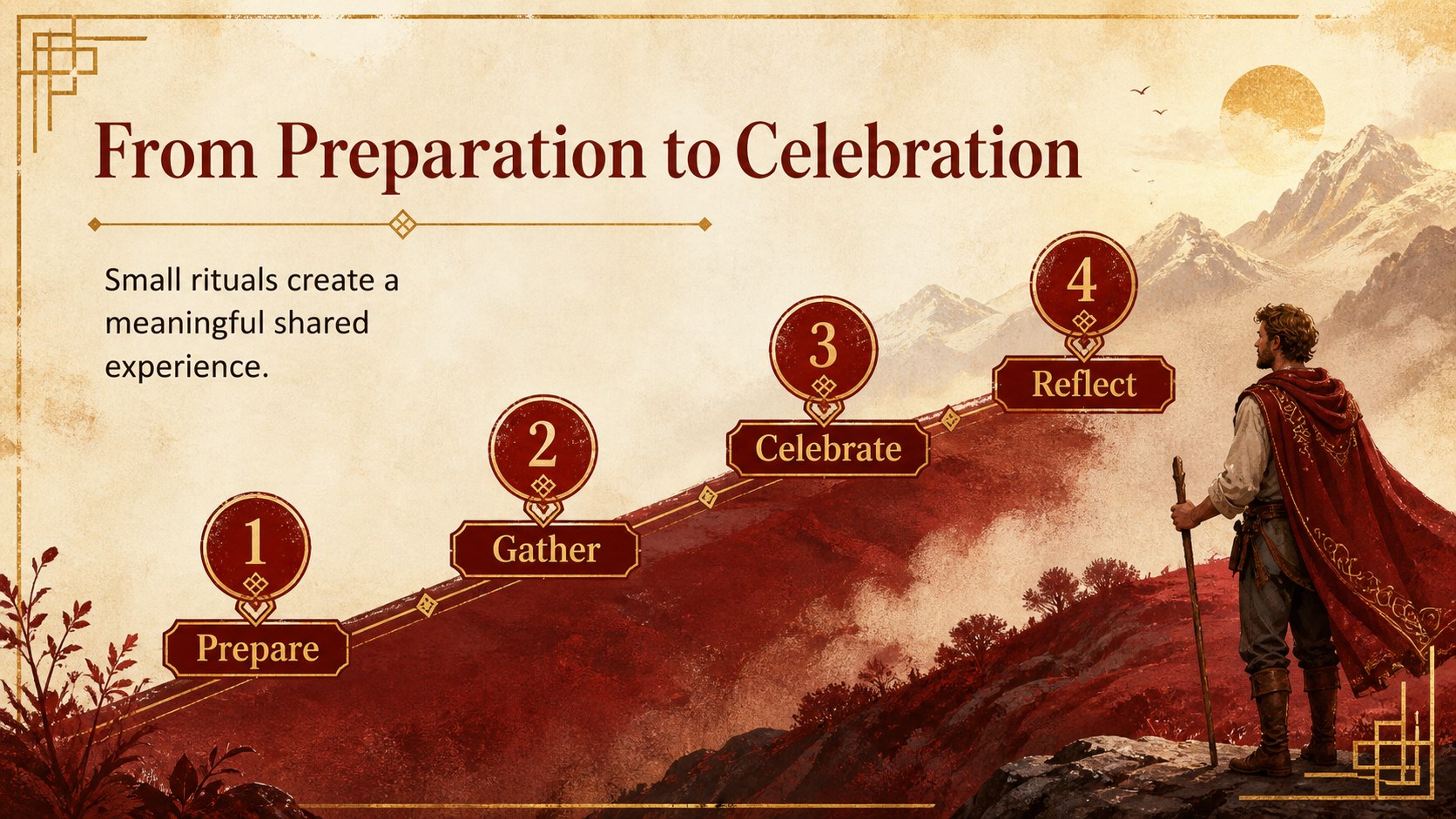
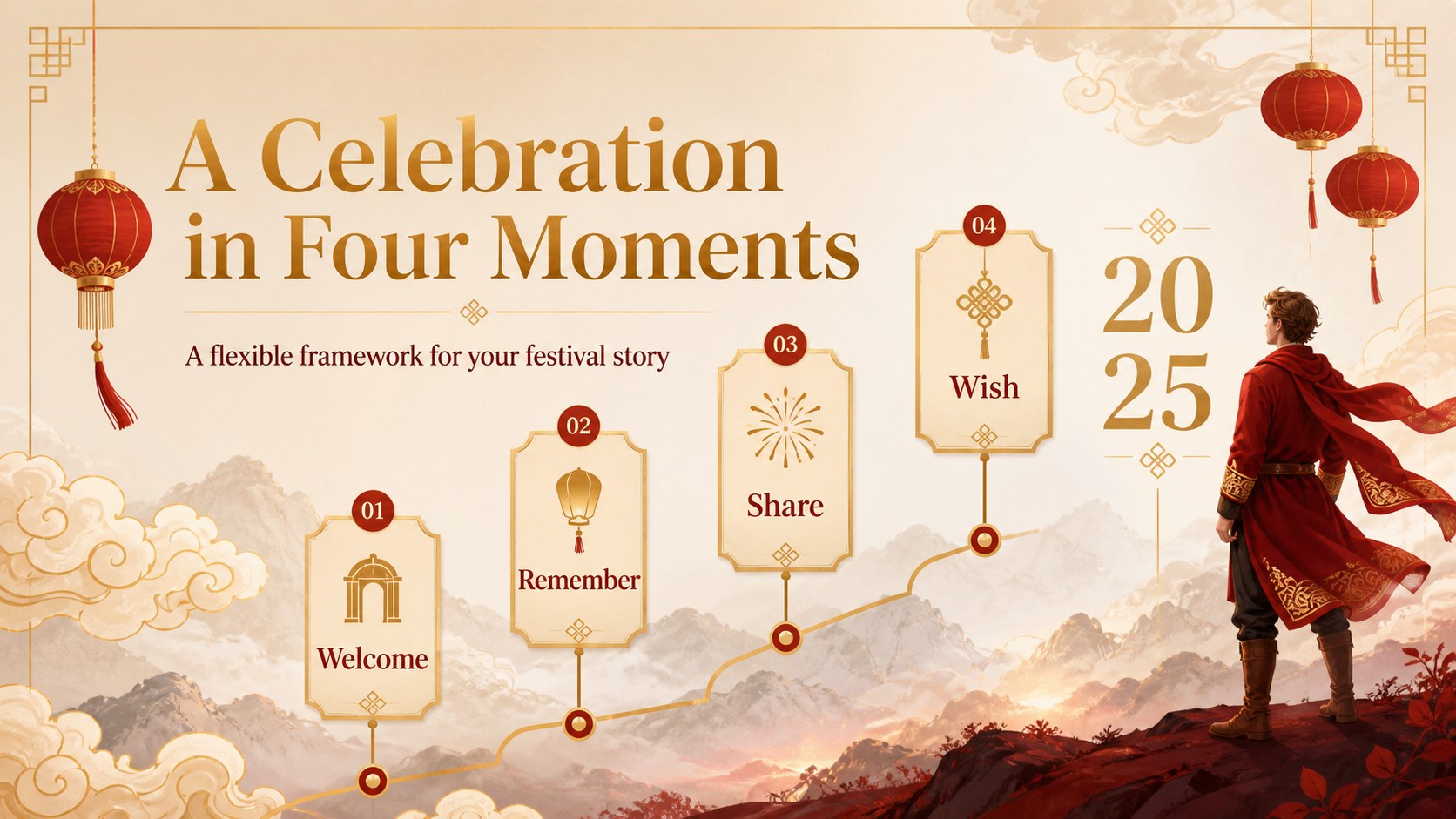
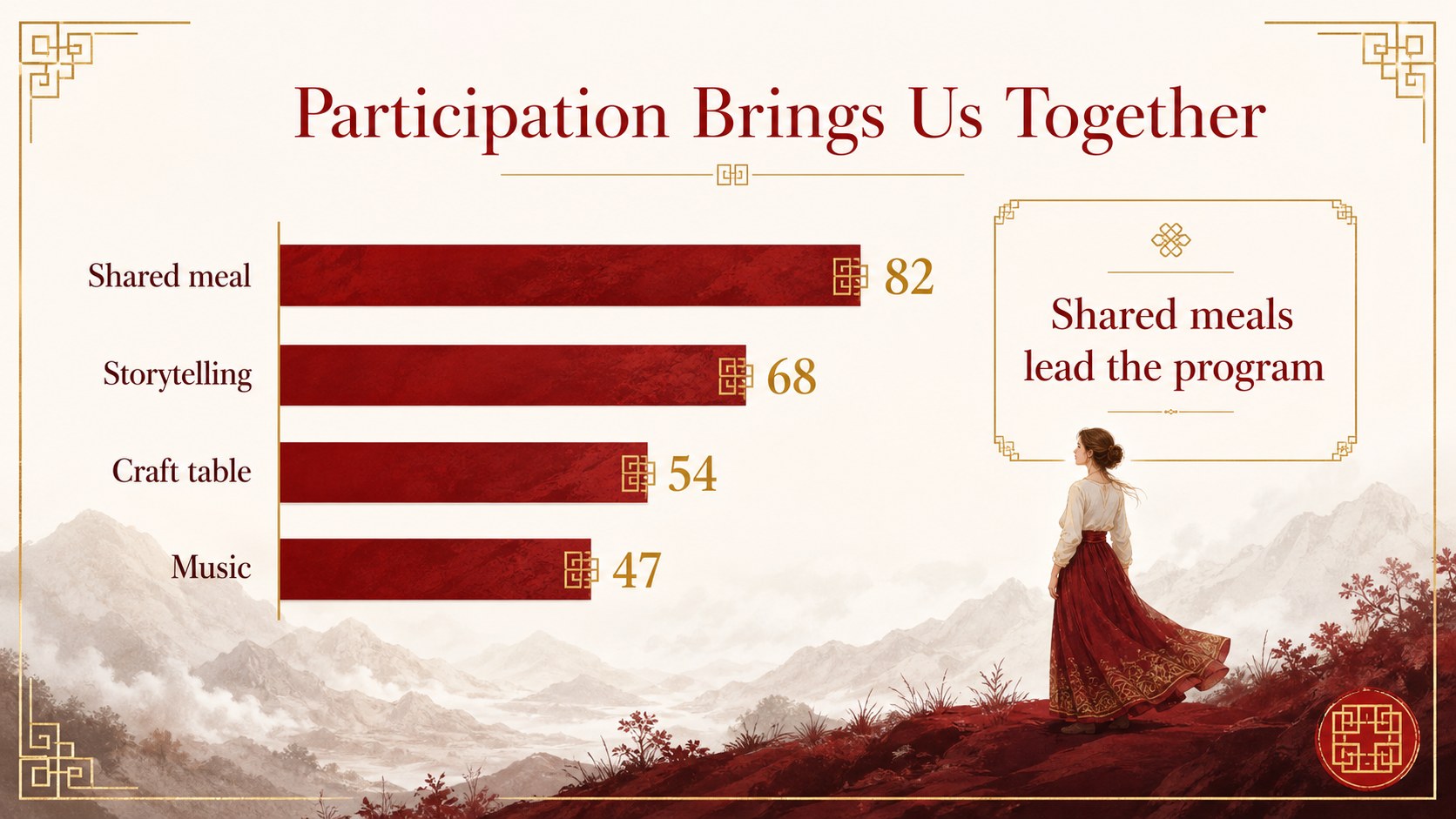
Create a polished year of the ox celebration deck for Lunar New Year greetings, cultural presentations, classroom projects, and community events. The visual system combines lucky red backgrounds, gold accents, and hand-drawn Chinese landscape motifs to convey happiness, prosperity, diligence, and renewal without overwhelming your message.
Inside, you will find 16:9 layouts for a title page, event overview, tradition guide, symbolism explainer, comparison table, process flow, timeline, data chart, photo-led story, quote, map, and closing greeting. A coordinated icon set, editable diagrams, customizable charts, and flexible text blocks make it easy to adapt the presentation for different audiences. The deck is designed for Microsoft PowerPoint and Google Slides, with fully editable colors, text, images, and page order.
Use this Chinese New Year classroom presentation for a lesson on cultural traditions, a nonprofit celebration announcement, an employee ecard, or a festive event briefing. It also works well as a year of the ox cultural presentation for museums, schools, teams, and community groups. Replace the sample copy with your own dates, messages, statistics, and photographs while keeping the bold red-and-gold identity intact.
Perfect for: Chinese New Year classroom lesson; company holiday greeting; community festival briefing; museum cultural traditions talk; nonprofit event announcement.
Frequently asked questions
Can I edit the presentation in PowerPoint? Yes. The deck is designed for Microsoft PowerPoint and uses editable text, shapes, charts, icons, and color settings. You can rearrange, duplicate, or remove slides as your presentation develops.
Practical details
Yes. The deck is designed for Microsoft PowerPoint and uses editable text, shapes, charts, icons, and color settings. You can rearrange, duplicate, or remove slides as your presentation develops.
Yes, you can open and customize it in Google Slides. Update the sample wording, replace images, and adjust the layouts while retaining the red-and-gold visual style.
All major visual elements are editable, including the red backgrounds, gold accents, text, and supporting graphics. Use your preferred brand colors and compatible fonts when adapting the deck for an organization or class.
The layouts support cultural lessons, festival schedules, workplace greetings, event announcements, timelines, comparisons, charts, and closing messages. You can also add your own photographs and local traditions.
Keep exploring
15Build stronger academic arguments with a college essay thesis builder featuring guided examples, revision prompts, and editable PowerPoint and Google Slides.
 15
15Build an engaging World UFO Day session with this flying saucer history lesson deck, featuring retro green-and-brown slides for PowerPoint and Google Slides.
 14
14Plan a memorable Lunar New Year campaign with the 2036 Dragon Year Celebration Theme, featuring bold red-and-yellow slides for lessons and events.
 15
15Build a thoughtful classroom discussion with this interfaith awareness lesson deck, featuring editable blue-and-white slides for PowerPoint and Google Slides.
 15
15Use this environmental awareness lesson deck to teach climate action through illustrated activities, discussion prompts, and ready-to-edit visuals.
 15
15Build playful lessons and party stories with a kid-friendly zombie celebration theme in purple, green and pastel blue for PowerPoint and Google Slides.
 15
15Build eerie lessons, campaigns, and story pitches with an undead survival scenario theme featuring editable slides for PowerPoint and Google Slides.
 16
16Turn environmental research into a clear story with a Watercolor Ecology Presentation Theme for PowerPoint and Google Slides in calming green and blue.