
 15
15presentation
College Essay Thesis Builder Slides
Build stronger academic arguments with a college essay thesis builder featuring guided examples, revision prompts, and editable PowerPoint and Google Slides.
Google SlidesPowerPoint
presentation · English
Use this world faiths visual guide to compare belief systems through editable beige collage infographics for PowerPoint and Google Slides lessons.
Design notes
The world faiths visual guide helps educators and learners organize a broad subject into clear, respectful talking points. Its warm beige palette, tactile paper textures, and editorial collage details create an approachable setting for discussing belief, practice, history, and community without making the material feel dense. Use it as a world religions comparison infographic during a lesson or as a visual anchor for independent research.
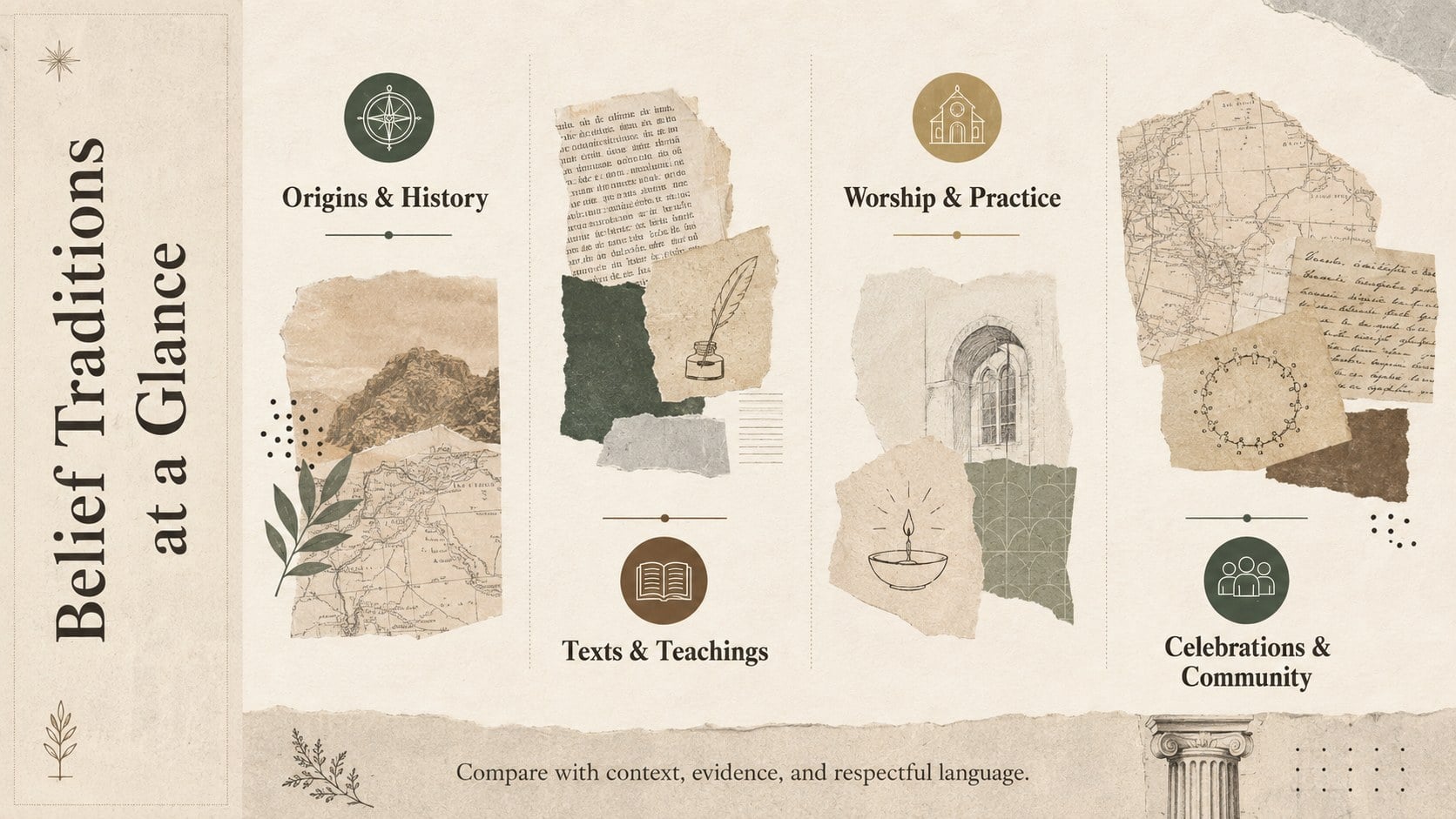
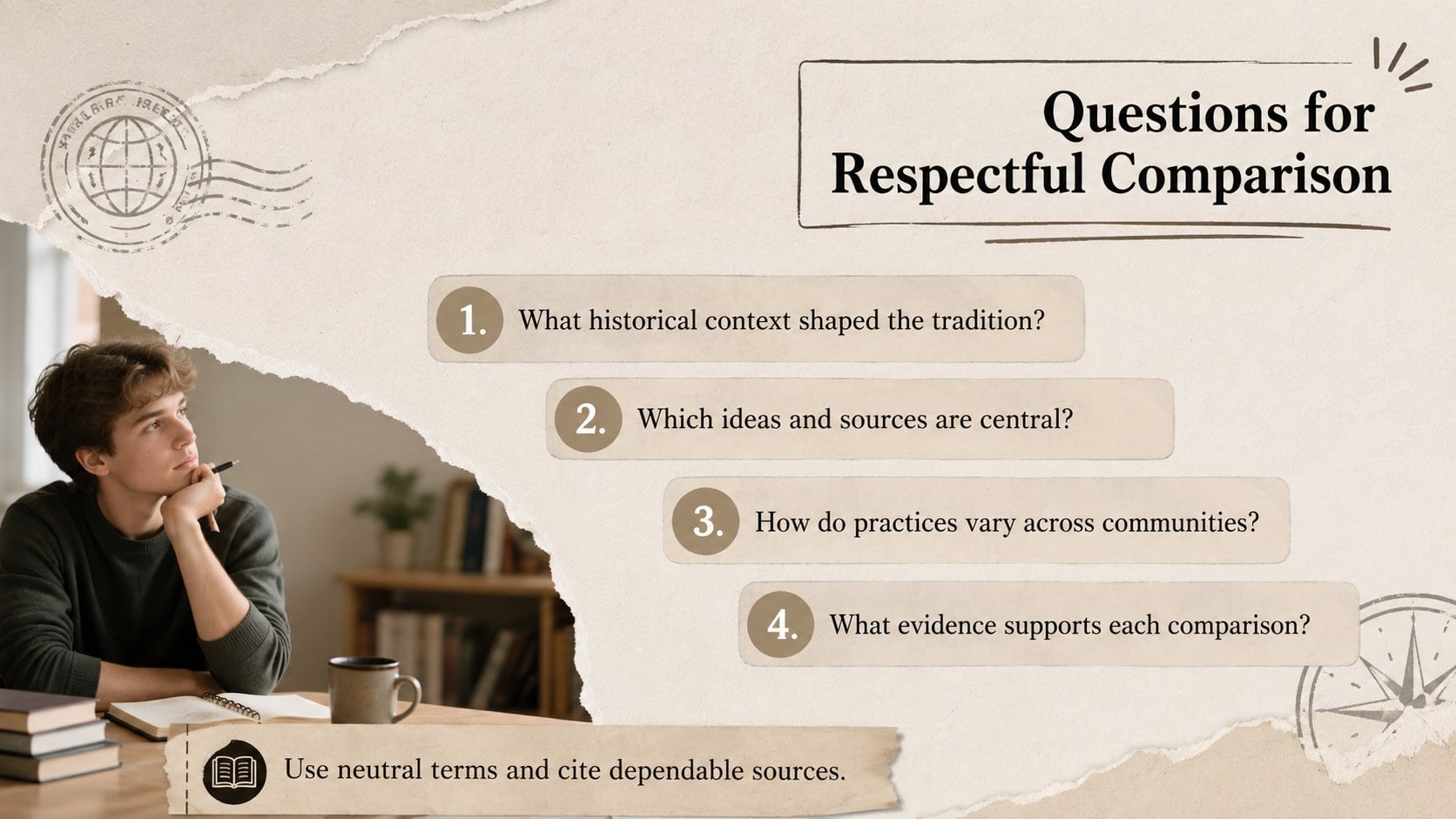
Inside, you will find a title layout, a structured overview for grouping key ideas, and a guided comparison page with prompts for evidence and reflection. Editable headings, text blocks, image frames, icons, dividers, and accent shapes let you adjust the depth for different age groups. The design works as an editable faith traditions infographic, while its modular sections can also support timelines, vocabulary, source notes, or discussion questions. All elements can be adapted in PowerPoint or Google Slides.
This belief systems teaching resource suits social studies teachers, religious studies instructors, secondary and college students, librarians, and community education facilitators. It can frame an introductory lesson, summarize a research assignment, prepare an interfaith discussion, or support a comparative culture unit. Replace placeholder wording with verified, course-appropriate information, cite dependable sources, and keep terminology neutral and specific. Simple typography and balanced visual groupings help audiences scan concepts quickly while leaving room for nuance.
Perfect for: world religions classroom lesson; comparative culture assignment; interfaith discussion session; religious studies research summary; community education workshop.
Frequently asked questions
Can I edit the text and visual categories? Yes. Headings, descriptions, category labels, shapes, icons, and image frames can be changed to match your curriculum or research topic.
Practical details
Yes. Headings, descriptions, category labels, shapes, icons, and image frames can be changed to match your curriculum or research topic.
The template is designed for PowerPoint and Google Slides. You can present it directly or export the finished pages in common formats supported by those platforms.
Yes. Adjust the palette, typography, paper textures, photographs, and decorative accents while retaining the organized infographic structure.
The modular layouts can be simplified for introductory classes or expanded with citations and deeper analysis for advanced learners. Review all factual content and terminology for the intended age group before presenting.
Keep exploring
15Build stronger academic arguments with a college essay thesis builder featuring guided examples, revision prompts, and editable PowerPoint and Google Slides.
 15
15Build an engaging World UFO Day session with this flying saucer history lesson deck, featuring retro green-and-brown slides for PowerPoint and Google Slides.
 14
14Plan a memorable Lunar New Year campaign with the 2036 Dragon Year Celebration Theme, featuring bold red-and-yellow slides for lessons and events.
 15
15Build a thoughtful classroom discussion with this interfaith awareness lesson deck, featuring editable blue-and-white slides for PowerPoint and Google Slides.
 15
15Use this environmental awareness lesson deck to teach climate action through illustrated activities, discussion prompts, and ready-to-edit visuals.
 15
15Build playful lessons and party stories with a kid-friendly zombie celebration theme in purple, green and pastel blue for PowerPoint and Google Slides.
 15
15Build eerie lessons, campaigns, and story pitches with an undead survival scenario theme featuring editable slides for PowerPoint and Google Slides.
 16
16Turn environmental research into a clear story with a Watercolor Ecology Presentation Theme for PowerPoint and Google Slides in calming green and blue.