
 15
15presentation
College Essay Thesis Builder Slides
Build stronger academic arguments with a college essay thesis builder featuring guided examples, revision prompts, and editable PowerPoint and Google Slides.
Google SlidesPowerPoint
presentation · English
Teach beliefs, traditions, and shared values with World Faiths Comparison Slides, a beige collage deck for respectful lessons in PowerPoint and Google Slides.
Design notes
World Faiths Comparison Slides give educators a thoughtful visual framework for introducing major religions, belief systems, and cultural traditions. The warm beige palette, layered paper textures, and editorial collage details create an approachable setting for discussing complex subjects while keeping information organized and readable. Use the deck as a comparative religion lesson template or adapt it for a broader social studies unit.
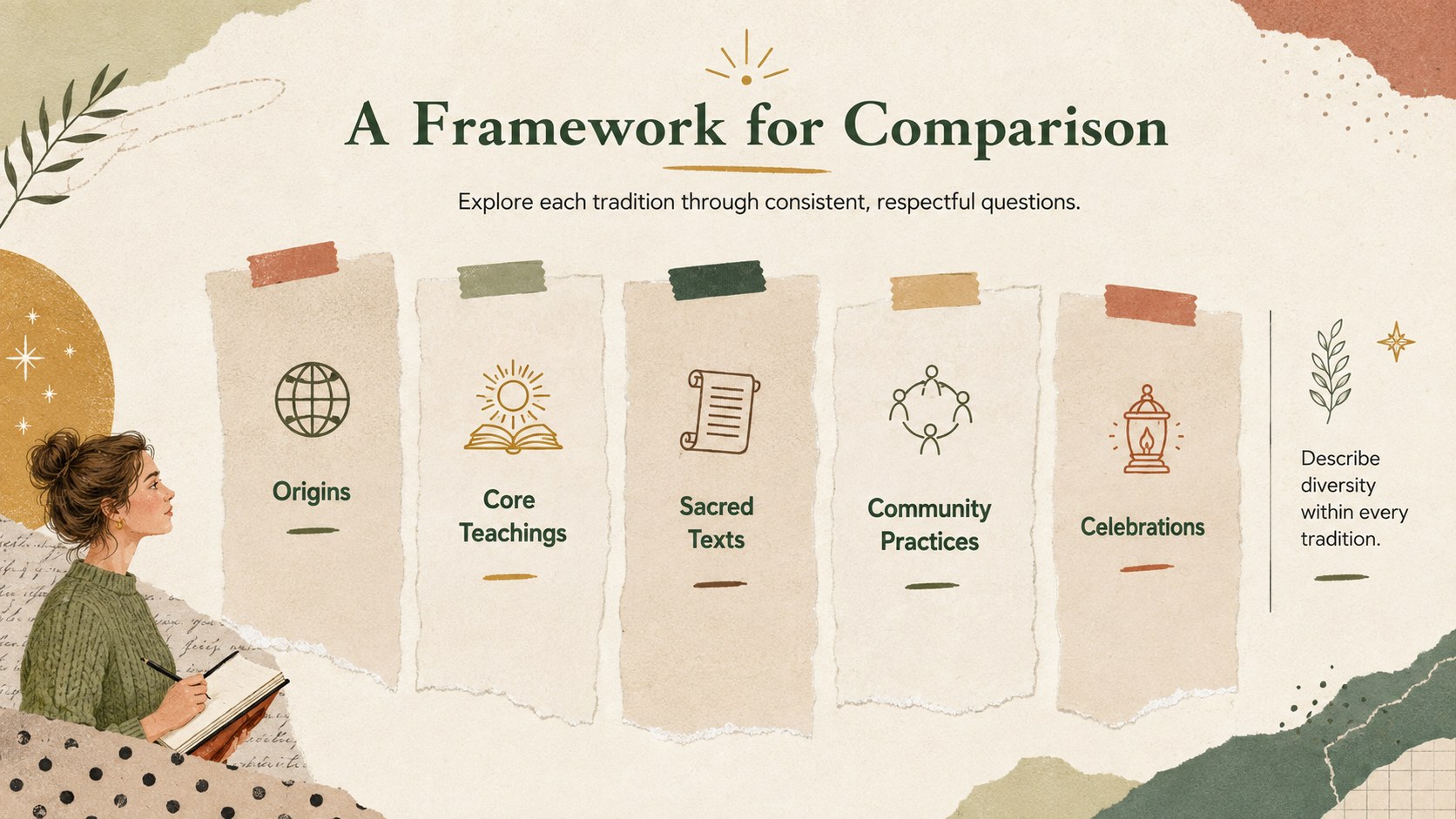
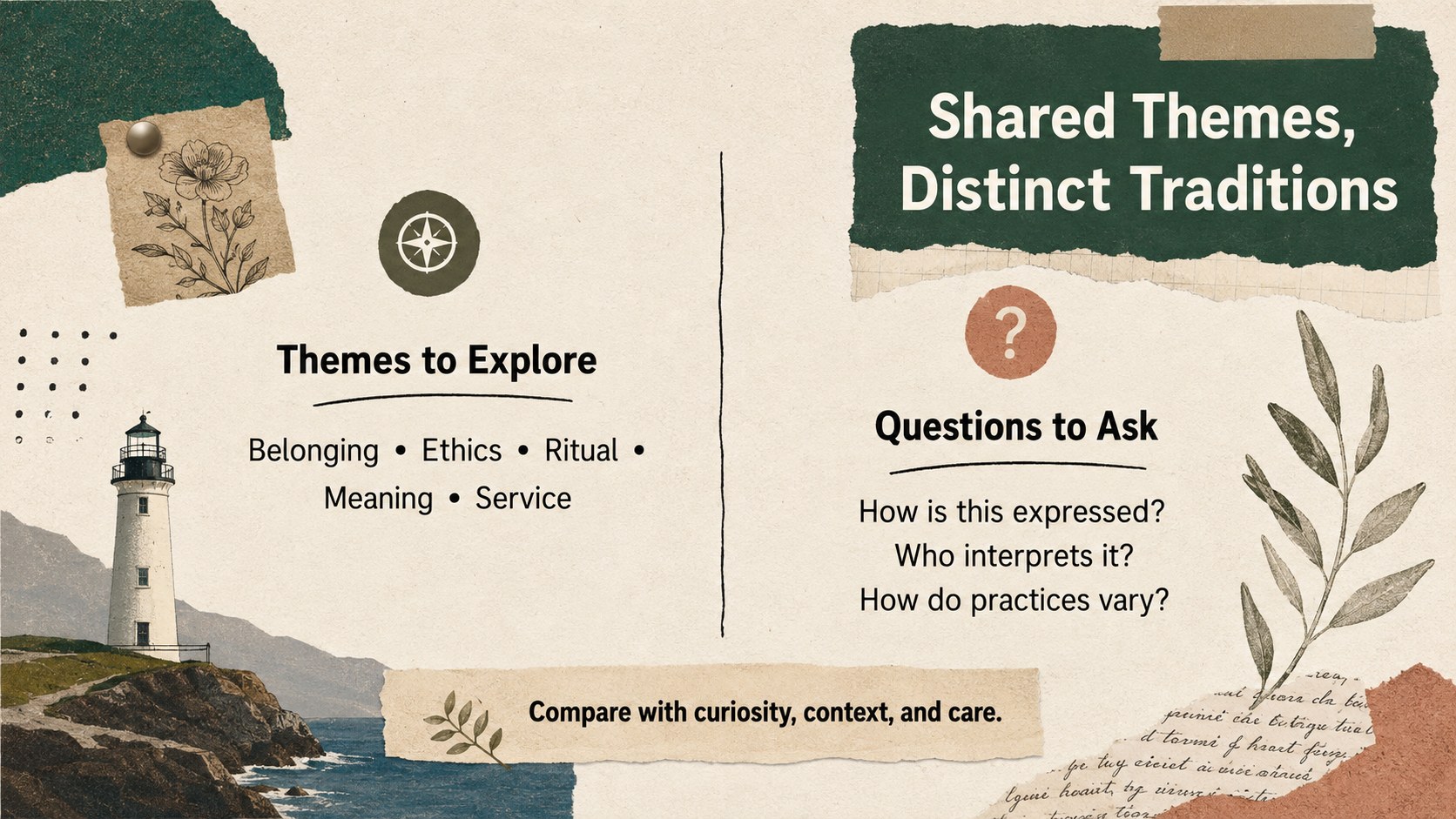
Inside, flexible infographic layouts help you present origins, central teachings, sacred texts, celebrations, places of worship, and community practices. Comparison sections make it easier to identify both distinctions and shared themes without suggesting that every tradition is uniform. Timeline, category, and reflection layouts support a variety of teaching approaches, from concise overviews to guided classroom inquiry.
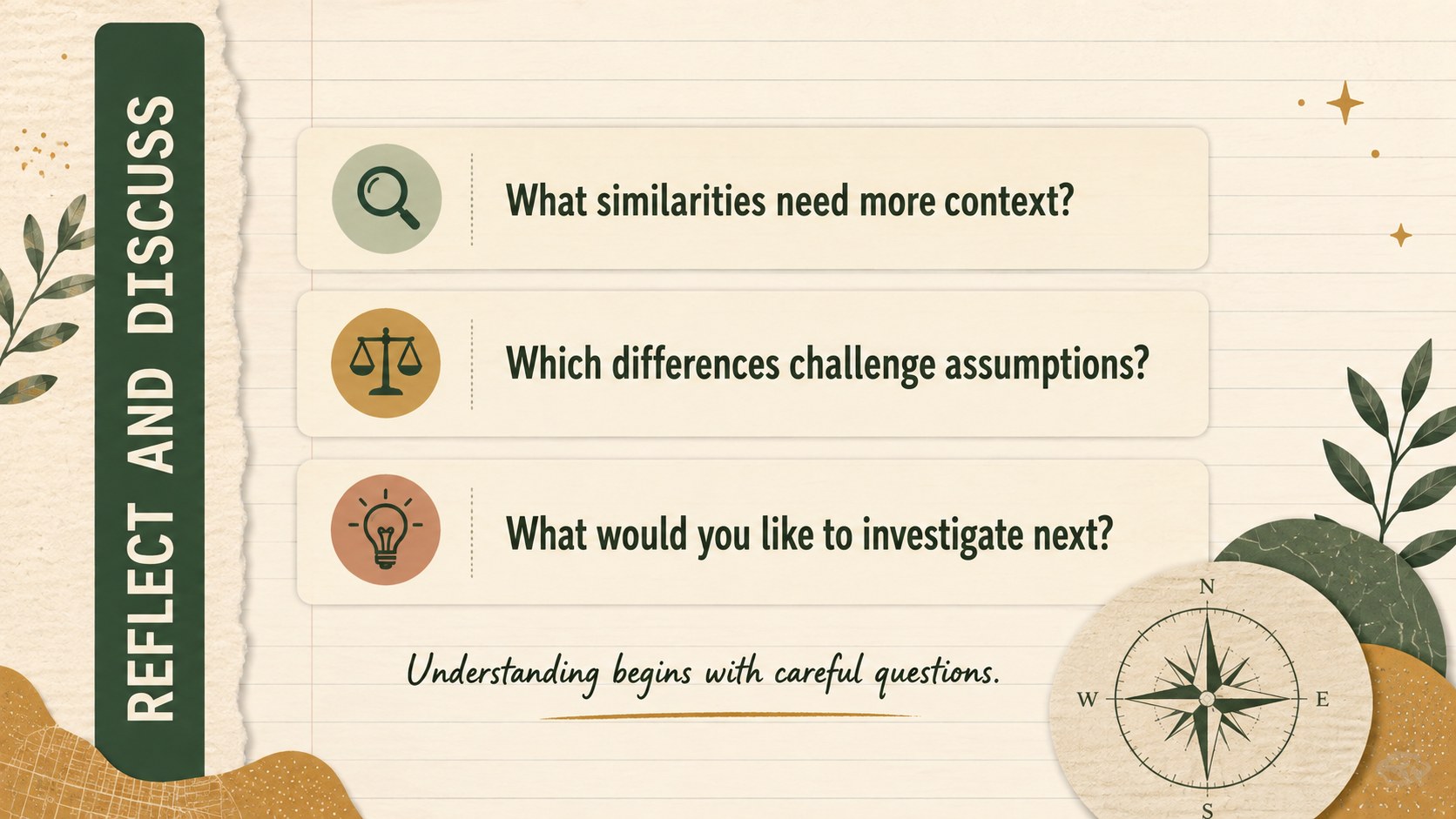
These World Faiths Comparison Slides are suitable for teachers, students, academic presenters, community educators, and interfaith discussion facilitators. They also work well as religious literacy teaching slides for history courses, cultural studies, student research projects, and professional learning sessions. Edit the wording, reorder topics, replace icons, and adjust the level of detail in PowerPoint or Google Slides. The restrained collage design can accommodate neutral academic language, citations, discussion questions, and locally relevant examples while maintaining a cohesive visual style.
Perfect for: comparative religion classroom lesson; student cultural studies project; interfaith community workshop; religious literacy teacher training; world history course overview.
Frequently asked questions
Can I edit these slides for a specific curriculum? Yes. You can revise headings, descriptions, categories, icons, and examples to match your curriculum, age group, and preferred terminology.
Practical details
Yes. You can revise headings, descriptions, categories, icons, and examples to match your curriculum, age group, and preferred terminology.
The template is designed for PowerPoint and Google Slides. Fonts or spacing may vary slightly between platforms, so review the final layout before presenting.
Keep the beige palette, paper textures, and limited collage accents consistent across the deck. Duplicate existing content structures when adding topics, and use similarly weighted icons and concise text blocks.
Yes. Duplicate a comparison or profile layout, then replace its text and imagery with carefully sourced information about the additional tradition. Use neutral language and cite authoritative or community-informed references.
Keep exploring
15Build stronger academic arguments with a college essay thesis builder featuring guided examples, revision prompts, and editable PowerPoint and Google Slides.
 15
15Build an engaging World UFO Day session with this flying saucer history lesson deck, featuring retro green-and-brown slides for PowerPoint and Google Slides.
 14
14Plan a memorable Lunar New Year campaign with the 2036 Dragon Year Celebration Theme, featuring bold red-and-yellow slides for lessons and events.
 15
15Build a thoughtful classroom discussion with this interfaith awareness lesson deck, featuring editable blue-and-white slides for PowerPoint and Google Slides.
 15
15Use this environmental awareness lesson deck to teach climate action through illustrated activities, discussion prompts, and ready-to-edit visuals.
 15
15Build playful lessons and party stories with a kid-friendly zombie celebration theme in purple, green and pastel blue for PowerPoint and Google Slides.
 15
15Build eerie lessons, campaigns, and story pitches with an undead survival scenario theme featuring editable slides for PowerPoint and Google Slides.
 16
16Turn environmental research into a clear story with a Watercolor Ecology Presentation Theme for PowerPoint and Google Slides in calming green and blue.