
 15
15presentation
College Essay Thesis Builder Slides
Build stronger academic arguments with a college essay thesis builder featuring guided examples, revision prompts, and editable PowerPoint and Google Slides.
Google SlidesPowerPoint
presentation · English
Turn geography lessons into an engaging world cities geography deck with playful blue, green and yellow visuals for teachers, students, PowerPoint and…


Design notes
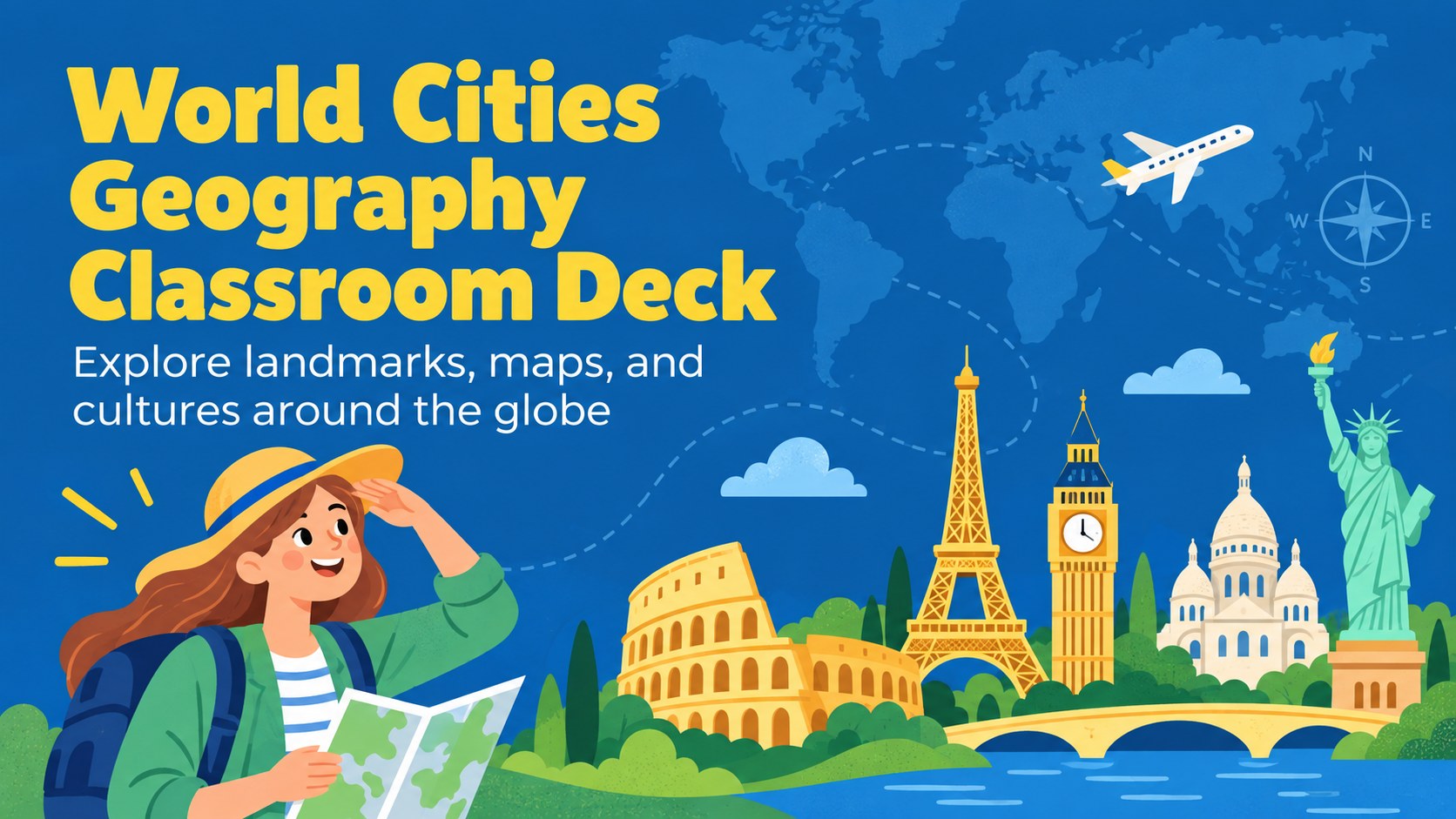
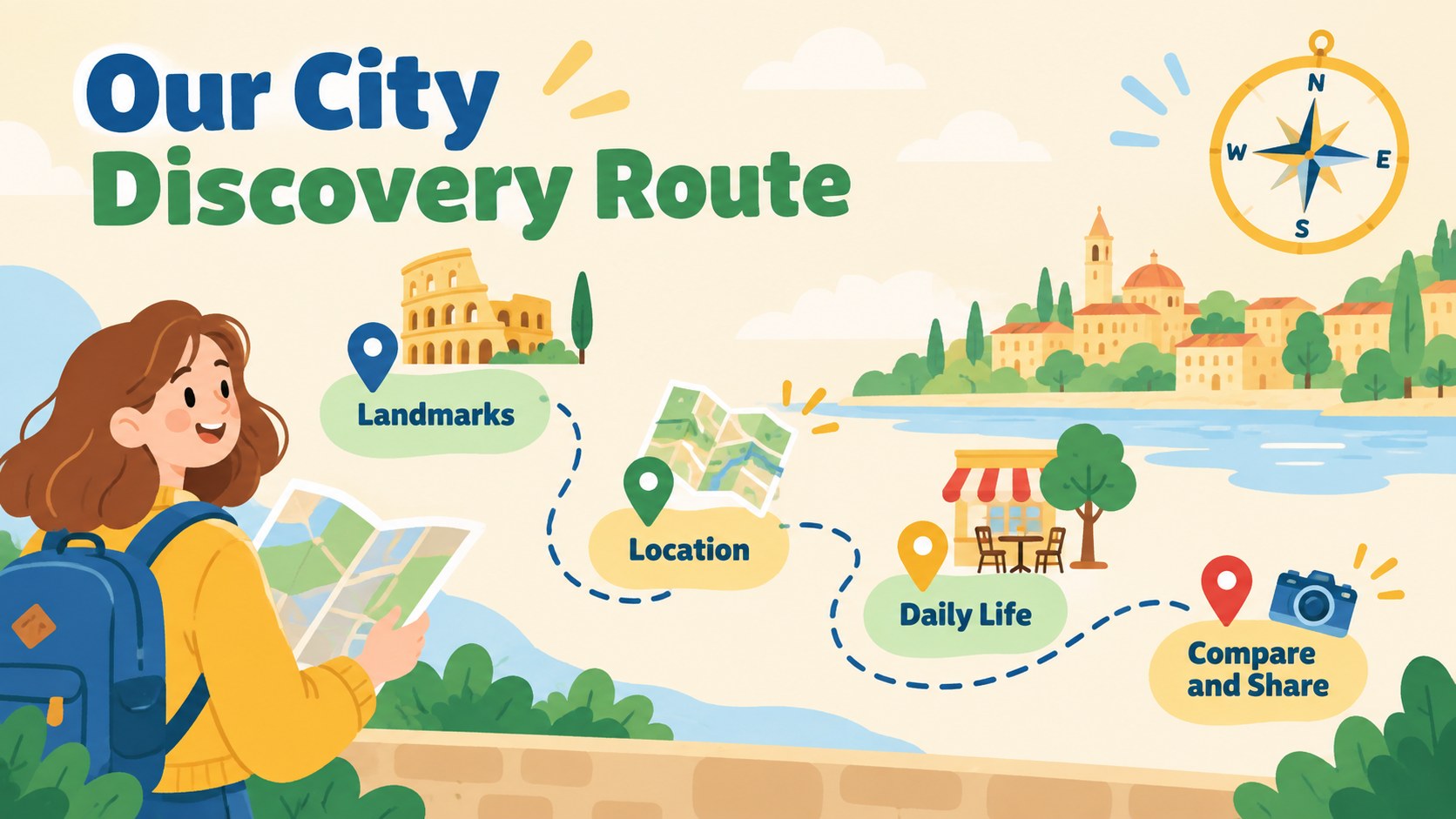
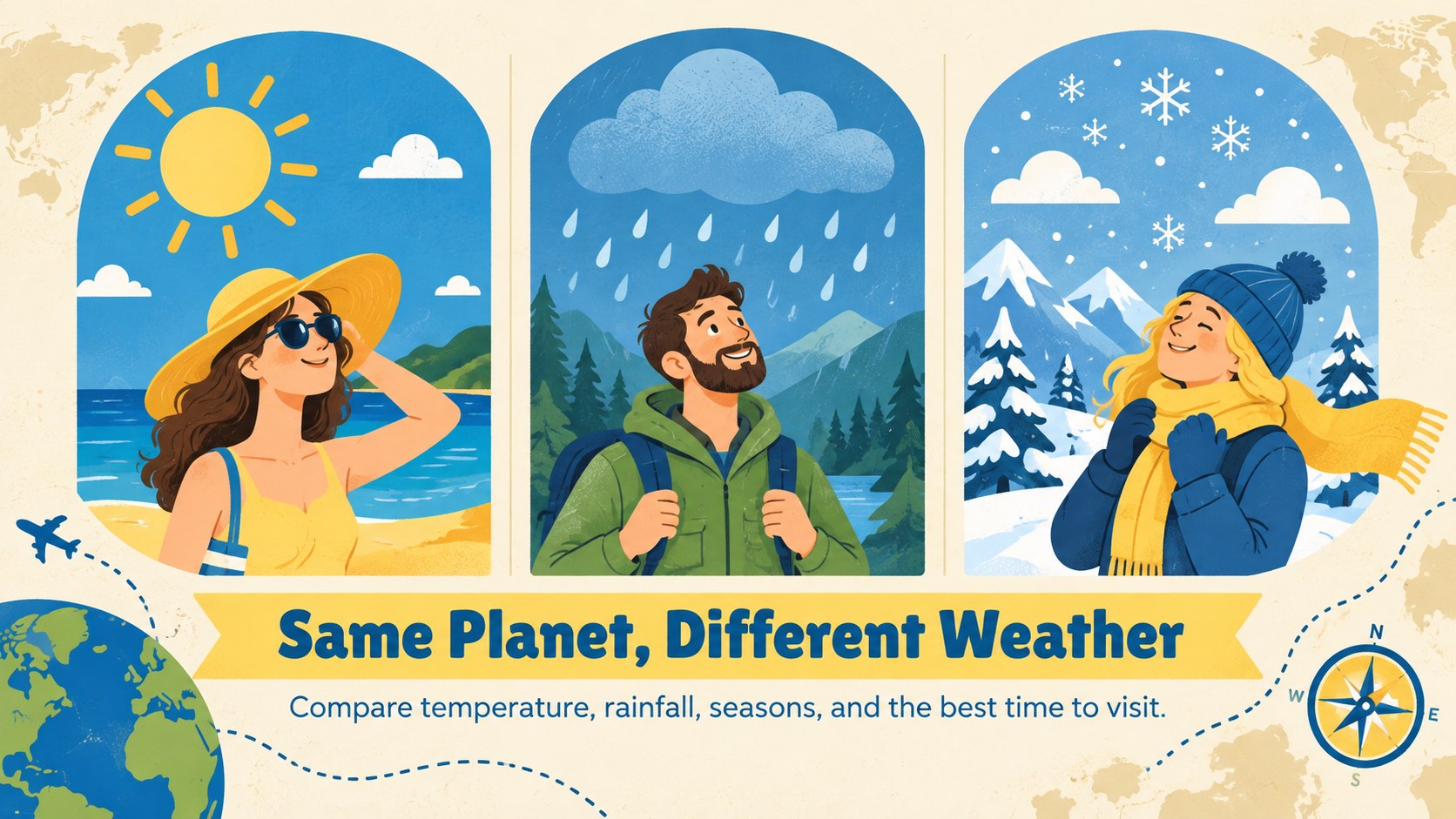
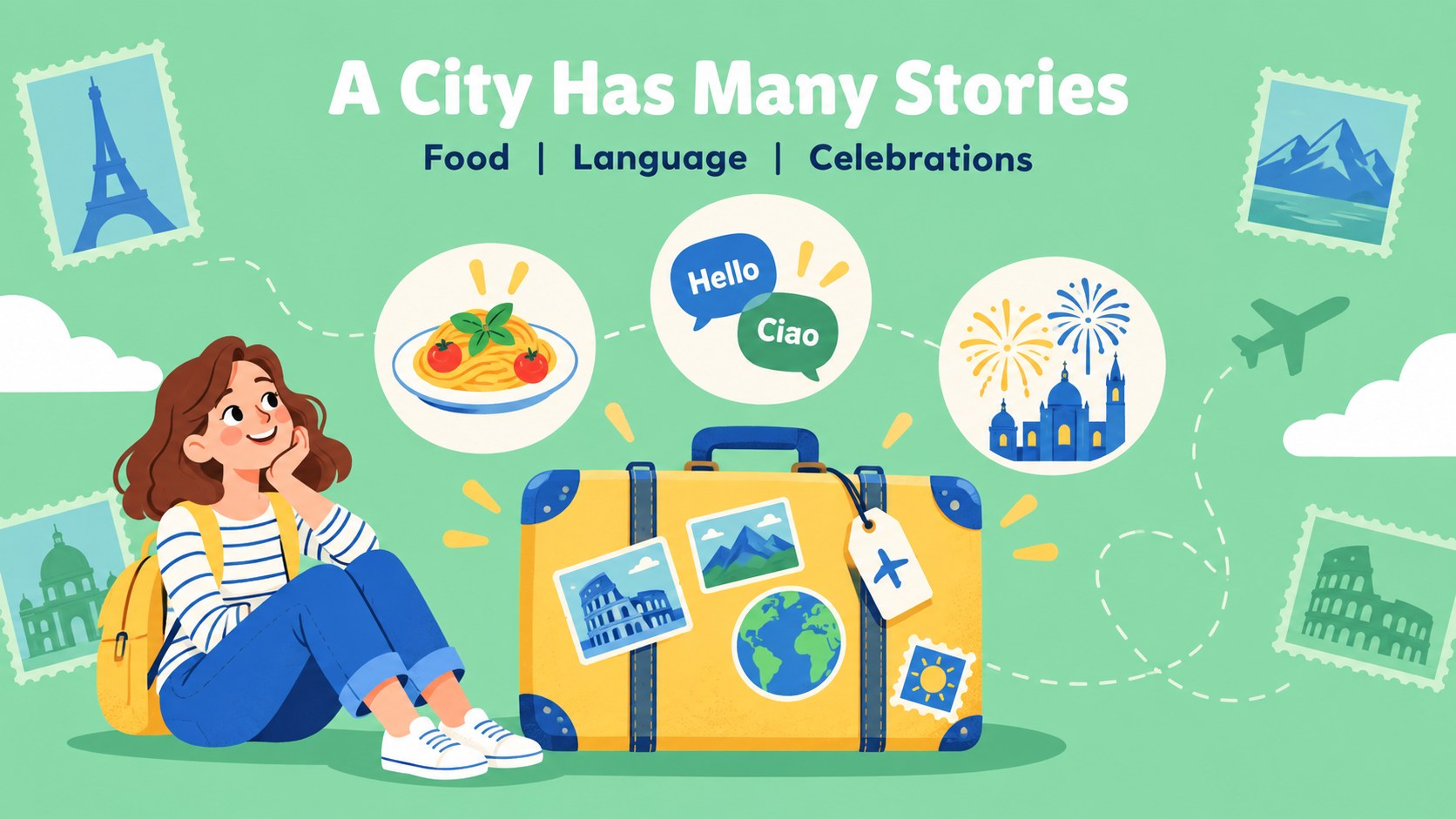
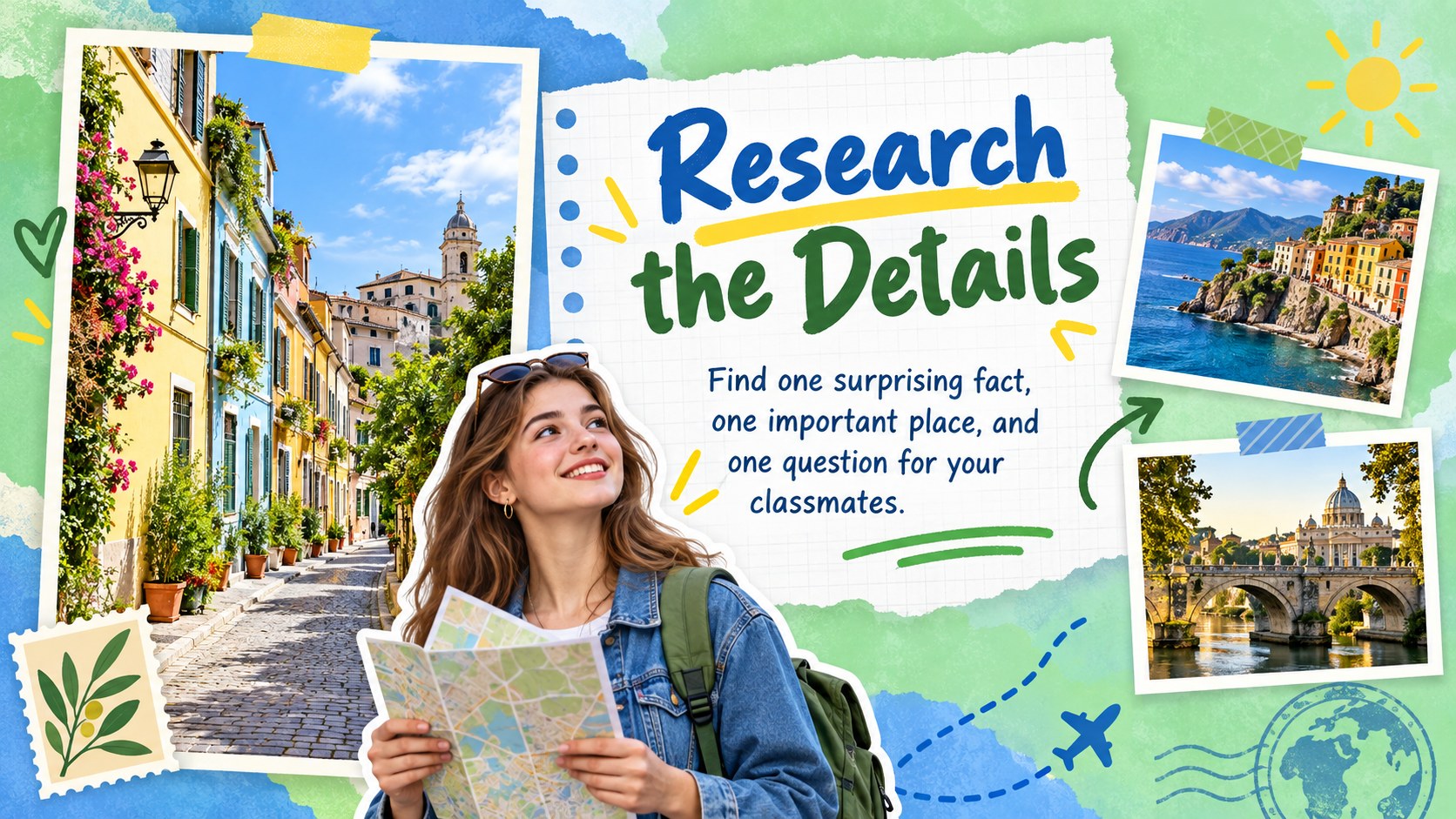
Make geography lessons more vivid with this world cities geography deck, a cheerful presentation theme for exploring landmarks, maps, cultures, and urban life. The blue, green, and yellow palette creates an inviting classroom atmosphere, while playful illustrations keep younger learners focused on each destination.
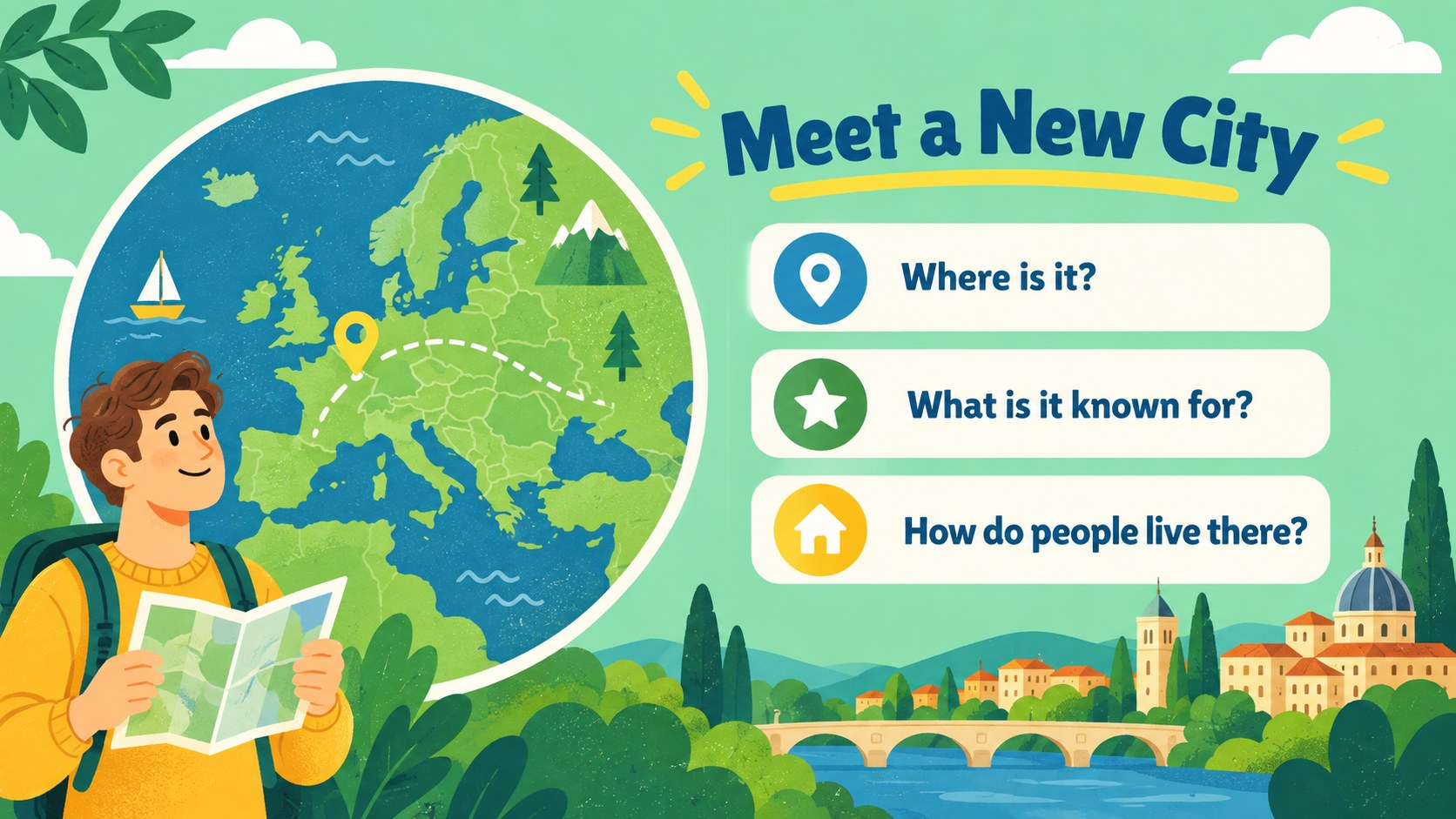
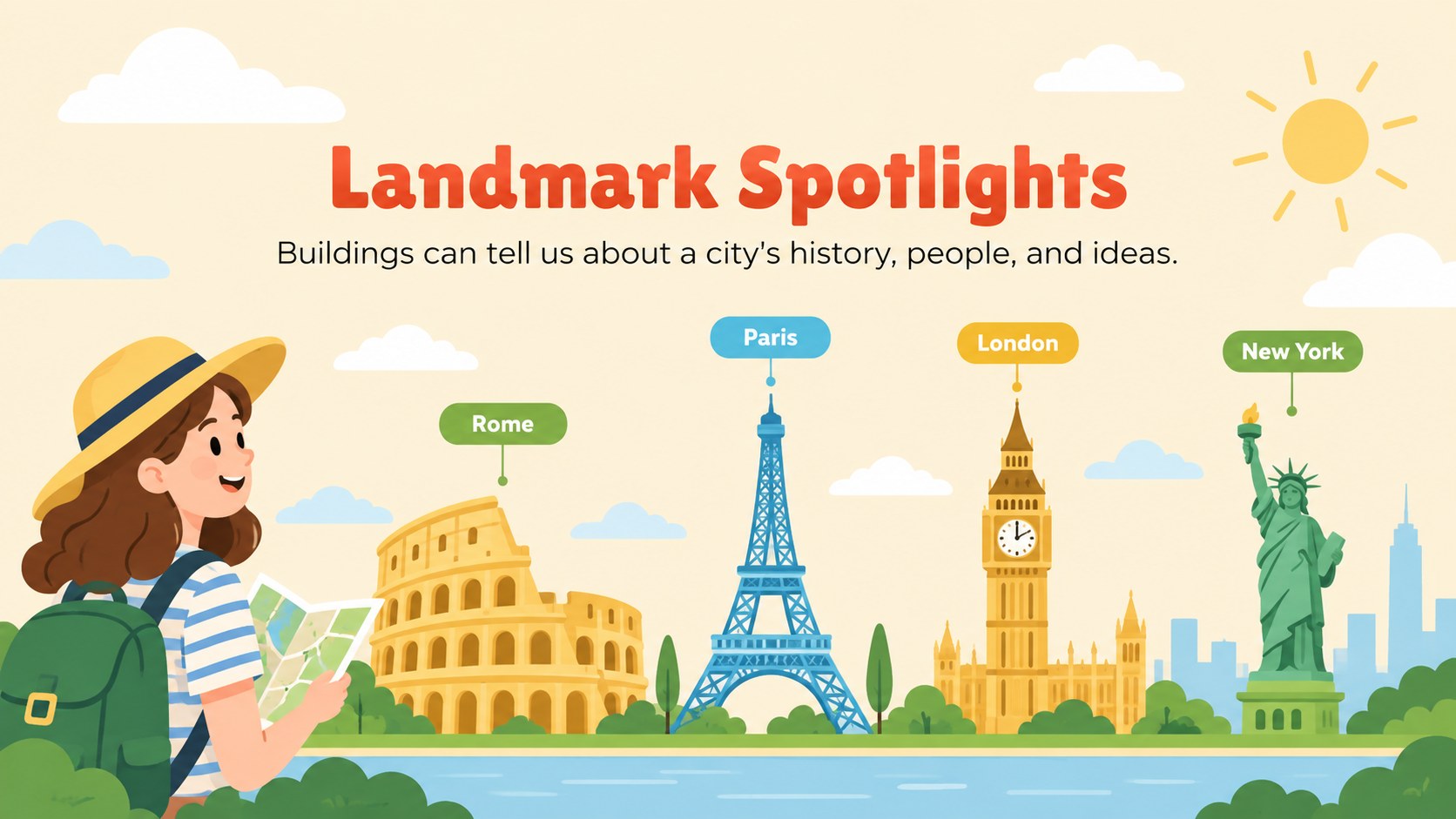
Inside, you will find more than 25 editable layouts for introducing a city, comparing destinations, presenting quick facts, highlighting famous places, and organizing group activities. Use map-inspired compositions, image frames, timelines, comparison tables, quiz pages, and simple data displays to build a complete geography unit. The layouts are easy to adapt for different reading levels, lesson lengths, and school subjects.
This illustrated geography presentation is designed for elementary and middle school teachers, homeschool educators, museum instructors, and students preparing school projects. It works well for country studies, travel-themed lessons, multicultural learning, and classroom presentations about urban environments. Edit text, colors, illustrations, charts, and images in PowerPoint or Google Slides, then present in class or share digitally. The friendly city exploration theme gives educators a structured starting point while leaving room for original research, discussion prompts, and student creativity.
Perfect for: elementary geography lesson; middle school city research project; homeschool world cultures unit; museum education workshop; classroom landmark quiz.
Frequently asked questions
Can I edit this deck in PowerPoint? Yes. The layouts, text, shapes, charts, and color elements can be customized in PowerPoint. Replace the sample city information with your own lesson content and images.
Practical details
Yes. The layouts, text, shapes, charts, and color elements can be customized in PowerPoint. Replace the sample city information with your own lesson content and images.
Yes, the presentation can be opened and edited in Google Slides. Check the imported fonts and spacing before presenting, since some formatting may vary between applications.
Yes. Short fact pages and visual comparisons suit younger students, while the map, data, and research layouts can support more advanced assignments. Adjust the vocabulary and amount of text for your class.
You can change headings, body copy, illustrations, photos, charts, icons, and background colors. The blue, green, and yellow palette can also be adjusted while preserving the illustrated classroom style.
Keep exploring
15Build stronger academic arguments with a college essay thesis builder featuring guided examples, revision prompts, and editable PowerPoint and Google Slides.
 15
15Build an engaging World UFO Day session with this flying saucer history lesson deck, featuring retro green-and-brown slides for PowerPoint and Google Slides.
 14
14Plan a memorable Lunar New Year campaign with the 2036 Dragon Year Celebration Theme, featuring bold red-and-yellow slides for lessons and events.
 15
15Build a thoughtful classroom discussion with this interfaith awareness lesson deck, featuring editable blue-and-white slides for PowerPoint and Google Slides.
 15
15Use this environmental awareness lesson deck to teach climate action through illustrated activities, discussion prompts, and ready-to-edit visuals.
 15
15Build playful lessons and party stories with a kid-friendly zombie celebration theme in purple, green and pastel blue for PowerPoint and Google Slides.
 15
15Build eerie lessons, campaigns, and story pitches with an undead survival scenario theme featuring editable slides for PowerPoint and Google Slides.
 16
16Turn environmental research into a clear story with a Watercolor Ecology Presentation Theme for PowerPoint and Google Slides in calming green and blue.