
 15
15presentation
College Essay Thesis Builder Slides
Build stronger academic arguments with a college essay thesis builder featuring guided examples, revision prompts, and editable PowerPoint and Google Slides.
Google SlidesPowerPoint
presentation · English
Build an inspiring Women's History Tribute Deck in soft pink and beige for lessons, assemblies, and events. Edit in PowerPoint or Google Slides.

Design notes
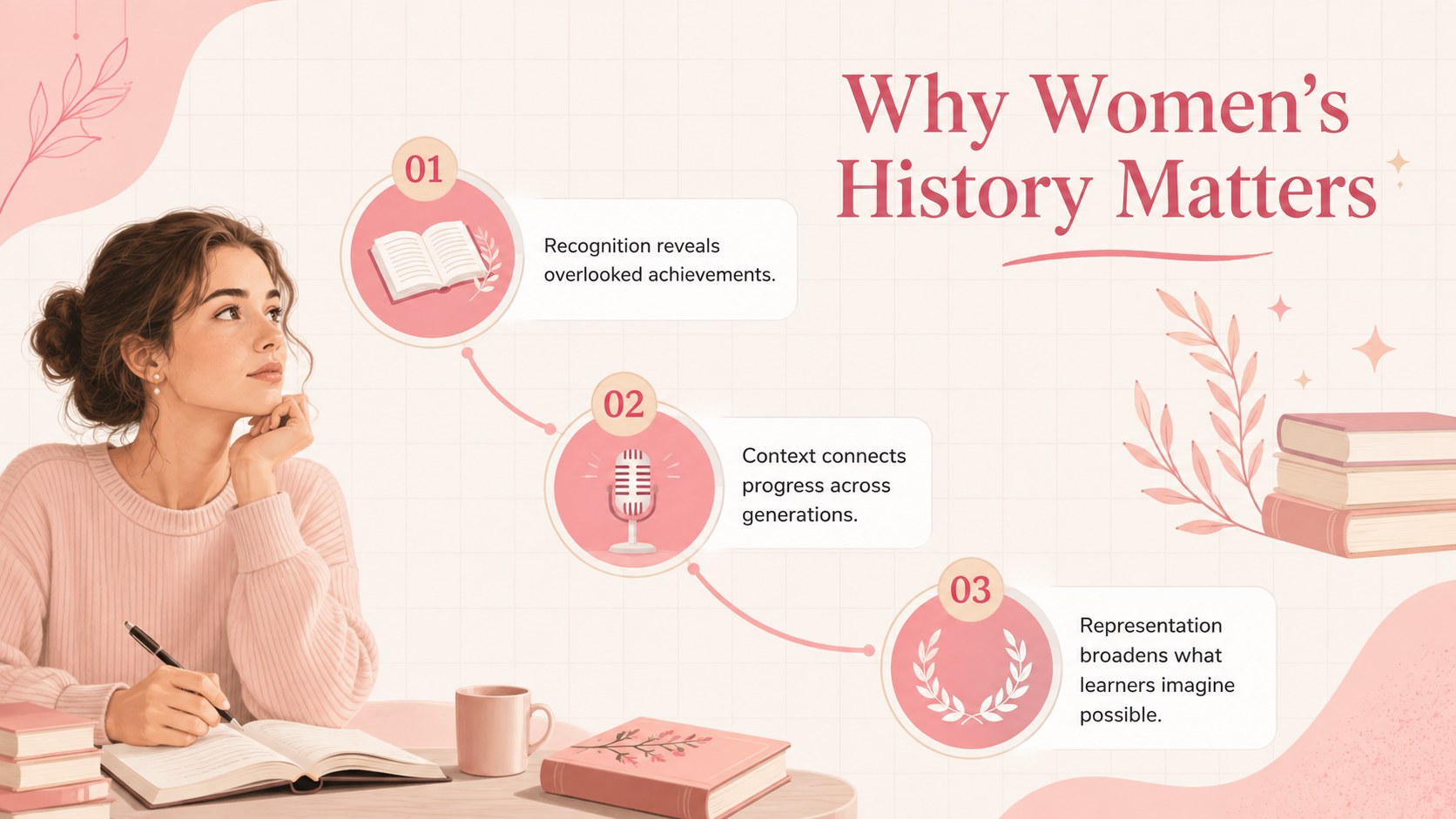
Create a thoughtful Women's History Tribute Deck that brings influential voices, defining moments, and lasting achievements into focus. Its minimalist illustrated style combines soft pink, beige, and white with expressive typography, giving educators and organizers an inviting alternative to a formal history lecture. Use it as a women's history month presentation for schools, an assembly feature, or a visual companion for a community event.
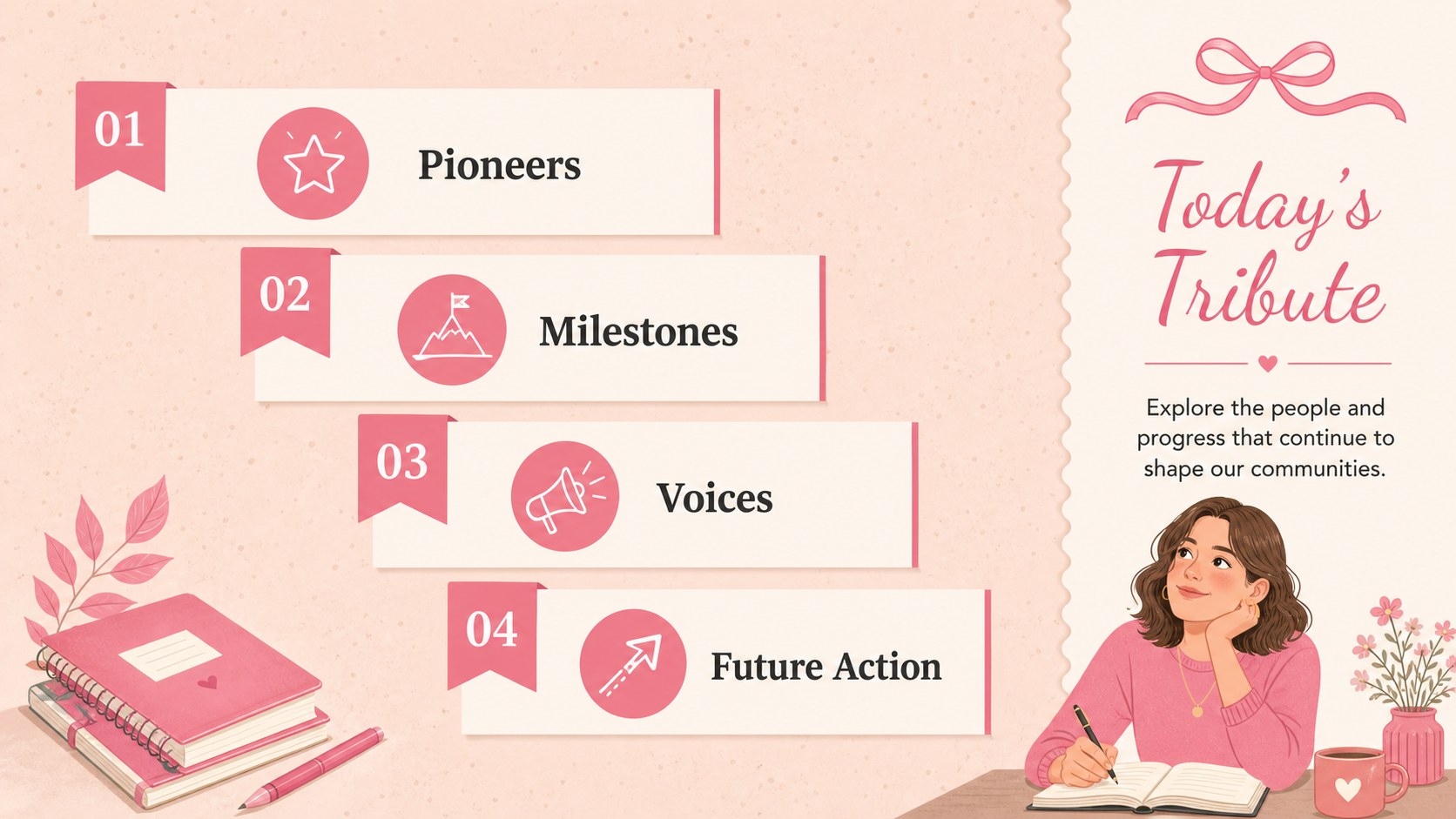
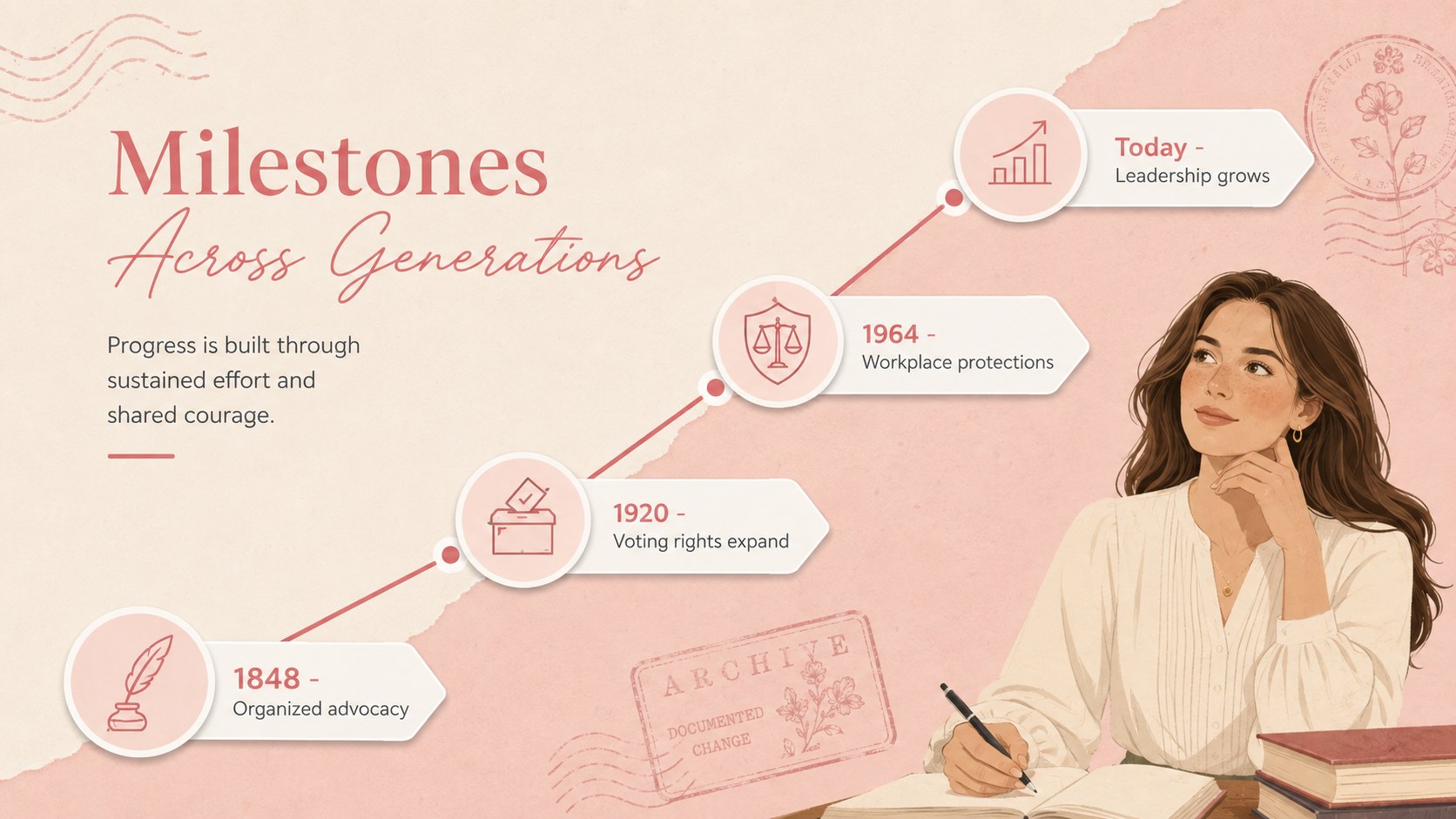
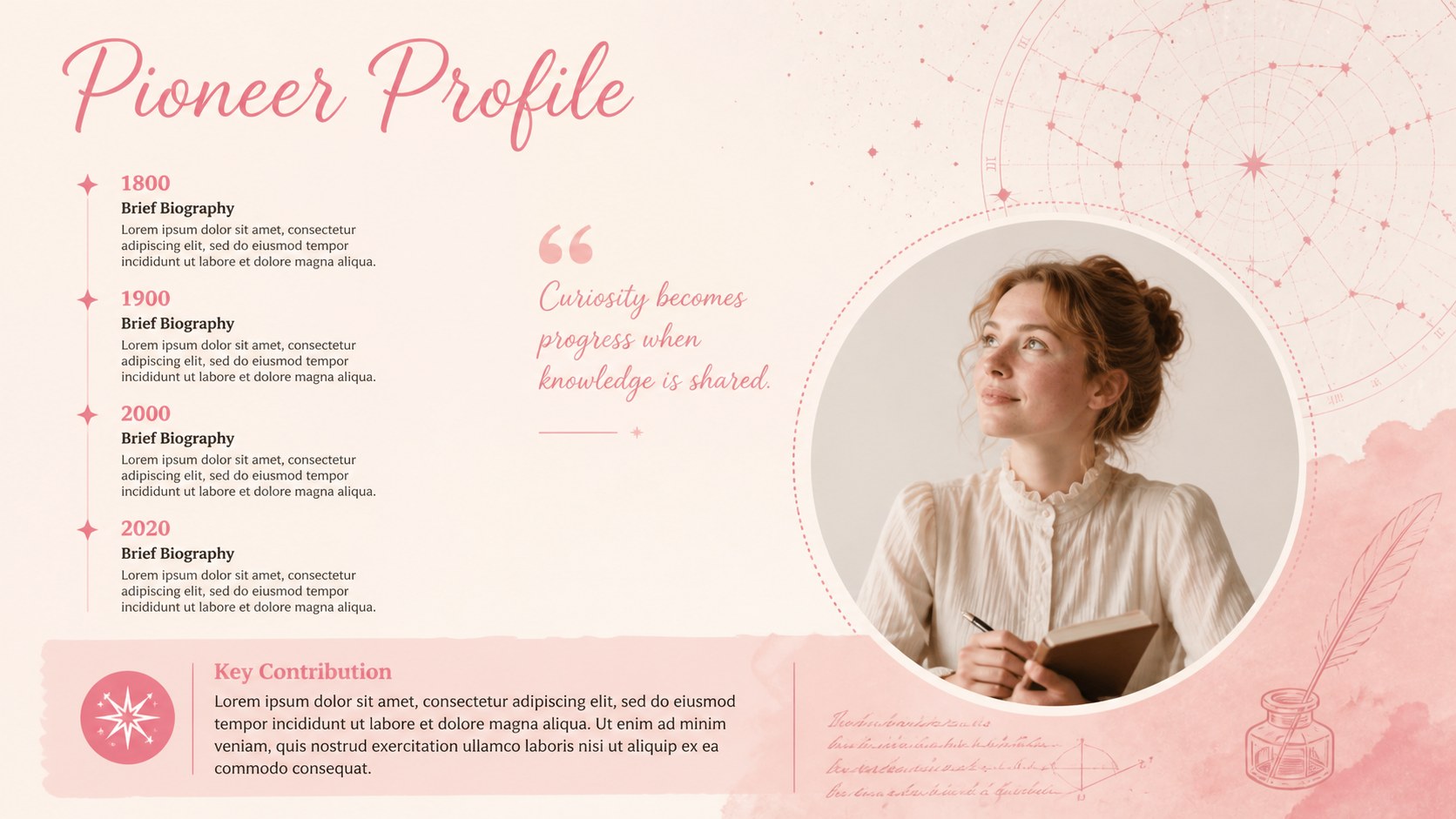
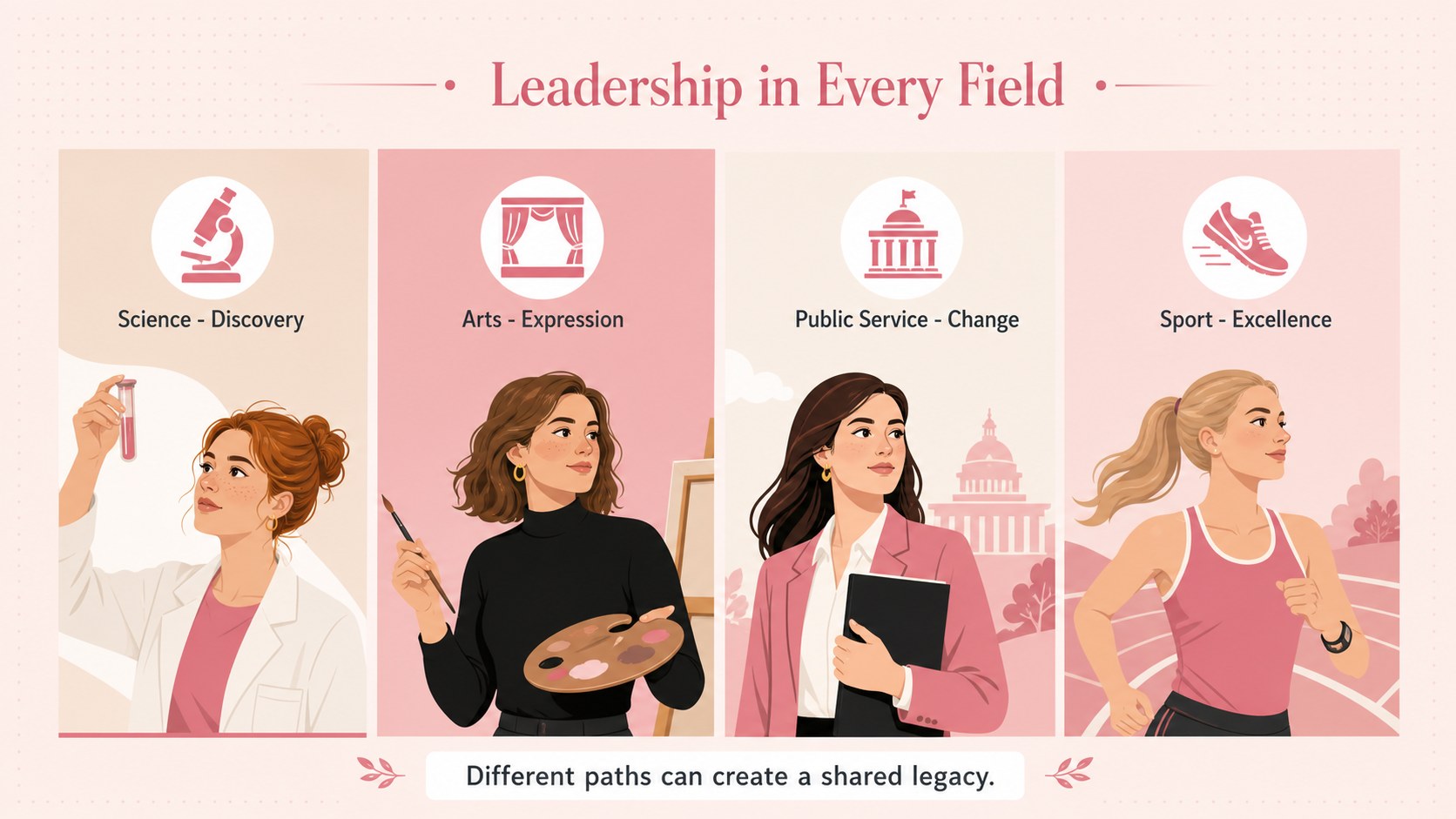
The 15-slide structure includes an opening tribute, program overview, historical timeline, profile layouts, milestone highlights, quote pages, discussion prompts, and a closing call to action. Flexible photo frames, charts, and text arrangements make it easy to introduce scientists, artists, activists, athletes, public servants, and local role models. The deck works as a pink women's history PowerPoint template while remaining fully compatible with Google Slides.
Teachers can adapt the material into a women leaders classroom presentation, while student groups, libraries, nonprofits, and workplace teams can shape it around their own speakers or honorees. Replace the sample wording, add portraits and citations, adjust the accent colors, and reorganize sections without losing the cohesive visual style. The result is a respectful, audience-friendly presentation for recognizing women's contributions, connecting past progress with present-day experiences, and encouraging further learning.
Perfect for: school history lesson; Women's History Month assembly; community recognition event; women leaders classroom project; workplace heritage program.
Frequently asked questions
Can I edit this deck in PowerPoint and Google Slides? Yes. The layouts, text, colors, and image areas can be edited in both PowerPoint and Google Slides. Some fonts may need to be installed or replaced with a similar available typeface.
Practical details
Yes. The layouts, text, colors, and image areas can be edited in both PowerPoint and Google Slides. Some fonts may need to be installed or replaced with a similar available typeface.
Replace the sample names, portraits, quotations, dates, and achievements with material relevant to your lesson or event. You can also duplicate profile slides to feature additional honorees.
Yes. Dedicated reference and closing layouts can hold citations, reading lists, and image credits. Keep source text concise on the slides and link to a fuller bibliography when needed.
Yes. Update theme colors in PowerPoint or Google Slides to match a school, nonprofit, or event identity. Check contrast after editing so headings and body text remain easy to read.
Keep exploring
15Build stronger academic arguments with a college essay thesis builder featuring guided examples, revision prompts, and editable PowerPoint and Google Slides.
 15
15Build an engaging World UFO Day session with this flying saucer history lesson deck, featuring retro green-and-brown slides for PowerPoint and Google Slides.
 14
14Plan a memorable Lunar New Year campaign with the 2036 Dragon Year Celebration Theme, featuring bold red-and-yellow slides for lessons and events.
 15
15Build a thoughtful classroom discussion with this interfaith awareness lesson deck, featuring editable blue-and-white slides for PowerPoint and Google Slides.
 15
15Use this environmental awareness lesson deck to teach climate action through illustrated activities, discussion prompts, and ready-to-edit visuals.
 15
15Build playful lessons and party stories with a kid-friendly zombie celebration theme in purple, green and pastel blue for PowerPoint and Google Slides.
 15
15Build eerie lessons, campaigns, and story pitches with an undead survival scenario theme featuring editable slides for PowerPoint and Google Slides.
 16
16Turn environmental research into a clear story with a Watercolor Ecology Presentation Theme for PowerPoint and Google Slides in calming green and blue.