
 15
15presentation
College Essay Thesis Builder Slides
Build stronger academic arguments with a college essay thesis builder featuring guided examples, revision prompts, and editable PowerPoint and Google Slides.
Google SlidesPowerPoint
presentation · English
Plan a meaningful March 8 event with our Women's Day Celebration Slide Theme, pairing warm brown illustrations with editable PowerPoint and Google Slides…


Design notes
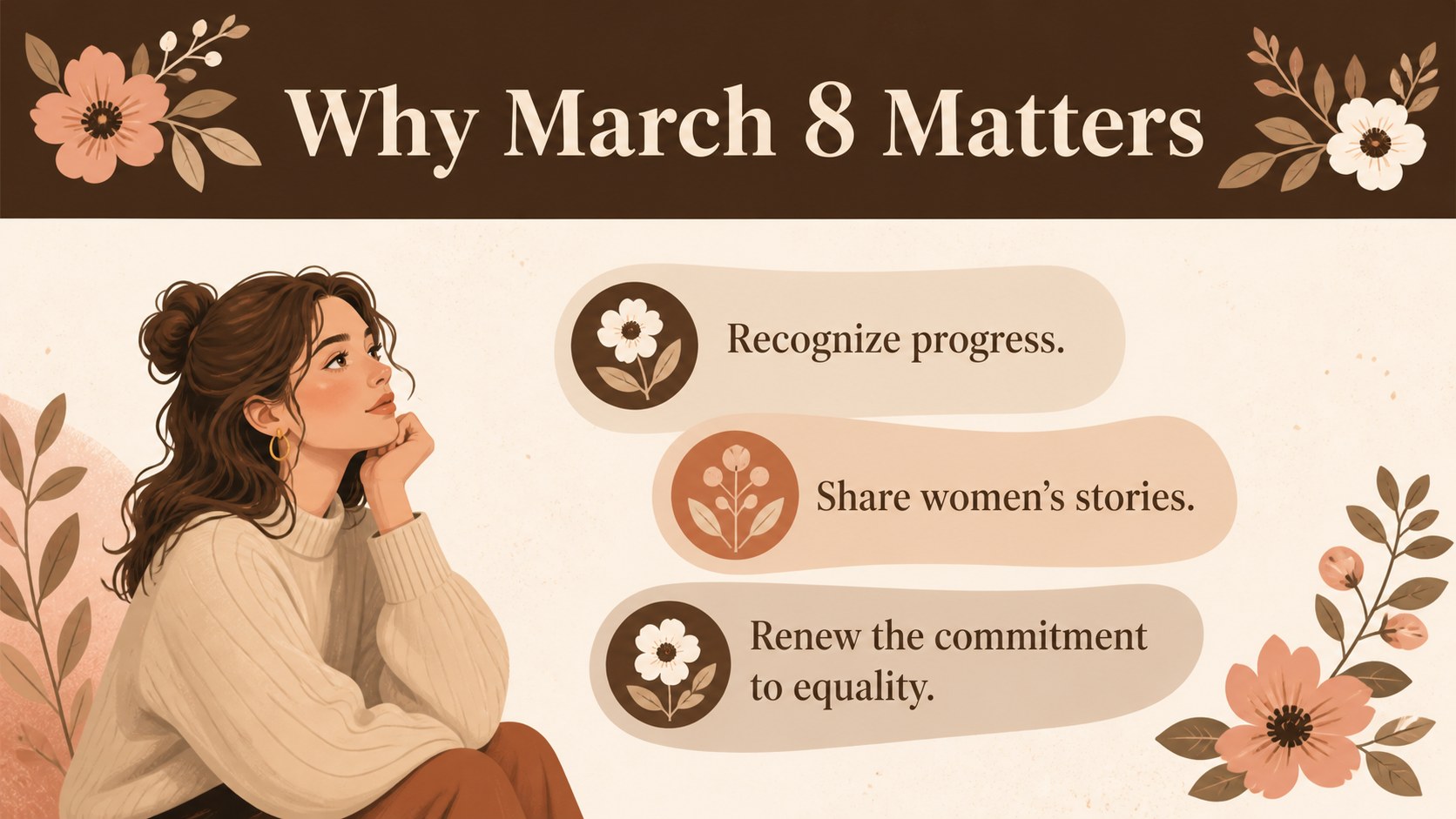
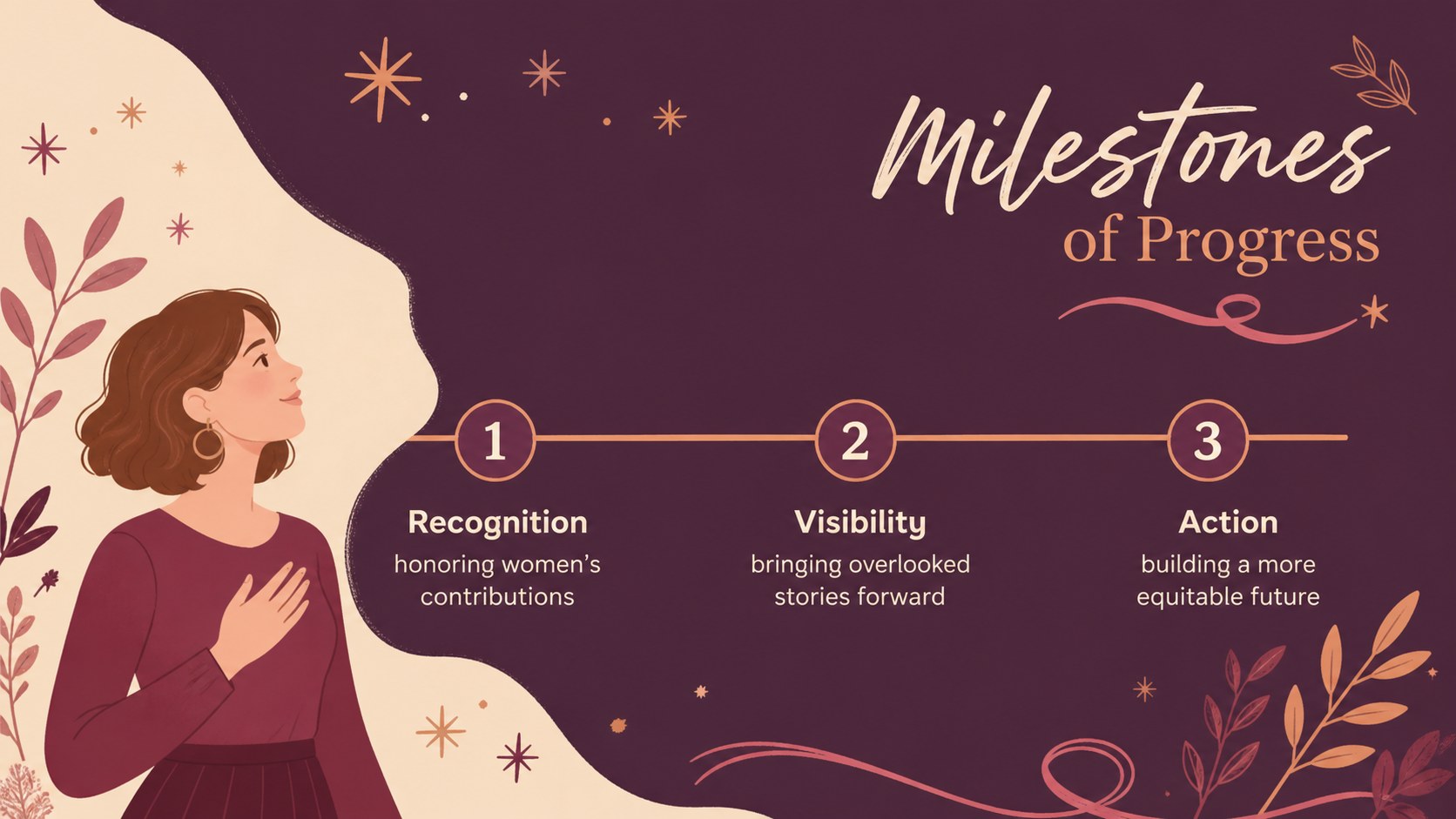
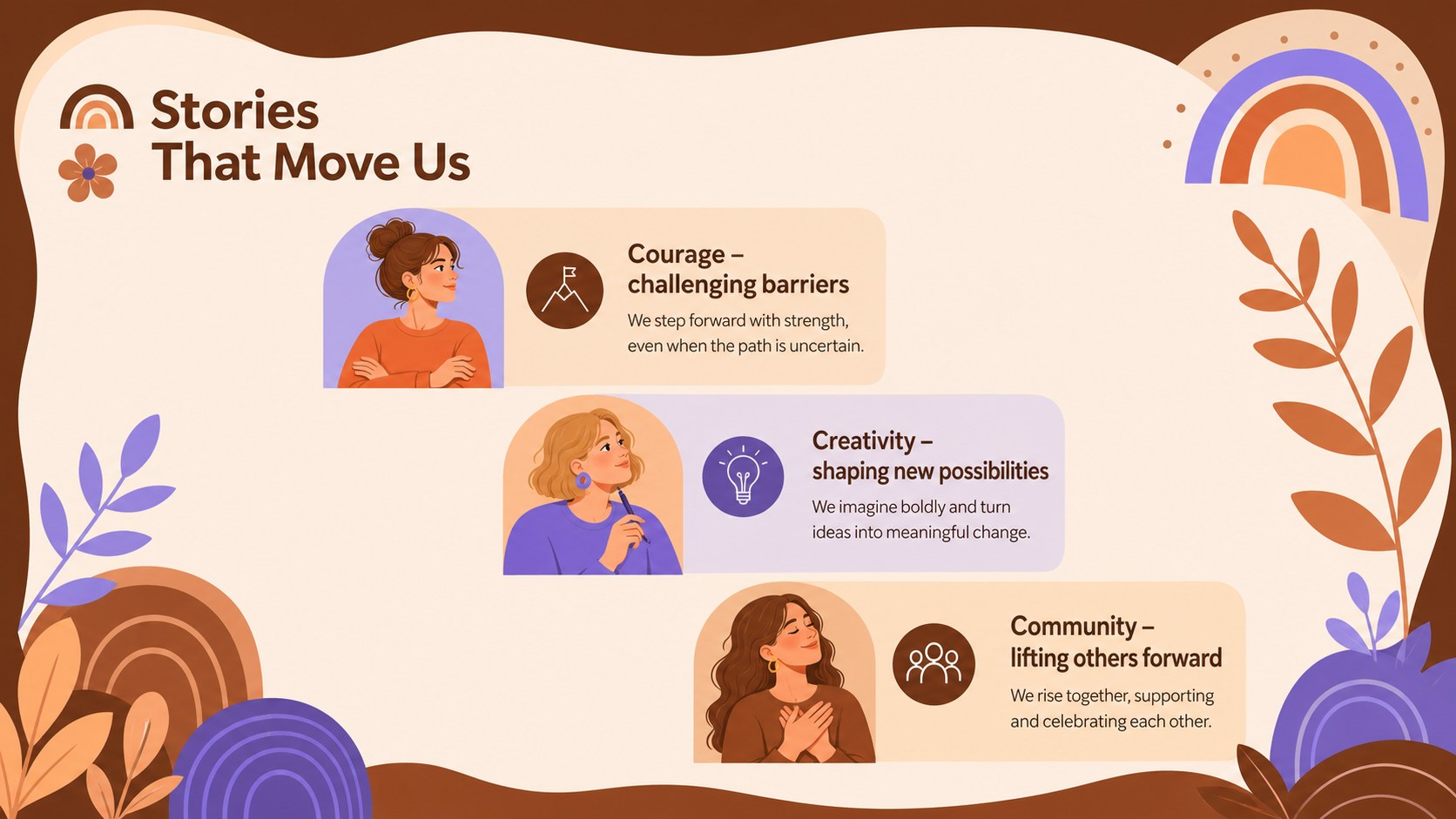
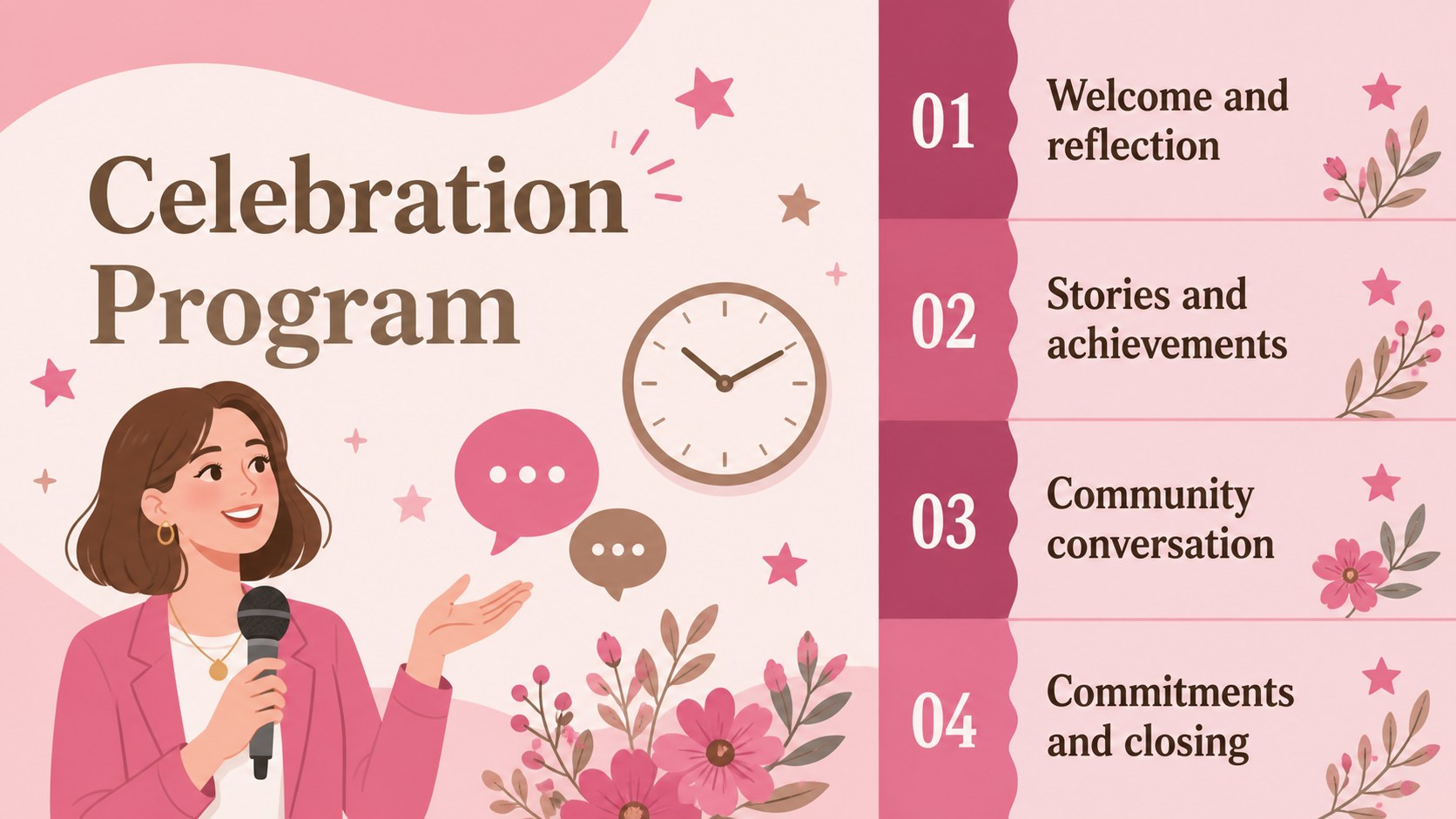
The Women's Day Celebration Slide Theme helps you create a thoughtful program honoring women's stories, achievements, and ongoing contributions. Its warm brown palette, expressive illustrations, and clean typography give every message a welcoming yet polished setting. Use it for a March 8 event presentation, an educational lesson, a workplace gathering, or a community tribute.
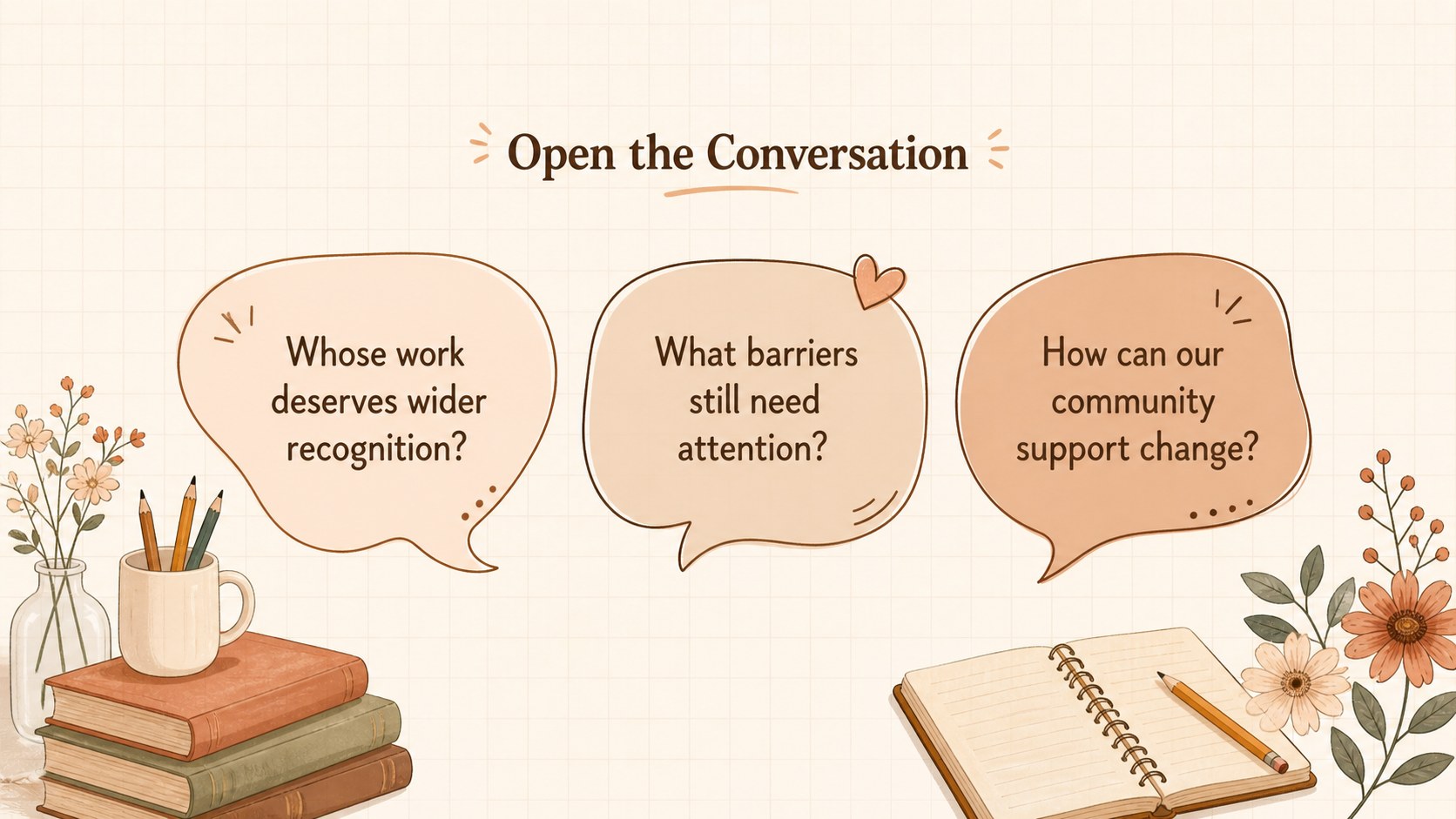
Inside, you will find coordinated layouts for an opening message, historical milestones, featured voices, discussion prompts, an event agenda, and a closing call to action. Decorative shapes, illustrated accents, and balanced content areas make the deck visually engaging without distracting from your message. Every slide can be edited in PowerPoint or Google Slides, allowing you to adjust text, colors, images, charts, and sequencing for your audience.
This brown illustrated Women's Day template is well suited to teachers preparing women's achievements classroom slides, organizers planning awareness events, employee groups hosting recognition programs, and speakers sharing personal or historical perspectives. Add local stories, notable figures, current initiatives, or audience activities to shape a presentation that feels relevant and specific. The flexible 16:9 format works for classroom screens, conference displays, virtual meetings, and exported handouts.
Perfect for: March 8 community event; women's achievements lesson; workplace recognition program; women leaders tribute; gender equality discussion.
Frequently asked questions
Can I edit this theme in PowerPoint and Google Slides? Yes. The layouts, text, colors, and visual elements can be customized in both PowerPoint and Google Slides. Font availability may vary slightly between platforms.
Practical details
Yes. The layouts, text, colors, and visual elements can be customized in both PowerPoint and Google Slides. Font availability may vary slightly between platforms.
Replace the sample wording with speaker names, regional milestones, community stories, and event details. You can also add photographs, logos, charts, or calls to action that reflect your organization.
Yes. Update the theme colors to match a school, workplace, nonprofit, or event identity while preserving adequate text contrast. Accent colors can also be applied to timelines, headings, and illustrated details.
Yes. Teachers can adapt the milestone, discussion, and achievement layouts for different age groups and lesson goals. The slides also work for student presentations and facilitated group activities.
Keep exploring
15Build stronger academic arguments with a college essay thesis builder featuring guided examples, revision prompts, and editable PowerPoint and Google Slides.
 15
15Build an engaging World UFO Day session with this flying saucer history lesson deck, featuring retro green-and-brown slides for PowerPoint and Google Slides.
 14
14Plan a memorable Lunar New Year campaign with the 2036 Dragon Year Celebration Theme, featuring bold red-and-yellow slides for lessons and events.
 15
15Build a thoughtful classroom discussion with this interfaith awareness lesson deck, featuring editable blue-and-white slides for PowerPoint and Google Slides.
 15
15Use this environmental awareness lesson deck to teach climate action through illustrated activities, discussion prompts, and ready-to-edit visuals.
 15
15Build playful lessons and party stories with a kid-friendly zombie celebration theme in purple, green and pastel blue for PowerPoint and Google Slides.
 15
15Build eerie lessons, campaigns, and story pitches with an undead survival scenario theme featuring editable slides for PowerPoint and Google Slides.
 16
16Turn environmental research into a clear story with a Watercolor Ecology Presentation Theme for PowerPoint and Google Slides in calming green and blue.