
 15
15presentation
College Essay Thesis Builder Slides
Build stronger academic arguments with a college essay thesis builder featuring guided examples, revision prompts, and editable PowerPoint and Google Slides.
Google SlidesPowerPoint
presentation · English
Build lively middle school English lessons with irony and puns lesson slides, playful green visuals, editable activities, clear examples, and discussion.
Design notes
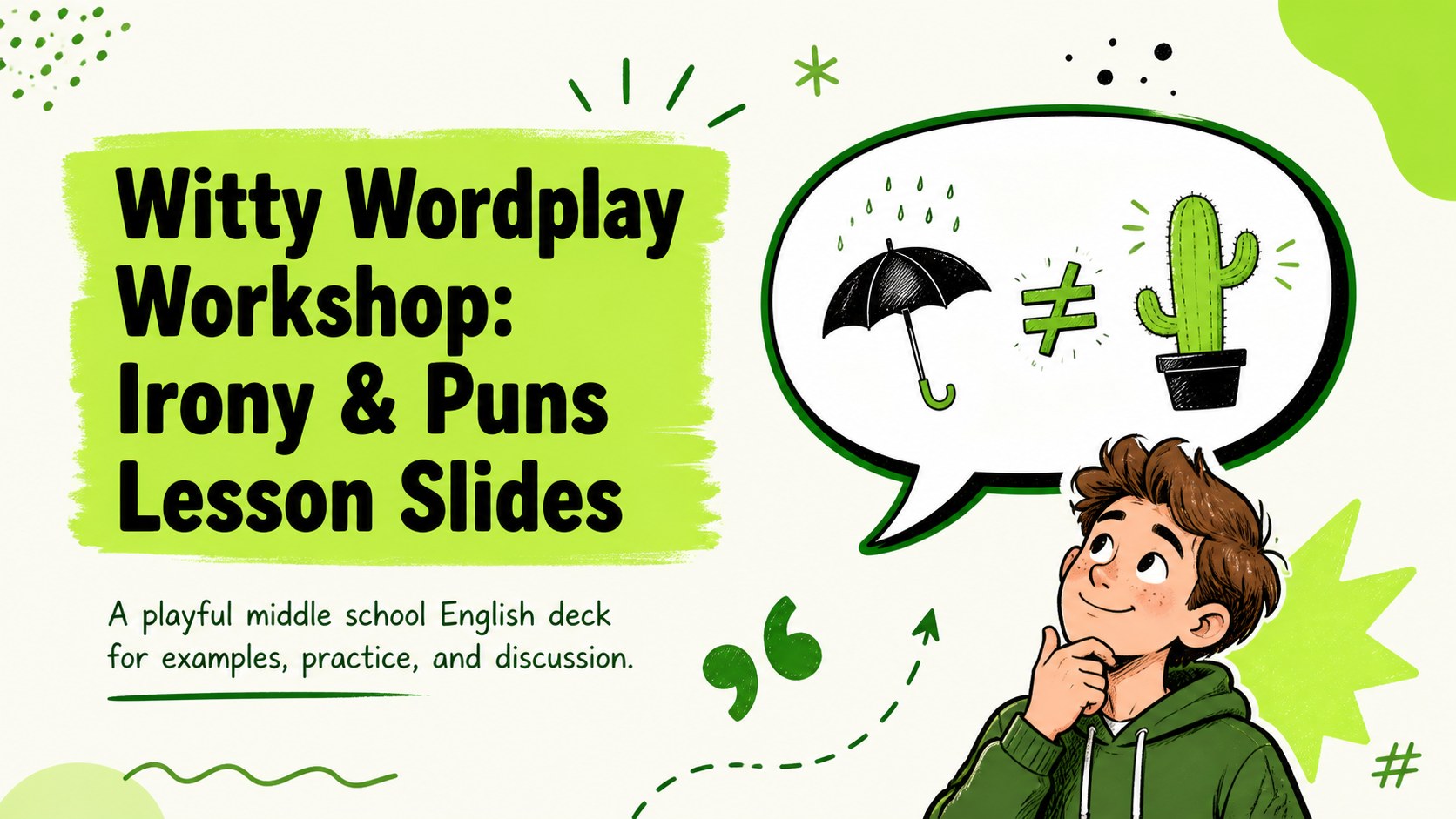
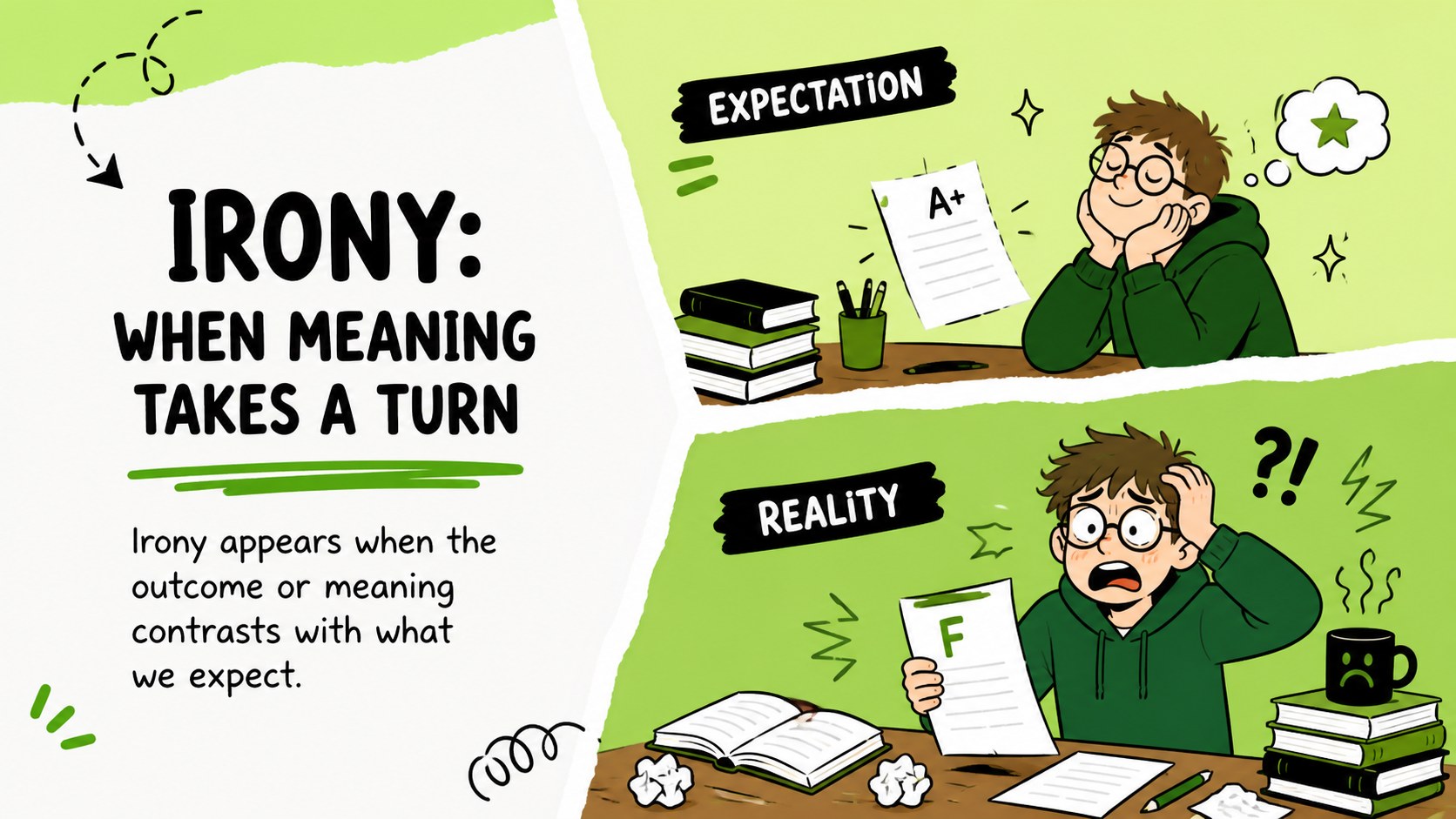
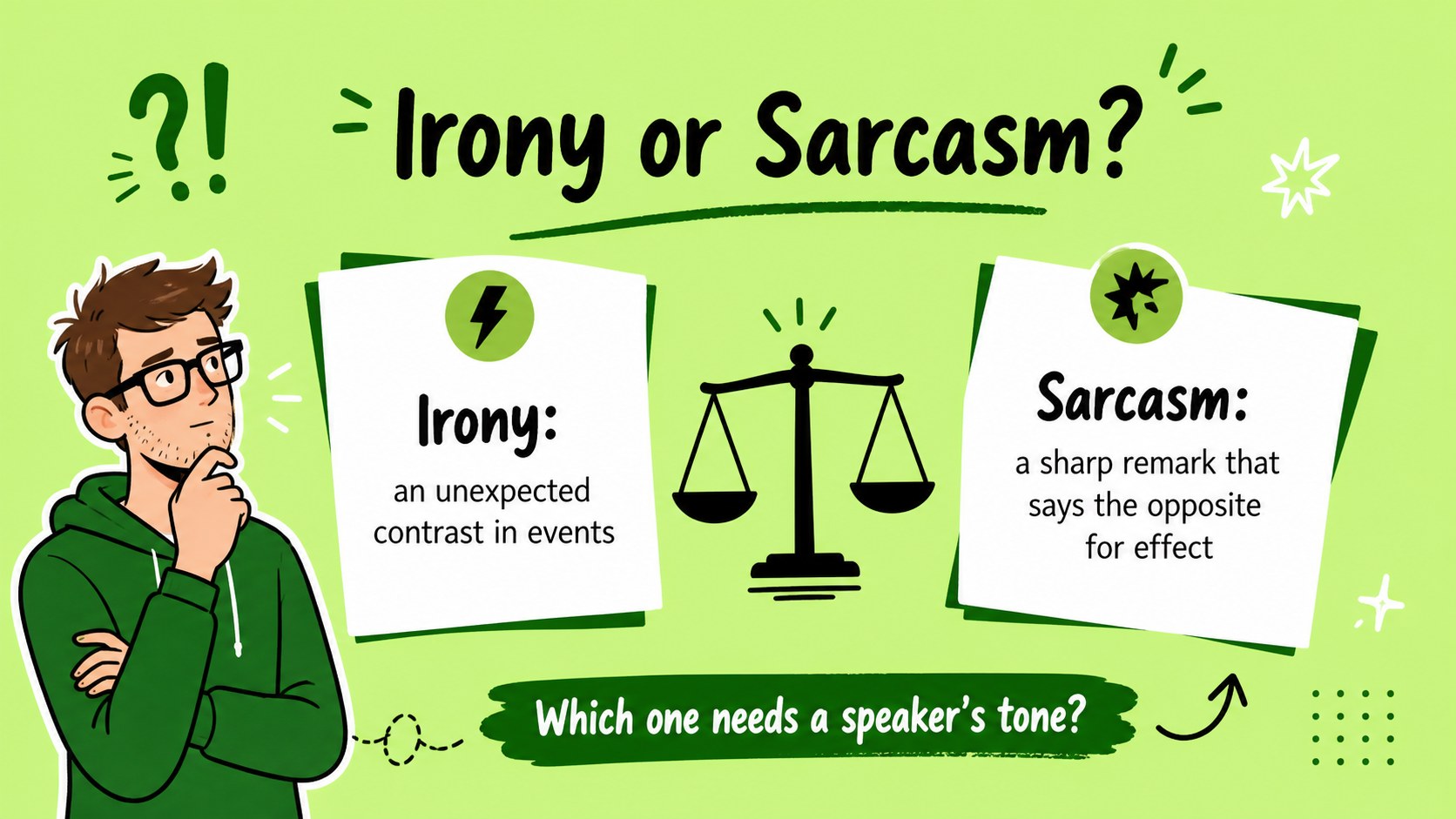
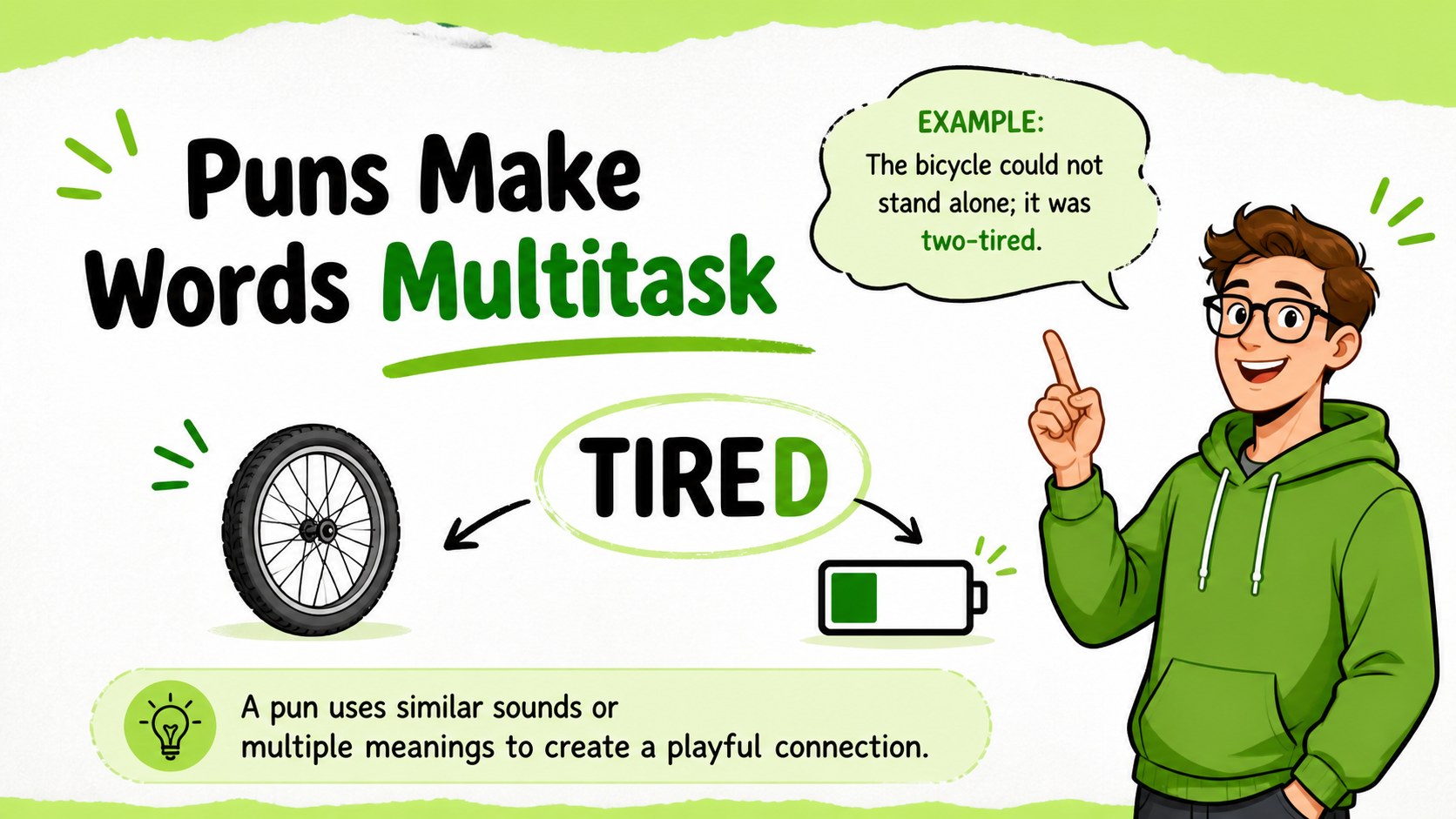
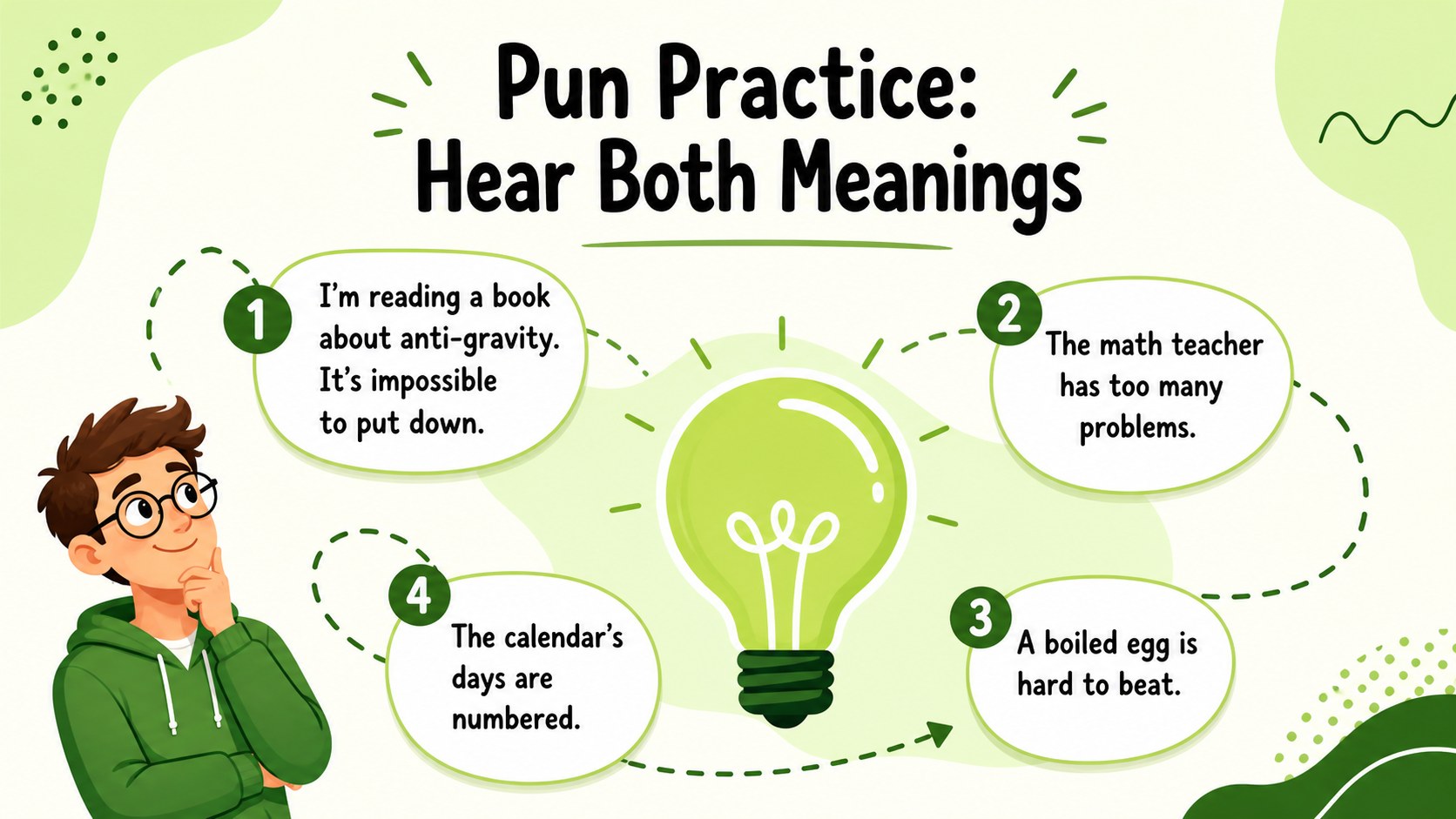
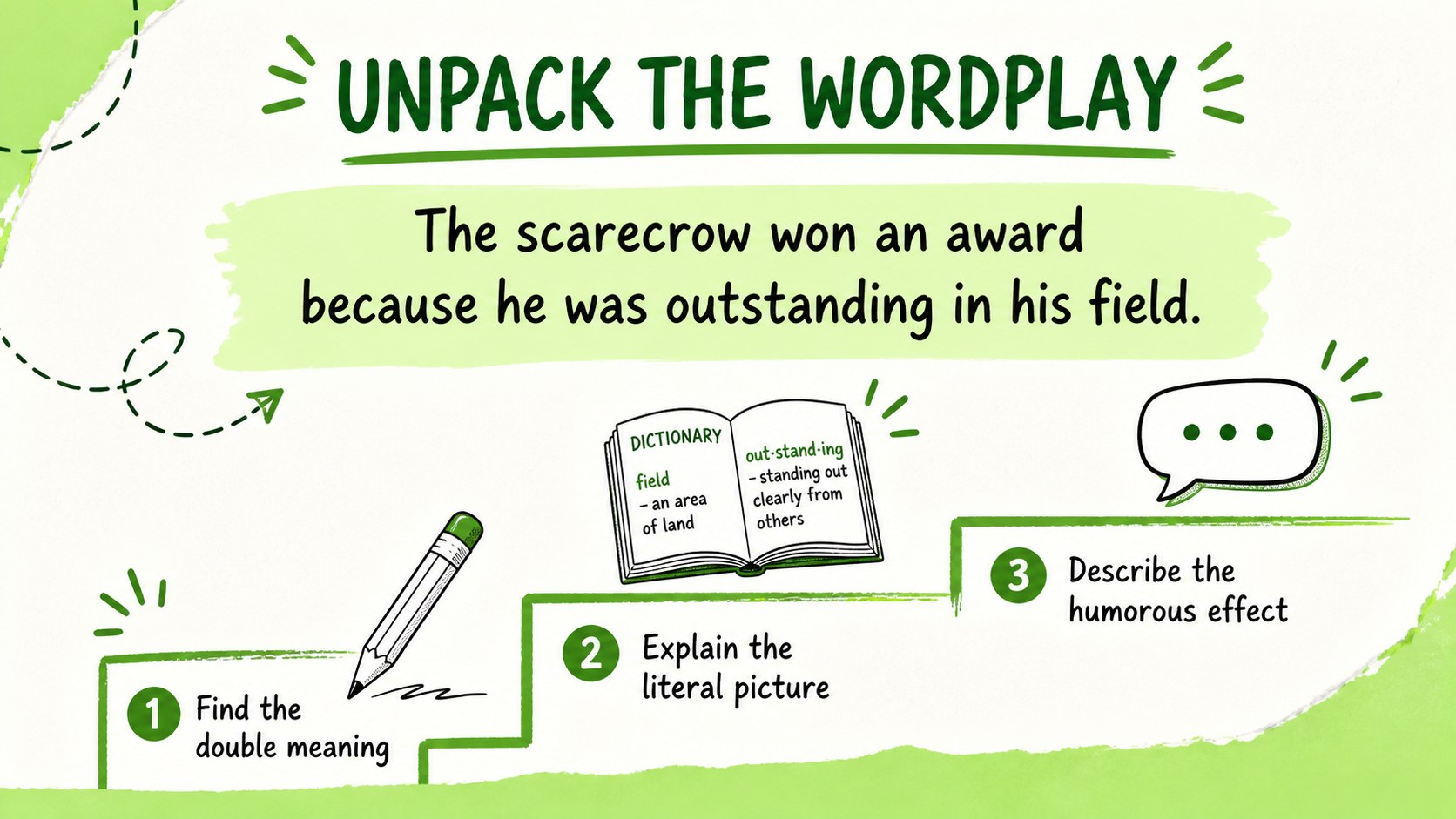
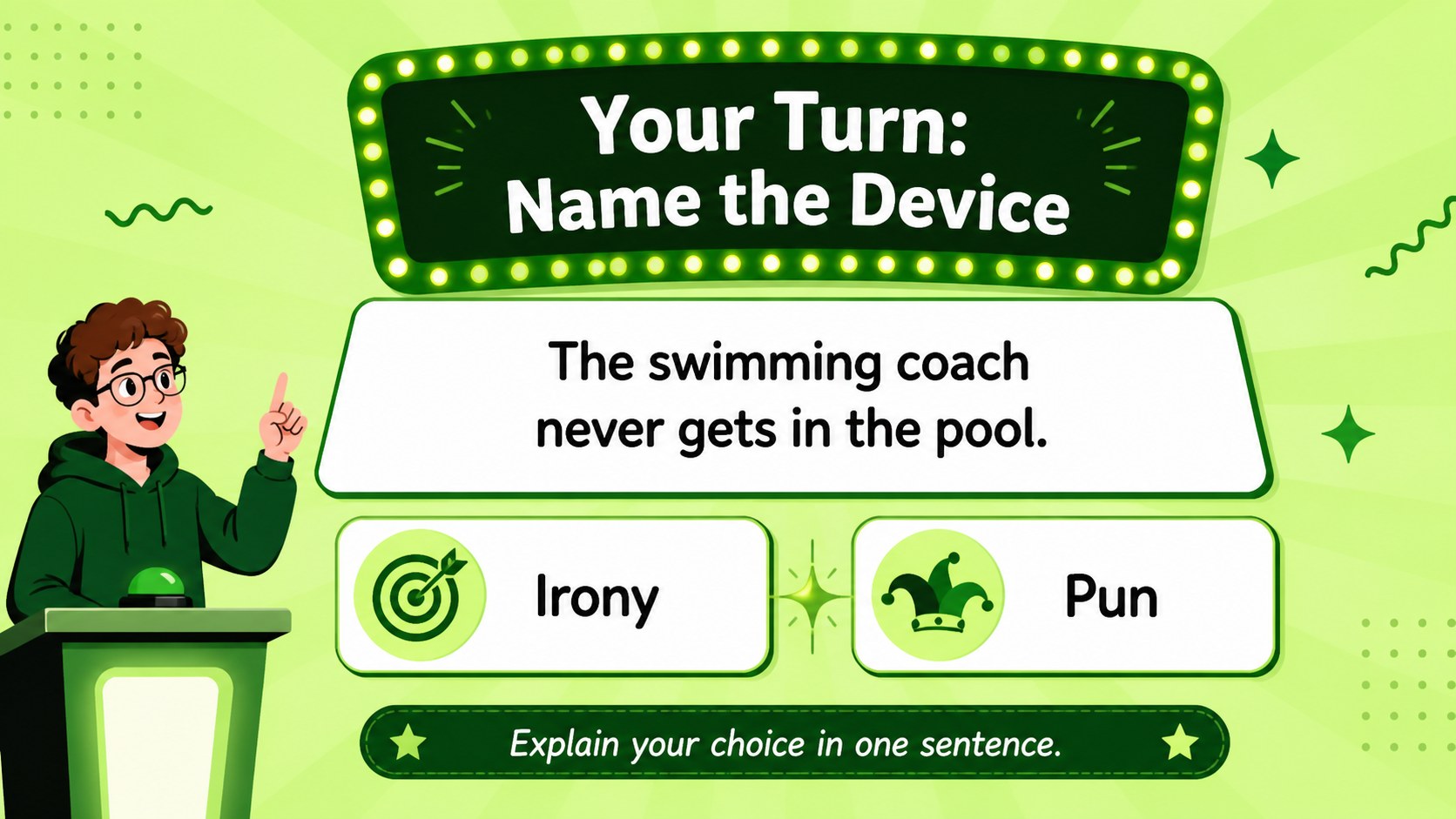
Make figurative language easier to understand with a lively, classroom-ready deck focused on irony and puns. Witty Wordplay Workshop: Irony & Puns Lesson Slides gives middle school English teachers a visual way to introduce key concepts, compare examples, and invite students to explain why a phrase works. The playful illustrated style and bright green palette add energy without distracting from the lesson.
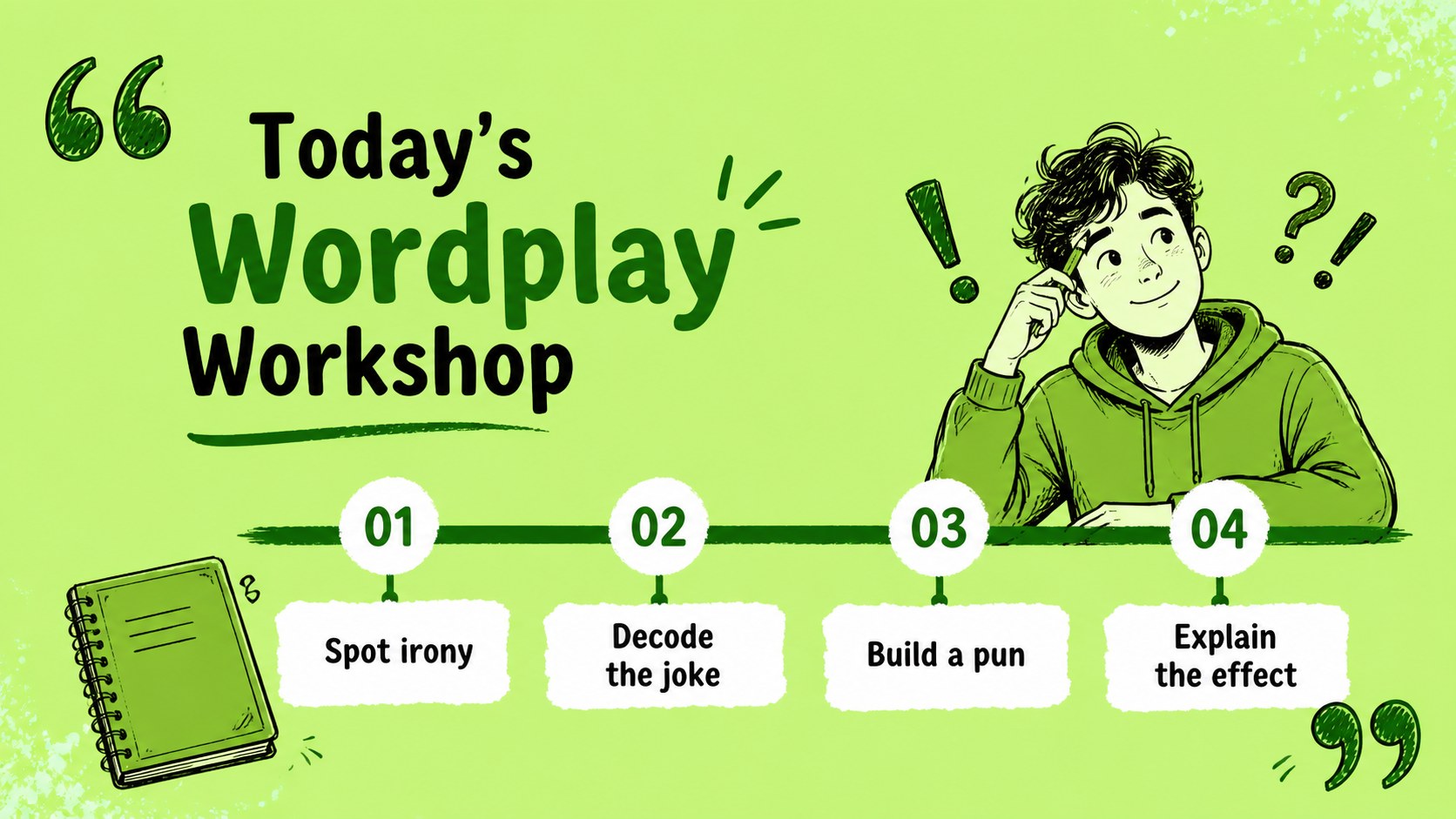
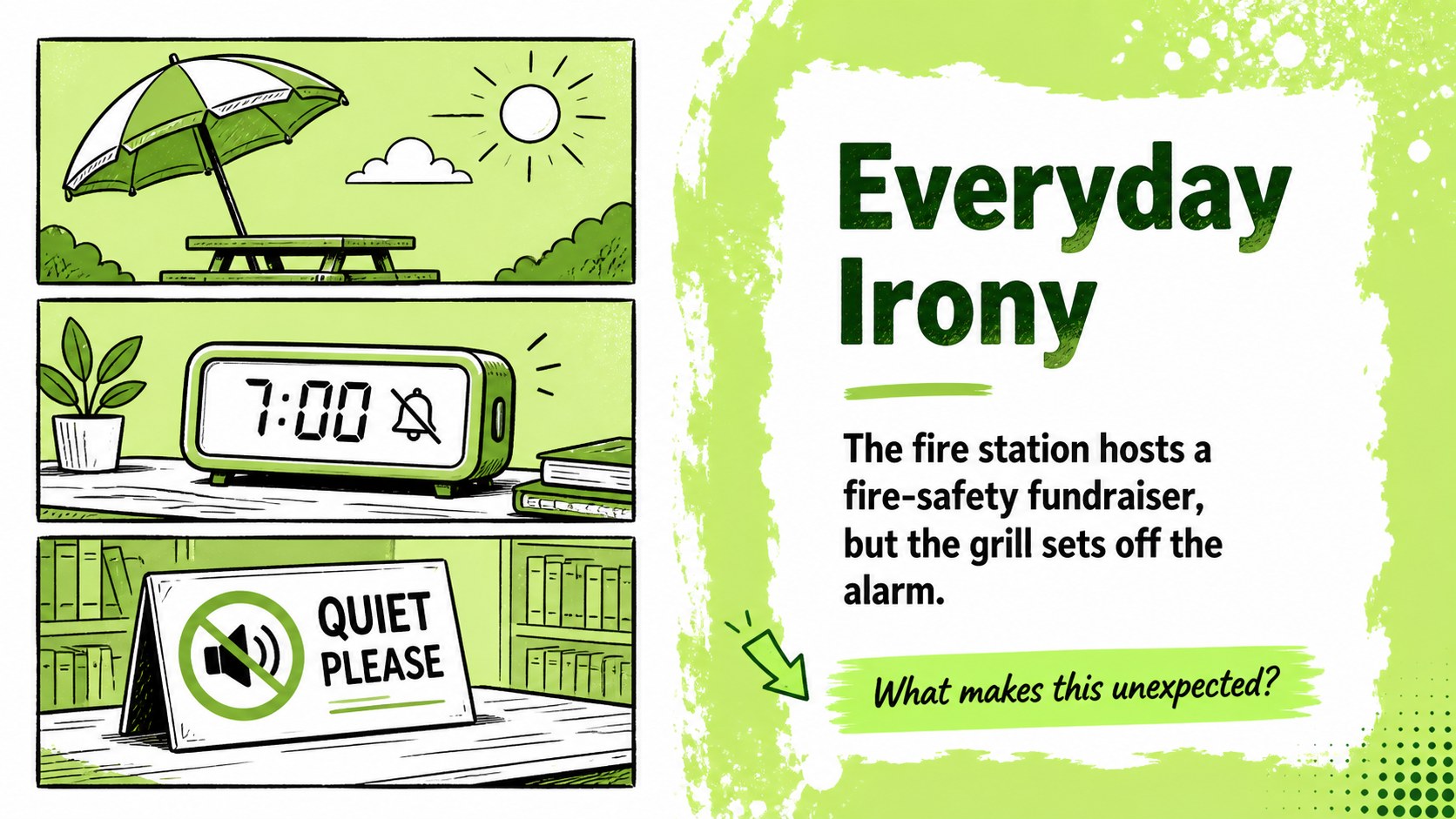
Inside, you will find a clear opening slide, concept breakdowns, example panels, comparison layouts, guided questions, practice activities, and a final review. The structure works well for a middle school English wordplay lesson, whether you are presenting from the front of the room, assigning independent work, or leading small-group discussion. Editable text areas make it simple to replace examples with age-appropriate references or material from your curriculum.
Use this irony and puns classroom presentation for language arts instruction, substitute-teacher plans, literacy workshops, or a quick review before an assessment. The deck is designed for PowerPoint and Google Slides, with a 16:9 format that fits modern classroom displays. Teachers can adjust the wording, add images, rearrange activities, and adapt the pacing to suit different learners.
Perfect for: middle school English lesson; figurative language review; literacy workshop; substitute-teacher lesson plan; small-group wordplay activity.
Frequently asked questions
Can I edit the examples and activities? Yes. The text, headings, examples, colors, and layout elements can be customized. Replace the sample jokes and phrases with content that matches your students, curriculum, or assessment goals.
Practical details
Yes. The text, headings, examples, colors, and layout elements can be customized. Replace the sample jokes and phrases with content that matches your students, curriculum, or assessment goals.
This template is designed for PowerPoint and Google Slides. Both platforms support editing the text, moving objects, changing colors, and presenting in a widescreen format.
Yes. Teachers can simplify definitions for younger students or add more complex examples for advanced classes. The flexible practice slides also work for whole-class instruction, pairs, or independent review.
You can insert illustrations, screenshots, worksheets, or additional examples into the editable layouts. Keep visual additions relevant to the phrase or concept so students can focus on meaning and context.
Keep exploring
15Build stronger academic arguments with a college essay thesis builder featuring guided examples, revision prompts, and editable PowerPoint and Google Slides.
 15
15Build an engaging World UFO Day session with this flying saucer history lesson deck, featuring retro green-and-brown slides for PowerPoint and Google Slides.
 14
14Plan a memorable Lunar New Year campaign with the 2036 Dragon Year Celebration Theme, featuring bold red-and-yellow slides for lessons and events.
 15
15Build a thoughtful classroom discussion with this interfaith awareness lesson deck, featuring editable blue-and-white slides for PowerPoint and Google Slides.
 15
15Use this environmental awareness lesson deck to teach climate action through illustrated activities, discussion prompts, and ready-to-edit visuals.
 15
15Build playful lessons and party stories with a kid-friendly zombie celebration theme in purple, green and pastel blue for PowerPoint and Google Slides.
 15
15Build eerie lessons, campaigns, and story pitches with an undead survival scenario theme featuring editable slides for PowerPoint and Google Slides.
 16
16Turn environmental research into a clear story with a Watercolor Ecology Presentation Theme for PowerPoint and Google Slides in calming green and blue.