
 15
15presentation
College Essay Thesis Builder Slides
Build stronger academic arguments with a college essay thesis builder featuring guided examples, revision prompts, and editable PowerPoint and Google Slides.
Google SlidesPowerPoint
presentation · English
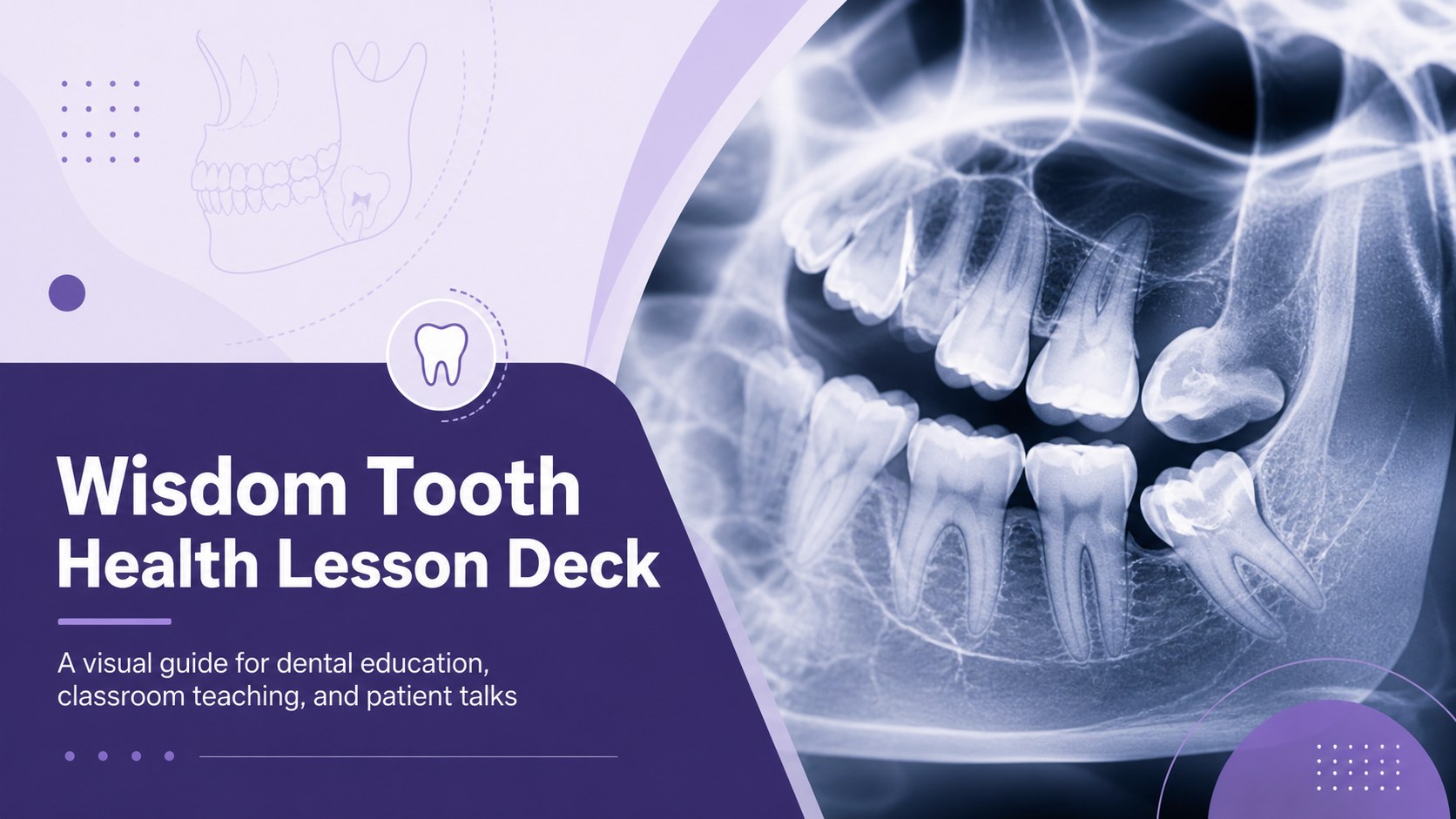
Build a clear wisdom tooth health lesson deck with photo-led layouts for dental education, classroom teaching, patient talks, and community health workshops.
Design notes
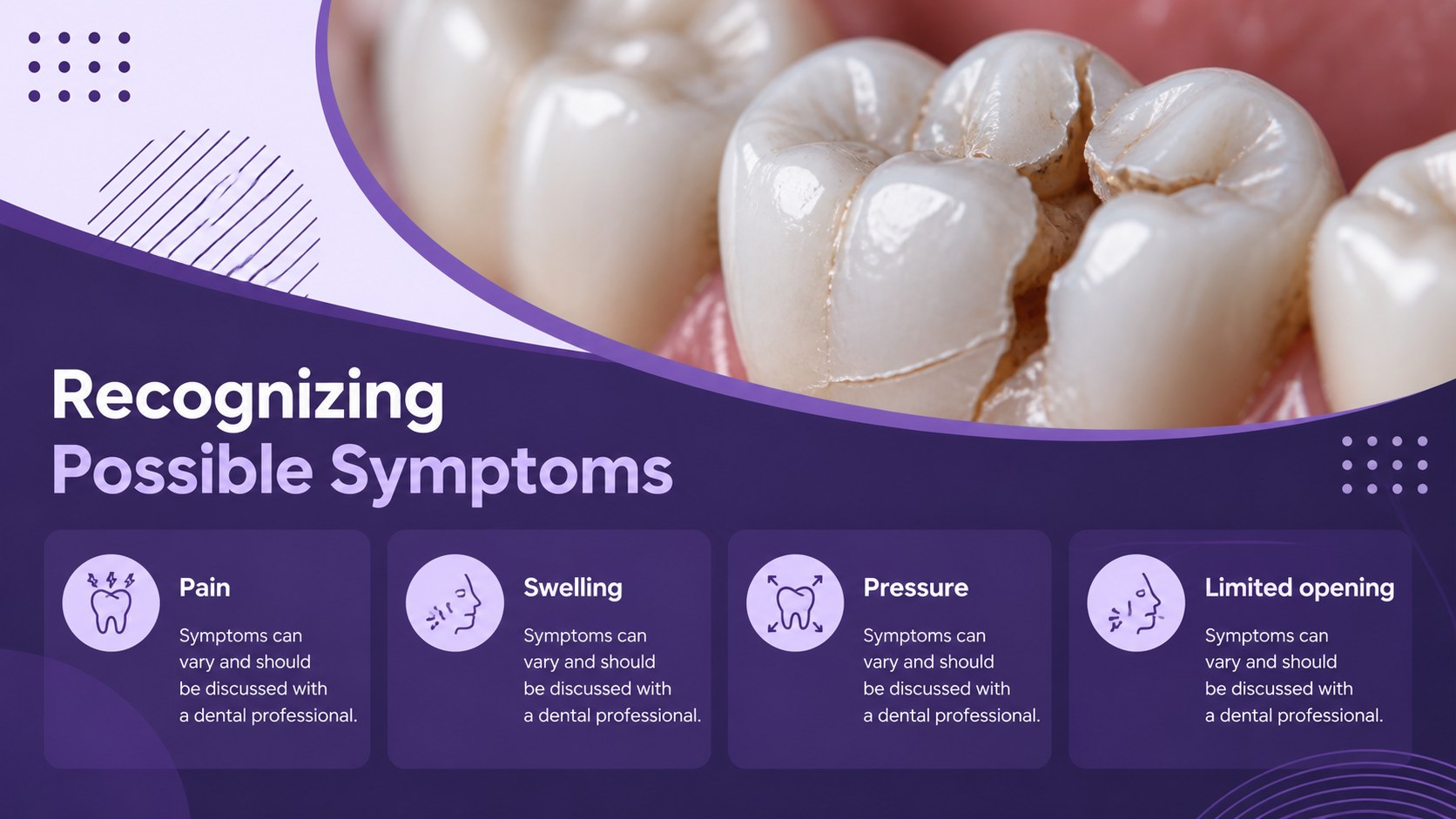
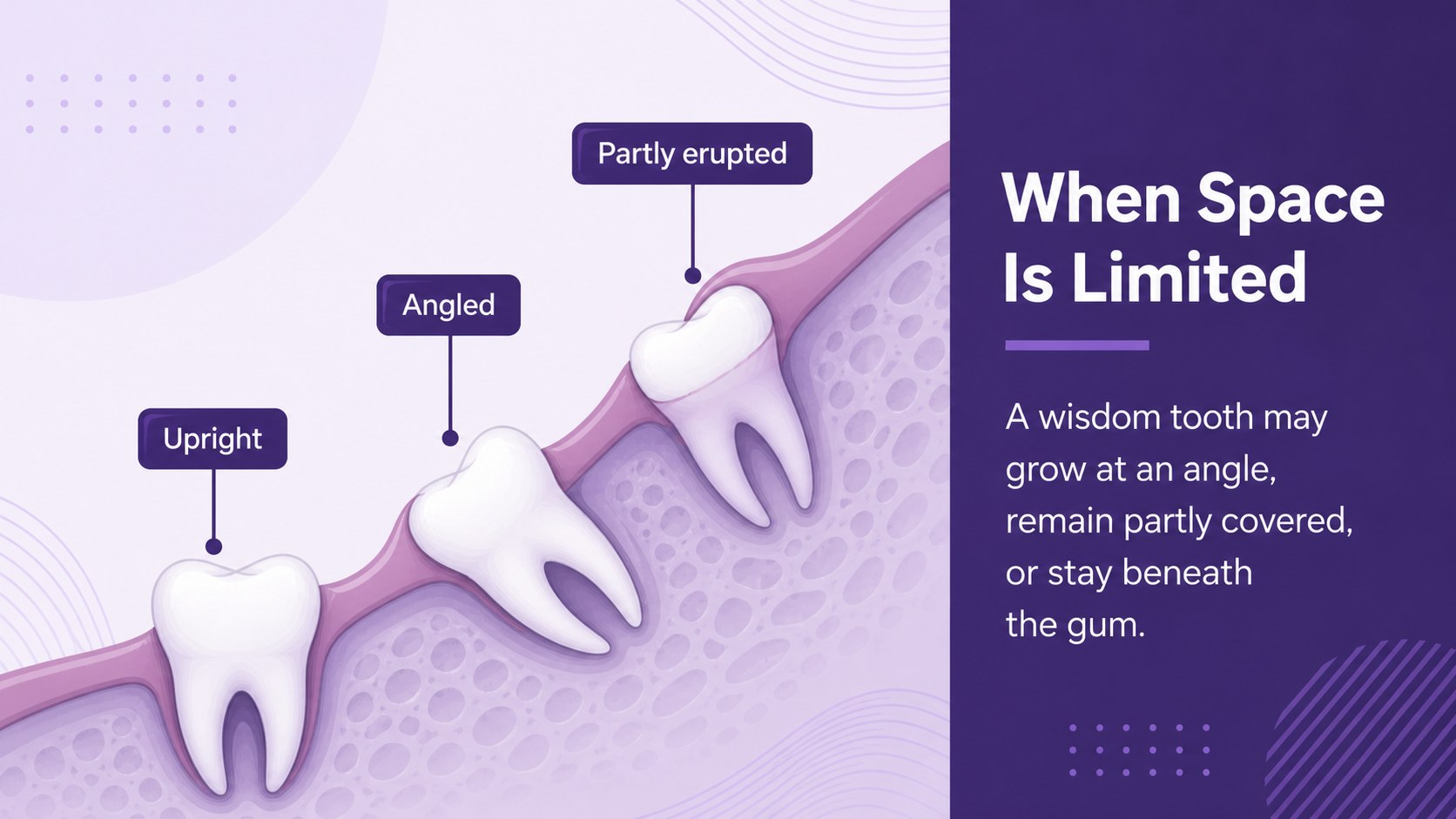
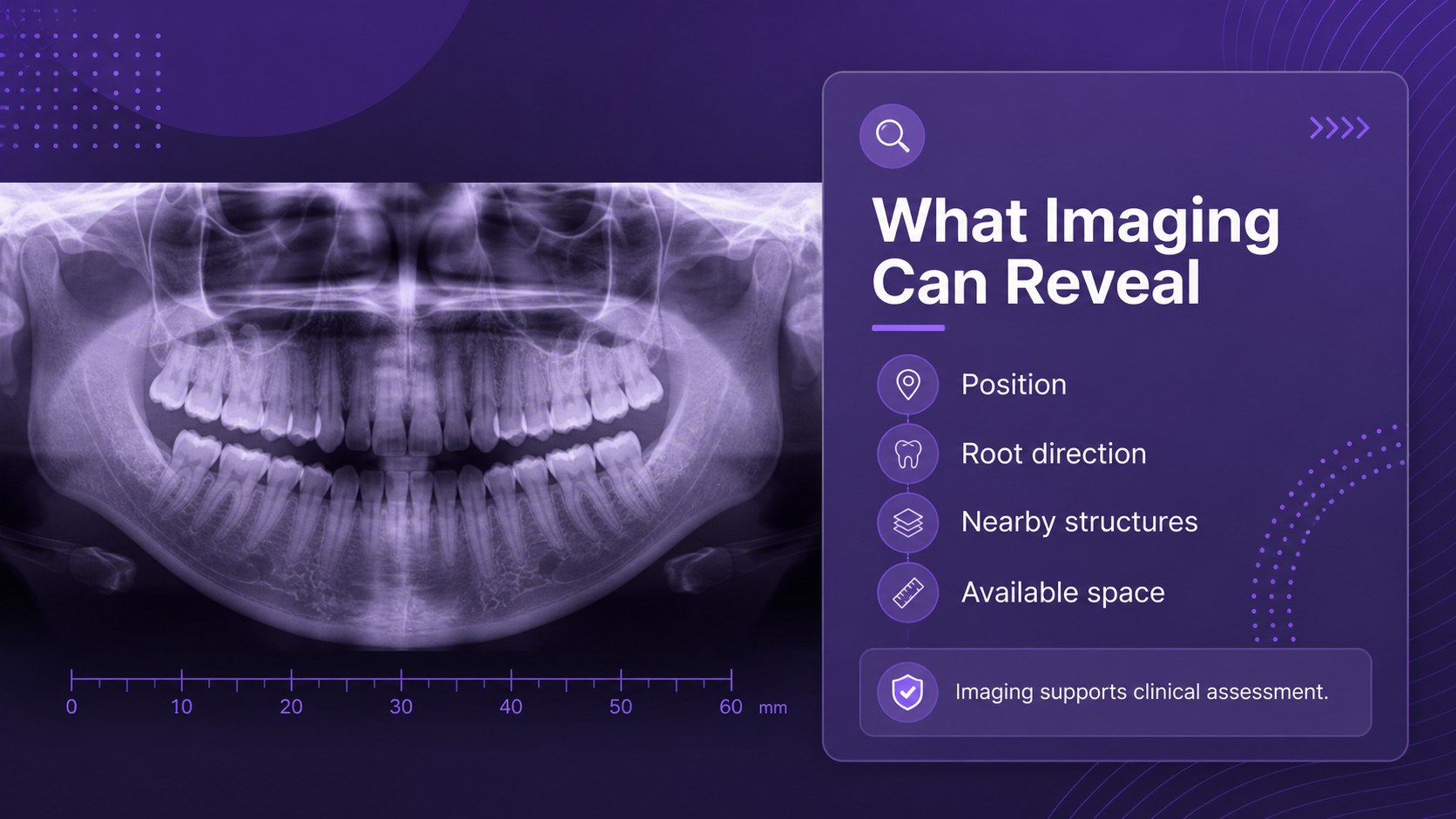
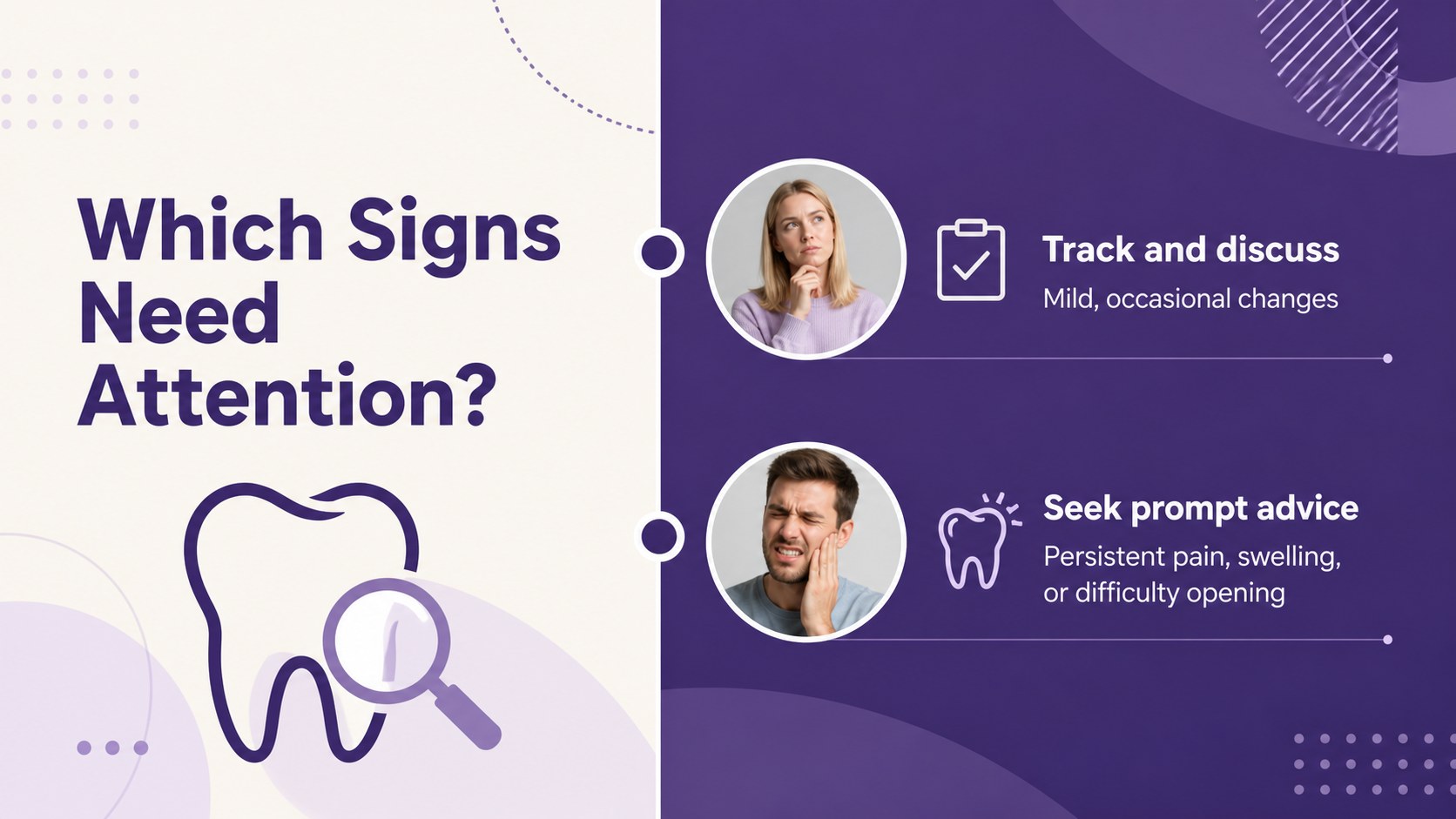
Create a practical wisdom tooth health lesson deck for explaining impacted teeth, symptoms, diagnosis, treatment options, and prevention. The photo-led visual style uses a calm purple palette and spacious layouts to make clinical information easier to follow without feeling overly technical.
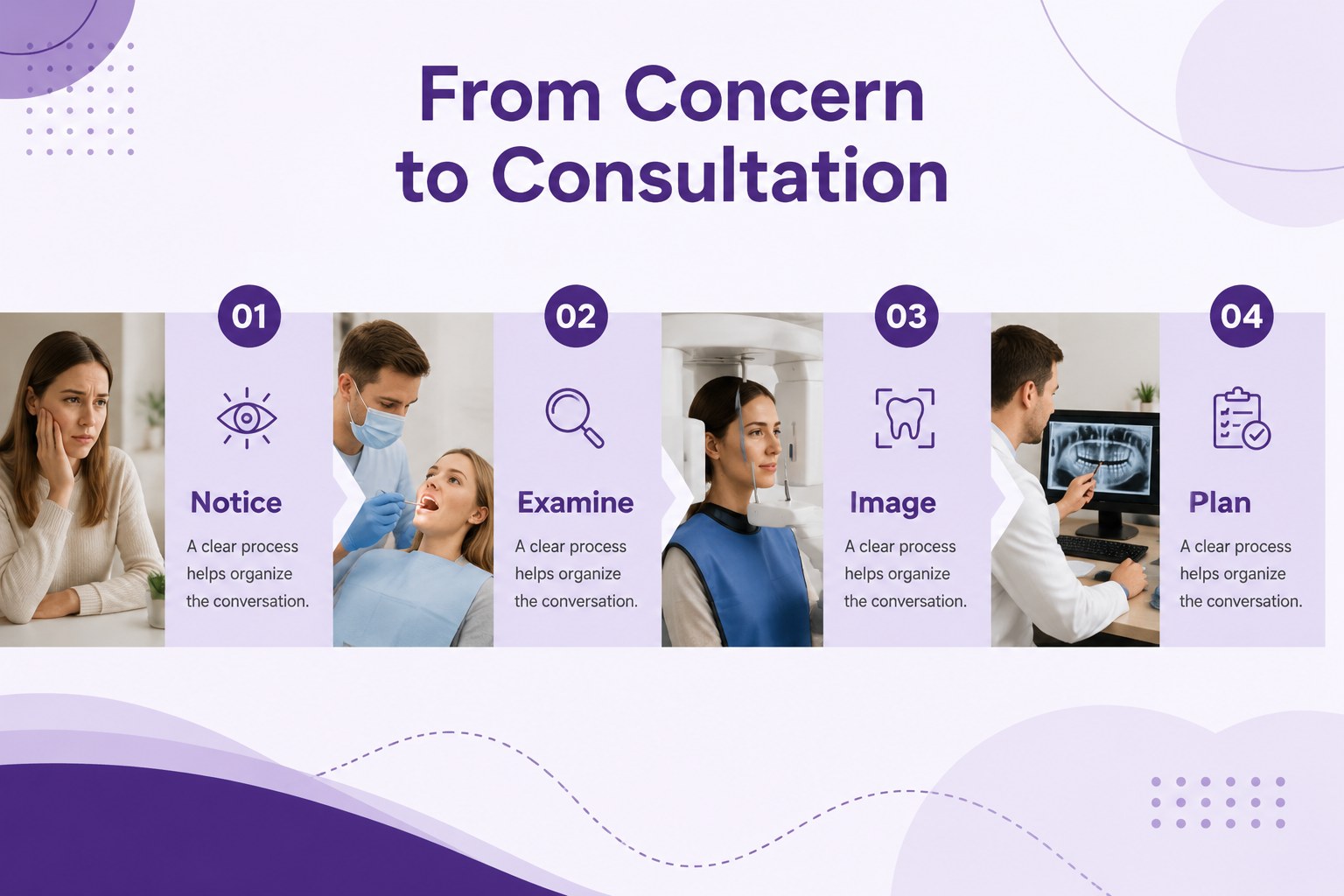
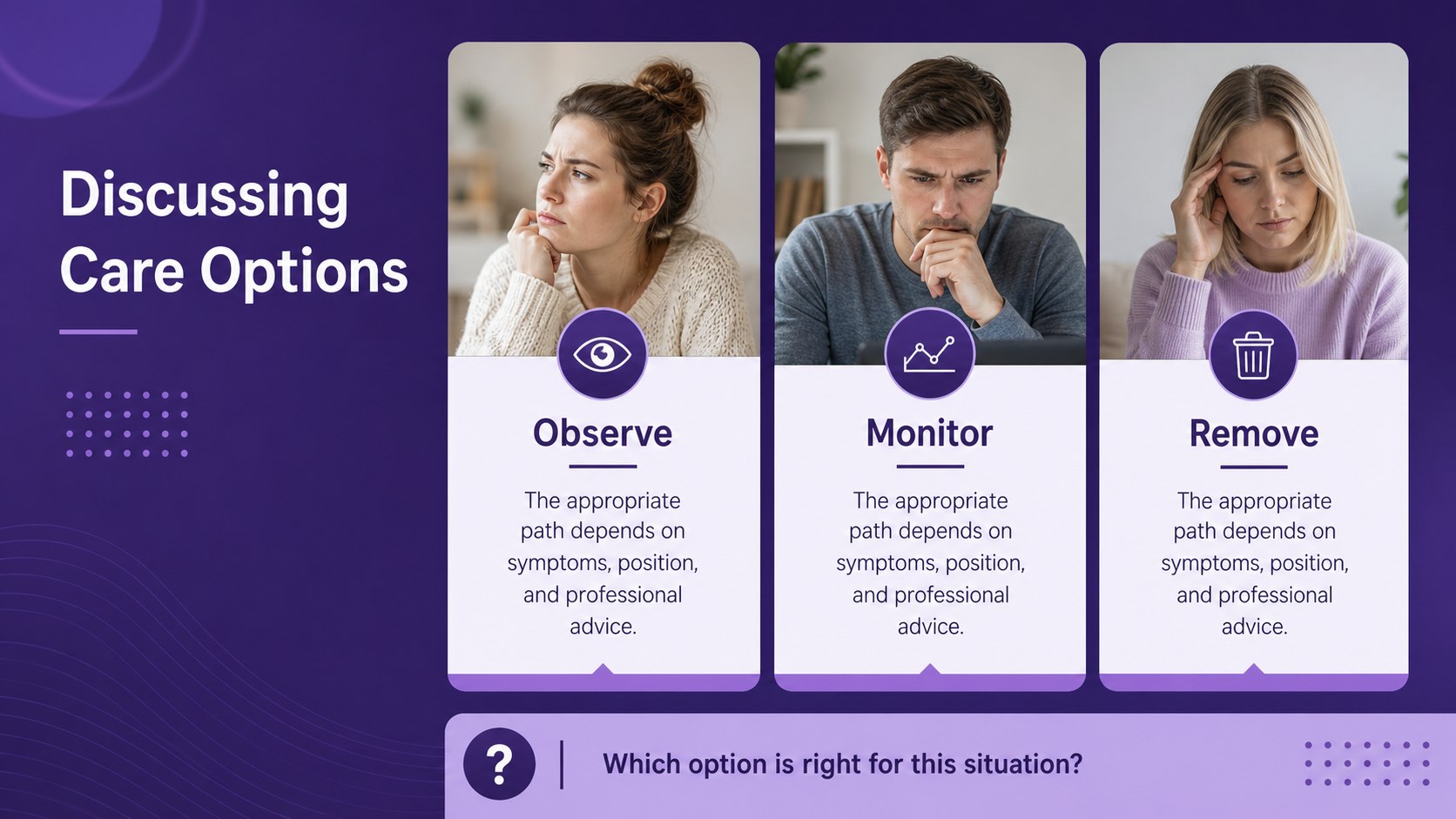
Inside, you will find 15 editable 16:9 slides for introducing dental anatomy, showing common warning signs, organizing a consultation discussion, comparing care pathways, and summarizing aftercare guidance. The layout system includes image frames, diagrams, timelines, comparison sections, callouts, and data-friendly content areas that can be adapted to different lesson lengths. Montserrat typography keeps the presentation consistent and readable on screen.
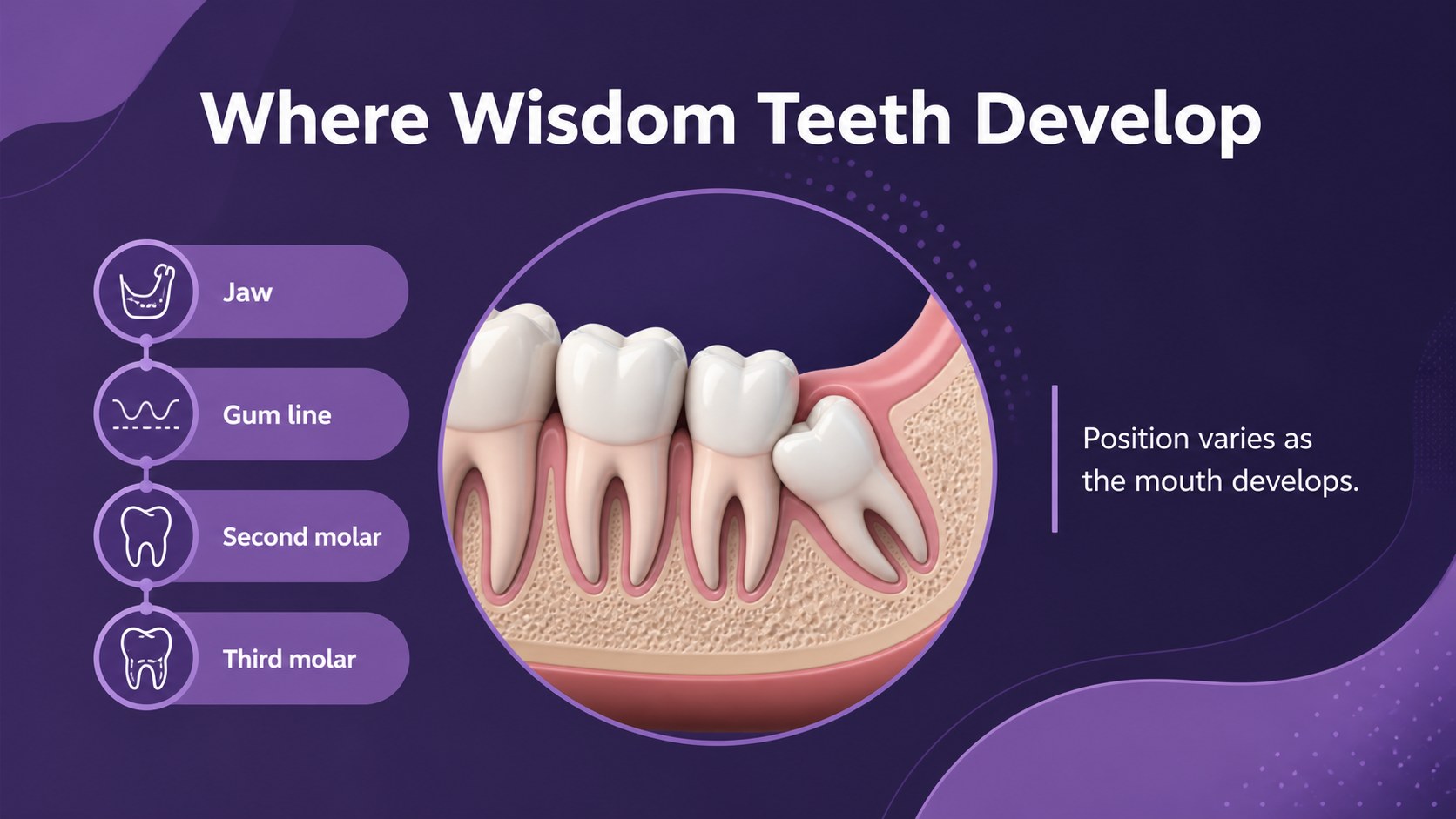
This dental health presentation is suitable for middle and high school health classes, dental school instruction, clinic education sessions, patient consultations, and community wellness seminars. Use the wisdom tooth symptoms presentation slides to support a guided discussion, or adapt the wisdom teeth anatomy lesson materials for a more visual explanation of tooth position and oral development. The files work with PowerPoint and Google Slides, making it easy to edit text, replace images, adjust colors, and present from your preferred platform.
Perfect for: middle school health class; dental clinic patient briefing; oral surgery consultation; dental school anatomy lesson; community wellness seminar.
Frequently asked questions
Can I edit this deck in PowerPoint? Yes. The presentation is designed for PowerPoint and includes editable text, image areas, shapes, and charts. You can revise the lesson content and replace the clinical visuals with your own approved materials.
Practical details
Yes. The presentation is designed for PowerPoint and includes editable text, image areas, shapes, and charts. You can revise the lesson content and replace the clinical visuals with your own approved materials.
Yes, you can open and customize the deck in Google Slides. Check the typography and image placement after importing, then make any small adjustments needed for your presentation.
You can replace classroom language with consultation notes, appointment steps, treatment comparisons, or aftercare instructions. Keep medical claims accurate and have clinical content reviewed by a qualified professional before distribution.
Yes. The purple palette, photo frames, diagrams, and layout elements can be adjusted to match your institution or clinic. The consistent Montserrat typography helps preserve a unified appearance while you customize the deck.
Keep exploring
15Build stronger academic arguments with a college essay thesis builder featuring guided examples, revision prompts, and editable PowerPoint and Google Slides.
 15
15Build an engaging World UFO Day session with this flying saucer history lesson deck, featuring retro green-and-brown slides for PowerPoint and Google Slides.
 14
14Plan a memorable Lunar New Year campaign with the 2036 Dragon Year Celebration Theme, featuring bold red-and-yellow slides for lessons and events.
 15
15Build a thoughtful classroom discussion with this interfaith awareness lesson deck, featuring editable blue-and-white slides for PowerPoint and Google Slides.
 15
15Use this environmental awareness lesson deck to teach climate action through illustrated activities, discussion prompts, and ready-to-edit visuals.
 15
15Build playful lessons and party stories with a kid-friendly zombie celebration theme in purple, green and pastel blue for PowerPoint and Google Slides.
 15
15Build eerie lessons, campaigns, and story pitches with an undead survival scenario theme featuring editable slides for PowerPoint and Google Slides.
 16
16Turn environmental research into a clear story with a Watercolor Ecology Presentation Theme for PowerPoint and Google Slides in calming green and blue.