
 15
15presentation
College Essay Thesis Builder Slides
Build stronger academic arguments with a college essay thesis builder featuring guided examples, revision prompts, and editable PowerPoint and Google Slides.
Google SlidesPowerPoint
presentation · English
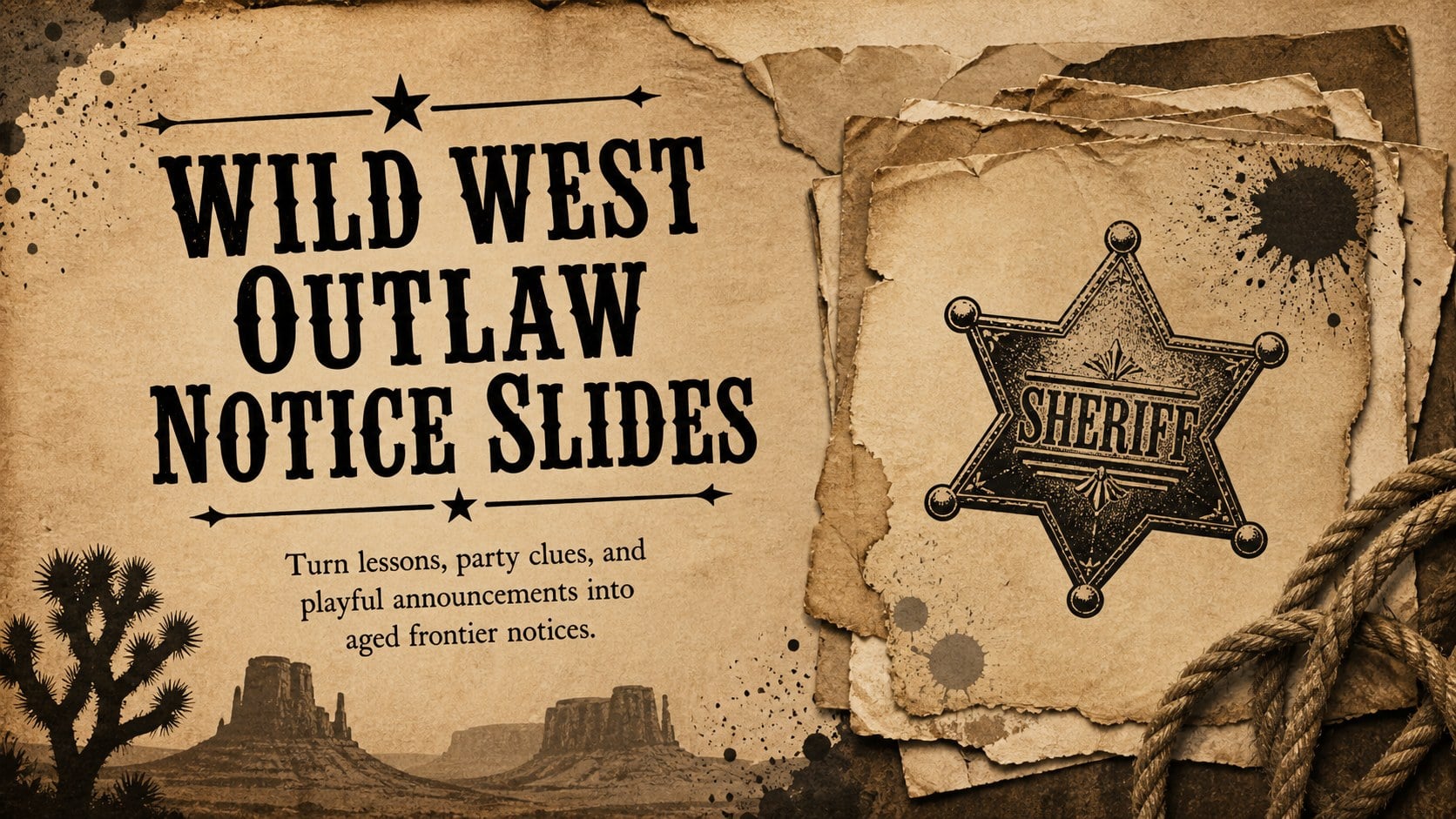
Create Wild West Outlaw Notice Slides for classroom mysteries, party games, and announcements with editable layouts for PowerPoint and Google Slides.
Design notes
Wild West Outlaw Notice Slides give teachers, event hosts, and creative presenters a theatrical way to share clues, character profiles, rewards, and playful announcements. Inspired by weathered frontier printmaking, the design pairs distressed paper textures with brown and black details while maintaining clear, readable layouts. Use the deck as an editable Old West poster slide set for a history lesson, mystery activity, themed celebration, or storytelling project.
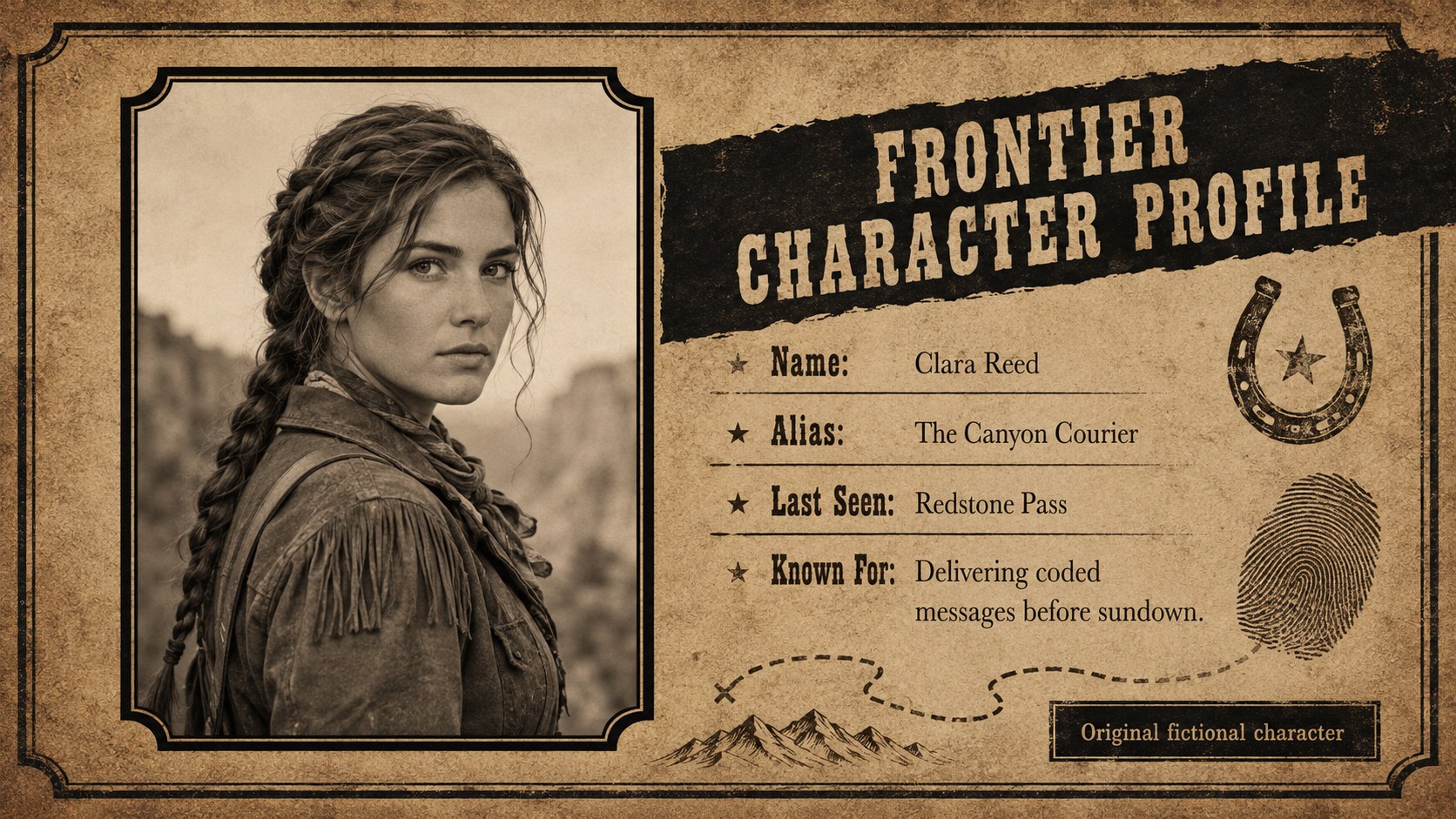
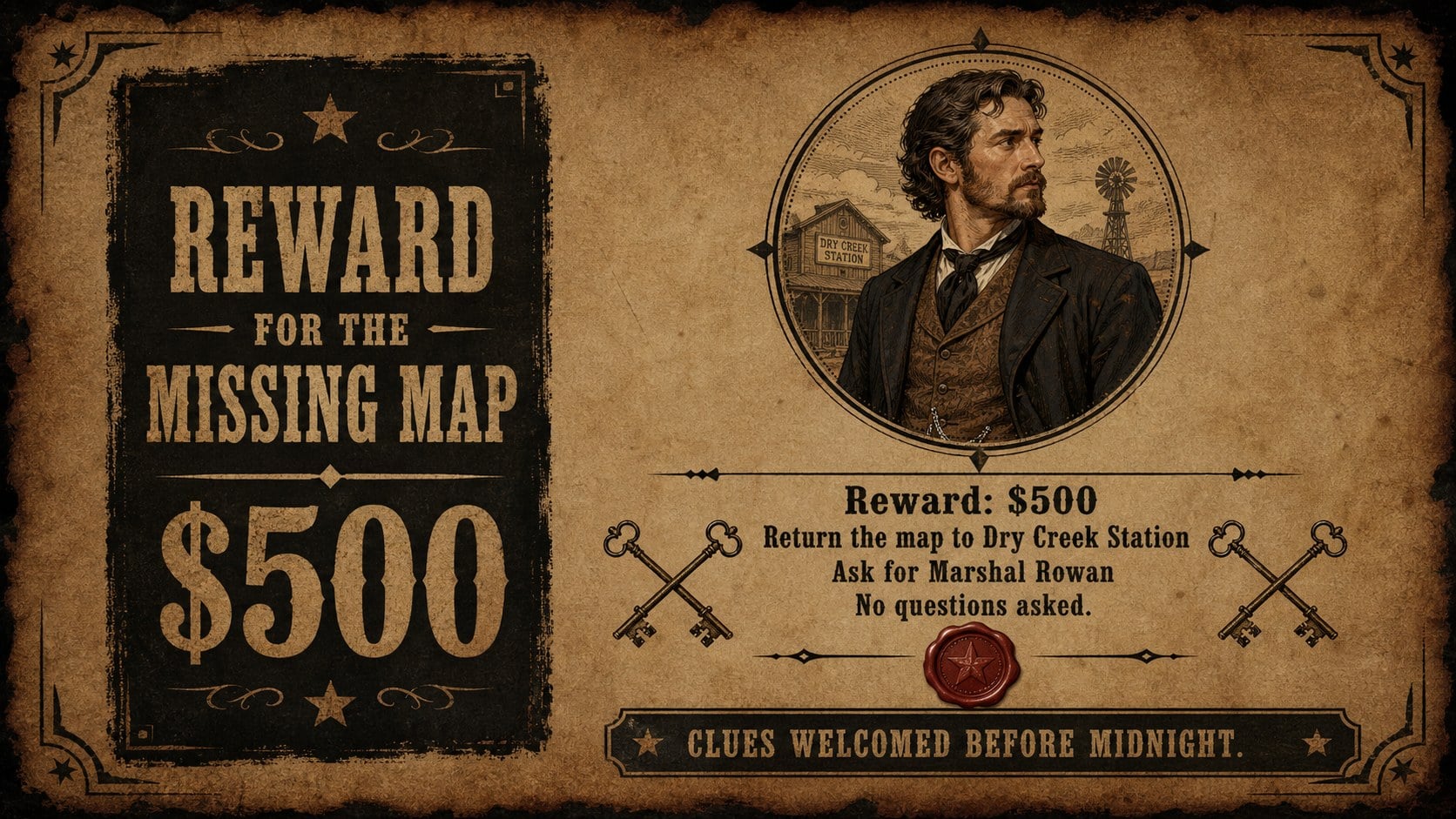
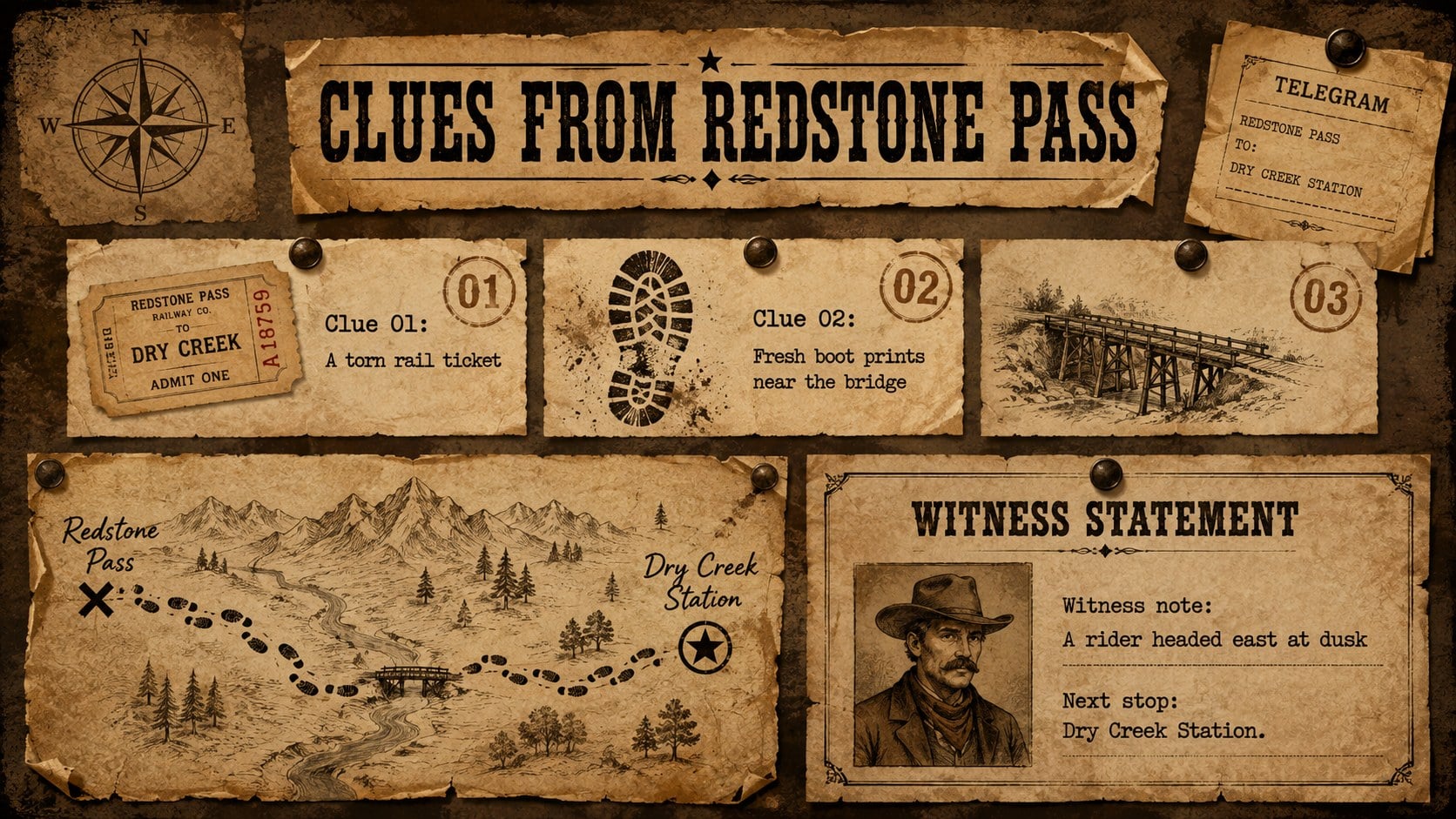
Inside are four coordinated 16:9 layouts: a dramatic cover notice, a portrait-led character profile, a reward announcement, and an evidence-style information board. Strong display headings, typewriter-inspired body text, rough borders, ink stamps, and hand-drawn Western ornaments create an authentic atmosphere without limiting customization. Replace the sample wording, add an original portrait, adjust the reward amount, or rearrange clues to build a classroom outlaw notice template suited to your activity.
The Wild West Outlaw Notice Slides work in both PowerPoint and Google Slides. They are especially useful for history educators introducing frontier topics, party planners preparing a Western mystery game, drama groups presenting fictional characters, and community organizers creating humorous recognition notices. The consistent visual system also makes the deck suitable for a western party announcement presentation or an interactive classroom search challenge. Every layout can be adapted with your own names, dates, descriptions, and images while preserving the rustic brown-and-black palette.
Perfect for: frontier history lesson; Western mystery party; fictional outlaw profile; classroom search challenge; themed event announcement.
Frequently asked questions
Can I edit the names, rewards, and descriptions? Yes. All sample names, reward amounts, dates, and descriptive text can be replaced with your own content in PowerPoint or Google Slides.
Practical details
Yes. All sample names, reward amounts, dates, and descriptive text can be replaced with your own content in PowerPoint or Google Slides.
Yes. Replace the sample image with an original photo or illustration, then crop and position it within the portrait area. For a consistent look, use a sepia or black-and-white image.
The slides are designed for Microsoft PowerPoint and Google Slides. Minor differences in font rendering may occur if the suggested typefaces are unavailable on your device.
Yes. You can recolor the paper, borders, stamps, and typography to match a lesson or event theme. Keeping strong contrast between the background and text will preserve readability.
Keep exploring
15Build stronger academic arguments with a college essay thesis builder featuring guided examples, revision prompts, and editable PowerPoint and Google Slides.
 15
15Build an engaging World UFO Day session with this flying saucer history lesson deck, featuring retro green-and-brown slides for PowerPoint and Google Slides.
 14
14Plan a memorable Lunar New Year campaign with the 2036 Dragon Year Celebration Theme, featuring bold red-and-yellow slides for lessons and events.
 15
15Build a thoughtful classroom discussion with this interfaith awareness lesson deck, featuring editable blue-and-white slides for PowerPoint and Google Slides.
 15
15Use this environmental awareness lesson deck to teach climate action through illustrated activities, discussion prompts, and ready-to-edit visuals.
 15
15Build playful lessons and party stories with a kid-friendly zombie celebration theme in purple, green and pastel blue for PowerPoint and Google Slides.
 15
15Build eerie lessons, campaigns, and story pitches with an undead survival scenario theme featuring editable slides for PowerPoint and Google Slides.
 16
16Turn environmental research into a clear story with a Watercolor Ecology Presentation Theme for PowerPoint and Google Slides in calming green and blue.