
 15
15presentation
College Essay Thesis Builder Slides
Build stronger academic arguments with a college essay thesis builder featuring guided examples, revision prompts, and editable PowerPoint and Google Slides.
Google SlidesPowerPoint
presentation · English
Turn lessons and team sessions into visual stories with Whiteboard Doodle Workshop Slides, an editable green deck for PowerPoint and Google Slides.
Design notes
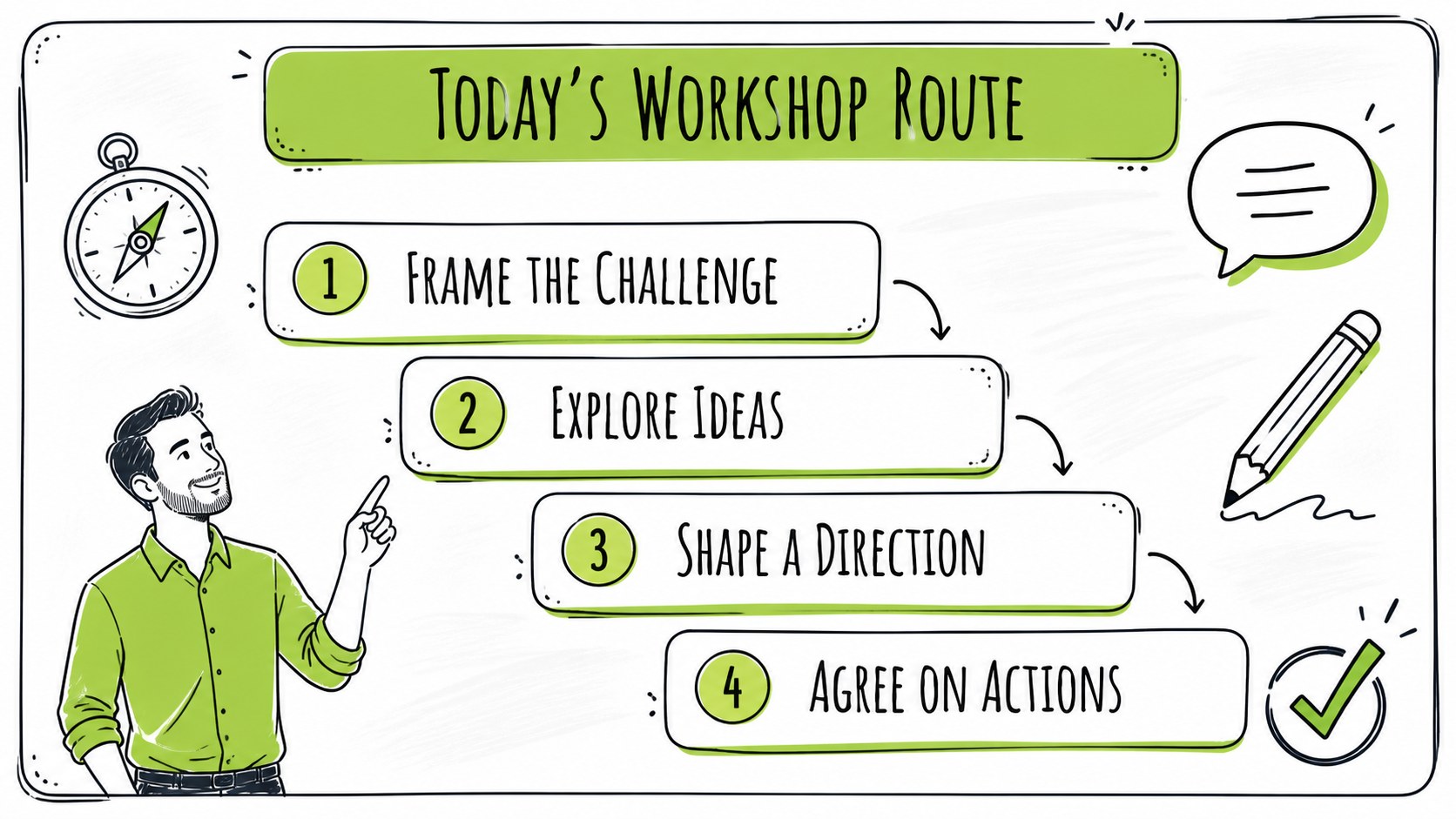
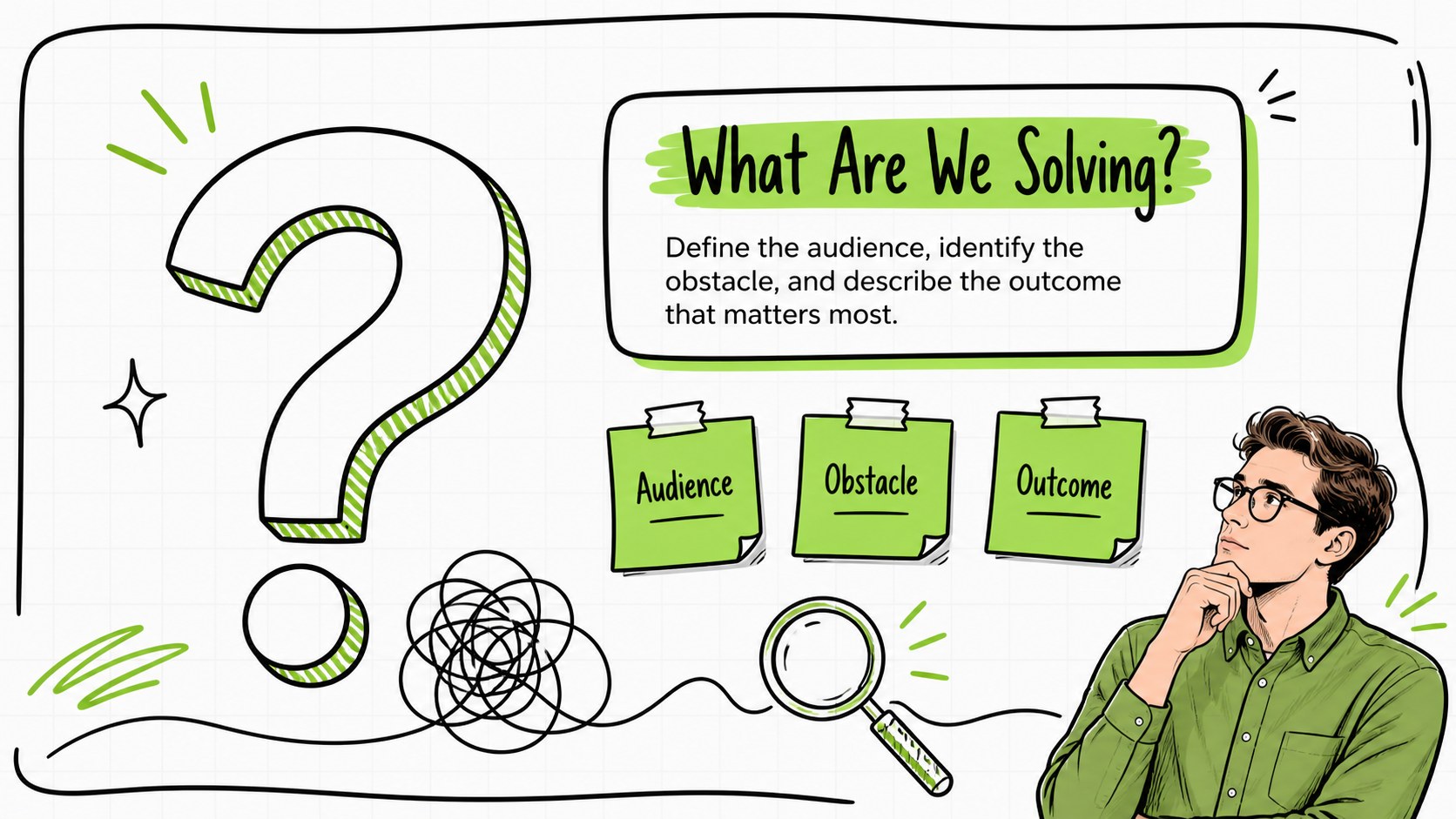
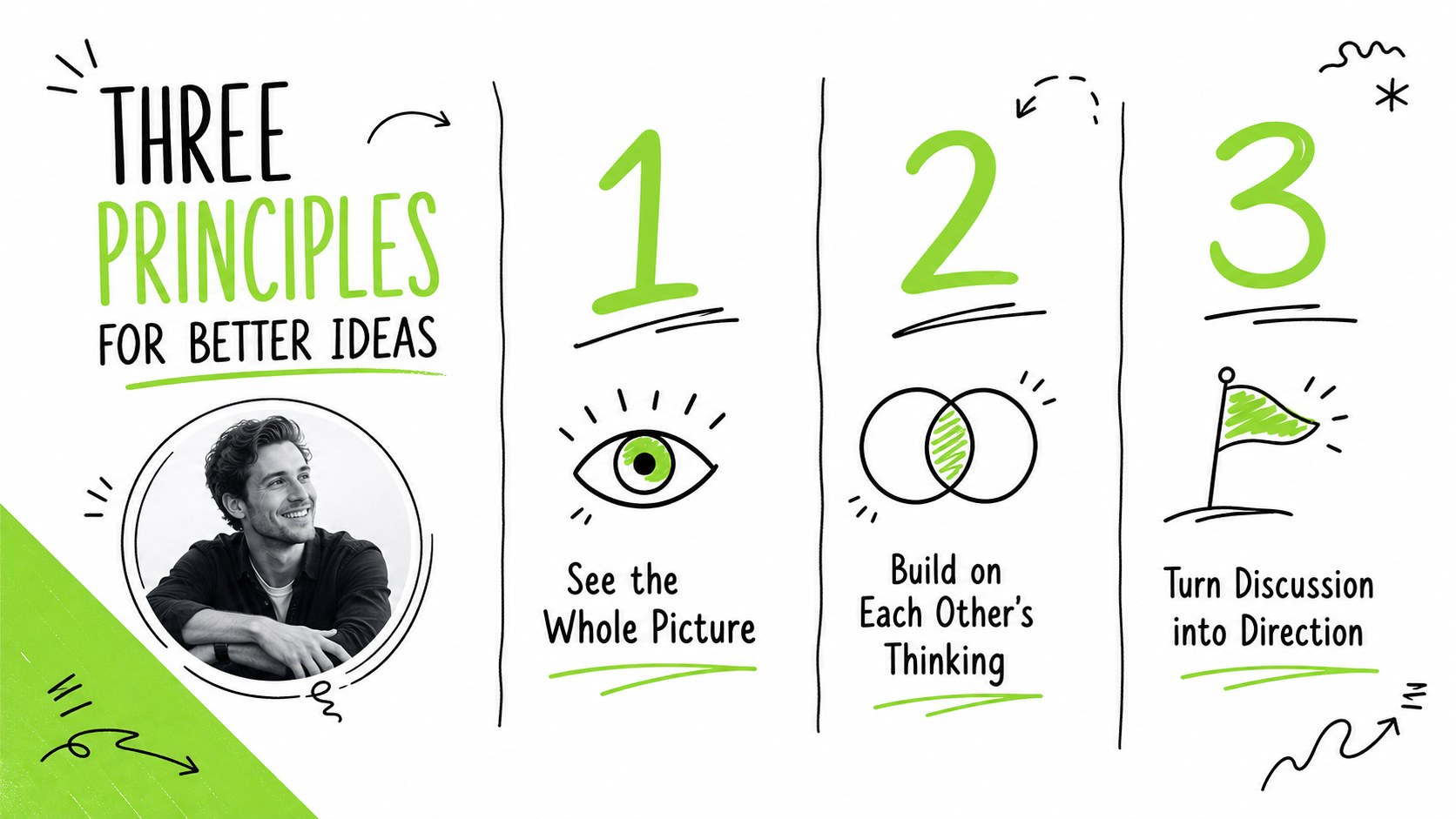
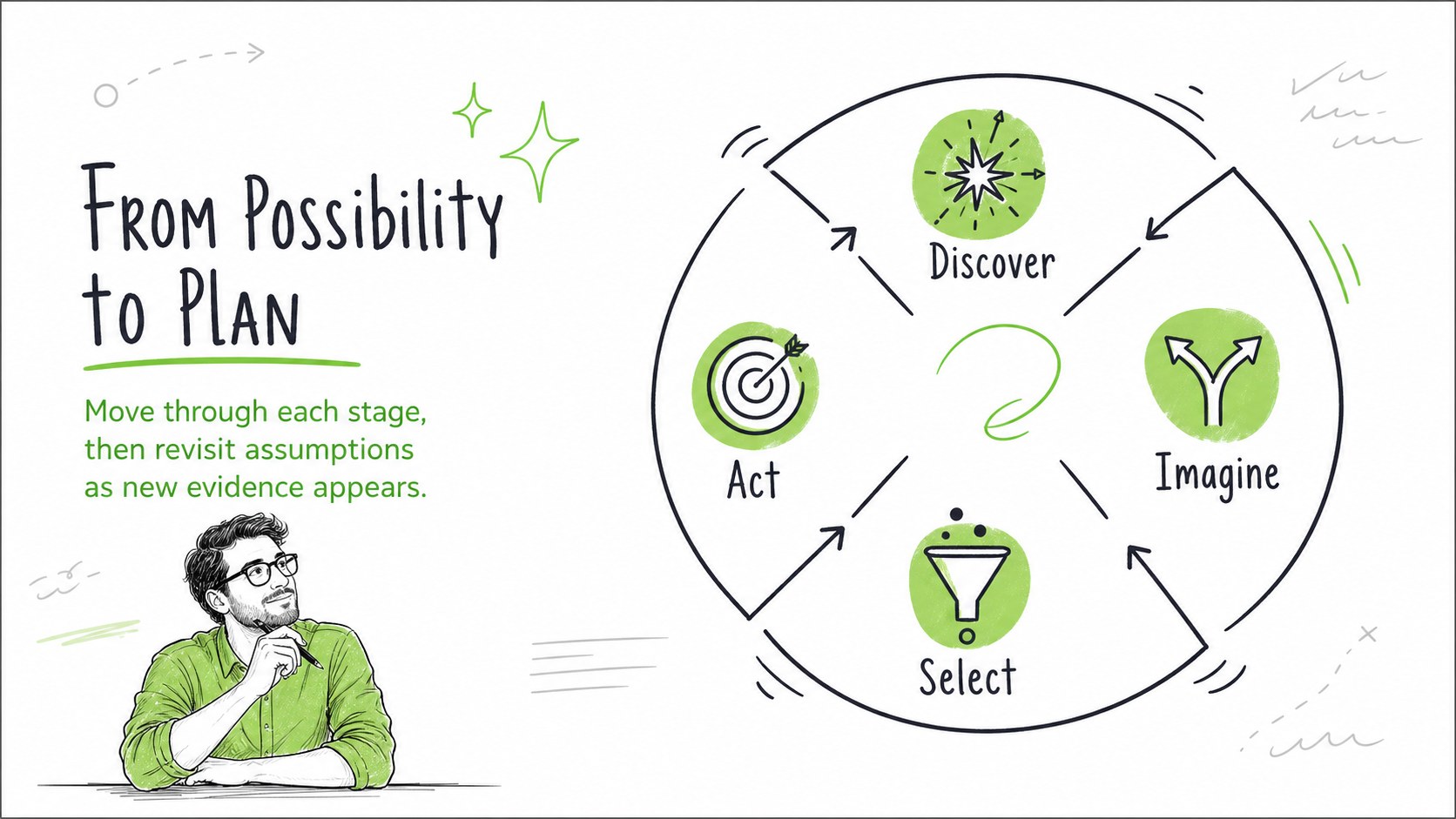
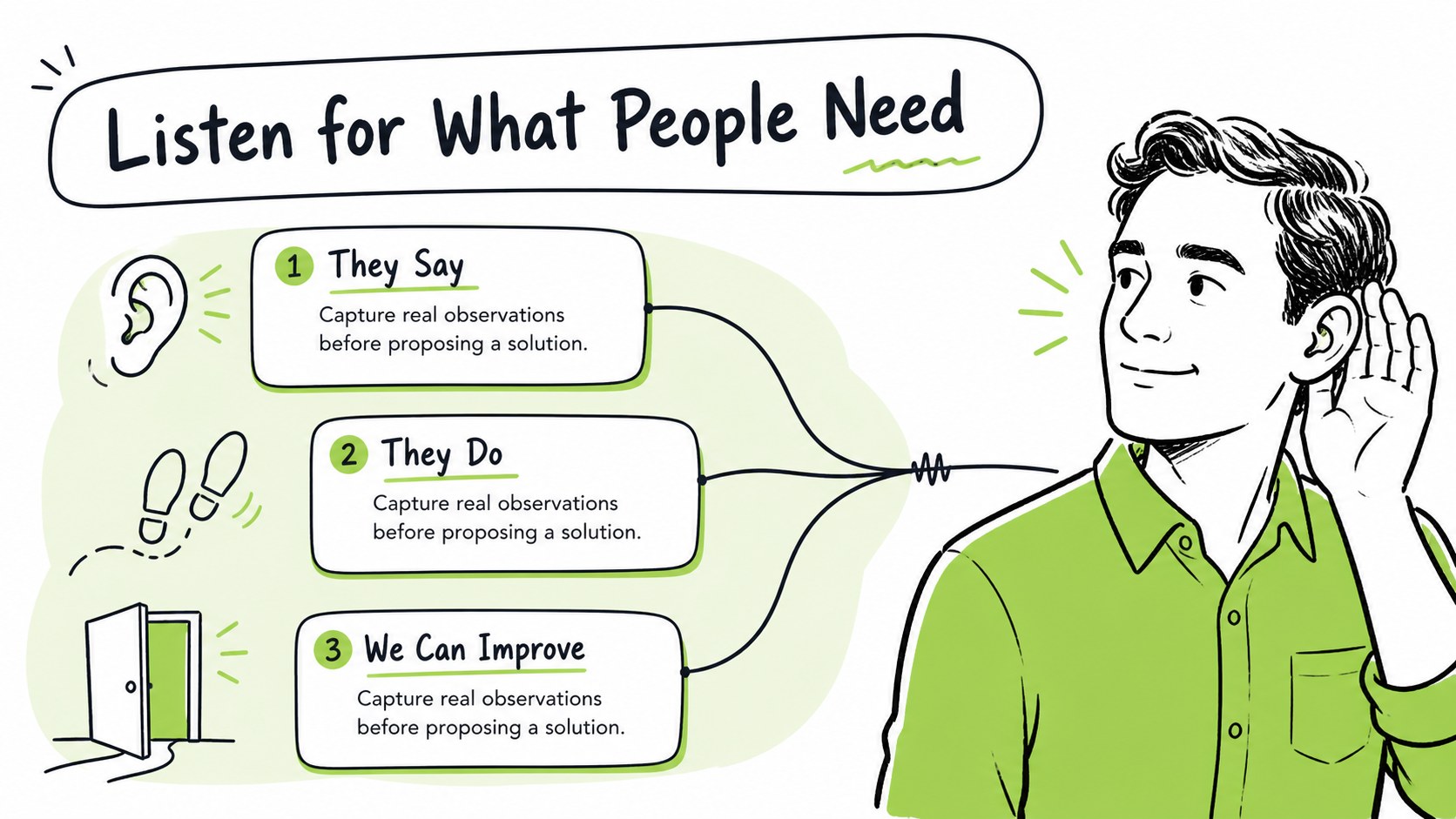
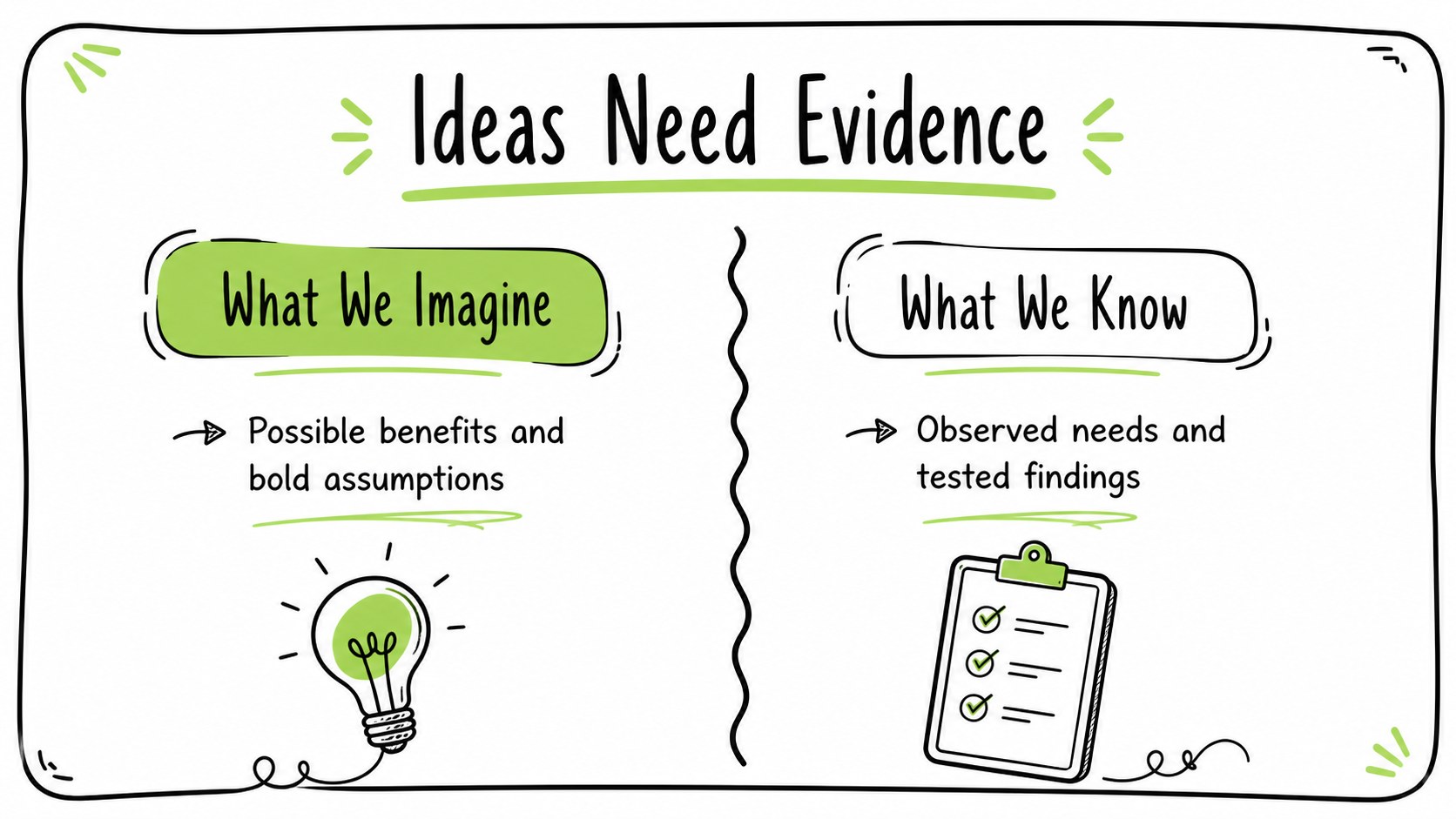
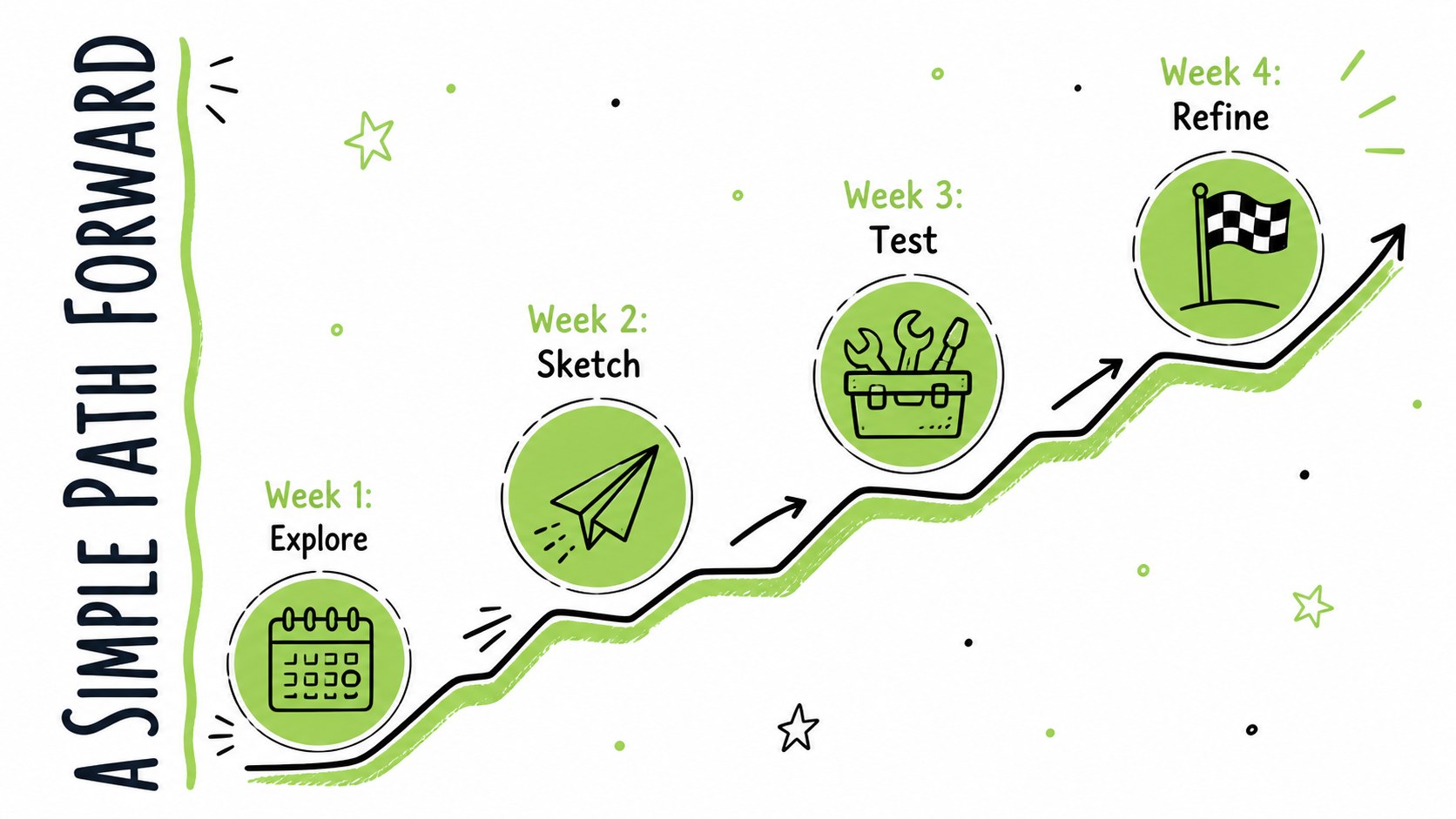
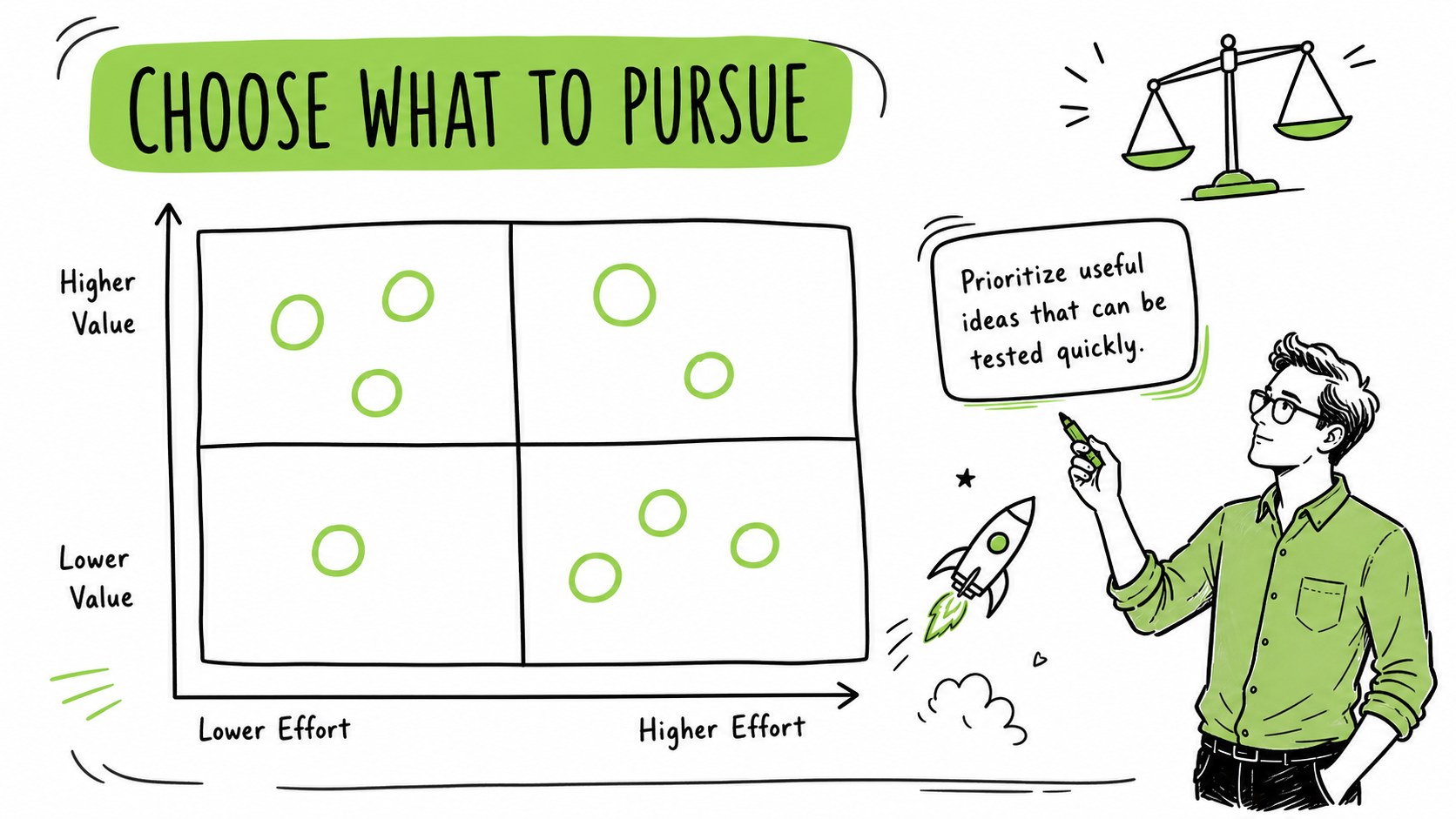
Whiteboard Doodle Workshop Slides give lessons, planning sessions, and creative pitches an approachable visual rhythm. Bright green accents, casual marker-style illustrations, and generous white space help complex ideas feel easier to follow. Use this green whiteboard presentation template when you want an energetic look without sacrificing clarity or structure.
The deck includes 25 editable layouts for introductions, agendas, key points, comparisons, timelines, process diagrams, charts, maps, team profiles, and closing messages. It also provides 80 adjustable icons and supporting resources for building tables, graphs, and visual explanations. Colors, type, imagery, and layout elements can be adapted to match a school, organization, campaign, or project. The 16:9 format is designed for PowerPoint and Google Slides, making it suitable for classroom screens, meeting rooms, and virtual presentations.
Teachers can turn it into a hand drawn lesson presentation, while facilitators can use it as an editable doodle workshop deck for brainstorming, co-creation, or design-thinking activities. Marketing teams, project leads, trainers, and students can also shape the layouts into campaign concepts, project updates, research summaries, or informal proposals. The friendly sketch aesthetic keeps attention on the message while offering enough variety for a complete, coherent presentation.
Perfect for: classroom concept lesson; team brainstorming workshop; design-thinking session; creative project update; marketing idea pitch; student research presentation.
Frequently asked questions
Can I edit every element in these slides? Yes. You can replace the sample text, recolor the green accents, move illustrations, and resize icons or diagrams. Individual elements can also be removed when you need a simpler layout.
Practical details
Yes. You can replace the sample text, recolor the green accents, move illustrations, and resize icons or diagrams. Individual elements can also be removed when you need a simpler layout.
The deck is designed for Microsoft PowerPoint and Google Slides. Its 16:9 widescreen layout works well for projectors, desktop displays, and online meetings.
Replace the sample colors with your brand palette and apply your preferred fonts to the master layouts. You can also swap the doodle icons and rearrange content blocks while retaining the whiteboard-inspired style.
Yes. The layout set covers lessons, agendas, processes, comparisons, charts, and action plans. Teachers can simplify the content for students, while facilitators and teams can use the same structures for collaborative sessions.
Keep exploring
15Build stronger academic arguments with a college essay thesis builder featuring guided examples, revision prompts, and editable PowerPoint and Google Slides.
 15
15Build an engaging World UFO Day session with this flying saucer history lesson deck, featuring retro green-and-brown slides for PowerPoint and Google Slides.
 14
14Plan a memorable Lunar New Year campaign with the 2036 Dragon Year Celebration Theme, featuring bold red-and-yellow slides for lessons and events.
 15
15Build a thoughtful classroom discussion with this interfaith awareness lesson deck, featuring editable blue-and-white slides for PowerPoint and Google Slides.
 15
15Use this environmental awareness lesson deck to teach climate action through illustrated activities, discussion prompts, and ready-to-edit visuals.
 15
15Build playful lessons and party stories with a kid-friendly zombie celebration theme in purple, green and pastel blue for PowerPoint and Google Slides.
 15
15Build eerie lessons, campaigns, and story pitches with an undead survival scenario theme featuring editable slides for PowerPoint and Google Slides.
 16
16Turn environmental research into a clear story with a Watercolor Ecology Presentation Theme for PowerPoint and Google Slides in calming green and blue.