
 15
15presentation
College Essay Thesis Builder Slides
Build stronger academic arguments with a college essay thesis builder featuring guided examples, revision prompts, and editable PowerPoint and Google Slides.
Google SlidesPowerPoint
presentation · English
Organize objectives, experiments, activities, and assessments with a white illustrated science classroom planner for PowerPoint and Google Slides.
Design notes
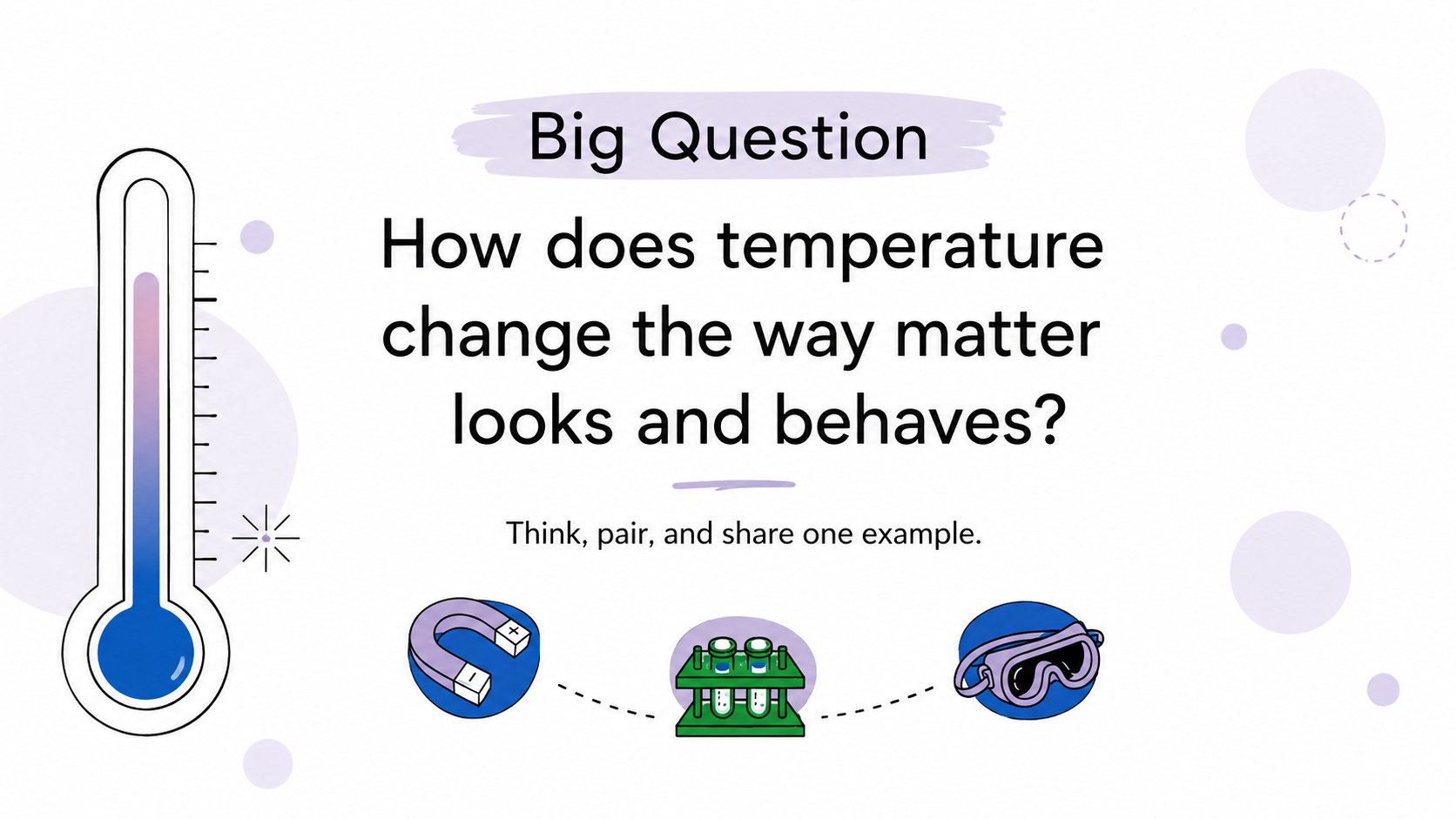
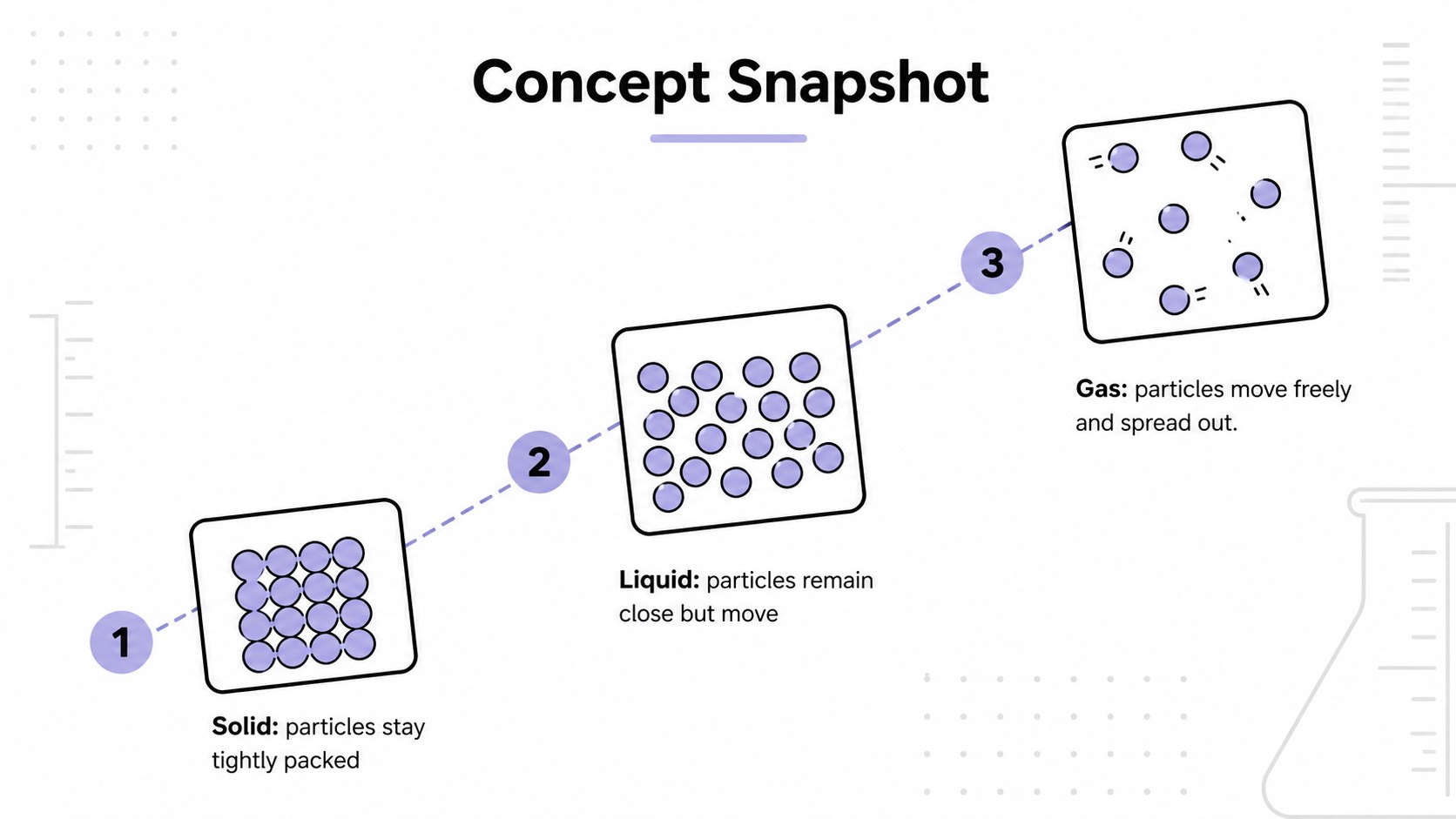
The white illustrated science classroom planner gives educators a clear framework for turning scientific concepts into structured, student-friendly lessons. Its bright white palette, minimal typography, and fresh educational illustrations keep attention on the subject while adding enough visual interest to support classroom discussion.
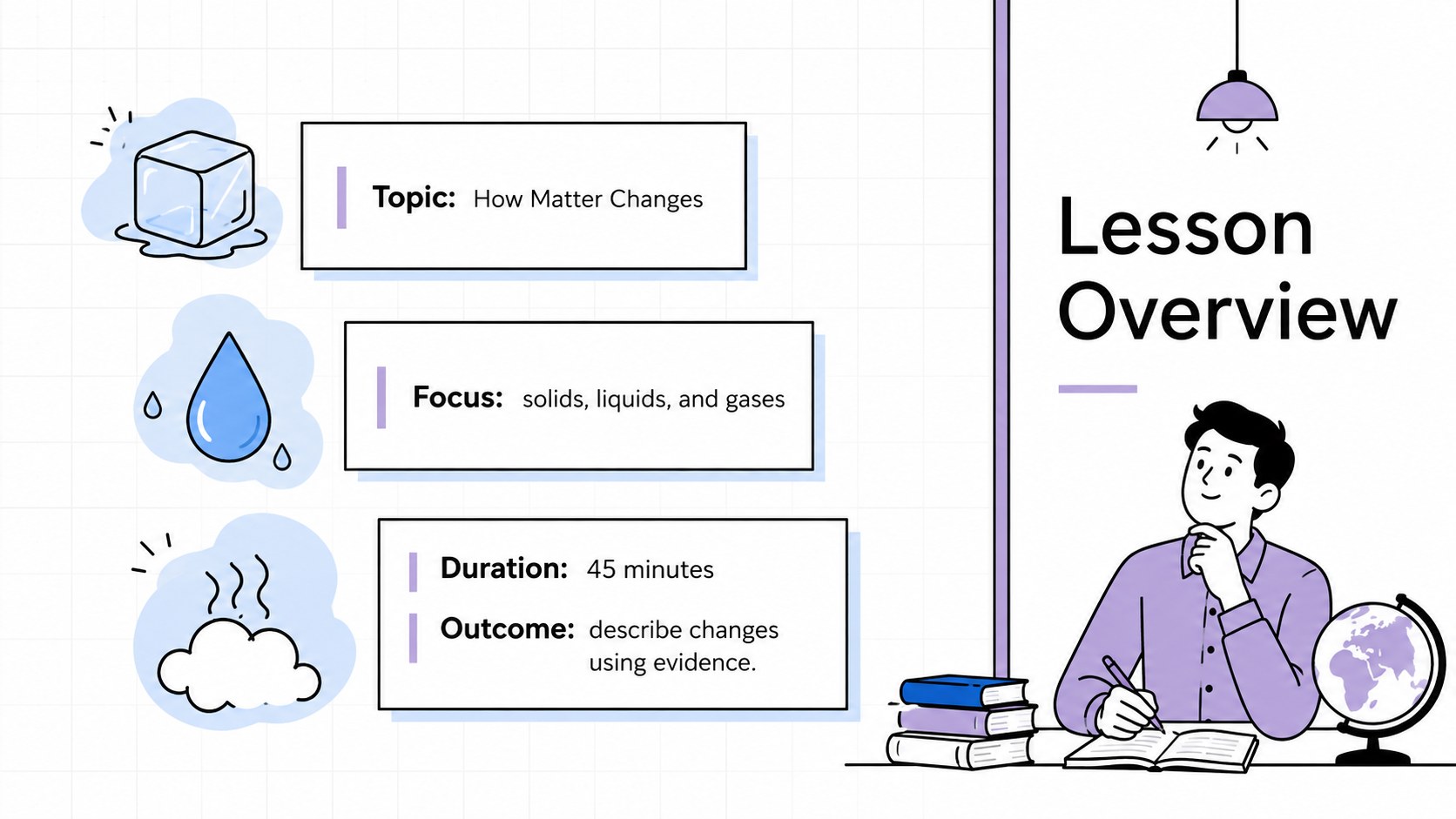
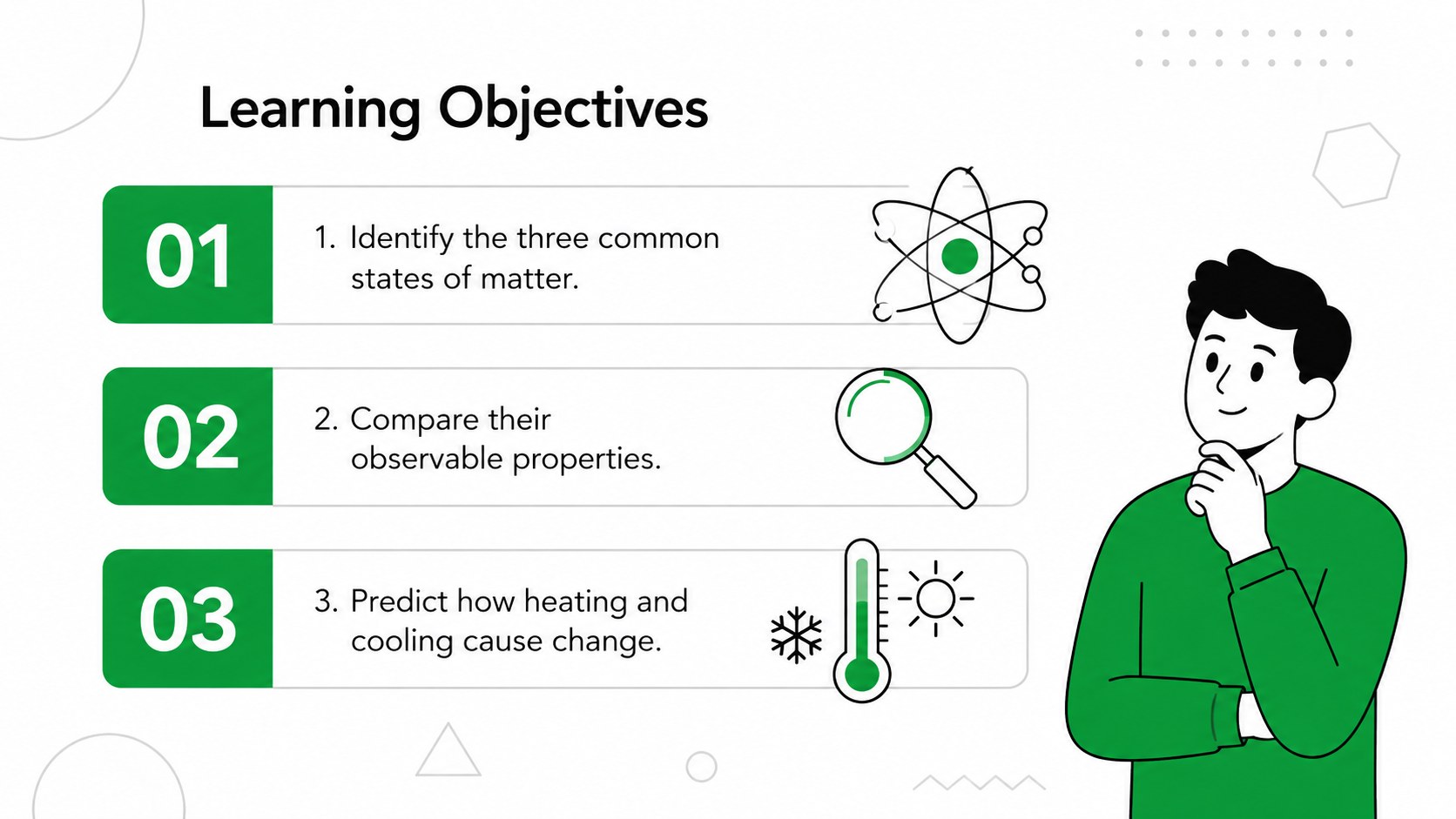
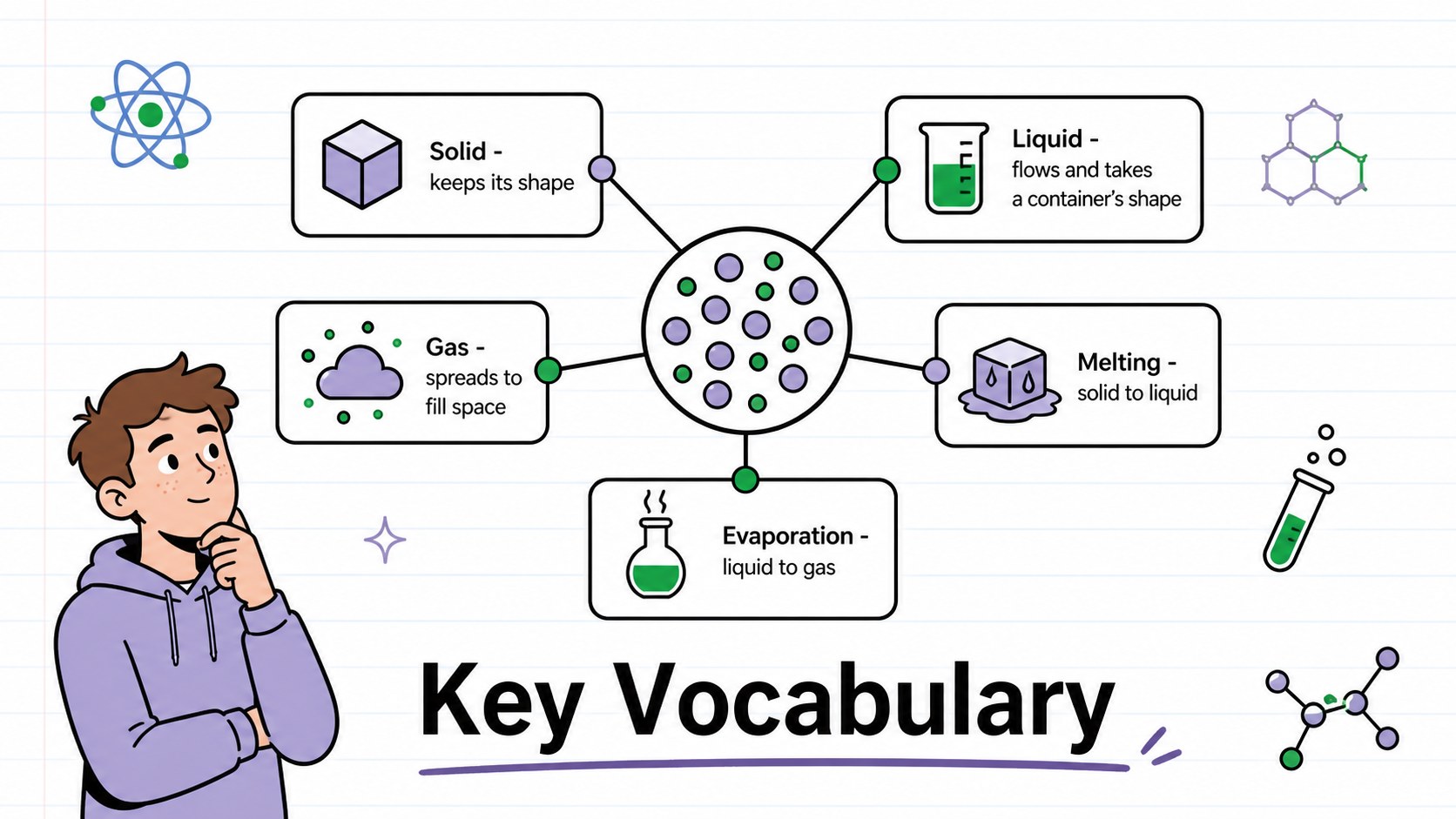
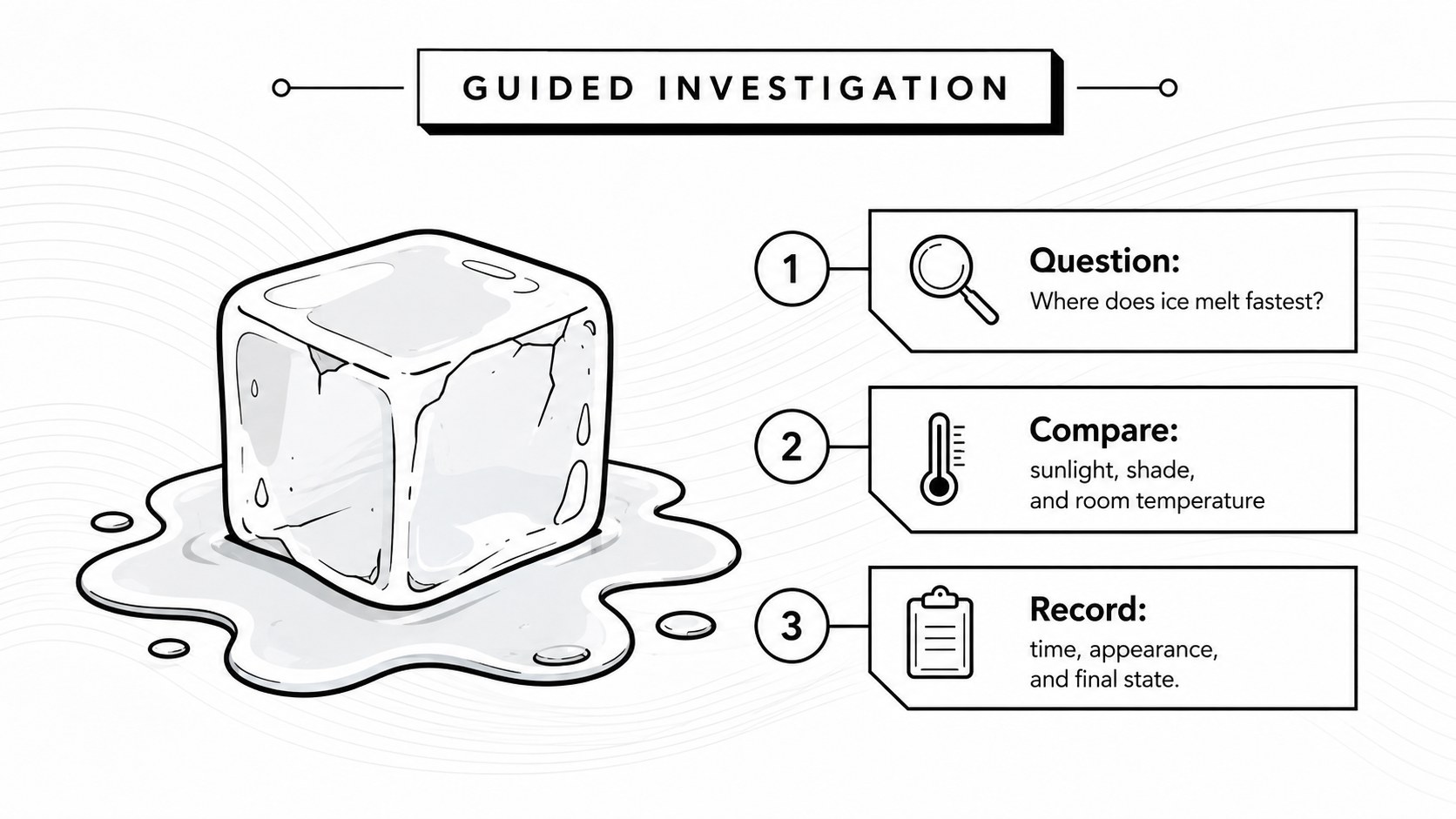
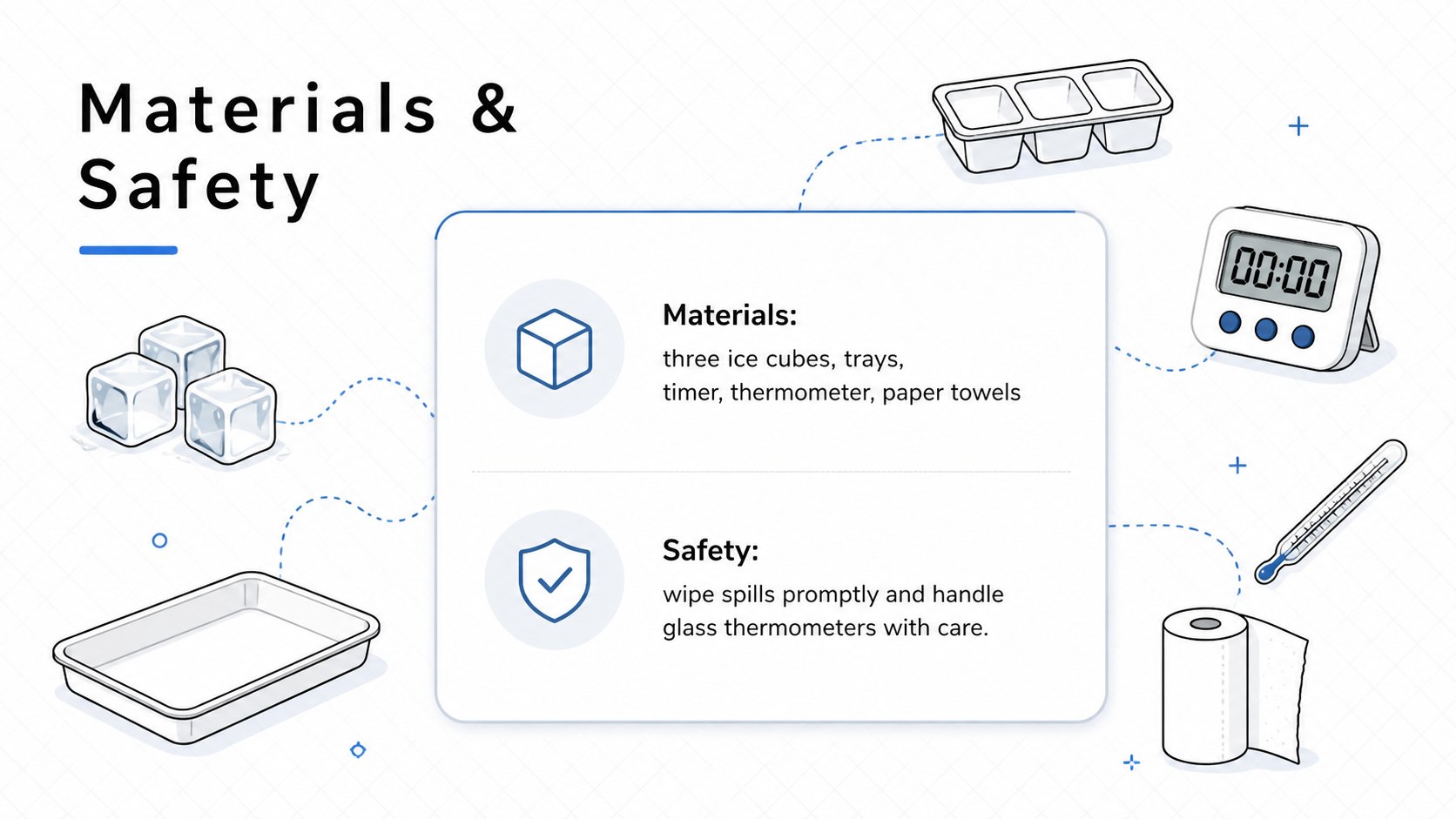
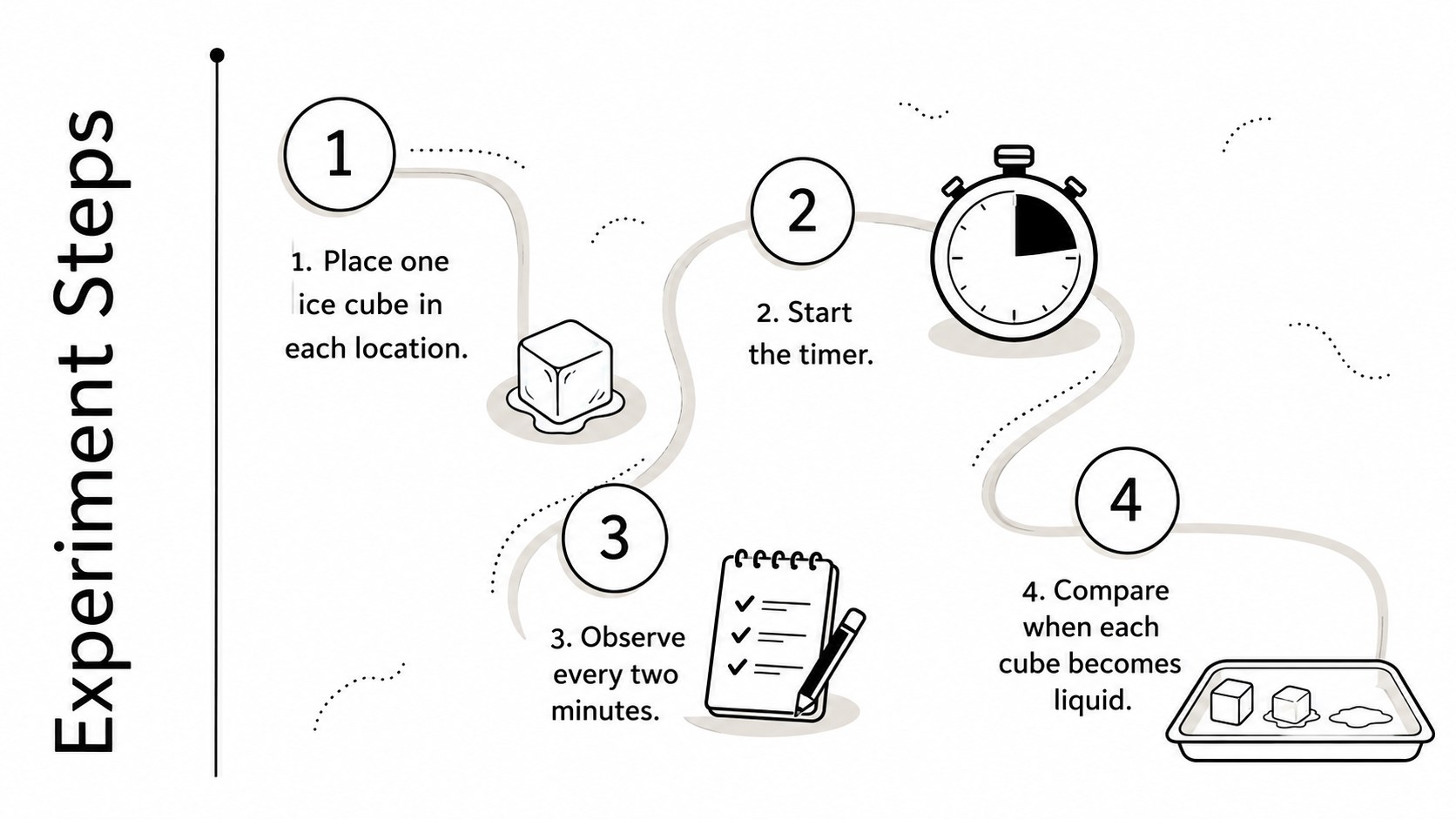
Inside, teachers will find 15 adaptable layouts for objectives, vocabulary, key questions, concept explanations, materials, safety guidance, experiment procedures, observation notes, evidence review, differentiation, and assessment. The editable classroom science slide deck also includes a lesson timeline and exit ticket, making it practical for presenting a complete learning sequence from introduction to reflection. Charts, diagrams, text blocks, and image areas can be adjusted to suit different topics and age groups.
Designed as a science lesson presentation for teachers, the deck works well in elementary classrooms, middle school courses, secondary science programs, tutoring sessions, and remote instruction. Use it for chemistry demonstrations, biology discussions, physics activities, environmental studies, or general STEM learning. Every slide can be edited in PowerPoint or Google Slides, allowing educators to replace sample wording, change illustrations, adjust colors, and reorganize sections. The minimalist science teaching template is especially useful when you need a polished lesson quickly without overwhelming students with decoration.
Perfect for: classroom science lesson; laboratory activity briefing; STEM concept introduction; experiment planning session; student assessment review.
Frequently asked questions
Can I edit every part of the classroom planner? Yes. You can revise the text, move visual elements, replace illustrations, and adjust the white color scheme to match your subject or school materials.
Practical details
Yes. You can revise the text, move visual elements, replace illustrations, and adjust the white color scheme to match your subject or school materials.
The template is designed for PowerPoint and Google Slides. Both platforms support the core layouts, editable text, images, shapes, and presentation features.
Yes. Replace the sample content with material for biology, chemistry, physics, environmental science, or general STEM classes while keeping the same lesson structure.
The flexible layouts can be simplified for younger learners or expanded with technical detail for secondary classes. Teachers can also adjust vocabulary, activity instructions, and assessment questions.
Keep exploring
15Build stronger academic arguments with a college essay thesis builder featuring guided examples, revision prompts, and editable PowerPoint and Google Slides.
 15
15Build an engaging World UFO Day session with this flying saucer history lesson deck, featuring retro green-and-brown slides for PowerPoint and Google Slides.
 14
14Plan a memorable Lunar New Year campaign with the 2036 Dragon Year Celebration Theme, featuring bold red-and-yellow slides for lessons and events.
 15
15Build a thoughtful classroom discussion with this interfaith awareness lesson deck, featuring editable blue-and-white slides for PowerPoint and Google Slides.
 15
15Use this environmental awareness lesson deck to teach climate action through illustrated activities, discussion prompts, and ready-to-edit visuals.
 15
15Build playful lessons and party stories with a kid-friendly zombie celebration theme in purple, green and pastel blue for PowerPoint and Google Slides.
 15
15Build eerie lessons, campaigns, and story pitches with an undead survival scenario theme featuring editable slides for PowerPoint and Google Slides.
 16
16Turn environmental research into a clear story with a Watercolor Ecology Presentation Theme for PowerPoint and Google Slides in calming green and blue.