
 15
15presentation
College Essay Thesis Builder Slides
Build stronger academic arguments with a college essay thesis builder featuring guided examples, revision prompts, and editable PowerPoint and Google Slides.
Google SlidesPowerPoint
presentation · English
Build colorful lessons, pitches, and storyboards with a whimsical animation storytelling slide theme in playful purple and pink, ready for PPT, Slides.
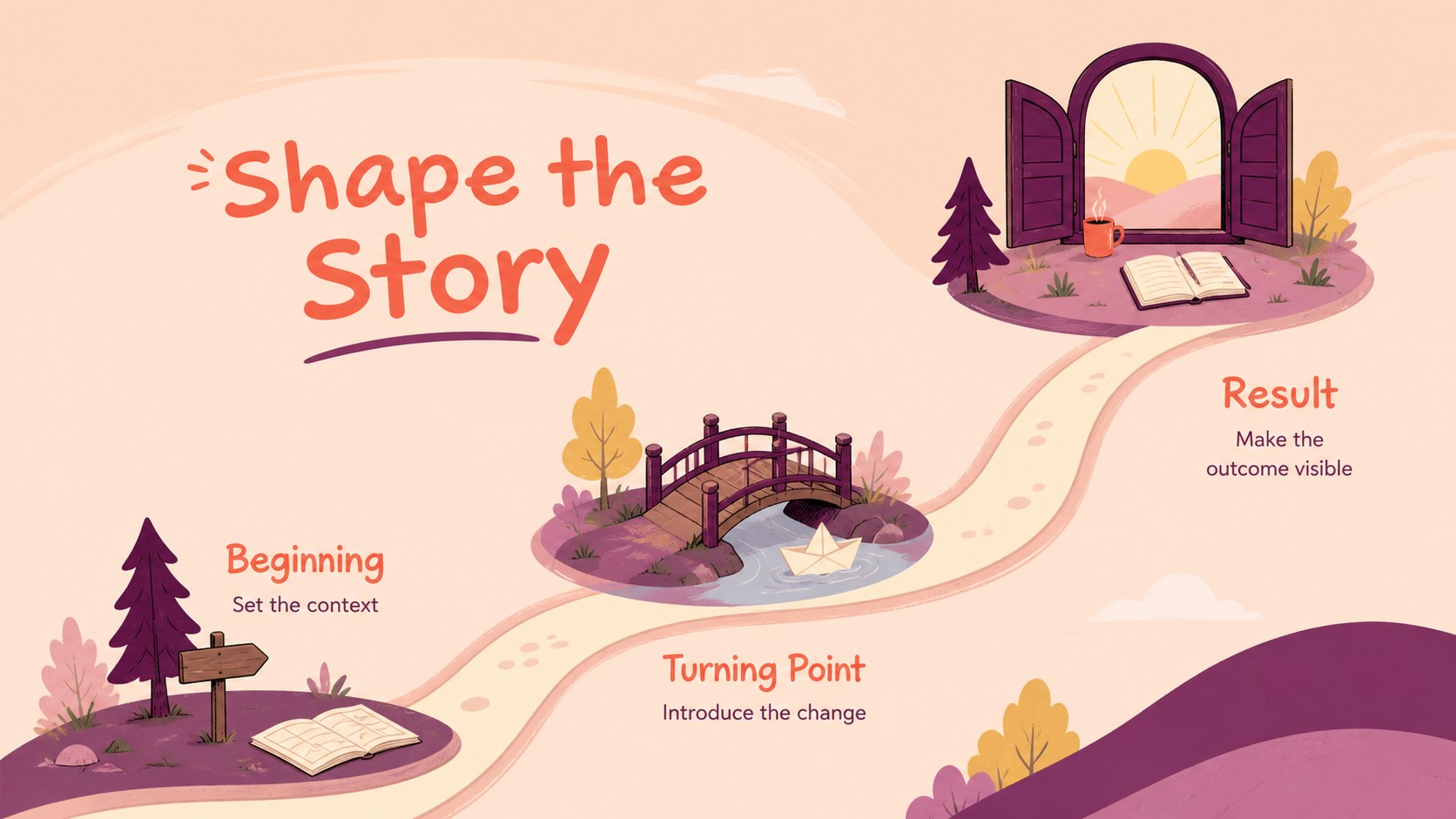
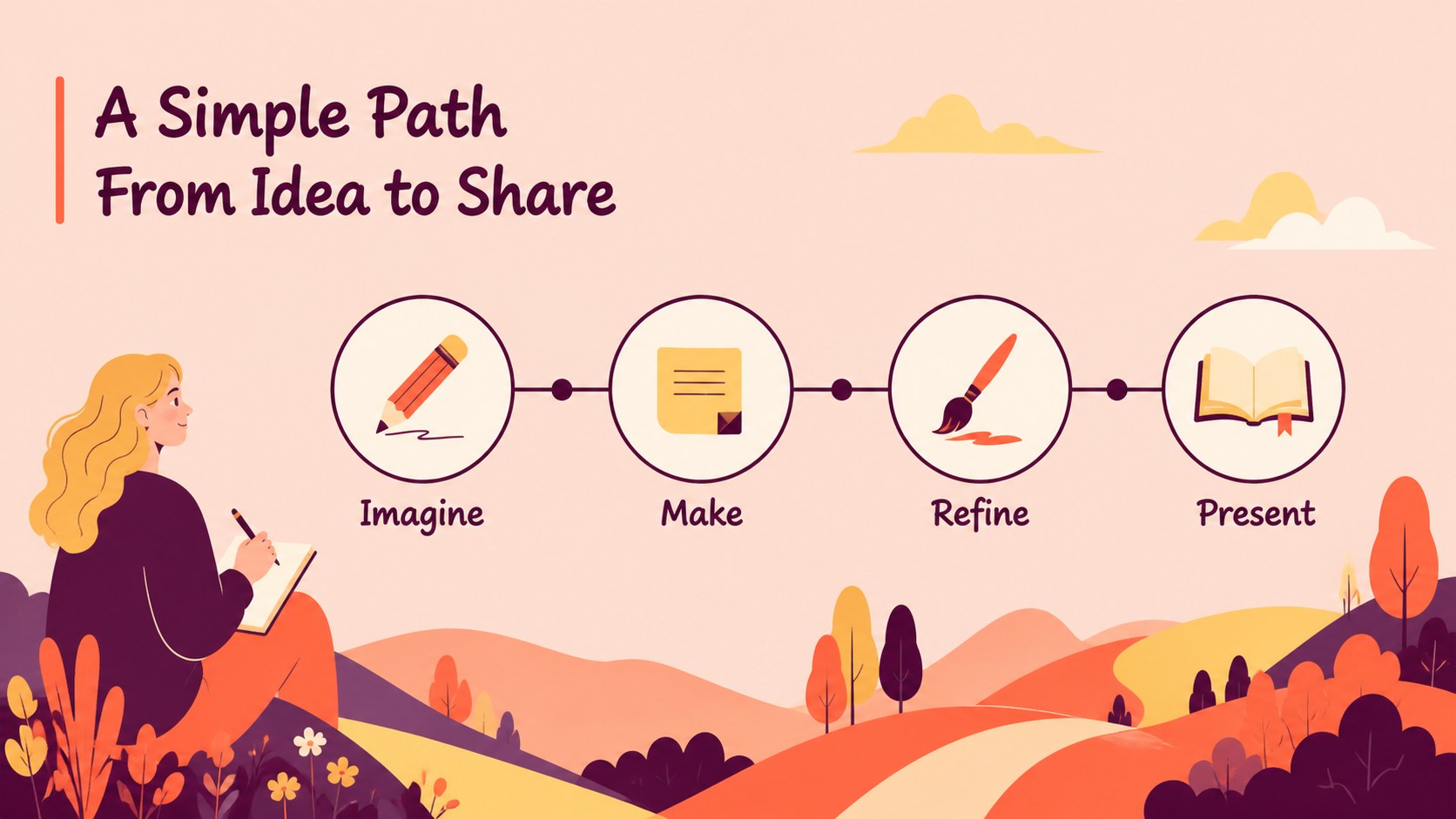
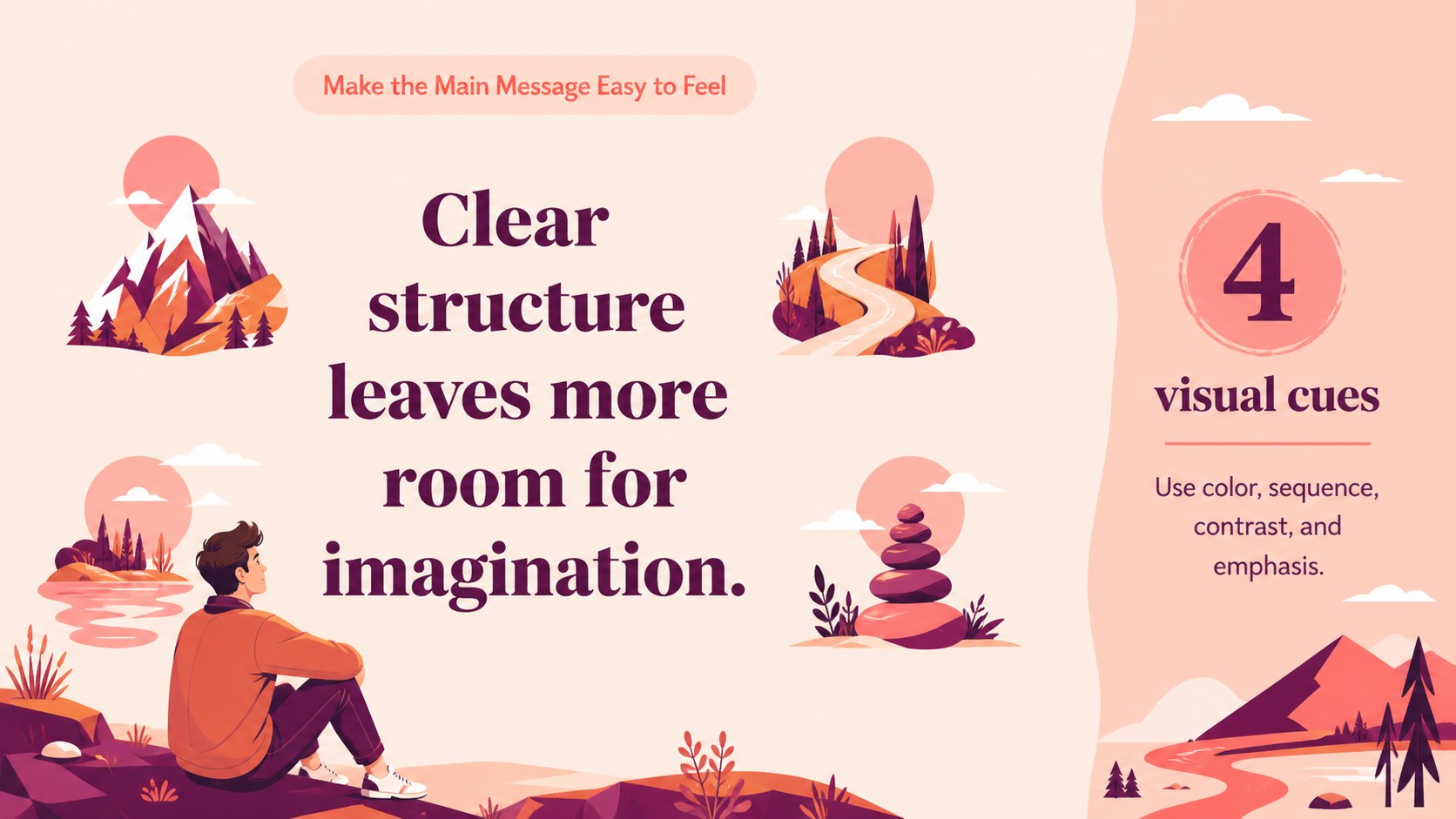
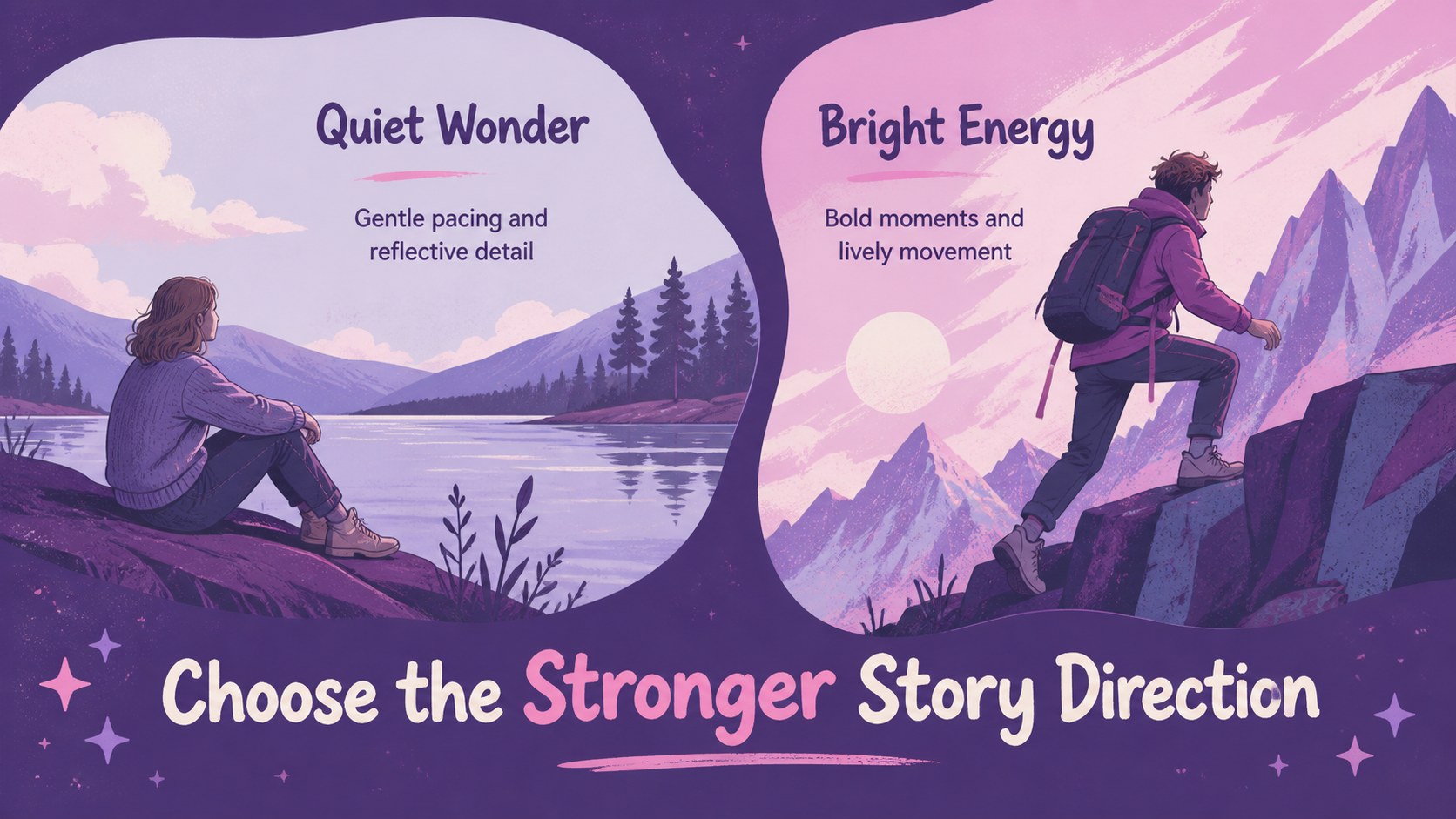
Design notes
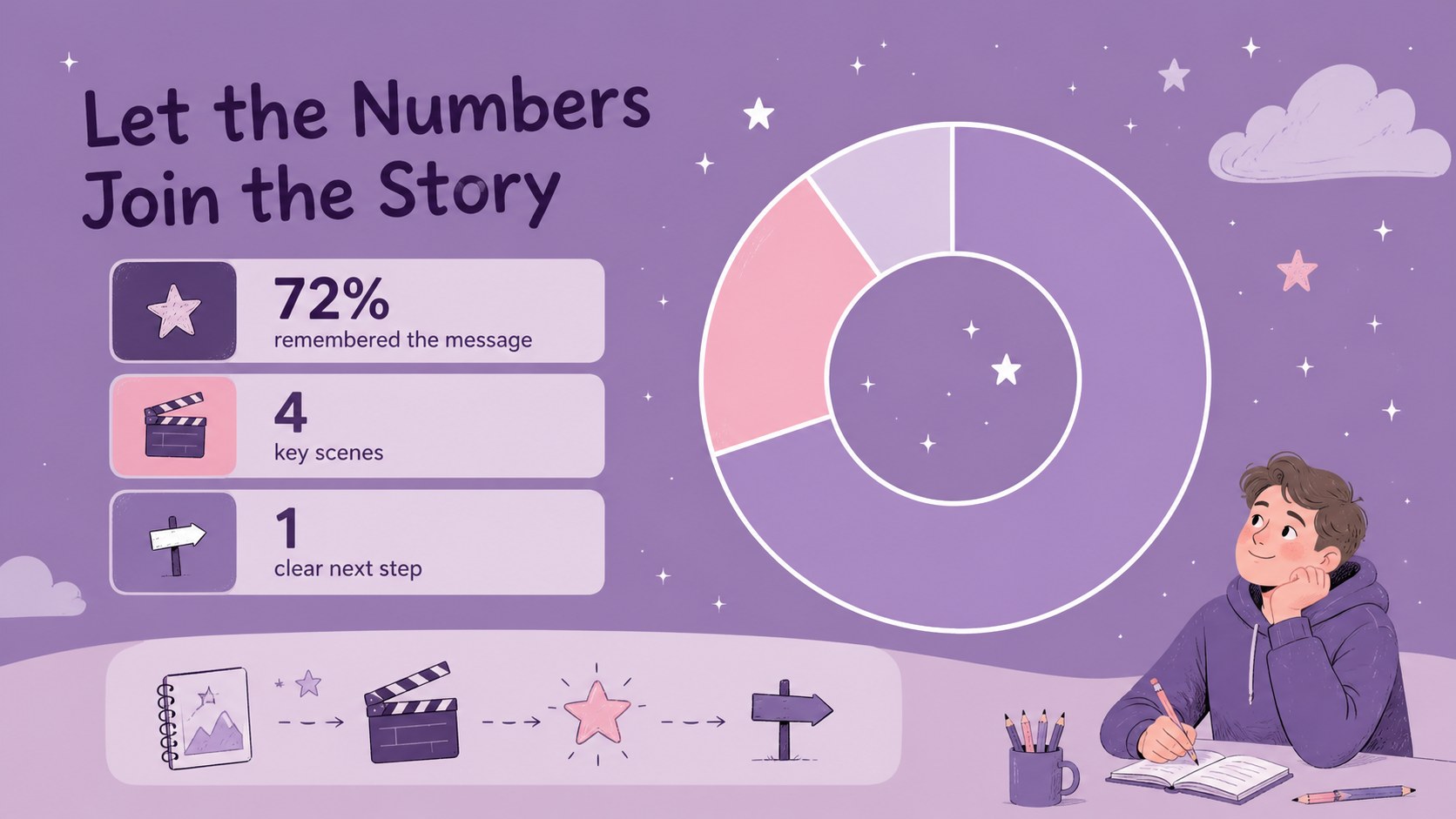
Bring a sense of wonder to your next lesson, campaign, or creative briefing with this whimsical animation storytelling slide theme. Designed around playful illustration, soft purple and pink tones, and friendly visual details, the deck helps audiences follow an idea from opening scene to final message without losing the fun.
Inside, you’ll find flexible layouts for introductions, agendas, character or concept profiles, story sequences, timelines, comparisons, data highlights, image-led quotes, and closing calls to action. The visual language works especially well for classroom storytelling presentations, children’s content, nonprofit campaigns, creative portfolios, and marketing pitches that need a warmer tone.
The 15-slide structure is editable in PowerPoint and Google Slides. Adjust the text, colors, illustrations, charts, frames, and transitions to match your project, then export or share in the format your audience needs. Use the whimsical animation storytelling slide theme for a complete presentation or combine individual layouts with your existing visual identity. It is approachable enough for educators and young learners, yet adaptable for agencies, community groups, and imaginative business concepts.
Perfect for: classroom story lesson; children’s content pitch; creative agency presentation; nonprofit campaign briefing; storybook marketing concept; animated project storyboard.
Frequently asked questions
Can I edit this deck in PowerPoint and Google Slides? Yes. The layouts are intended for PowerPoint and Google Slides, with editable text, shapes, colors, and image areas. You can also adapt the presentation.
Practical details
Yes. The layouts are intended for PowerPoint and Google Slides, with editable text, shapes, colors, and image areas. You can also adapt the presentation.
Yes. Its friendly illustrations and clear visual sequence work well for classroom stories, reading activities, creative projects, and presentations for younger audiences. Replace the sample copy with age-appropriate lesson content.
Yes. Update the theme colors or individual shapes to align the deck with your brand or school colors. Keeping a few soft accent tones will preserve the illustrated atmosphere.
The deck includes layouts for agendas, concept profiles, timelines, comparisons, data points, quotes, image features, and closing messages. Rearrange or duplicate slides to create a longer campaign, lesson, or storyboard.
Keep exploring
15Build stronger academic arguments with a college essay thesis builder featuring guided examples, revision prompts, and editable PowerPoint and Google Slides.
 15
15Build an engaging World UFO Day session with this flying saucer history lesson deck, featuring retro green-and-brown slides for PowerPoint and Google Slides.
 14
14Plan a memorable Lunar New Year campaign with the 2036 Dragon Year Celebration Theme, featuring bold red-and-yellow slides for lessons and events.
 15
15Build a thoughtful classroom discussion with this interfaith awareness lesson deck, featuring editable blue-and-white slides for PowerPoint and Google Slides.
 15
15Use this environmental awareness lesson deck to teach climate action through illustrated activities, discussion prompts, and ready-to-edit visuals.
 15
15Build playful lessons and party stories with a kid-friendly zombie celebration theme in purple, green and pastel blue for PowerPoint and Google Slides.
 15
15Build eerie lessons, campaigns, and story pitches with an undead survival scenario theme featuring editable slides for PowerPoint and Google Slides.
 16
16Turn environmental research into a clear story with a Watercolor Ecology Presentation Theme for PowerPoint and Google Slides in calming green and blue.