
 15
15presentation
College Essay Thesis Builder Slides
Build stronger academic arguments with a college essay thesis builder featuring guided examples, revision prompts, and editable PowerPoint and Google Slides.
Google SlidesPowerPoint
spreadsheet · English
Build a clearer school week with a weekly class timetable spreadsheet for Excel and Google Sheets, featuring colorful, editable course and time blocks.

Design notes
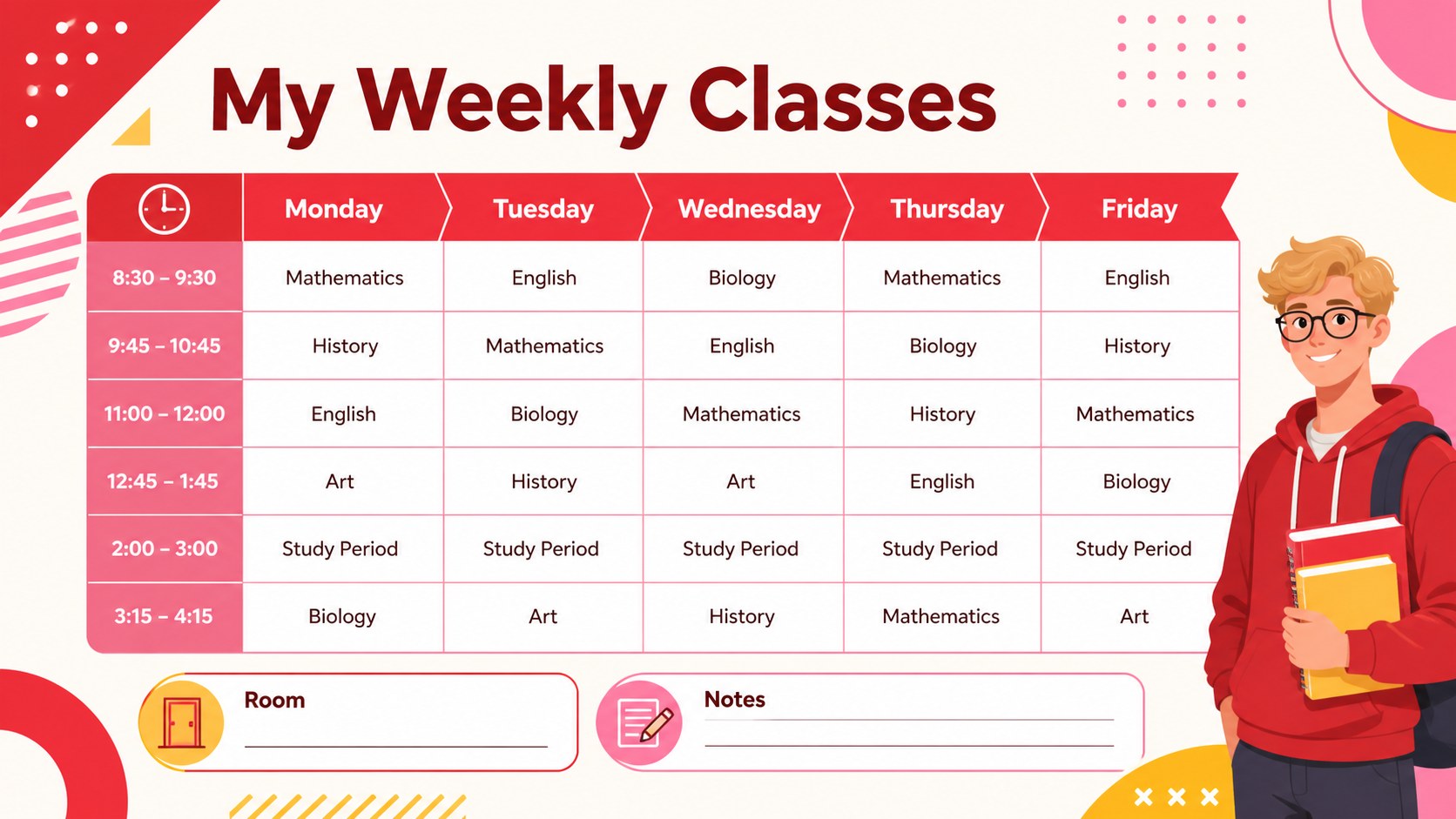
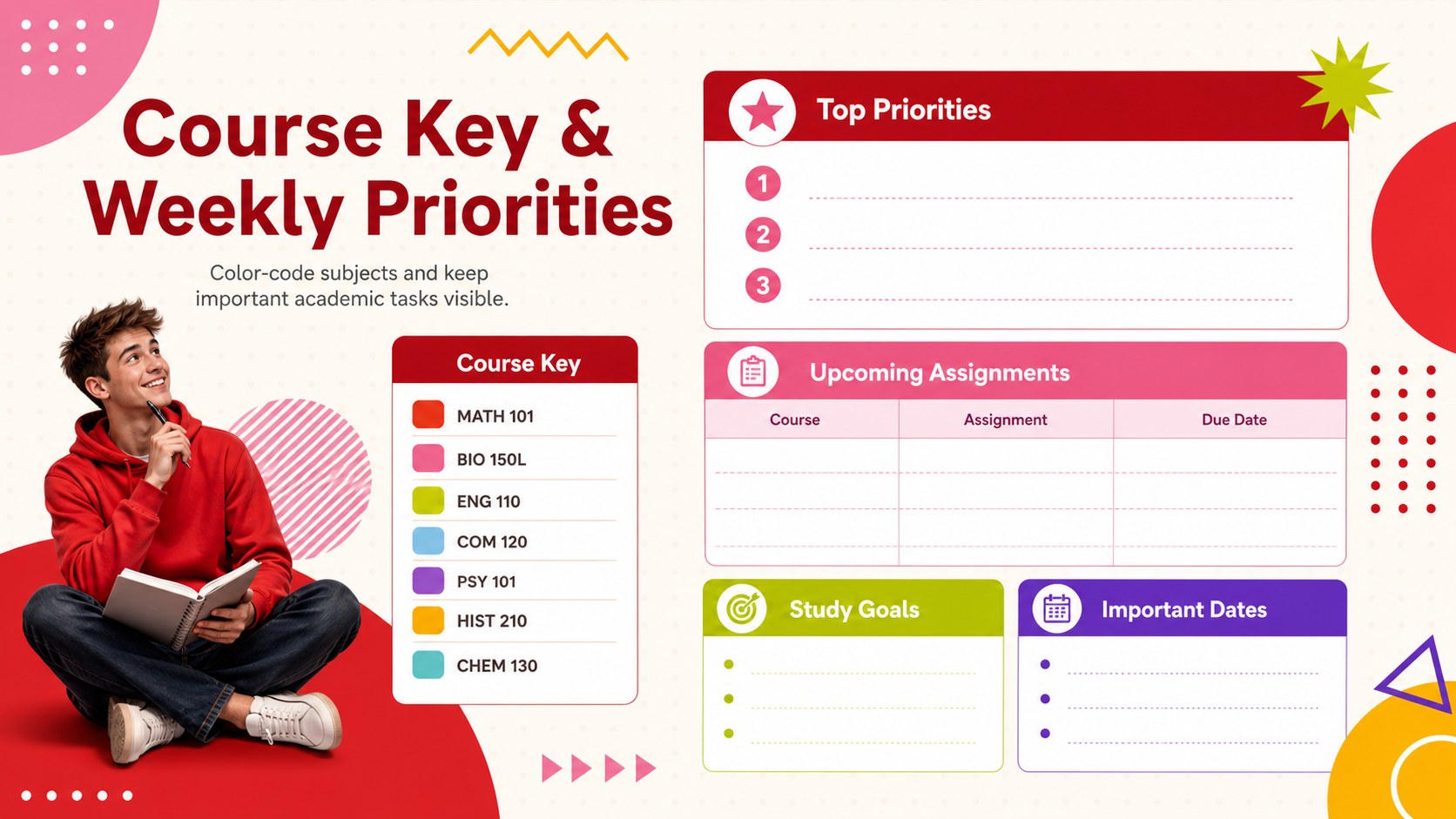
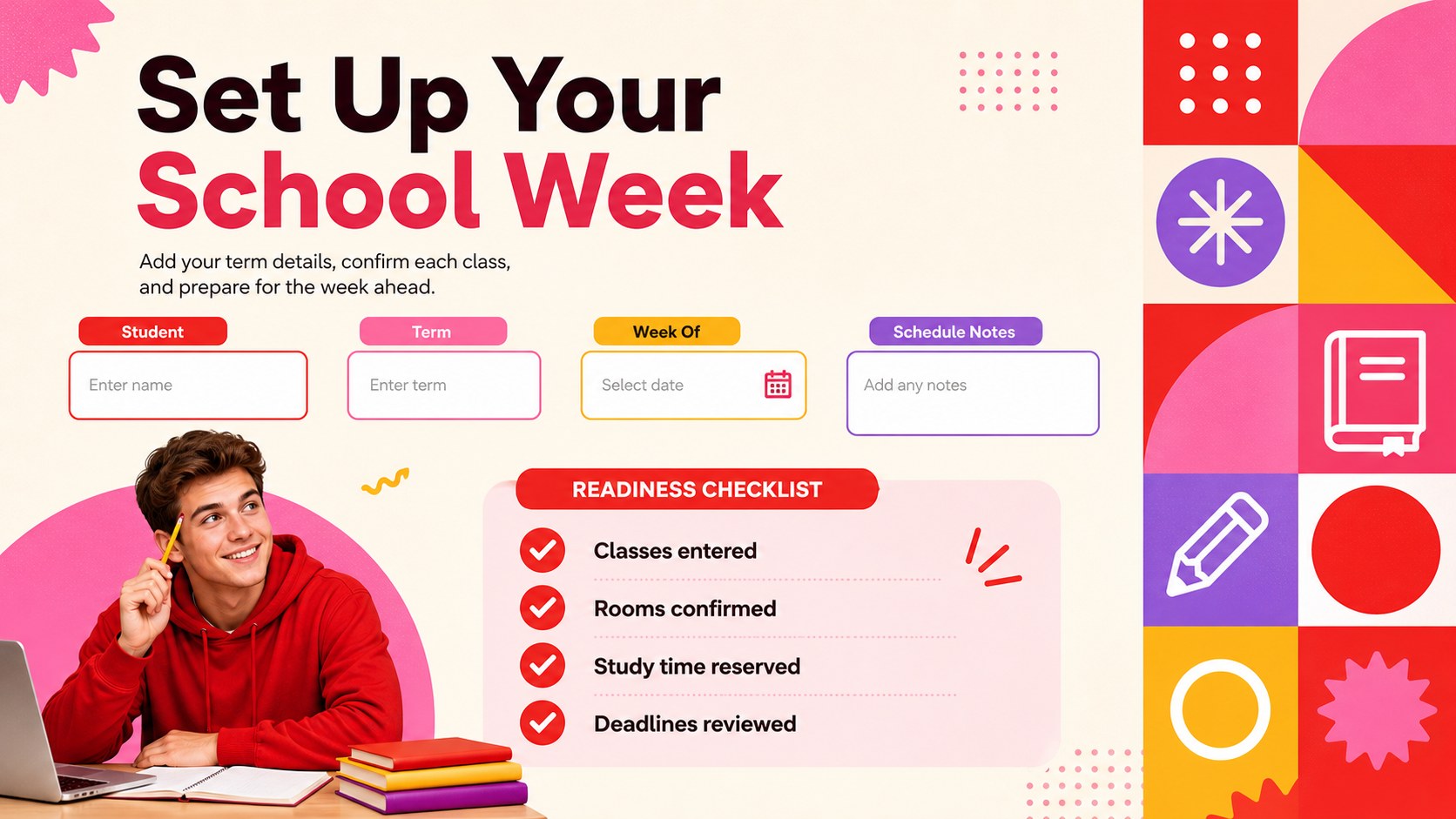
Bring structure to a busy academic week with this weekly class timetable spreadsheet for Excel and Google Sheets. Its vibrant geometric design uses bold red and pink accents to separate courses, study sessions, breaks, and other commitments at a glance. The organized landscape layout gives students a practical overview without making the schedule feel crowded.
Inside, you will find an editable weekly grid with clearly defined day and time fields, space for course names, and flexible blocks for rooms, instructors, or personal notes. Customize the colors, fonts, labels, and time intervals to create a personalized student timetable that matches your routine. The format also works as an editable school schedule for coordinating recurring lessons, extracurricular activities, and independent study periods.
This colorful academic weekly planner is useful for middle school and high school students managing rotating subjects, university students moving between lectures and seminars, and teachers preparing a visible classroom timetable. It can also support tutors, families, and academic advisors who need a straightforward way to coordinate learning hours.
Open the template in Excel or Google Sheets, replace the sample entries, and adjust the schedule to fit your term. Duplicate the weekly layout for different semesters, print a copy for a desk or binder, or share the live file with classmates, families, and instructors.
Perfect for: weekly university lecture planning; high school subject scheduling; middle school class organization; study and tutoring coordination; semester timetable preparation.
Frequently asked questions
Practical details
Yes. You can replace course names, change time intervals, add locations, and adjust formatting in either Excel or Google Sheets. The layout can be duplicated for multiple weeks or semesters.
Select the relevant cells or schedule blocks and apply your preferred fill colors, borders, and fonts. You can assign a different color to each subject or use colors to distinguish classes, breaks, and study periods.
Yes. The landscape format is designed to present the full week clearly on one page. Review the print preview and select fit-to-page scaling before printing.
Teachers can adapt it for classroom timetables, lesson rotations, office hours, or shared student schedules. Labels and time slots are fully editable to accommodate different school-day structures.
Keep exploring
15Build stronger academic arguments with a college essay thesis builder featuring guided examples, revision prompts, and editable PowerPoint and Google Slides.
 15
15Build an engaging World UFO Day session with this flying saucer history lesson deck, featuring retro green-and-brown slides for PowerPoint and Google Slides.
 14
14Plan a memorable Lunar New Year campaign with the 2036 Dragon Year Celebration Theme, featuring bold red-and-yellow slides for lessons and events.
 15
15Build a thoughtful classroom discussion with this interfaith awareness lesson deck, featuring editable blue-and-white slides for PowerPoint and Google Slides.
 15
15Use this environmental awareness lesson deck to teach climate action through illustrated activities, discussion prompts, and ready-to-edit visuals.
 15
15Build playful lessons and party stories with a kid-friendly zombie celebration theme in purple, green and pastel blue for PowerPoint and Google Slides.
 15
15Build eerie lessons, campaigns, and story pitches with an undead survival scenario theme featuring editable slides for PowerPoint and Google Slides.
 16
16Turn environmental research into a clear story with a Watercolor Ecology Presentation Theme for PowerPoint and Google Slides in calming green and blue.