
 15
15presentation
College Essay Thesis Builder Slides
Build stronger academic arguments with a college essay thesis builder featuring guided examples, revision prompts, and editable PowerPoint and Google Slides.
Google SlidesPowerPoint
presentation · English
Celebrate online learners with webinar completion certificate slides, featuring editable violet artwork for university events in PowerPoint and Google Slides.








Design notes
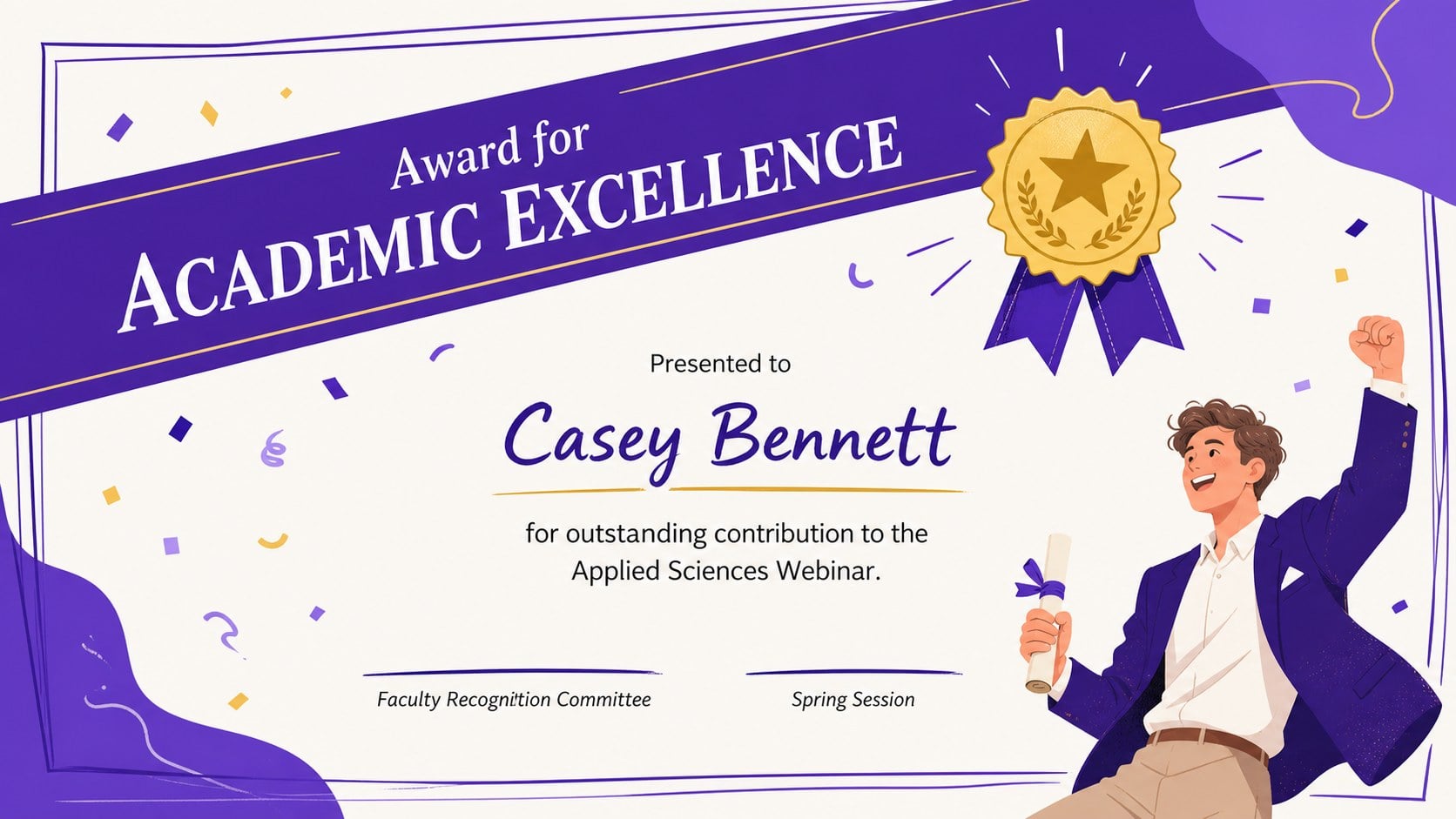
Celebrate attendance, achievement, and course completion with Webinar Completion Certificate Slides designed for academic and professional online events. The colorful violet palette, hand-drawn accents, and clean certificate layouts create a warm sense of occasion while keeping every recipient's name, award details, and completion date easy to read.
Inside, you will find adaptable designs for participation, excellence, speaker appreciation, workshop completion, and online course recognition. Use the editable webinar certificate PowerPoint layouts as they are, or adjust the wording, typography, colors, seals, and signature fields to match your institution. The collection also works as a purple academic certificate presentation for departments that want a coordinated set of awards rather than a single generic page.
These participant recognition slides for educators are ideal for university lecturers, training coordinators, webinar hosts, student organizations, and professional development teams. Each layout can be customized in PowerPoint or Google Slides, then presented digitally or exported for printing and email distribution. The spacious composition supports short recipient names as well as longer academic titles without making the design feel crowded. Whether you are wrapping up a guest lecture, multi-session seminar, faculty workshop, or remote learning program, the deck provides a consistent and celebratory way to acknowledge everyone involved.
Perfect for: university webinar completion; virtual workshop recognition; online course graduation; guest speaker appreciation; faculty training awards.
Frequently asked questions
Can I edit each recipient's name and award details? Yes. Replace the sample name, event title, date, signatures, and recognition wording directly in PowerPoint or Google Slides. You can also duplicate a finished certificate to create awards for an entire group.
Practical details
Yes. Replace the sample name, event title, date, signatures, and recognition wording directly in PowerPoint or Google Slides. You can also duplicate a finished certificate to create awards for an entire group.
The slides are designed for PowerPoint and Google Slides. Fonts or spacing may vary slightly between platforms, so review each certificate before exporting or presenting it.
Yes. Change the violet accents, typefaces, decorative illustrations, and seal elements to suit your institution. Keep sufficient contrast between the background and recipient information for clear reading.
Yes. Export individual certificates as PDF or image files for printing and digital delivery. For the sharpest results, confirm the page dimensions and image quality before distributing the final awards.
Keep exploring
15Build stronger academic arguments with a college essay thesis builder featuring guided examples, revision prompts, and editable PowerPoint and Google Slides.
 15
15Build an engaging World UFO Day session with this flying saucer history lesson deck, featuring retro green-and-brown slides for PowerPoint and Google Slides.
 14
14Plan a memorable Lunar New Year campaign with the 2036 Dragon Year Celebration Theme, featuring bold red-and-yellow slides for lessons and events.
 15
15Build a thoughtful classroom discussion with this interfaith awareness lesson deck, featuring editable blue-and-white slides for PowerPoint and Google Slides.
 15
15Use this environmental awareness lesson deck to teach climate action through illustrated activities, discussion prompts, and ready-to-edit visuals.
 15
15Build playful lessons and party stories with a kid-friendly zombie celebration theme in purple, green and pastel blue for PowerPoint and Google Slides.
 15
15Build eerie lessons, campaigns, and story pitches with an undead survival scenario theme featuring editable slides for PowerPoint and Google Slides.
 16
16Turn environmental research into a clear story with a Watercolor Ecology Presentation Theme for PowerPoint and Google Slides in calming green and blue.