
 15
15presentation
College Essay Thesis Builder Slides
Build stronger academic arguments with a college essay thesis builder featuring guided examples, revision prompts, and editable PowerPoint and Google Slides.
Google SlidesPowerPoint
presentation · English
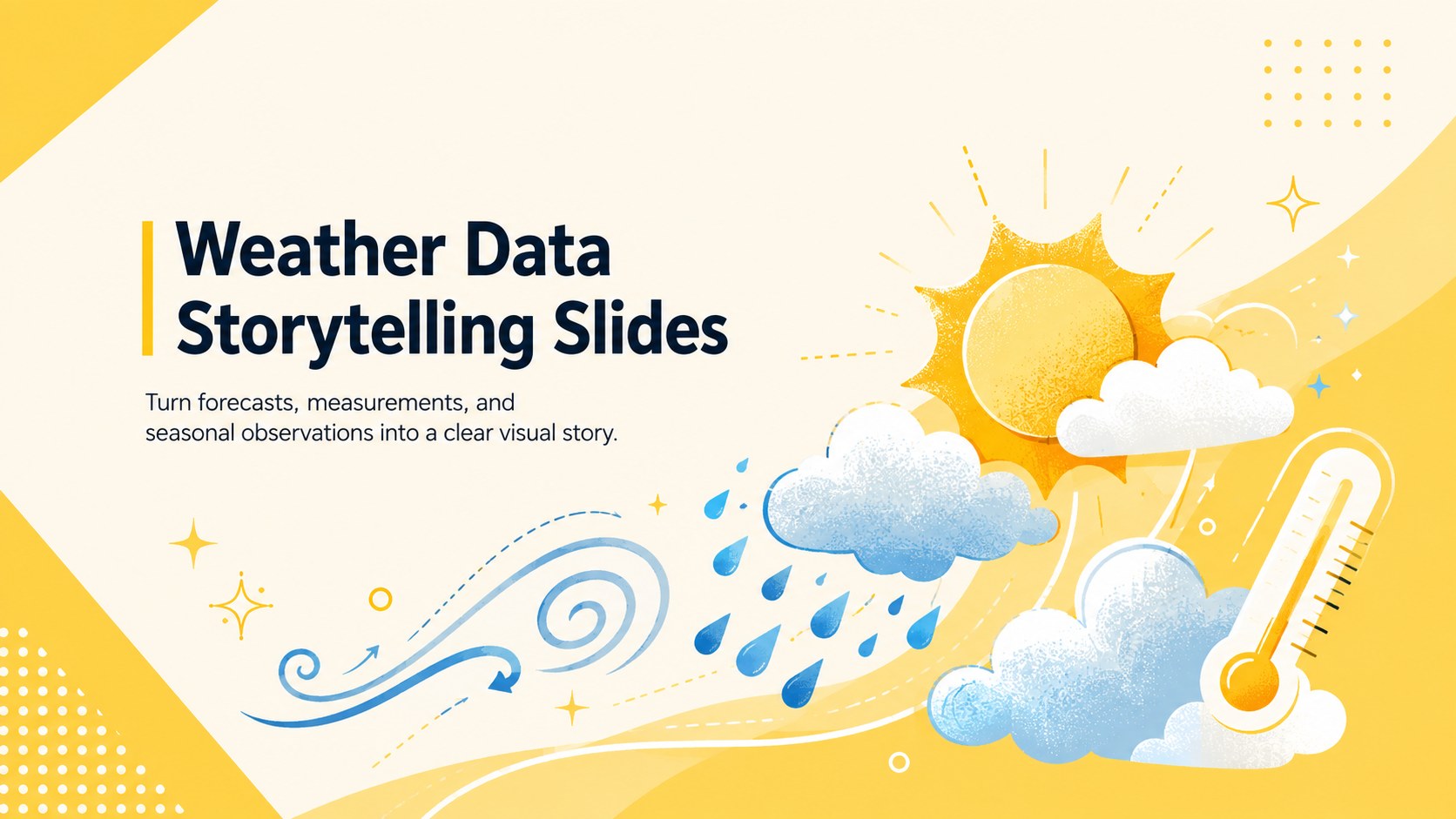
Weather Data Storytelling Slides turn forecasts and climate observations into bright yellow visuals, ready to edit in PowerPoint or Google Slides for class.
Design notes
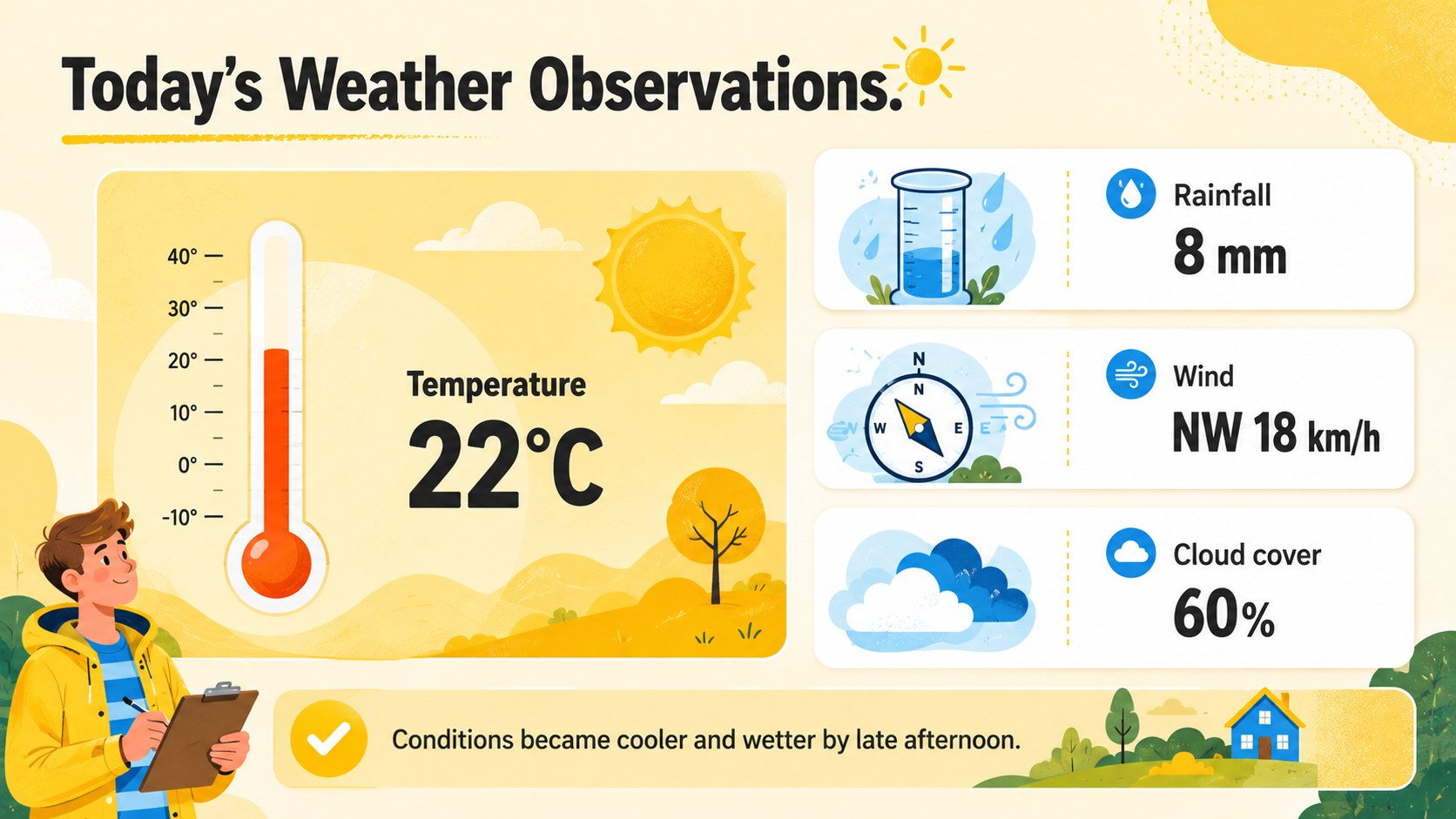
Weather Data Storytelling Slides help you translate temperatures, precipitation, wind, and cloud observations into visuals that are easy to understand. The vivid yellow palette and cheerful illustrated style keep scientific information inviting while leaving plenty of room for concise explanations, comparisons, and key findings. Edit the complete design in PowerPoint or Google Slides to match a lesson, research assignment, or community forecast.
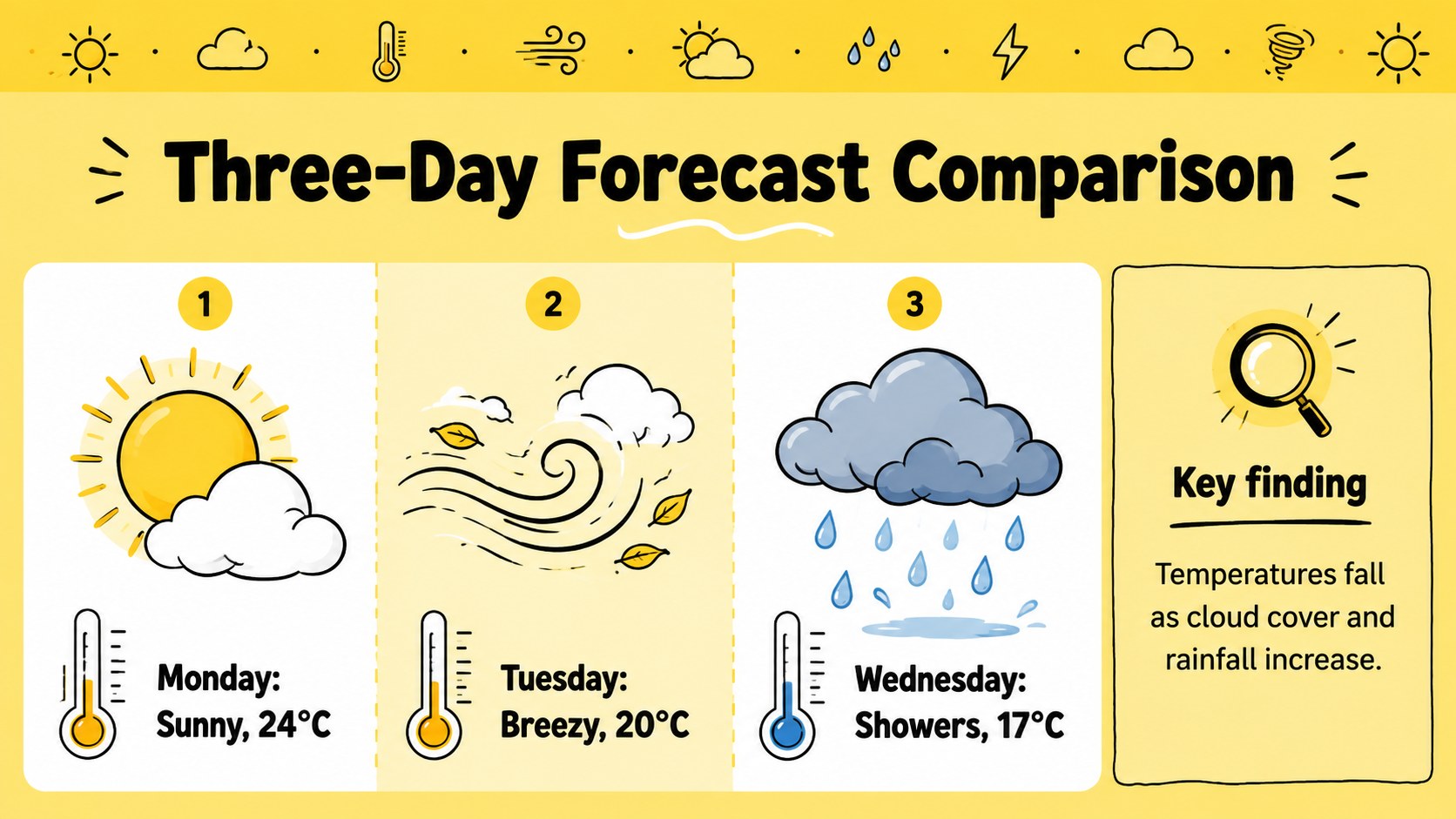
Inside, you will find illustrated weather data slides for introducing a topic, summarizing current conditions, and comparing observations across locations or time periods. Adapt the icon-based charts for temperature ranges, rainfall totals, wind direction, cloud cover, or seasonal trends. The structured layouts can also serve as forecast comparison slides for classroom discussions, helping students identify patterns and explain how atmospheric conditions change.
This climate observation presentation template is designed for science teachers, students, meteorology clubs, researchers, and public information teams. Use it for a weather unit, field observation report, climate journal, local forecast briefing, or science fair display. Colors, text, icons, and data labels are fully editable, so the slides can support introductory lessons as easily as detailed project findings. The sunny visual system provides a consistent foundation without distracting from the evidence being presented.
Perfect for: classroom weather lesson; student climate observation report; local forecast briefing; science fair presentation; seasonal data comparison.
Frequently asked questions
Can I edit the weather measurements and labels? Yes. Replace the sample temperatures, rainfall totals, forecast labels, and explanatory text with your own information. You can also resize or reposition the visual elements to suit different datasets.
Practical details
Yes. Replace the sample temperatures, rainfall totals, forecast labels, and explanatory text with your own information. You can also resize or reposition the visual elements to suit different datasets.
The template is designed for PowerPoint and Google Slides. Its text, colors, shapes, and infographic elements remain editable on both platforms.
Yes. Adjust the yellow accents, background colors, and contrasting details to match a school, organization, or research project. Keep strong contrast between text and backgrounds for clear viewing.
The layouts work for temperature, precipitation, wind, cloud cover, severe weather, seasonal trends, and daily forecasts. They can also be adapted for climate journals and field observation summaries.
Keep exploring
15Build stronger academic arguments with a college essay thesis builder featuring guided examples, revision prompts, and editable PowerPoint and Google Slides.
 15
15Build an engaging World UFO Day session with this flying saucer history lesson deck, featuring retro green-and-brown slides for PowerPoint and Google Slides.
 14
14Plan a memorable Lunar New Year campaign with the 2036 Dragon Year Celebration Theme, featuring bold red-and-yellow slides for lessons and events.
 15
15Build a thoughtful classroom discussion with this interfaith awareness lesson deck, featuring editable blue-and-white slides for PowerPoint and Google Slides.
 15
15Use this environmental awareness lesson deck to teach climate action through illustrated activities, discussion prompts, and ready-to-edit visuals.
 15
15Build playful lessons and party stories with a kid-friendly zombie celebration theme in purple, green and pastel blue for PowerPoint and Google Slides.
 15
15Build eerie lessons, campaigns, and story pitches with an undead survival scenario theme featuring editable slides for PowerPoint and Google Slides.
 16
16Turn environmental research into a clear story with a Watercolor Ecology Presentation Theme for PowerPoint and Google Slides in calming green and blue.