
 15
15presentation
College Essay Thesis Builder Slides
Build stronger academic arguments with a college essay thesis builder featuring guided examples, revision prompts, and editable PowerPoint and Google Slides.
Google SlidesPowerPoint
presentation · English
Build engaging art lessons and project stories with watercolor art workshop slides for PowerPoint and Google Slides, featuring vivid, editable layouts.
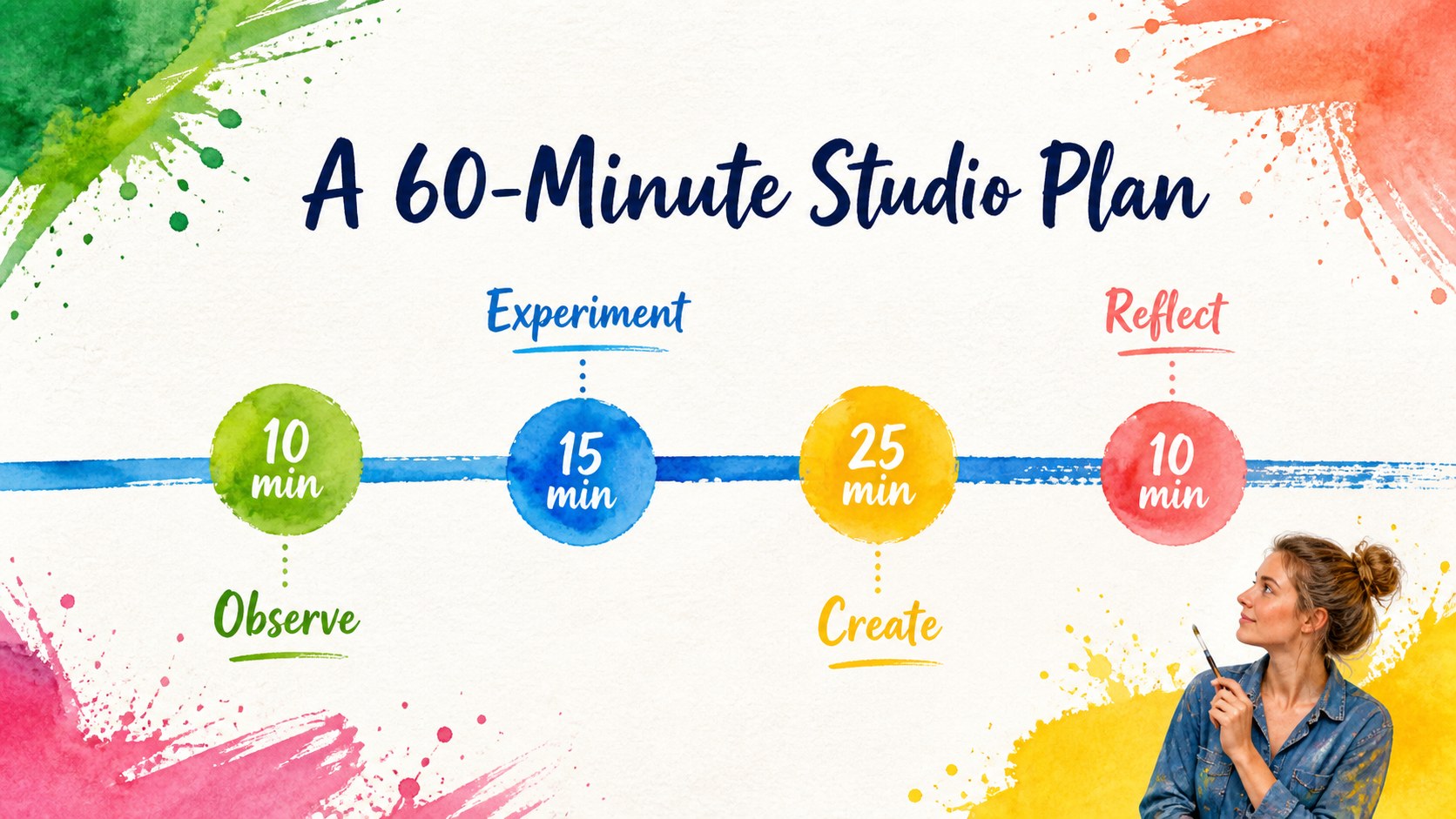
Design notes
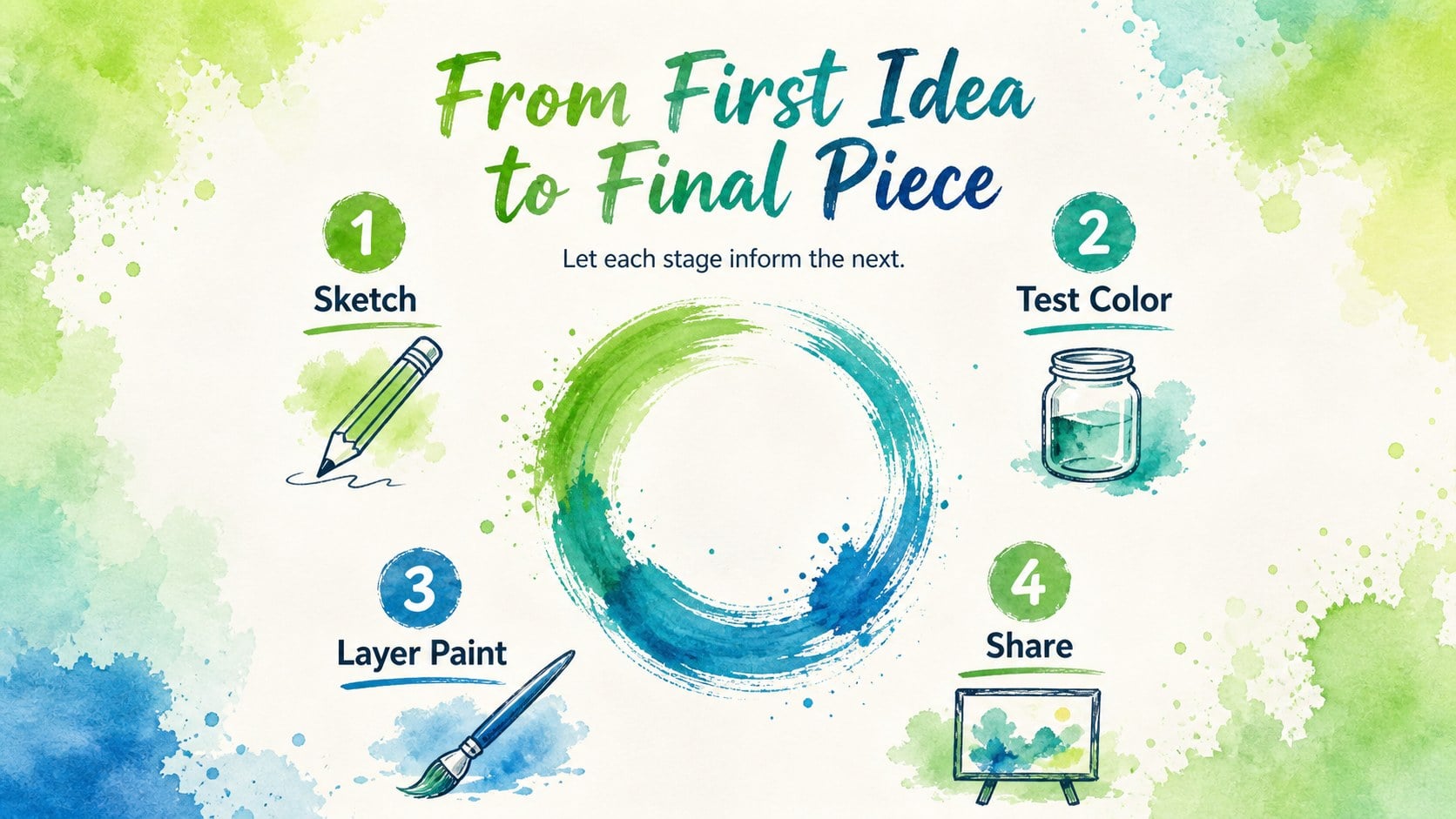
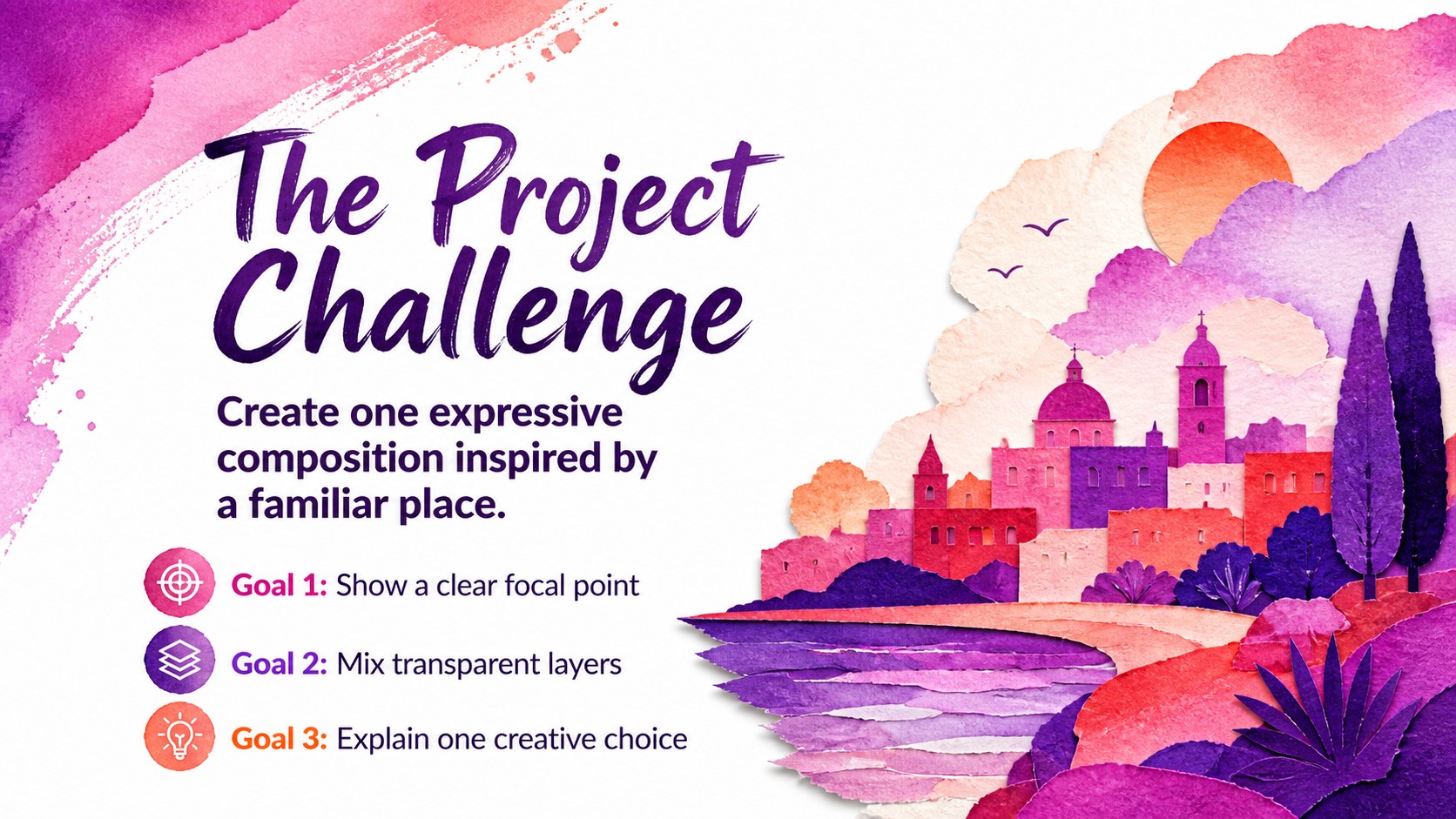
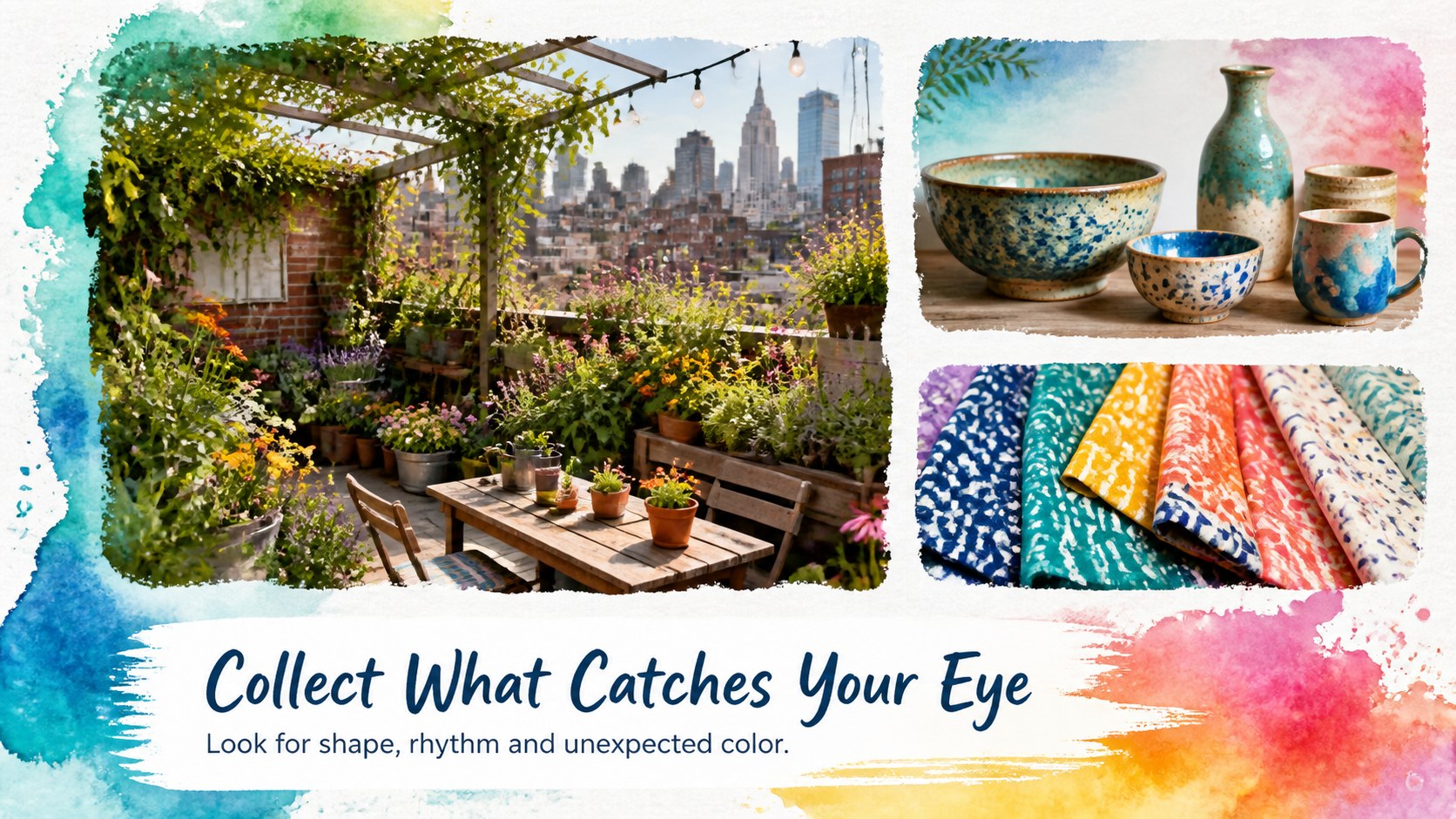
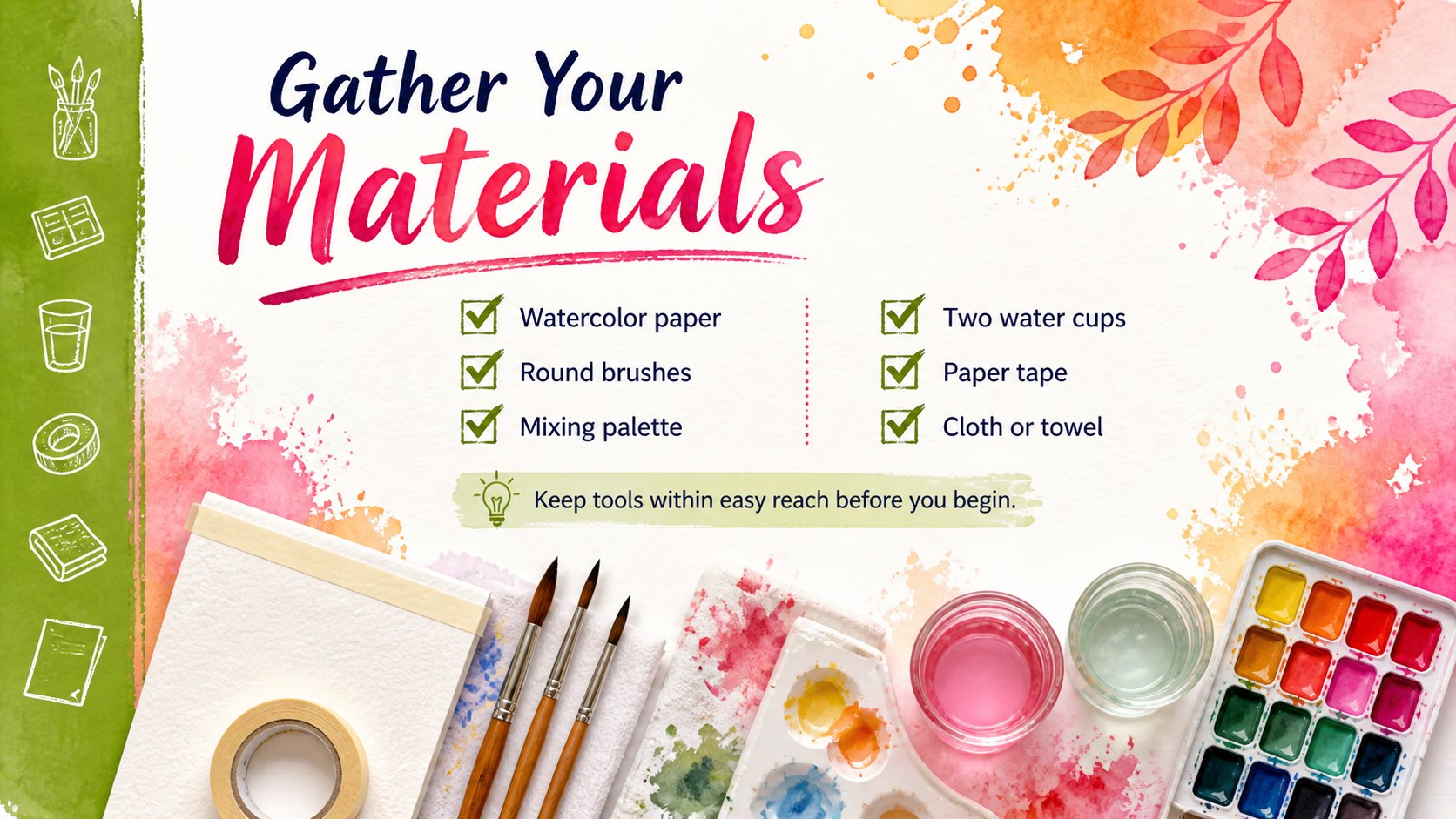
Watercolor art workshop slides give creative ideas an energetic setting without sacrificing clarity. Saturated green, blue, yellow, pink and orange paint textures frame crisp text areas, creating a polished balance between expressive artwork and practical communication. Use the deck in PowerPoint or Google Slides to shape an art lesson, introduce a craft activity or present the story behind a personal project.
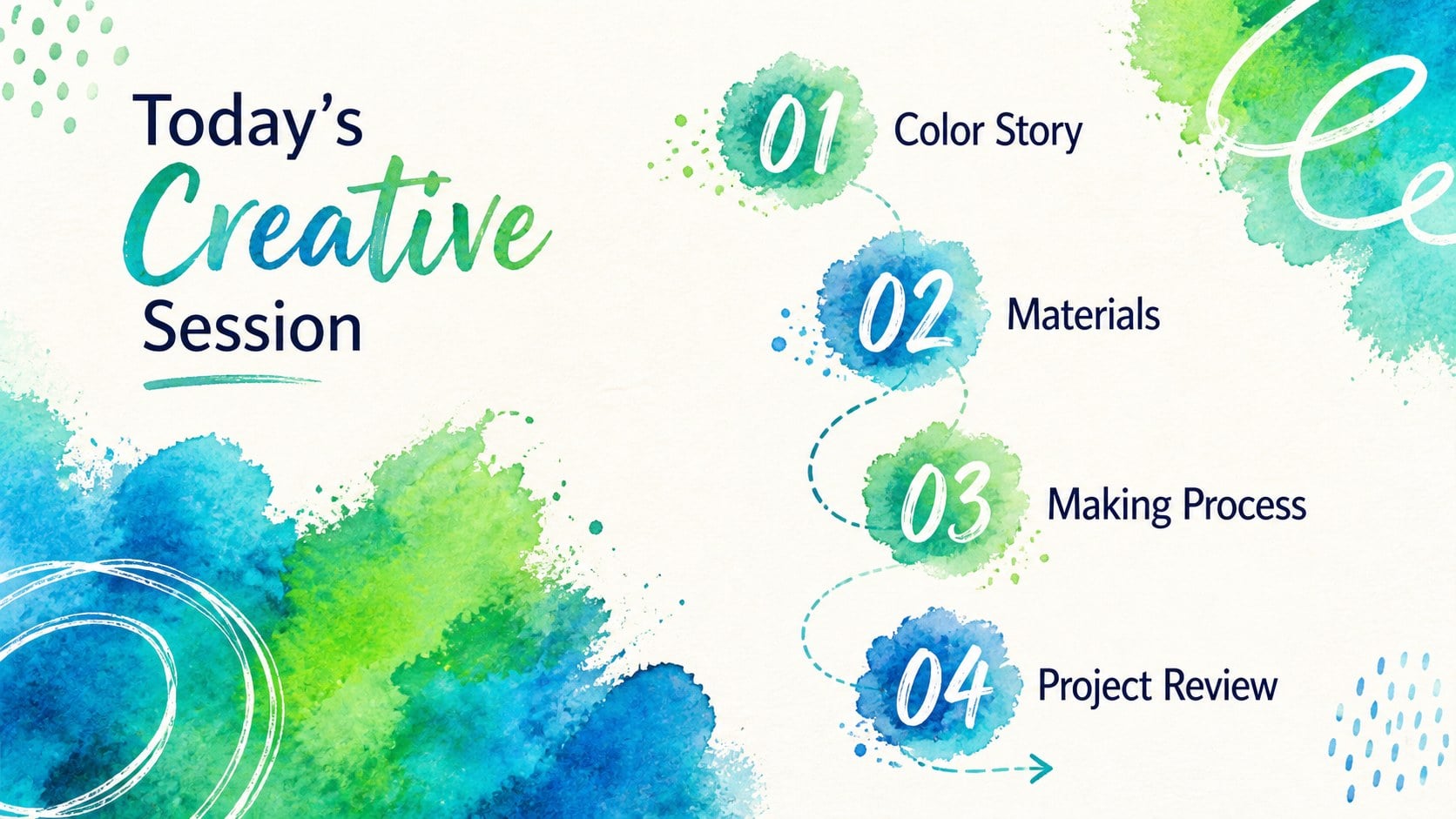
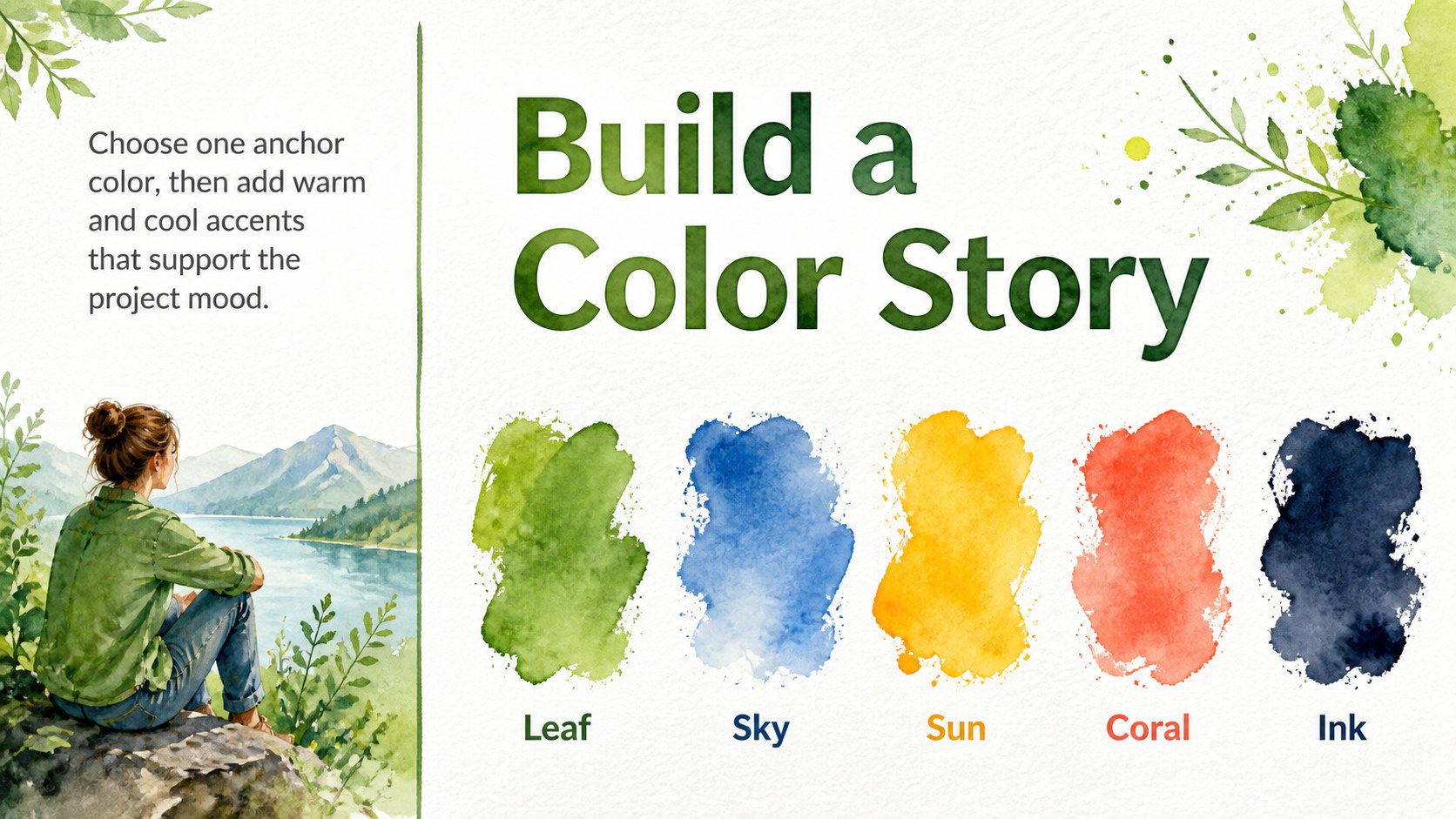
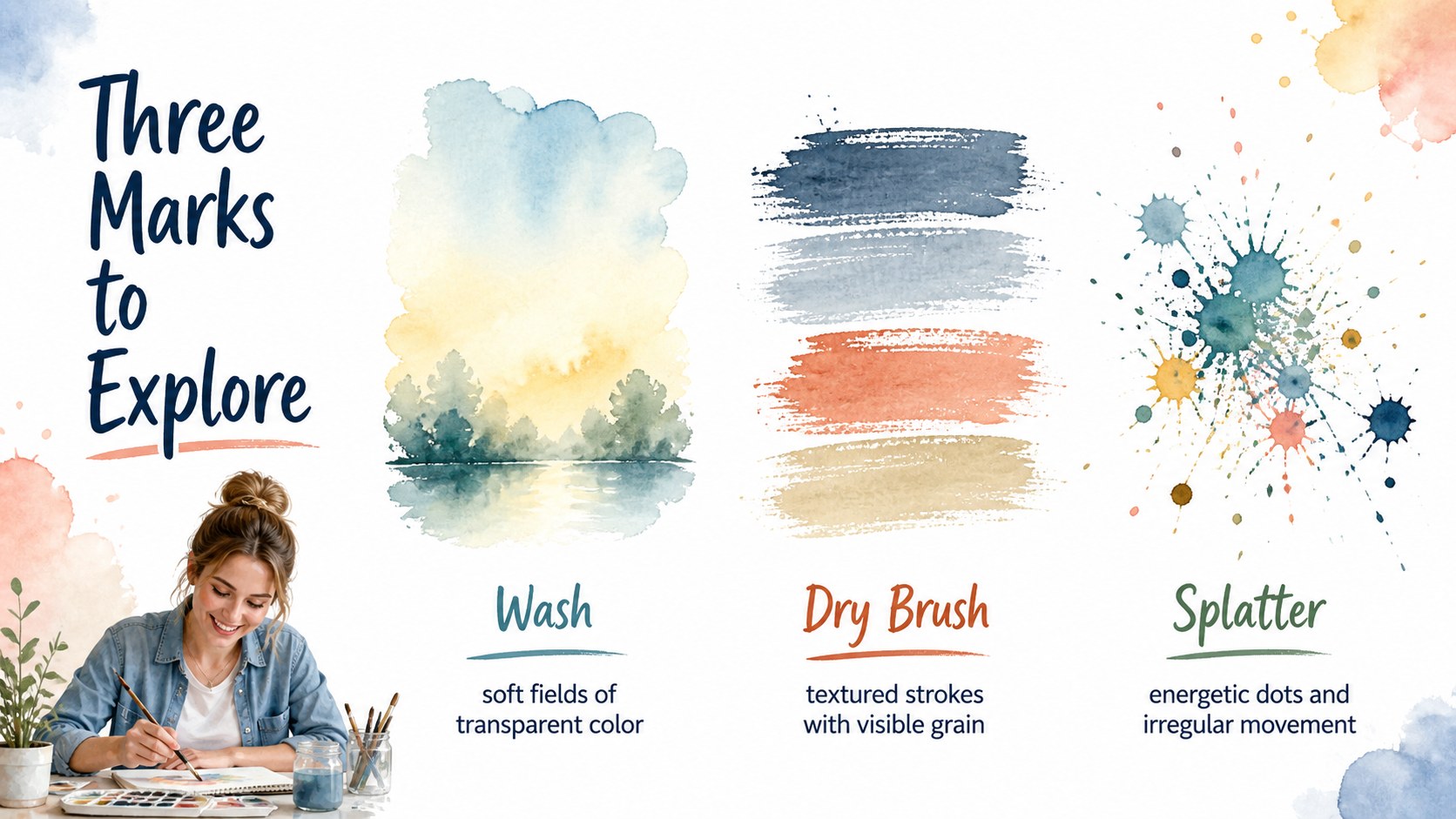
The layout collection includes opening statements, agendas, process diagrams, material lists, timelines, comparisons, charts, quotes and image-led portfolio pages. Colors, wording and photographs can be adjusted to suit your subject, while the clean structure helps detailed information remain readable against the painterly backgrounds. A coordinated set of graphic elements supports diagrams and data without making the presentation feel formal or restrained.
This watercolor art workshop presentation works especially well for teachers, artists, makers, students and community organizers. Build an art class PowerPoint deck for classroom instruction, a creative project presentation for a client review or a colorful arts education deck for an after-school program. The varied page formats also support DIY demonstrations, studio portfolios, exhibition concepts and collaborative workshop plans. Every layout is designed for a 16:9 screen and can be reordered, duplicated or removed as the story develops.
Perfect for: school art lesson; community craft workshop; artist portfolio review; DIY project demonstration; creative client presentation; studio process showcase.
Frequently asked questions
Can I edit these slides in PowerPoint and Google Slides? Yes. The presentation is designed for both PowerPoint and Google Slides, with editable text, colors, images and layout elements. Minor font spacing can vary between platforms, so review the final deck before presenting.
Practical details
Yes. The presentation is designed for both PowerPoint and Google Slides, with editable text, colors, images and layout elements. Minor font spacing can vary between platforms, so review the final deck before presenting.
Replace the supplied textures with your own artwork, photographs or scanned paint marks. You can also recolor supporting shapes and accents while keeping the clean text areas intact for readability.
Yes. Its layouts support lesson goals, material lists, step-by-step activities, examples and reflection prompts. Teachers can duplicate or reorder pages to match the length and structure of a class.
Yes. Image-led pages, process diagrams, comparisons and project summaries can be adapted for portfolio reviews or creative proposals. Replace the sample wording and visuals with work that reflects your own practice.
Keep exploring
15Build stronger academic arguments with a college essay thesis builder featuring guided examples, revision prompts, and editable PowerPoint and Google Slides.
 15
15Build an engaging World UFO Day session with this flying saucer history lesson deck, featuring retro green-and-brown slides for PowerPoint and Google Slides.
 14
14Plan a memorable Lunar New Year campaign with the 2036 Dragon Year Celebration Theme, featuring bold red-and-yellow slides for lessons and events.
 15
15Build a thoughtful classroom discussion with this interfaith awareness lesson deck, featuring editable blue-and-white slides for PowerPoint and Google Slides.
 15
15Use this environmental awareness lesson deck to teach climate action through illustrated activities, discussion prompts, and ready-to-edit visuals.
 15
15Build playful lessons and party stories with a kid-friendly zombie celebration theme in purple, green and pastel blue for PowerPoint and Google Slides.
 15
15Build eerie lessons, campaigns, and story pitches with an undead survival scenario theme featuring editable slides for PowerPoint and Google Slides.
 16
16Turn environmental research into a clear story with a Watercolor Ecology Presentation Theme for PowerPoint and Google Slides in calming green and blue.