
 15
15presentation
College Essay Thesis Builder Slides
Build stronger academic arguments with a college essay thesis builder featuring guided examples, revision prompts, and editable PowerPoint and Google Slides.
Google SlidesPowerPoint
presentation · English
Build a friendly first impression with a classroom welcome deck in warm pastel orange, ready to edit in PowerPoint and Google Slides for school events.


Design notes
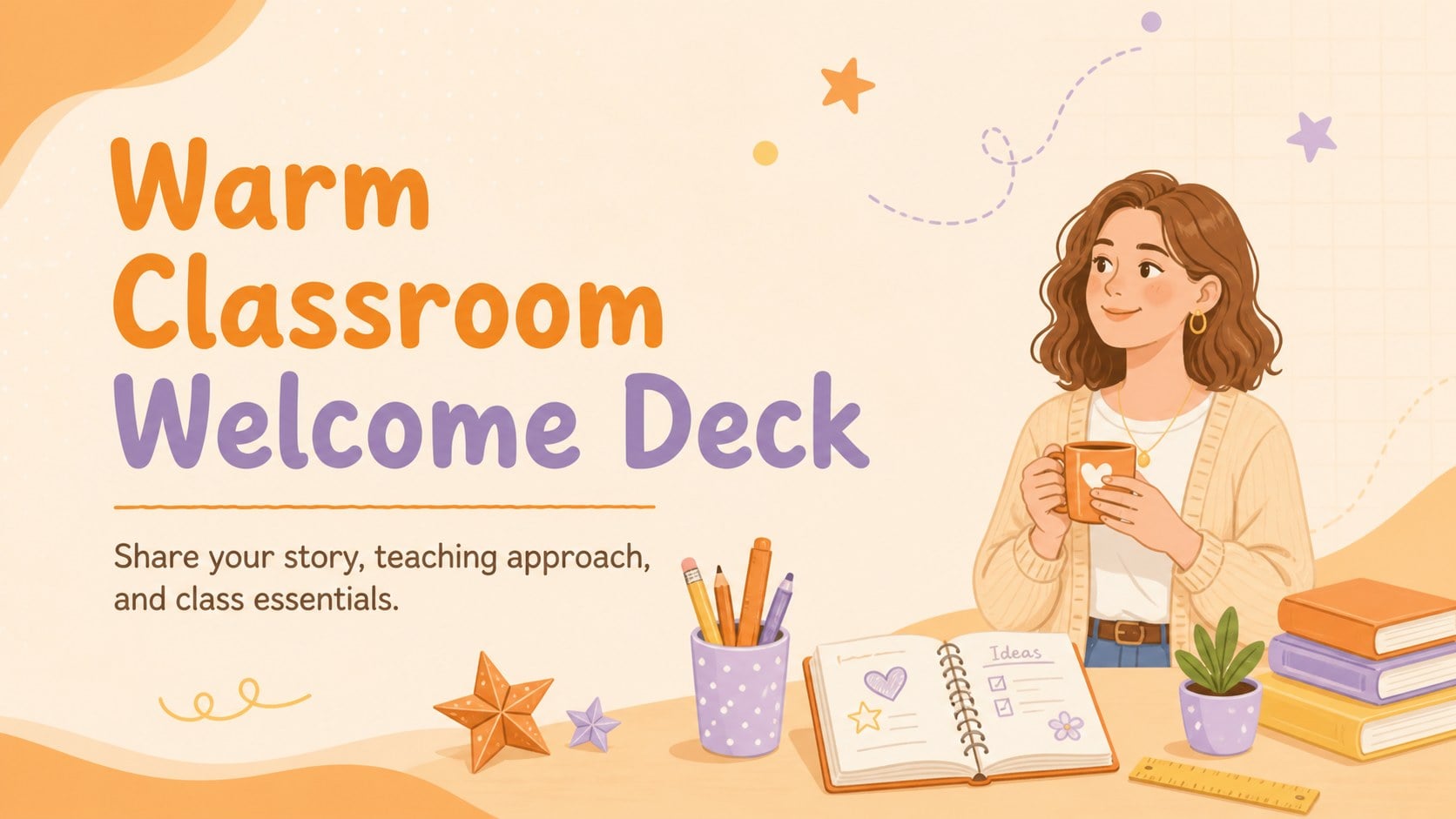
Make students and families feel at ease from the first hello with this Warm Classroom Welcome Deck. The cheerful pastel orange palette, friendly illustrations, and informal handwritten accents create an inviting setting for introducing your personality, experience, and approach to learning. Edit the complete presentation in PowerPoint or Google Slides to prepare a polished welcome without starting from a blank page.
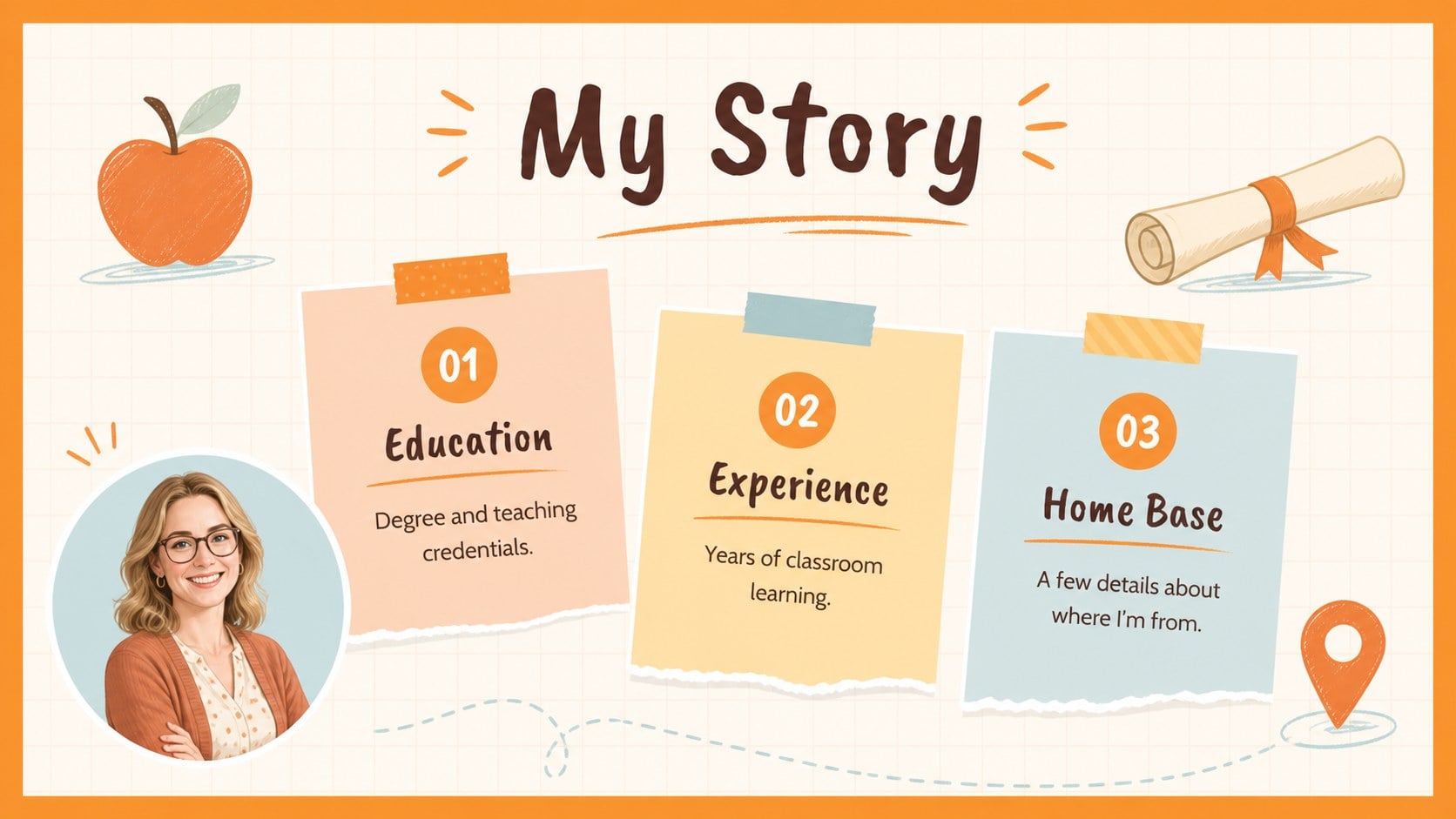
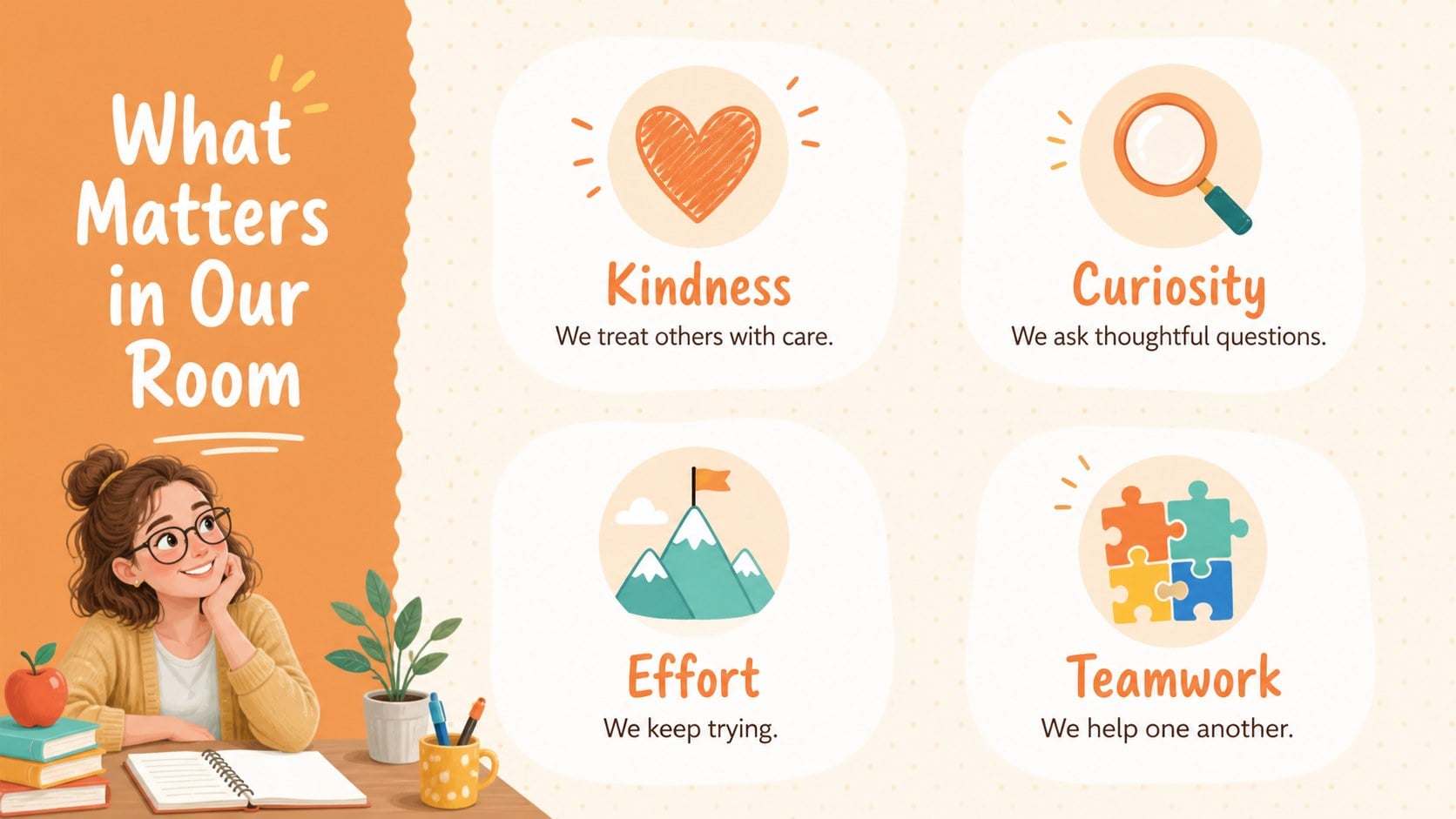
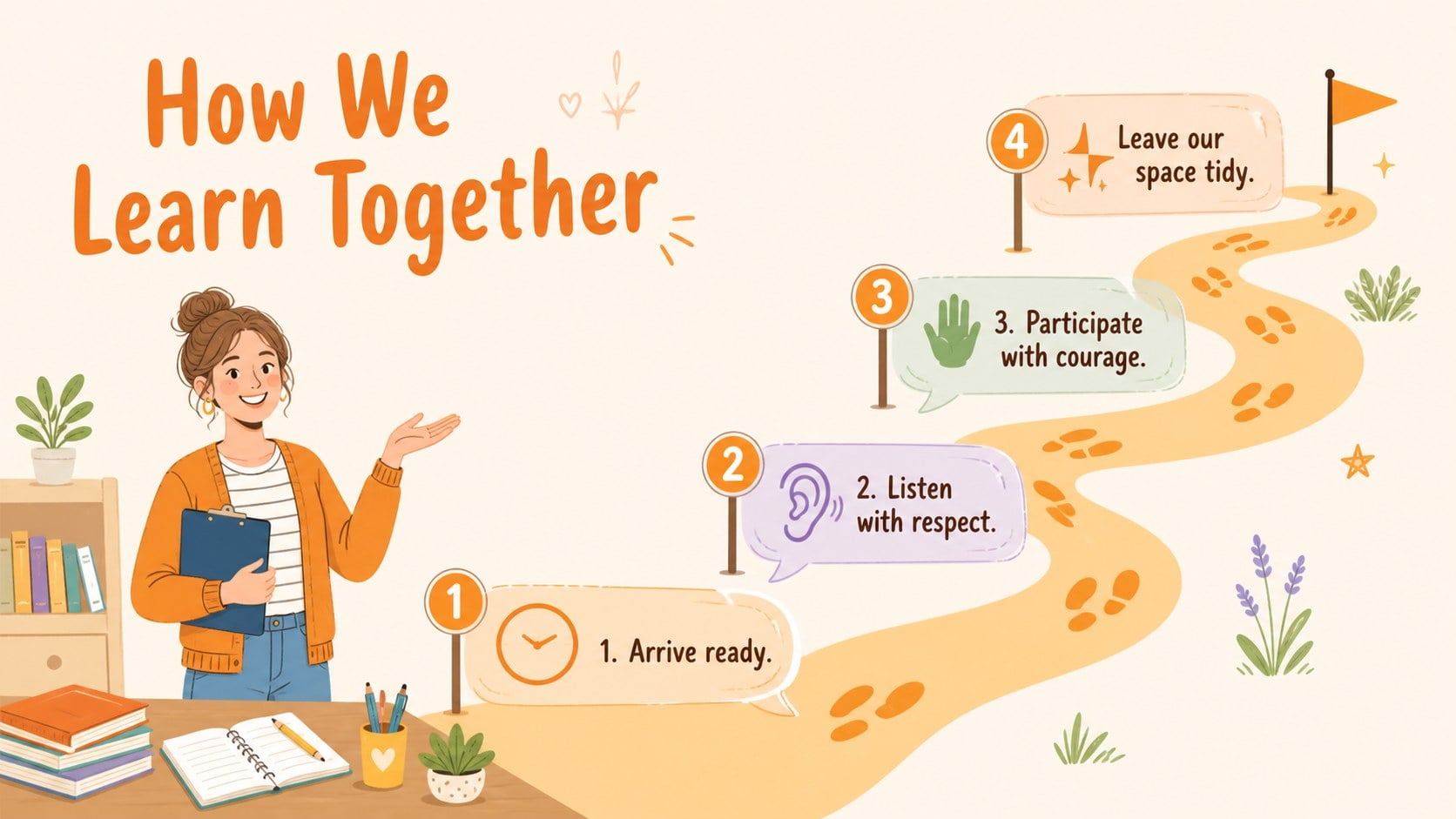
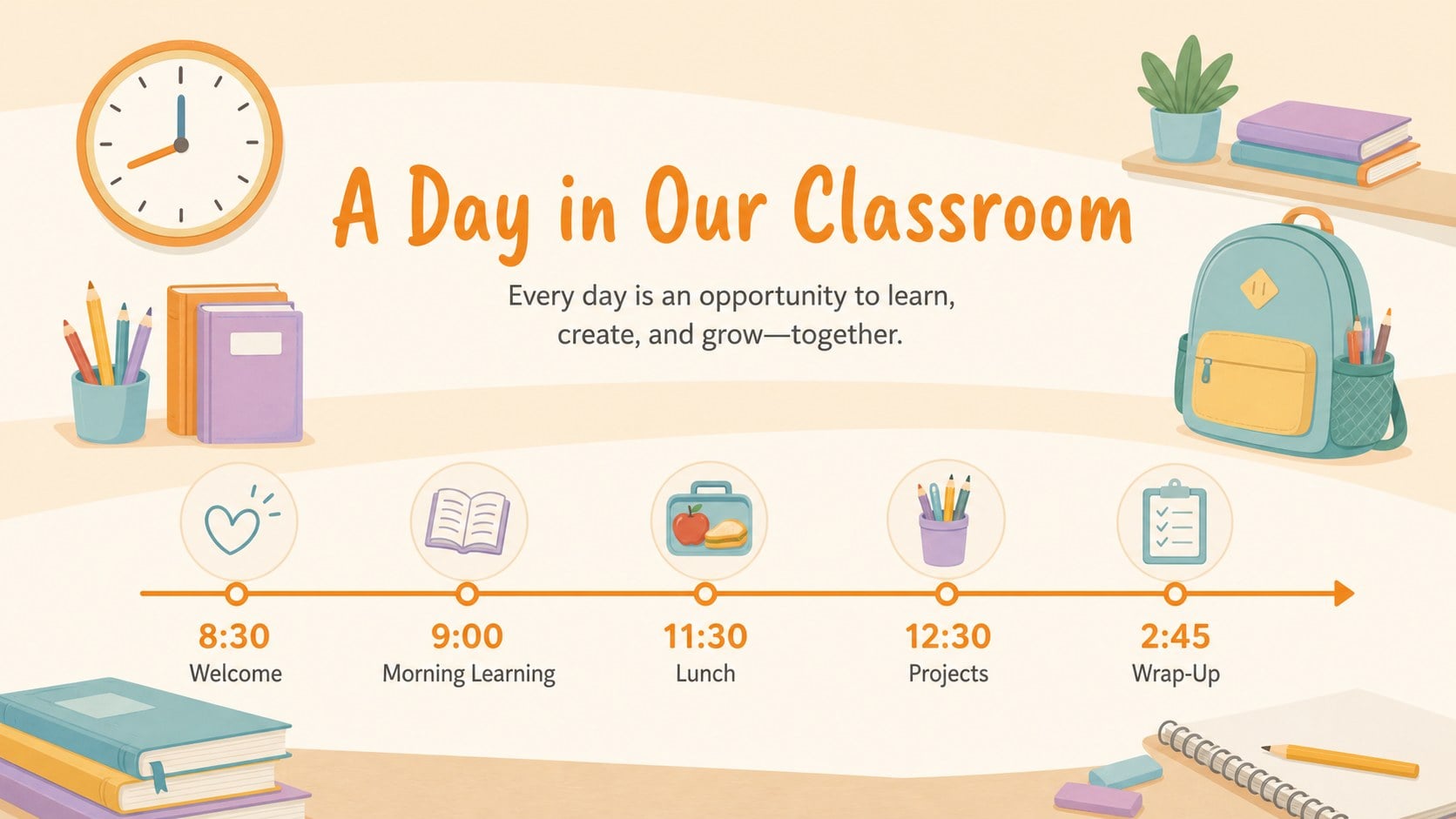
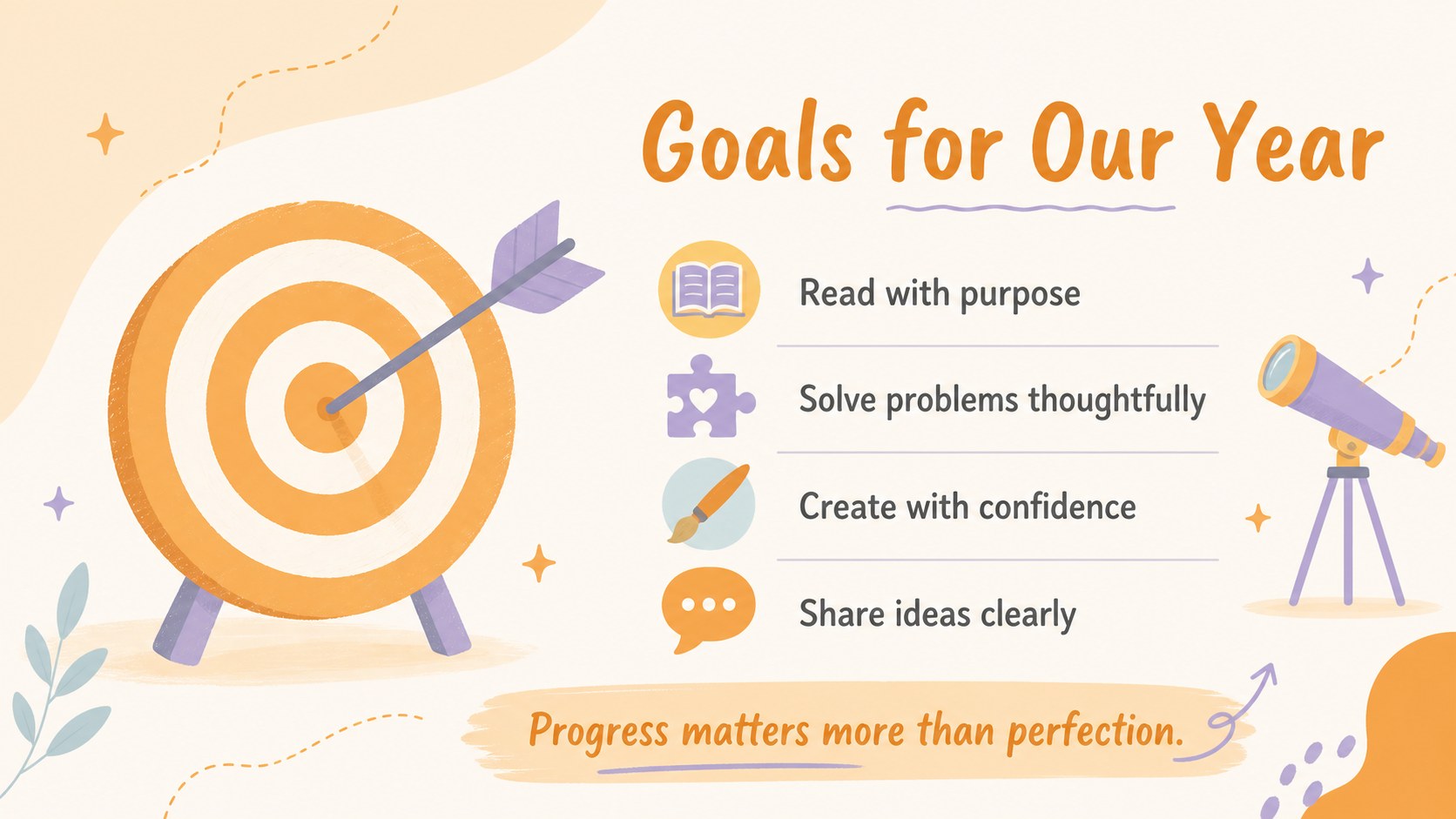
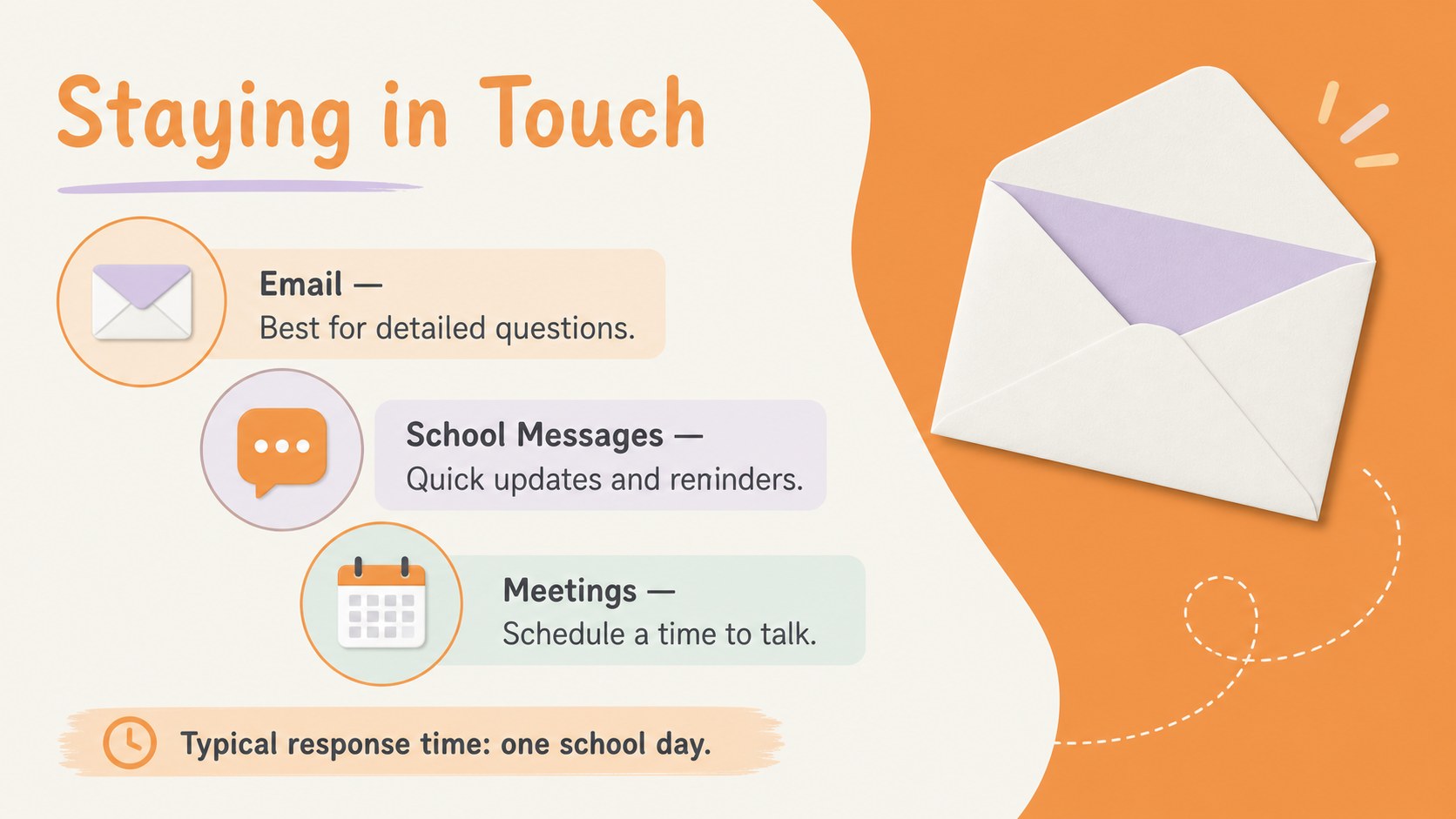
This teacher introduction presentation for parents includes layouts for a personal greeting, teaching background, favorite things, classroom values, daily routines, communication details, learning goals, and frequently asked questions. Flexible text blocks, photo spaces, timelines, lists, and visual callouts make it simple to adapt each slide for a different grade level or subject. Use the classroom expectations slide deck to explain routines clearly while keeping the conversation positive and approachable.
Designed for educators, homeroom teachers, specialists, and school staff, the template works well for curriculum nights, family orientation sessions, first-day lessons, and virtual introductions. It can also become a back to school welcome presentation for students who need a quick overview of the room, schedule, and year ahead. Replace the sample wording, adjust the illustrations, add your own photographs, and rearrange sections as needed. All 19 ready-to-use widescreen slides are customizable, with editable shapes, charts, frames, transitions, and layouts that help every educator create a distinctive introduction.
Perfect for: back-to-school family night; classroom open house; first-day student introduction; parent curriculum evening; virtual teacher welcome; new class orientation.
Frequently asked questions
Can I edit this classroom welcome deck in PowerPoint? Yes. The text, colors, illustrations, shapes, and slide order can be customized in PowerPoint to match your classroom and teaching style.
Practical details
Yes. The text, colors, illustrations, shapes, and slide order can be customized in PowerPoint to match your classroom and teaching style.
Yes. Open the deck in Google Slides to update the sample content, collaborate with colleagues, and present from a browser.
Yes. Replace the sample image areas with your own portrait or classroom photos, then update the biography, schedule, expectations, and contact information.
The friendly illustrated style is especially useful for elementary and middle school audiences. Teachers can simplify or expand the wording to suit student ages, subjects, and family events.
Keep exploring
15Build stronger academic arguments with a college essay thesis builder featuring guided examples, revision prompts, and editable PowerPoint and Google Slides.
 15
15Build an engaging World UFO Day session with this flying saucer history lesson deck, featuring retro green-and-brown slides for PowerPoint and Google Slides.
 14
14Plan a memorable Lunar New Year campaign with the 2036 Dragon Year Celebration Theme, featuring bold red-and-yellow slides for lessons and events.
 15
15Build a thoughtful classroom discussion with this interfaith awareness lesson deck, featuring editable blue-and-white slides for PowerPoint and Google Slides.
 15
15Use this environmental awareness lesson deck to teach climate action through illustrated activities, discussion prompts, and ready-to-edit visuals.
 15
15Build playful lessons and party stories with a kid-friendly zombie celebration theme in purple, green and pastel blue for PowerPoint and Google Slides.
 15
15Build eerie lessons, campaigns, and story pitches with an undead survival scenario theme featuring editable slides for PowerPoint and Google Slides.
 16
16Turn environmental research into a clear story with a Watercolor Ecology Presentation Theme for PowerPoint and Google Slides in calming green and blue.