
 15
15presentation
College Essay Thesis Builder Slides
Build stronger academic arguments with a college essay thesis builder featuring guided examples, revision prompts, and editable PowerPoint and Google Slides.
Google SlidesPowerPoint
presentation · English
Create a polished visual resume portfolio deck that pairs career highlights with colorful storytelling, practical layouts, and editable slides for job…






Design notes
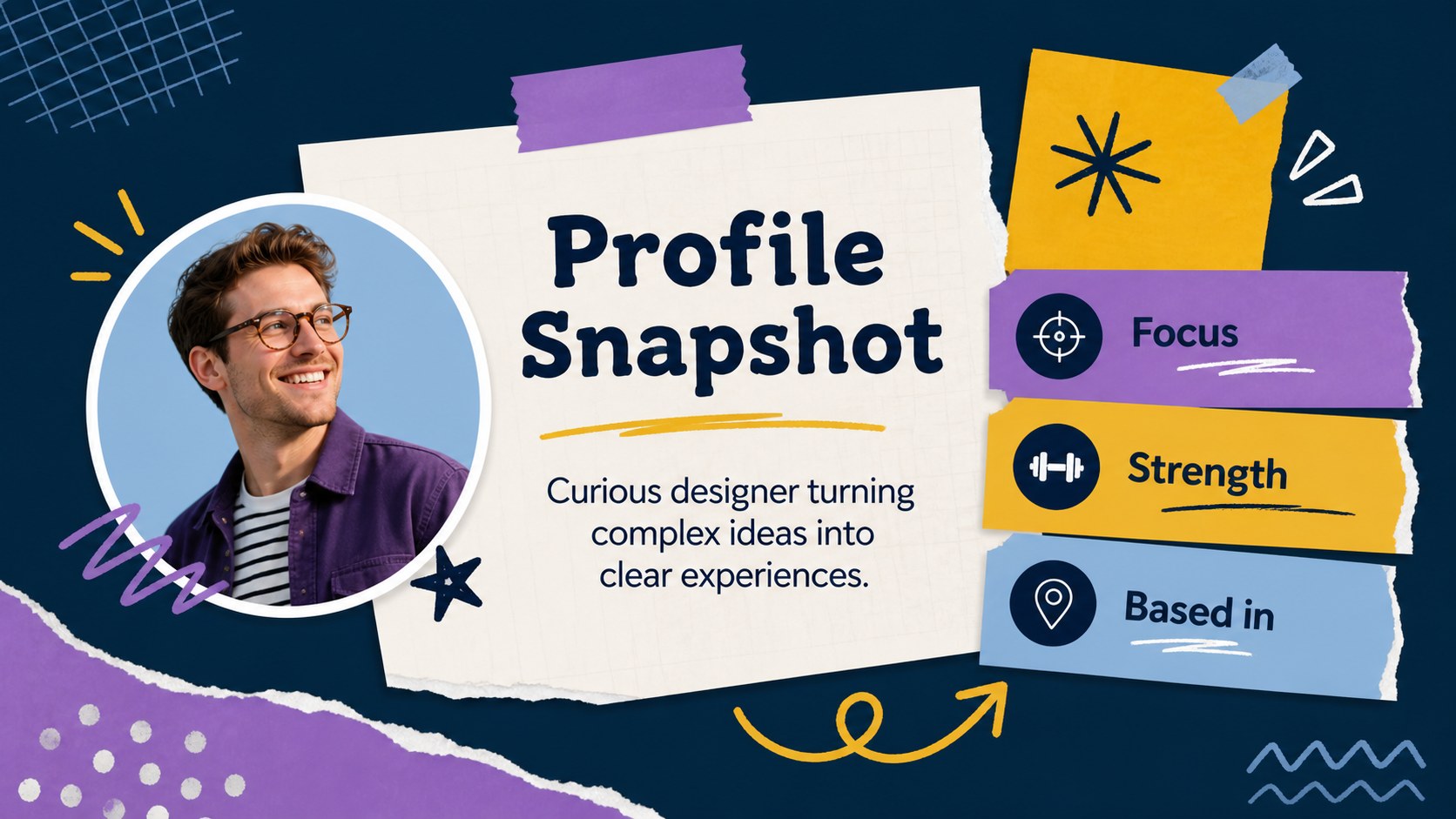
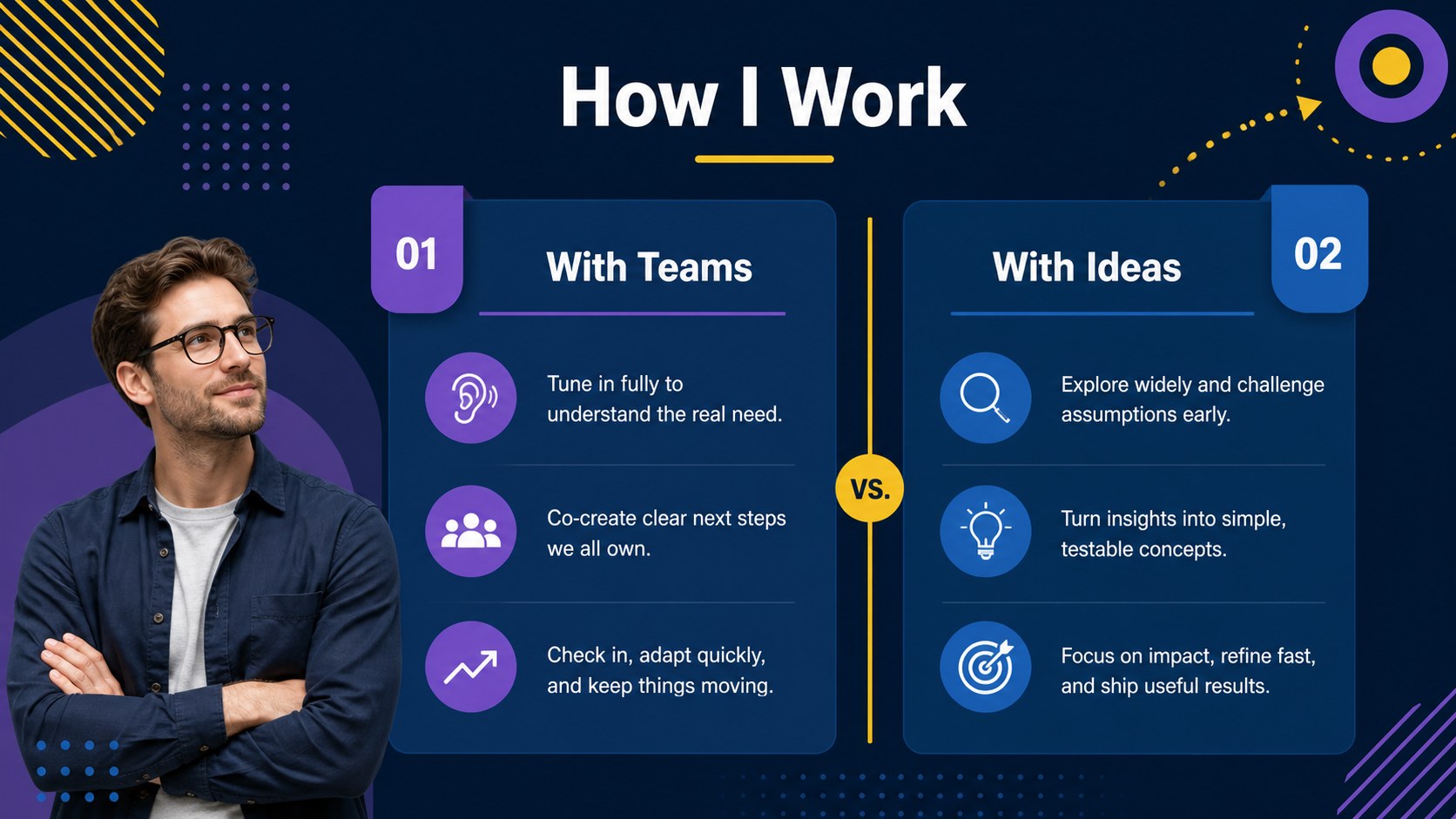
A visual resume portfolio deck gives job seekers a more engaging way to present their experience, strengths, and professional direction. The purple, yellow, navy, and blue scrapbook-inspired design combines structured career information with expressive illustrations, making the presentation feel personal while remaining easy to scan.
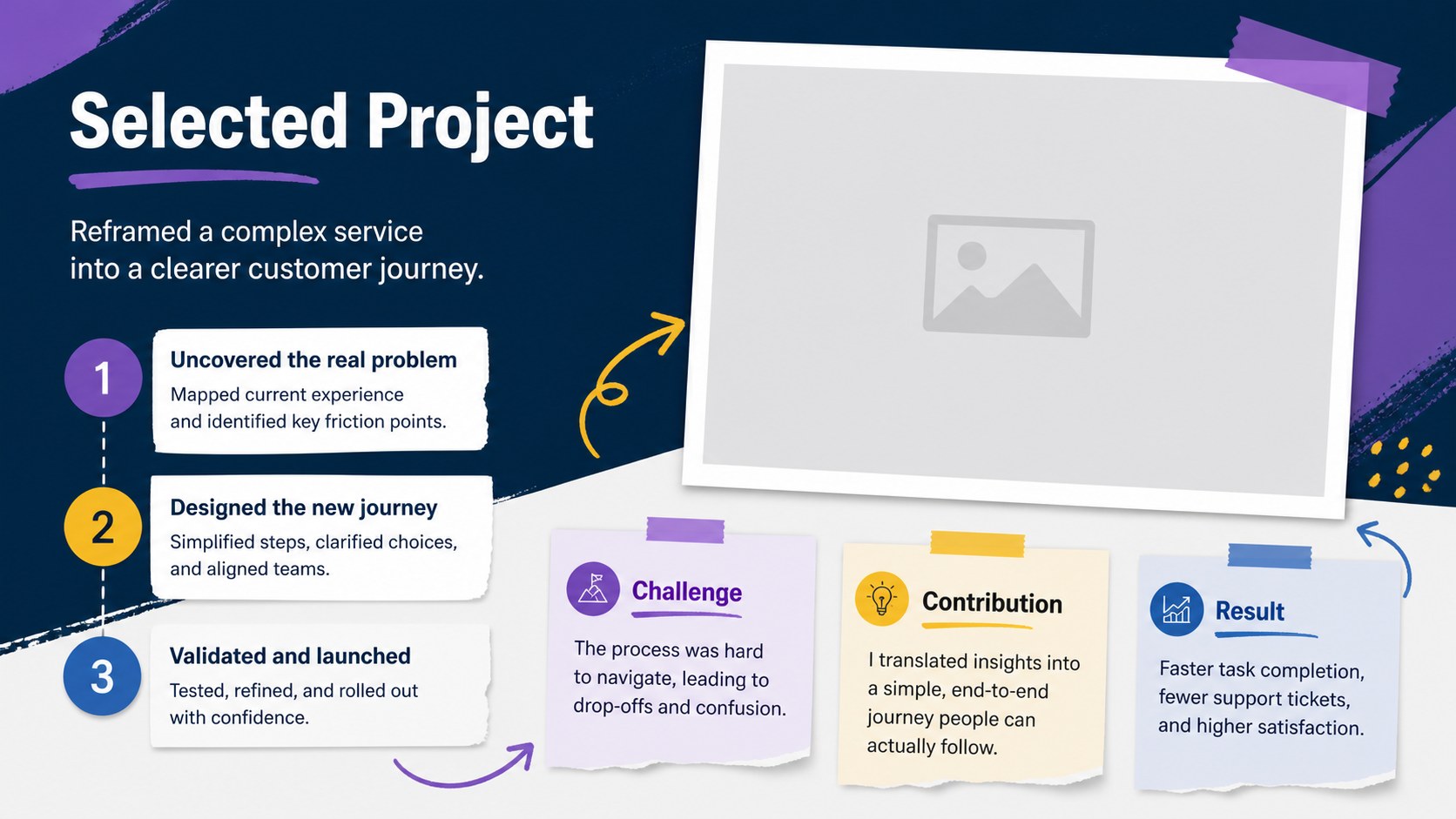
Inside, you’ll find layouts for an opening profile, career summary, work history, education, skills, proficiency ratings, achievement highlights, project snapshots, timelines, references, contact details, and closing statements. Additional layouts support charts, statistics, image-led storytelling, comparison tables, and internal links between sections. A coordinated Quicksand font style and editable visual elements help keep every page consistent.
This visual resume portfolio deck is suited to students, graduates, career changers, freelancers, creative professionals, and applicants preparing for interviews or networking conversations. Edit the presentation in PowerPoint or Google Slides, replace the sample copy with your own details, and adjust colors, icons, photos, and graphics to match your field. Use it as a digital resume companion, a personal branding presentation, or a concise portfolio for recruiters and prospective clients.
Perfect for: creative job application; graduate interview presentation; freelancer portfolio review; career change introduction; personal branding showcase.
Frequently asked questions
Can I edit this deck in PowerPoint? Yes. The slides are designed for PowerPoint editing, including text, colors, icons, charts, images, and layout elements. Replace the sample information with your own career details before presenting or exporting.
Practical details
Yes. The slides are designed for PowerPoint editing, including text, colors, icons, charts, images, and layout elements. Replace the sample information with your own career details before presenting or exporting.
Yes, you can open and customize the presentation in Google Slides. Check the font and spacing after import, then update the content and visual elements directly in the browser.
The layouts support a profile summary, experience history, education, skills, achievements, project examples, references, contact details, and career timelines. You can duplicate, remove, or rearrange slides to fit your application.
Yes. The scrapbook-inspired structure can suit creative, academic, nonprofit, marketing, education, and freelance profiles. Change the imagery, icons, examples, and accent colors while keeping the coordinated purple, yellow, navy, and blue palette.
Keep exploring
15Build stronger academic arguments with a college essay thesis builder featuring guided examples, revision prompts, and editable PowerPoint and Google Slides.
 15
15Build an engaging World UFO Day session with this flying saucer history lesson deck, featuring retro green-and-brown slides for PowerPoint and Google Slides.
 14
14Plan a memorable Lunar New Year campaign with the 2036 Dragon Year Celebration Theme, featuring bold red-and-yellow slides for lessons and events.
 15
15Build a thoughtful classroom discussion with this interfaith awareness lesson deck, featuring editable blue-and-white slides for PowerPoint and Google Slides.
 15
15Use this environmental awareness lesson deck to teach climate action through illustrated activities, discussion prompts, and ready-to-edit visuals.
 15
15Build playful lessons and party stories with a kid-friendly zombie celebration theme in purple, green and pastel blue for PowerPoint and Google Slides.
 15
15Build eerie lessons, campaigns, and story pitches with an undead survival scenario theme featuring editable slides for PowerPoint and Google Slides.
 16
16Turn environmental research into a clear story with a Watercolor Ecology Presentation Theme for PowerPoint and Google Slides in calming green and blue.