
 15
15presentation
College Essay Thesis Builder Slides
Build stronger academic arguments with a college essay thesis builder featuring guided examples, revision prompts, and editable PowerPoint and Google Slides.
Google SlidesPowerPoint
presentation · English
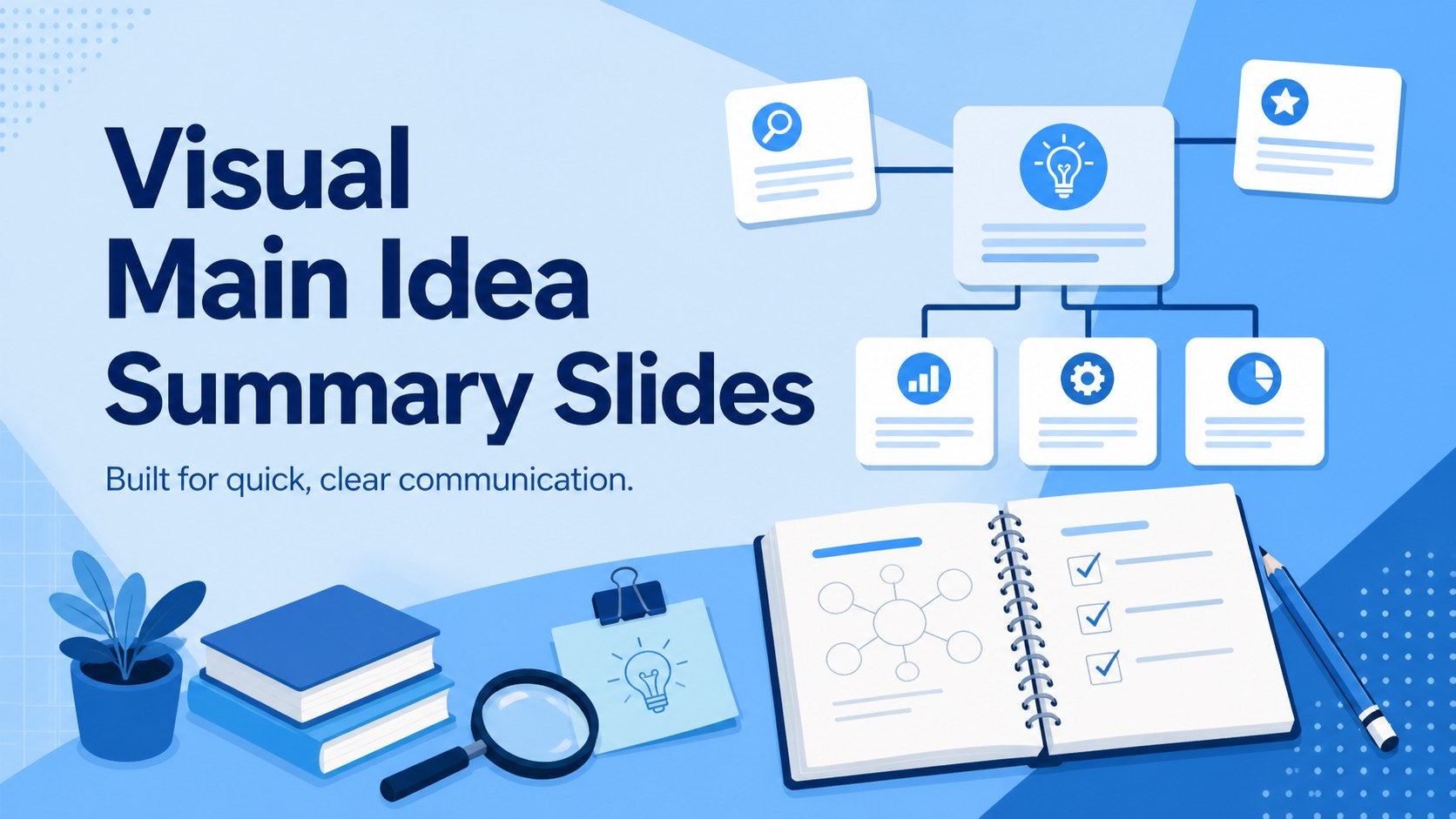
Clarify lessons, reports, and plans with Visual Main Idea Summary Slides, an editable illustrated deck for PowerPoint and Google Slides.
Design notes
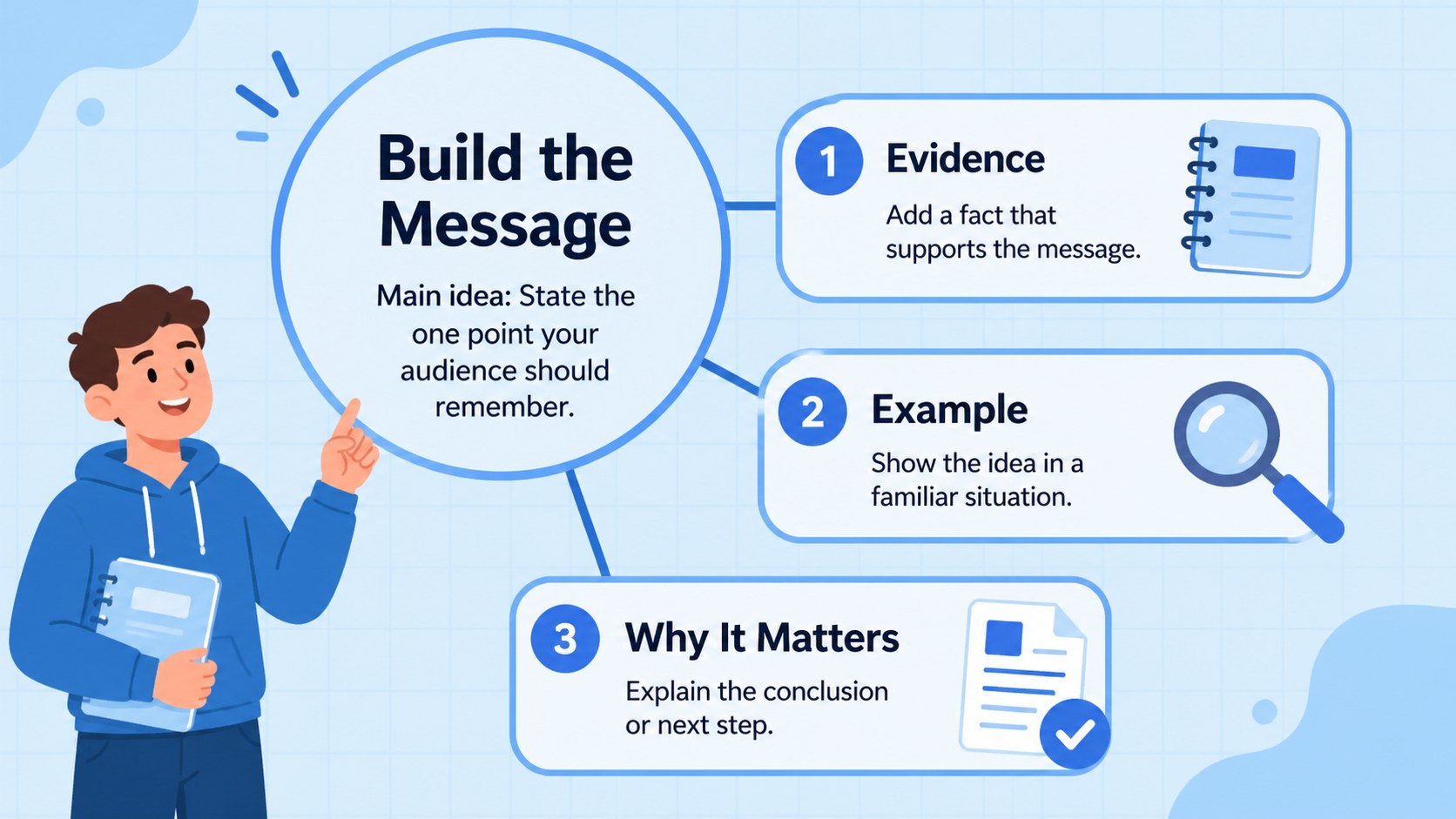
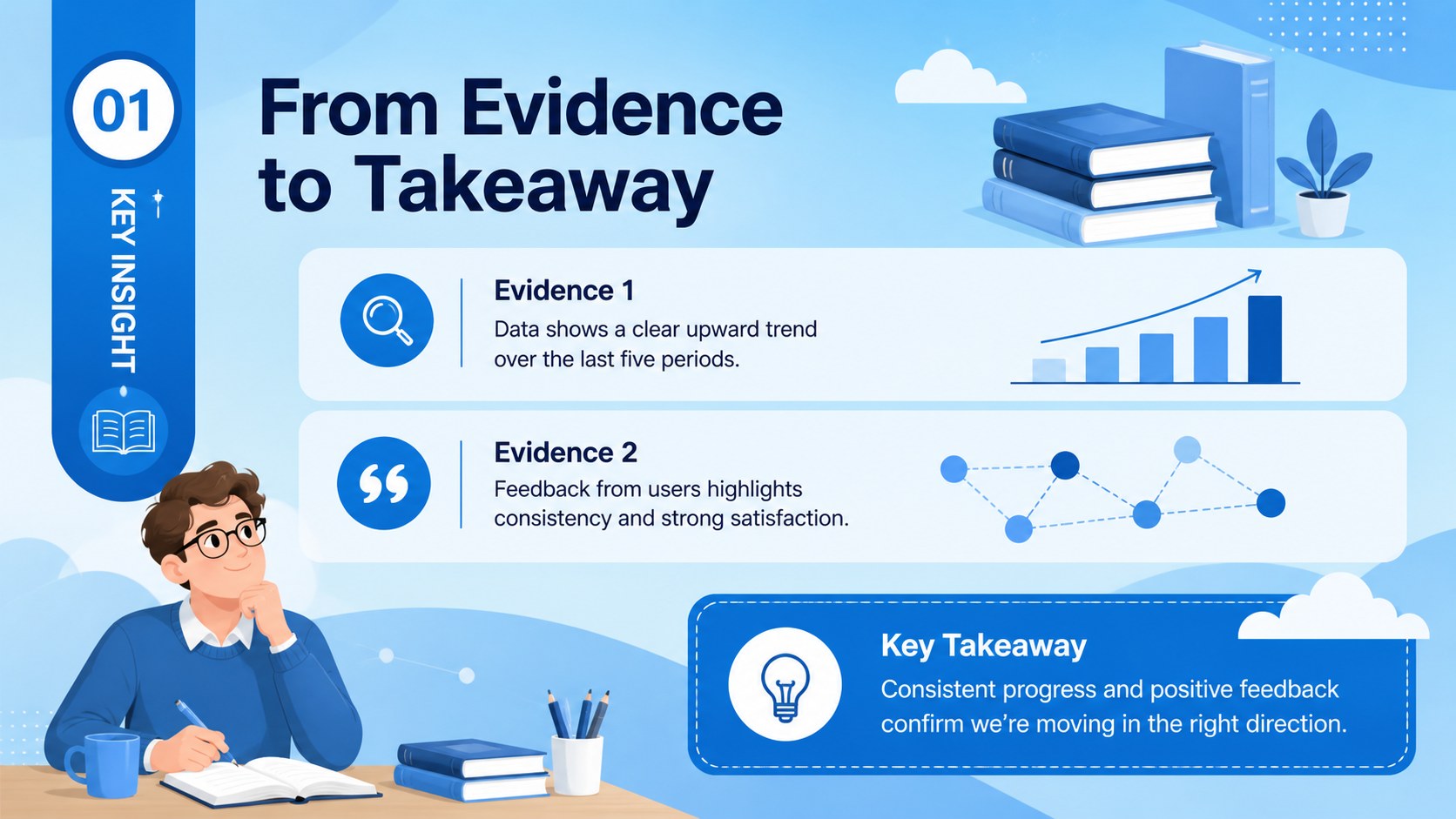
Visual Main Idea Summary Slides help you turn a dense topic into a clear hierarchy that audiences can understand at a glance. The blue illustrated design combines approachable graphics with structured spaces for one central message, key evidence, and concise conclusions. Use the layouts as main idea graphic organizer slides for a lesson, meeting, research recap, or planning session.
The deck includes three editable 16:9 layouts: an introductory cover, a central idea and supporting details template, and a worked summary page. Text, colors, shapes, icons, and illustrations can be adjusted in PowerPoint or Google Slides. The layouts are designed to keep information focused, making it easier to show how facts, examples, and recommendations connect to one core point.
Teachers can build a visual summary presentation for students, while learners can organize reading notes, explain a chapter, or prepare a short class report. Business teams, marketers, and project leads can adapt the same framework for campaign findings, proposal highlights, customer insights, or executive updates. The illustrated style feels lively without distracting from the message, and the blue palette supports both classroom and professional subjects.
Perfect for: reading comprehension lesson; research findings recap; business proposal summary; project insight briefing; student chapter report.
Frequently asked questions
Can I edit every part of these slides? Yes. You can revise the text, recolor shapes, move visual elements, replace icons, and adjust the supporting-detail sections to fit your topic.
Practical details
Yes. You can revise the text, recolor shapes, move visual elements, replace icons, and adjust the supporting-detail sections to fit your topic.
The template is designed for PowerPoint and Google Slides. Open it in your preferred platform to customize the layouts and present or export the finished deck.
Yes. The central-message structure also works for business findings, marketing insights, project updates, proposals, and other topics that need a concise visual summary.
Start with one short central statement, then add only the facts or examples that directly reinforce it. Keep each supporting point brief and use the final section for a conclusion or recommended action.
Keep exploring
15Build stronger academic arguments with a college essay thesis builder featuring guided examples, revision prompts, and editable PowerPoint and Google Slides.
 15
15Build an engaging World UFO Day session with this flying saucer history lesson deck, featuring retro green-and-brown slides for PowerPoint and Google Slides.
 14
14Plan a memorable Lunar New Year campaign with the 2036 Dragon Year Celebration Theme, featuring bold red-and-yellow slides for lessons and events.
 15
15Build a thoughtful classroom discussion with this interfaith awareness lesson deck, featuring editable blue-and-white slides for PowerPoint and Google Slides.
 15
15Use this environmental awareness lesson deck to teach climate action through illustrated activities, discussion prompts, and ready-to-edit visuals.
 15
15Build playful lessons and party stories with a kid-friendly zombie celebration theme in purple, green and pastel blue for PowerPoint and Google Slides.
 15
15Build eerie lessons, campaigns, and story pitches with an undead survival scenario theme featuring editable slides for PowerPoint and Google Slides.
 16
16Turn environmental research into a clear story with a Watercolor Ecology Presentation Theme for PowerPoint and Google Slides in calming green and blue.