
 15
15presentation
College Essay Thesis Builder Slides
Build stronger academic arguments with a college essay thesis builder featuring guided examples, revision prompts, and editable PowerPoint and Google Slides.
Google SlidesPowerPoint
presentation · English
Organize lessons and study ideas with visual concept mapping slides in a playful green pastel Y2K style, ready for PowerPoint and Google Slides.
Design notes
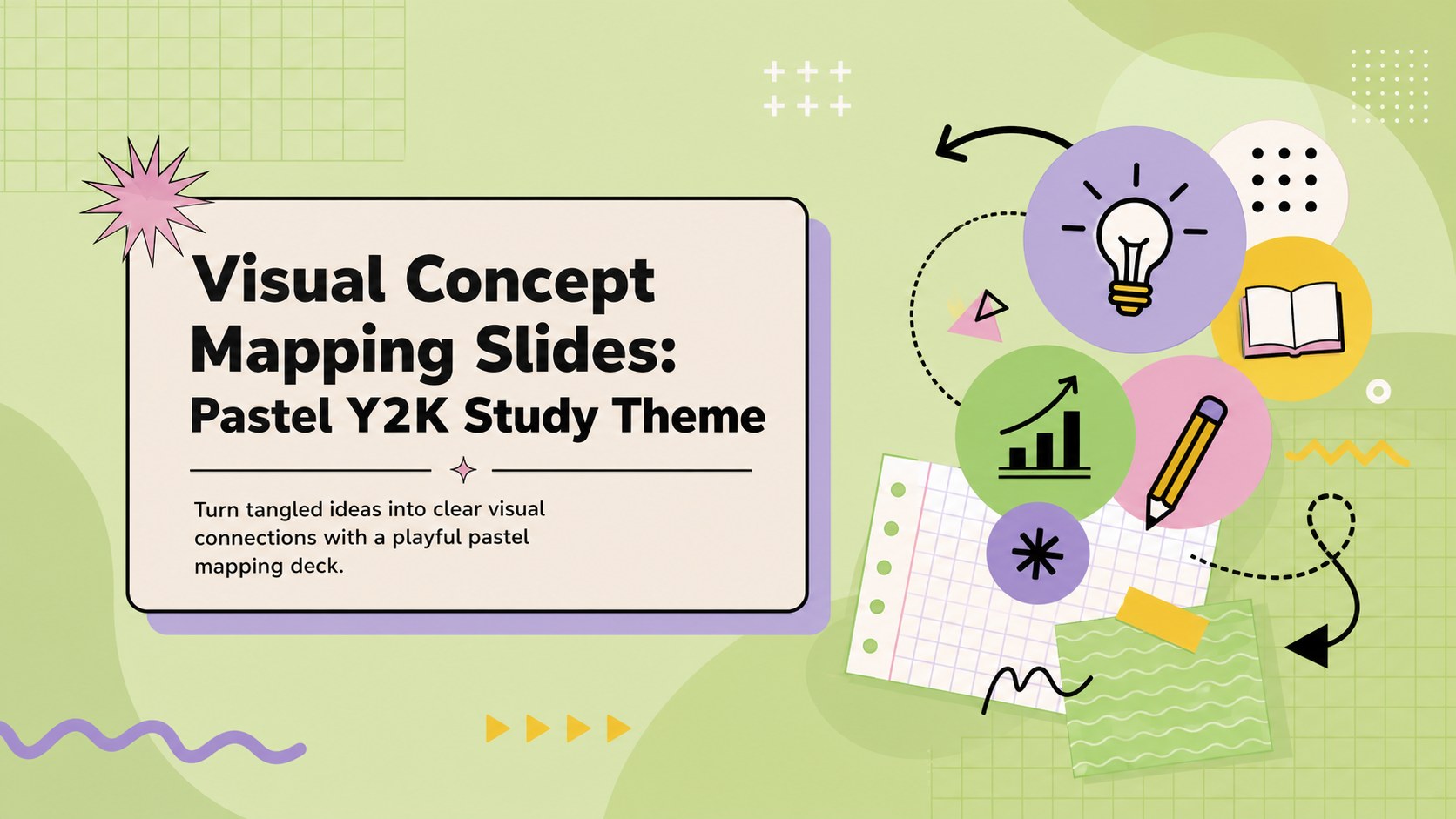
Visual concept mapping slides give students and educators a lively way to sort information, connect related topics, and explain how ideas fit together. Soft green pastels, bold geometric forms, and playful Y2K details create an energetic classroom look while keeping every relationship easy to follow.
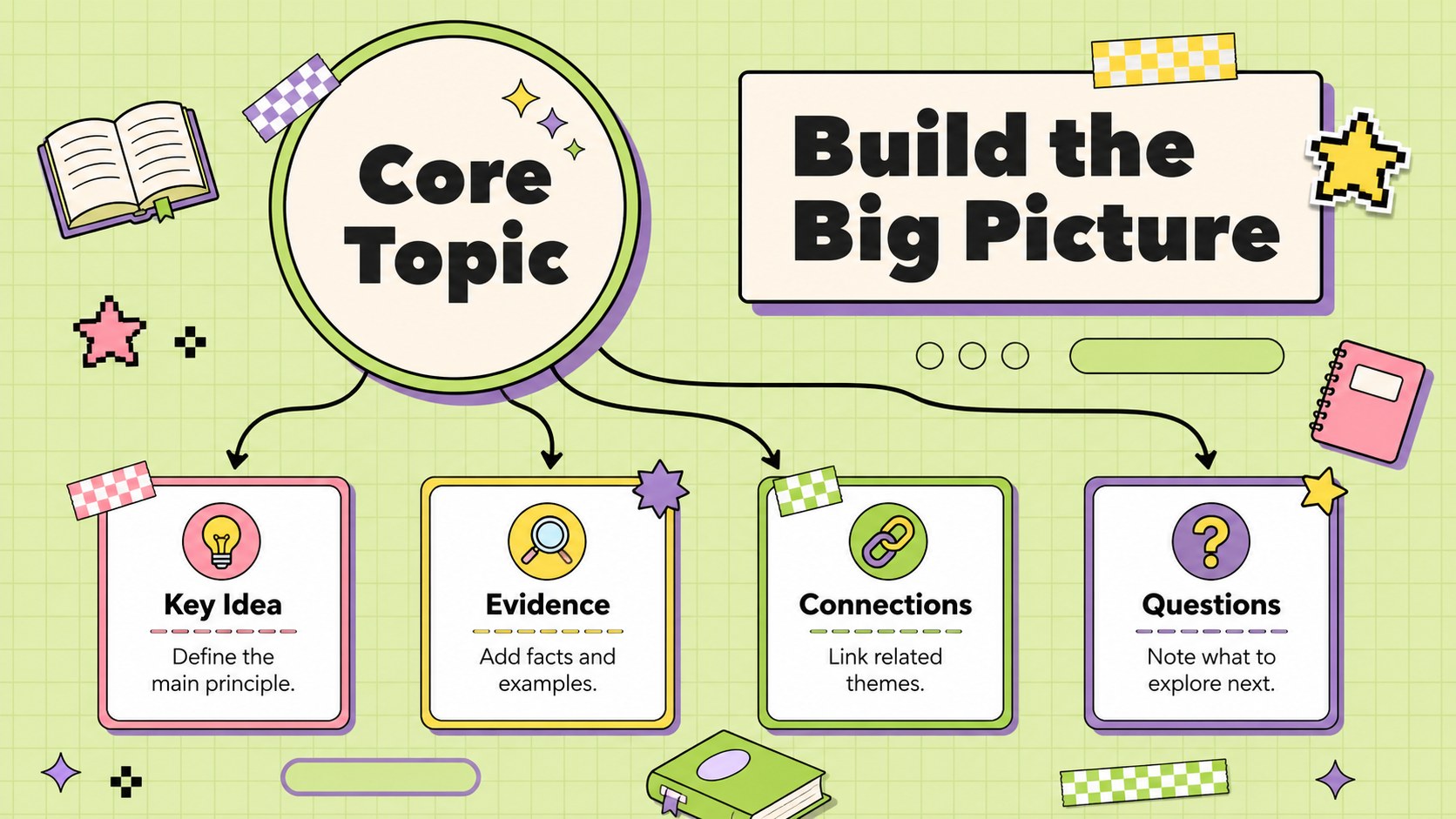
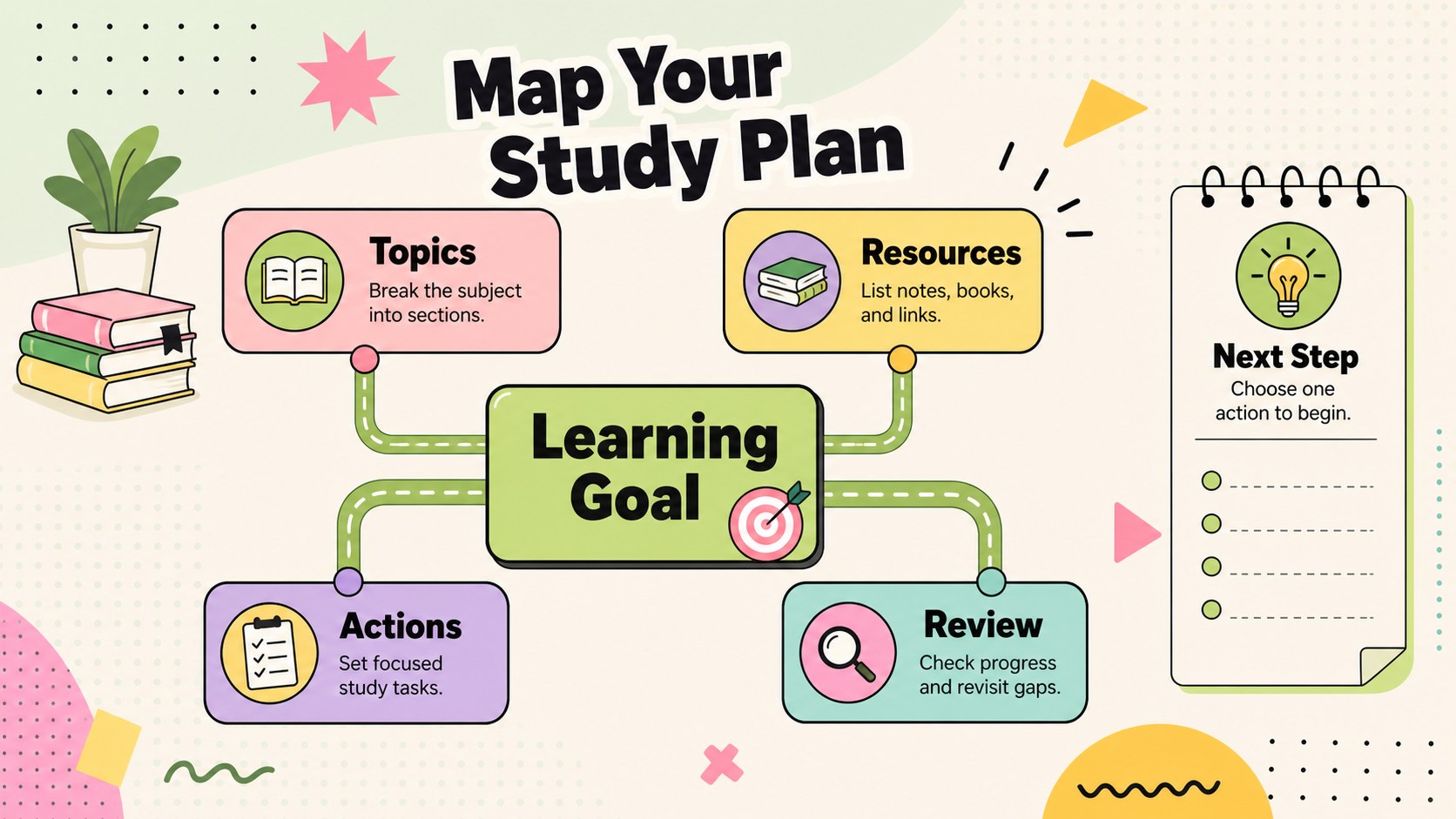
The three-slide deck includes an attention-grabbing cover, a branching concept layout, and a structured study-planning map. Editable text areas, connectors, labels, and shape groups make it simple to build an editable concept map for students or adapt the layouts for different subjects. Use the hierarchy to separate a central theme from supporting points, examples, questions, and next steps. The design works as a pastel Y2K education presentation without sacrificing clarity or readability.
This template is suited to teachers introducing a new unit, students preparing class presentations, tutors reviewing difficult material, and project groups organizing research. It can also serve as a school project idea mapping template for essays, science topics, literature analysis, revision plans, or collaborative brainstorming. Customize the colors, typography, shapes, and wording in PowerPoint or Google Slides, then present digitally or export the pages for classroom handouts. The flexible layouts support quick edits while preserving a consistent green, colorful, and geometric visual system.
Perfect for: school project planning; lesson topic introduction; exam revision mapping; research idea organization; group brainstorming session.
Frequently asked questions
Can I edit every part of the concept maps? Yes. The text, geometric shapes, connector lines, labels, colors, and typography can be adjusted to match your topic and preferred visual hierarchy.
Practical details
Yes. The text, geometric shapes, connector lines, labels, colors, and typography can be adjusted to match your topic and preferred visual hierarchy.
The template is designed for PowerPoint and Google Slides. Some font spacing or transition effects may vary slightly between the two platforms, so review the deck before presenting.
Replace the central topic first, then rename each branch with a supporting idea, example, question, or task. You can duplicate, remove, or reposition branches to suit subjects such as science, history, literature, or social studies.
Yes. Export the completed slides as PDF files and select a print size that preserves the 16:9 proportions, or resize the content for your preferred paper format before exporting.
Keep exploring
15Build stronger academic arguments with a college essay thesis builder featuring guided examples, revision prompts, and editable PowerPoint and Google Slides.
 15
15Build an engaging World UFO Day session with this flying saucer history lesson deck, featuring retro green-and-brown slides for PowerPoint and Google Slides.
 14
14Plan a memorable Lunar New Year campaign with the 2036 Dragon Year Celebration Theme, featuring bold red-and-yellow slides for lessons and events.
 15
15Build a thoughtful classroom discussion with this interfaith awareness lesson deck, featuring editable blue-and-white slides for PowerPoint and Google Slides.
 15
15Use this environmental awareness lesson deck to teach climate action through illustrated activities, discussion prompts, and ready-to-edit visuals.
 15
15Build playful lessons and party stories with a kid-friendly zombie celebration theme in purple, green and pastel blue for PowerPoint and Google Slides.
 15
15Build eerie lessons, campaigns, and story pitches with an undead survival scenario theme featuring editable slides for PowerPoint and Google Slides.
 16
16Turn environmental research into a clear story with a Watercolor Ecology Presentation Theme for PowerPoint and Google Slides in calming green and blue.