
 15
15presentation
College Essay Thesis Builder Slides
Build stronger academic arguments with a college essay thesis builder featuring guided examples, revision prompts, and editable PowerPoint and Google Slides.
Google SlidesPowerPoint
presentation · English
Present complex findings clearly with the Violet Honeycomb Research Deck, a polished purple geometric template for PowerPoint and Google Slides teams.

Design notes
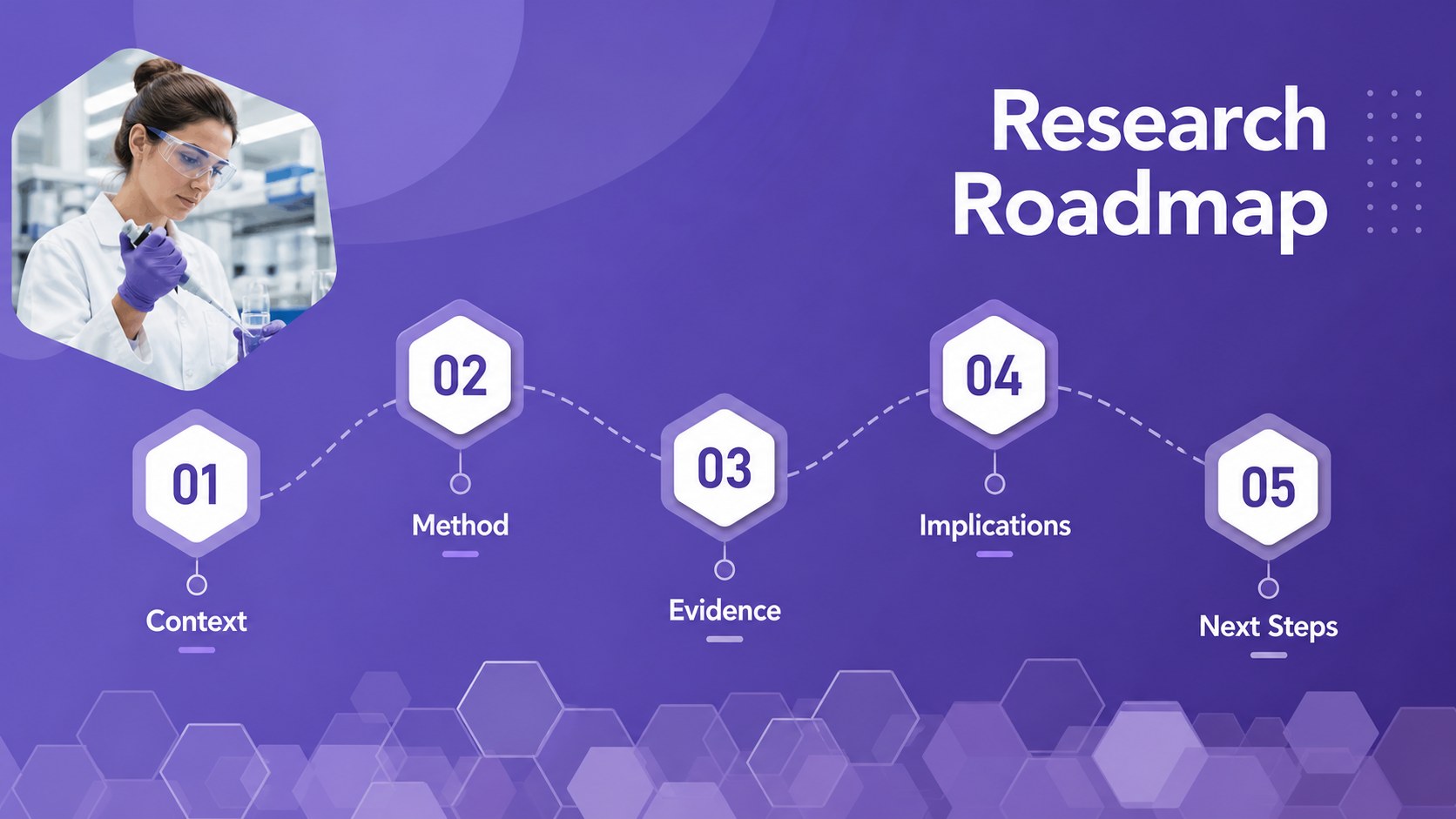
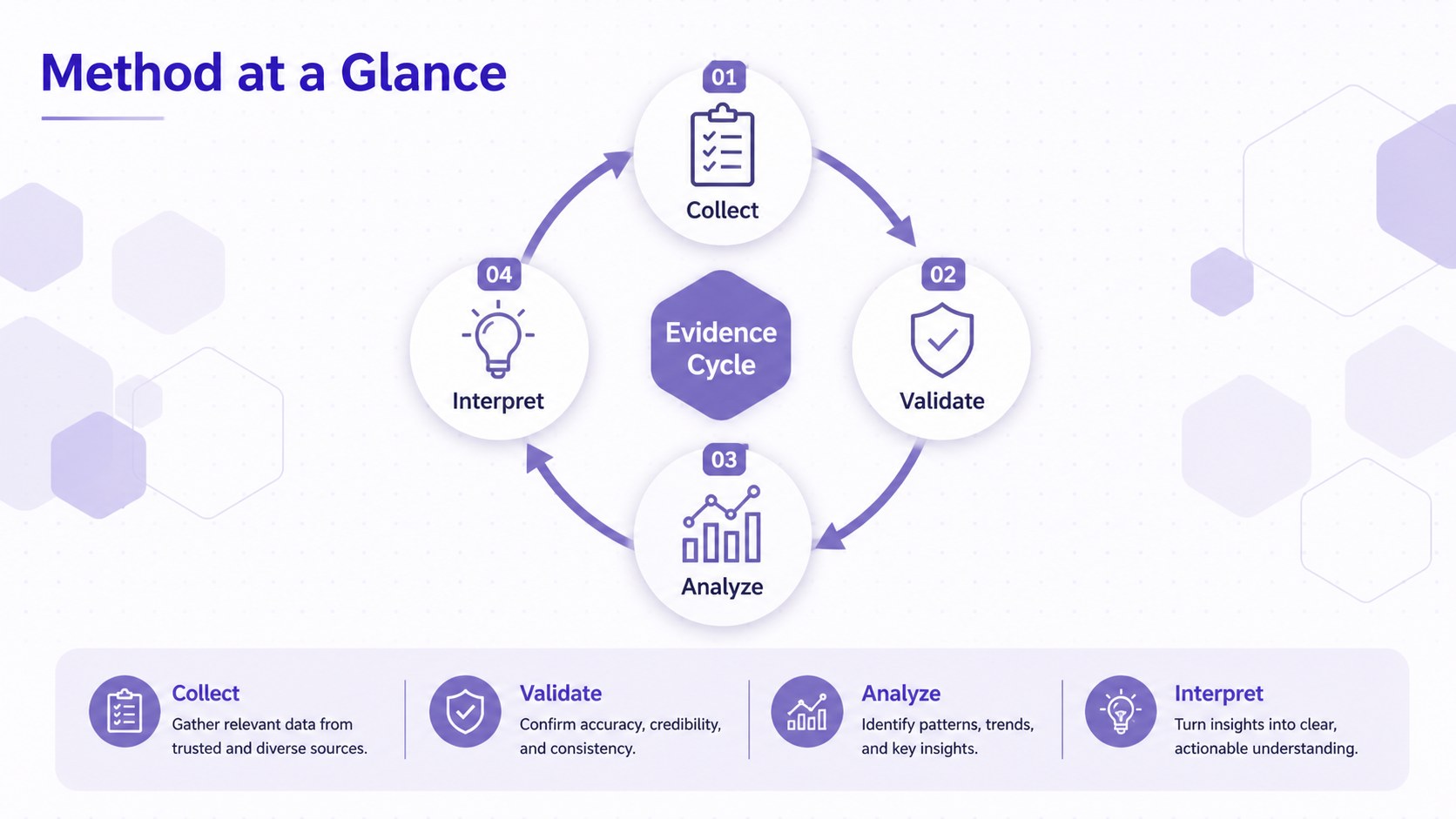
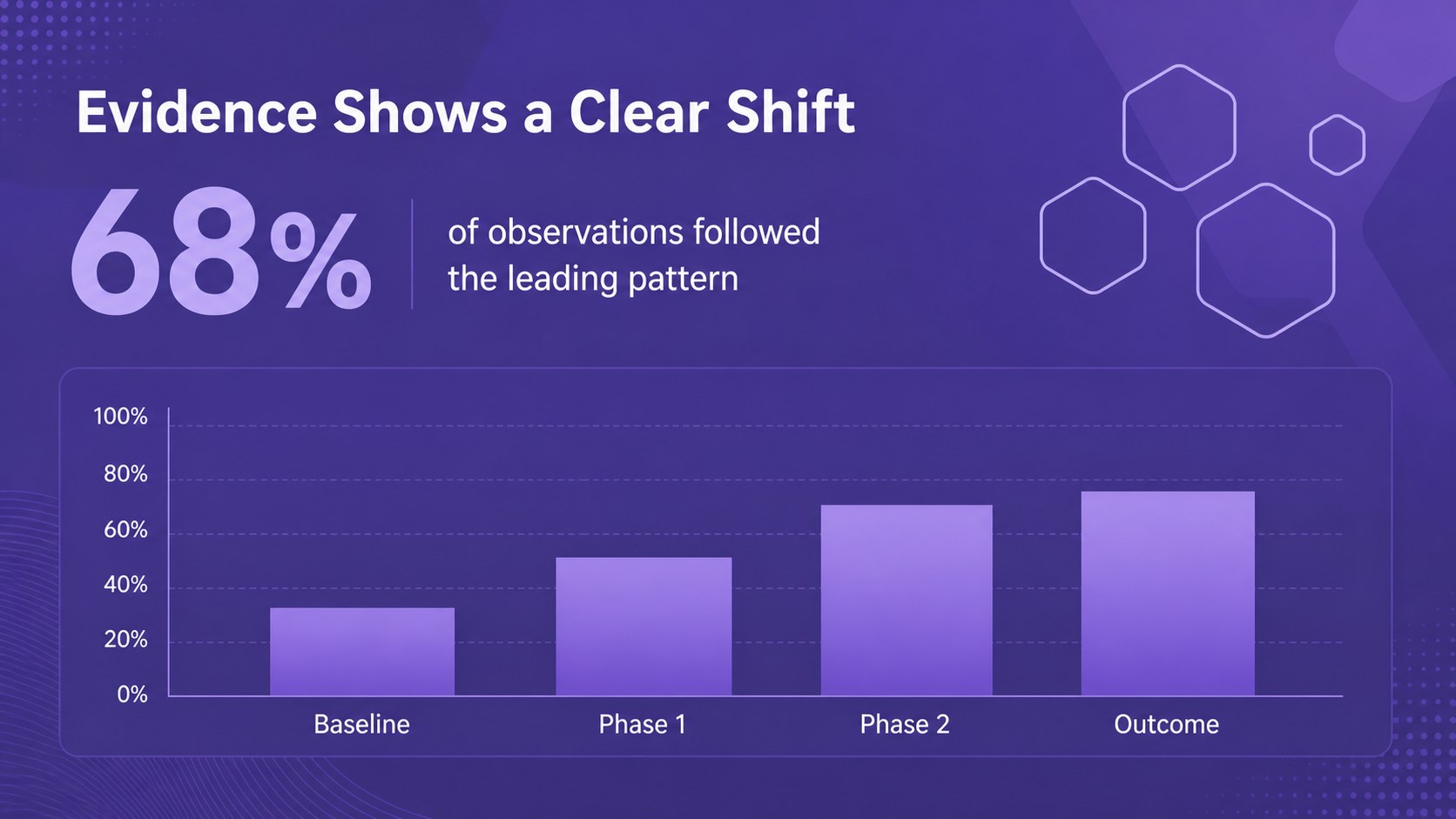
The Violet Honeycomb Research Deck helps presenters turn detailed information into an organized, engaging visual narrative. Its layered hexagonal patterns, crisp typography, and varied purple palette create a polished setting for research findings, technical concepts, healthcare topics, product development, and data-led proposals. The visual style feels professional without becoming rigid, making it suitable for both expert and general audiences.
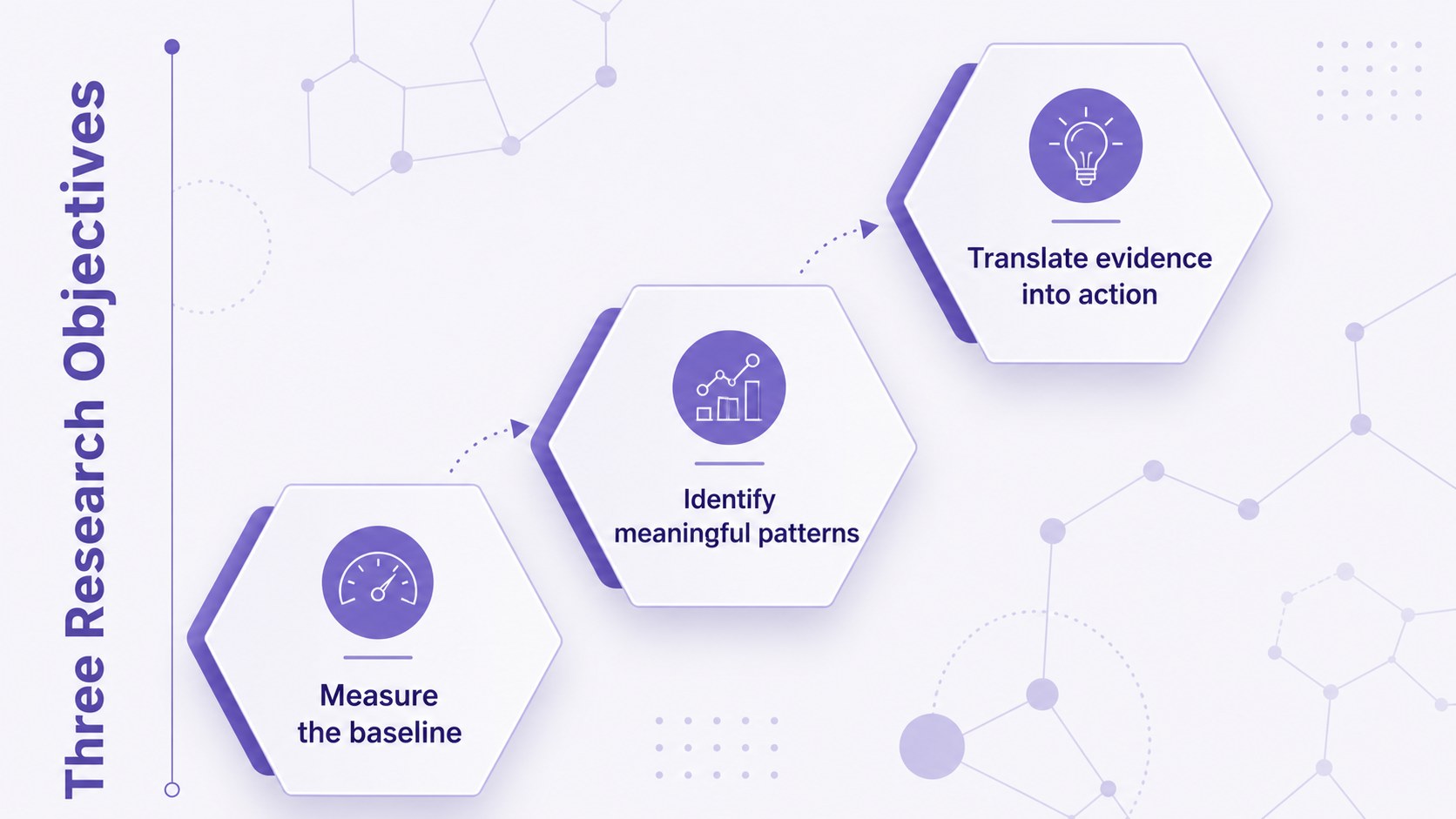
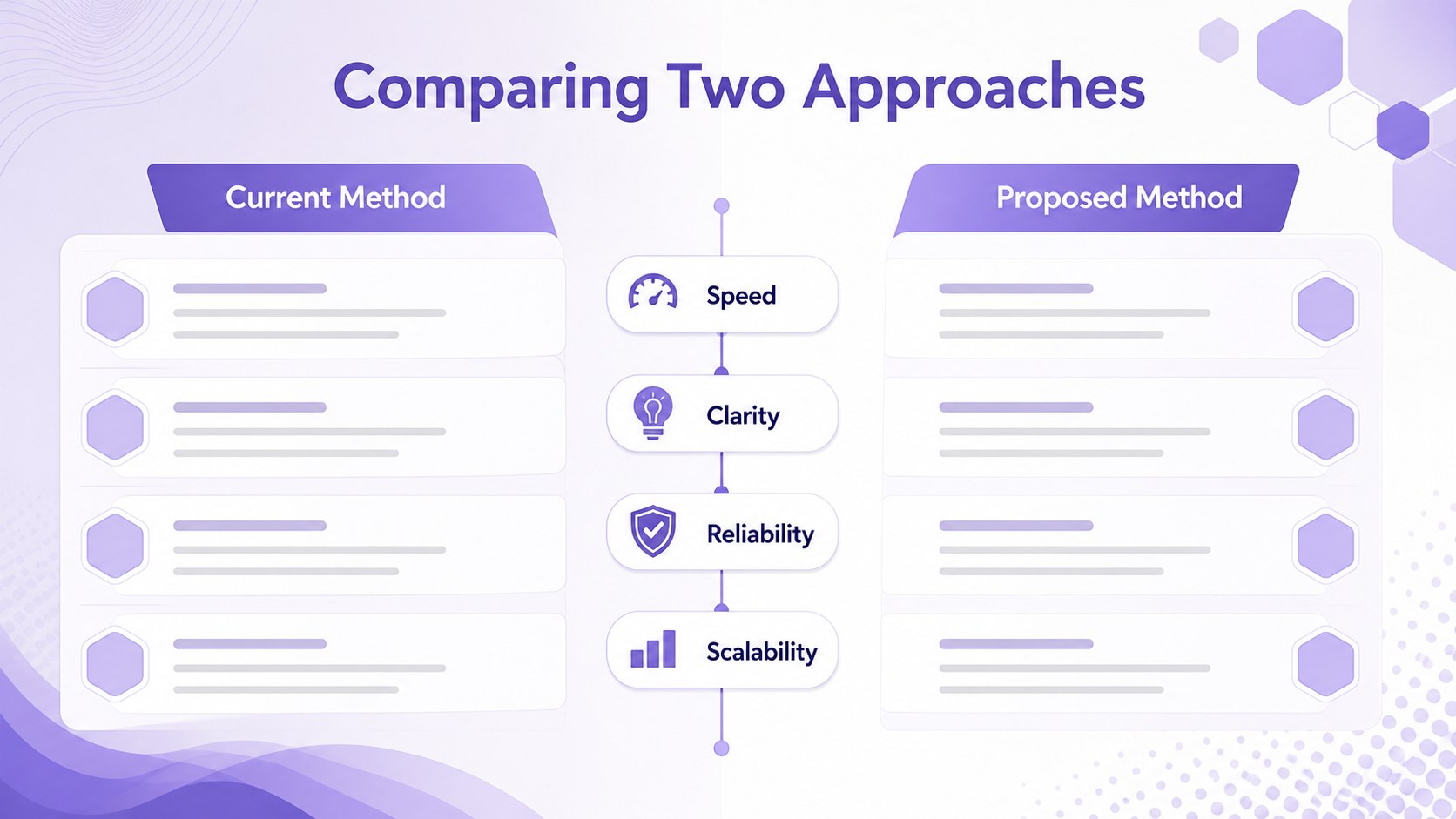
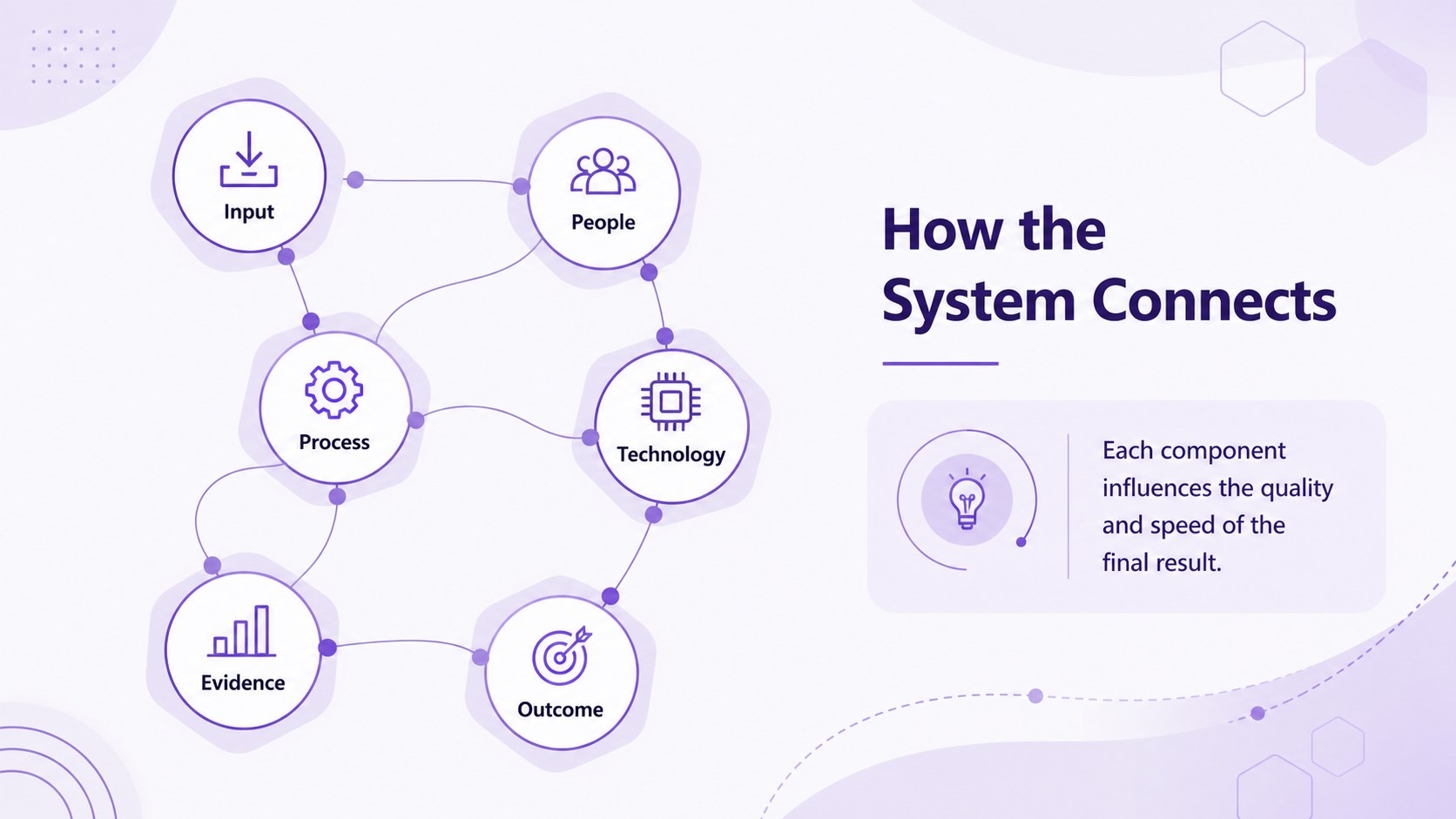
Inside, you will find 35 customizable layouts for introductions, agendas, key findings, project goals, process diagrams, timelines, comparisons, maps, charts, team profiles, and closing messages. Built-in icons and adaptable infographic elements make this a practical purple geometric research presentation for communicating relationships, systems, and measurable results. The layouts also support a hexagon technology presentation deck or a scientific findings PowerPoint template when you need a more specialized story.
Use the Violet Honeycomb Research Deck for laboratory updates, conference talks, technology briefings, medical summaries, academic presentations, business reports, or innovation proposals. Every slide can be edited with your own text, images, colors, and data in PowerPoint or Google Slides. The 16:9 widescreen format works well for meeting rooms, classrooms, webinars, and shared screens, while the consistent visual system keeps longer presentations coherent from the opening title through the final discussion slide.
Perfect for: scientific research briefing; technology project update; medical findings summary; academic conference talk; innovation proposal; data-driven business report.
Frequently asked questions
Can I edit every element in this research deck? Yes. You can replace the text, adjust the purple palette, move geometric elements, add images, and update charts or diagrams to match your subject.
Practical details
Yes. You can replace the text, adjust the purple palette, move geometric elements, add images, and update charts or diagrams to match your subject.
The deck is designed for Microsoft PowerPoint and Google Slides. Both platforms support the widescreen layouts and allow you to customize the included content.
Yes. The chart, comparison, process, timeline, and infographic layouts can be tailored to clinical summaries, engineering updates, laboratory results, or technology reports.
Start by applying your preferred fonts and accent colors across the deck, then replace the sample content with your own material. Reuse the hexagonal motifs selectively so diagrams and key messages retain a unified visual rhythm.
Keep exploring
15Build stronger academic arguments with a college essay thesis builder featuring guided examples, revision prompts, and editable PowerPoint and Google Slides.
 15
15Build an engaging World UFO Day session with this flying saucer history lesson deck, featuring retro green-and-brown slides for PowerPoint and Google Slides.
 14
14Plan a memorable Lunar New Year campaign with the 2036 Dragon Year Celebration Theme, featuring bold red-and-yellow slides for lessons and events.
 15
15Build a thoughtful classroom discussion with this interfaith awareness lesson deck, featuring editable blue-and-white slides for PowerPoint and Google Slides.
 15
15Use this environmental awareness lesson deck to teach climate action through illustrated activities, discussion prompts, and ready-to-edit visuals.
 15
15Build playful lessons and party stories with a kid-friendly zombie celebration theme in purple, green and pastel blue for PowerPoint and Google Slides.
 15
15Build eerie lessons, campaigns, and story pitches with an undead survival scenario theme featuring editable slides for PowerPoint and Google Slides.
 16
16Turn environmental research into a clear story with a Watercolor Ecology Presentation Theme for PowerPoint and Google Slides in calming green and blue.