
 15
15presentation
College Essay Thesis Builder Slides
Build stronger academic arguments with a college essay thesis builder featuring guided examples, revision prompts, and editable PowerPoint and Google Slides.
Google SlidesPowerPoint
presentation · English
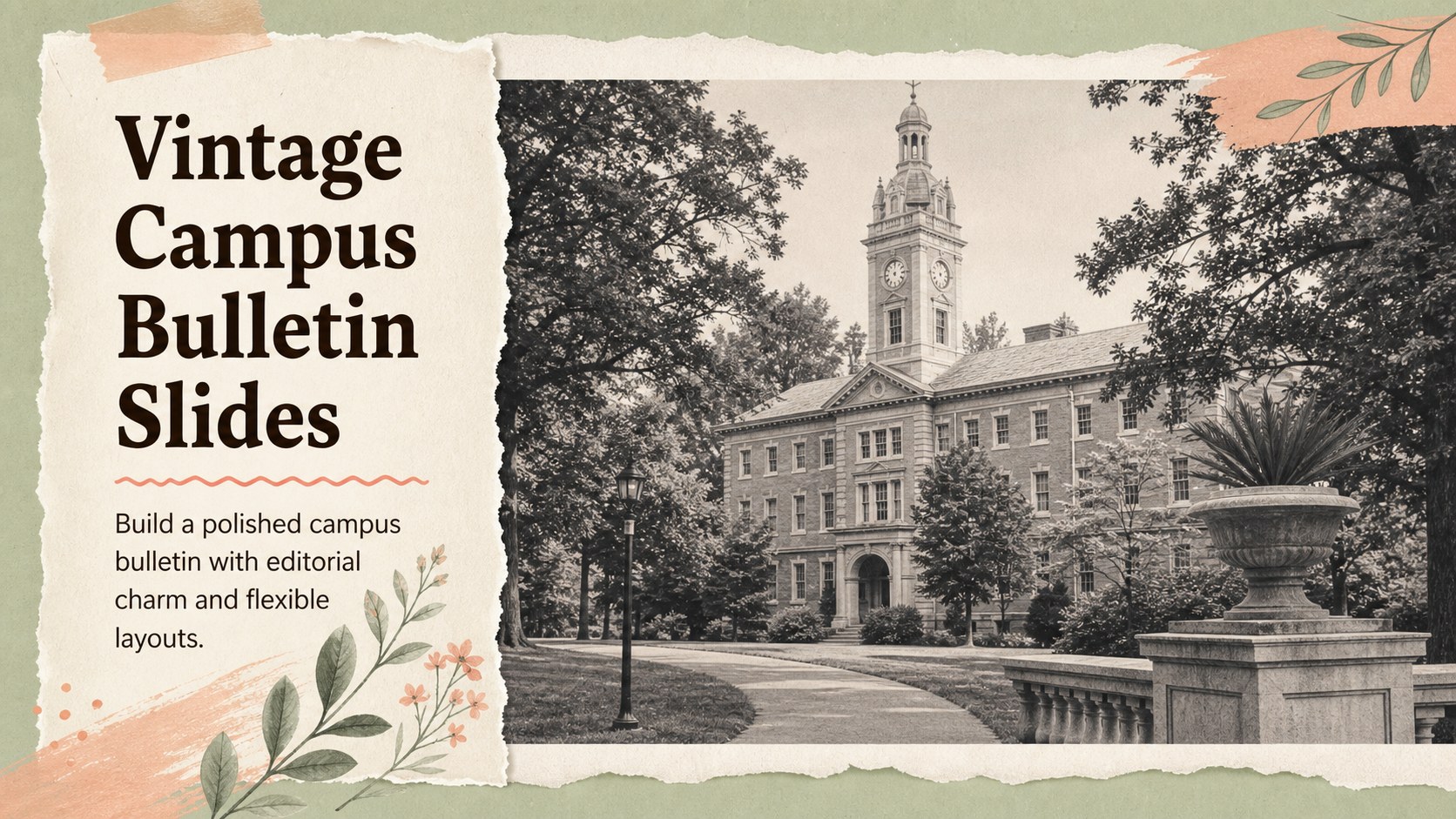
Build a vintage campus newsletter with this vintage campus newsletter slides kit: editable pages for announcements, profiles, timelines, and visual stories.

Design notes
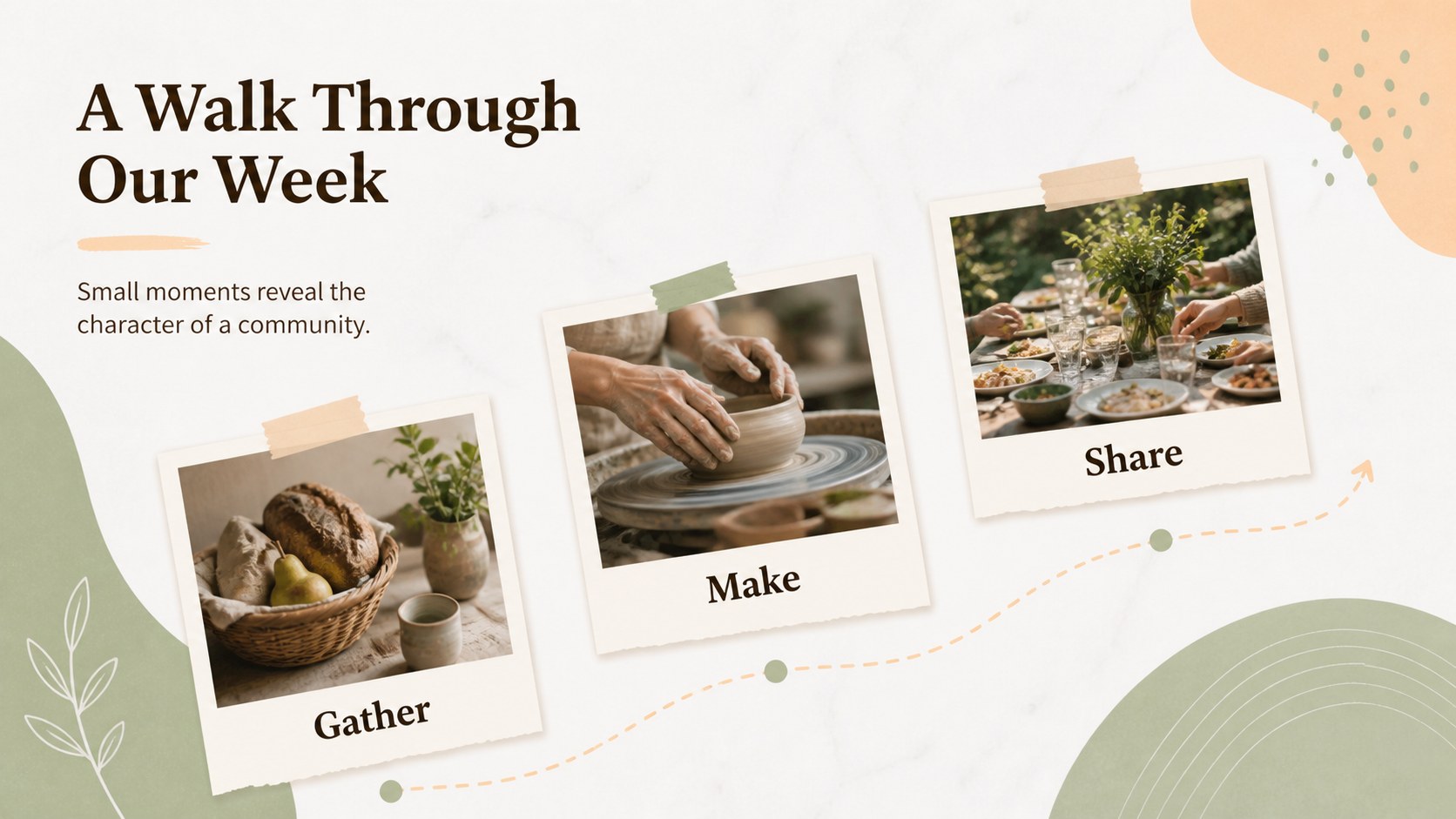
Give campus news, class updates, and community stories the feel of a thoughtfully printed publication with Vintage Campus Bulletin Slides. The vintage campus newsletter slides kit combines a sage green and peach palette with Alegreya typography, paper-inspired details, framed images, and clean editorial structure. It is designed for readers who appreciate an academic, classic, and approachable visual style.
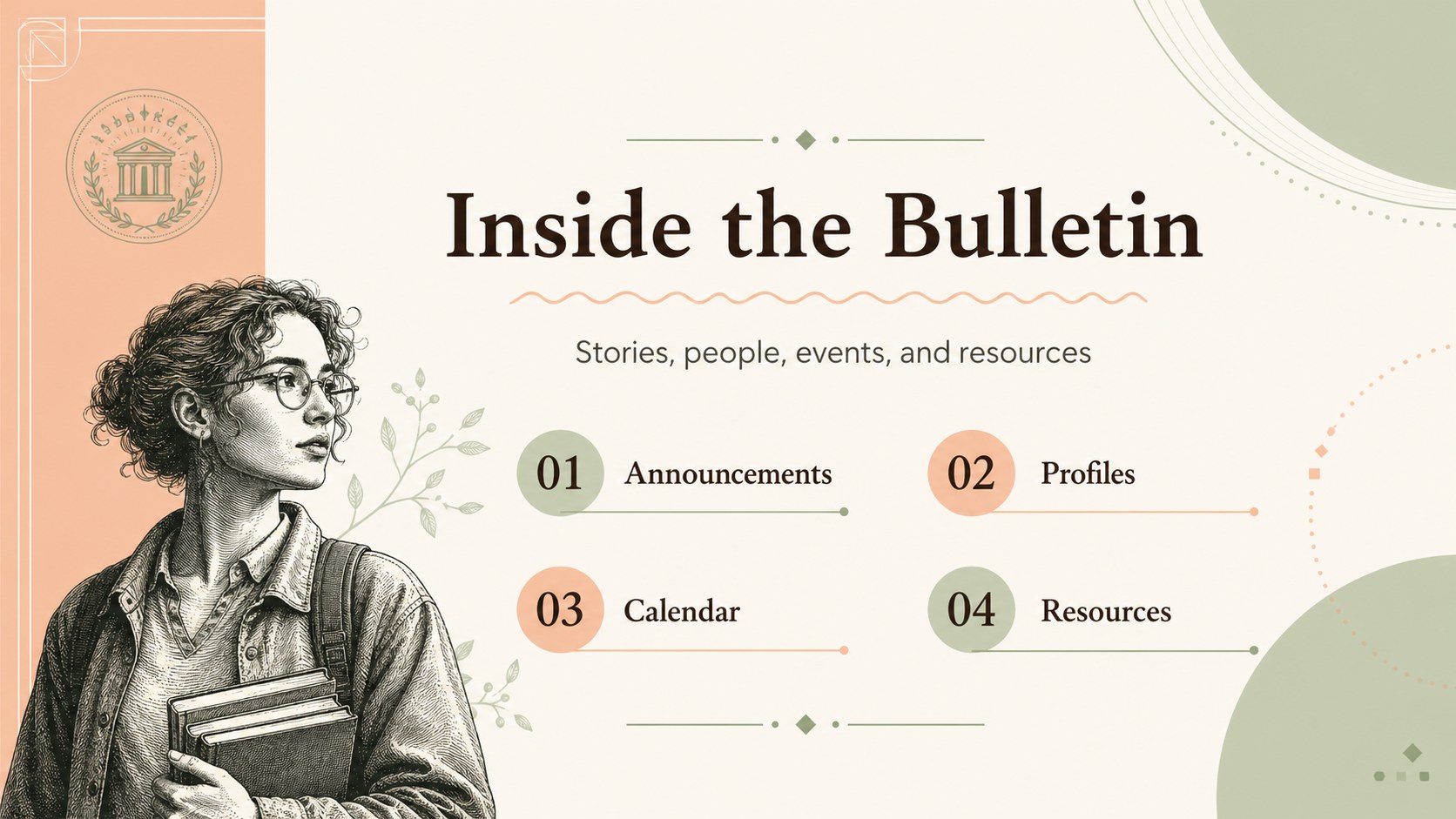
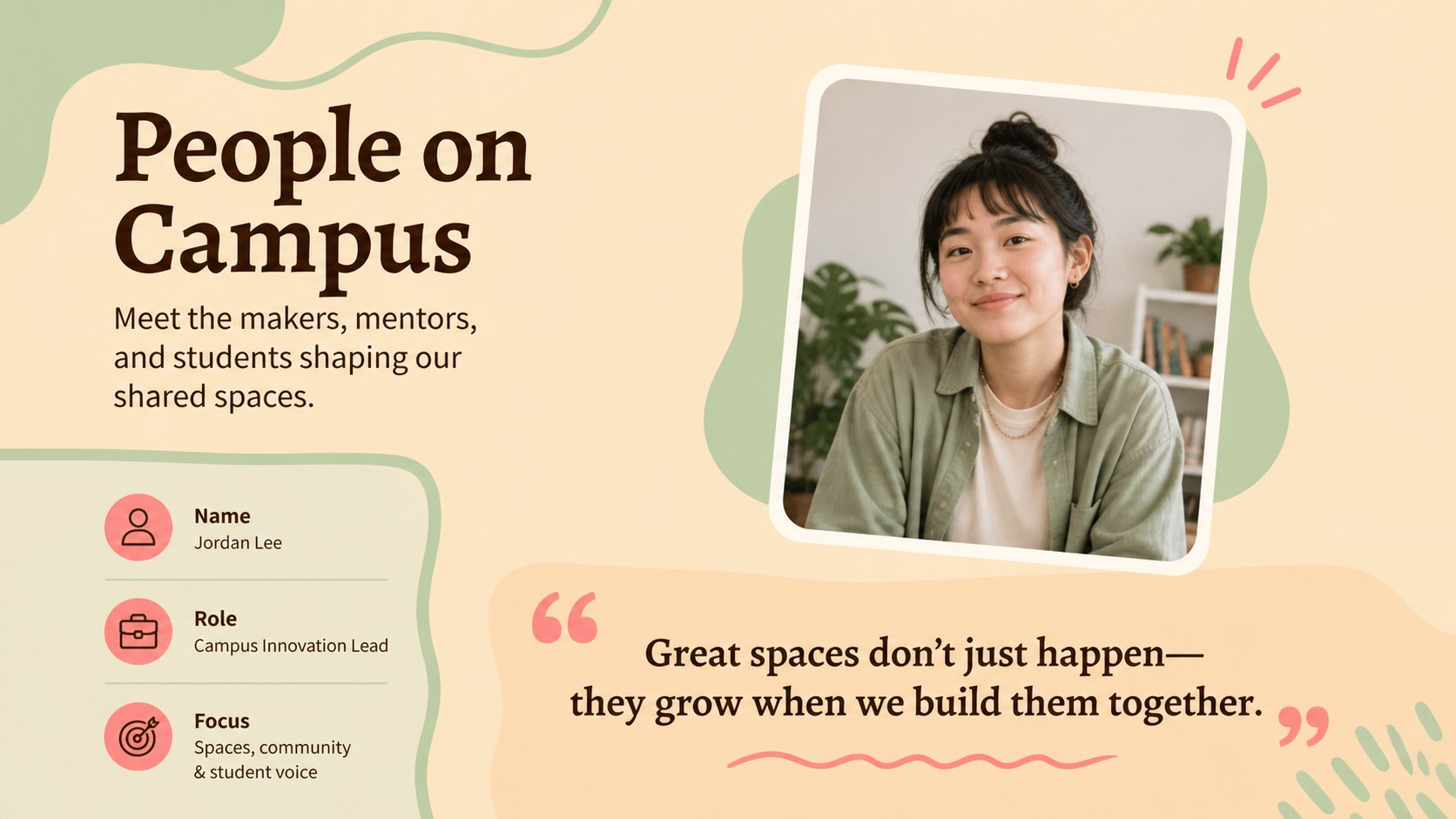
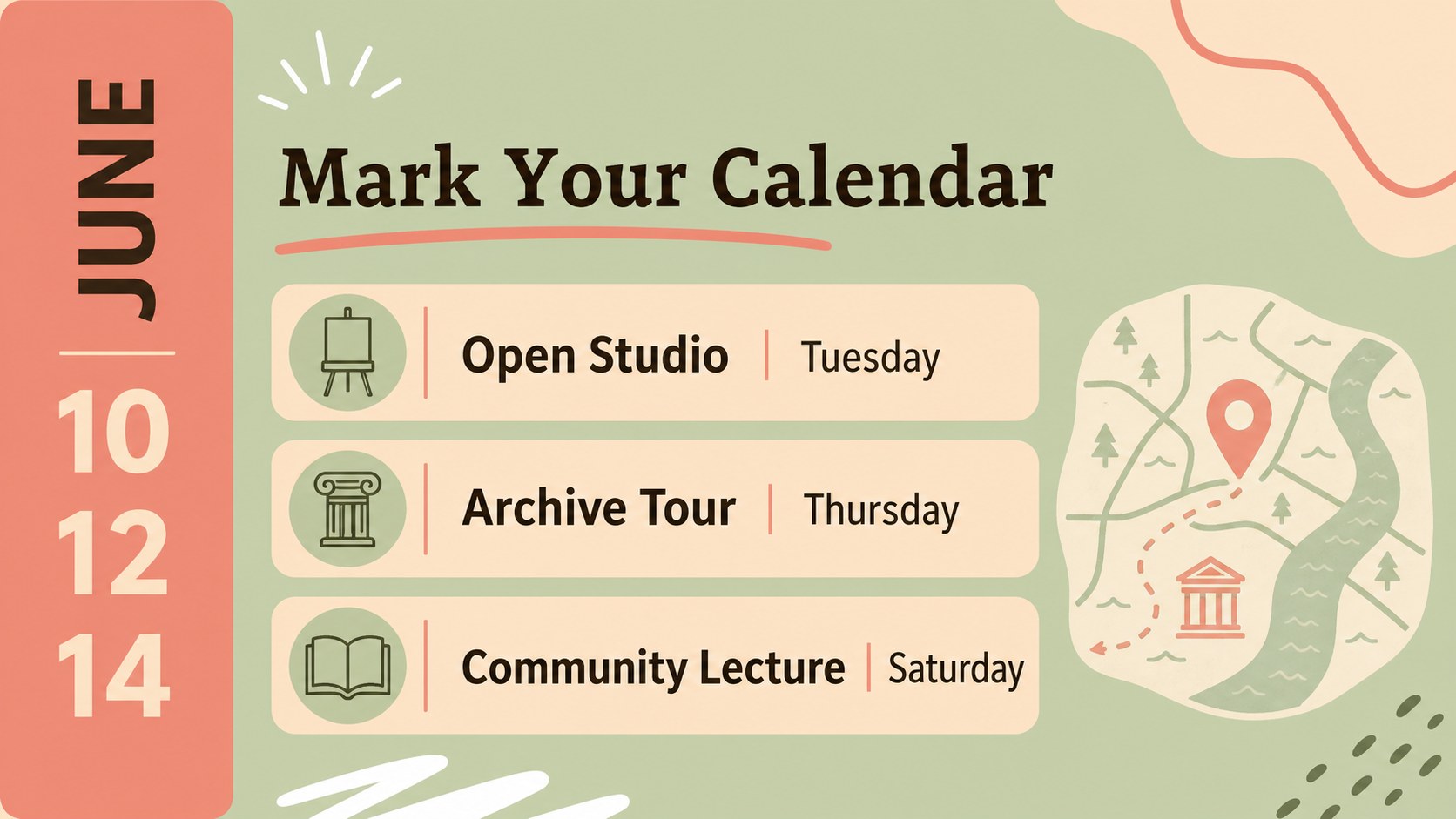
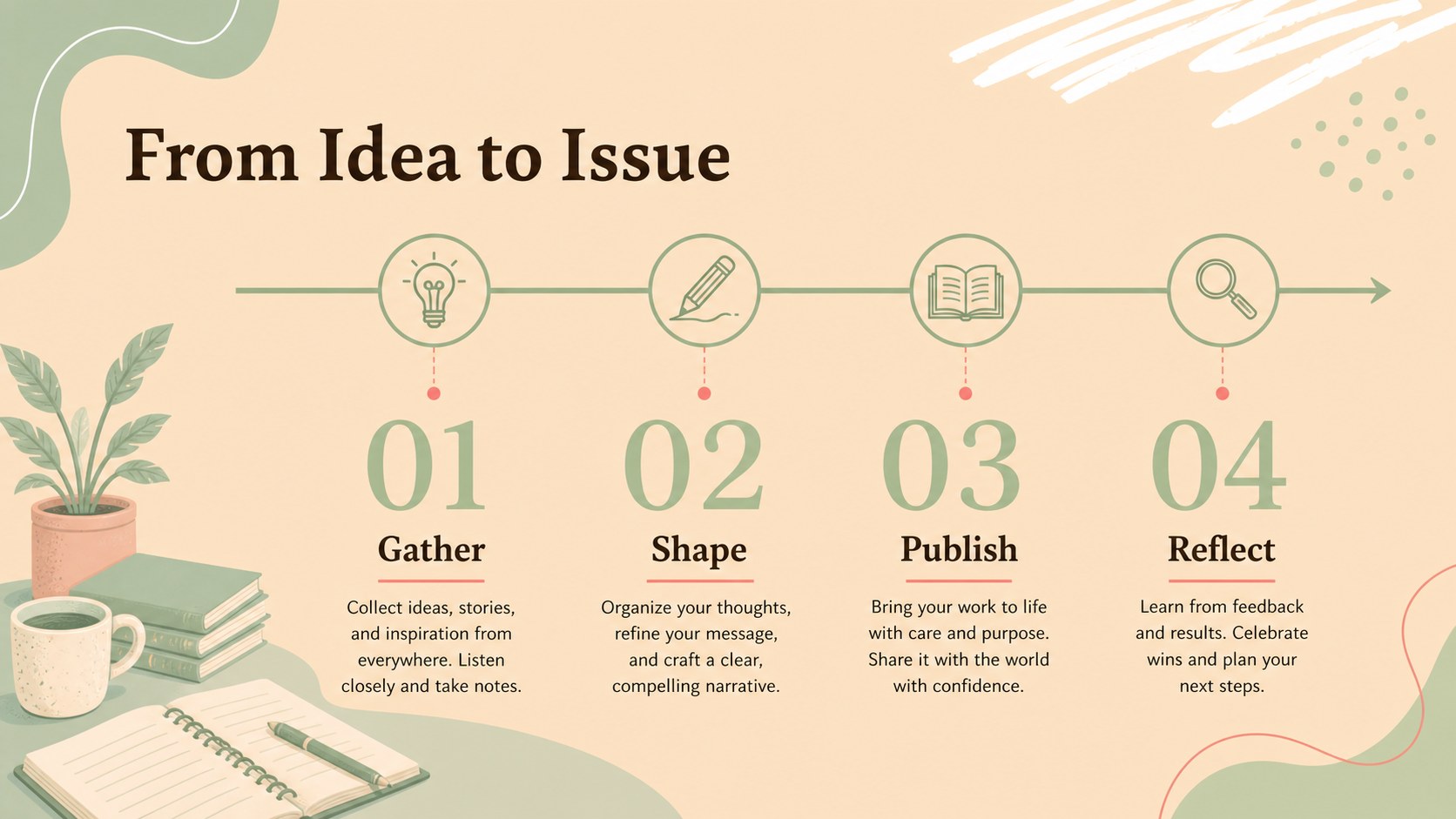
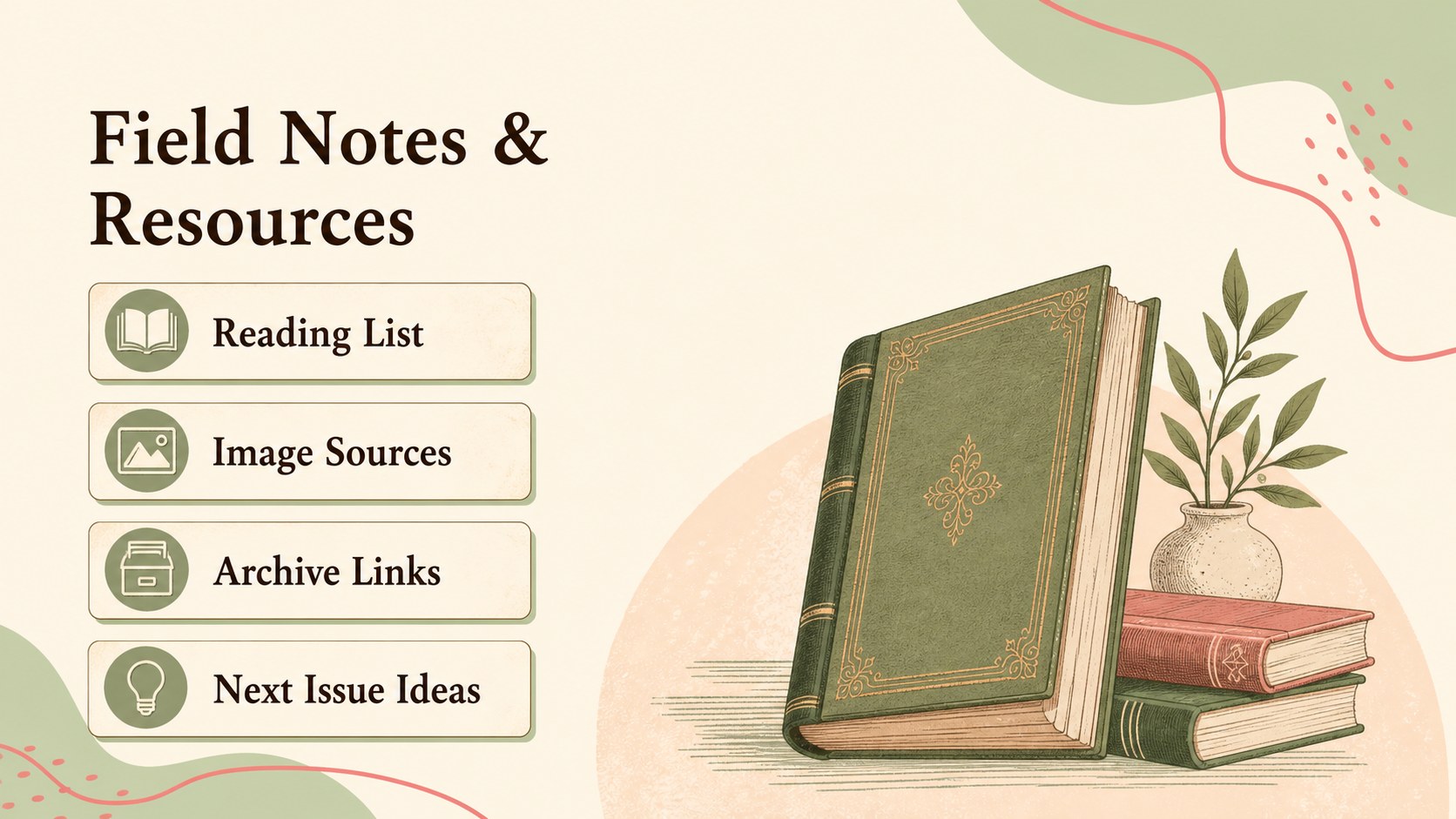
Inside, you’ll find more than 25 editable layouts for cover stories, announcements, event calendars, contributor profiles, photo features, quote pages, timelines, resource lists, and closing notes. Use the pages as an editable campus newsletter layout, adapt them for a vintage school bulletin presentation, or build a student publication presentation design for a club, department, or community group. Add images, illustrations, icons, charts, and custom copy, then rearrange elements to fit your story.
This deck works well for schools, universities, libraries, museums, student organizations, historical societies, and creative teams producing recurring updates. Edit it, then export to PowerPoint or Google Slides when needed. Built-in guidance pages, flexible text boxes, image frames, charts, and presentation-ready transitions make it practical for both digital sharing and live presentations.
Perfect for: university department updates; student club newsletter; school event bulletin; library community report; historical society presentation.
Frequently asked questions
Can I edit this template? Yes. The template is designed for, where you can replace text, images, colors, fonts, and decorative elements. Its drag-and-drop editor also makes it easy to duplicate or reorder pages.
Practical details
Yes. The template is designed for, where you can replace text, images, colors, fonts, and decorative elements. Its drag-and-drop editor also makes it easy to duplicate or reorder pages.
Yes. After opening the design, export it as a PowerPoint file or save an editable copy to Google Drive for Google Slides. Some -only effects may need adjustment after export.
The pages support announcements, event schedules, profiles, photo essays, timelines, quotes, resource pages, and editorial stories. You can combine several layouts to create a recurring bulletin or one-time campus presentation.
Yes. ’s color controls let you replace the sage green and peach accents with your own brand or school colors. Keep the original palette for a classic editorial mood or create a new combination while preserving the layouts.
Keep exploring
15Build stronger academic arguments with a college essay thesis builder featuring guided examples, revision prompts, and editable PowerPoint and Google Slides.
 15
15Build an engaging World UFO Day session with this flying saucer history lesson deck, featuring retro green-and-brown slides for PowerPoint and Google Slides.
 14
14Plan a memorable Lunar New Year campaign with the 2036 Dragon Year Celebration Theme, featuring bold red-and-yellow slides for lessons and events.
 15
15Build a thoughtful classroom discussion with this interfaith awareness lesson deck, featuring editable blue-and-white slides for PowerPoint and Google Slides.
 15
15Use this environmental awareness lesson deck to teach climate action through illustrated activities, discussion prompts, and ready-to-edit visuals.
 15
15Build playful lessons and party stories with a kid-friendly zombie celebration theme in purple, green and pastel blue for PowerPoint and Google Slides.
 15
15Build eerie lessons, campaigns, and story pitches with an undead survival scenario theme featuring editable slides for PowerPoint and Google Slides.
 16
16Turn environmental research into a clear story with a Watercolor Ecology Presentation Theme for PowerPoint and Google Slides in calming green and blue.