
 15
15presentation
College Essay Thesis Builder Slides
Build stronger academic arguments with a college essay thesis builder featuring guided examples, revision prompts, and editable PowerPoint and Google Slides.
Google SlidesPowerPoint
presentation · English
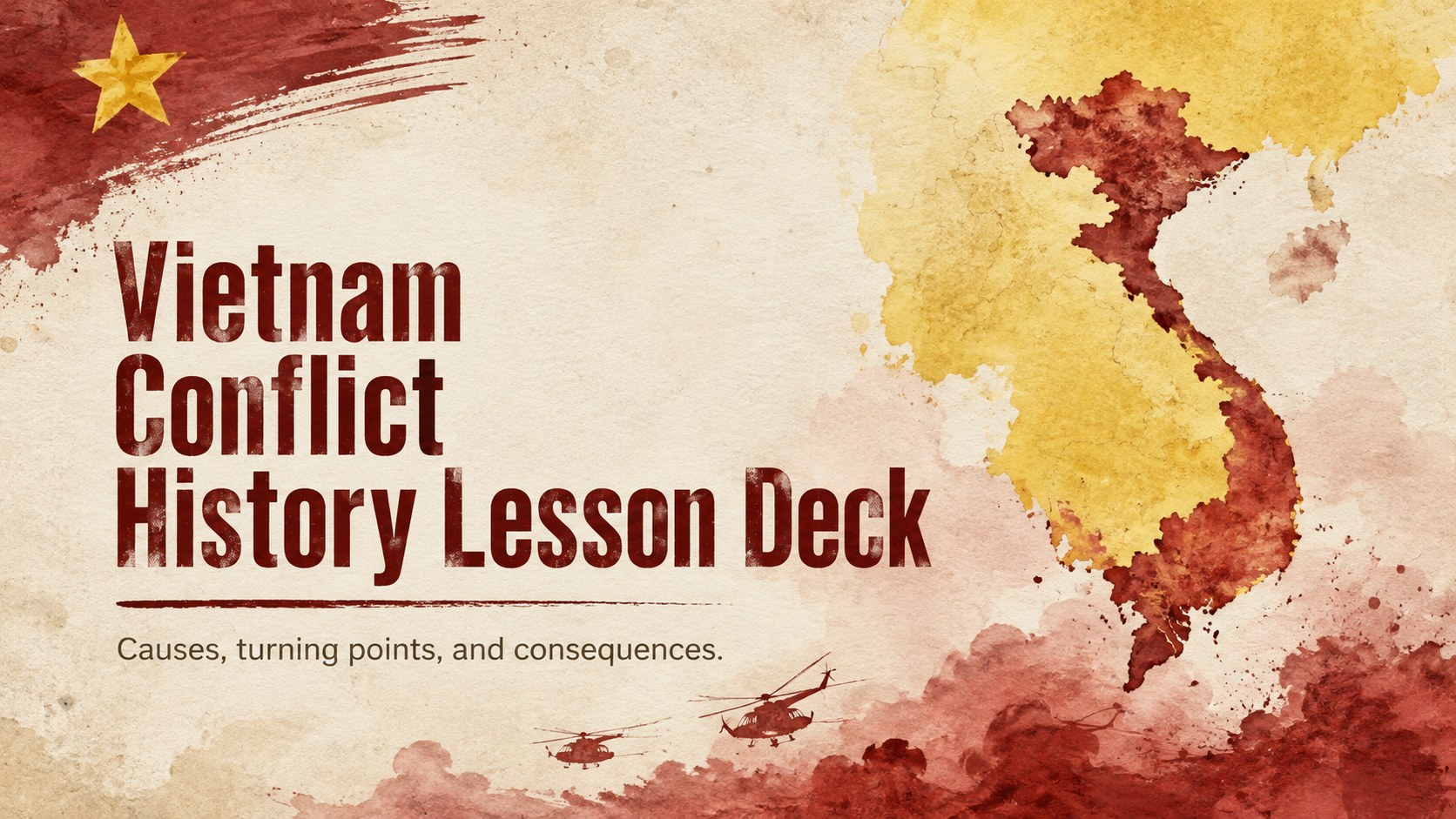
Teach key events with a Vietnam conflict history lesson deck in bold red and yellow watercolor, ready to customize in PowerPoint or Google Slides.
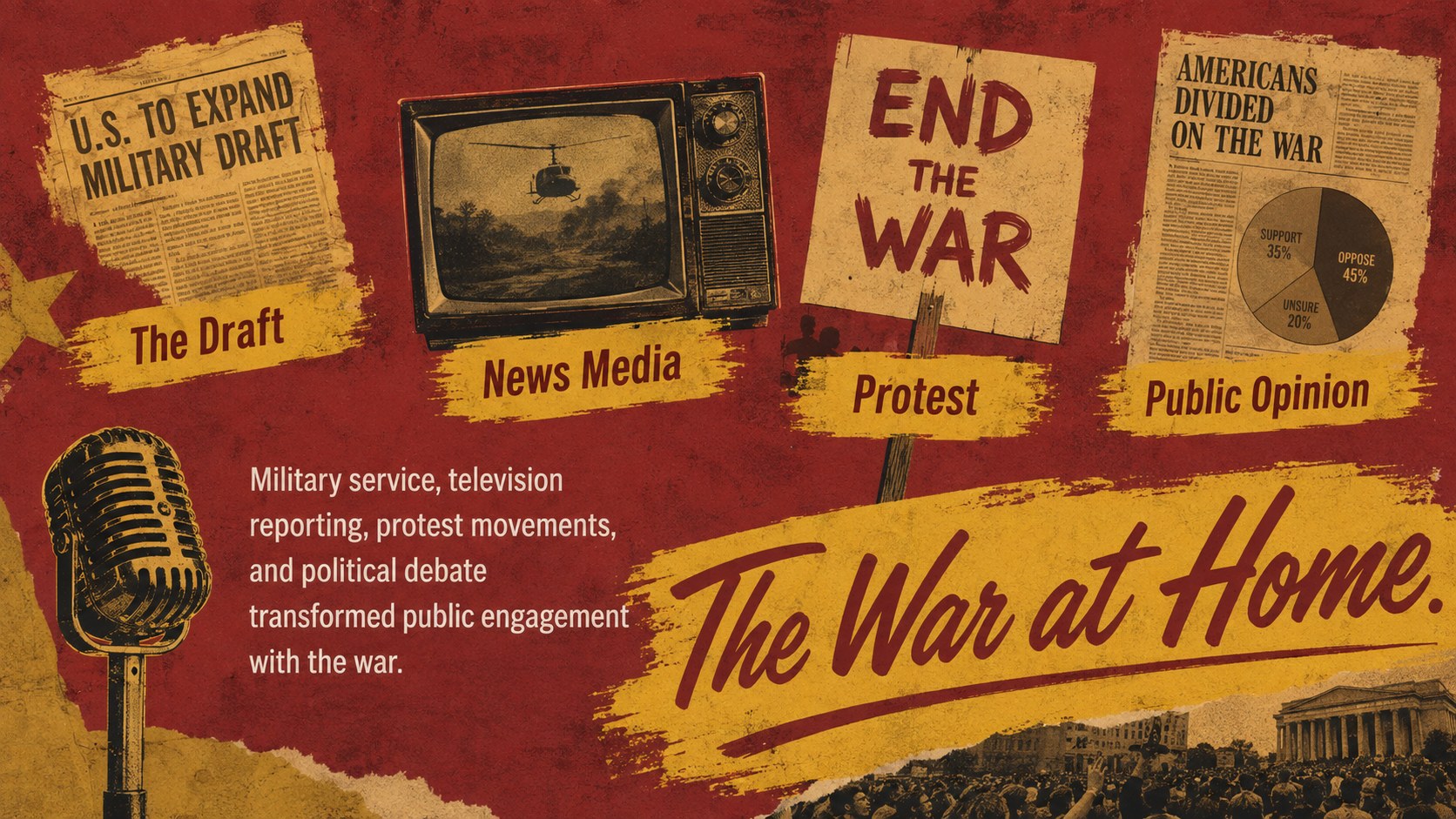
Design notes
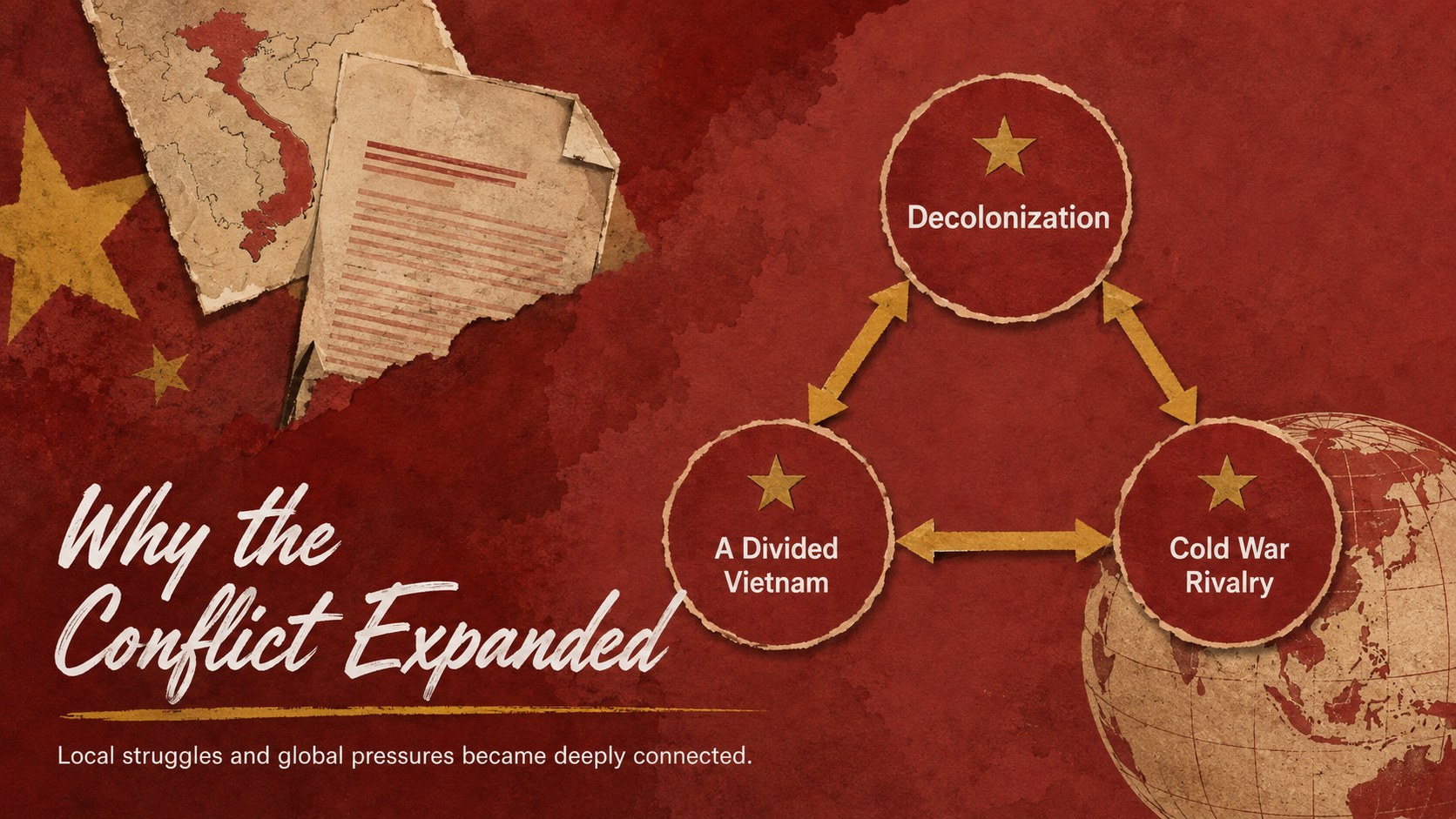
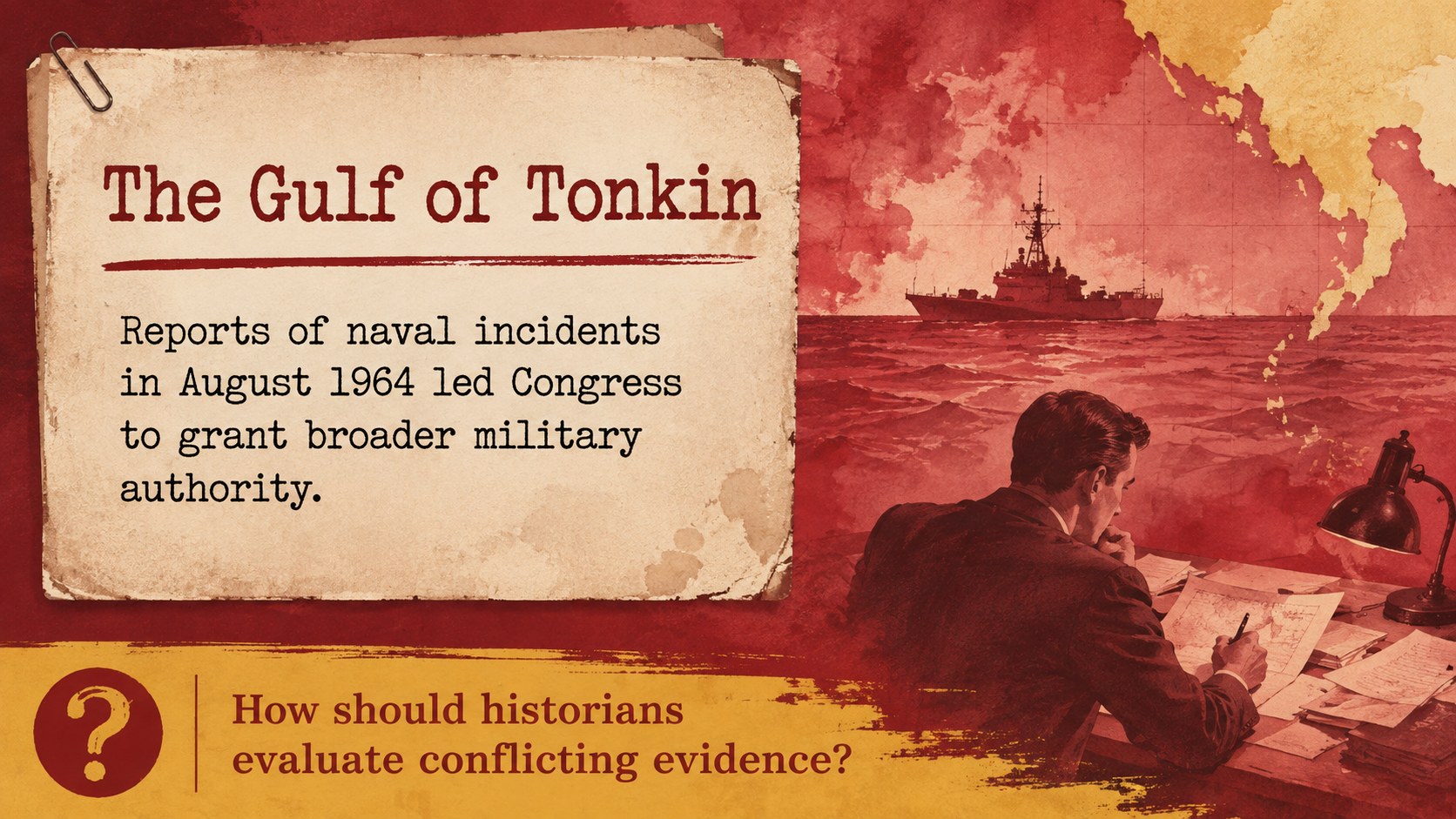
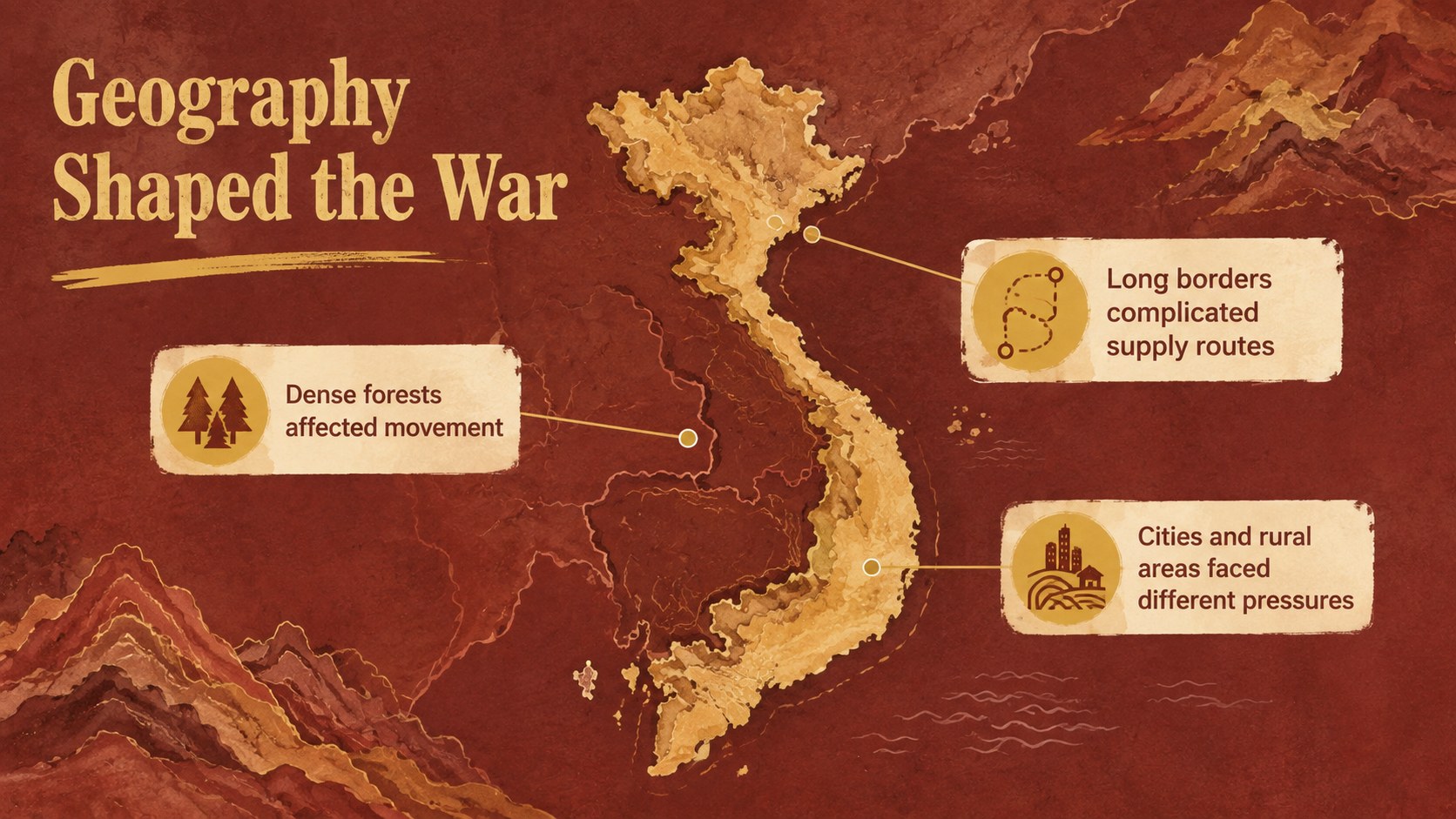
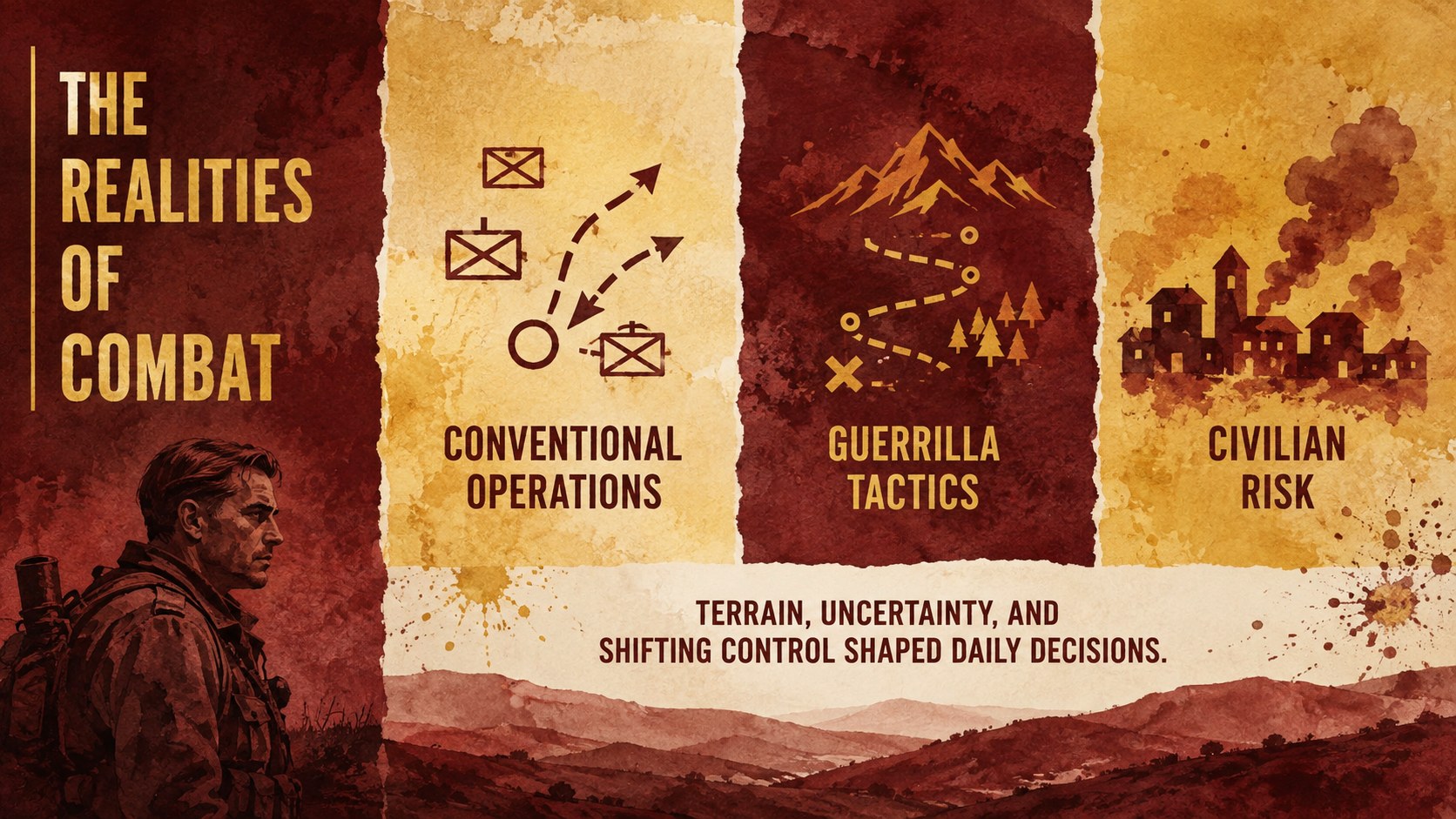
The Vietnam Conflict History Lesson Deck gives educators a visually compelling framework for examining one of the defining conflicts of the Cold War. Bold red and yellow watercolor textures create an urgent, reflective atmosphere while organized layouts keep dates, evidence, maps, and discussion questions easy to follow. Use the deck in PowerPoint or Google Slides and adapt every page to your curriculum.
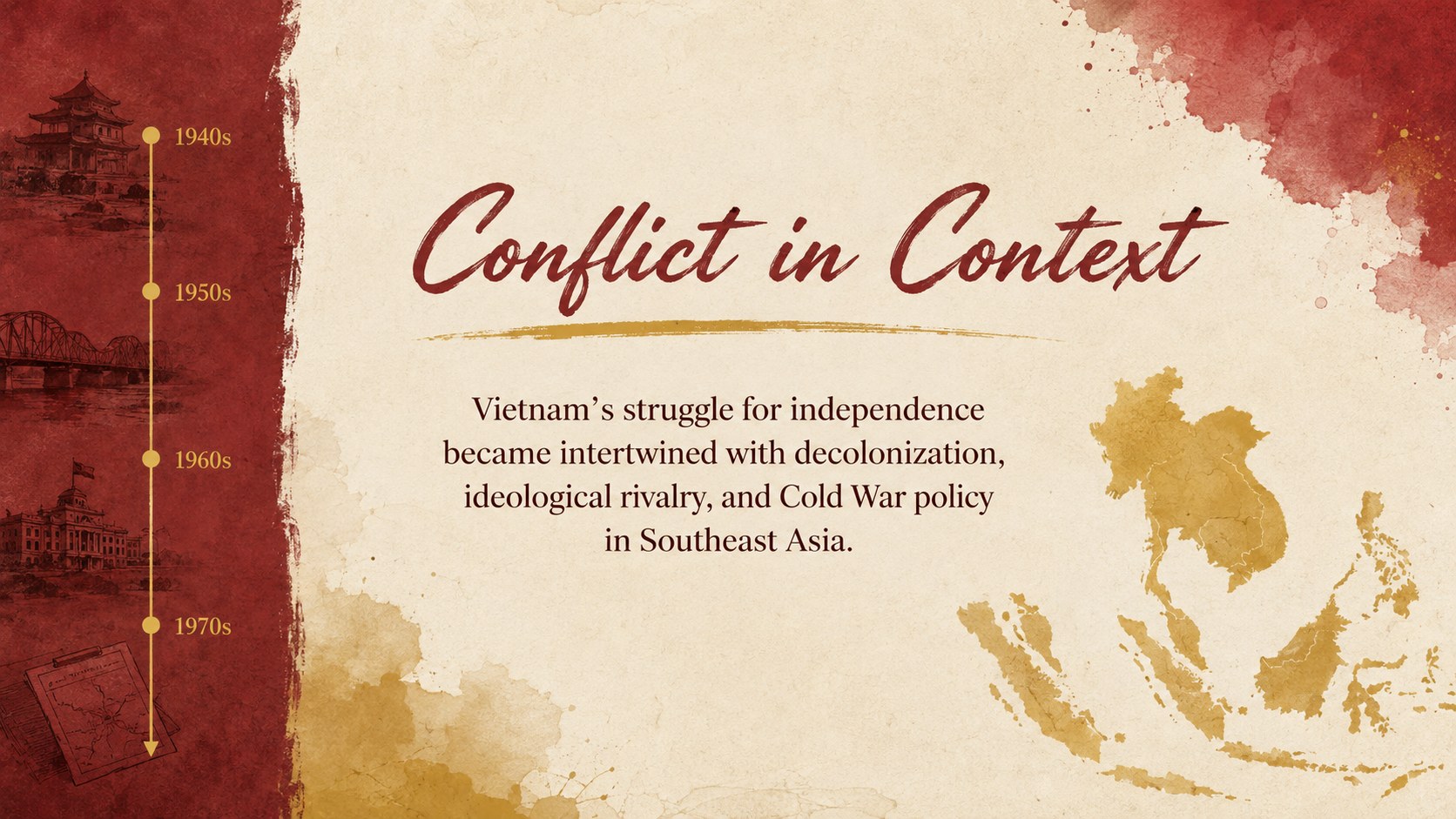
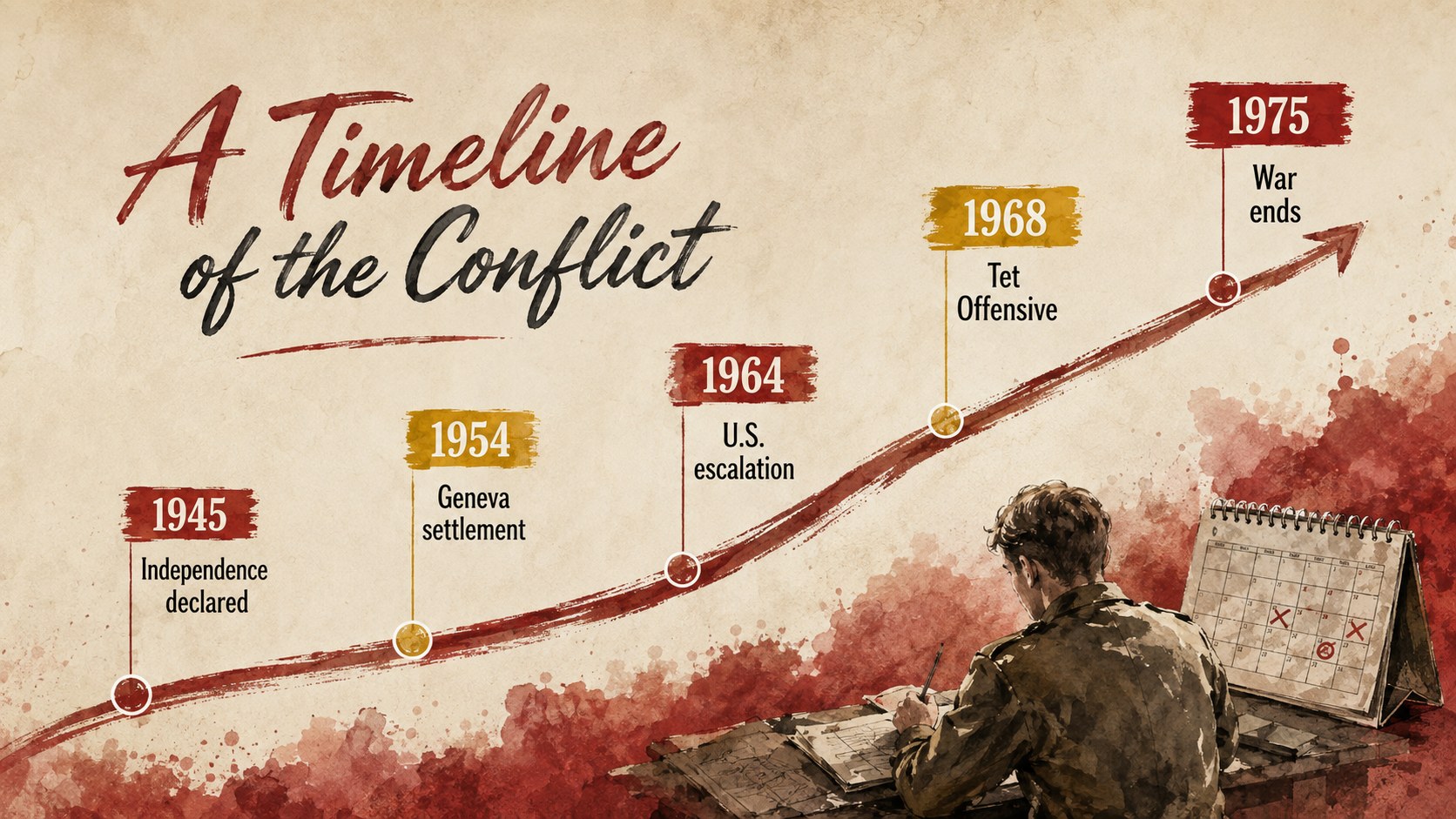
Inside, teachers will find layouts for historical context, major causes, geographic analysis, turning points, political decisions, public opinion, Vietnamization, peace negotiations, and long-term consequences. A Vietnam War timeline for students helps classes connect events in chronological order, while comparison and data layouts support document-based inquiry. The visual system also works well for educators seeking Cold War Southeast Asia slides that balance serious subject matter with memorable classroom design.
Designed for middle school, high school, and introductory college history courses, this presentation can support lectures, review sessions, collaborative research, and student-led seminars. Replace the sample wording, add primary sources, adjust charts, or reorganize sections without losing the cohesive watercolor style. The 16:9 format is ready for classroom displays, virtual instruction, and shared student projects.
Perfect for: high school history lecture; Cold War unit review; student research presentation; primary source discussion; Vietnam War timeline activity.
Frequently asked questions
Can I edit this deck in PowerPoint and Google Slides? Yes. All slide text, colors, images, charts, and layout elements can be edited in PowerPoint or Google Slides. Font substitutions may occur if a typeface is not installed on your device.
Practical details
Yes. All slide text, colors, images, charts, and layout elements can be edited in PowerPoint or Google Slides. Font substitutions may occur if a typeface is not installed on your device.
Yes. Shorten the text and emphasize maps or vocabulary for younger learners, or add primary sources and historiographical questions for advanced classes. The modular layouts can be reordered to match your syllabus.
Replace the sample copy with material from your curriculum and add citations beneath maps, photographs, or quotations. You can also duplicate timeline, comparison, and discussion layouts for additional events.
The deck uses a widescreen 16:9 format suitable for classroom projectors, laptops, and online lessons. It can also be exported as a PDF for handouts or asynchronous study.
Keep exploring
15Build stronger academic arguments with a college essay thesis builder featuring guided examples, revision prompts, and editable PowerPoint and Google Slides.
 15
15Build an engaging World UFO Day session with this flying saucer history lesson deck, featuring retro green-and-brown slides for PowerPoint and Google Slides.
 14
14Plan a memorable Lunar New Year campaign with the 2036 Dragon Year Celebration Theme, featuring bold red-and-yellow slides for lessons and events.
 15
15Build a thoughtful classroom discussion with this interfaith awareness lesson deck, featuring editable blue-and-white slides for PowerPoint and Google Slides.
 15
15Use this environmental awareness lesson deck to teach climate action through illustrated activities, discussion prompts, and ready-to-edit visuals.
 15
15Build playful lessons and party stories with a kid-friendly zombie celebration theme in purple, green and pastel blue for PowerPoint and Google Slides.
 15
15Build eerie lessons, campaigns, and story pitches with an undead survival scenario theme featuring editable slides for PowerPoint and Google Slides.
 16
16Turn environmental research into a clear story with a Watercolor Ecology Presentation Theme for PowerPoint and Google Slides in calming green and blue.