
 15
15presentation
College Essay Thesis Builder Slides
Build stronger academic arguments with a college essay thesis builder featuring guided examples, revision prompts, and editable PowerPoint and Google Slides.
Google SlidesPowerPoint
presentation · English
Teach service, sacrifice, and civic memory with a Veterans Day remembrance classroom deck in a bold brown and grey retro style for editable lessons.
Design notes
The Veterans Day remembrance classroom deck gives educators a visually distinctive way to explore service, sacrifice, and civic gratitude. Its brown and grey palette, weathered paper details, strong typography, and vintage poster influence create an appropriate setting for a respectful history lesson without feeling overly formal.
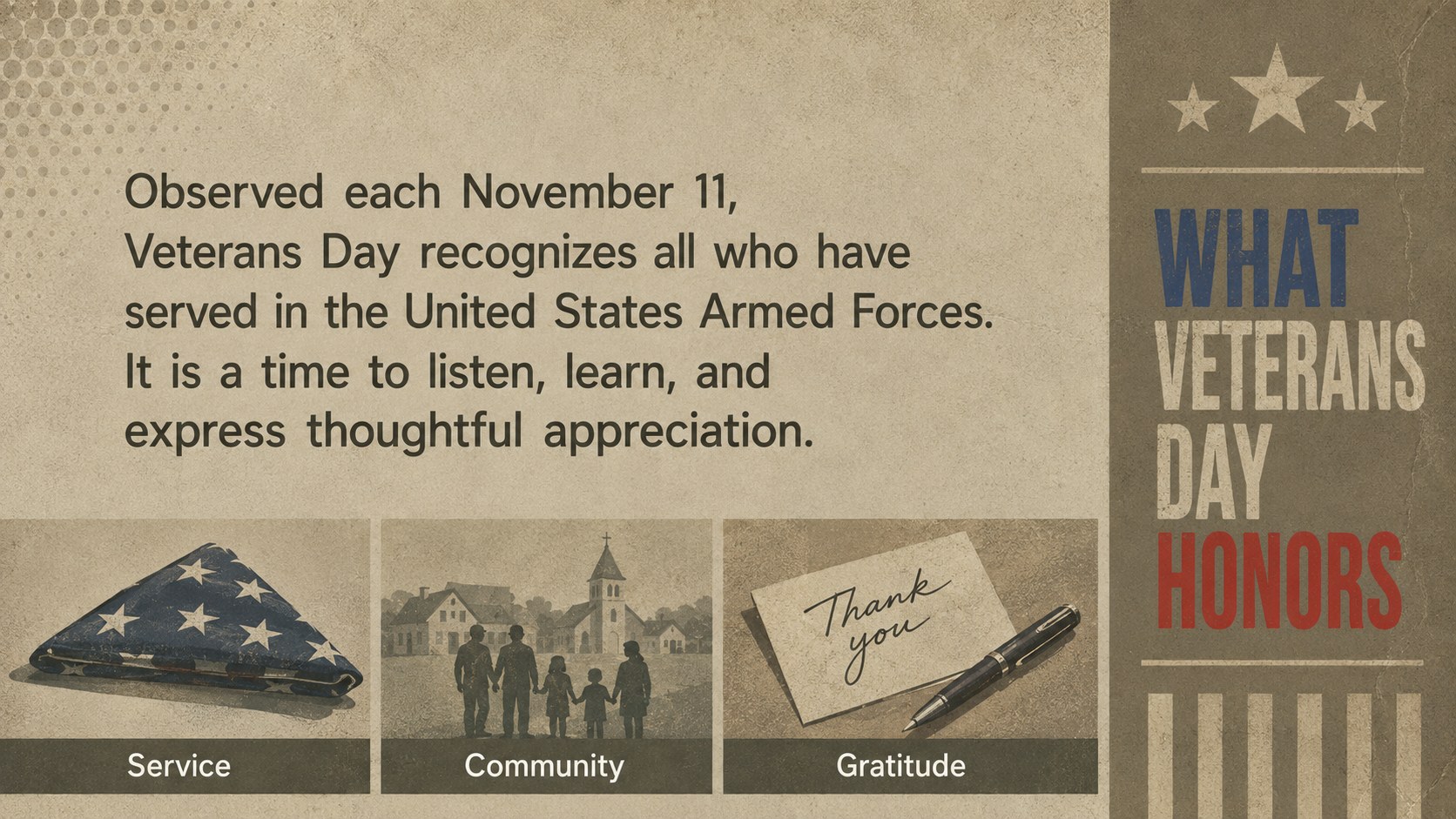
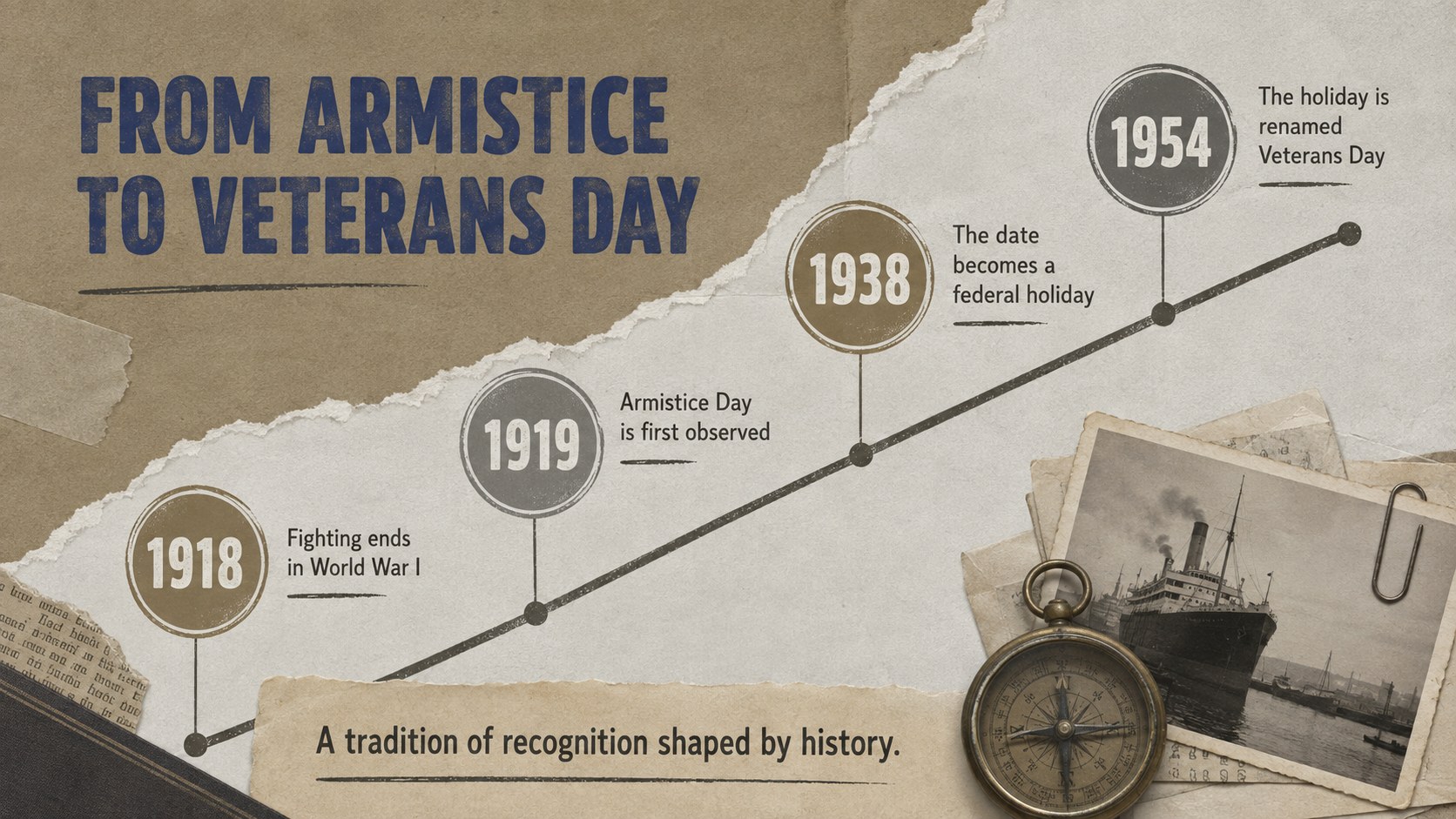
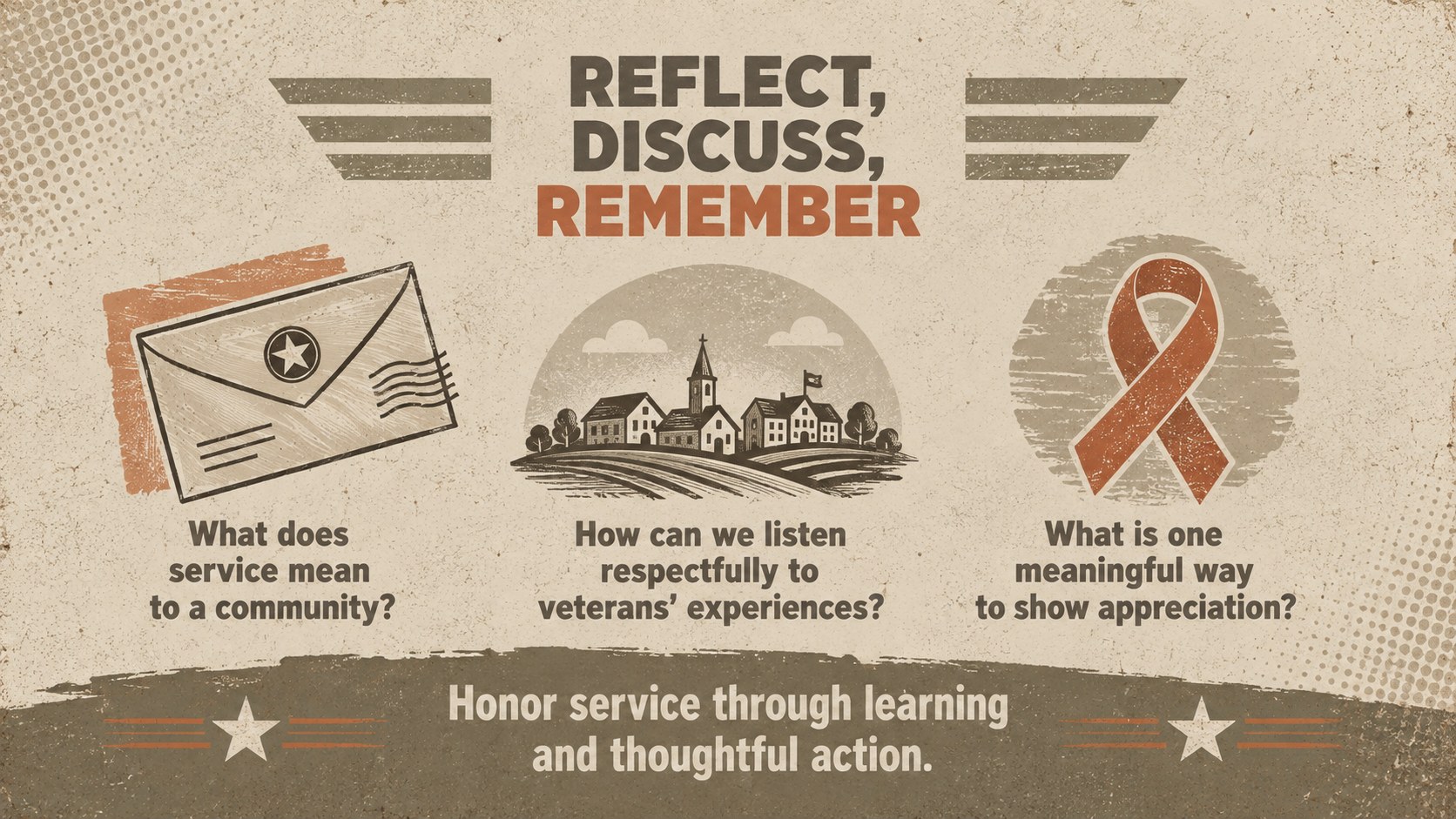
Inside are four editable 16:9 layouts covering an opening message, the meaning of Veterans Day, a concise historical timeline, and a closing reflection activity. Use these Veterans Day lesson slides as a complete mini-lesson or combine individual pages with your existing materials. Text, colors, images, and layout elements can be adjusted in PowerPoint or Google Slides to match different age groups and teaching objectives.
This military service history presentation is designed for teachers, school assembly organizers, history clubs, community educators, and student presenters. It can support discussions about the origins of the holiday, the distinction between Veterans Day and Memorial Day, the experiences of service members, and meaningful ways communities can express appreciation.
The retro remembrance poster template also works well for library displays, morning announcements, civic education sessions, and classroom reflection prompts. Add local stories, archival photographs, quotations, or student research while preserving the deck's bold vintage character and clear visual hierarchy.
Perfect for: Veterans Day history lesson; school remembrance assembly; student research presentation; civic education workshop; library history display.
Frequently asked questions
Practical details
Yes. Every slide can be opened and edited in PowerPoint or Google Slides, including the text, colors, images, and layout elements.
Yes. Replace the sample wording with age-appropriate historical details, vocabulary, discussion questions, or research prompts. The layouts can support elementary introductions as well as more detailed secondary-school lessons.
Add photographs, quotations, service stories, school information, or community resources. Maintain respectful image choices and verify names, dates, ranks, and historical claims before presenting.
Yes. The palette is fully editable, though retaining a few muted brown, charcoal, and paper-inspired tones will preserve the vintage poster character.
Keep exploring
15Build stronger academic arguments with a college essay thesis builder featuring guided examples, revision prompts, and editable PowerPoint and Google Slides.
 15
15Build an engaging World UFO Day session with this flying saucer history lesson deck, featuring retro green-and-brown slides for PowerPoint and Google Slides.
 14
14Plan a memorable Lunar New Year campaign with the 2036 Dragon Year Celebration Theme, featuring bold red-and-yellow slides for lessons and events.
 15
15Build a thoughtful classroom discussion with this interfaith awareness lesson deck, featuring editable blue-and-white slides for PowerPoint and Google Slides.
 15
15Use this environmental awareness lesson deck to teach climate action through illustrated activities, discussion prompts, and ready-to-edit visuals.
 15
15Build playful lessons and party stories with a kid-friendly zombie celebration theme in purple, green and pastel blue for PowerPoint and Google Slides.
 15
15Build eerie lessons, campaigns, and story pitches with an undead survival scenario theme featuring editable slides for PowerPoint and Google Slides.
 16
16Turn environmental research into a clear story with a Watercolor Ecology Presentation Theme for PowerPoint and Google Slides in calming green and blue.