
 15
15presentation
College Essay Thesis Builder Slides
Build stronger academic arguments with a college essay thesis builder featuring guided examples, revision prompts, and editable PowerPoint and Google Slides.
Google SlidesPowerPoint
presentation · English
Plan lessons and seasonal stories with this vernal equinox scrapbook presentation, featuring playful pastel layouts for PowerPoint and Google Slides.
Design notes
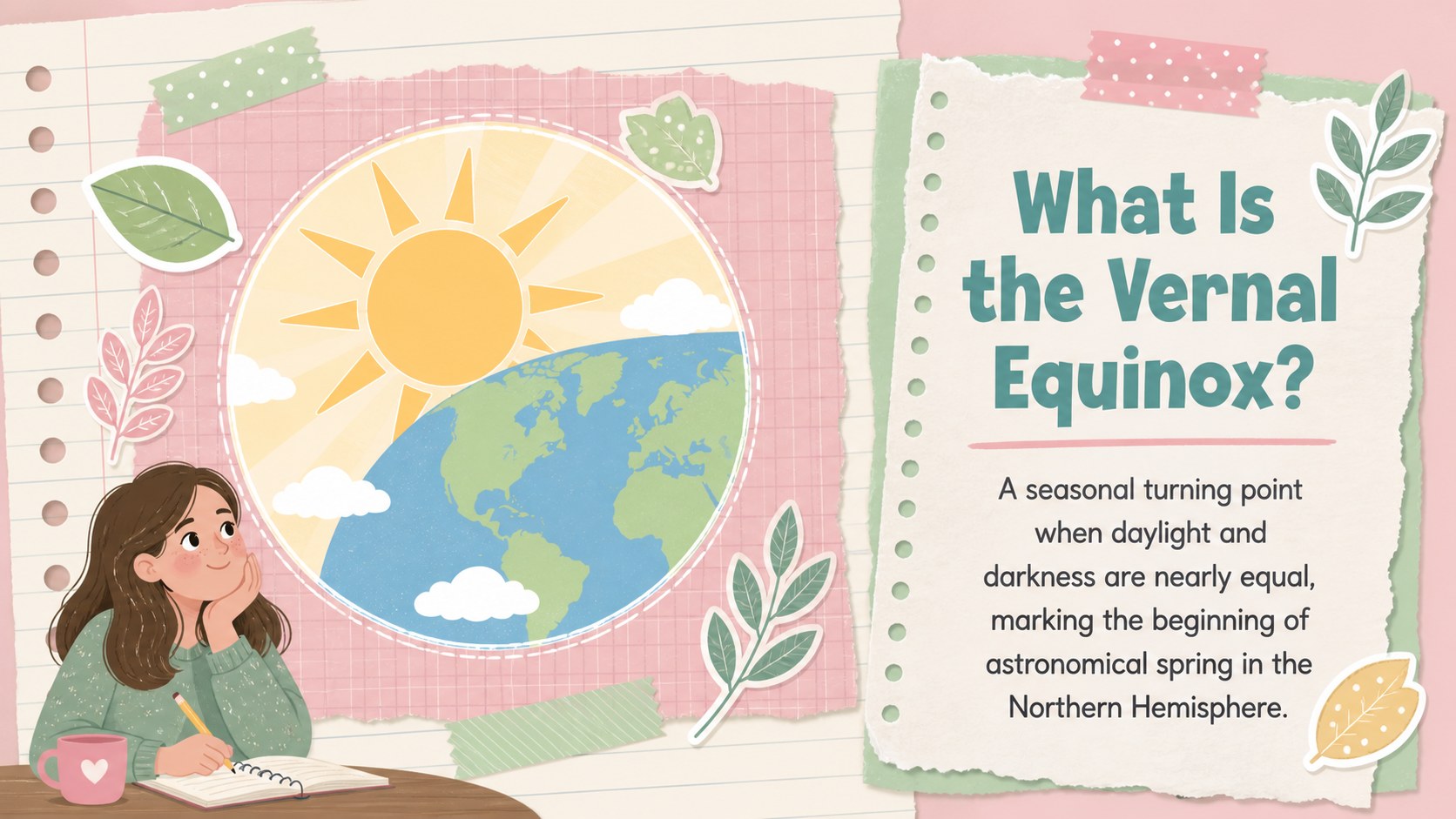
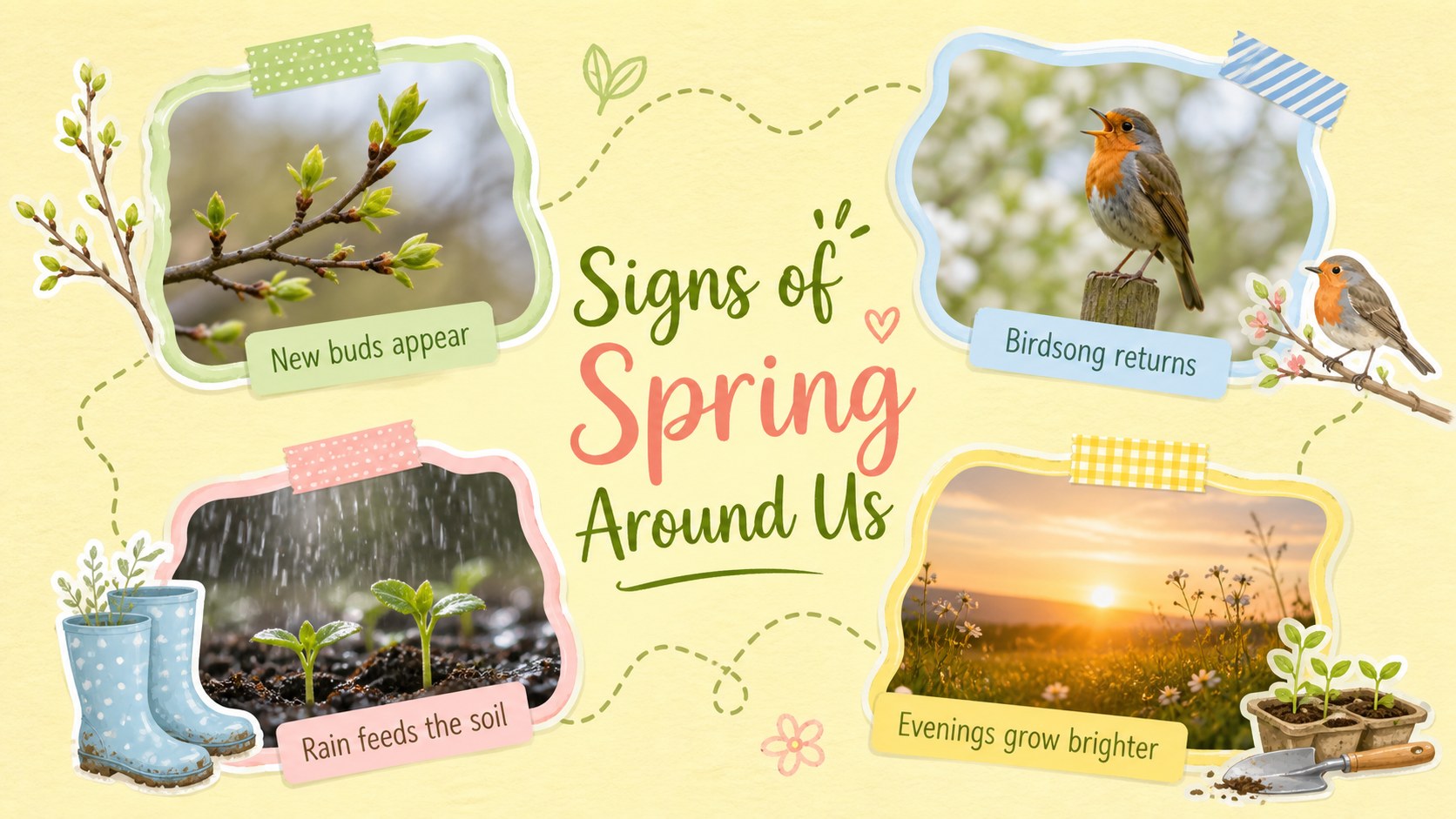
Turn a seasonal topic into a warm visual story with this vernal equinox scrapbook presentation. Layered paper textures, cheerful floral details, handwritten accents, and a colorful pastel palette give every page the charm of a handmade journal while keeping information clear and organized.
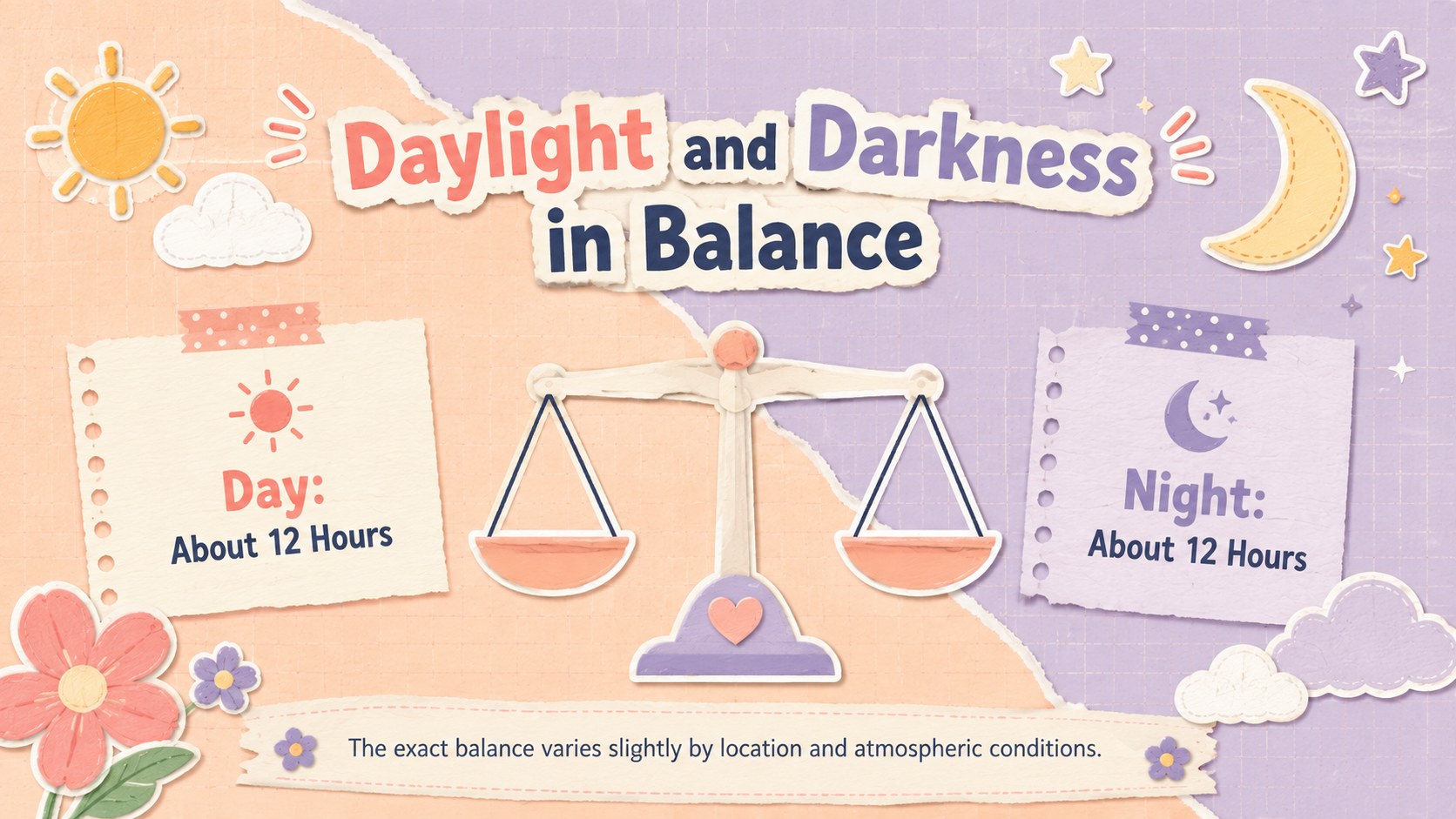
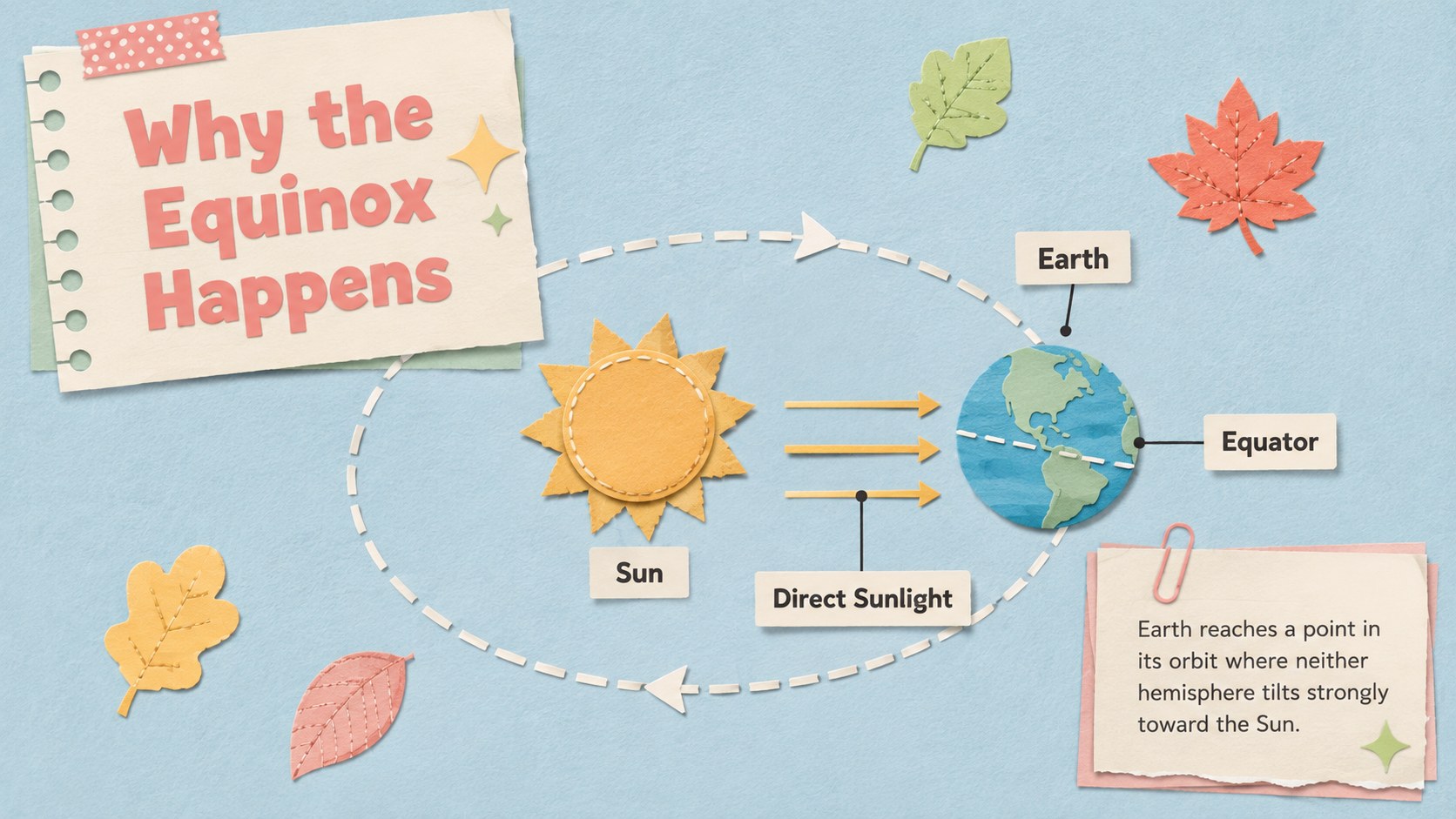
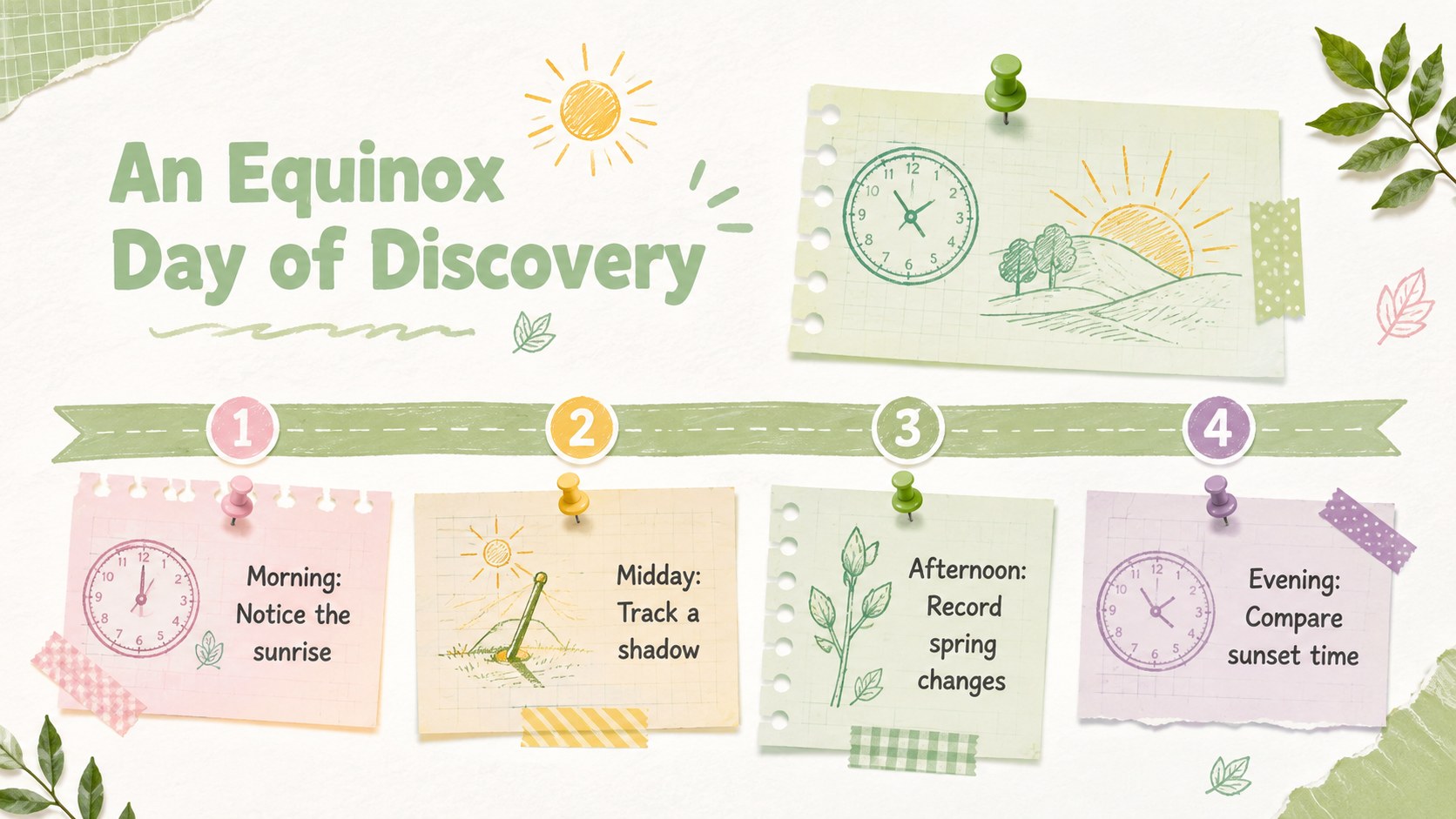
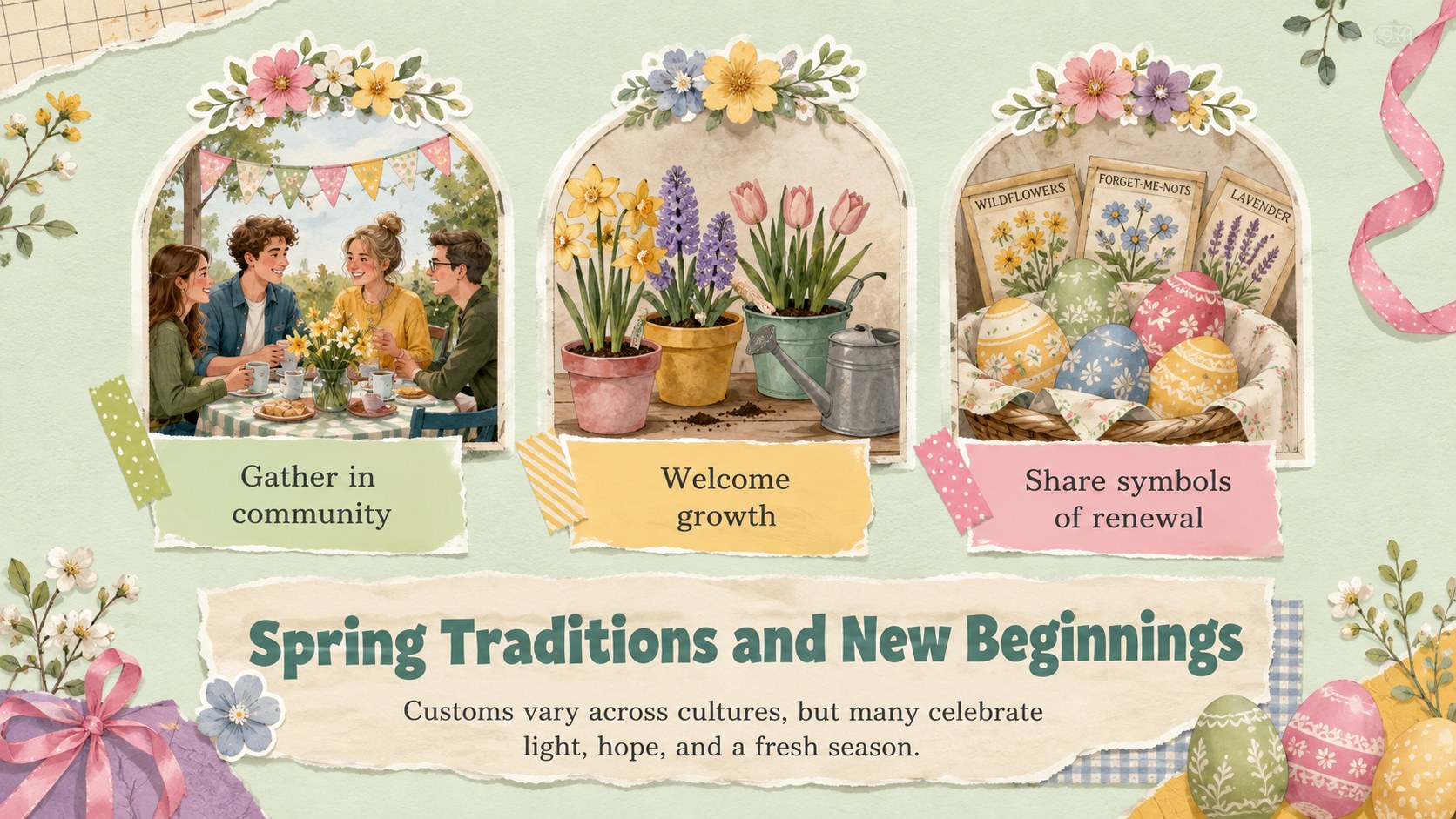
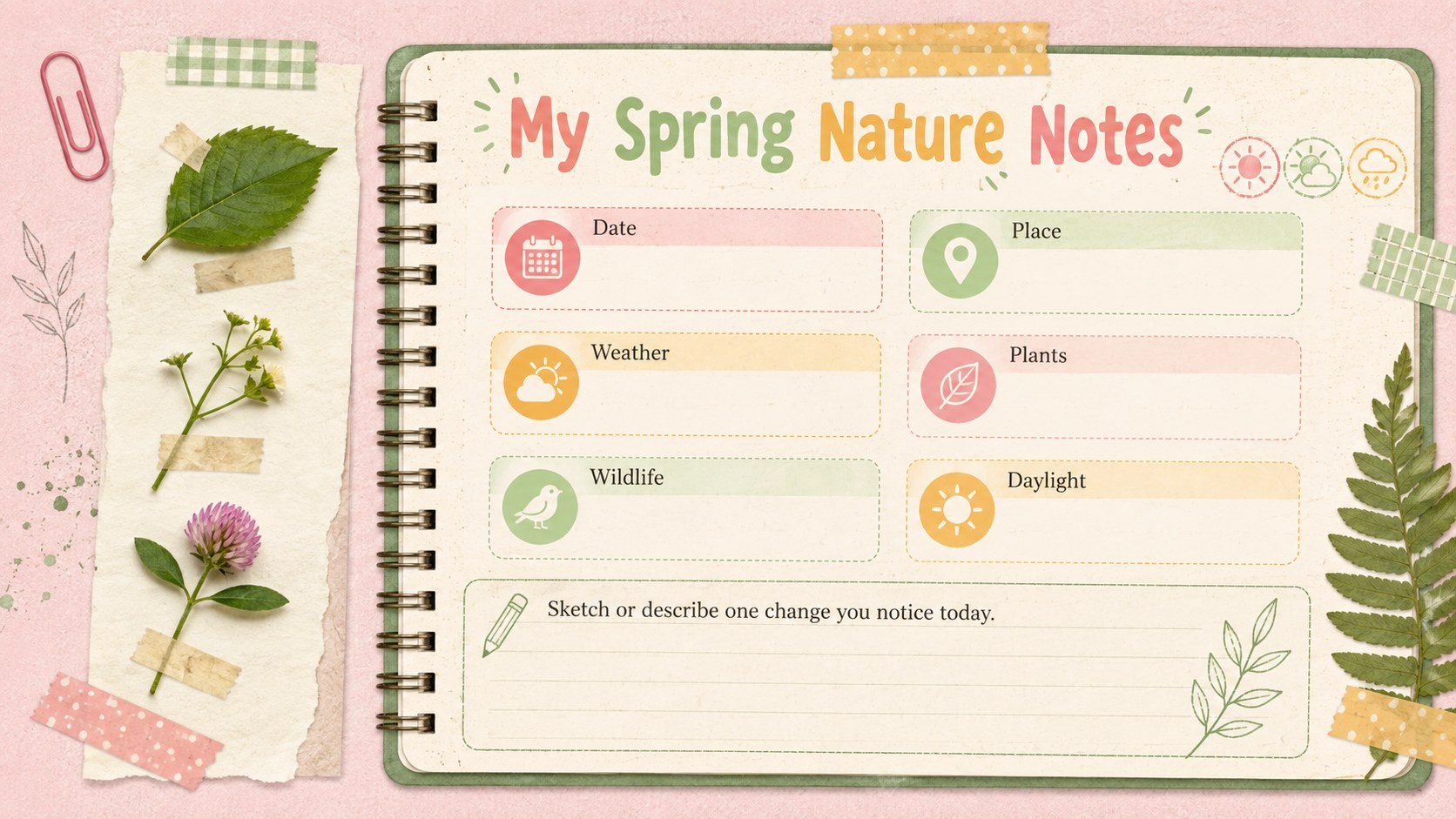
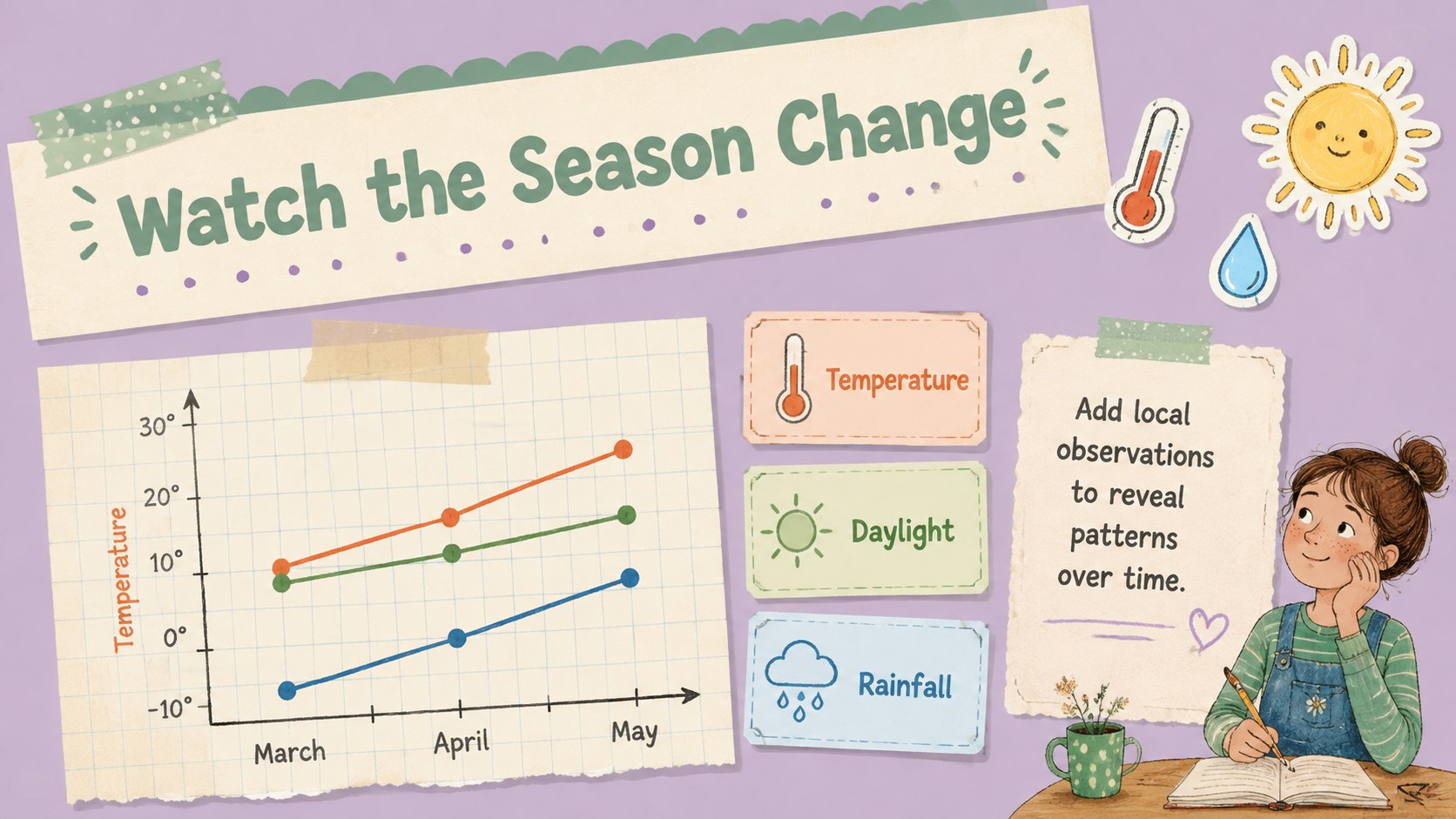
The deck includes layouts for explaining the equinox, comparing daylight and darkness, introducing key vocabulary, recording signs of spring, exploring cultural traditions, and planning classroom activities. Timeline, diagram, chart, observation, discussion, quiz, and reflection pages make it useful as a spring equinox lesson presentation or a broader first day of spring presentation. Each layout can be adapted with your own text, photographs, illustrations, and data.
Designed for teachers, students, nature groups, families, and community presenters, these slides work especially well for elementary science, seasonal storytelling, environmental observations, and creative projects. Use the template in PowerPoint or Google Slides, adjust the color combinations and type styles, and rearrange sections to match your audience. Whether you need vernal equinox classroom slides for a complete lesson or a few lively pages for a spring event, the flexible scrapbook format makes complex ideas approachable and memorable.
Perfect for: elementary equinox lesson; first day of spring assembly; seasonal science project; nature observation journal; spring culture workshop.
Frequently asked questions
Can I edit this presentation in PowerPoint and Google Slides? Yes. The layouts, text boxes, colors, and image areas can be edited in PowerPoint and Google Slides. Font substitutions may occur if a featured typeface is not installed on your device.
Practical details
Yes. The layouts, text boxes, colors, and image areas can be edited in PowerPoint and Google Slides. Font substitutions may occur if a featured typeface is not installed on your device.
Yes. Shorten the explanations and emphasize pictures for younger learners, or add scientific detail, data, and research prompts for older students. The modular layouts make it easy to remove or reorder sections.
Replace the sample text and imagery, then adjust the pastel colors to suit your class or event. You can also duplicate paper labels, floral decorations, and journal elements while keeping the layouts visually consistent.
Yes. It provides space for Earth-and-Sun explanations, daylight comparisons, nature observations, and spring traditions. Presenters can use all sections or focus only on the material relevant to their audience.
Keep exploring
15Build stronger academic arguments with a college essay thesis builder featuring guided examples, revision prompts, and editable PowerPoint and Google Slides.
 15
15Build an engaging World UFO Day session with this flying saucer history lesson deck, featuring retro green-and-brown slides for PowerPoint and Google Slides.
 14
14Plan a memorable Lunar New Year campaign with the 2036 Dragon Year Celebration Theme, featuring bold red-and-yellow slides for lessons and events.
 15
15Build a thoughtful classroom discussion with this interfaith awareness lesson deck, featuring editable blue-and-white slides for PowerPoint and Google Slides.
 15
15Use this environmental awareness lesson deck to teach climate action through illustrated activities, discussion prompts, and ready-to-edit visuals.
 15
15Build playful lessons and party stories with a kid-friendly zombie celebration theme in purple, green and pastel blue for PowerPoint and Google Slides.
 15
15Build eerie lessons, campaigns, and story pitches with an undead survival scenario theme featuring editable slides for PowerPoint and Google Slides.
 16
16Turn environmental research into a clear story with a Watercolor Ecology Presentation Theme for PowerPoint and Google Slides in calming green and blue.