
 15
15presentation
College Essay Thesis Builder Slides
Build stronger academic arguments with a college essay thesis builder featuring guided examples, revision prompts, and editable PowerPoint and Google Slides.
Google SlidesPowerPoint
presentation · English
Make food lessons memorable with a Vegetable Identification Classroom Game, ready to edit in PowerPoint or Google Slides for young learners.
Design notes
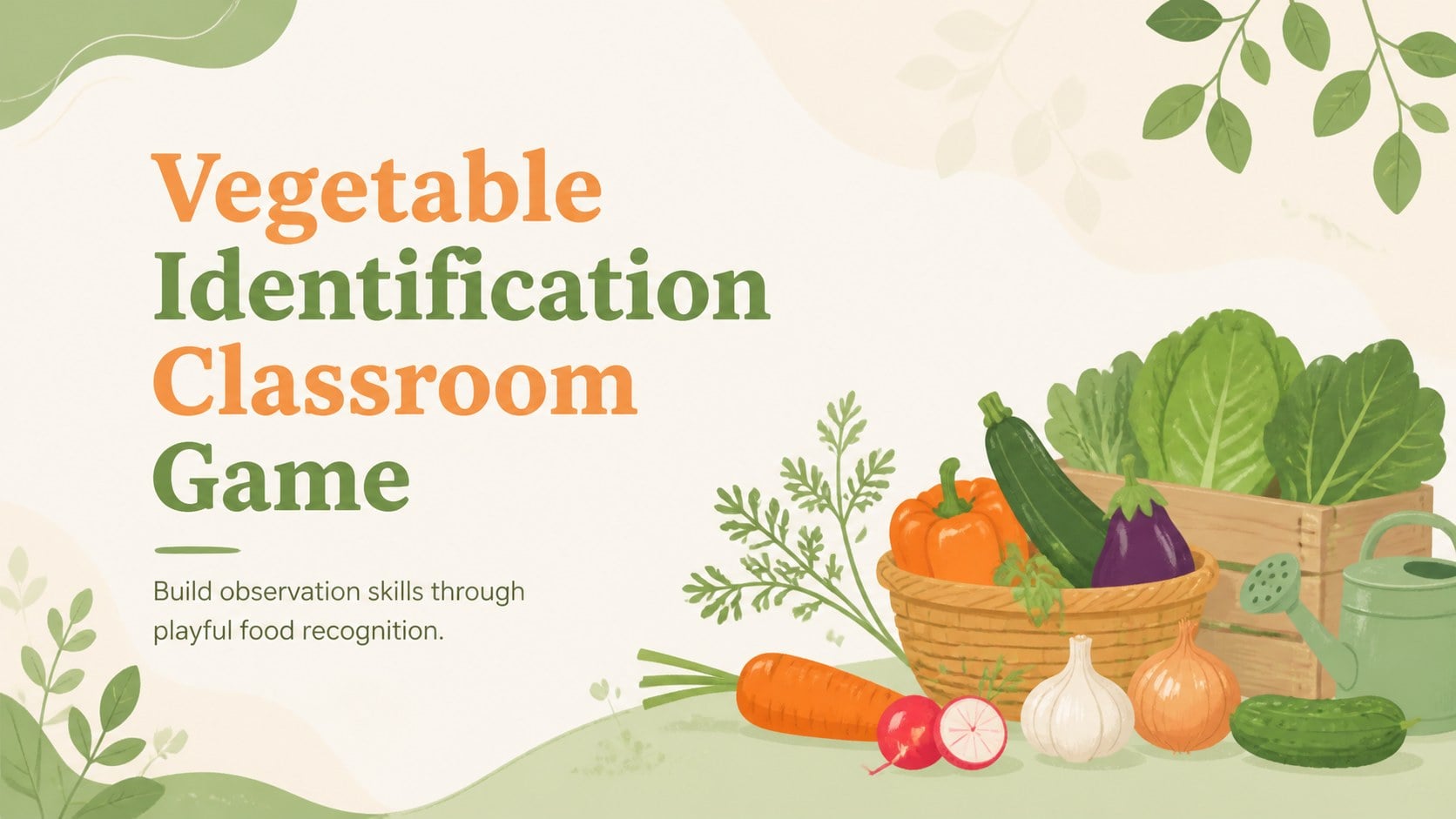
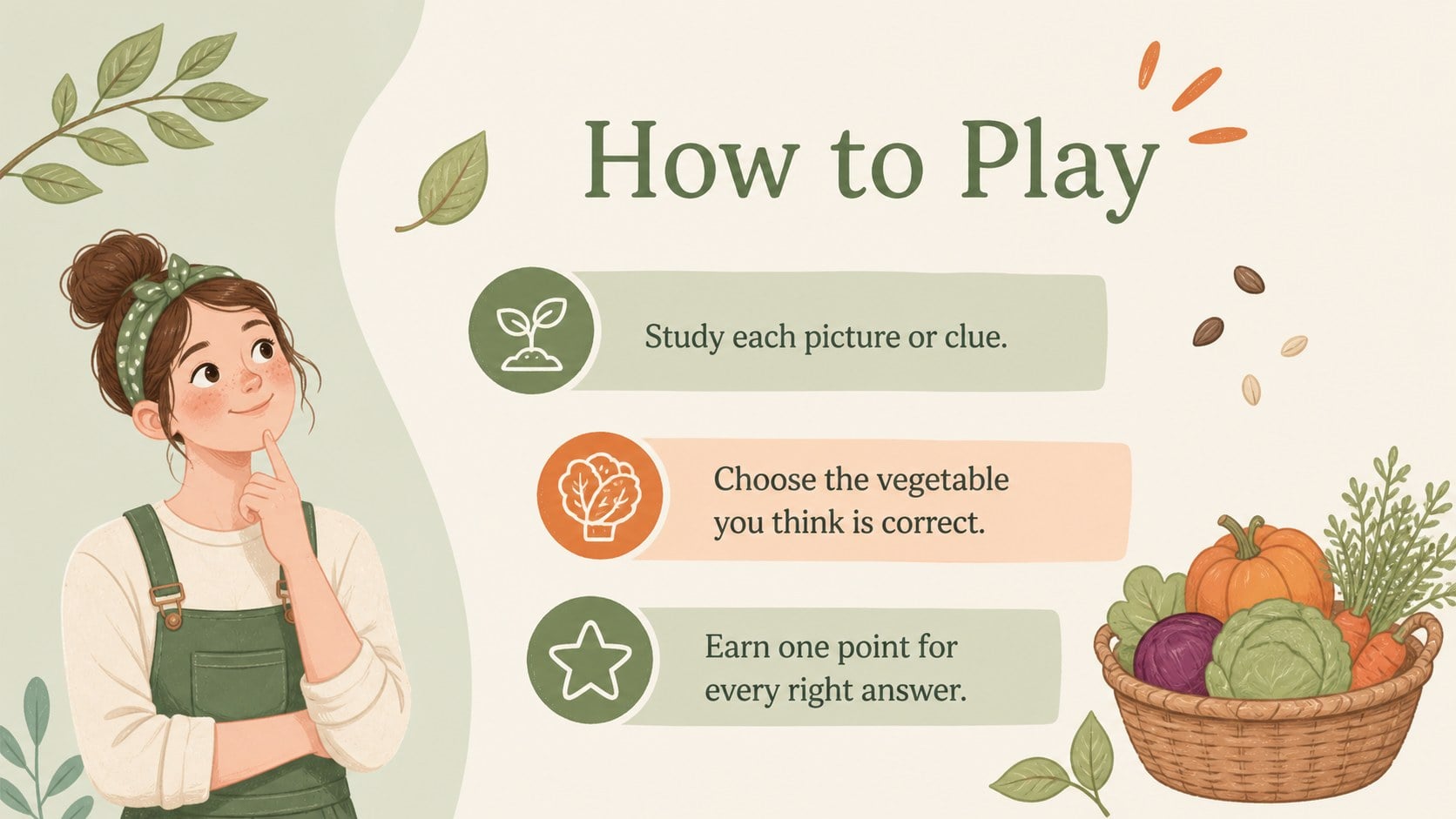
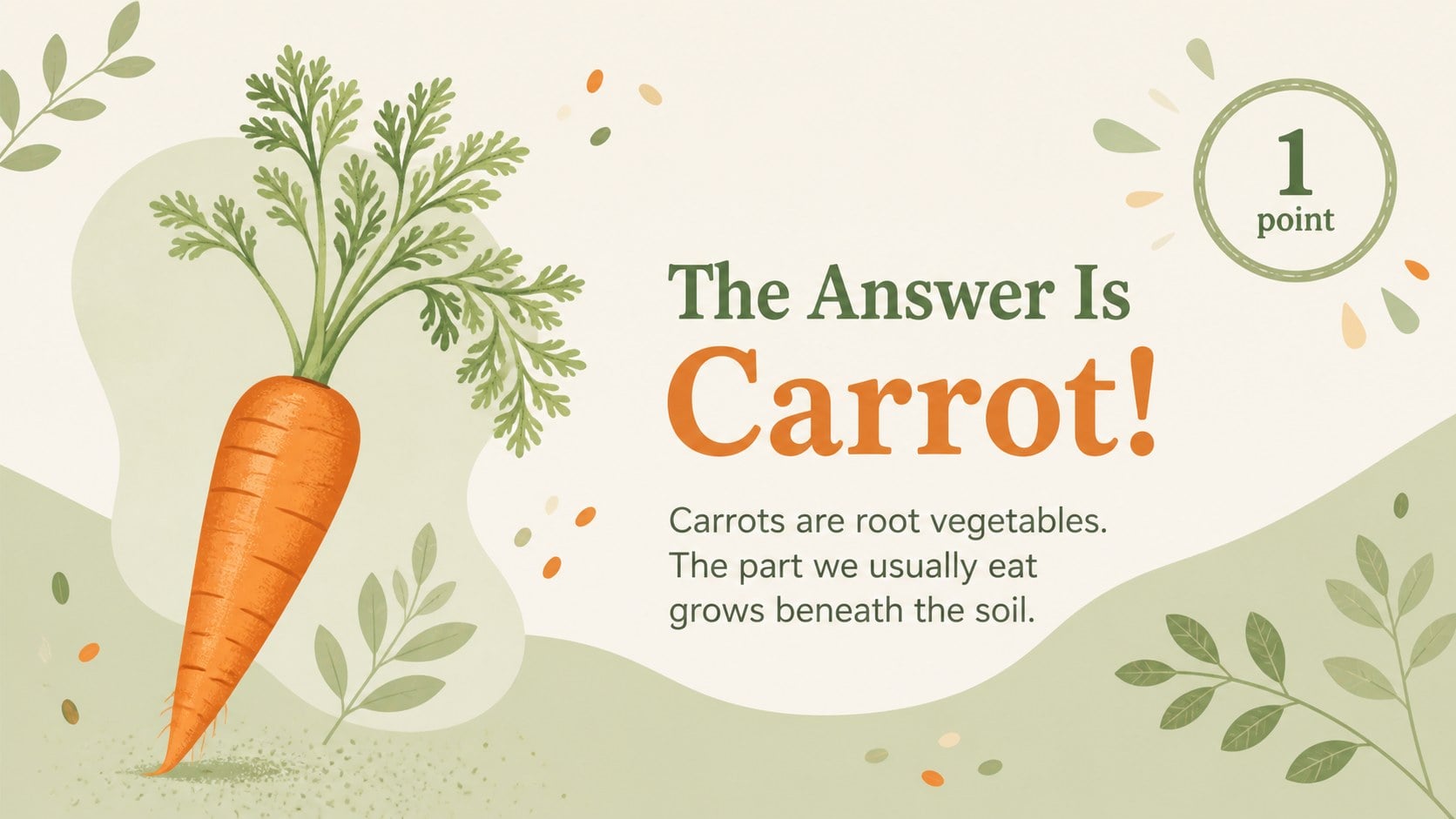
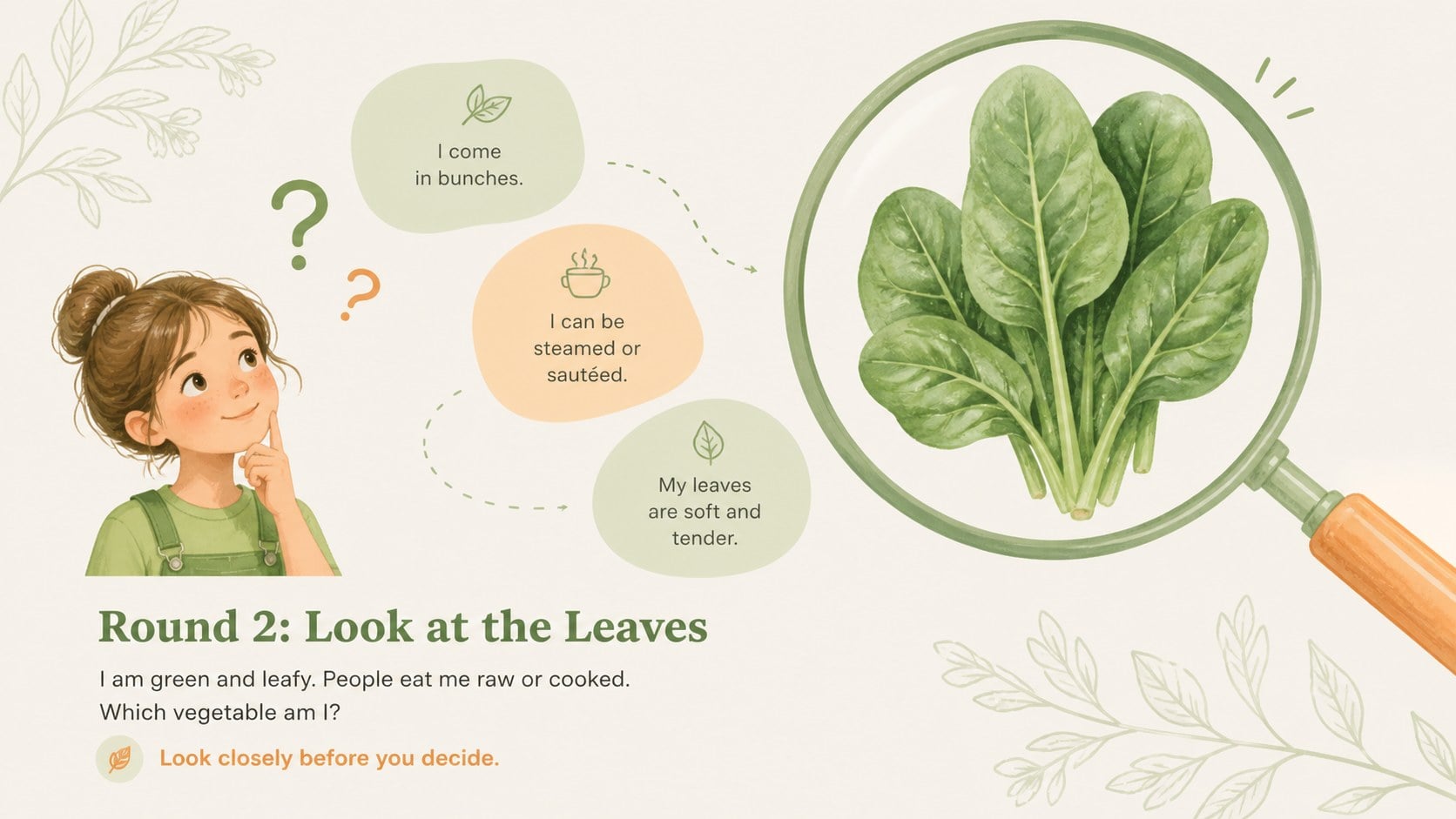
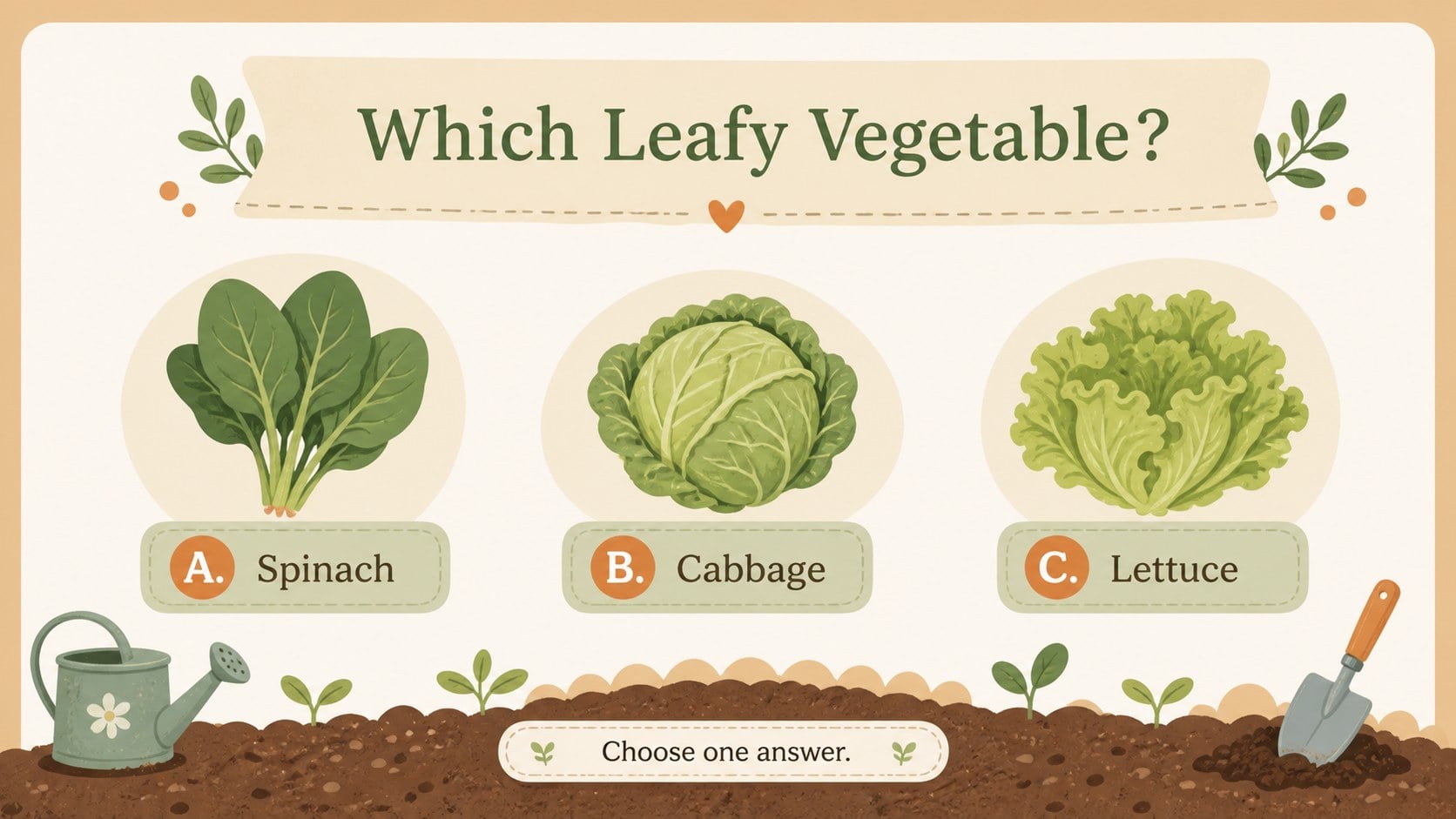
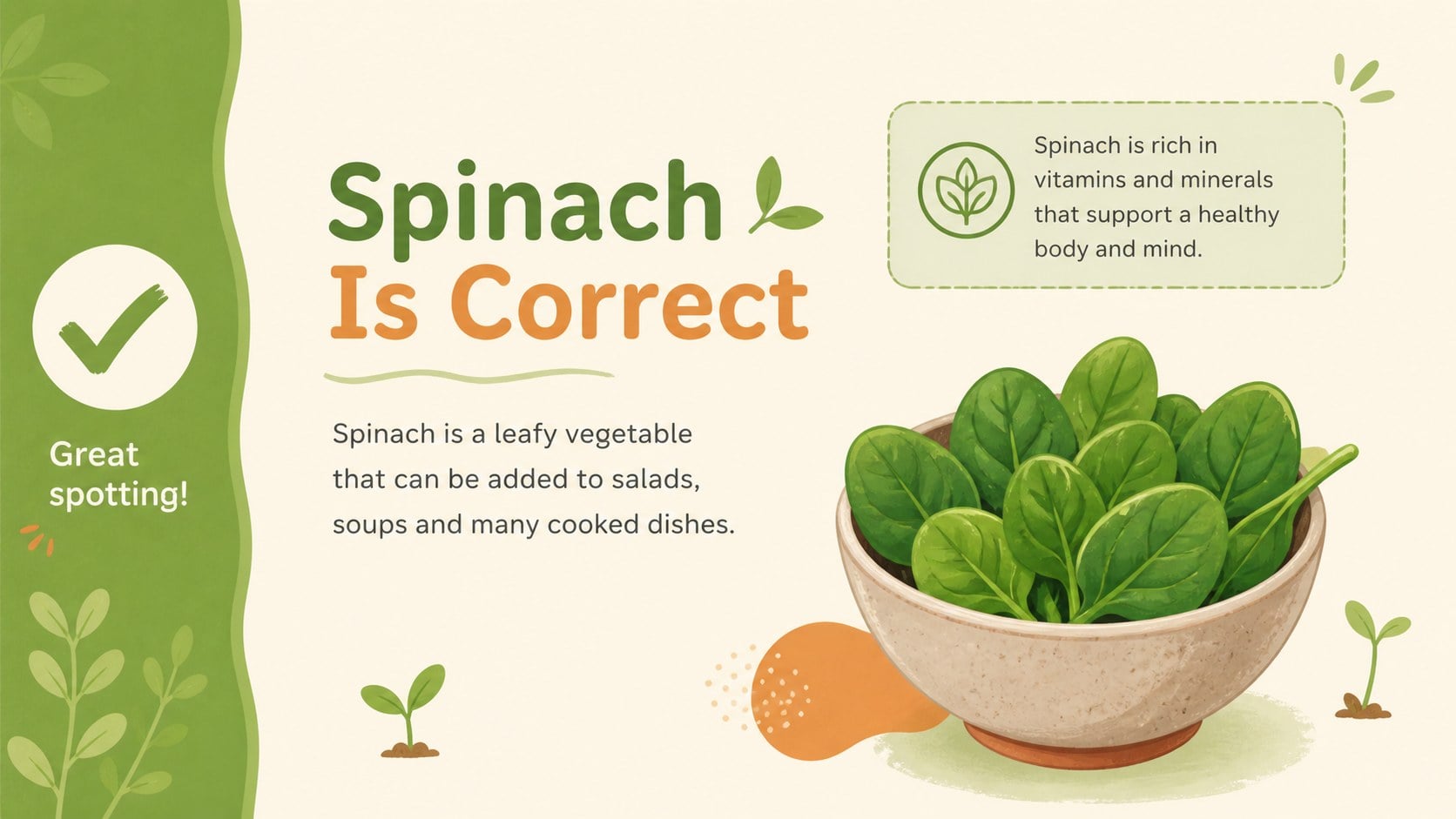
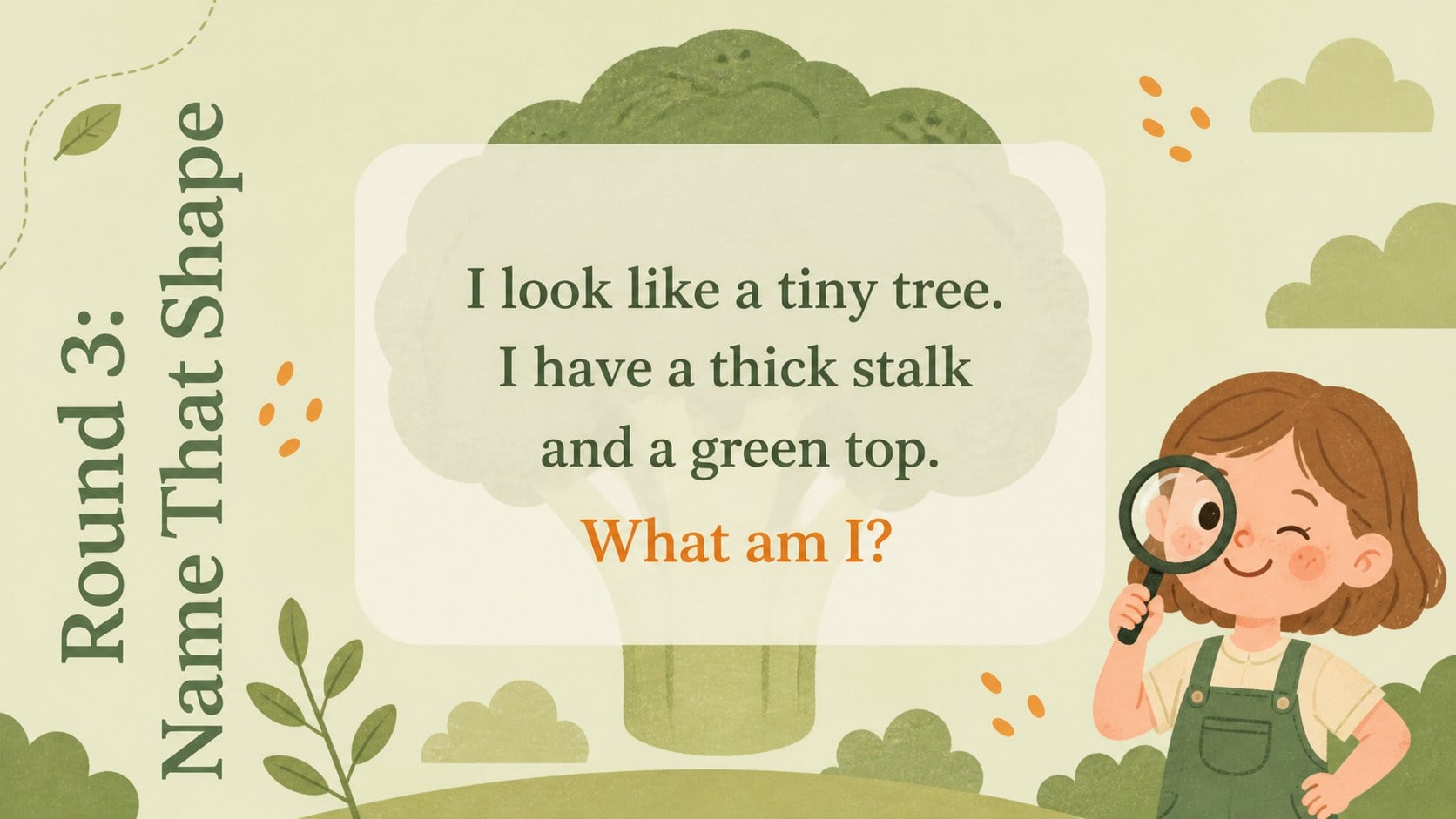
Turn food recognition into an engaging class activity with this Vegetable Identification Classroom Game. Designed in soft green, beige and orange pastels, the deck combines friendly botanical illustrations with clean, spacious layouts that help children focus on each clue. Use it as a lively lesson opener, a group challenge or an informal review of familiar vegetables.
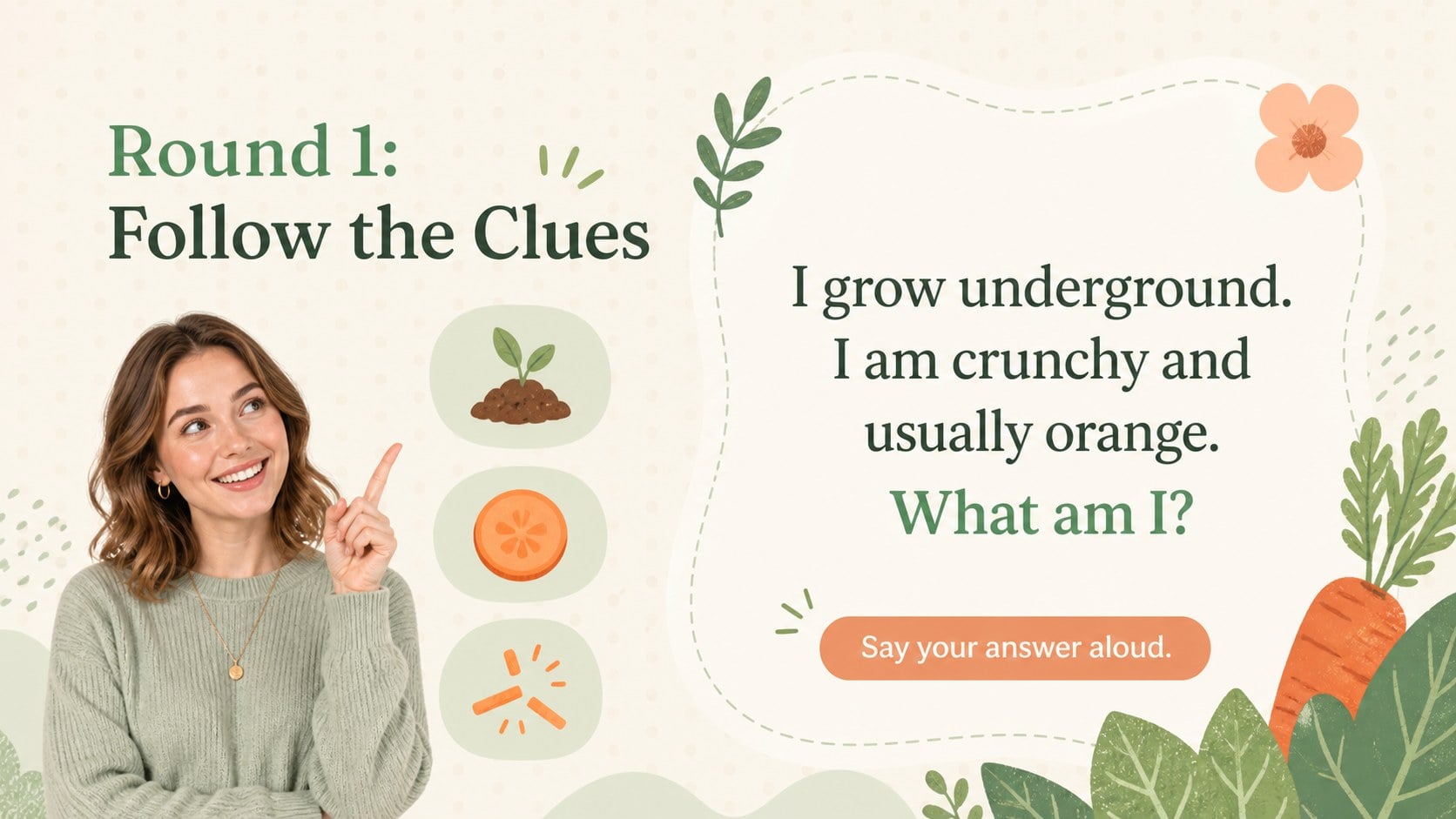
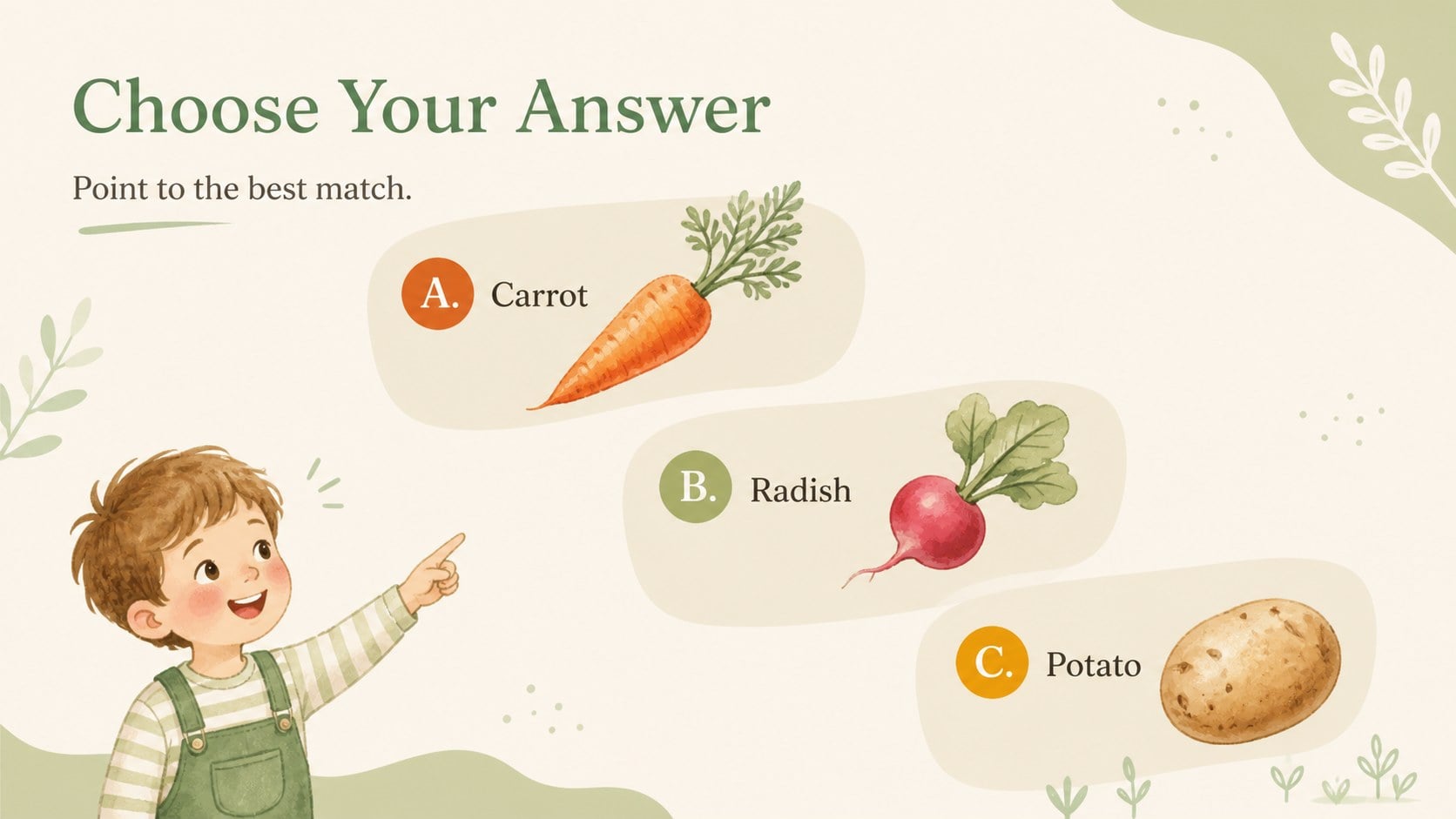
The presentation includes question screens, visual clues, multiple-choice activities, answer reveals, score checkpoints and a cheerful closing slide. Teachers can replace the vegetable names, adjust the clues and reorganize the rounds to suit different age groups. Its flexible structure works especially well as a vegetable identification game for kids, an interactive vegetable lesson or a healthy eating warm-up activity. All text, colors and graphics can be customized in PowerPoint or Google Slides.
This nature-inspired classroom game is intended for preschool teachers, elementary educators, homeschool families and nutrition program leaders. The simple quiz format supports vocabulary building, visual observation and discussion about food, gardens and healthy choices. Present the questions to the whole class, let small teams compete or invite individual learners to choose an answer. The gentle illustrative style keeps the experience playful without making the slides feel crowded.
Perfect for: preschool food recognition activity; elementary nutrition lesson; classroom team quiz; healthy eating warm-up; homeschool vocabulary review.
Frequently asked questions
Can I edit the questions and vegetable names? Yes. Every question, clue, answer and label can be edited, allowing you to adapt the game to your curriculum, local produce or learners' vocabulary.
Practical details
Yes. Every question, clue, answer and label can be edited, allowing you to adapt the game to your curriculum, local produce or learners' vocabulary.
The template is designed for PowerPoint and Google Slides. Open it in your preferred platform to present, duplicate rounds and customize the content.
Yes. Replace the images with your own vegetable graphics and adjust the green, beige and orange palette as needed. You can also change fonts, backgrounds and decorative elements.
The simple visual format is best suited to preschool and elementary learners. Teachers can make the clues easier or more detailed to match students' reading and food knowledge.
Keep exploring
15Build stronger academic arguments with a college essay thesis builder featuring guided examples, revision prompts, and editable PowerPoint and Google Slides.
 15
15Build an engaging World UFO Day session with this flying saucer history lesson deck, featuring retro green-and-brown slides for PowerPoint and Google Slides.
 14
14Plan a memorable Lunar New Year campaign with the 2036 Dragon Year Celebration Theme, featuring bold red-and-yellow slides for lessons and events.
 15
15Build a thoughtful classroom discussion with this interfaith awareness lesson deck, featuring editable blue-and-white slides for PowerPoint and Google Slides.
 15
15Use this environmental awareness lesson deck to teach climate action through illustrated activities, discussion prompts, and ready-to-edit visuals.
 15
15Build playful lessons and party stories with a kid-friendly zombie celebration theme in purple, green and pastel blue for PowerPoint and Google Slides.
 15
15Build eerie lessons, campaigns, and story pitches with an undead survival scenario theme featuring editable slides for PowerPoint and Google Slides.
 16
16Turn environmental research into a clear story with a Watercolor Ecology Presentation Theme for PowerPoint and Google Slides in calming green and blue.