
 15
15presentation
College Essay Thesis Builder Slides
Build stronger academic arguments with a college essay thesis builder featuring guided examples, revision prompts, and editable PowerPoint and Google Slides.
Google SlidesPowerPoint
document · English
Shape a memorable first impression with this university admission cover letter layout, designed for polished editing in PowerPoint and Google Slides.

Design notes
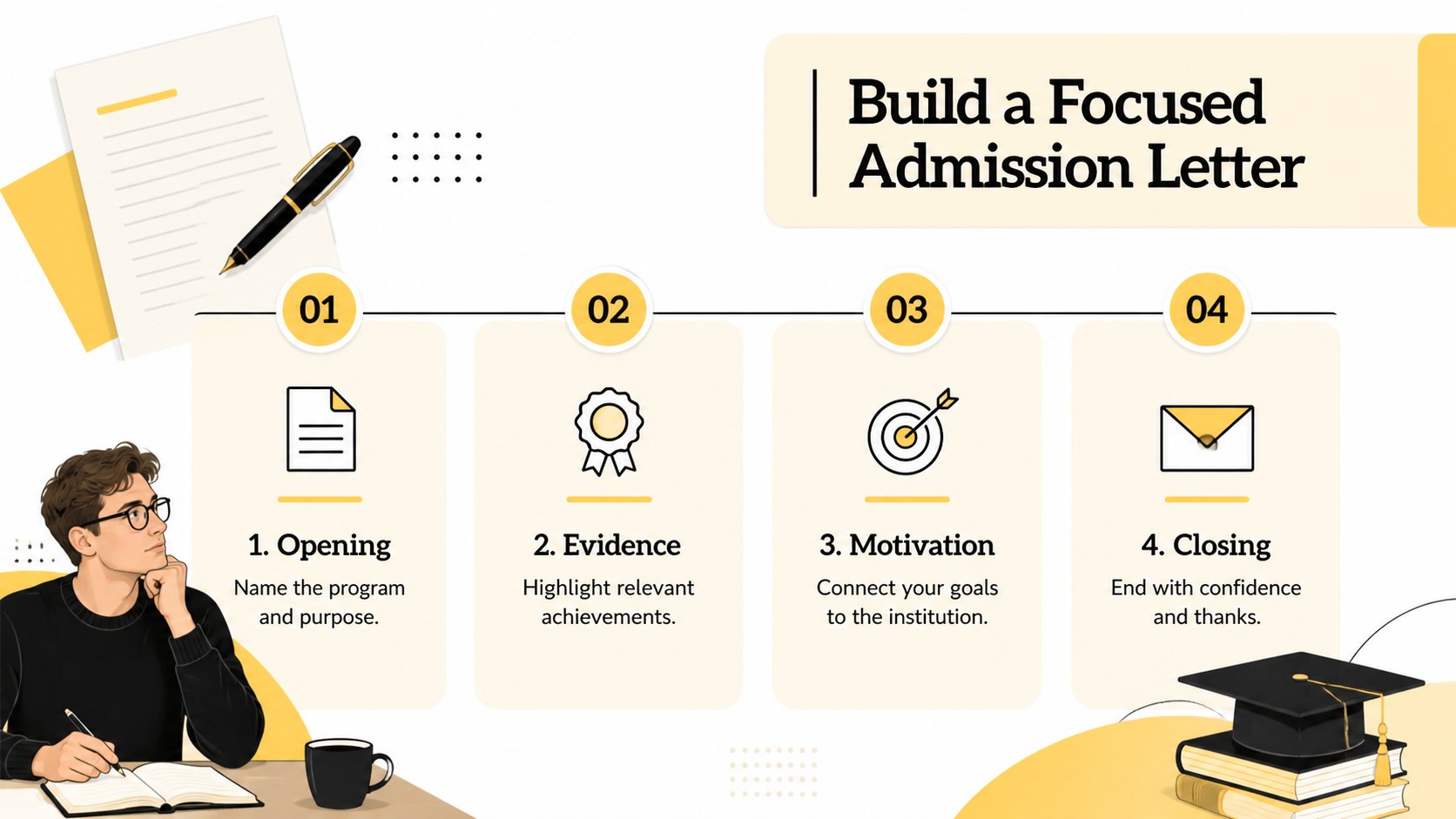
Create a confident introduction for an admissions committee with this university admission cover letter layout. Its modern illustrated style pairs crisp white space with yellow, black, and beige accents, giving applicants a polished format that still feels personal. Edit the design in PowerPoint or Google Slides to organize your background, interests, and reasons for applying without starting from a blank page.
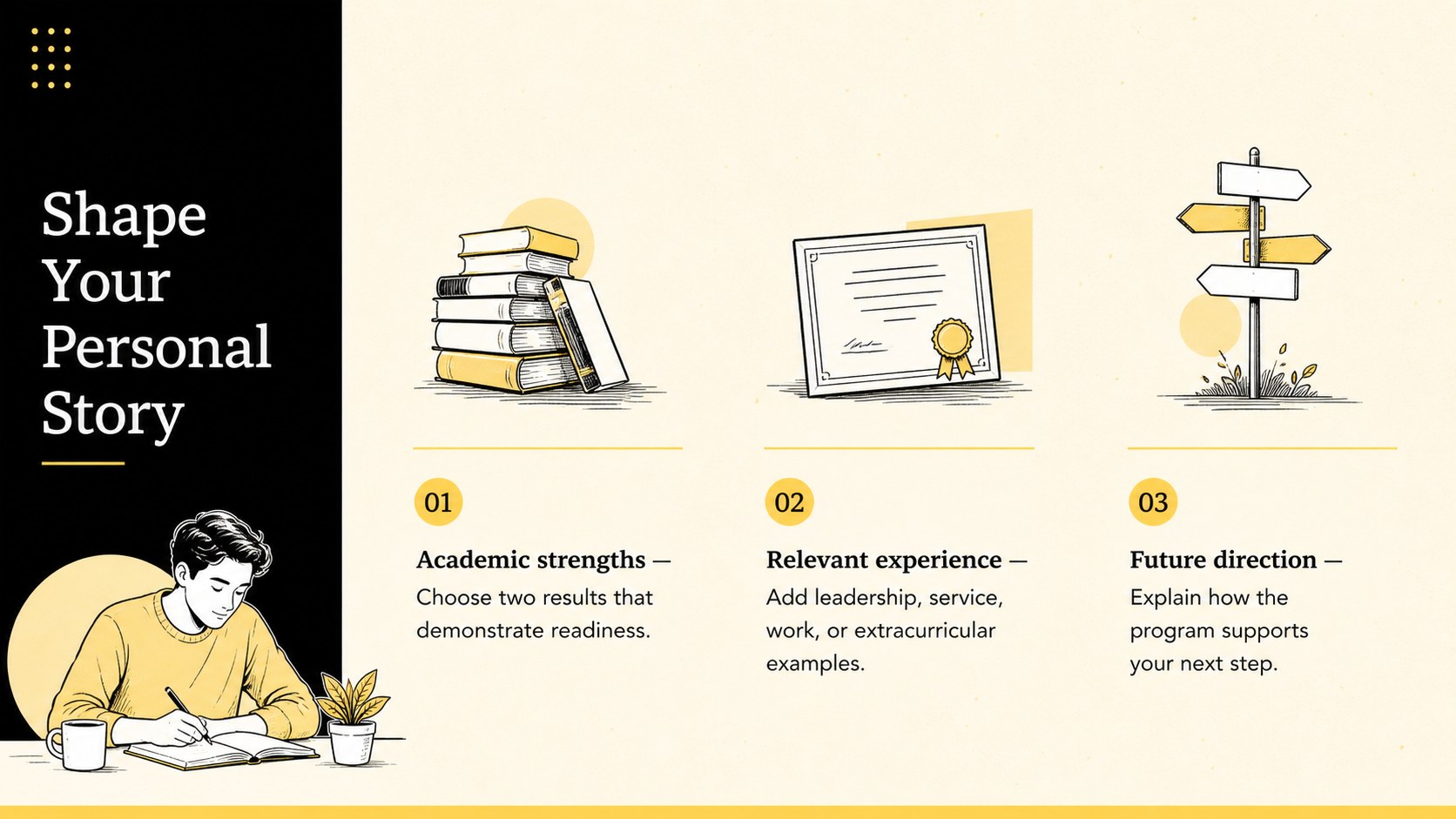
Inside, you will find a strong opening layout, structured prompts for academic achievements, space for extracurricular experience, and a concise closing section. The university application letter presentation also includes practical guidance for connecting personal goals to a specific course or institution. Flexible text areas make it suitable as a student admissions letter template for undergraduate programs, scholarships, transfers, internships, or preparatory courses.
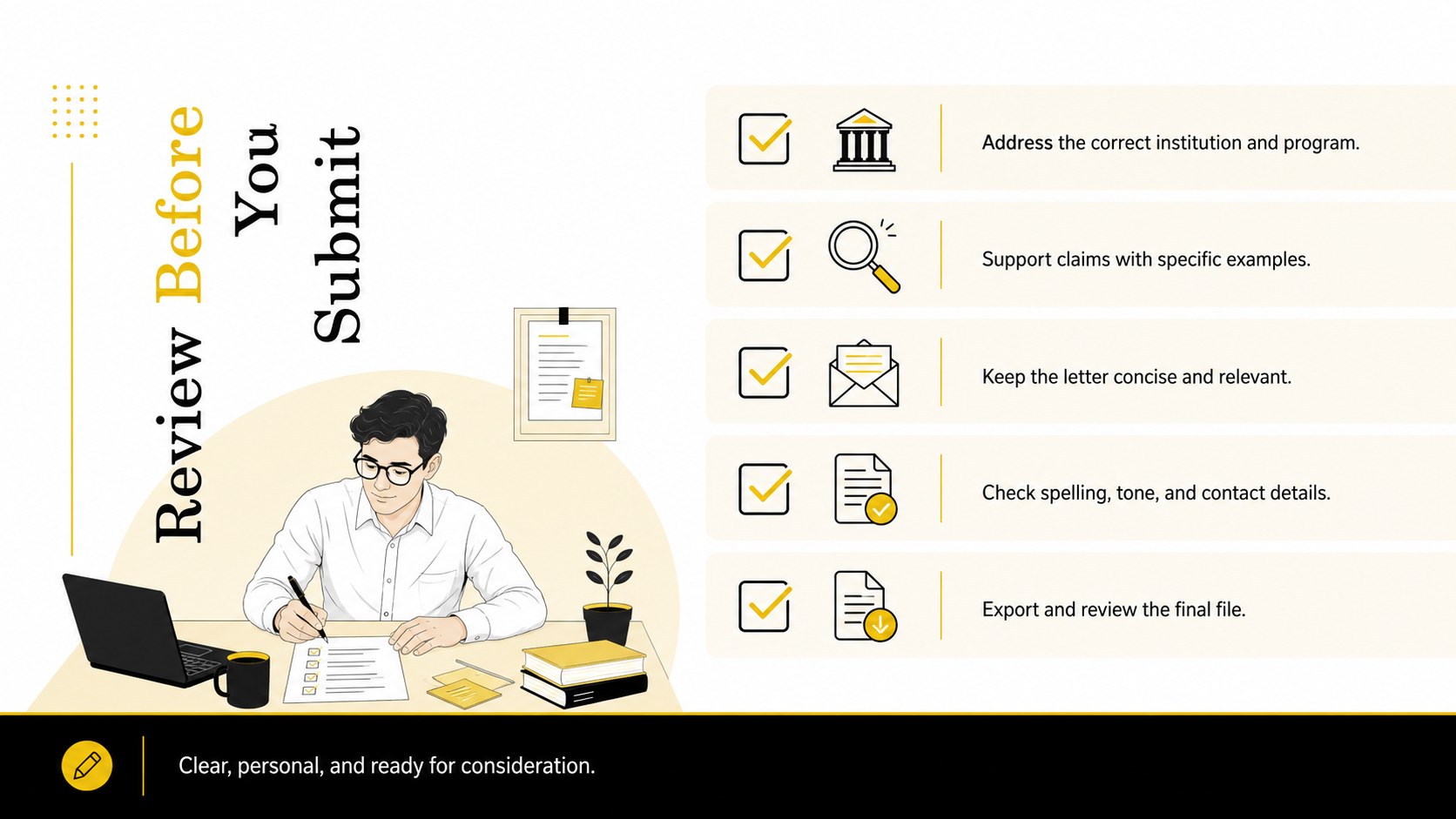
This design is intended for high school seniors, transfer candidates, international applicants, academic advisers, and counselors supporting application preparation. Colors, fonts, illustrations, and section labels can be adjusted to suit a student's voice or an institution's requirements. Use the college cover letter slide layout for drafting, peer review, classroom workshops, or one-to-one advising, then export the finished letter for submission or further editing. The clear visual hierarchy keeps essential details easy to scan while helping each applicant communicate motivation, relevant experience, and future direction in a concise, credible way.
Perfect for: undergraduate admission application; scholarship cover letter; university transfer request; international student application; admissions counseling workshop.
Frequently asked questions
Can I edit this layout in PowerPoint and Google Slides? Yes. All text, colors, fonts, shapes, and illustrated elements can be customized in PowerPoint or Google Slides. You can also duplicate sections to accommodate additional achievements or experience.
Practical details
Yes. All text, colors, fonts, shapes, and illustrated elements can be customized in PowerPoint or Google Slides. You can also duplicate sections to accommodate additional achievements or experience.
Include the program you are applying to, your strongest academic or extracurricular qualifications, and a specific reason the institution fits your goals. Finish with a concise closing that invites further consideration.
Yes. Replace the accent and background colors with school colors or a more personal palette while preserving strong contrast. Check that body text remains easy to read after any color changes.
Yes. The prompts can be adapted for scholarships, transfer requests, preparatory programs, internships, and international admissions. Revise the headline and supporting details to match the receiving organization.
Keep exploring
15Build stronger academic arguments with a college essay thesis builder featuring guided examples, revision prompts, and editable PowerPoint and Google Slides.
 15
15Build an engaging World UFO Day session with this flying saucer history lesson deck, featuring retro green-and-brown slides for PowerPoint and Google Slides.
 14
14Plan a memorable Lunar New Year campaign with the 2036 Dragon Year Celebration Theme, featuring bold red-and-yellow slides for lessons and events.
 15
15Build a thoughtful classroom discussion with this interfaith awareness lesson deck, featuring editable blue-and-white slides for PowerPoint and Google Slides.
 15
15Use this environmental awareness lesson deck to teach climate action through illustrated activities, discussion prompts, and ready-to-edit visuals.
 15
15Build playful lessons and party stories with a kid-friendly zombie celebration theme in purple, green and pastel blue for PowerPoint and Google Slides.
 15
15Build eerie lessons, campaigns, and story pitches with an undead survival scenario theme featuring editable slides for PowerPoint and Google Slides.
 16
16Turn environmental research into a clear story with a Watercolor Ecology Presentation Theme for PowerPoint and Google Slides in calming green and blue.