
 15
15presentation
College Essay Thesis Builder Slides
Build stronger academic arguments with a college essay thesis builder featuring guided examples, revision prompts, and editable PowerPoint and Google Slides.
Google SlidesPowerPoint
presentation · English
Make math practice feel like play with an Underwater Color-by-Number Puzzle Deck featuring editable activities for PowerPoint and Google Slides.
Design notes
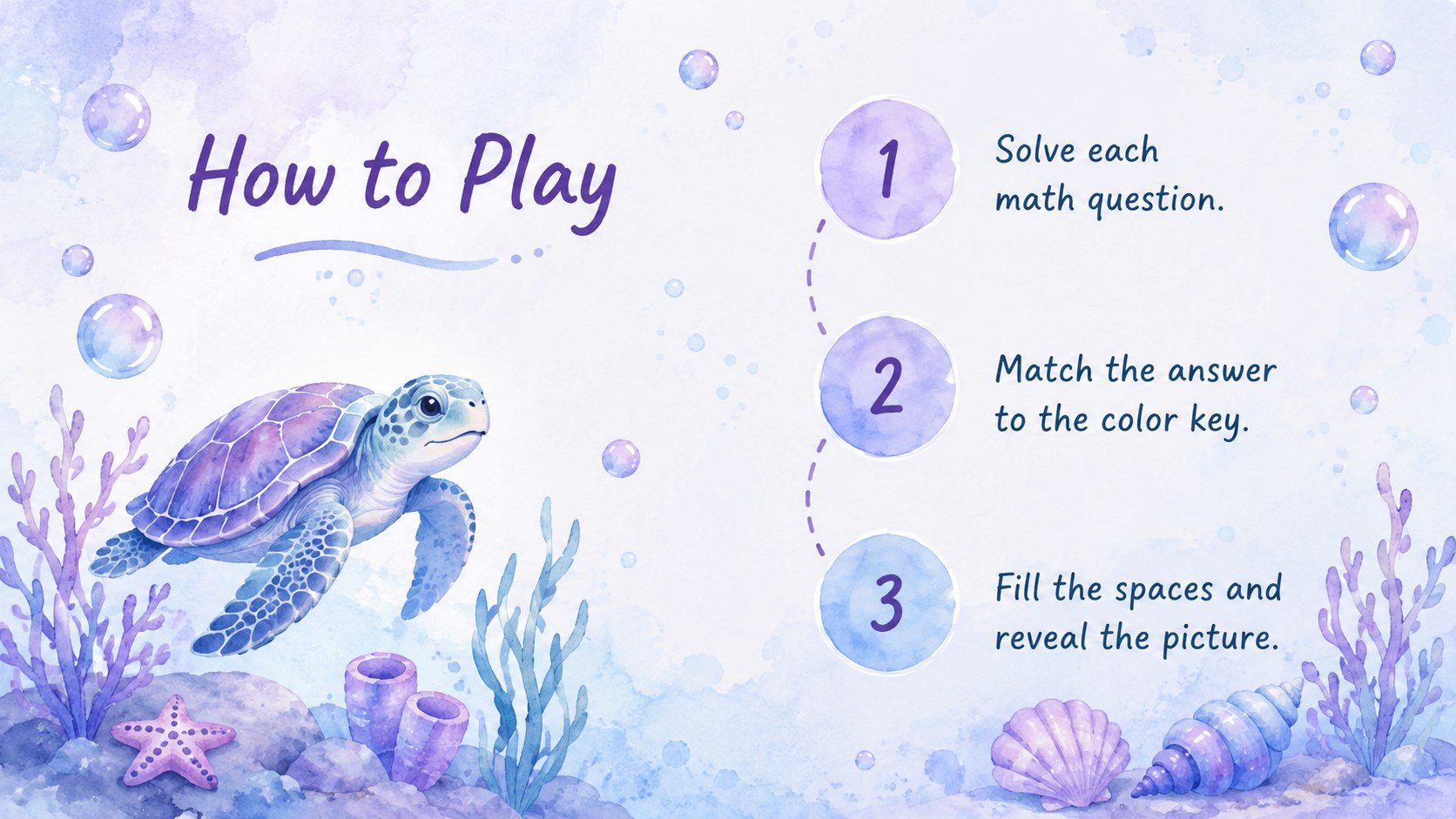
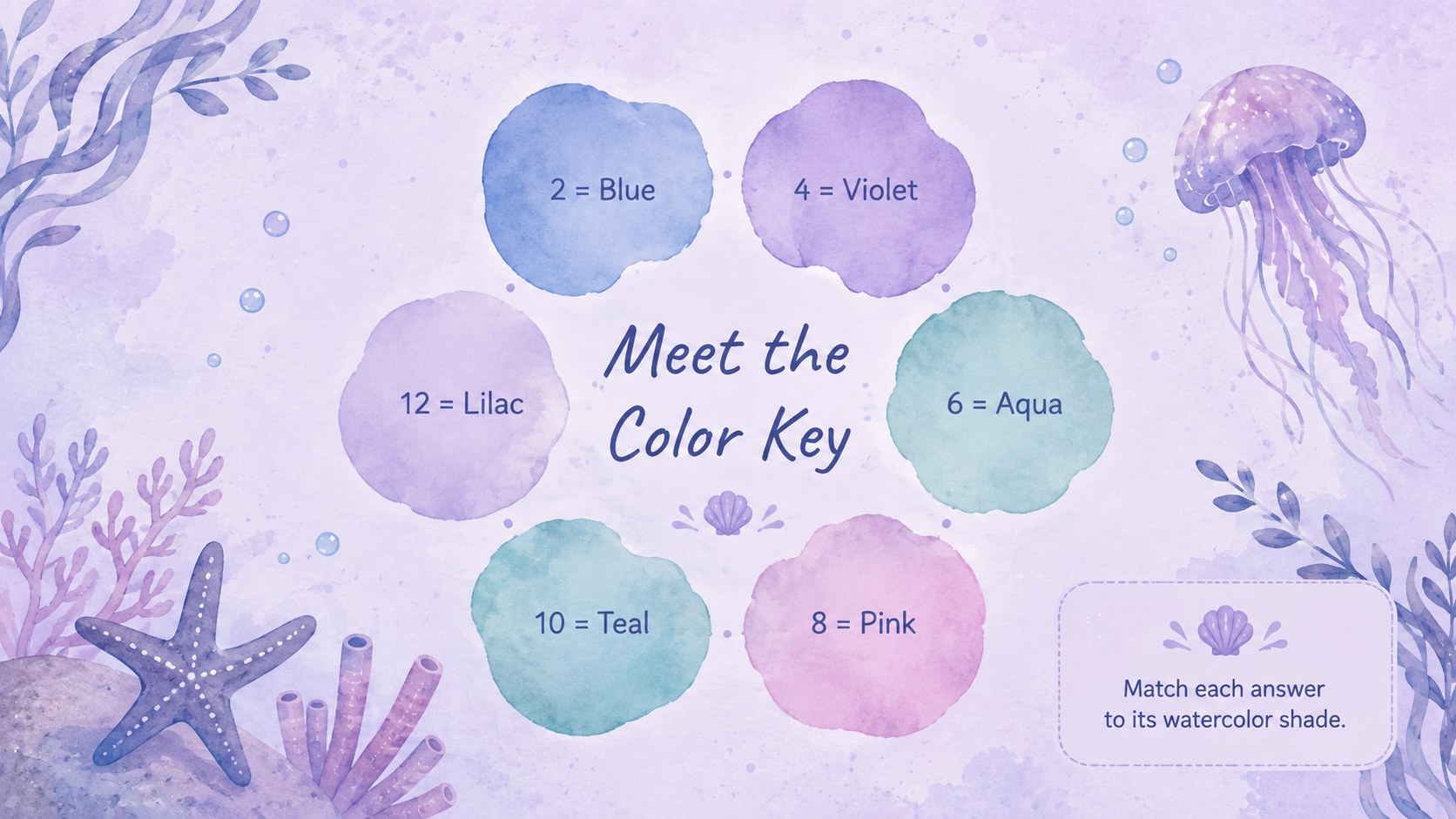
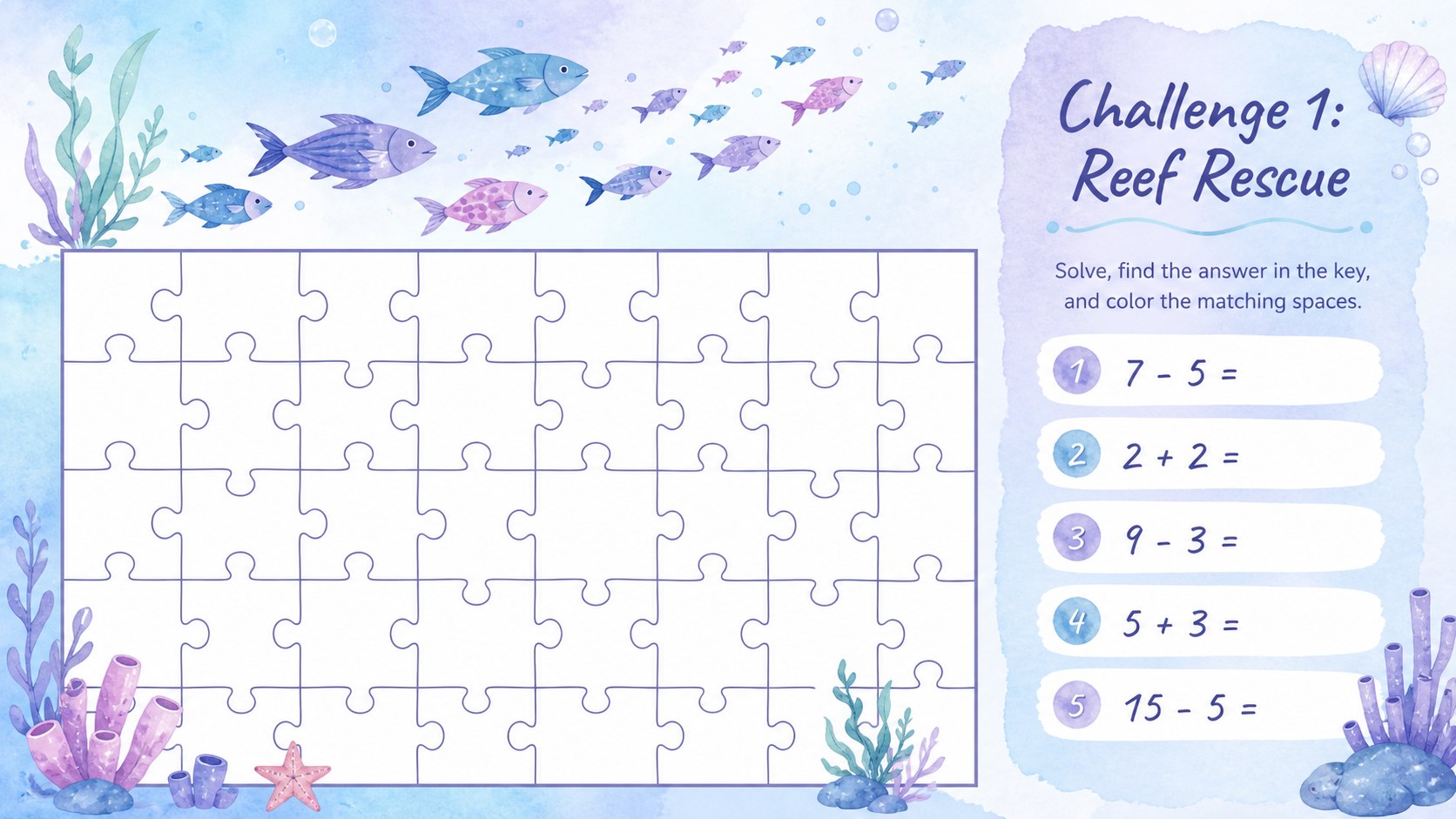
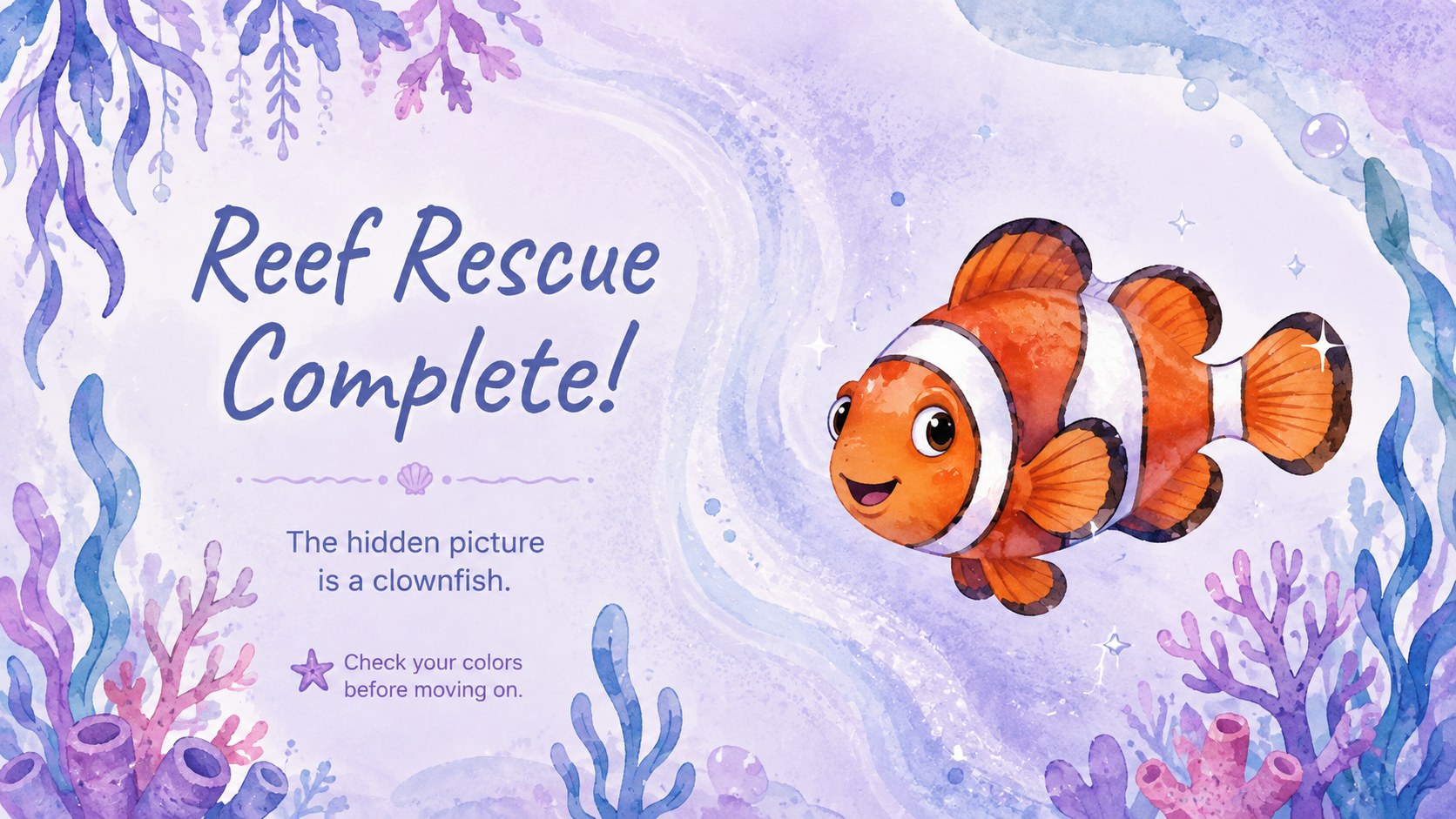
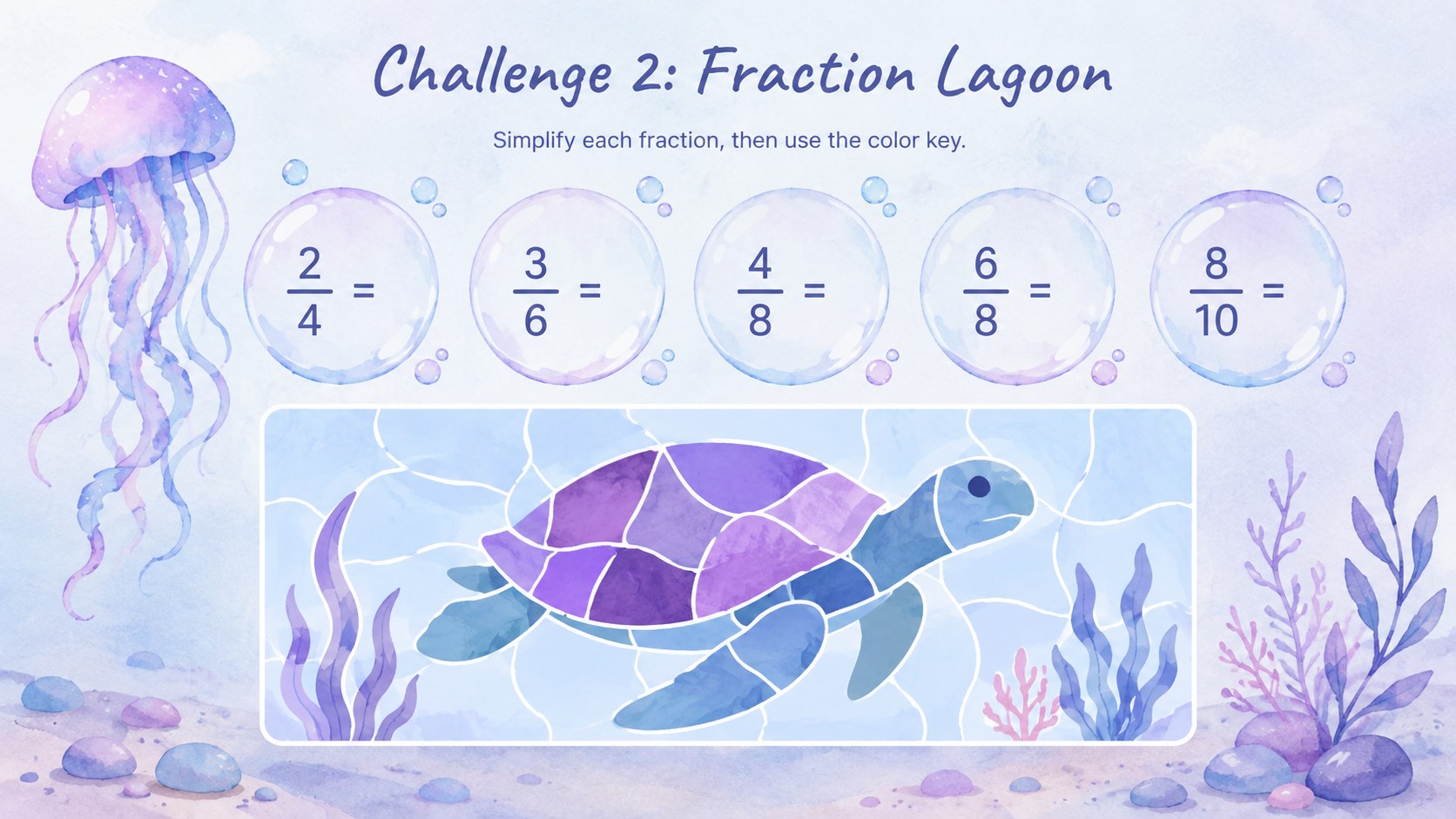
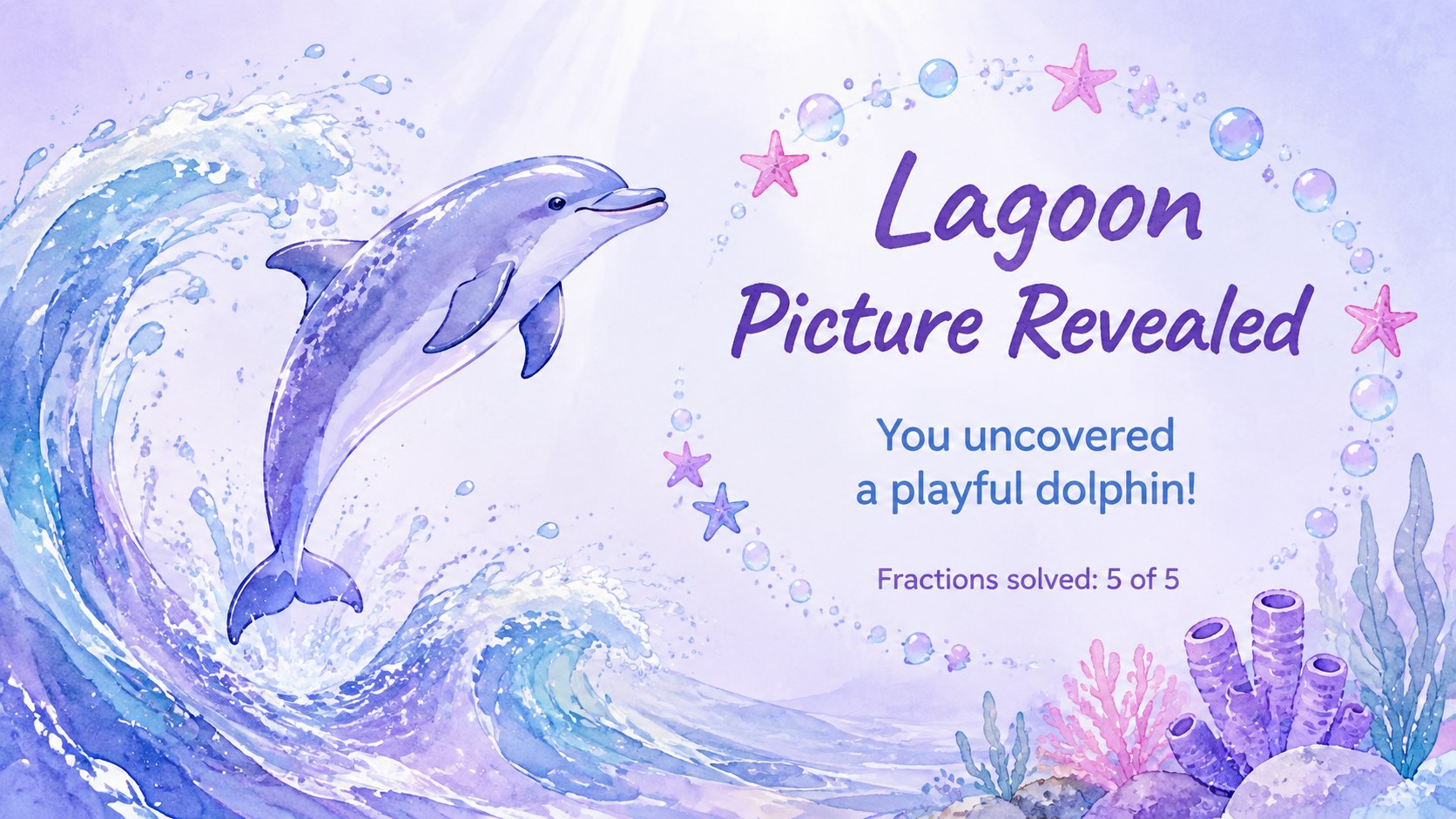
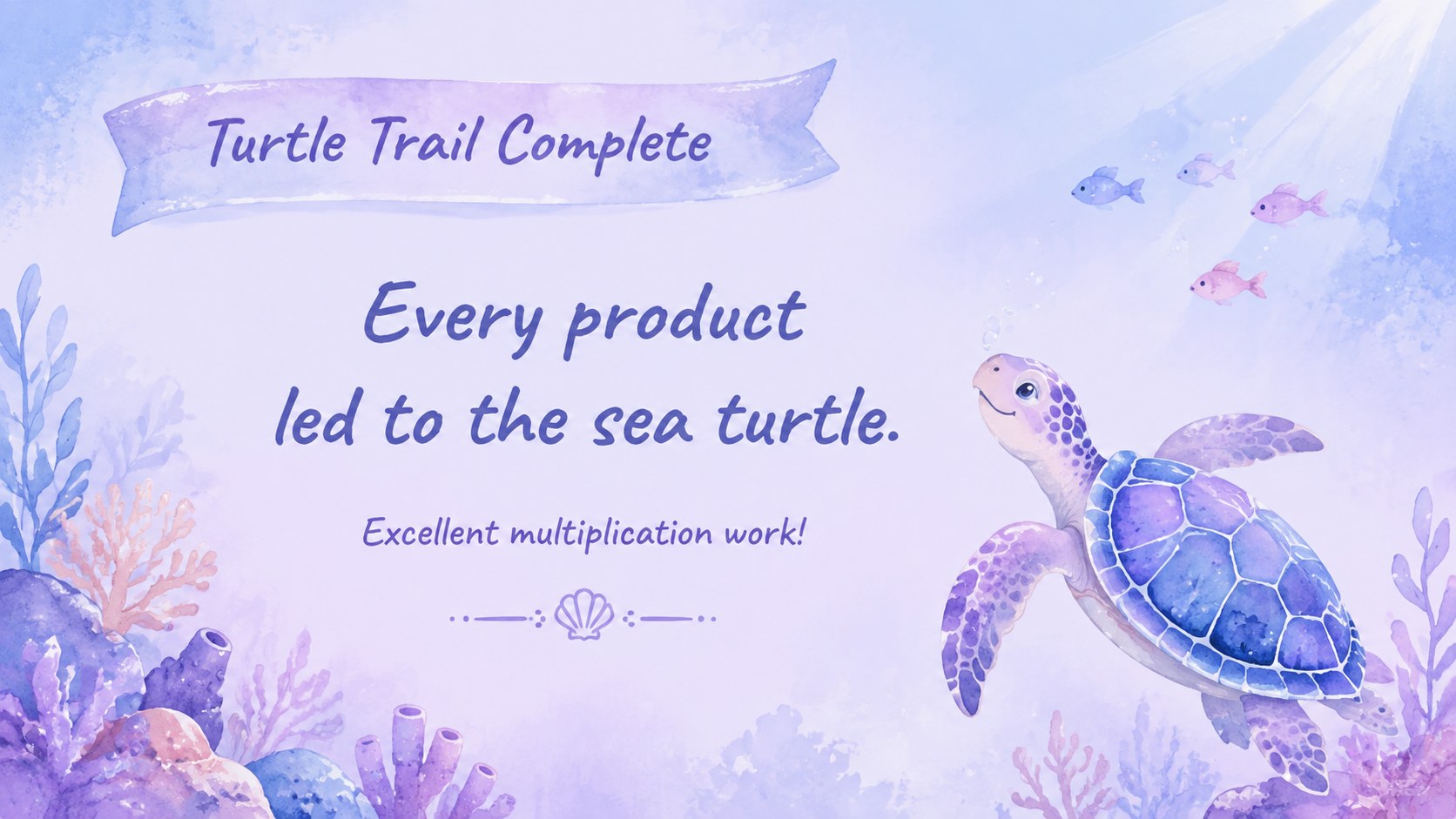
Bring curiosity and creativity to math practice with the Underwater Color-by-Number Puzzle Deck. Designed in soft blue and purple watercolor tones, this interactive math reveal game invites learners to solve questions, match each answer to a color, and gradually uncover a hidden aquatic picture. The playful format adds anticipation to lessons without distracting from the learning goal.
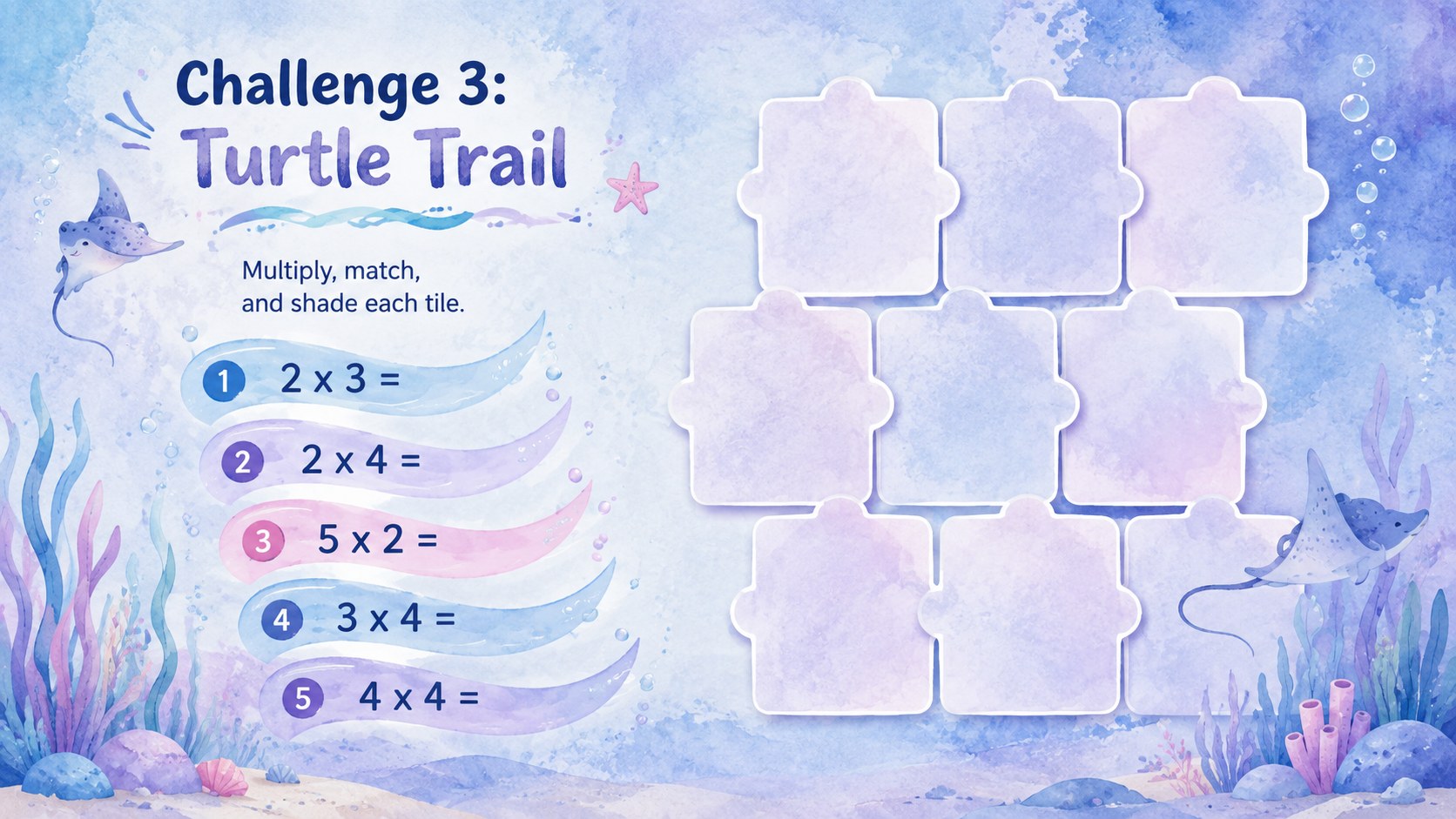
Inside, you will find editable challenge pages, color keys, answer spaces, picture grids, solution reveals, instructions, and progress checks. Use the prepared layouts for addition, subtraction, multiplication, fractions, or geometry, or replace the sample questions with your own material. The deck also includes an answer key and a blank puzzle framework for building a custom watercolor number puzzle presentation.
This ocean themed classroom activity works especially well for elementary teachers, tutors, homeschool families, and youth program leaders. Present it as a whole-class warm-up, assign puzzles to small groups, or use individual slides for review stations and early-finisher tasks. Every page can be customized in PowerPoint or Google Slides, allowing you to adjust the questions, colors, instructions, and difficulty level while preserving the pastel underwater style.
Perfect for: elementary math warm-up; small-group review game; homeschool practice activity; early-finisher puzzle; tutoring session challenge.
Frequently asked questions
Can I replace the sample math questions? Yes. Edit the question text, answers, color key, and instructions to match your lesson level or subject. You can also duplicate a puzzle layout to create additional activities.
Practical details
Yes. Edit the question text, answers, color key, and instructions to match your lesson level or subject. You can also duplicate a puzzle layout to create additional activities.
The deck is designed for PowerPoint and Google Slides. Text, shapes, colors, and activity instructions can be edited in either platform.
Yes. Adjust the puzzle key, backgrounds, and accent colors while keeping enough contrast for students to distinguish each answer category. The original blue, purple, and pastel palette can also be retained.
Display one question at a time and reveal the matching colored area after students answer. For independent work, share selected slides and let learners complete the full puzzle at their own pace.
Keep exploring
15Build stronger academic arguments with a college essay thesis builder featuring guided examples, revision prompts, and editable PowerPoint and Google Slides.
 15
15Build an engaging World UFO Day session with this flying saucer history lesson deck, featuring retro green-and-brown slides for PowerPoint and Google Slides.
 14
14Plan a memorable Lunar New Year campaign with the 2036 Dragon Year Celebration Theme, featuring bold red-and-yellow slides for lessons and events.
 15
15Build a thoughtful classroom discussion with this interfaith awareness lesson deck, featuring editable blue-and-white slides for PowerPoint and Google Slides.
 15
15Use this environmental awareness lesson deck to teach climate action through illustrated activities, discussion prompts, and ready-to-edit visuals.
 15
15Build playful lessons and party stories with a kid-friendly zombie celebration theme in purple, green and pastel blue for PowerPoint and Google Slides.
 15
15Build eerie lessons, campaigns, and story pitches with an undead survival scenario theme featuring editable slides for PowerPoint and Google Slides.
 16
16Turn environmental research into a clear story with a Watercolor Ecology Presentation Theme for PowerPoint and Google Slides in calming green and blue.