
 15
15presentation
College Essay Thesis Builder Slides
Build stronger academic arguments with a college essay thesis builder featuring guided examples, revision prompts, and editable PowerPoint and Google Slides.
Google SlidesPowerPoint
document · English
Turn class review into a quick challenge with true false learning game slides in a clean pink gradient style for PowerPoint and Google Slides.

Design notes
Make revision more active with true false learning game slides designed for quick knowledge checks, classroom warm-ups, and independent practice. The modern pink gradient theme gives each question a polished setting while keeping statements and answer choices easy to scan. Edit the deck in PowerPoint or Google Slides, replace the sample wording, and adapt the difficulty to any school subject.
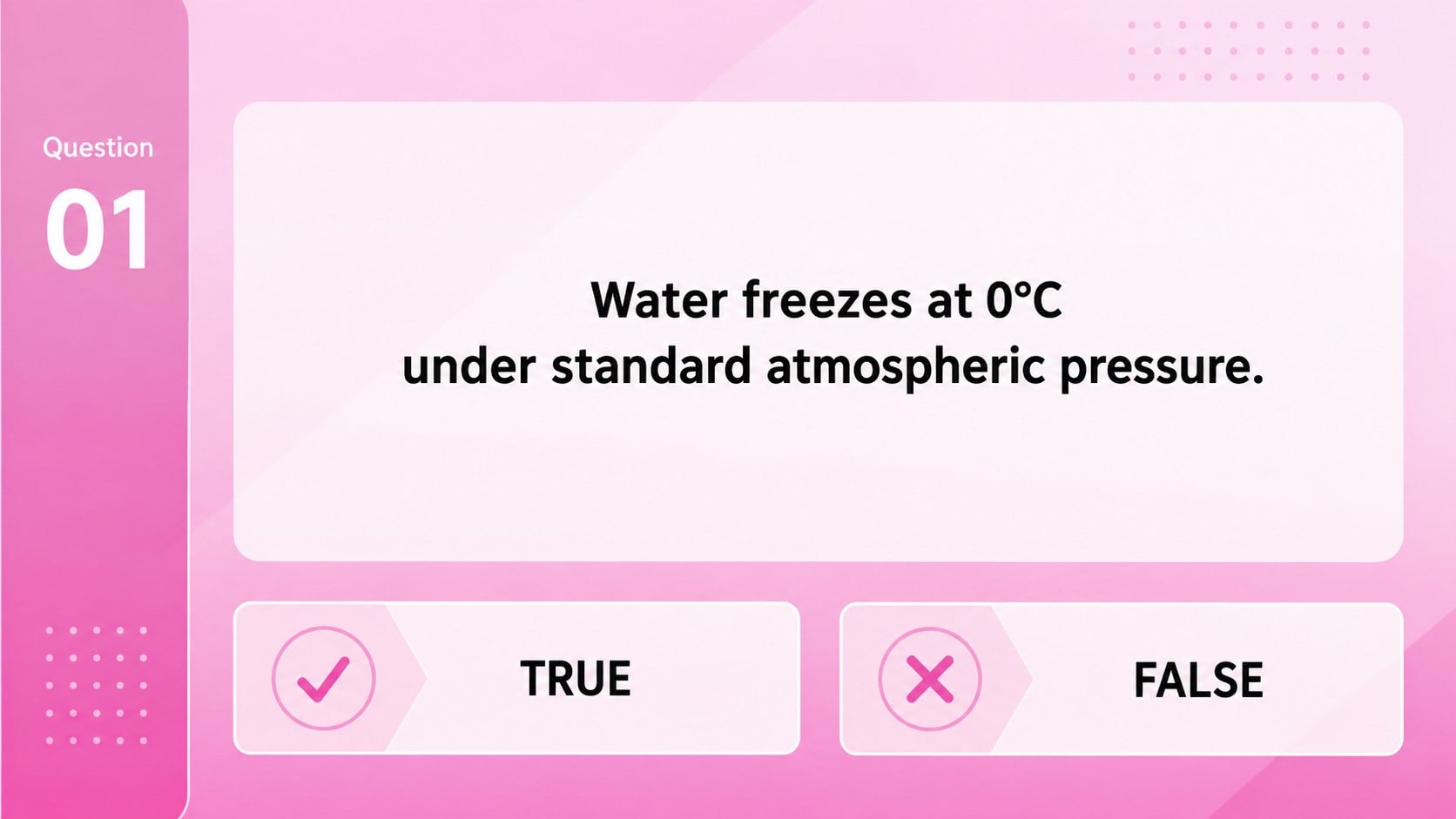
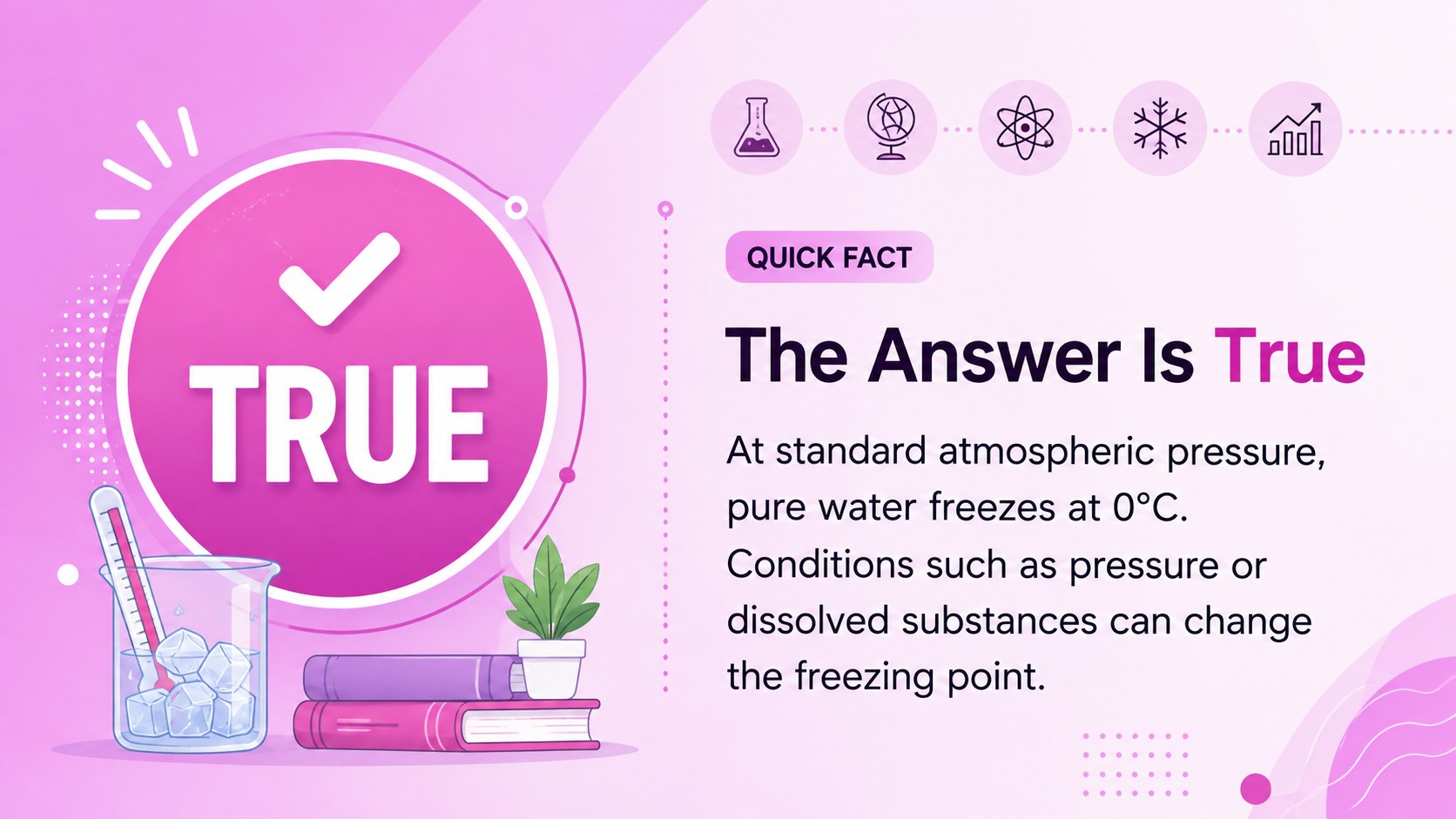
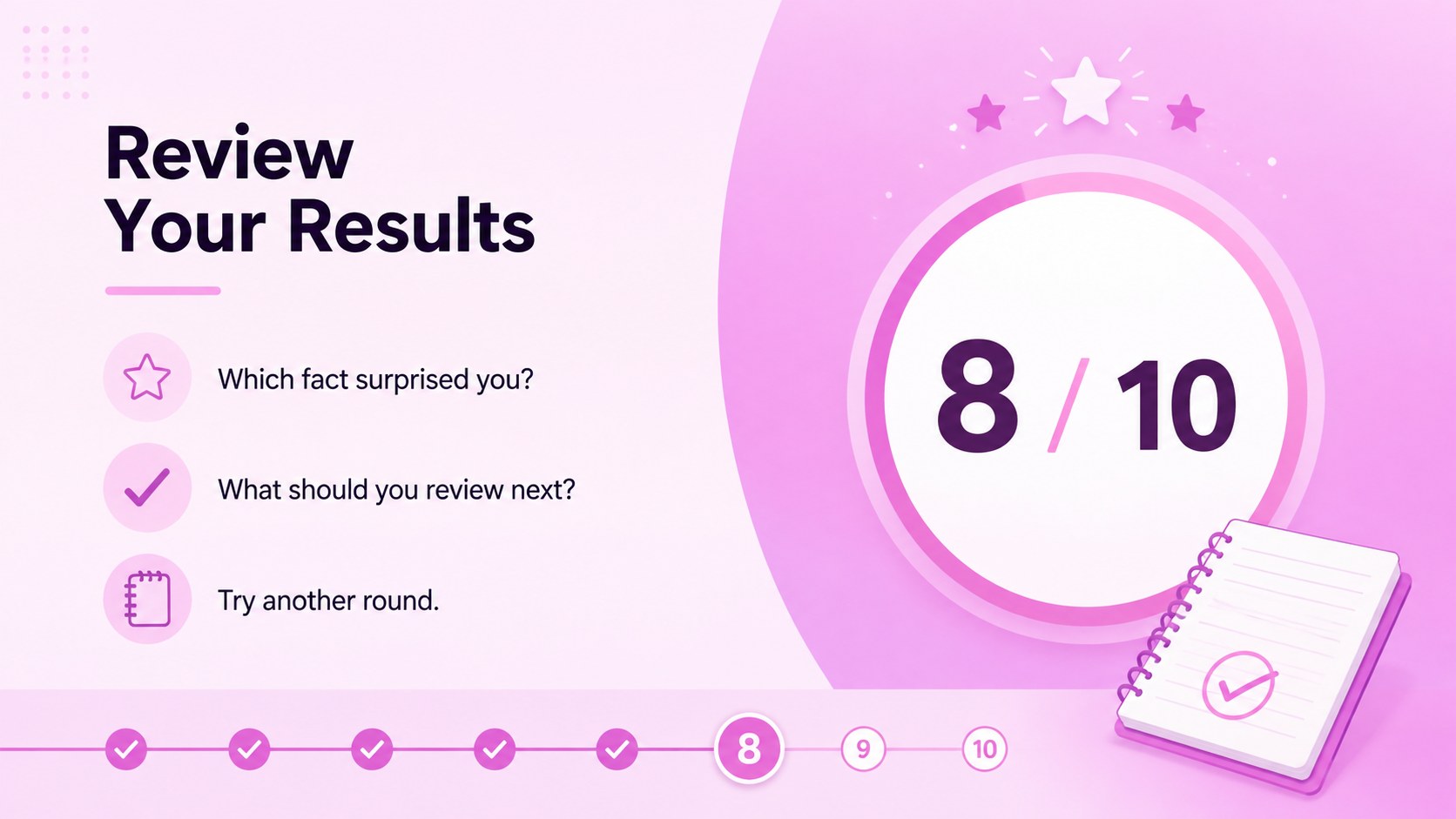
Inside, you will find a coordinated cover, a reusable statement layout, an answer explanation page, and a final score and reflection screen. These layouts work as a classroom true or false game, a student exam review presentation, or a fast formative assessment slide deck. Duplicate the question pages to build a longer activity, then add explanations that help learners understand why each statement is accurate or incorrect.
The template is intended for students, teachers, tutors, study groups, and workshop facilitators who need a straightforward way to check understanding. Use it for science facts, historical claims, vocabulary review, reading comprehension, or introductory training sessions. Large typography, clear response areas, and restrained decorative elements support both projected lessons and online learning. The true false learning game slides can also be customized with course titles, scoring rules, images, and subject-specific colors while retaining the clean, organized structure.
Perfect for: classroom lesson warm-up; student exam review; homework knowledge check; study group challenge; workshop recap activity.
Frequently asked questions
Which platforms support this learning game? The template is designed for Microsoft PowerPoint and Google Slides. Text, colors, statements, and answer explanations can be edited in either platform.
Practical details
The template is designed for Microsoft PowerPoint and Google Slides. Text, colors, statements, and answer explanations can be edited in either platform.
Duplicate the statement slide for each additional question, then replace the sample text and update its number. Keep the matching answer explanation slides in the same order for easier presenting.
Yes. Replace the sample statements with material from science, history, language arts, mathematics, training, or another topic, and adjust the accent colors or imagery to suit the subject.
Use the separate answer explanation layout after each question or group all answers at the end. PowerPoint and Google Slides also let you add simple entrance animations when a staged reveal is preferred.
Keep exploring
15Build stronger academic arguments with a college essay thesis builder featuring guided examples, revision prompts, and editable PowerPoint and Google Slides.
 15
15Build an engaging World UFO Day session with this flying saucer history lesson deck, featuring retro green-and-brown slides for PowerPoint and Google Slides.
 14
14Plan a memorable Lunar New Year campaign with the 2036 Dragon Year Celebration Theme, featuring bold red-and-yellow slides for lessons and events.
 15
15Build a thoughtful classroom discussion with this interfaith awareness lesson deck, featuring editable blue-and-white slides for PowerPoint and Google Slides.
 15
15Use this environmental awareness lesson deck to teach climate action through illustrated activities, discussion prompts, and ready-to-edit visuals.
 15
15Build playful lessons and party stories with a kid-friendly zombie celebration theme in purple, green and pastel blue for PowerPoint and Google Slides.
 15
15Build eerie lessons, campaigns, and story pitches with an undead survival scenario theme featuring editable slides for PowerPoint and Google Slides.
 16
16Turn environmental research into a clear story with a Watercolor Ecology Presentation Theme for PowerPoint and Google Slides in calming green and blue.