
 15
15presentation
College Essay Thesis Builder Slides
Build stronger academic arguments with a college essay thesis builder featuring guided examples, revision prompts, and editable PowerPoint and Google Slides.
Google SlidesPowerPoint
presentation · English
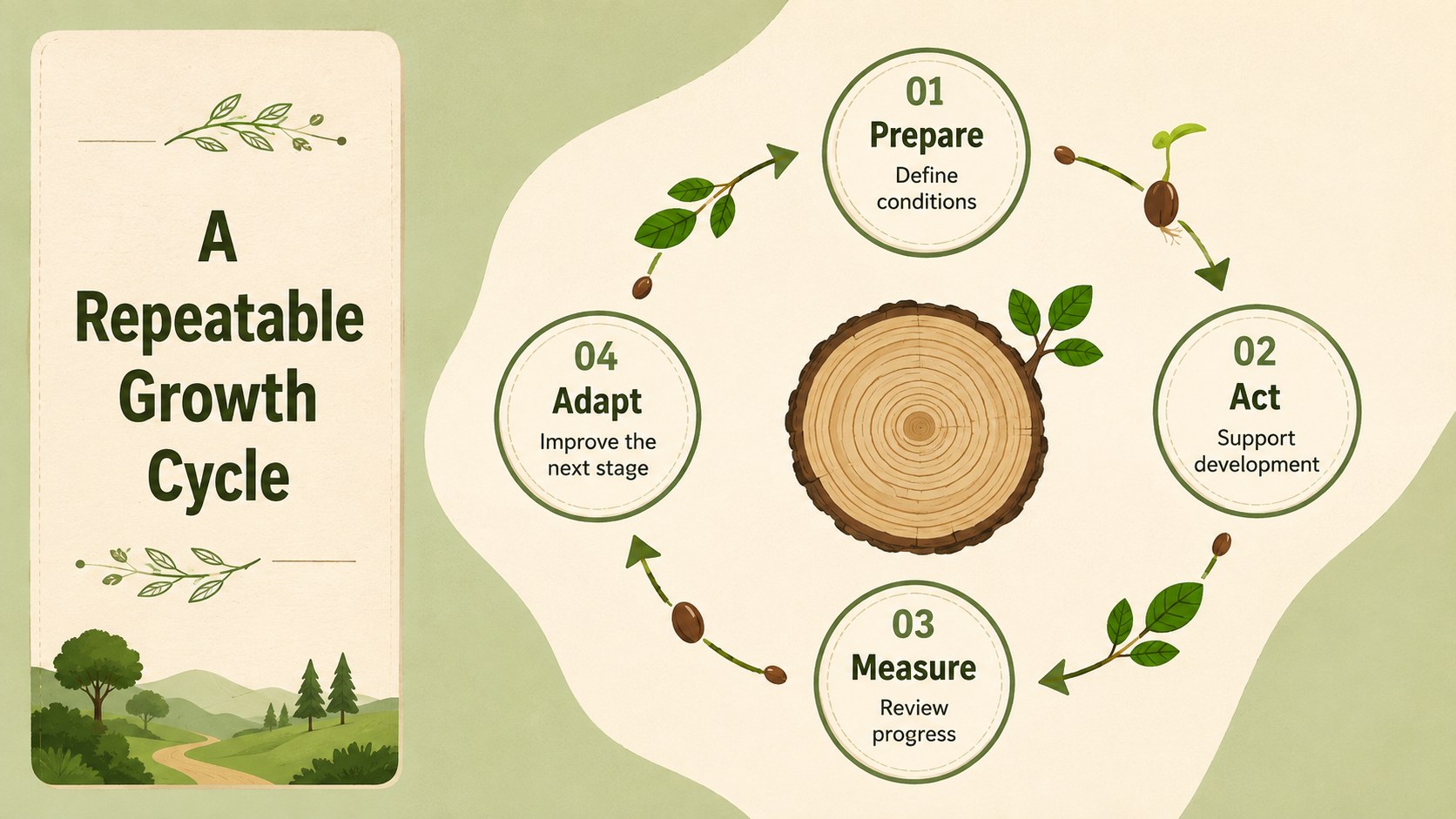
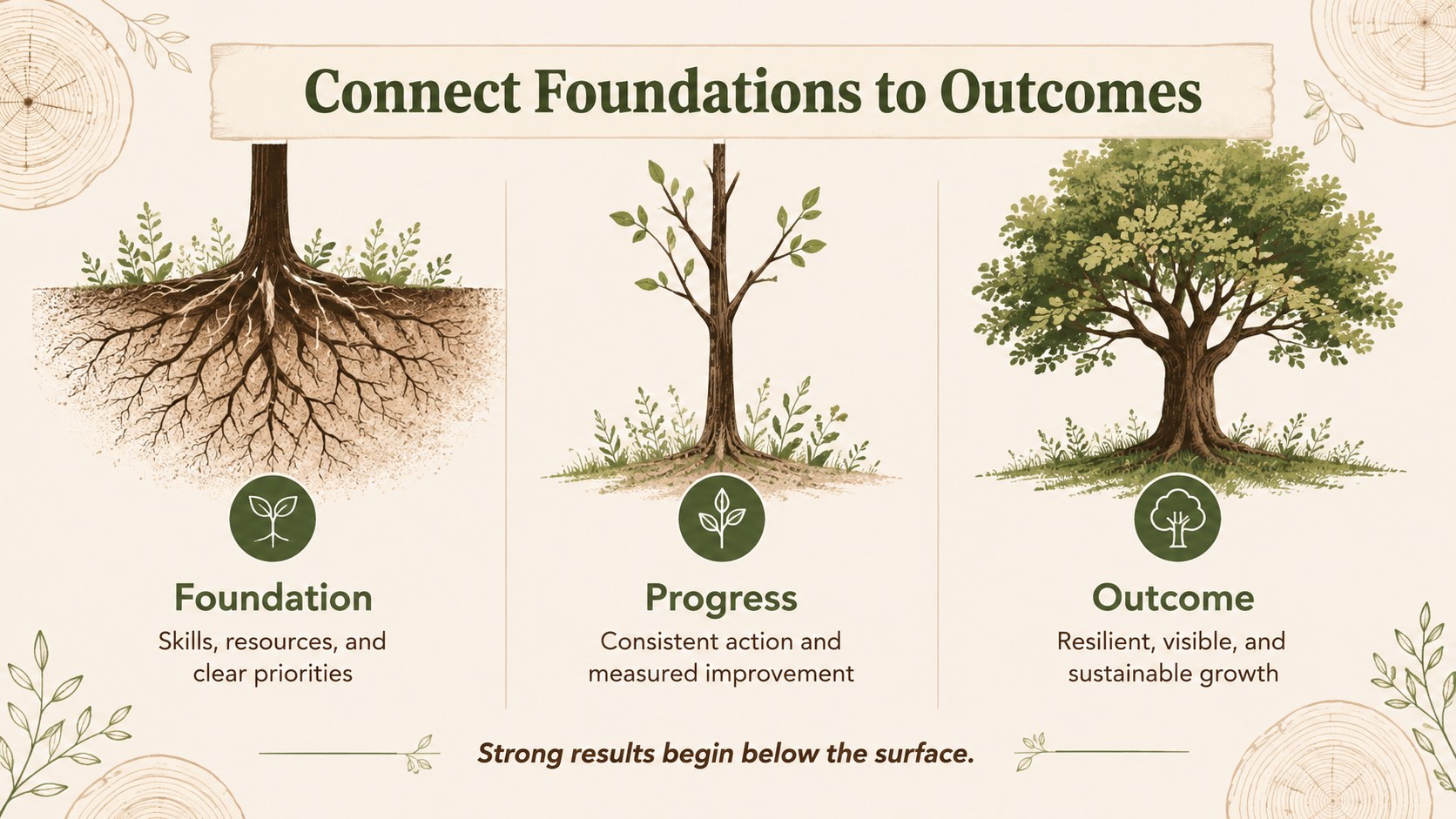
Clarify each growth stage with tree development infographic slides for PowerPoint and Google Slides, featuring editable visuals in earthy natural colors.
Design notes
Tree development infographic slides turn gradual change into a clear visual narrative that audiences can understand at a glance. Designed in green, brown, and beige, this illustrated presentation uses an organic style to connect natural tree development with education, planning, and business growth. Edit the layouts in PowerPoint or Google Slides to match your subject, data, and preferred terminology.
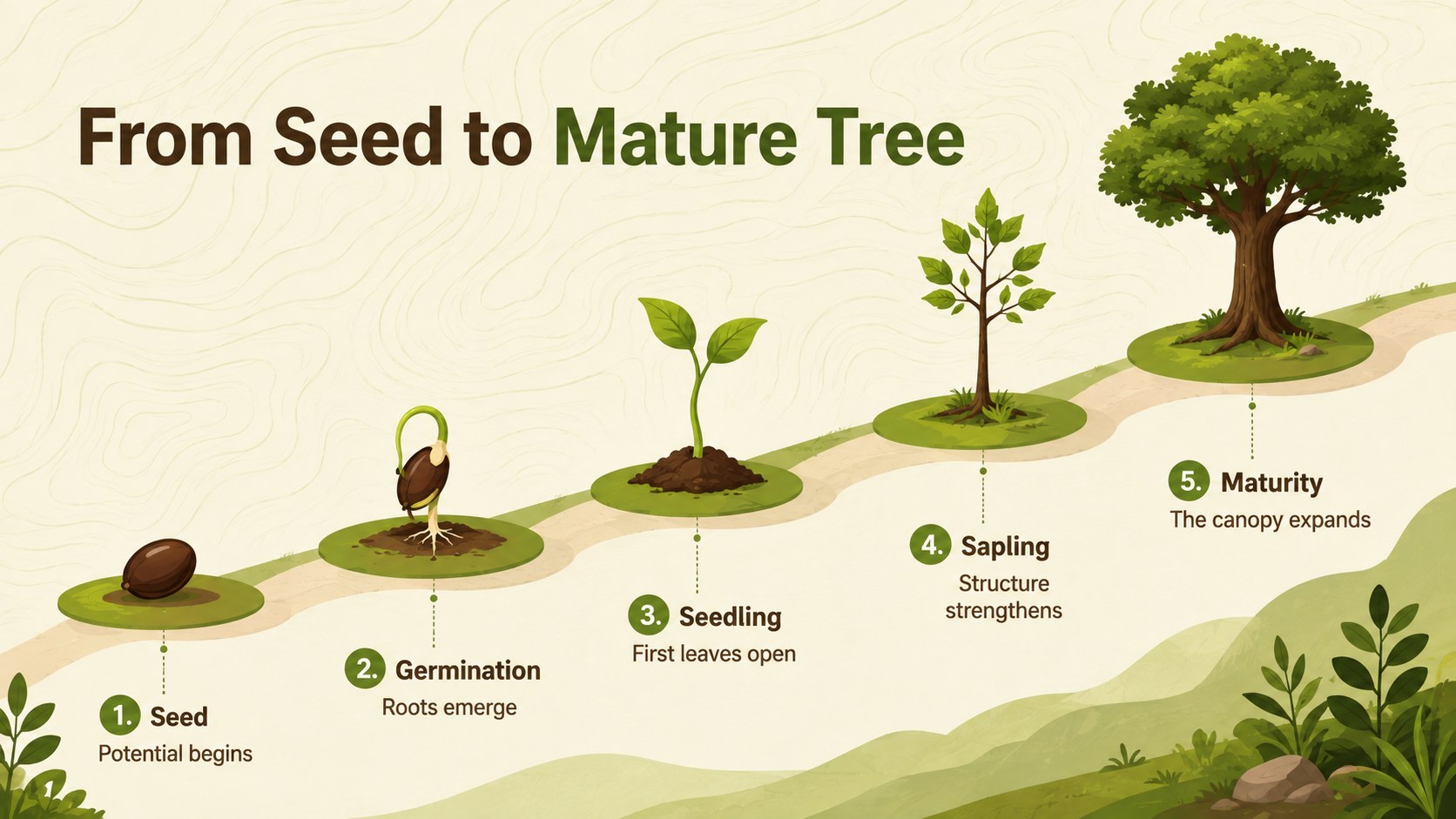
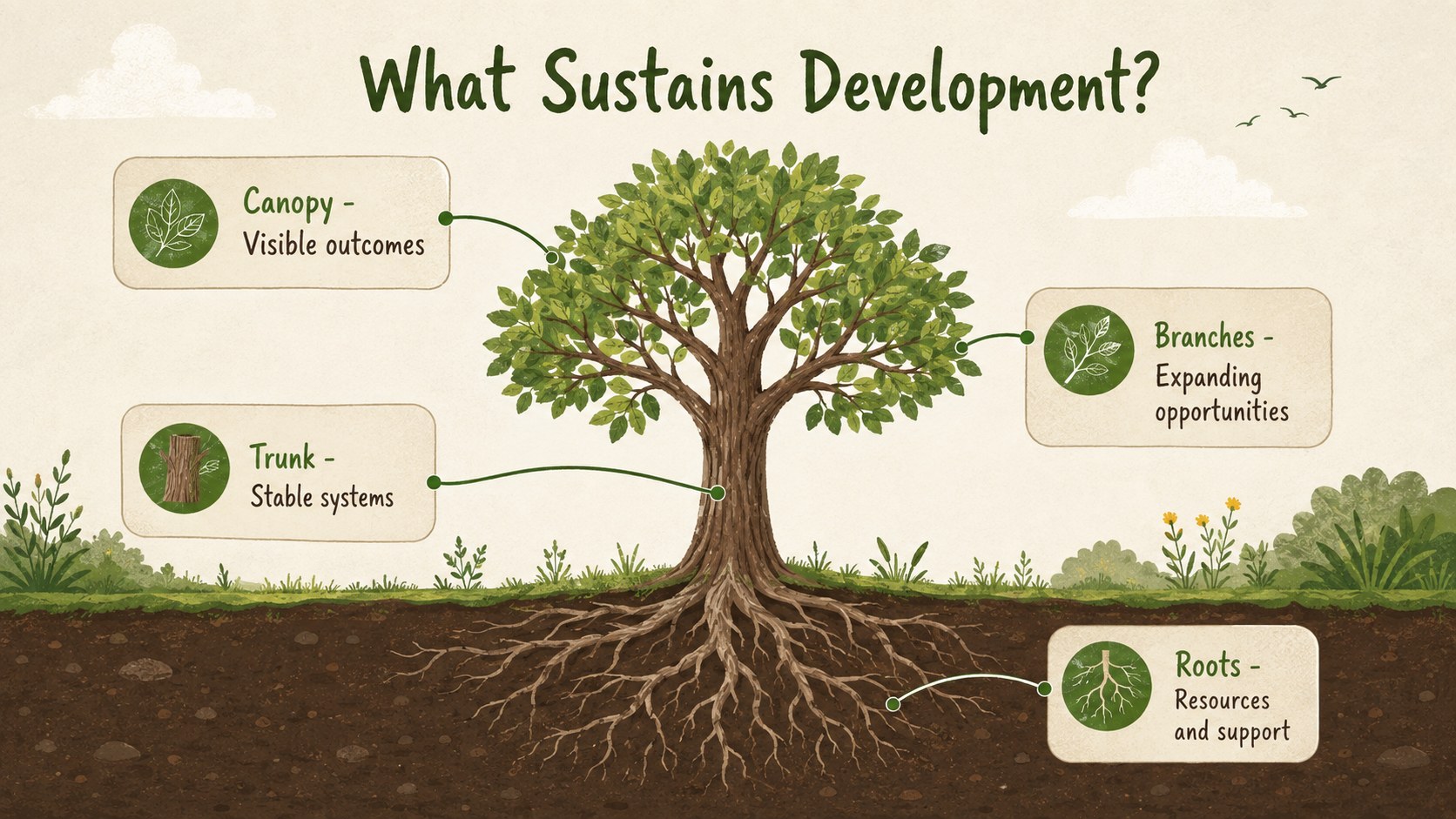
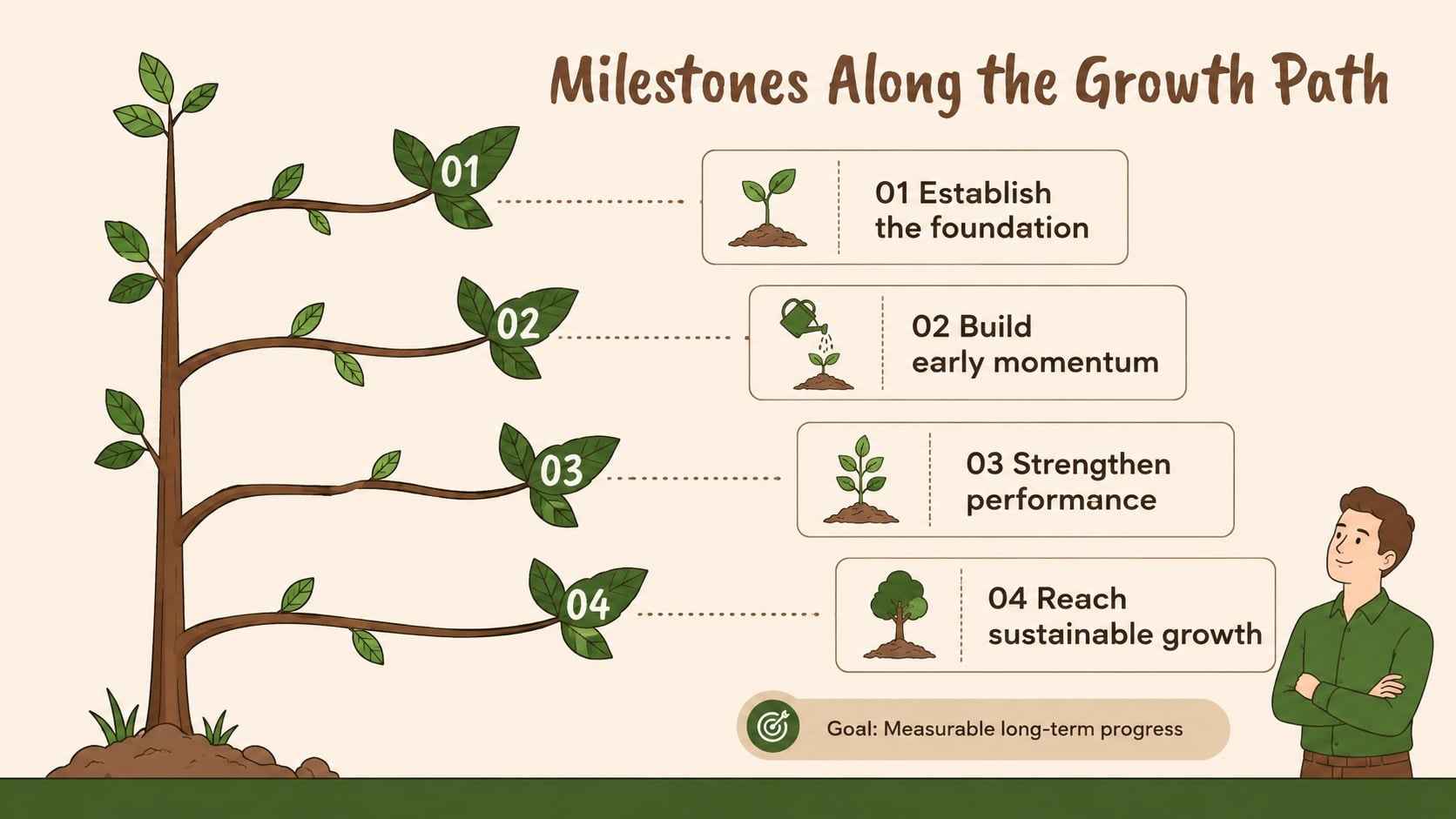
The deck includes six coordinated 16:9 layouts for presenting stages, milestones, cycles, contributing factors, and outcomes. Use the seed to mature tree diagram for a biological sequence, adapt the branching framework for strategy discussions, or build a project milestone tree infographic that shows how individual actions support a larger goal. Every slide offers flexible text areas, simple visual hierarchy, and reusable illustrated elements for creating an editable growth stages infographic without starting from an empty page.
These slides are suited to teachers explaining plant development, consultants mapping organizational change, project managers reporting progress, and business teams presenting long-term expansion. The natural palette keeps information approachable while remaining polished enough for professional meetings. Replace the sample wording, adjust colors, reorganize stages, and add charts or supporting figures as needed. Whether the topic is environmental education, personal development, product maturity, or company growth, the deck provides a cohesive structure for explaining how small beginnings develop into measurable results.
Perfect for: plant life cycle lesson; business growth presentation; project milestone review; organizational development workshop; environmental education briefing.
Frequently asked questions
Can I edit every stage in the diagrams? Yes. You can replace labels, revise descriptions, move visual elements, and reorganize the stages to fit your own process. Colors and typography can also be adjusted to match an existing presentation.
Practical details
Yes. You can replace labels, revise descriptions, move visual elements, and reorganize the stages to fit your own process. Colors and typography can also be adjusted to match an existing presentation.
The template is designed for PowerPoint and Google Slides. Both platforms support editing the text, shapes, colors, and layout elements used throughout the deck.
Yes. The tree structure works well for company development, project milestones, product maturity, learning progress, and strategic goals. Replace the biological labels with your own phases, drivers, and outcomes.
Yes. The earthy palette can be changed while preserving the illustrated visual system. For consistent results, apply a small set of replacement colors across backgrounds, branches, foliage, labels, and accents.
Keep exploring
15Build stronger academic arguments with a college essay thesis builder featuring guided examples, revision prompts, and editable PowerPoint and Google Slides.
 15
15Build an engaging World UFO Day session with this flying saucer history lesson deck, featuring retro green-and-brown slides for PowerPoint and Google Slides.
 14
14Plan a memorable Lunar New Year campaign with the 2036 Dragon Year Celebration Theme, featuring bold red-and-yellow slides for lessons and events.
 15
15Build a thoughtful classroom discussion with this interfaith awareness lesson deck, featuring editable blue-and-white slides for PowerPoint and Google Slides.
 15
15Use this environmental awareness lesson deck to teach climate action through illustrated activities, discussion prompts, and ready-to-edit visuals.
 15
15Build playful lessons and party stories with a kid-friendly zombie celebration theme in purple, green and pastel blue for PowerPoint and Google Slides.
 15
15Build eerie lessons, campaigns, and story pitches with an undead survival scenario theme featuring editable slides for PowerPoint and Google Slides.
 16
16Turn environmental research into a clear story with a Watercolor Ecology Presentation Theme for PowerPoint and Google Slides in calming green and blue.