
 15
15presentation
College Essay Thesis Builder Slides
Build stronger academic arguments with a college essay thesis builder featuring guided examples, revision prompts, and editable PowerPoint and Google Slides.
Google SlidesPowerPoint
presentation · English
Share seasonal updates with a Thanksgiving Community Newsletter Theme featuring warm illustrated layouts for events, school news, and local stories.
Design notes
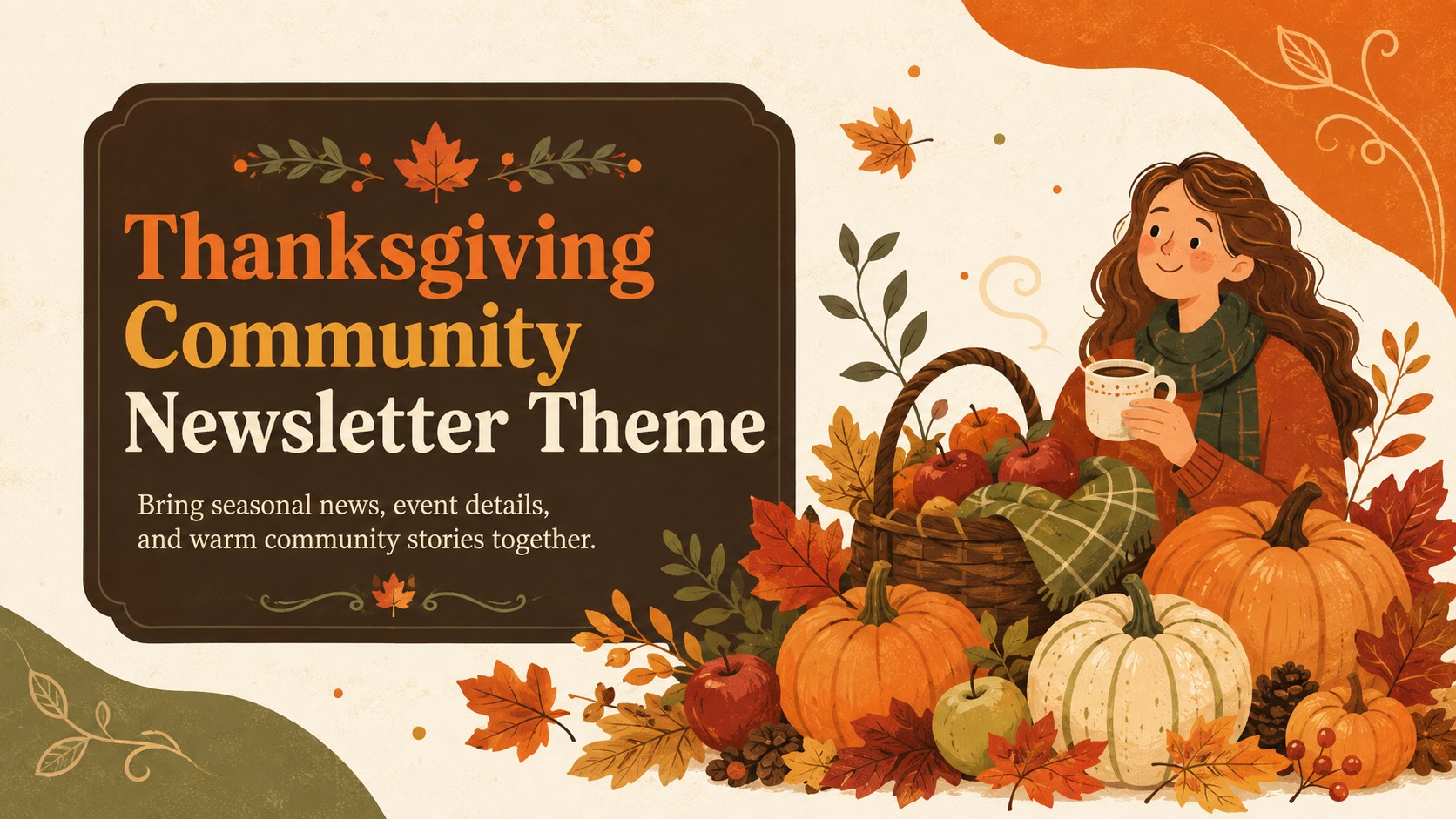
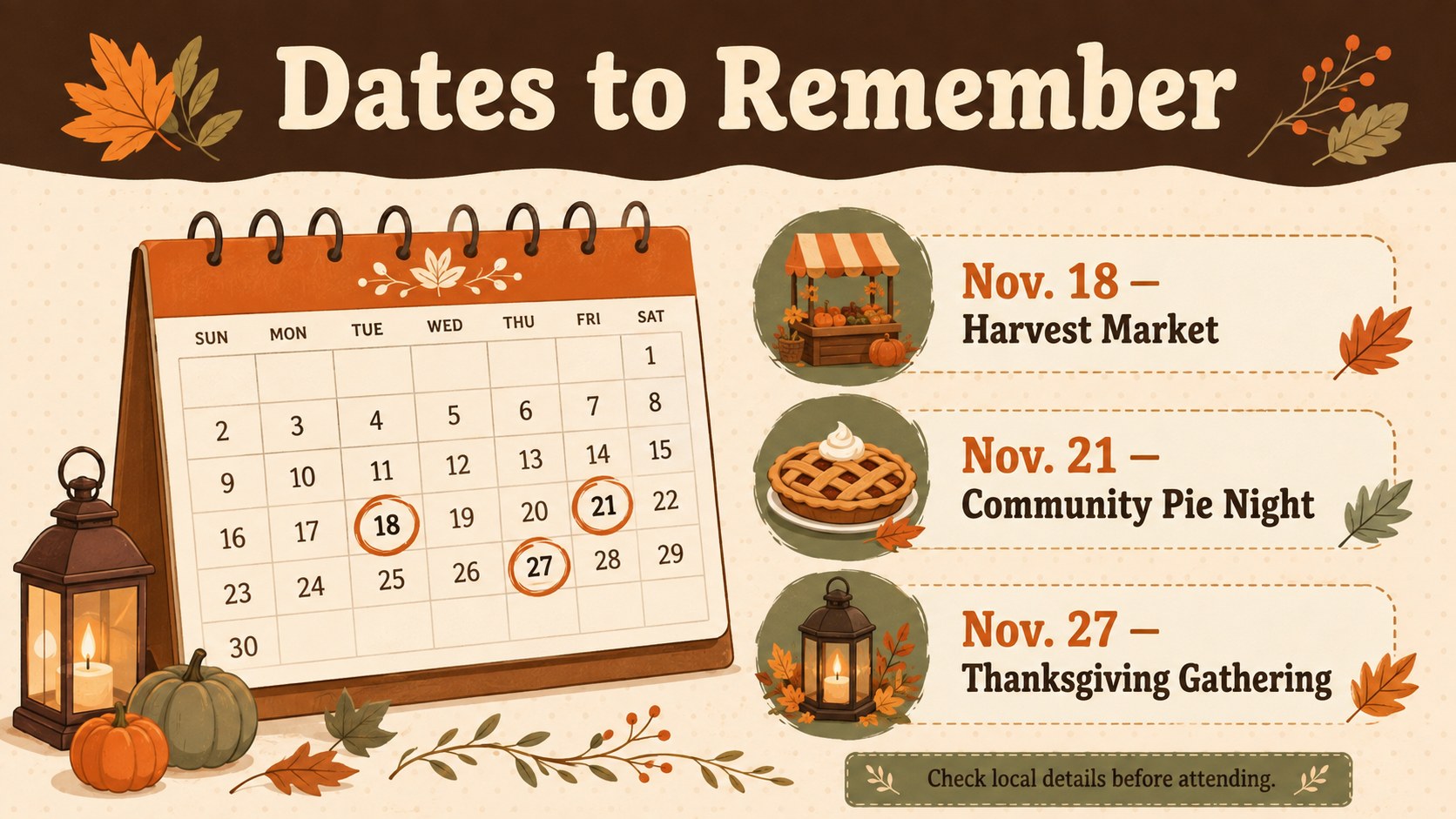
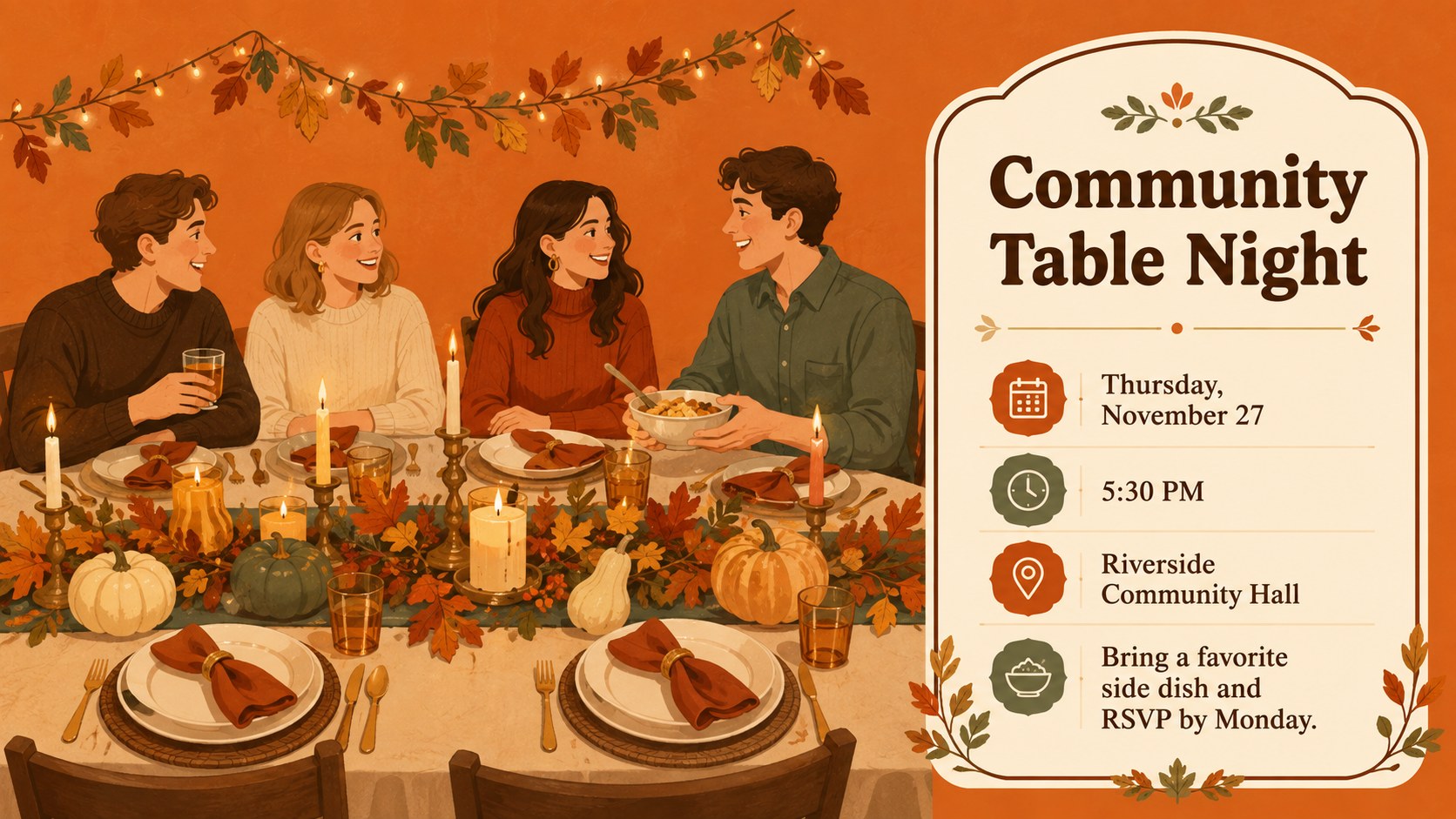
The Thanksgiving Community Newsletter Theme turns seasonal announcements into a warm, organized presentation for families, customers, students, or local groups. Illustrated pumpkins, leaves, pies, and harvest details create a cheerful autumn atmosphere, while the orange and brown palette keeps every message visually connected. Use the editable layouts in PowerPoint or Google Slides to publish news without designing each page from scratch.
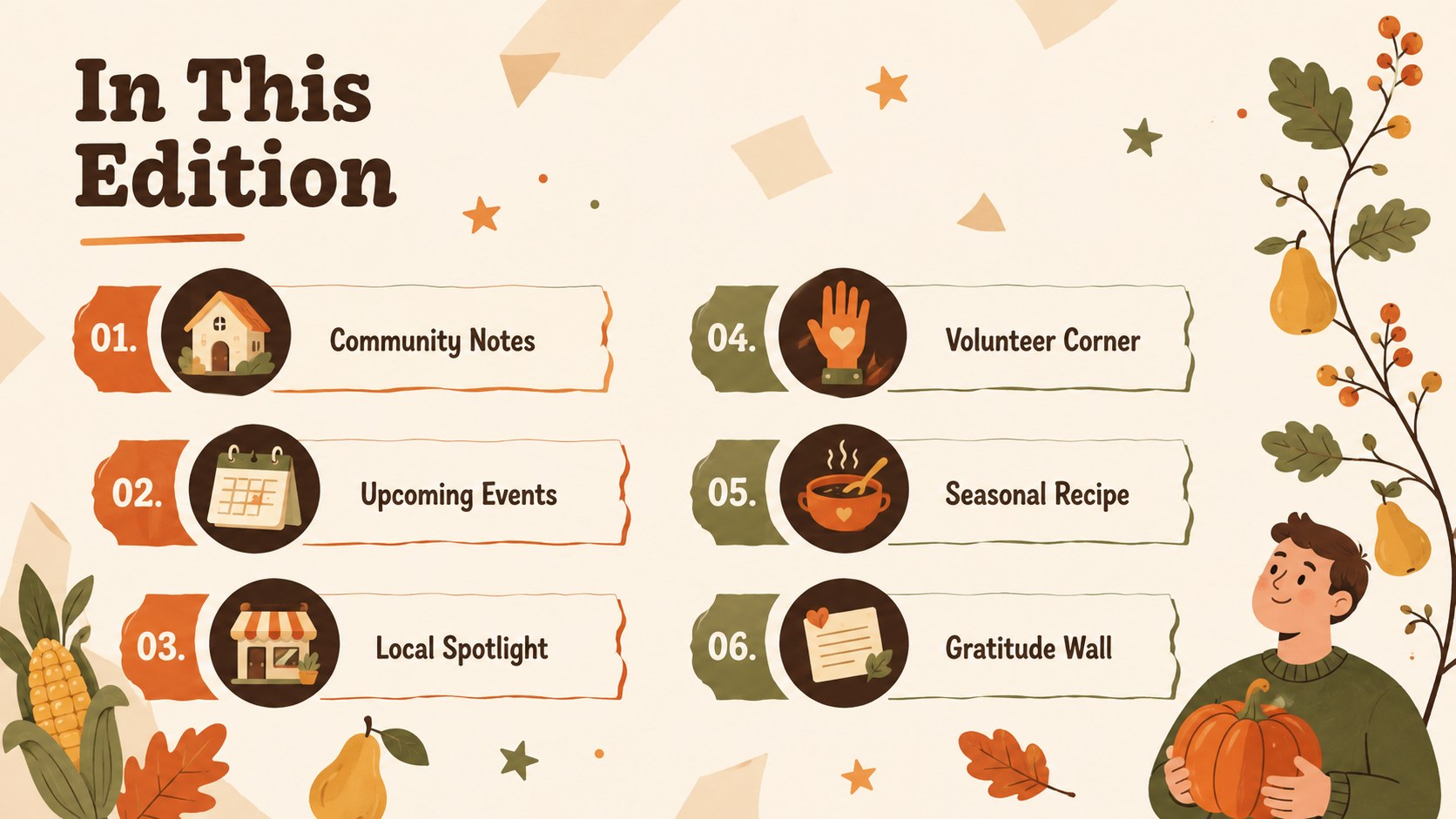
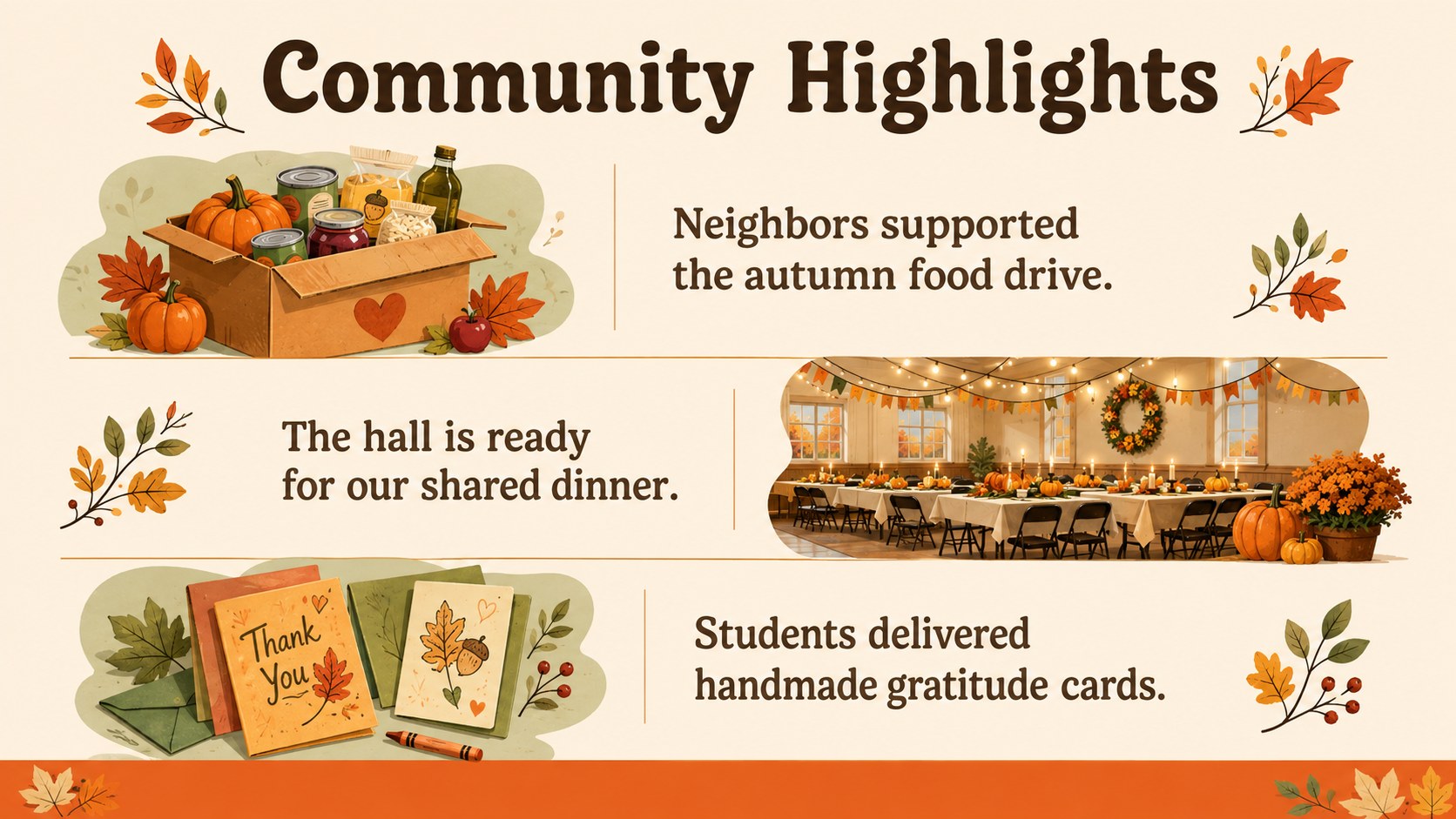
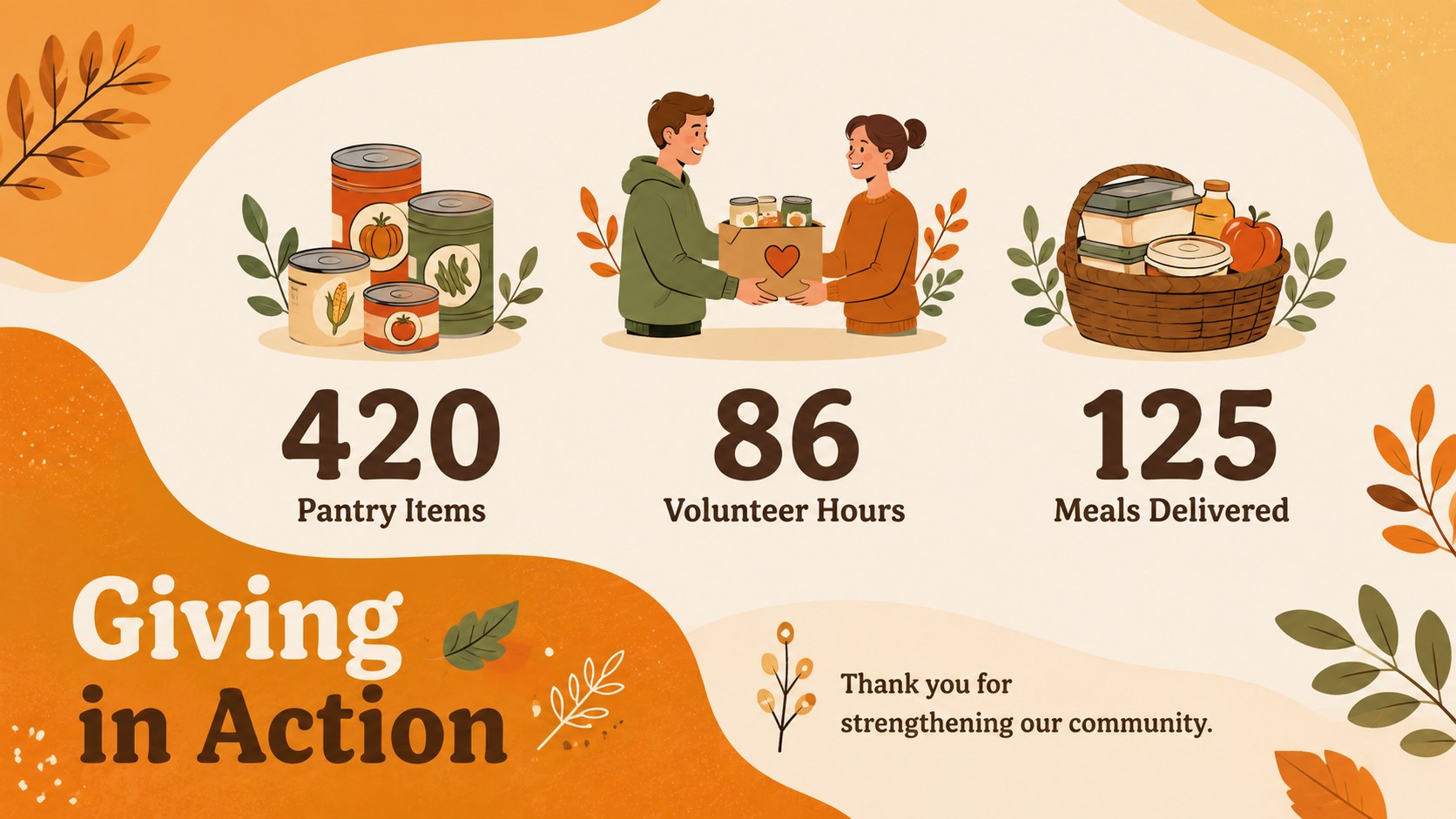
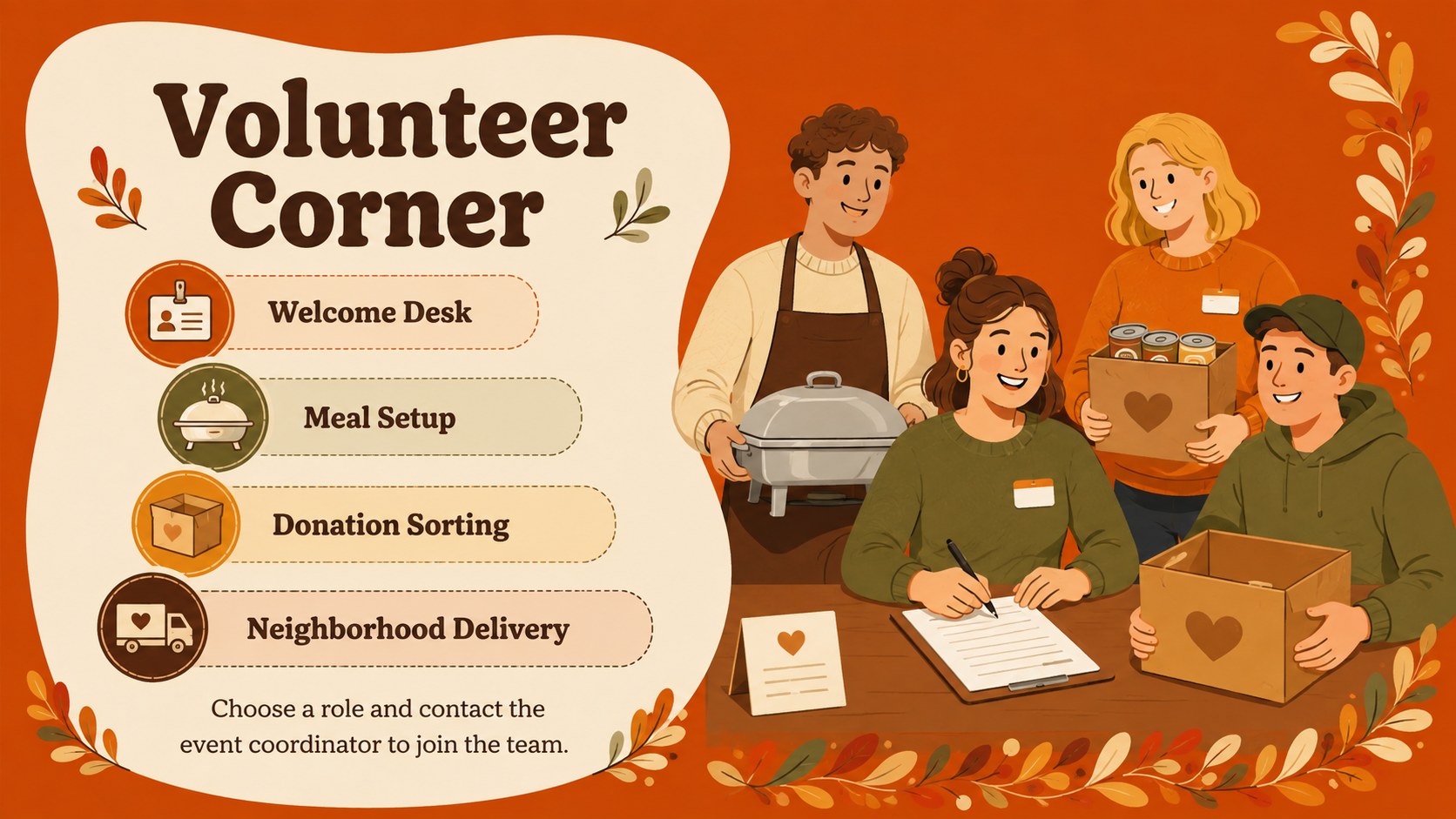
Inside, you will find sections for welcome messages, upcoming events, community highlights, volunteer opportunities, recipes, gratitude notes, schedules, and contact information. Flexible text blocks, photo spaces, timelines, lists, and simple data layouts make it useful as a fall event announcement presentation or an autumn nonprofit update deck. Fonts, colors, illustrations, and slide order can be adjusted to fit your organization.
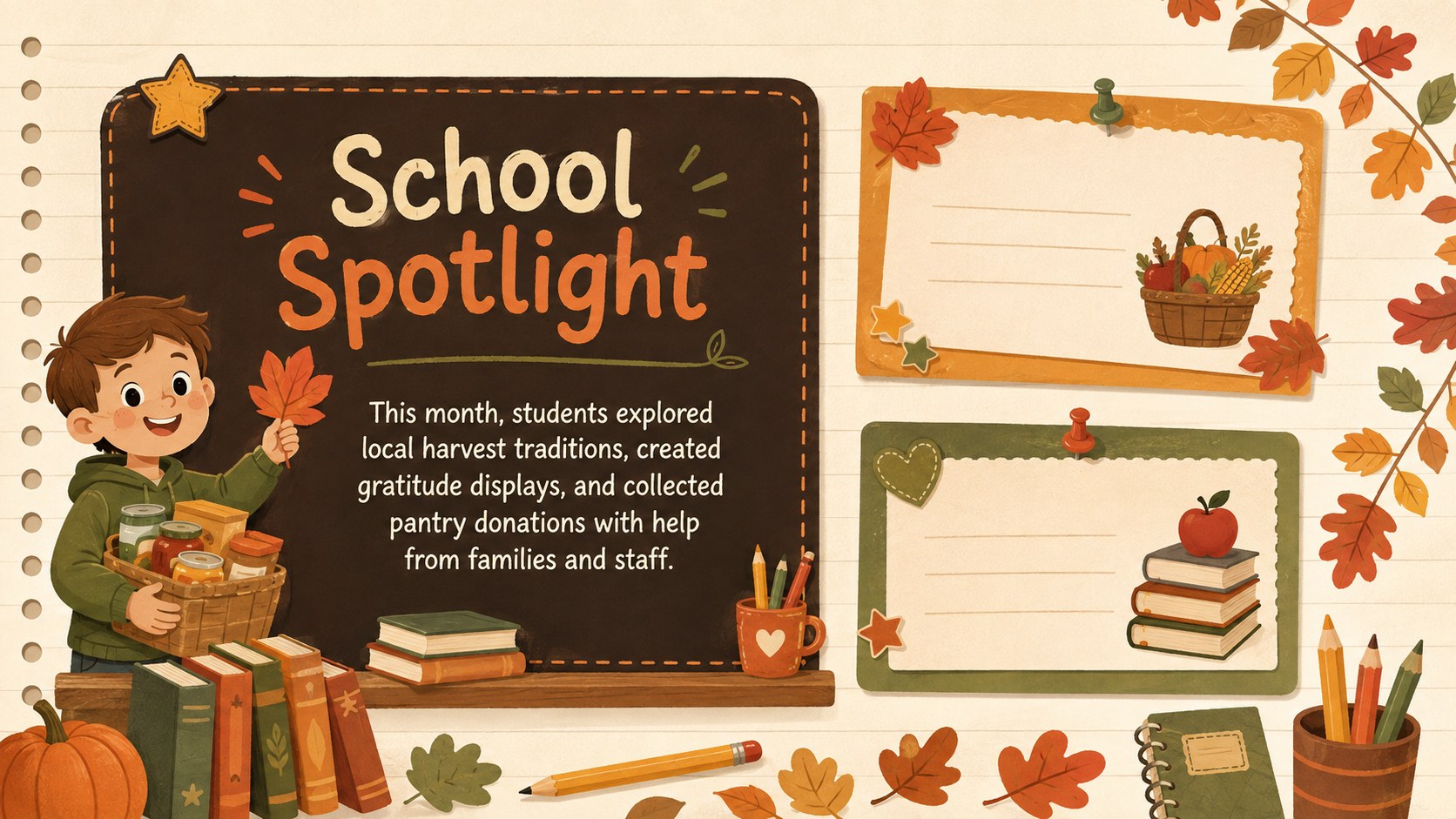
This theme works especially well for teachers preparing a Thanksgiving school newsletter template, neighborhood associations sharing dinner plans, businesses promoting seasonal activities, and community organizations reporting recent achievements. Add your own photos, replace sample wording, and select only the layouts your audience needs. The result is a polished holiday bulletin that balances practical details with a friendly, family-focused style.
Perfect for: school Thanksgiving newsletter; neighborhood dinner announcement; nonprofit seasonal update; harvest festival bulletin; business holiday activities; community volunteer roundup.
Frequently asked questions
Can I edit this newsletter theme in PowerPoint and Google Slides? Yes. All slide text, colors, images, and layout elements can be edited in PowerPoint or Google Slides. You can also duplicate, remove, or reorder pages to match the length of your newsletter.
Practical details
Yes. All slide text, colors, images, and layout elements can be edited in PowerPoint or Google Slides. You can also duplicate, remove, or reorder pages to match the length of your newsletter.
Replace the sample stories with your announcements, add your own photographs, and update the contact details. Adjust the accent colors and fonts to reflect your school, business, nonprofit, or community group.
The presentation is designed for on-screen sharing, email distribution, and live displays. You can also export selected slides as PDF pages for printing, although margins and printer settings should be checked first.
The layouts support event schedules, seasonal messages, volunteer notices, recipes, community stories, gratitude notes, and photo highlights. Each section is modular, so you can keep only the pages relevant to your audience.
Keep exploring
15Build stronger academic arguments with a college essay thesis builder featuring guided examples, revision prompts, and editable PowerPoint and Google Slides.
 15
15Build an engaging World UFO Day session with this flying saucer history lesson deck, featuring retro green-and-brown slides for PowerPoint and Google Slides.
 14
14Plan a memorable Lunar New Year campaign with the 2036 Dragon Year Celebration Theme, featuring bold red-and-yellow slides for lessons and events.
 15
15Build a thoughtful classroom discussion with this interfaith awareness lesson deck, featuring editable blue-and-white slides for PowerPoint and Google Slides.
 15
15Use this environmental awareness lesson deck to teach climate action through illustrated activities, discussion prompts, and ready-to-edit visuals.
 15
15Build playful lessons and party stories with a kid-friendly zombie celebration theme in purple, green and pastel blue for PowerPoint and Google Slides.
 15
15Build eerie lessons, campaigns, and story pitches with an undead survival scenario theme featuring editable slides for PowerPoint and Google Slides.
 16
16Turn environmental research into a clear story with a Watercolor Ecology Presentation Theme for PowerPoint and Google Slides in calming green and blue.