
 15
15presentation
College Essay Thesis Builder Slides
Build stronger academic arguments with a college essay thesis builder featuring guided examples, revision prompts, and editable PowerPoint and Google Slides.
Google SlidesPowerPoint
presentation · English
Turn clock practice into a lively lesson with this telling time classroom challenge, featuring bold geometric activities for PowerPoint and Google Slides.
Design notes
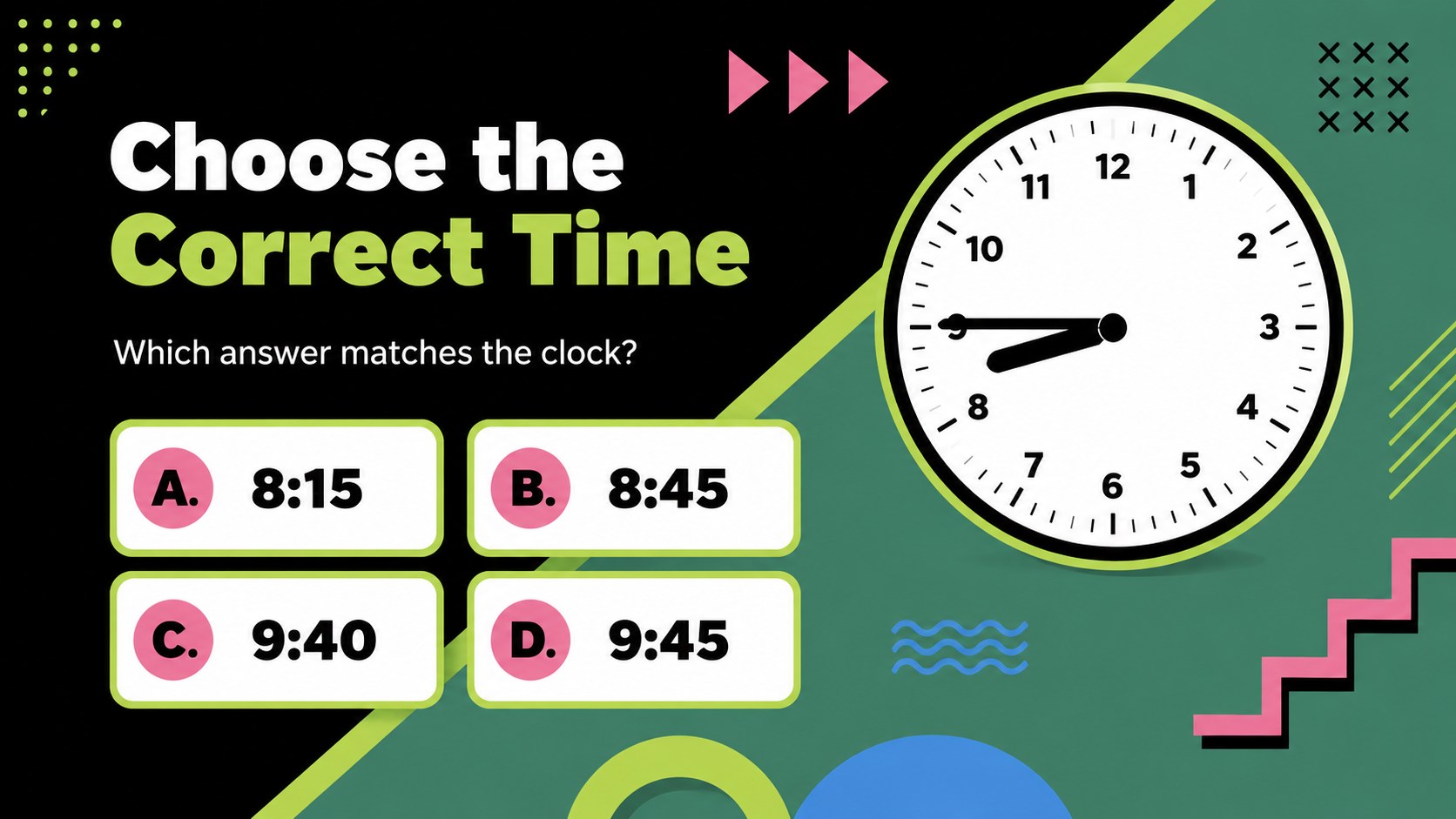
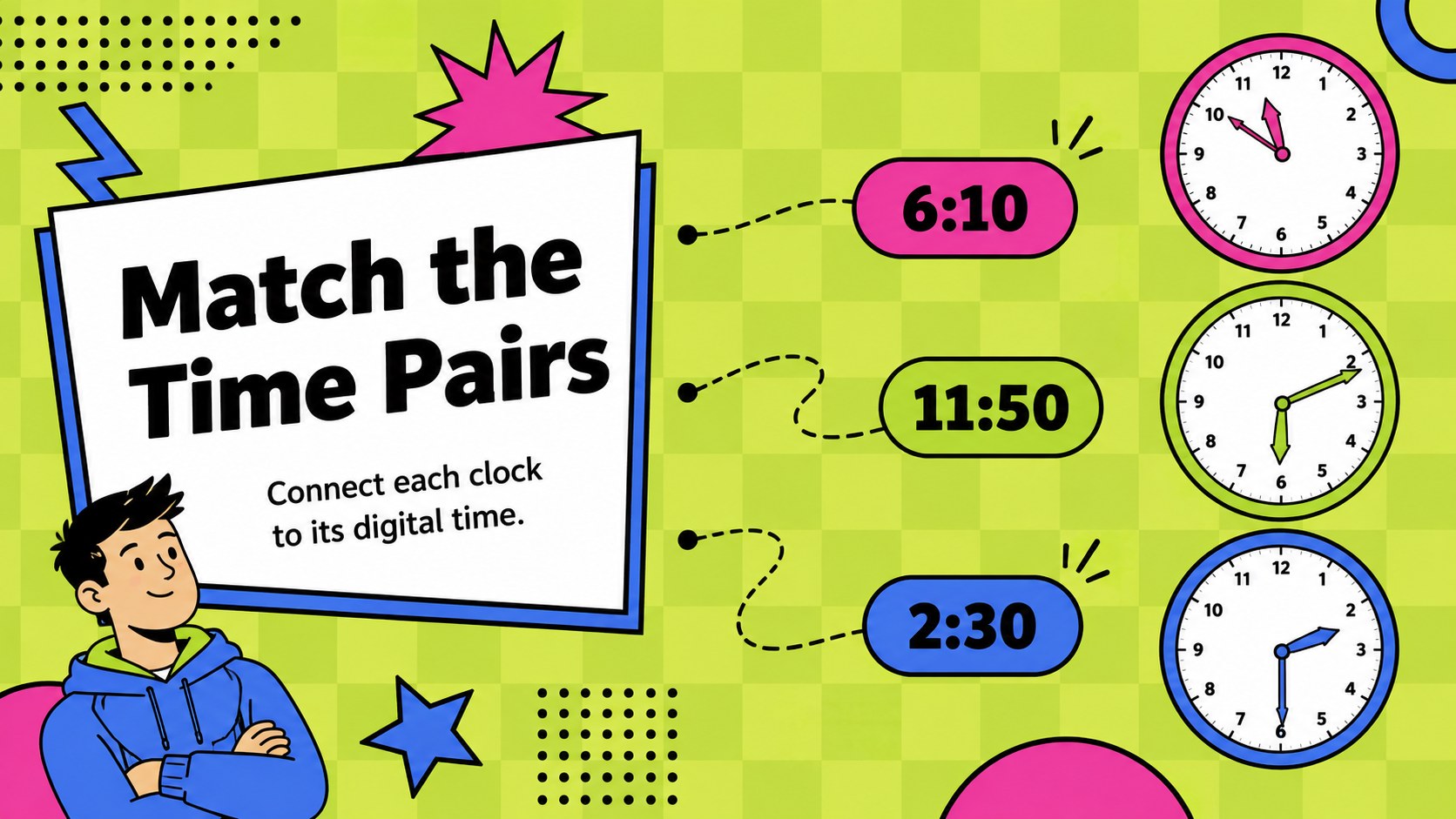
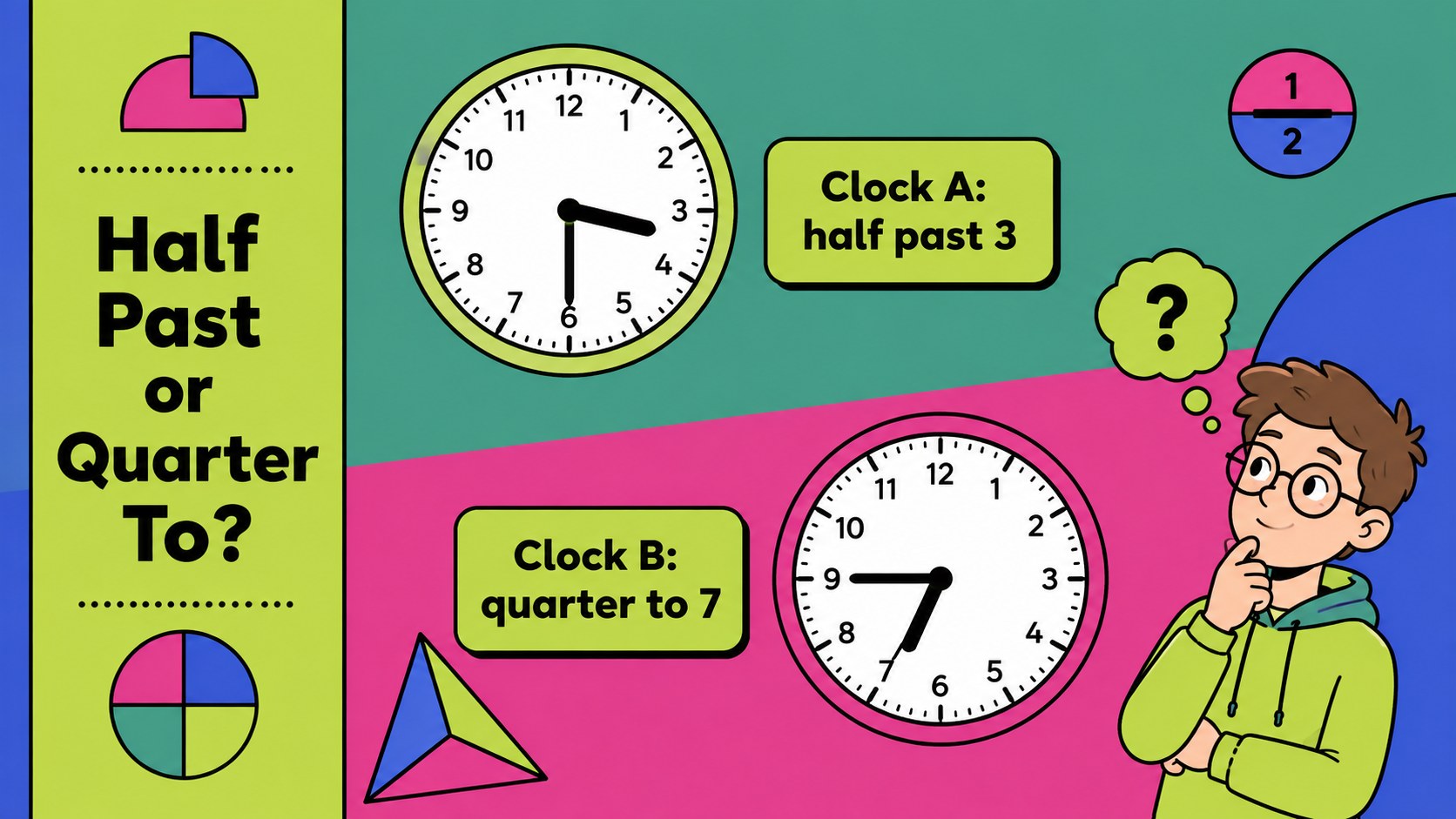
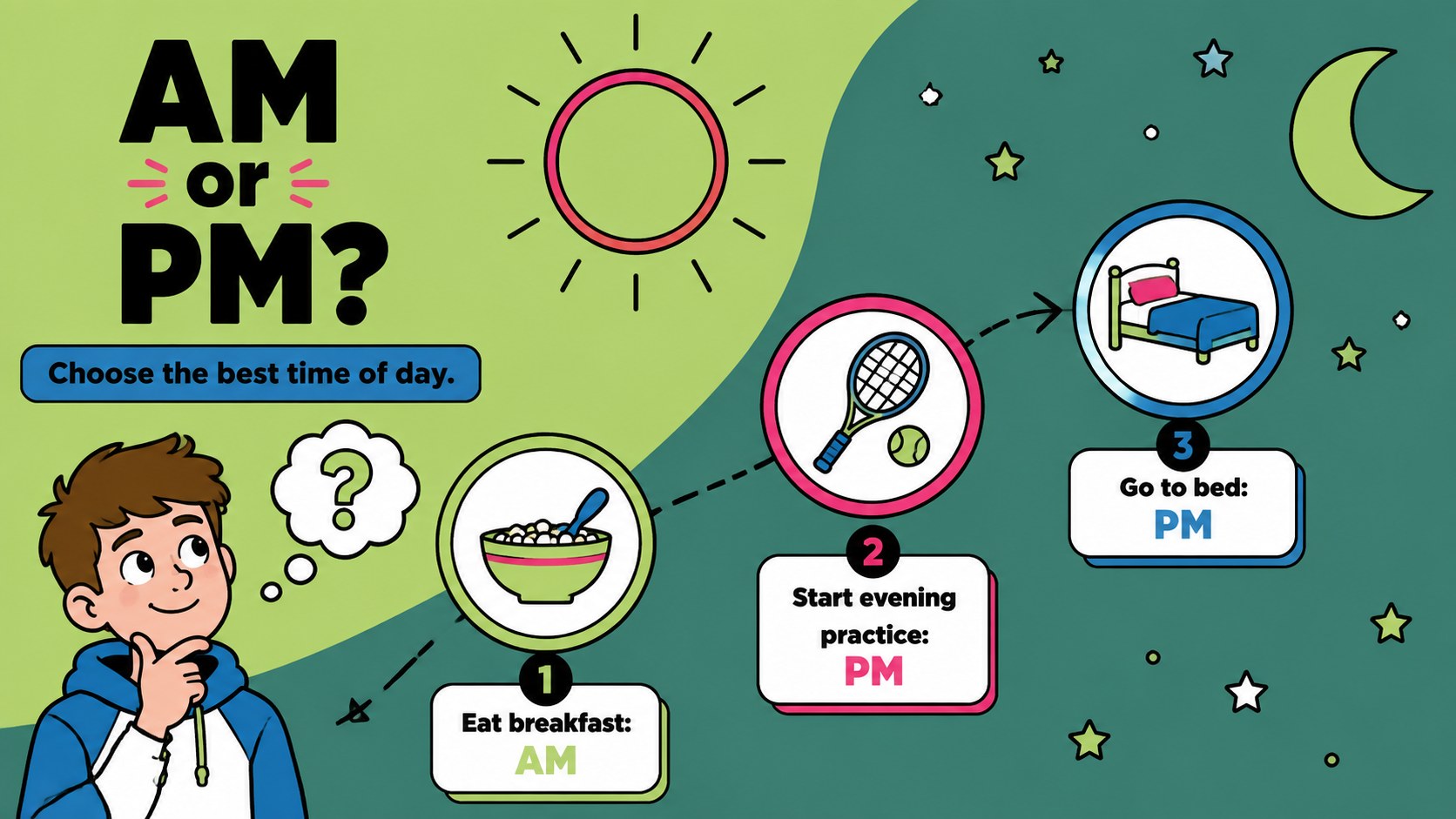
Bring energy to clock-skills practice with the Telling Time Classroom Challenge, a colorful presentation built around quick questions, visual puzzles, and friendly competition. Bold geometric shapes, playful illustrations, and a vivid mix of black, green, lime, pink, and blue give every activity a lively classroom-ready look.
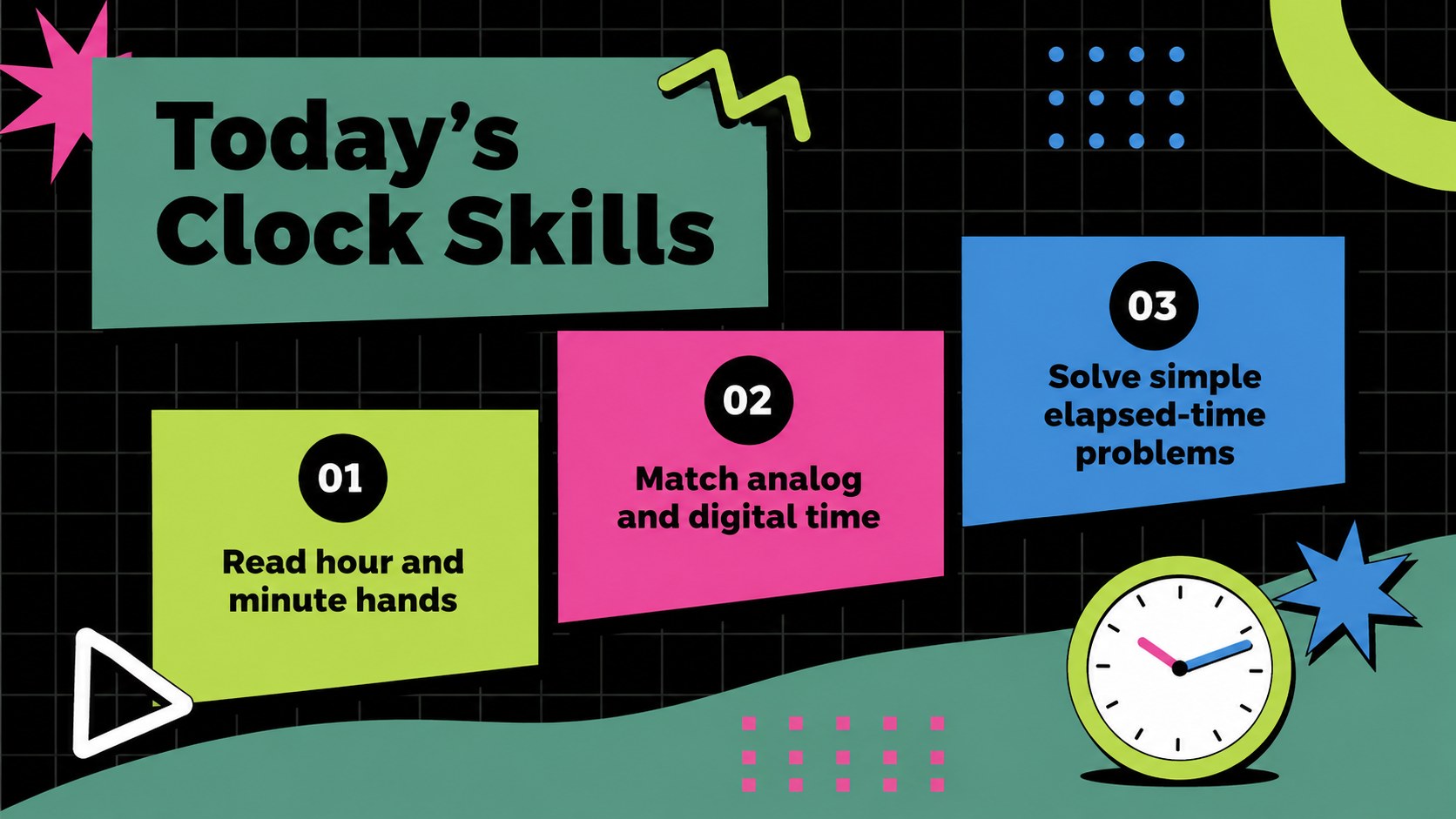
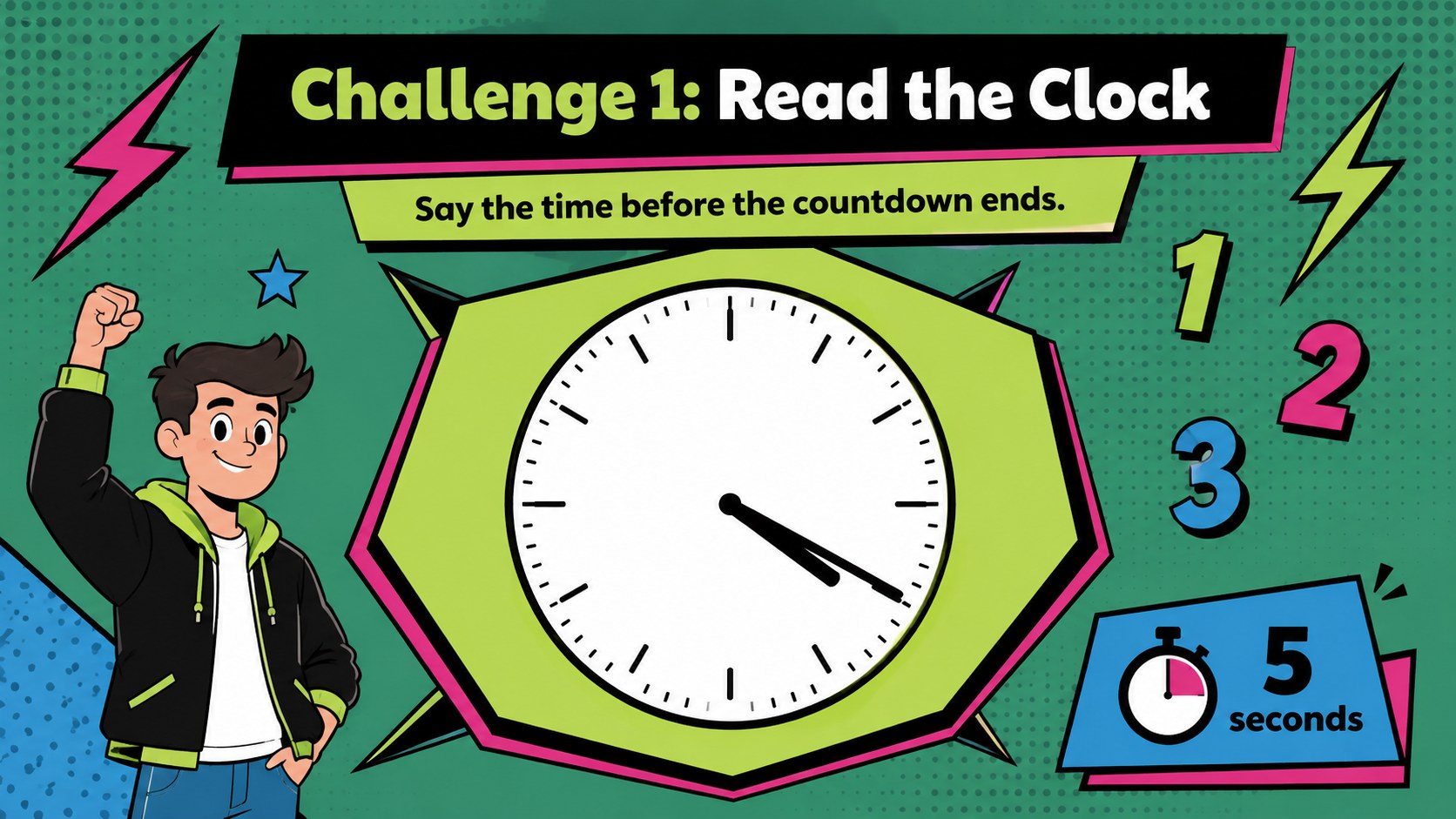
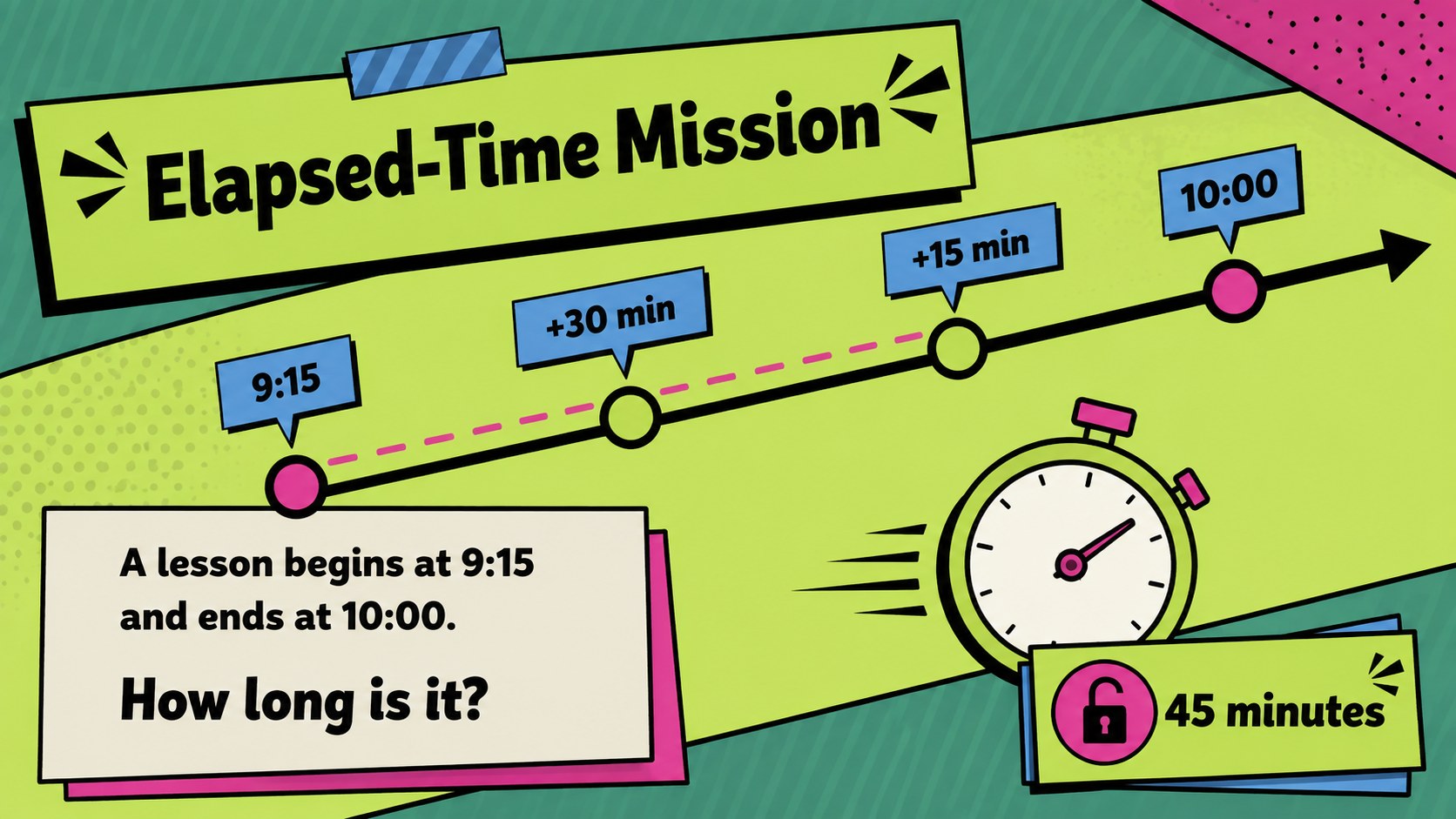
Inside, educators will find learning goals, analog clock reading game rounds, digital-and-analog matching tasks, half-hour and quarter-hour questions, AM and PM prompts, and an elapsed time lesson presentation. Additional layouts support team scoring, word problems, answer reviews, and student-created questions. Each slide can be adapted in PowerPoint or Google Slides by changing the wording, clock faces, colors, and difficulty level.
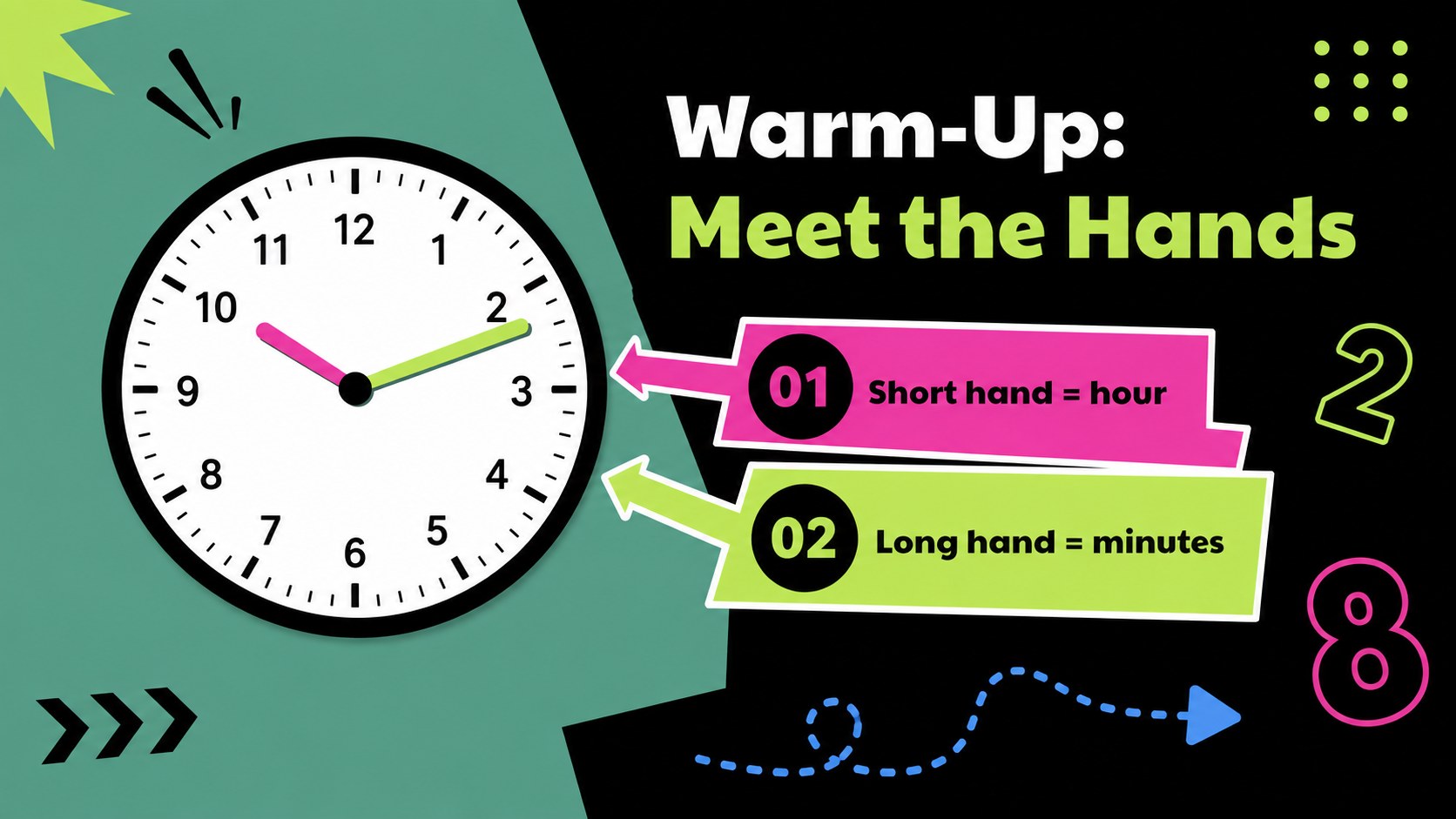
This deck works especially well for elementary math lessons, tutoring sessions, homeschool activities, review days, and classroom quiz events. Teachers can use the clock face practice in Google Slides for whole-class participation or assign selected activities for small-group learning. The clear progression supports beginners learning hour and minute hands as well as students ready to calculate elapsed time.
Perfect for: elementary clock-reading lesson; whole-class math quiz; small-group time practice; homeschool learning activity; elapsed-time review session.
Frequently asked questions
Can I edit the clocks and questions? Yes. You can replace the times, rewrite the questions, move the clock hands, and adjust the answer choices to match your lesson level.
Practical details
Yes. You can replace the times, rewrite the questions, move the clock hands, and adjust the answer choices to match your lesson level.
The template is designed for PowerPoint and Google Slides. Animations or fonts may vary slightly between the two platforms, so review the deck before presenting.
Yes. Use whole-hour questions for beginners, then introduce five-minute intervals, quarter hours, AM and PM, or elapsed-time problems for more advanced learners.
Change the accent colors, typefaces, illustrations, and geometric decorations directly in the slide editor. The black, green, lime, pink, and blue palette can also be adjusted to suit classroom branding.
Keep exploring
15Build stronger academic arguments with a college essay thesis builder featuring guided examples, revision prompts, and editable PowerPoint and Google Slides.
 15
15Build an engaging World UFO Day session with this flying saucer history lesson deck, featuring retro green-and-brown slides for PowerPoint and Google Slides.
 14
14Plan a memorable Lunar New Year campaign with the 2036 Dragon Year Celebration Theme, featuring bold red-and-yellow slides for lessons and events.
 15
15Build a thoughtful classroom discussion with this interfaith awareness lesson deck, featuring editable blue-and-white slides for PowerPoint and Google Slides.
 15
15Use this environmental awareness lesson deck to teach climate action through illustrated activities, discussion prompts, and ready-to-edit visuals.
 15
15Build playful lessons and party stories with a kid-friendly zombie celebration theme in purple, green and pastel blue for PowerPoint and Google Slides.
 15
15Build eerie lessons, campaigns, and story pitches with an undead survival scenario theme featuring editable slides for PowerPoint and Google Slides.
 16
16Turn environmental research into a clear story with a Watercolor Ecology Presentation Theme for PowerPoint and Google Slides in calming green and blue.