
 15
15presentation
College Essay Thesis Builder Slides
Build stronger academic arguments with a college essay thesis builder featuring guided examples, revision prompts, and editable PowerPoint and Google Slides.
Google SlidesPowerPoint
spreadsheet · English
Bring order to daily check-ins with this team attendance check-in template, a colorful sheet for classrooms, staff rosters, clubs, and events.
Design notes
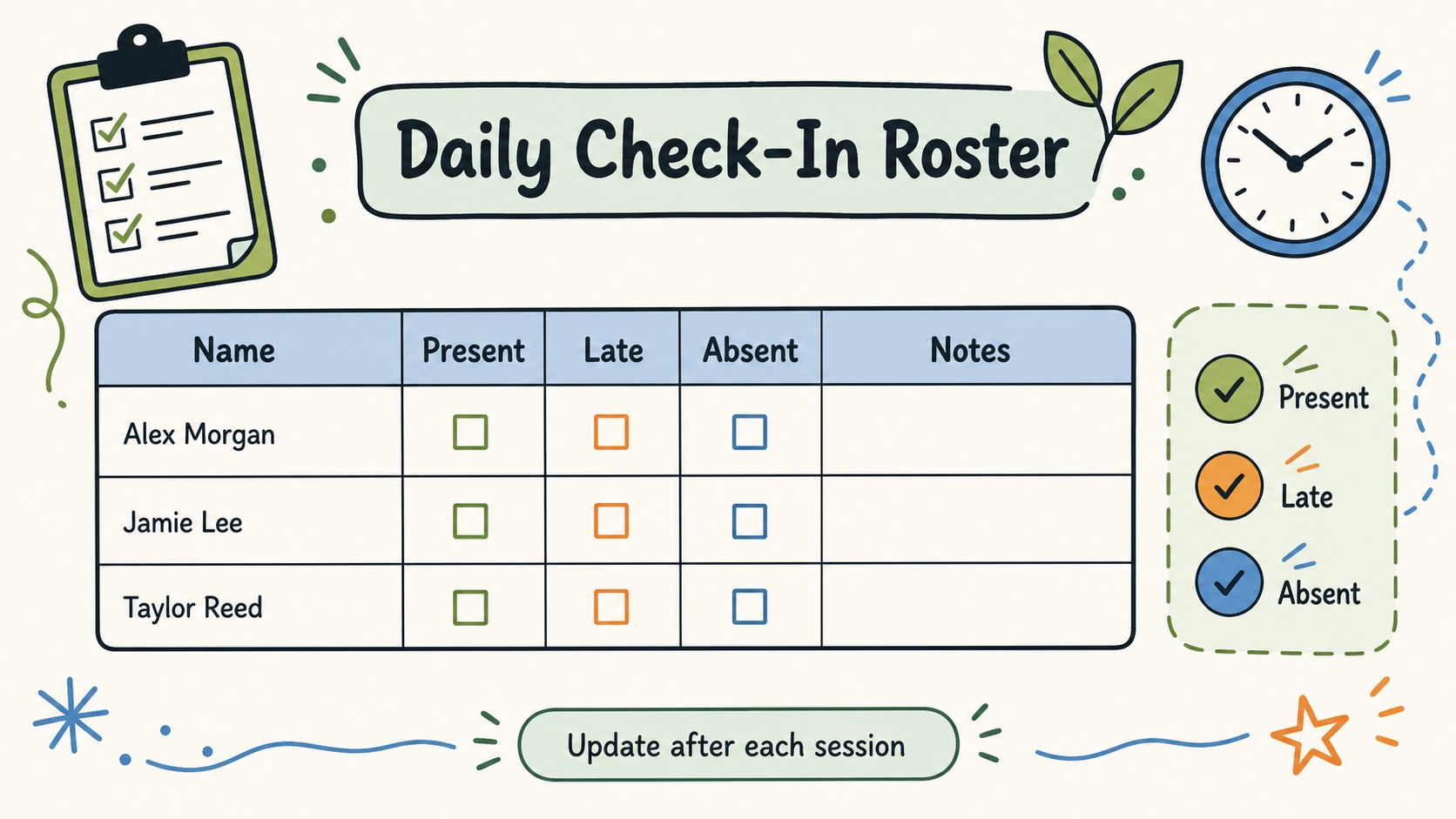
Make daily presence updates easier with this team attendance check-in template, designed for quick scanning and simple record keeping. Its playful doodle-inspired style combines green, blue, and orange accents with clear checkbox fields, giving teachers, supervisors, and event coordinators a friendly way to see who has arrived, who is absent, and who still needs confirmation.
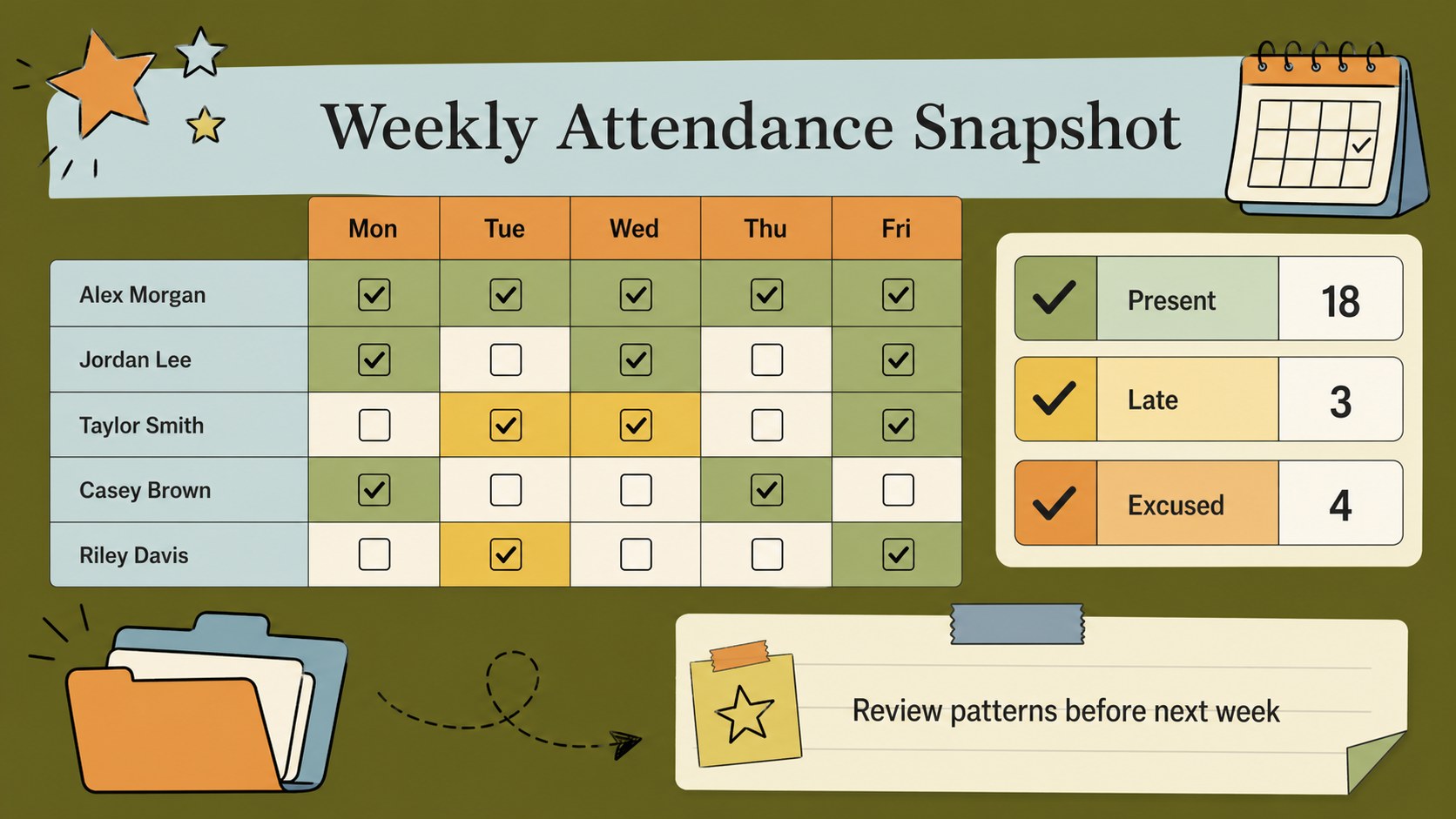
Inside, you’ll find a ready-to-edit roster layout for names, dates, attendance status, and short notes, plus space to organize recurring sessions or groups. Use it as a classroom attendance sheet, a team check-in tracker, or a weekly attendance record for clubs, workshops, volunteer shifts, and small events. The 16:9 canvas is easy to resize, recolor, and personalize with your own labels, icons, and categories.
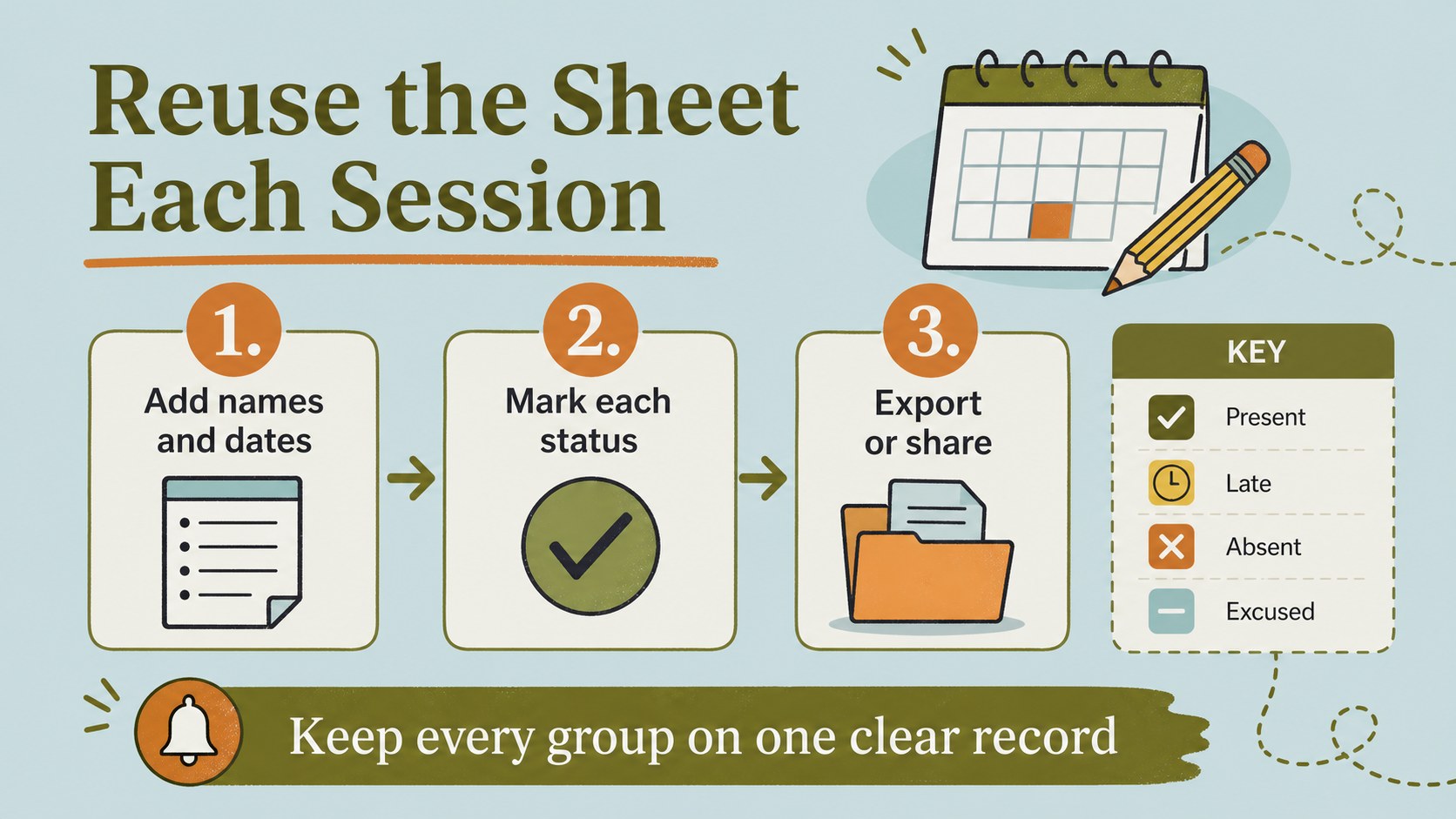
Build the sheet with drag-and-drop editing, then export it as an XLSX file for Excel or import it into Google Sheets. The layout is suitable for education, office operations, training programs, and community groups that need a lightweight visual log without complicated software. Use the checklist each day, duplicate it for a new week, and keep attendance information consistent across your schedule.
Perfect for: classroom daily roll call; staff shift check-ins; club member attendance; workshop participation tracking; community event registration.
Frequently asked questions
Can I edit the check-in fields? Yes. Open the design and change the headings, names, dates, checkbox labels, colors, and decorative elements. You can also duplicate the sheet for new classes, teams, or reporting periods.
Practical details
Yes. Open the design and change the headings, names, dates, checkbox labels, colors, and decorative elements. You can also duplicate the sheet for new classes, teams, or reporting periods.
Export the design as an XLSX Microsoft Excel spreadsheet, then open it in Excel or upload it to Google Drive. Google Sheets can import the resulting file for further editing and collaboration.
Yes. Adapt the roster for employees, volunteers, club members, workshop attendees, or event guests. Replace the attendance categories with options such as present, late, excused, or pending.
The sheet is customizable, including its green, blue, and orange palette, text styles, icons, and doodle accents. Keep the high-contrast checkbox structure so attendance statuses remain easy to scan.
Keep exploring
15Build stronger academic arguments with a college essay thesis builder featuring guided examples, revision prompts, and editable PowerPoint and Google Slides.
 15
15Build an engaging World UFO Day session with this flying saucer history lesson deck, featuring retro green-and-brown slides for PowerPoint and Google Slides.
 14
14Plan a memorable Lunar New Year campaign with the 2036 Dragon Year Celebration Theme, featuring bold red-and-yellow slides for lessons and events.
 15
15Build a thoughtful classroom discussion with this interfaith awareness lesson deck, featuring editable blue-and-white slides for PowerPoint and Google Slides.
 15
15Use this environmental awareness lesson deck to teach climate action through illustrated activities, discussion prompts, and ready-to-edit visuals.
 15
15Build playful lessons and party stories with a kid-friendly zombie celebration theme in purple, green and pastel blue for PowerPoint and Google Slides.
 15
15Build eerie lessons, campaigns, and story pitches with an undead survival scenario theme featuring editable slides for PowerPoint and Google Slides.
 16
16Turn environmental research into a clear story with a Watercolor Ecology Presentation Theme for PowerPoint and Google Slides in calming green and blue.