
 15
15presentation
College Essay Thesis Builder Slides
Build stronger academic arguments with a college essay thesis builder featuring guided examples, revision prompts, and editable PowerPoint and Google Slides.
Google SlidesPowerPoint
presentation · English
Bring lesson plans, student updates, and weekly priorities together with editable Teacher Workflow Organizer Slides for PowerPoint and Google Slides.
Design notes
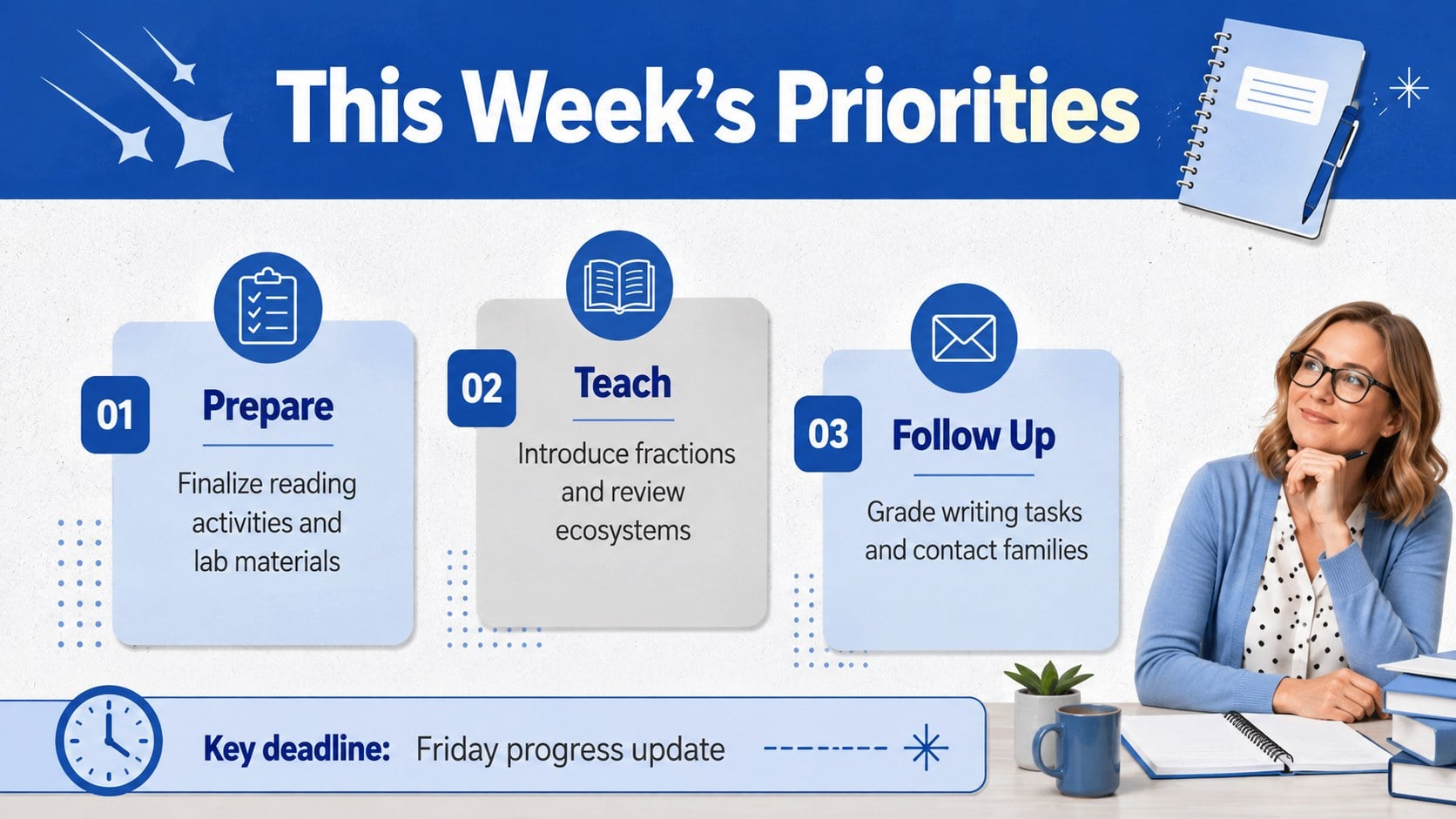
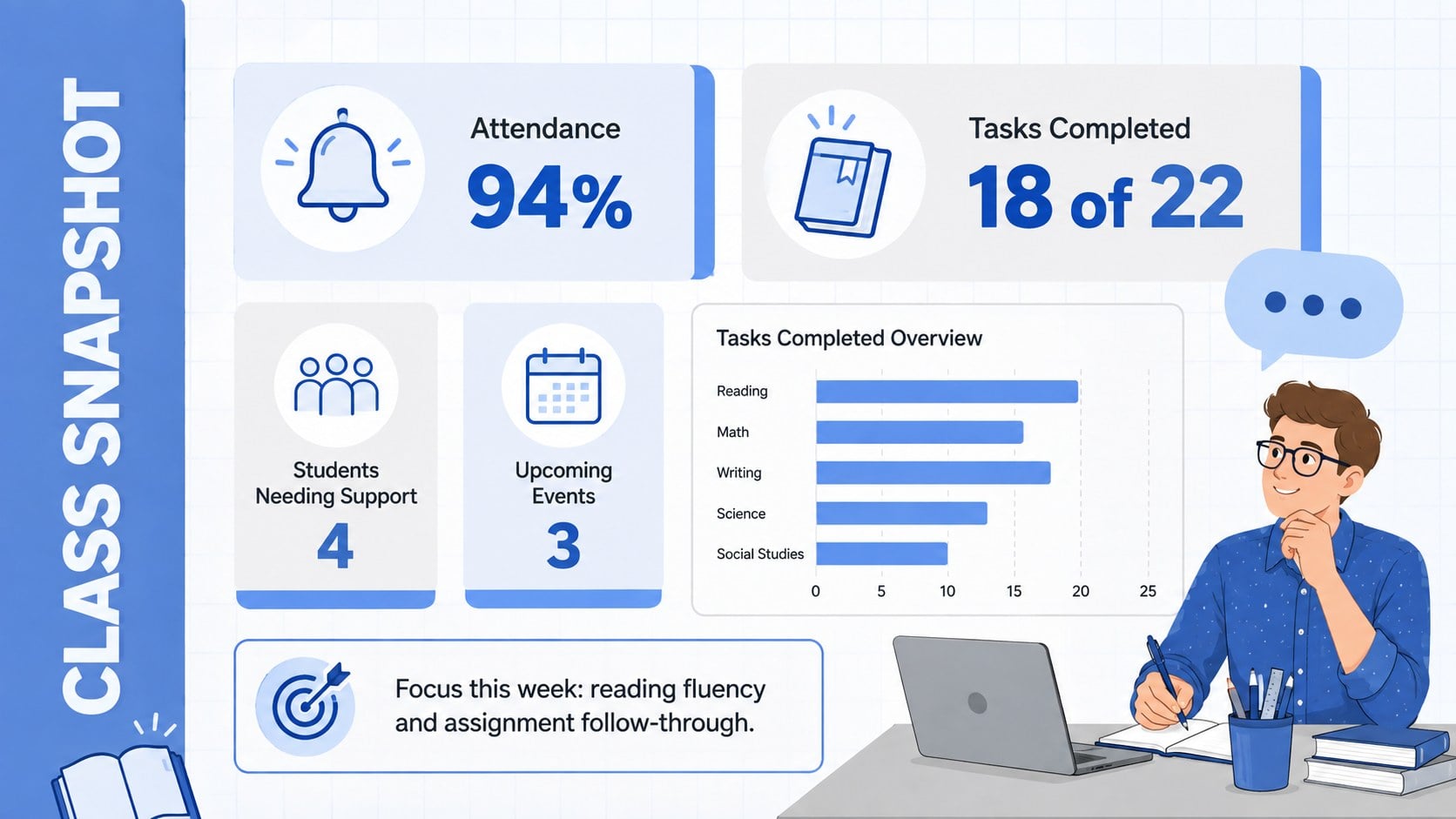
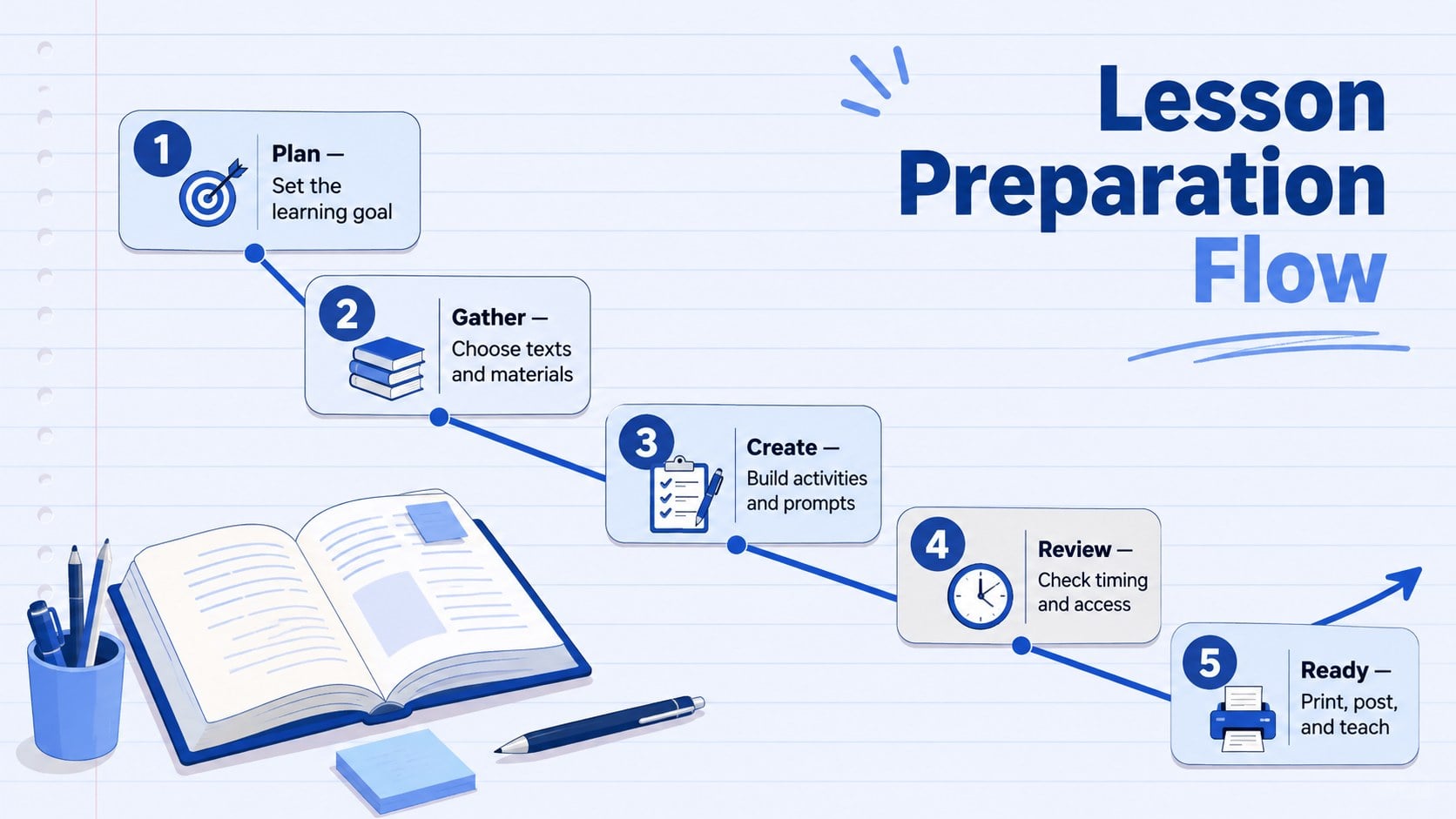
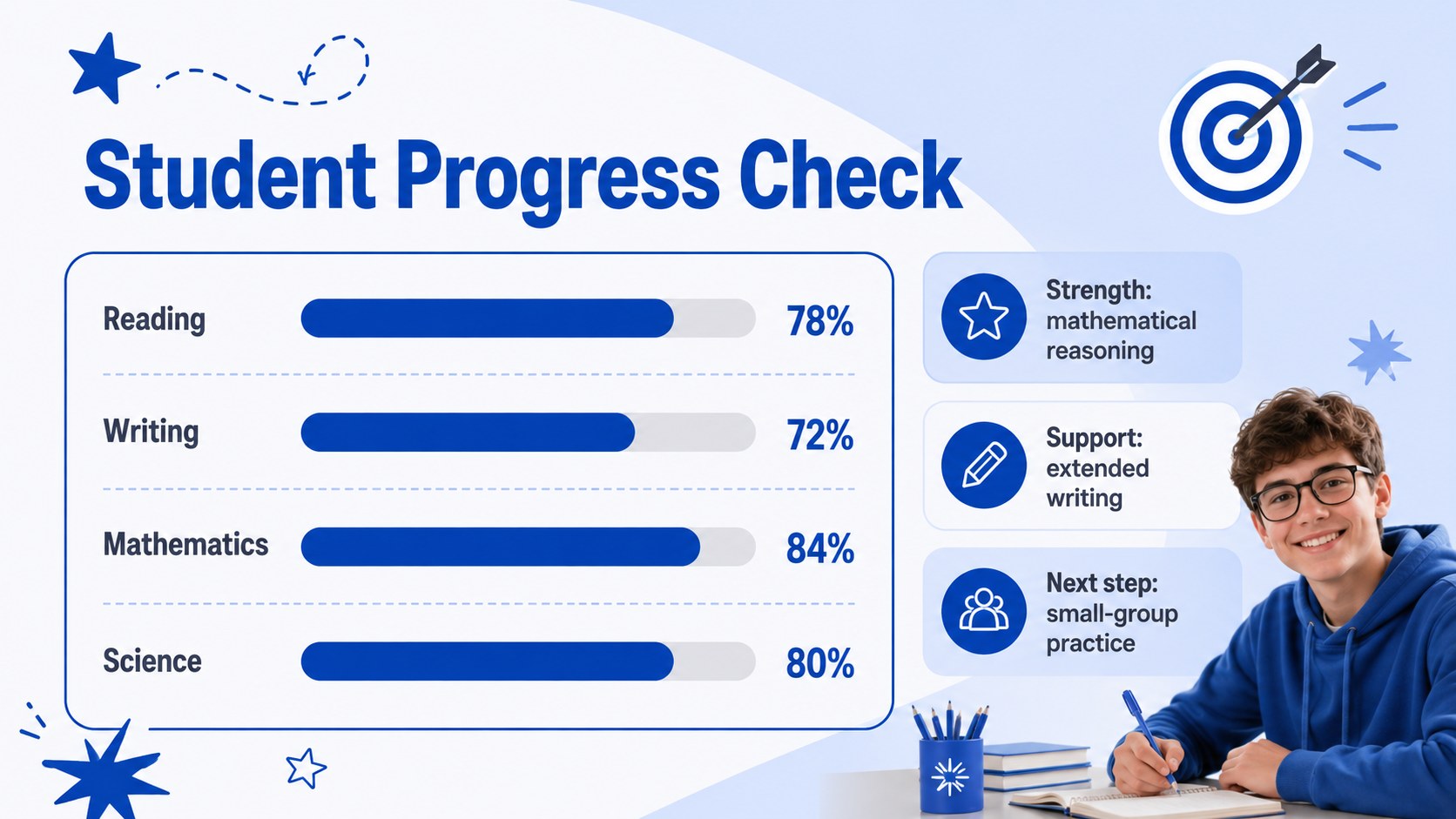
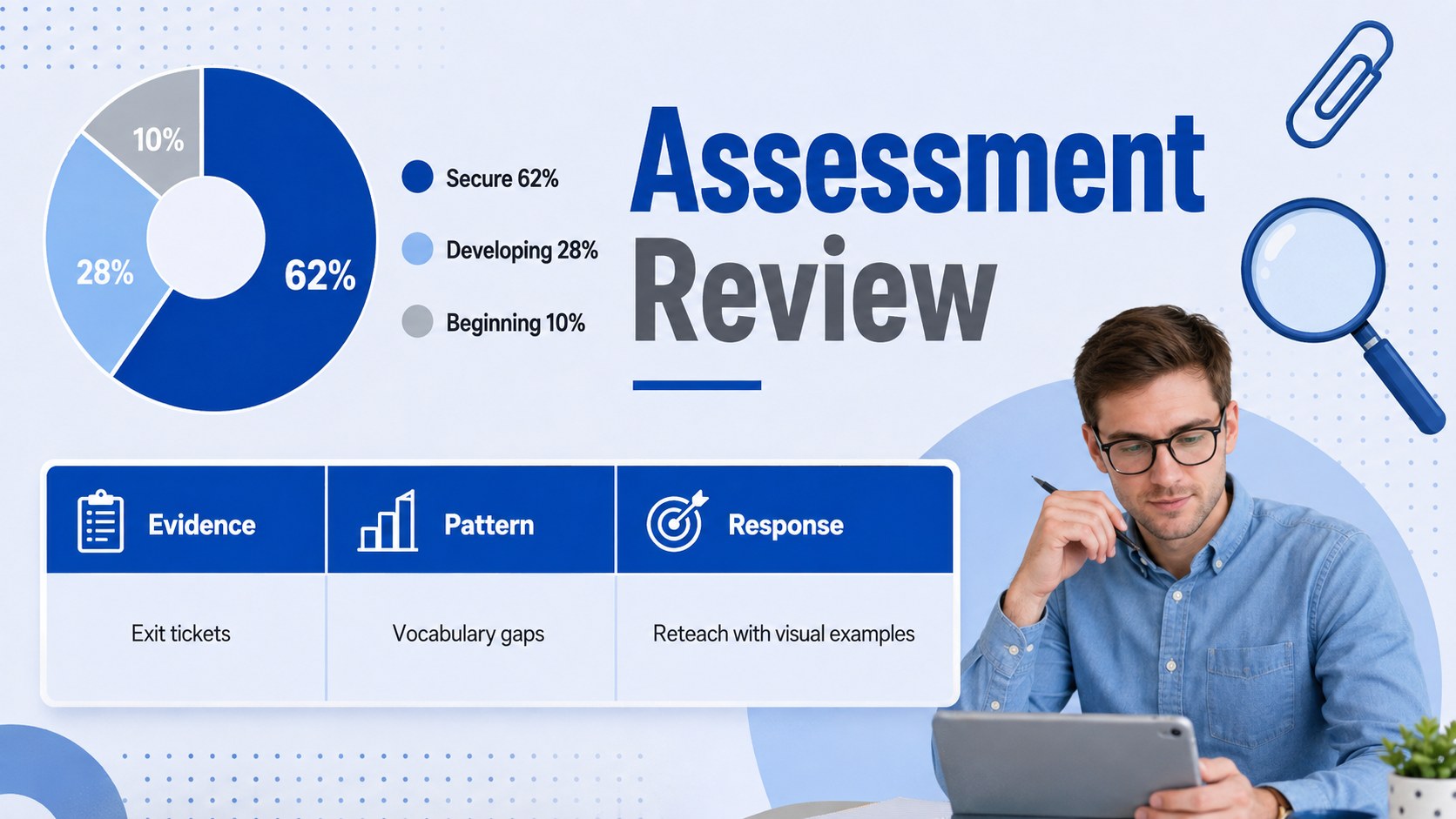
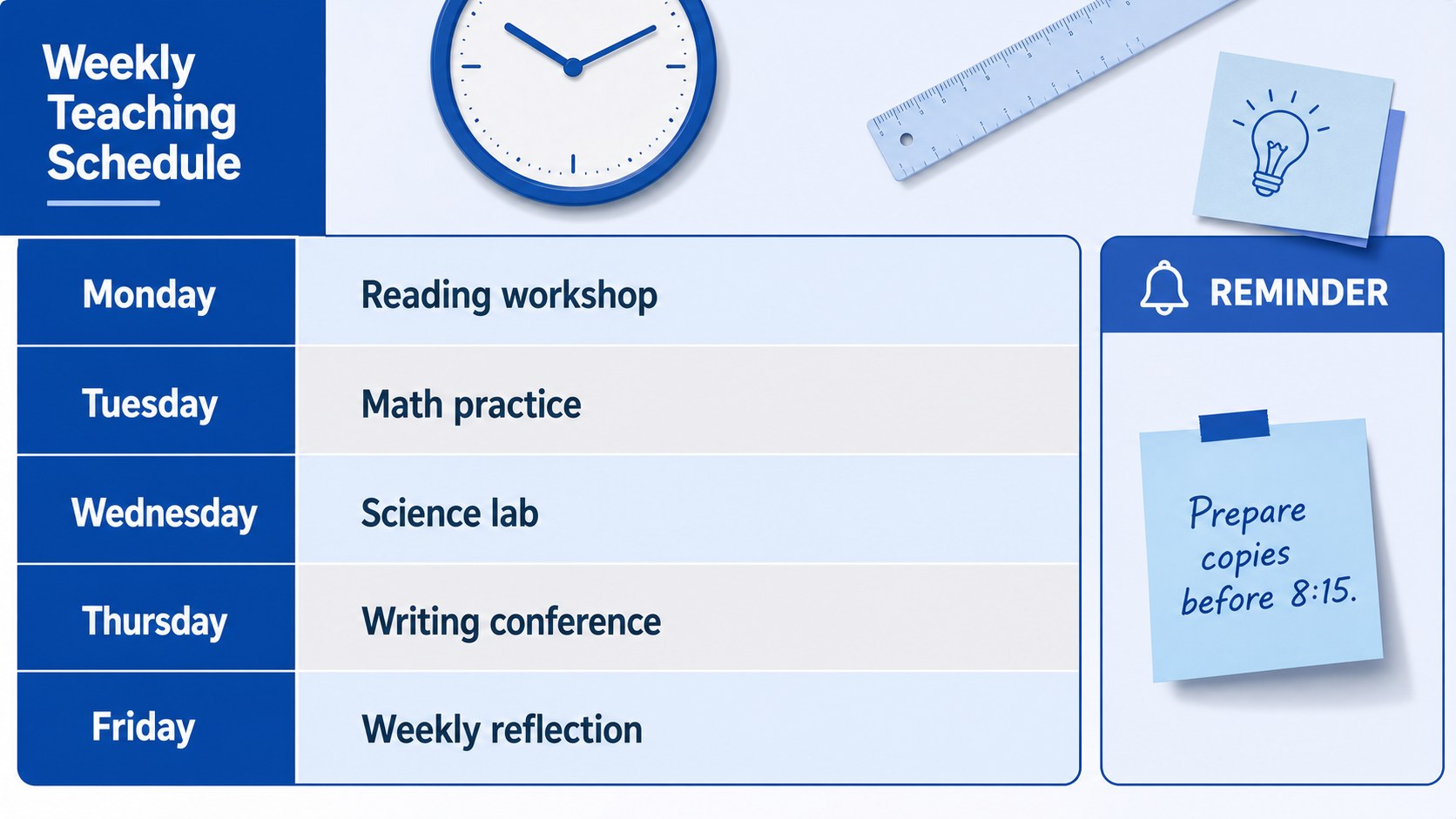
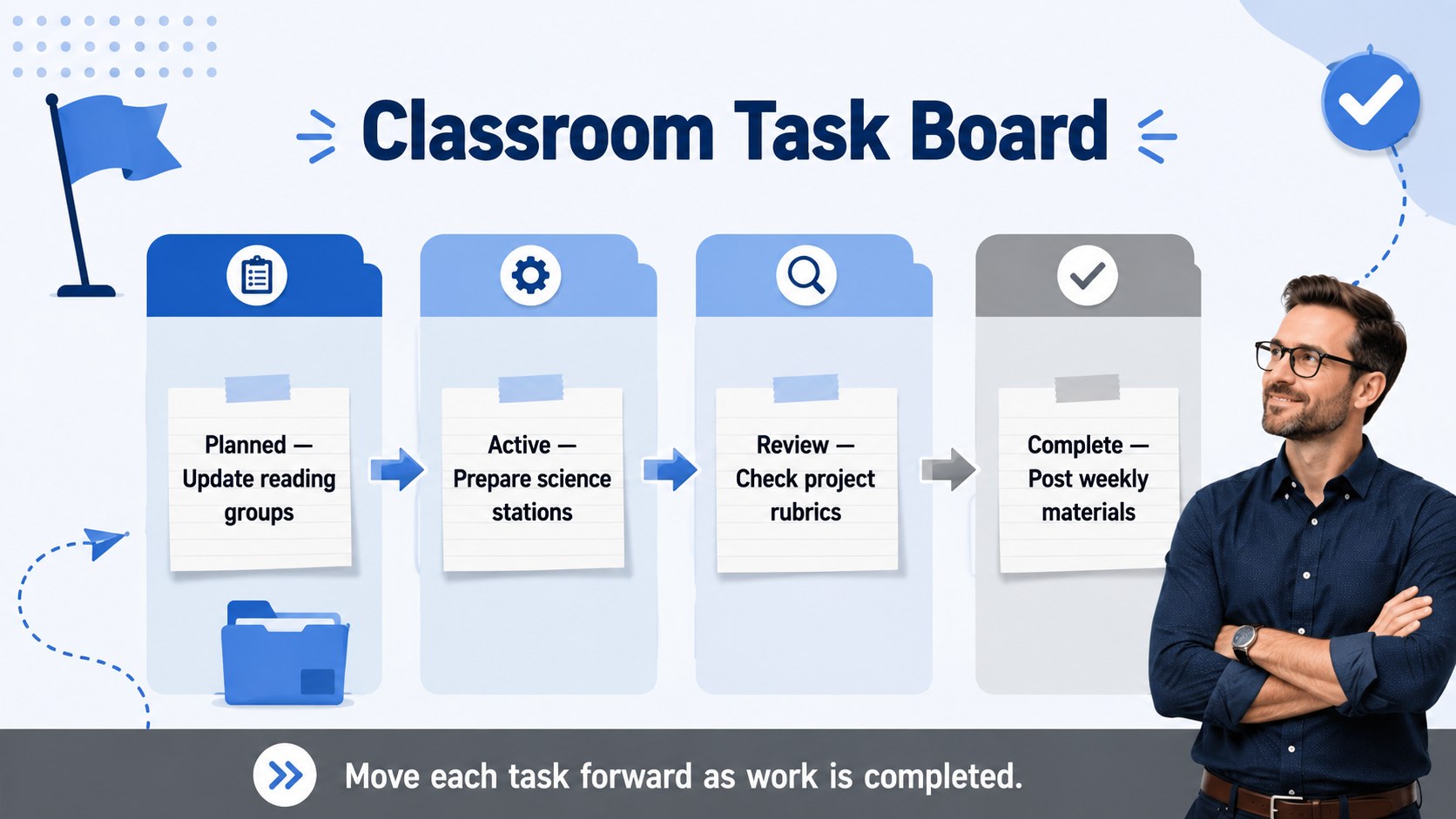
Teacher Workflow Organizer Slides give educators a clear visual system for coordinating lessons, classroom tasks, student updates, and upcoming deadlines. The bold modern design combines pastel blue and grey with crisp typography, structured sections, and approachable school-themed details. Use the deck as a teacher workflow presentation template for personal planning or as a concise overview during team meetings.
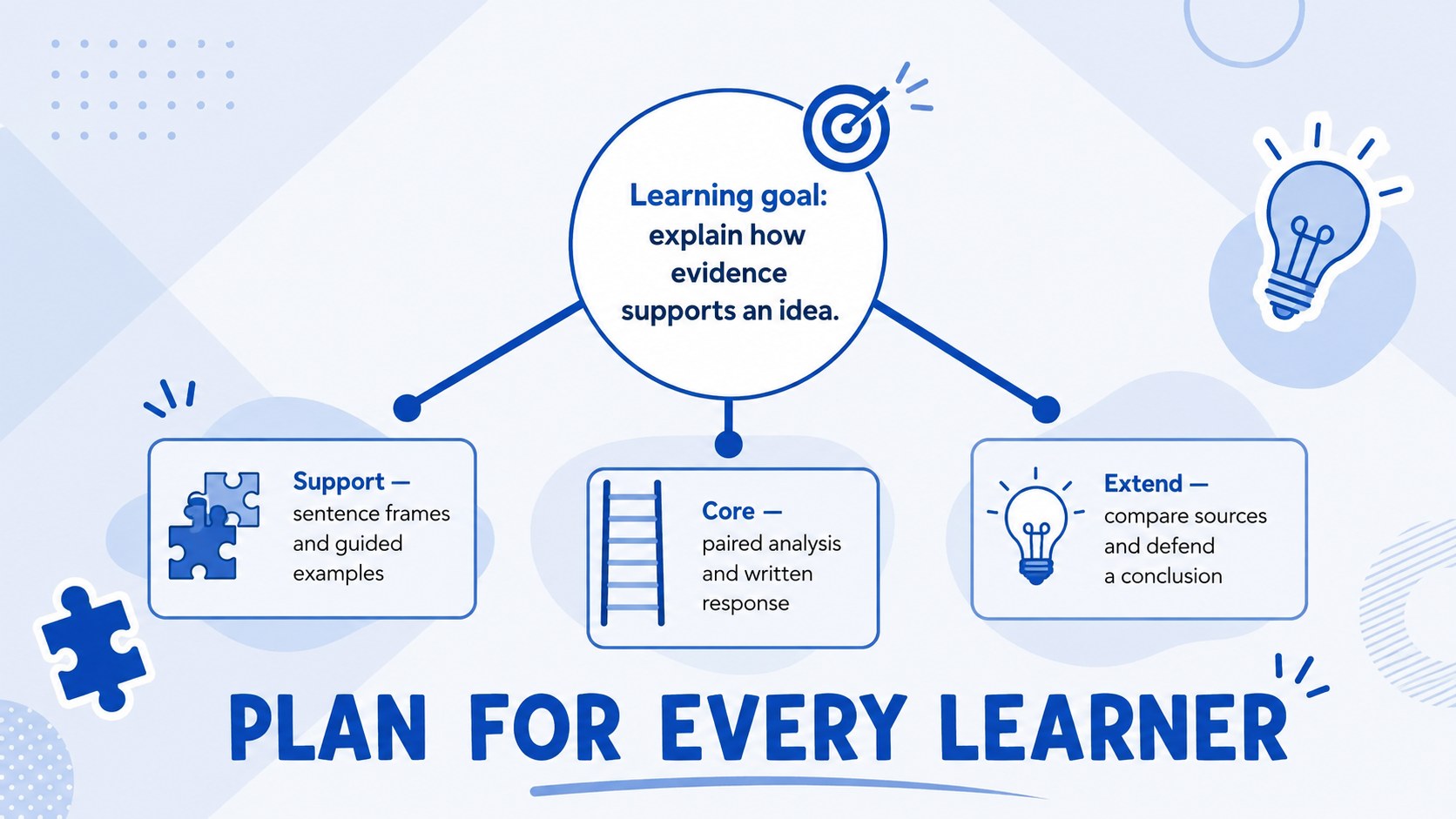
Inside, you will find 15 editable layouts covering weekly priorities, class snapshots, lesson preparation, student progress, assessment results, schedules, task status, differentiated support, family communication, resources, and reflection. A monthly timeline, classroom planning dashboard, and closing summary help turn scattered information into a practical routine. These classroom task management slides are designed for quick scanning while leaving enough room for notes, charts, and action items.
The template is well suited to classroom teachers, department leads, instructional coaches, tutors, and school support teams. It can serve as a student progress monitoring deck, a lesson planning aid, or a reusable agenda for faculty check-ins. Customize the wording, colors, icons, tables, and charts in PowerPoint or Google Slides, then duplicate layouts as your term develops. Every slide uses a widescreen 16:9 format for classroom displays, staff presentations, and online meetings.
Perfect for: weekly classroom planning; student progress review; lesson preparation tracking; school staff check-in; assessment data summary; family communication planning.
Frequently asked questions
Can I edit every part of this presentation? Yes. Text, colors, icons, tables, charts, and layout elements can be adjusted to match your classroom routines and school identity. You can also duplicate or remove slides as your planning needs change.
Practical details
Yes. Text, colors, icons, tables, charts, and layout elements can be adjusted to match your classroom routines and school identity. You can also duplicate or remove slides as your planning needs change.
The template is designed for PowerPoint and Google Slides. Both platforms support the core layouts, editable text, shapes, and standard presentation formatting.
Replace the sample labels with your subjects, learning goals, assessment categories, and student groups. Simplify the dashboards for younger grades or add detailed metrics and deadlines for secondary classrooms.
Yes. Keep a master copy, then duplicate the weekly, progress, and reflection layouts for each planning cycle. The monthly timeline and dashboard can also be updated as priorities shift.
Keep exploring
15Build stronger academic arguments with a college essay thesis builder featuring guided examples, revision prompts, and editable PowerPoint and Google Slides.
 15
15Build an engaging World UFO Day session with this flying saucer history lesson deck, featuring retro green-and-brown slides for PowerPoint and Google Slides.
 14
14Plan a memorable Lunar New Year campaign with the 2036 Dragon Year Celebration Theme, featuring bold red-and-yellow slides for lessons and events.
 15
15Build a thoughtful classroom discussion with this interfaith awareness lesson deck, featuring editable blue-and-white slides for PowerPoint and Google Slides.
 15
15Use this environmental awareness lesson deck to teach climate action through illustrated activities, discussion prompts, and ready-to-edit visuals.
 15
15Build playful lessons and party stories with a kid-friendly zombie celebration theme in purple, green and pastel blue for PowerPoint and Google Slides.
 15
15Build eerie lessons, campaigns, and story pitches with an undead survival scenario theme featuring editable slides for PowerPoint and Google Slides.
 16
16Turn environmental research into a clear story with a Watercolor Ecology Presentation Theme for PowerPoint and Google Slides in calming green and blue.