
 15
15presentation
College Essay Thesis Builder Slides
Build stronger academic arguments with a college essay thesis builder featuring guided examples, revision prompts, and editable PowerPoint and Google Slides.
Google SlidesPowerPoint
document · English
Create polished teacher application letter slides for school applications with editable layouts, a calm beige palette, and export-ready PowerPoint or Google…

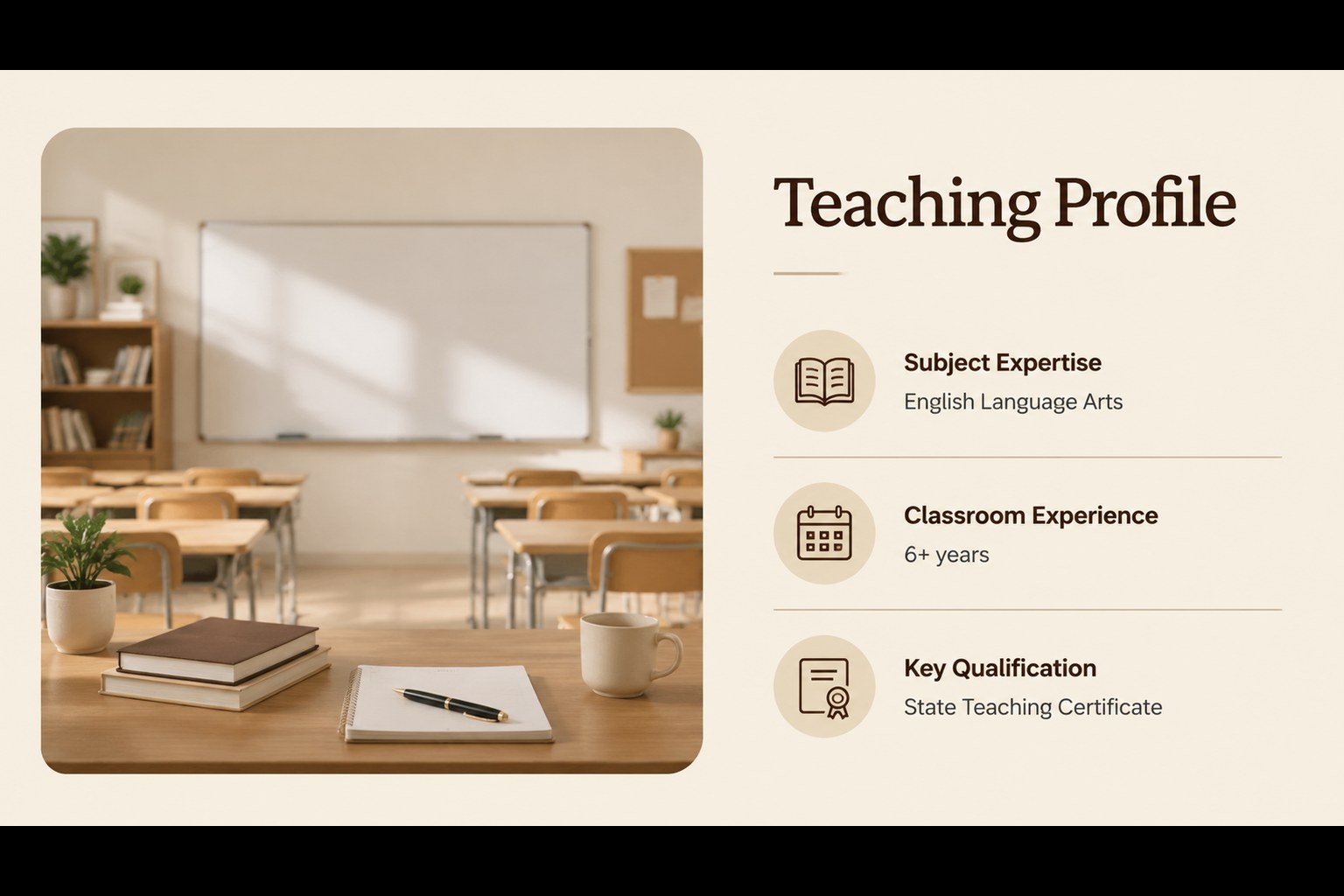
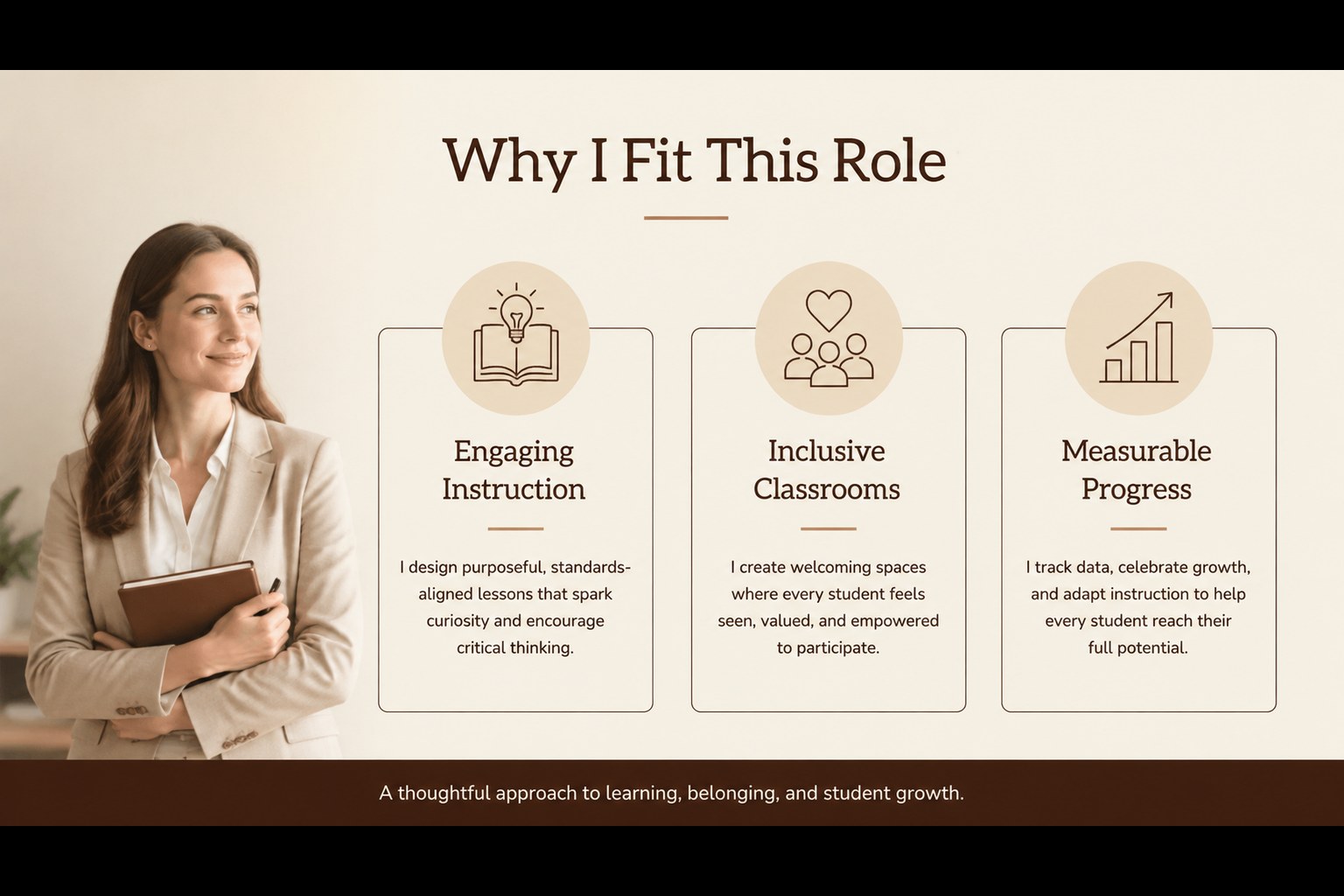
Design notes
Teacher application letter slides give educators a focused way to introduce their experience, teaching strengths, and interest in a specific role. The calm beige palette and minimal composition keep attention on your message while adding a polished, professional feel to your application.
Inside, you will find a cover slide for your introduction, a profile layout for qualifications and classroom experience, a tailored pitch slide for matching your skills to a vacancy, and a closing slide for contact details or an interview request. Use the layouts to build a teacher portfolio presentation, support an internal application, or make a memorable introduction when changing schools.
This deck is designed for teachers, tutors, substitute educators, department leads, and recent graduates entering the education field. Replace the sample copy with your subject area, certifications, achievements, preferred age group, and availability. The structure also works well as a visual companion to a traditional CV or formal application letter. Edit the file in PowerPoint or Google Slides, adjust fonts and accent colors, then export it as a PDF for email submissions or print handouts. The layouts are easy to adapt while retaining a refined, neutral visual system.
Perfect for: school teaching application; academy instructor introduction; internal education role transfer; substitute teacher pitch; teacher interview presentation.
Frequently asked questions
Can I edit these slides in PowerPoint? Yes. The layouts are designed for PowerPoint editing, so you can replace text, adjust typography, and update the color accents. Export the finished deck as a PDF for applications or email.
Practical details
Yes. The layouts are designed for PowerPoint editing, so you can replace text, adjust typography, and update the color accents. Export the finished deck as a PDF for applications or email.
Yes, you can open and customize the presentation in Google Slides. Review spacing and font substitutions after importing, then update the content with your own teaching history and contact details.
Include your subject expertise, qualifications, classroom experience, teaching approach, notable results, and availability. Tailor the opening and closing messages to the school or role so the presentation feels specific rather than generic.
Yes. You can change the accent colors, fonts, photographs, and wording while preserving the minimal structure. A restrained palette works especially well for formal school applications and educator portfolios.
Keep exploring
15Build stronger academic arguments with a college essay thesis builder featuring guided examples, revision prompts, and editable PowerPoint and Google Slides.
 15
15Build an engaging World UFO Day session with this flying saucer history lesson deck, featuring retro green-and-brown slides for PowerPoint and Google Slides.
 14
14Plan a memorable Lunar New Year campaign with the 2036 Dragon Year Celebration Theme, featuring bold red-and-yellow slides for lessons and events.
 15
15Build a thoughtful classroom discussion with this interfaith awareness lesson deck, featuring editable blue-and-white slides for PowerPoint and Google Slides.
 15
15Use this environmental awareness lesson deck to teach climate action through illustrated activities, discussion prompts, and ready-to-edit visuals.
 15
15Build playful lessons and party stories with a kid-friendly zombie celebration theme in purple, green and pastel blue for PowerPoint and Google Slides.
 15
15Build eerie lessons, campaigns, and story pitches with an undead survival scenario theme featuring editable slides for PowerPoint and Google Slides.
 16
16Turn environmental research into a clear story with a Watercolor Ecology Presentation Theme for PowerPoint and Google Slides in calming green and blue.