
 15
15presentation
College Essay Thesis Builder Slides
Build stronger academic arguments with a college essay thesis builder featuring guided examples, revision prompts, and editable PowerPoint and Google Slides.
Google SlidesPowerPoint
presentation · English
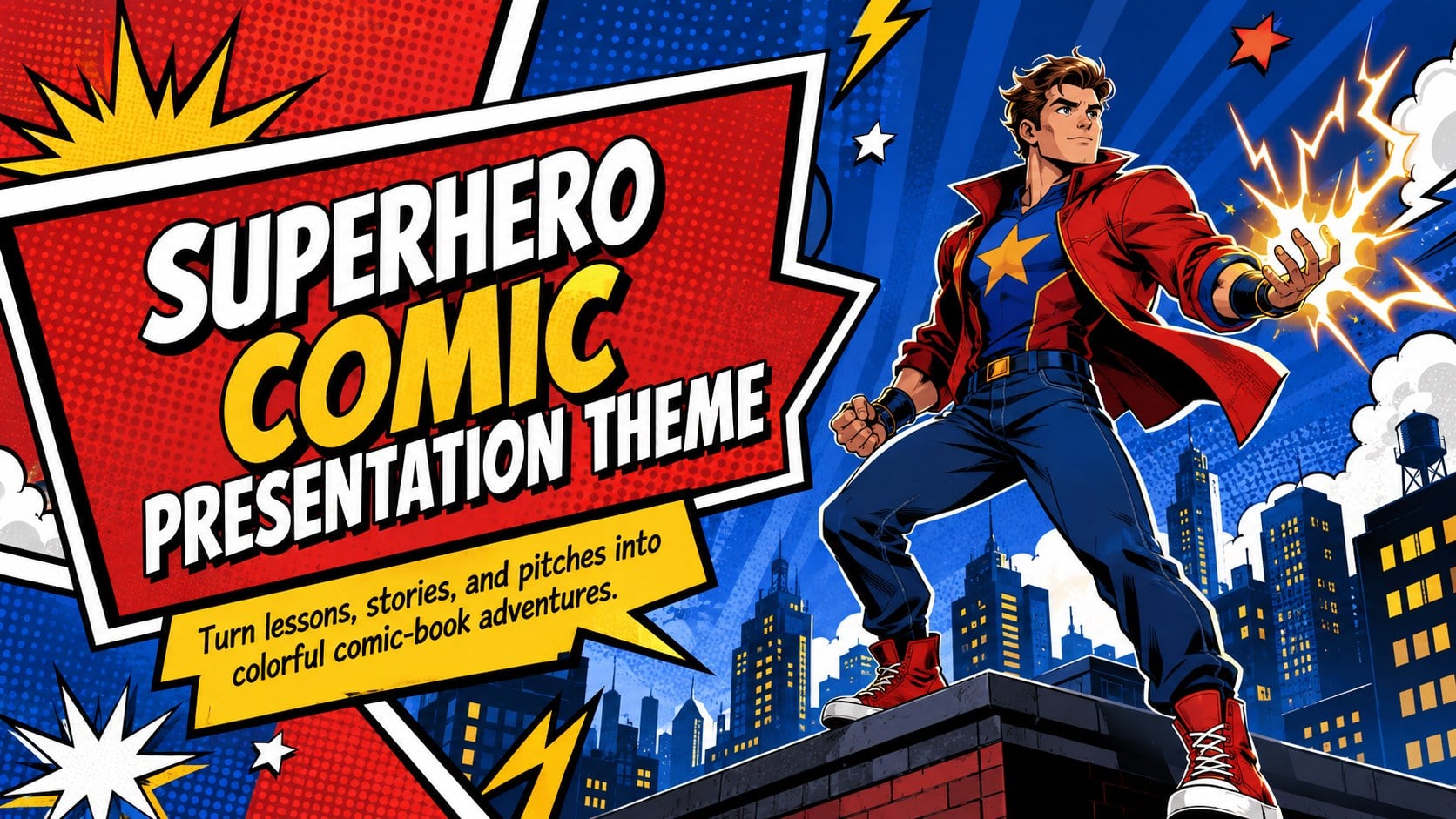
Build energetic stories with a superhero comic presentation theme featuring bold halftones, vivid primary colors, and layouts for class or creative pitches.

Design notes
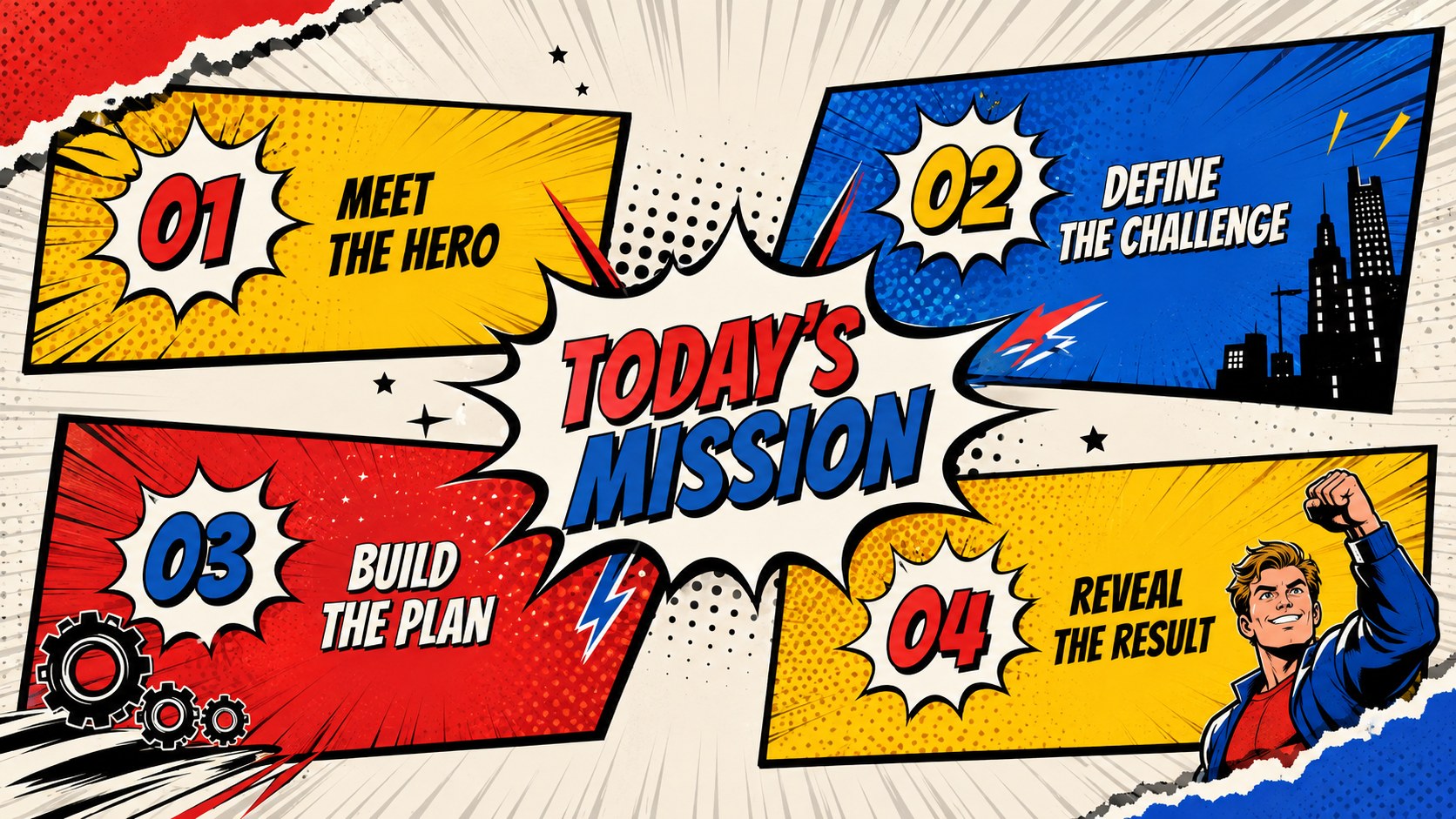
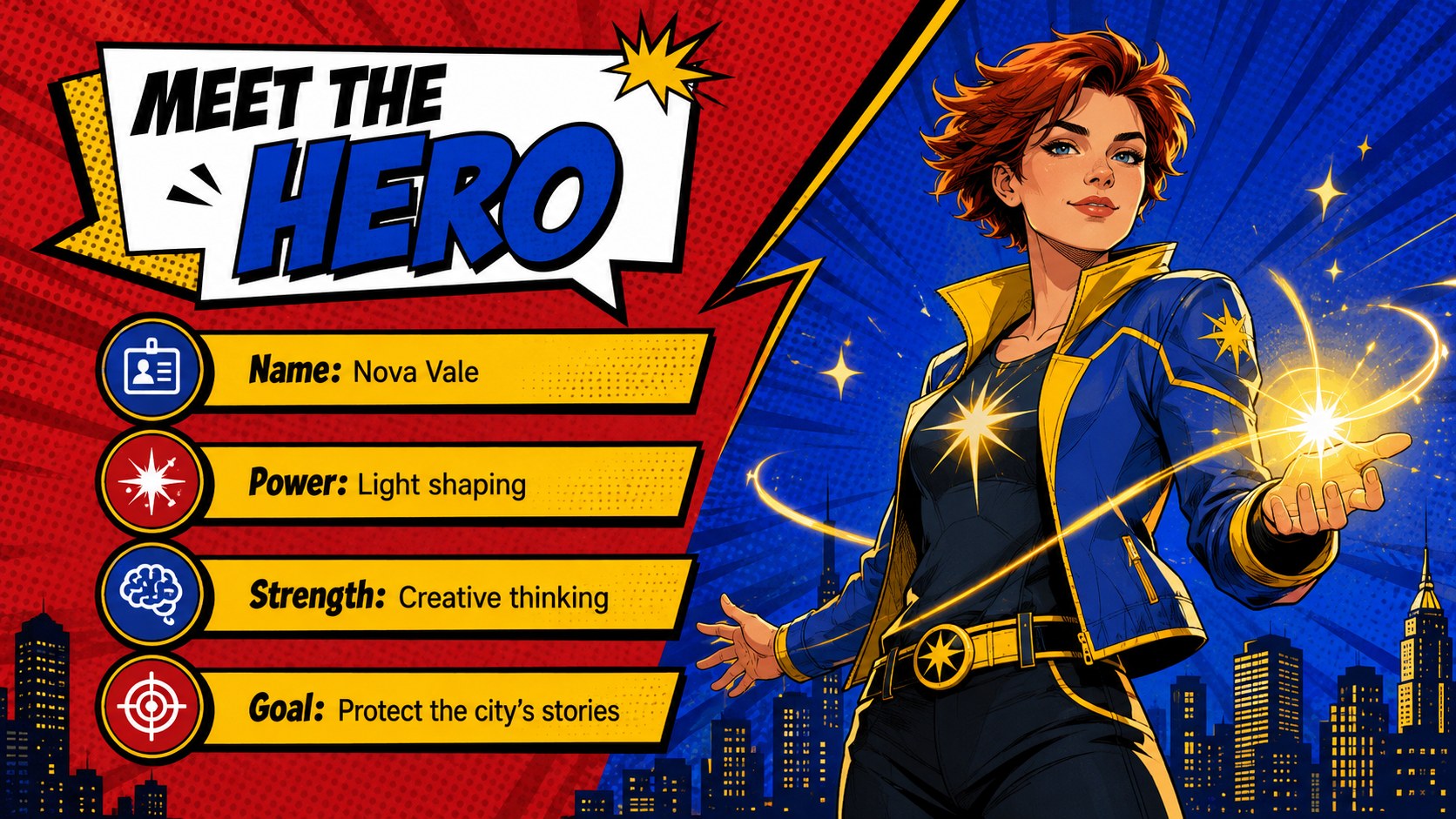
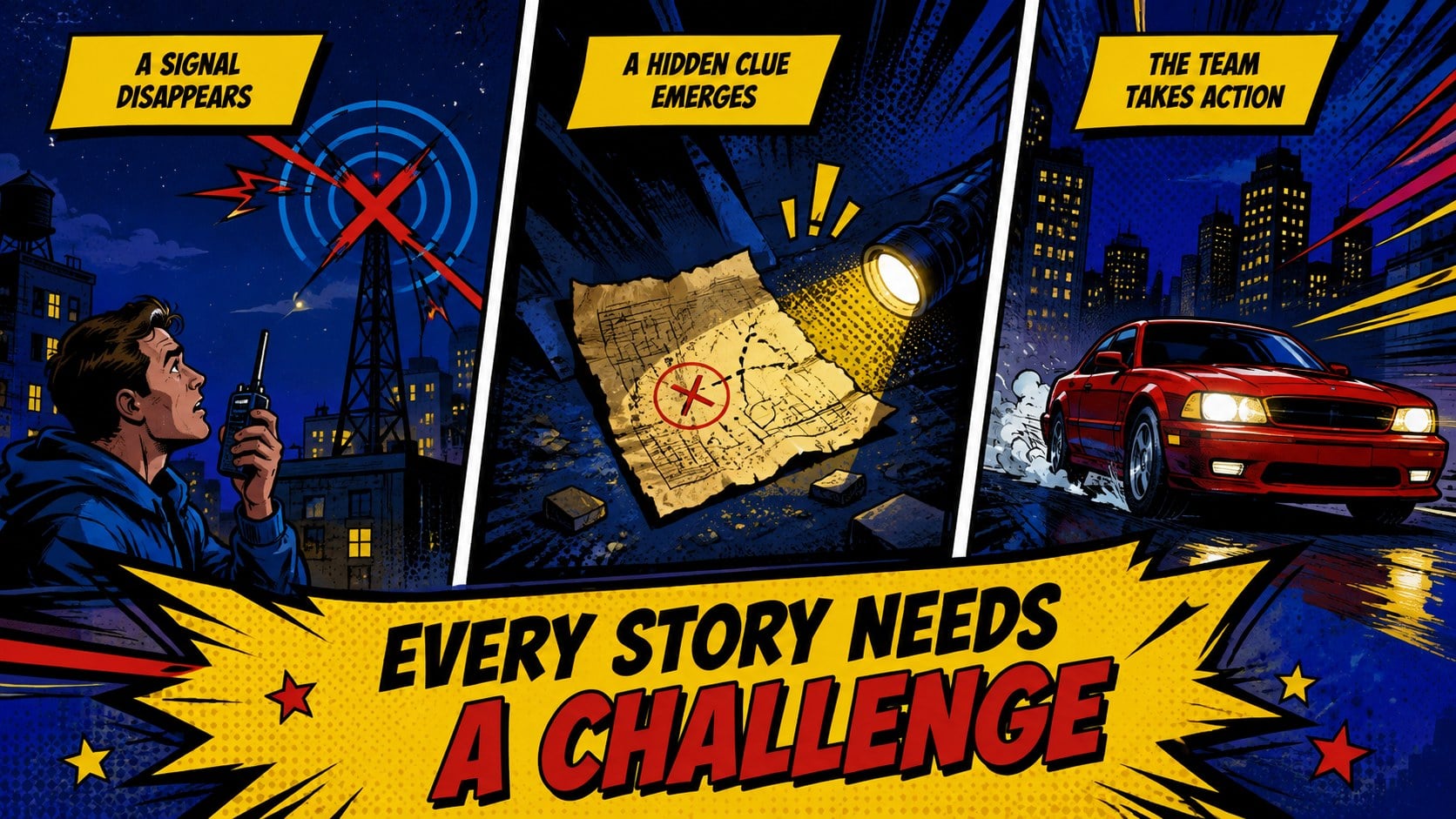
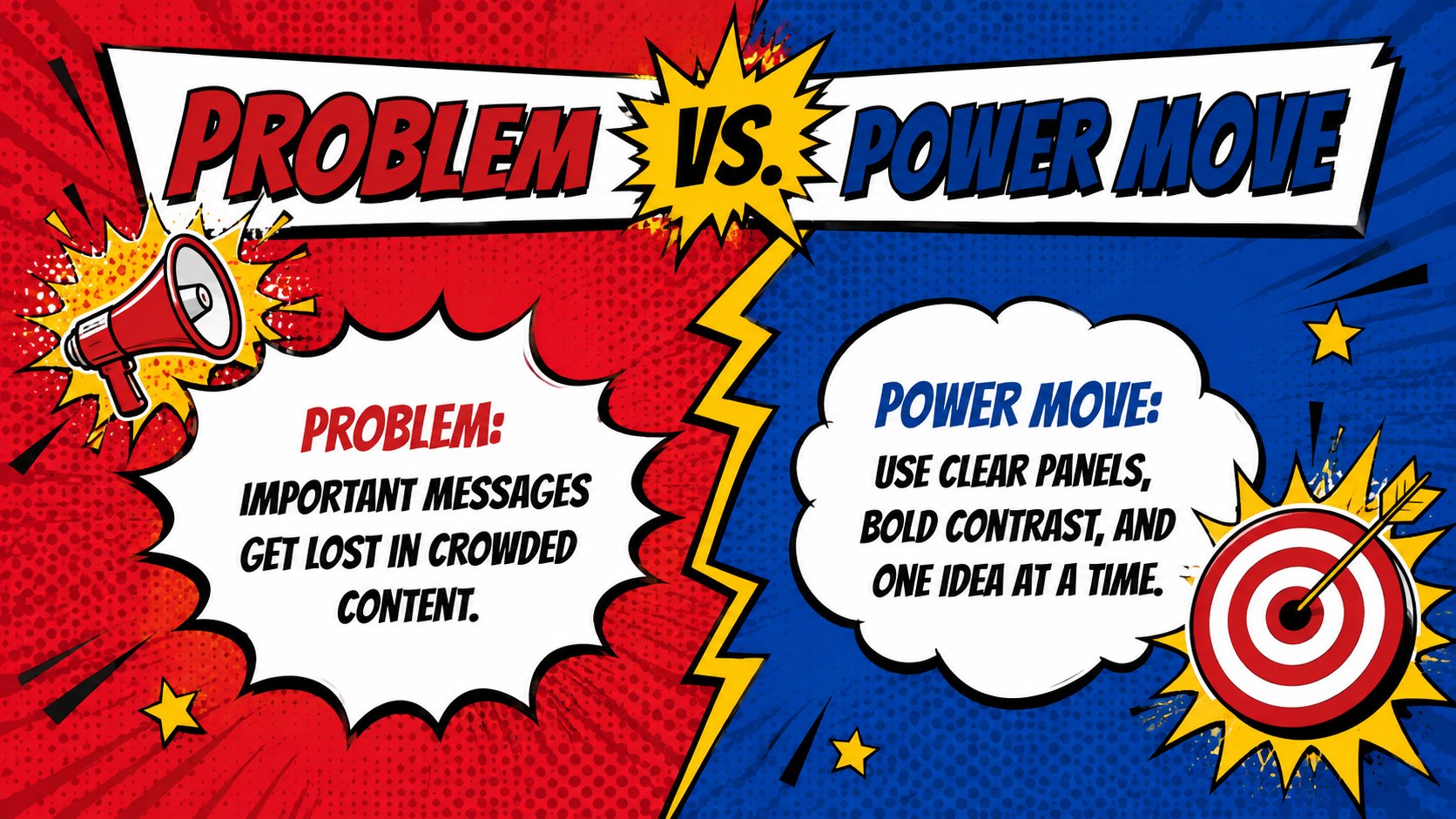
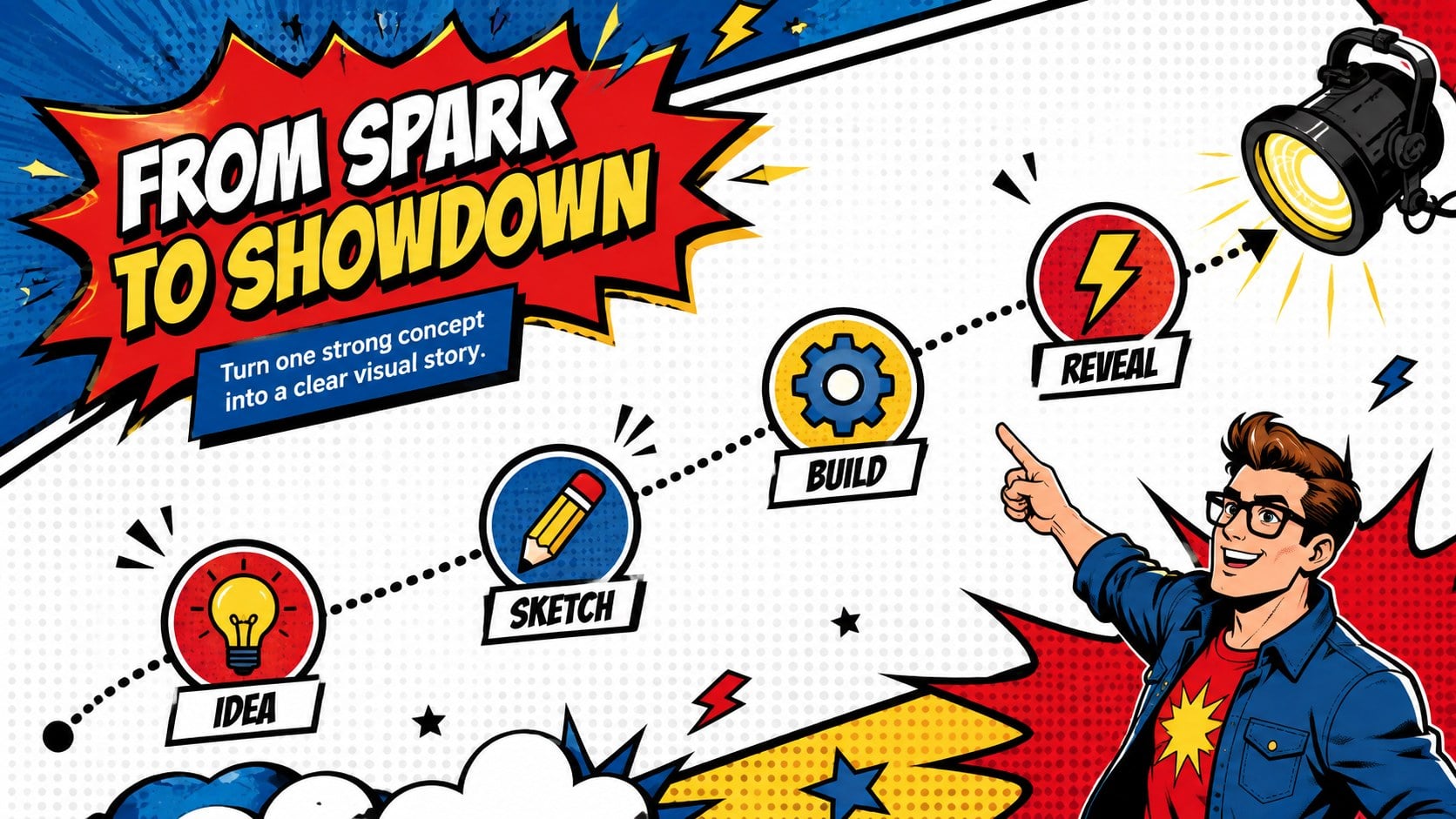
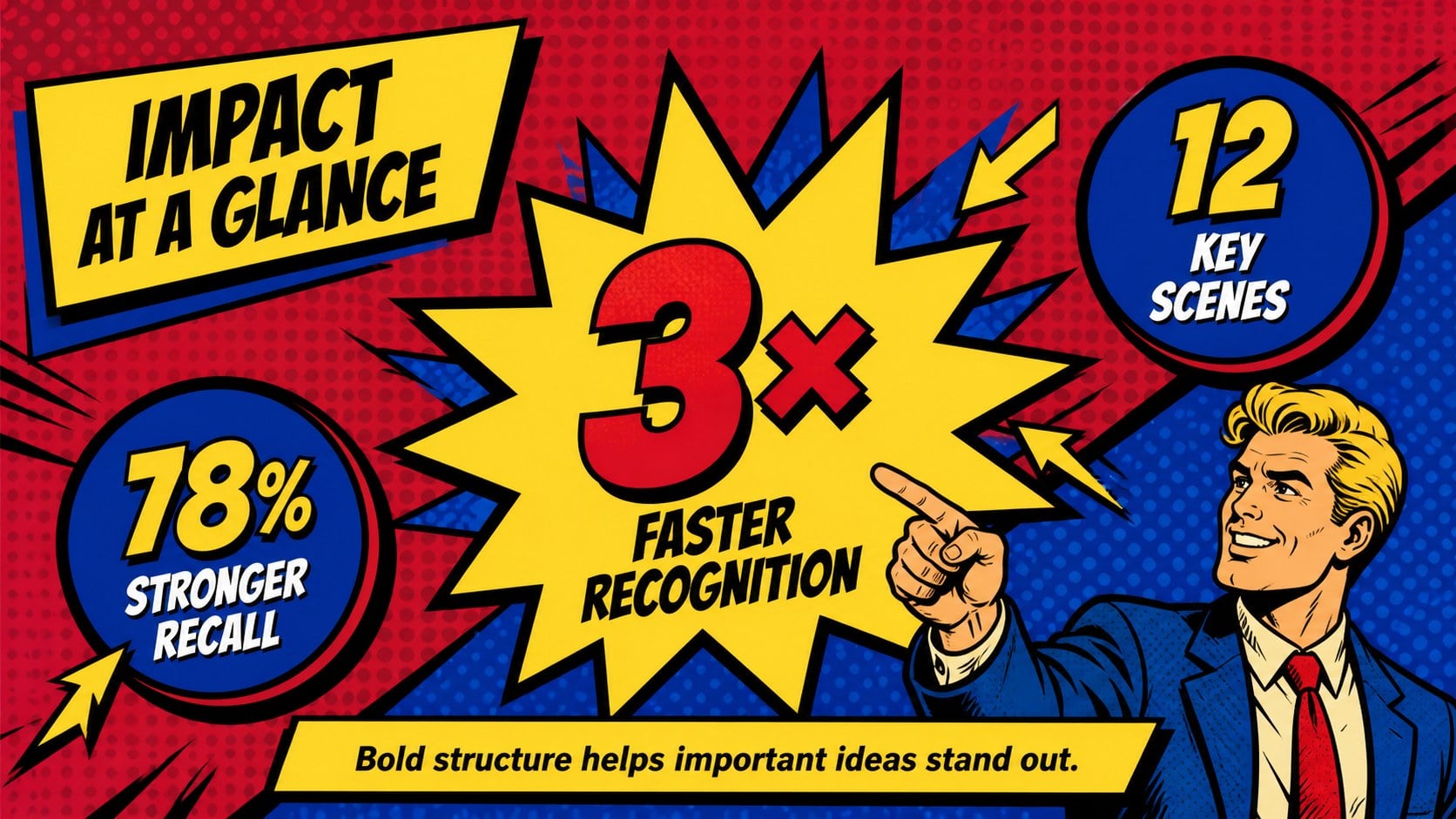
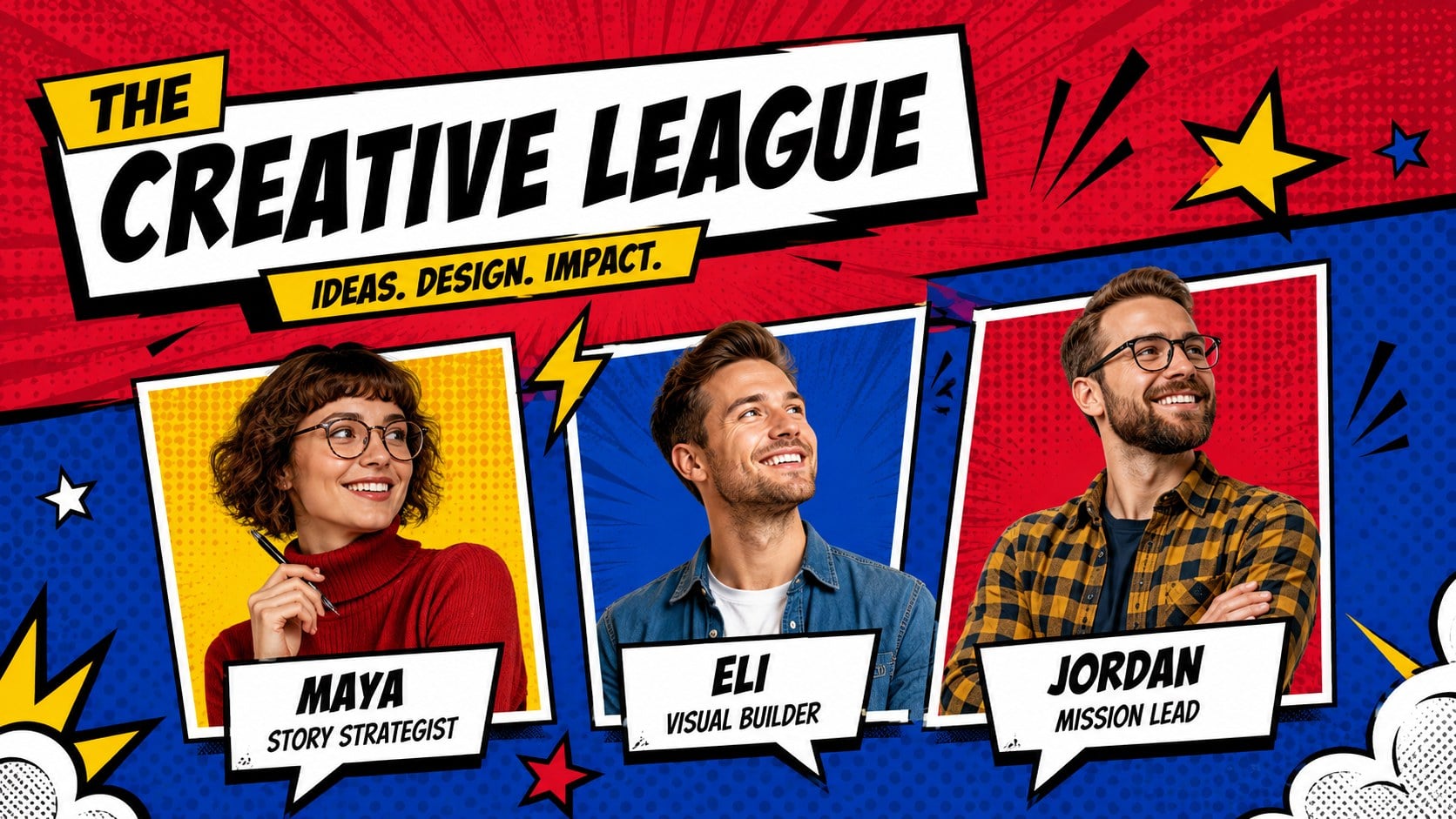
Give everyday ideas the pace and visual impact of an illustrated adventure with this superhero comic presentation theme. Its vivid red, blue, and yellow palette combines halftone shading, energetic typography, speech bubbles, angular panels, and original action-inspired graphics. The result feels playful and cinematic while keeping titles, facts, and key messages easy to follow.
Inside, you will find more than 25 customizable layouts for opening scenes, character profiles, story chapters, comparisons, timelines, statistics, project plans, quotes, and closing messages. These comic book slides for PowerPoint also include editable shapes, charts, frames, and text areas, helping you adapt the deck without specialist design software. Motion-friendly compositions make it simple to add transitions or reveal content panel by panel.
Use the superhero Google Slides template for imaginative classroom reports, student storytelling, creative agency concepts, entertainment pitches, nonprofit campaigns, or pop-culture presentations. Teachers can turn a lesson into a visual mission, while marketers and creators can organize a campaign around challenges, turning points, and results. Every slide is editable in PowerPoint and Google Slides, so colors, type, illustrations, and page order can be adjusted to suit the audience. The halftone presentation design works especially well when concise copy, oversized numbers, and strong visual contrasts are needed.
Perfect for: student superhero story; pop art classroom lesson; creative campaign pitch; comic character profile; nonprofit action campaign; entertainment project proposal.
Frequently asked questions
Can I edit every element in the presentation? Yes. Text, colors, shapes, charts, and layout elements can be customized, while illustrations may be moved, resized, or replaced depending on their format.
Practical details
Yes. Text, colors, shapes, charts, and layout elements can be customized, while illustrations may be moved, resized, or replaced depending on their format.
The template is designed for Microsoft PowerPoint and Google Slides. Import it into your preferred platform, then check font availability and animation timing before presenting.
Change the primary colors, swap the display font, and adjust halftone patterns to match your project. Keep body copy brief and use speech bubbles or action bursts for the most important messages.
Yes. The colorful layouts work well for book reports, history projects, creative writing, media studies, and group activities. Teachers can simplify decorative elements when a quieter reading experience is needed.
Keep exploring
15Build stronger academic arguments with a college essay thesis builder featuring guided examples, revision prompts, and editable PowerPoint and Google Slides.
 15
15Build an engaging World UFO Day session with this flying saucer history lesson deck, featuring retro green-and-brown slides for PowerPoint and Google Slides.
 14
14Plan a memorable Lunar New Year campaign with the 2036 Dragon Year Celebration Theme, featuring bold red-and-yellow slides for lessons and events.
 15
15Build a thoughtful classroom discussion with this interfaith awareness lesson deck, featuring editable blue-and-white slides for PowerPoint and Google Slides.
 15
15Use this environmental awareness lesson deck to teach climate action through illustrated activities, discussion prompts, and ready-to-edit visuals.
 15
15Build playful lessons and party stories with a kid-friendly zombie celebration theme in purple, green and pastel blue for PowerPoint and Google Slides.
 15
15Build eerie lessons, campaigns, and story pitches with an undead survival scenario theme featuring editable slides for PowerPoint and Google Slides.
 16
16Turn environmental research into a clear story with a Watercolor Ecology Presentation Theme for PowerPoint and Google Slides in calming green and blue.