
 15
15presentation
College Essay Thesis Builder Slides
Build stronger academic arguments with a college essay thesis builder featuring guided examples, revision prompts, and editable PowerPoint and Google Slides.
Google SlidesPowerPoint
presentation · English
Turn weekly news into a clear, cheerful update with sunny classroom bulletin slides for parent communication, class highlights, dates, and reminders.

Design notes
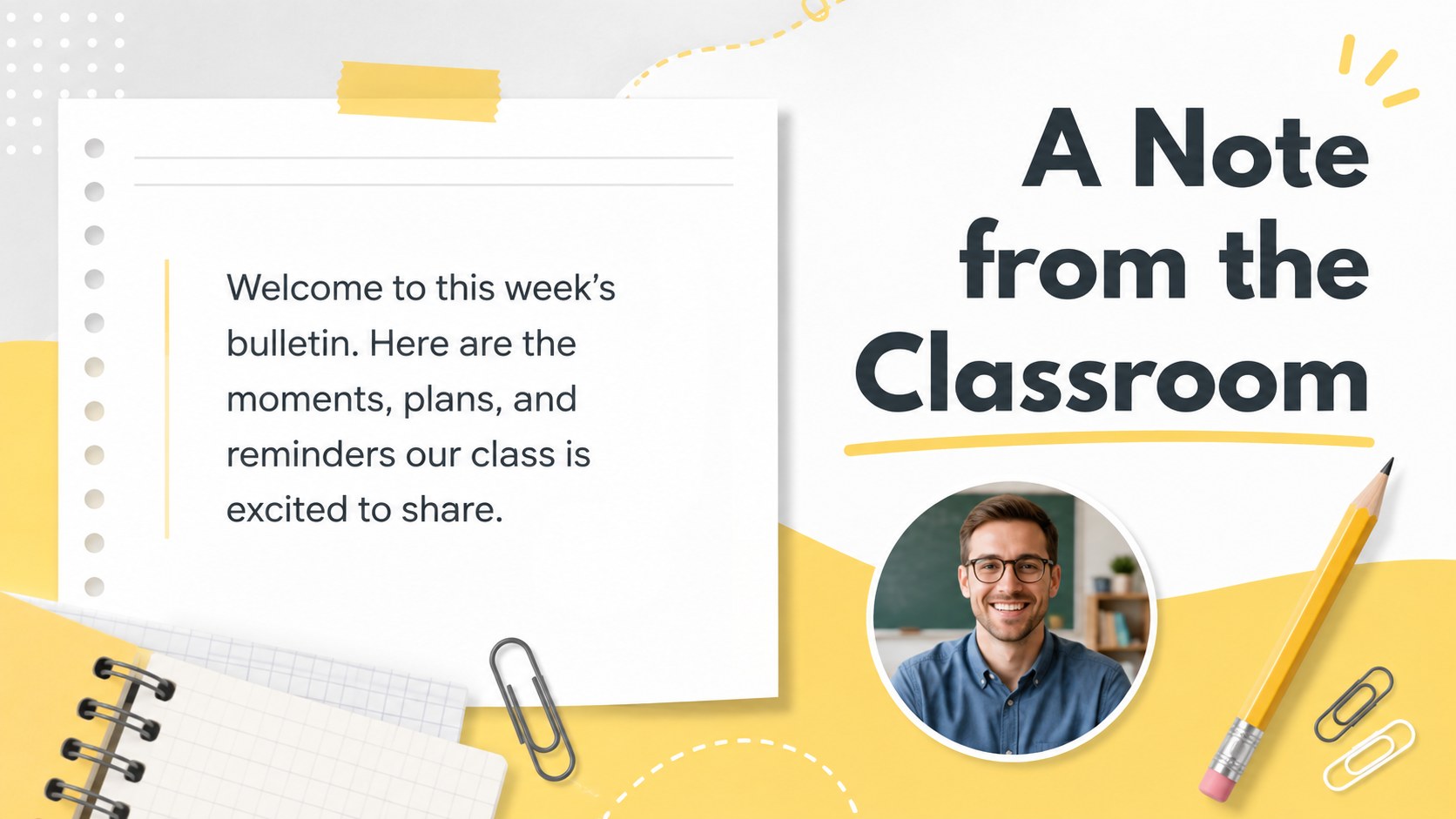
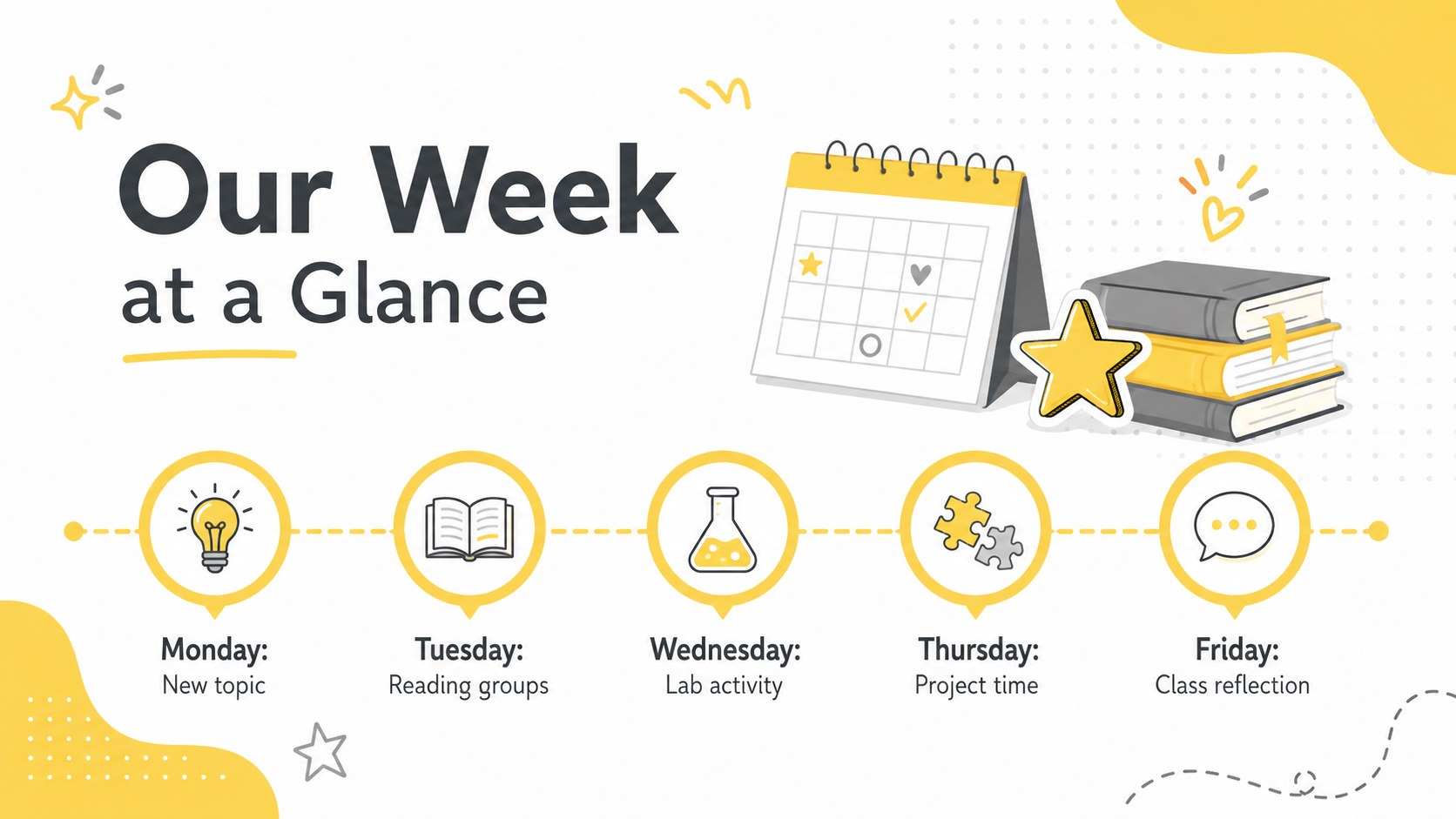
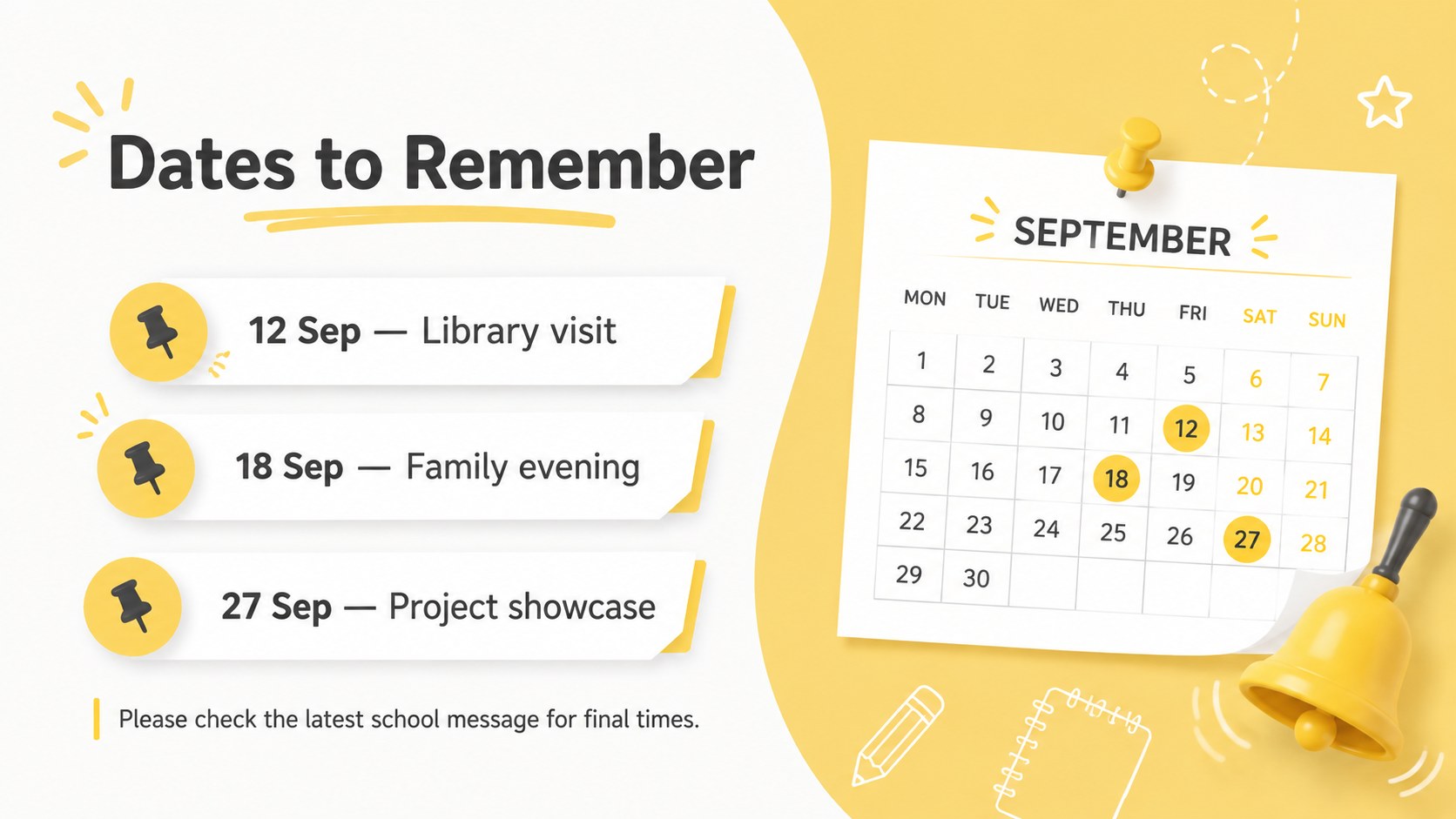
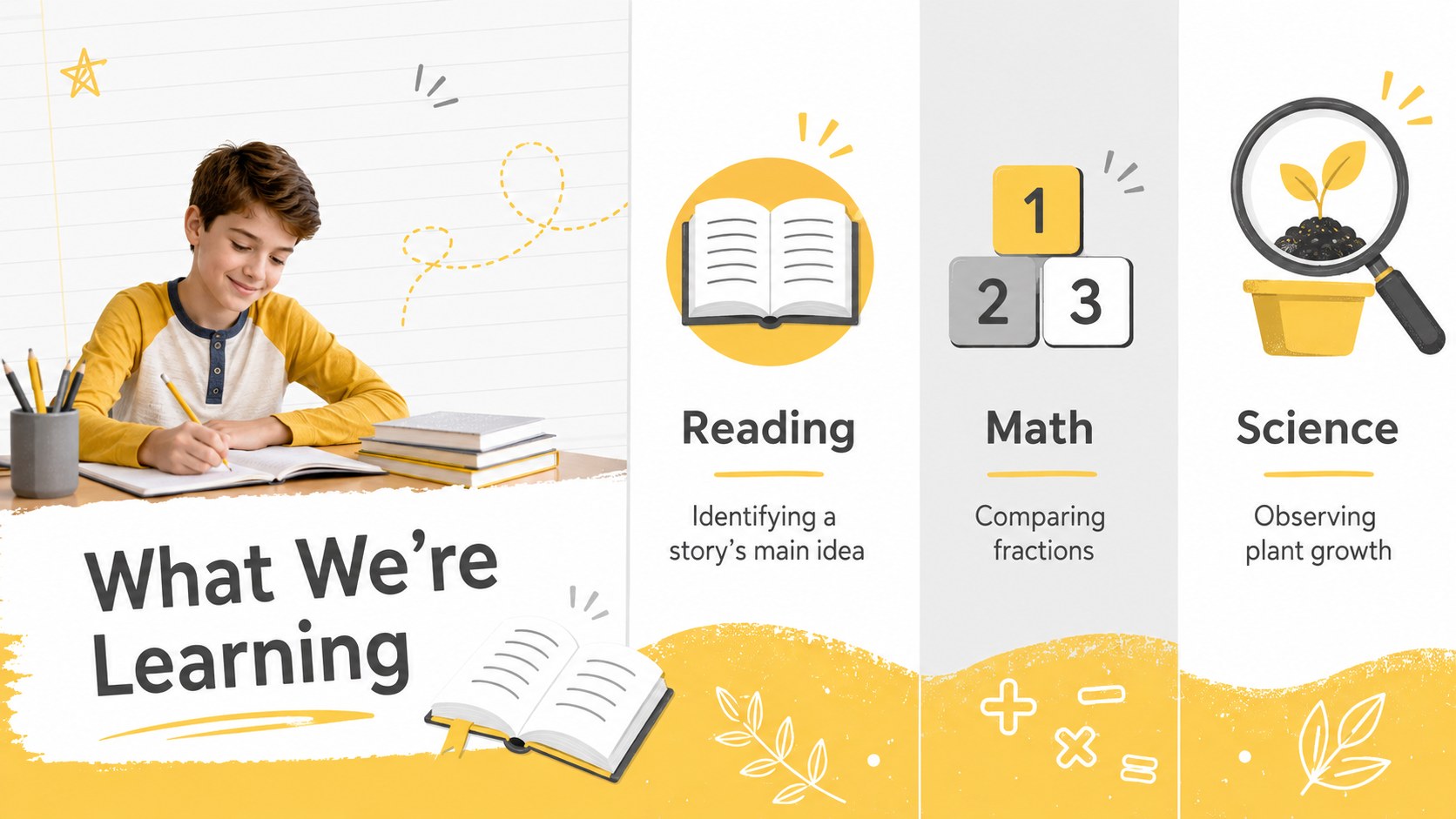
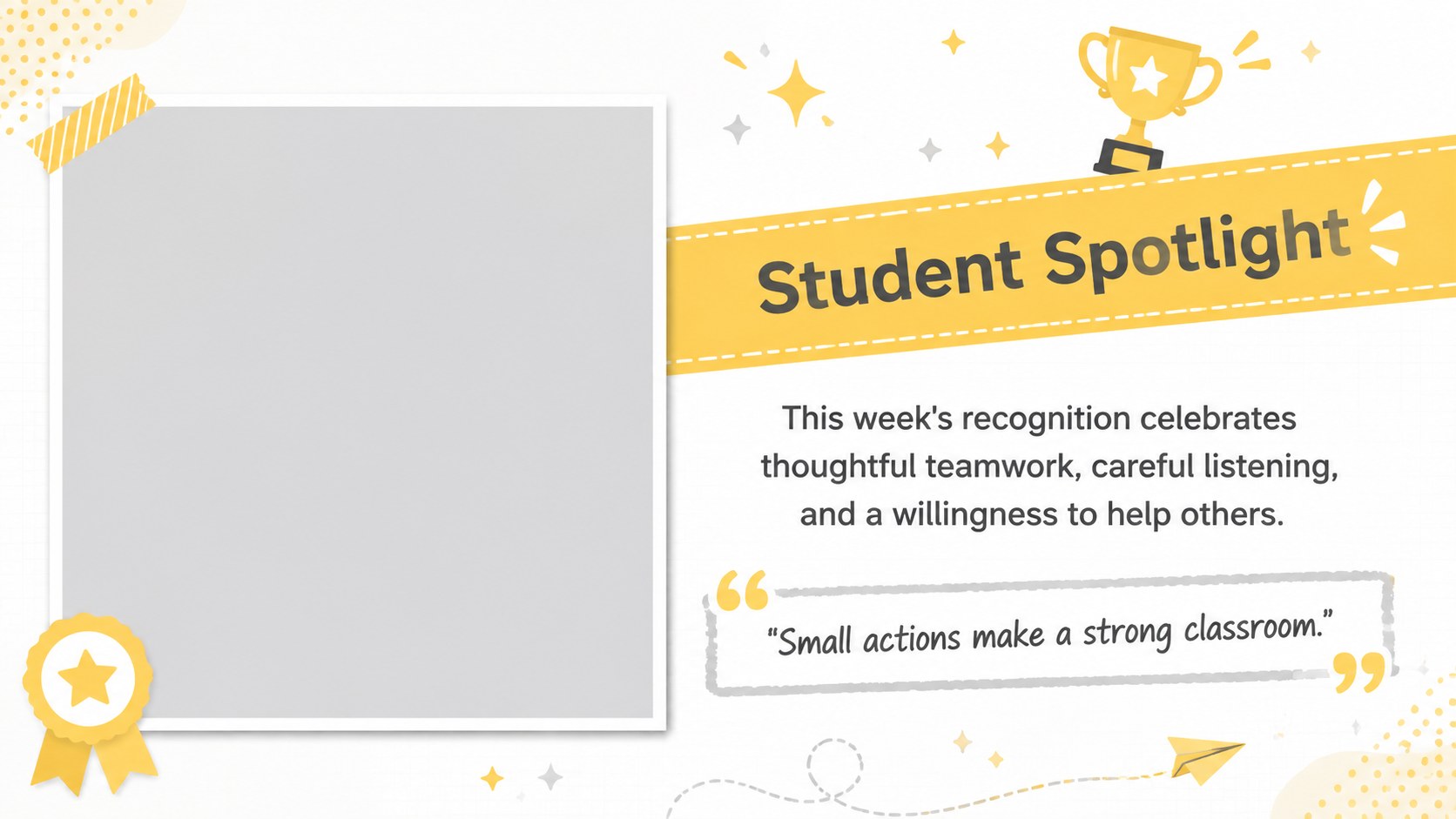
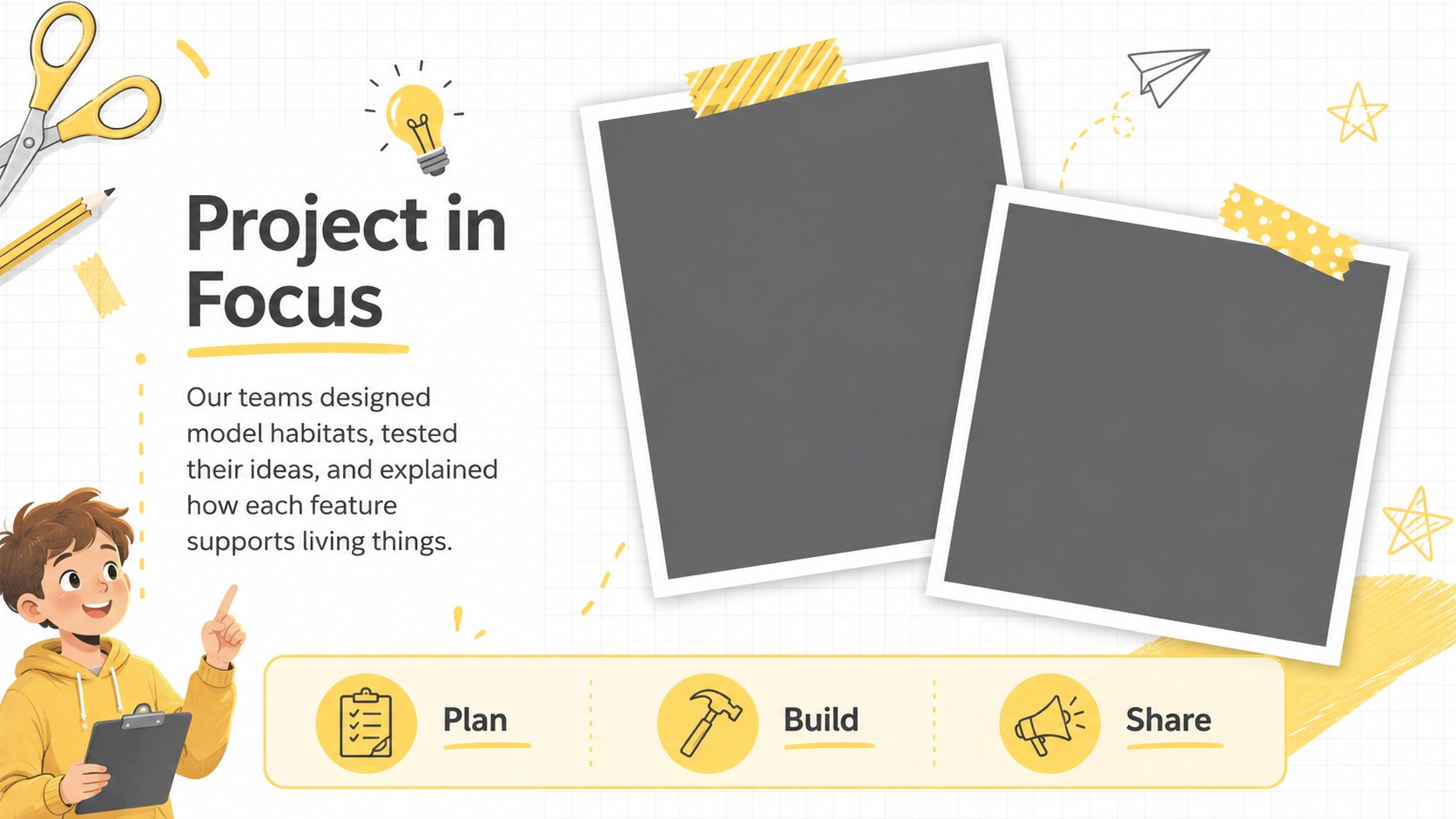
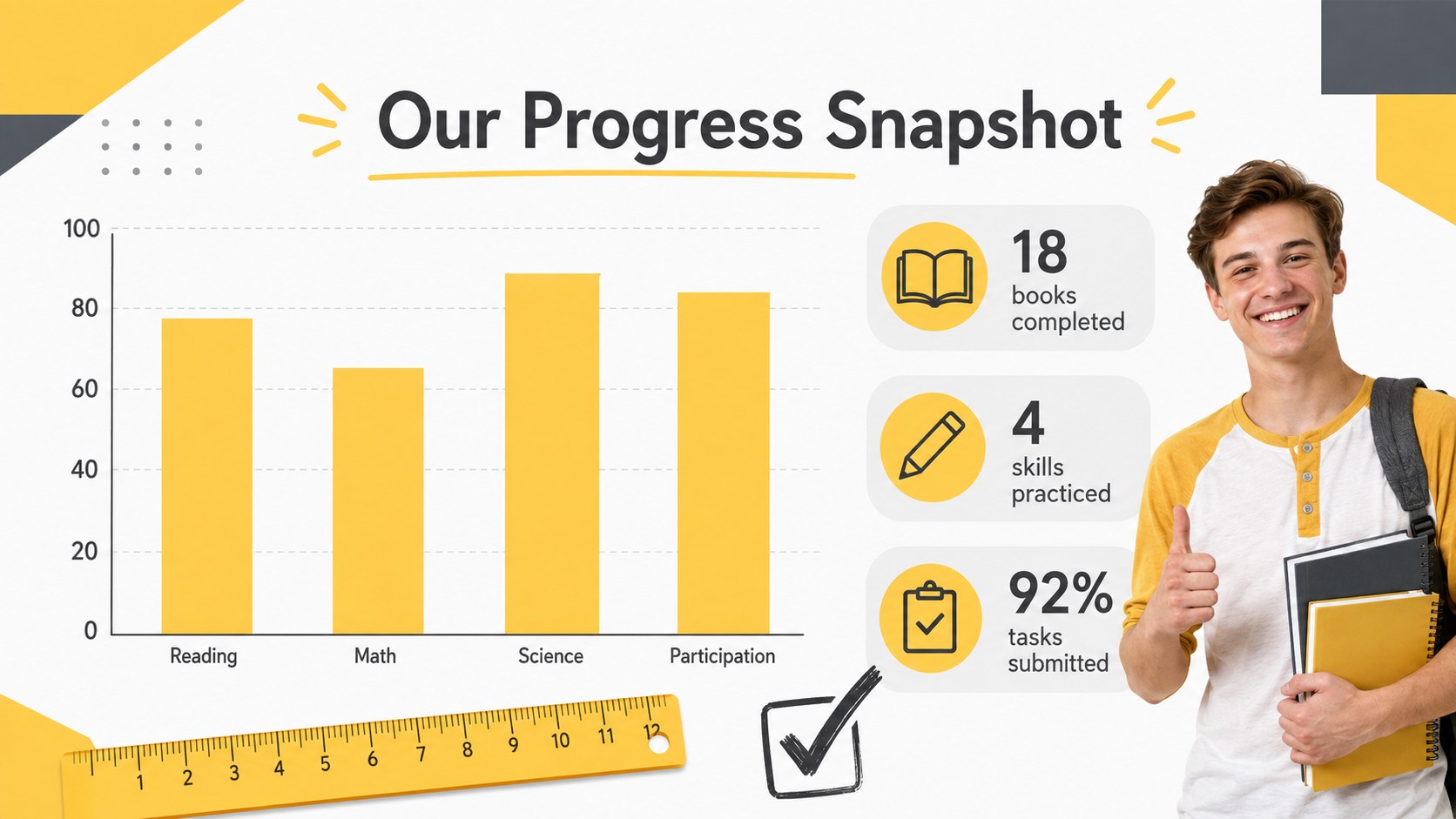
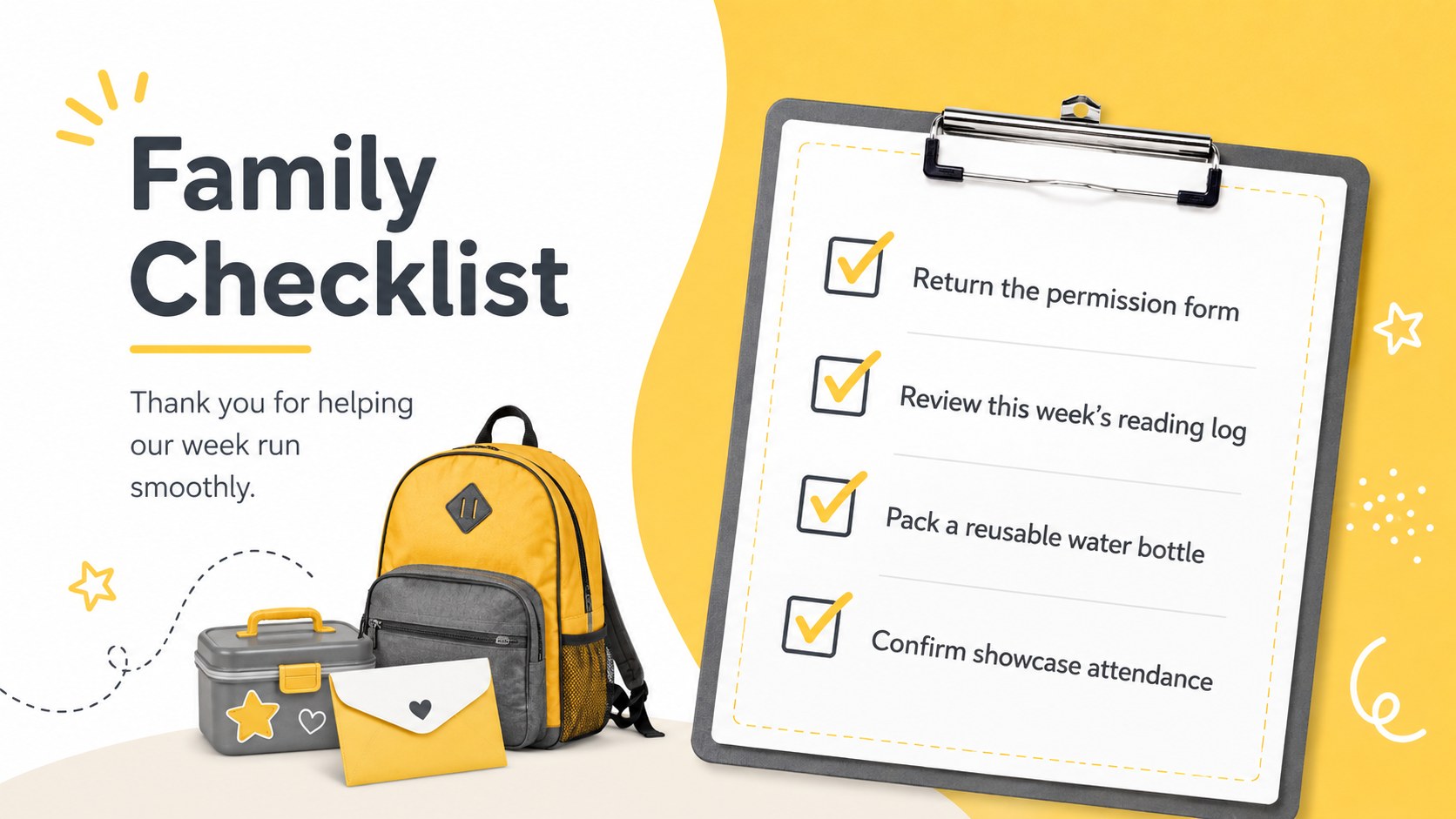
Make school communication easier to follow with Sunny Classroom Bulletin Slides, a bright yellow-and-grey deck designed for recurring updates. This parent communication presentation template gives teachers an organized way to share classroom news without making every edition from scratch. Friendly typography, lively accents, and clean content areas keep the tone welcoming while helping important details stand out.
The deck includes layouts for a welcome message, weekly overview, upcoming dates, learning highlights, student recognition, project recaps, reminders, family action items, useful resources, and contact details. Photo frames, simple charts, timelines, callout boxes, and icon-supported lists add variety while preserving a consistent visual system. Use the weekly classroom update slides as a complete bulletin or select individual pages for announcements and event notices. Yellow remains the dominant accent, balanced by grey, white, and dark text for practical readability.
These sunny classroom bulletin slides are suited to elementary and middle school teachers, homeroom educators, tutors, school coordinators, and after-school program leaders. They also work as a school family newsletter presentation for monthly recaps, open-house follow-ups, club updates, or remote learning summaries. Edit the copy, colors, fonts, photographs, and section order in PowerPoint or Google Slides, then present the bulletin live or export it for digital distribution.
Perfect for: weekly classroom news; monthly family update; student project recap; school event reminders; open-house follow-up; after-school program bulletin.
Frequently asked questions
Can I edit these slides in PowerPoint and Google Slides? Yes. Every layout can be edited in PowerPoint or Google Slides, including the text, images, colors, and section order. Standard fonts can be substituted if the suggested typeface is unavailable.
Practical details
Yes. Every layout can be edited in PowerPoint or Google Slides, including the text, images, colors, and section order. Standard fonts can be substituted if the suggested typeface is unavailable.
Duplicate the pages you use most, then replace dates, announcements, photographs, and learning highlights for each edition. Keeping the same section order will help families find recurring information quickly.
Yes. Replace the accent and neutral colors with school or classroom colors while maintaining strong contrast between text and backgrounds. The layouts also support updated icons and photographs.
Present it during a family meeting, share the PowerPoint or Google Slides file, or export selected pages in a suitable digital format. Check student photo and privacy permissions before distribution.
Keep exploring
15Build stronger academic arguments with a college essay thesis builder featuring guided examples, revision prompts, and editable PowerPoint and Google Slides.
 15
15Build an engaging World UFO Day session with this flying saucer history lesson deck, featuring retro green-and-brown slides for PowerPoint and Google Slides.
 14
14Plan a memorable Lunar New Year campaign with the 2036 Dragon Year Celebration Theme, featuring bold red-and-yellow slides for lessons and events.
 15
15Build a thoughtful classroom discussion with this interfaith awareness lesson deck, featuring editable blue-and-white slides for PowerPoint and Google Slides.
 15
15Use this environmental awareness lesson deck to teach climate action through illustrated activities, discussion prompts, and ready-to-edit visuals.
 15
15Build playful lessons and party stories with a kid-friendly zombie celebration theme in purple, green and pastel blue for PowerPoint and Google Slides.
 15
15Build eerie lessons, campaigns, and story pitches with an undead survival scenario theme featuring editable slides for PowerPoint and Google Slides.
 16
16Turn environmental research into a clear story with a Watercolor Ecology Presentation Theme for PowerPoint and Google Slides in calming green and blue.