
 15
15presentation
College Essay Thesis Builder Slides
Build stronger academic arguments with a college essay thesis builder featuring guided examples, revision prompts, and editable PowerPoint and Google Slides.
Google SlidesPowerPoint
presentation · English
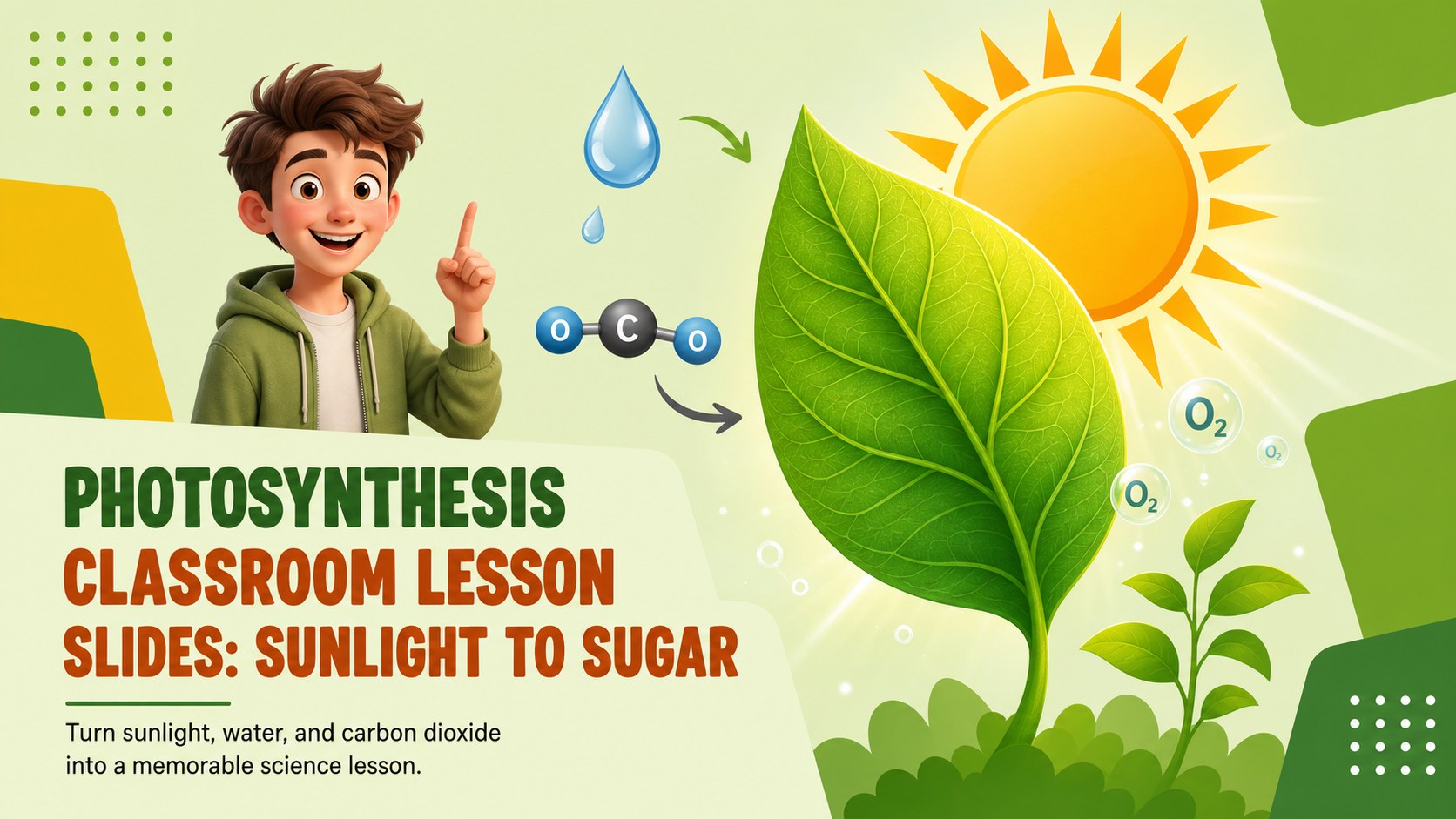
Turn sunlight, water, and carbon dioxide into a memorable science lesson with photosynthesis classroom lesson slides for school, remote, or homeschool use.…
Design notes
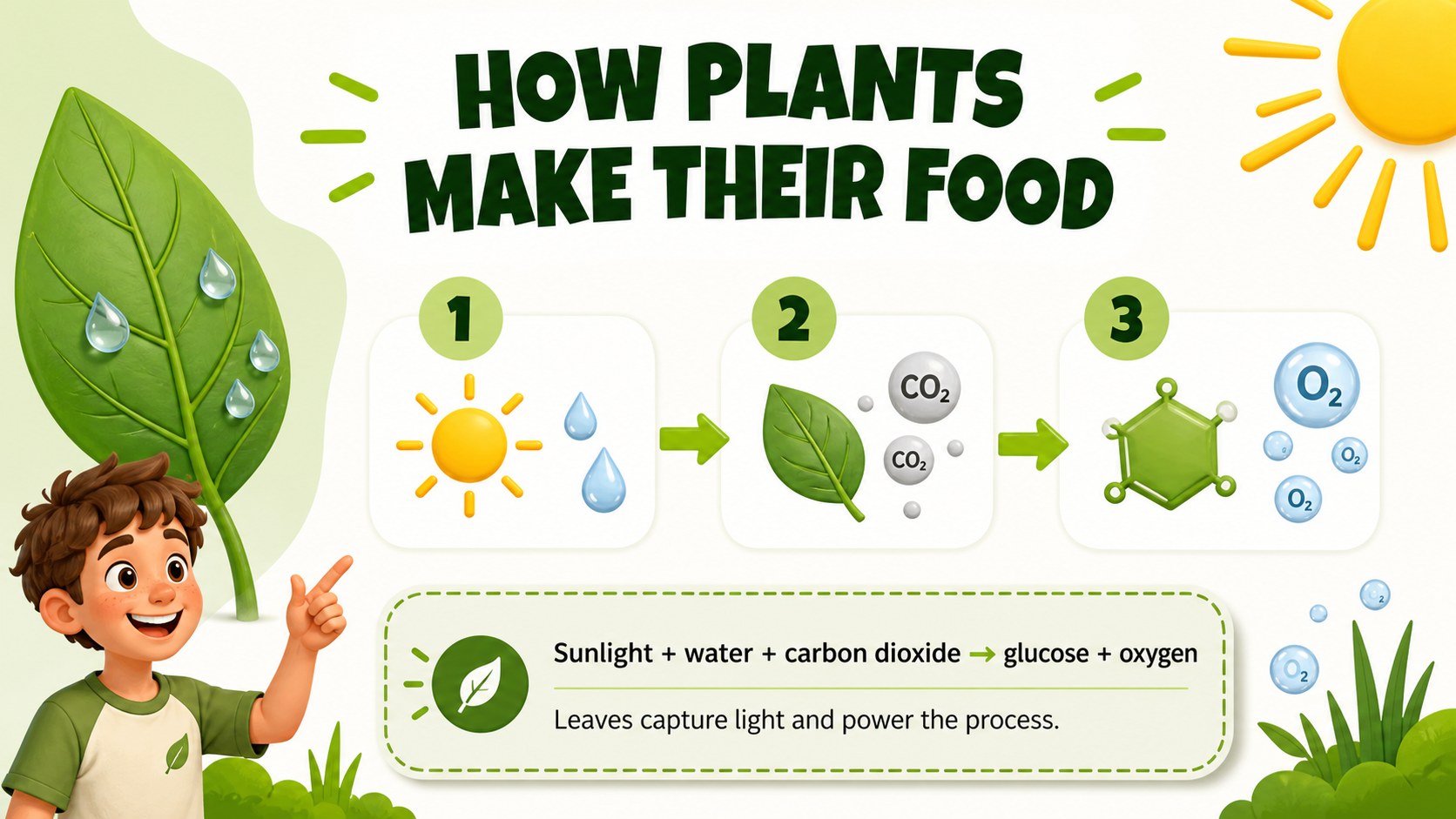
Turn sunlight, water, and carbon dioxide into a memorable science lesson with this bright, student-friendly presentation template. Designed for teachers, tutors, and homeschool educators, it breaks down the plant energy cycle into clear visual steps that are easy to explain and easy for students to remember.
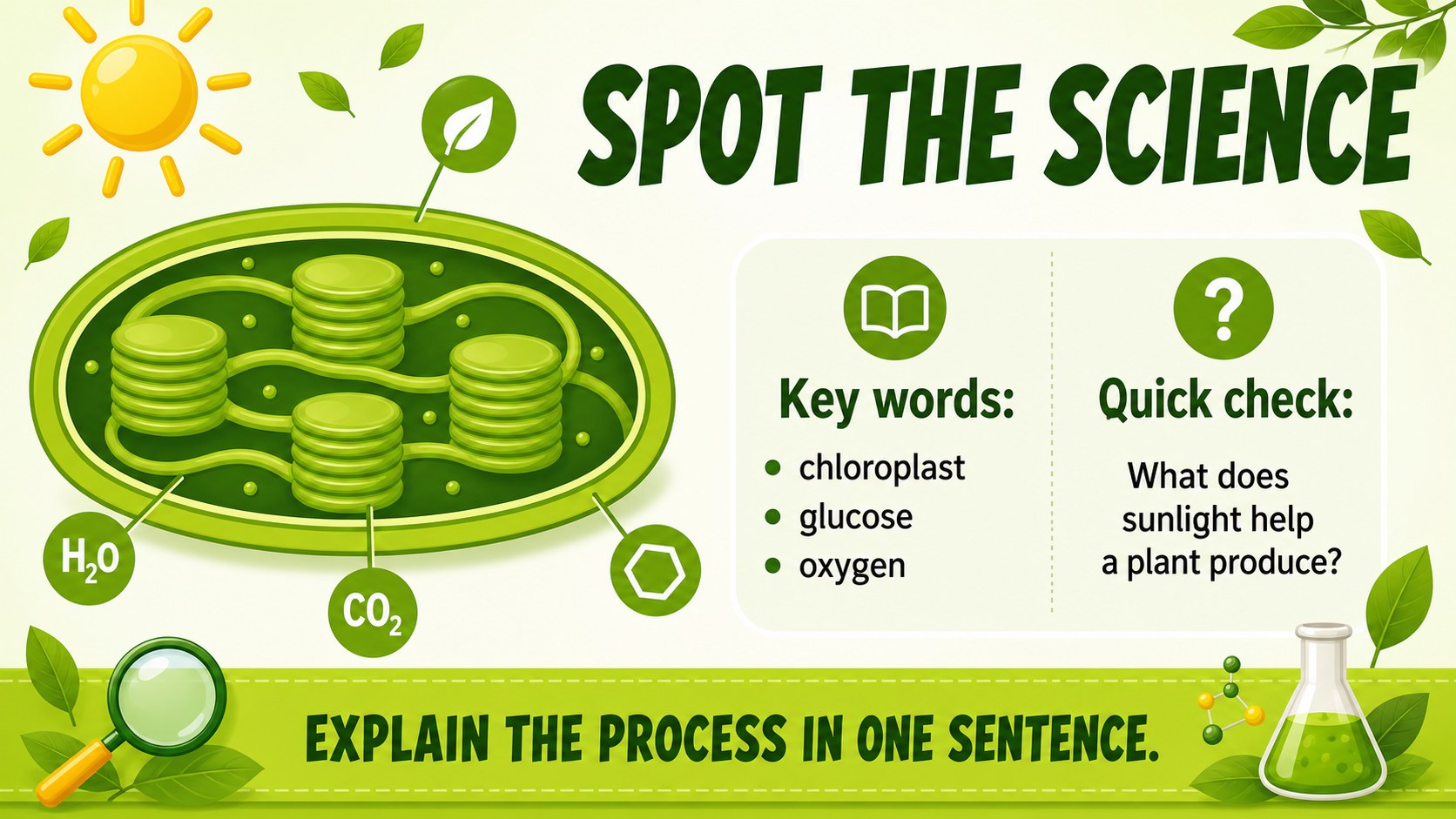
Inside the deck, you will find an engaging cover, a simple process overview, editable diagrams, and space for key vocabulary, review questions, and classroom examples. Use the layouts to explain chloroplasts, sunlight, glucose, oxygen, and the role of leaves without overwhelming younger learners. The visuals work well for a photosynthesis lesson for elementary students, while the flexible structure can also support middle school review sessions.
Customize the slides in Google Slides or PowerPoint by changing the text, illustrations, colors, and activity prompts. Add a chloroplast diagram teaching slide, a quick quiz, or an interactive photosynthesis worksheet presentation to match your curriculum. The playful green palette, bold Bangers headings, and readable Roboto body text create an upbeat classroom mood for in-person teaching, remote learning, science fairs, and tutoring sessions.
Perfect for: elementary science lesson; homeschool biology activity; remote learning presentation; science fair explanation; tutoring session; classroom review quiz.
Frequently asked questions
Can I edit the photosynthesis classroom lesson slides? Yes. Replace the sample wording, adjust colors, add images, and rearrange layouts to fit your lesson. The diagrams and text areas are designed for straightforward editing.
Practical details
Yes. Replace the sample wording, adjust colors, add images, and rearrange layouts to fit your lesson. The diagrams and text areas are designed for straightforward editing.
You can customize the template in Google Slides or PowerPoint. Export options depend on the platform you choose, including common presentation and PDF formats.
Yes. Add deeper vocabulary, expanded process notes, assessment questions, or a more detailed chloroplast diagram. The visual structure can support elementary introductions as well as middle school review.
It works well for video lessons and virtual classrooms because the process is presented in short, visually distinct sections. Add speaker notes, animations, or interactive questions to make remote instruction more engaging.
Keep exploring
15Build stronger academic arguments with a college essay thesis builder featuring guided examples, revision prompts, and editable PowerPoint and Google Slides.
 15
15Build an engaging World UFO Day session with this flying saucer history lesson deck, featuring retro green-and-brown slides for PowerPoint and Google Slides.
 14
14Plan a memorable Lunar New Year campaign with the 2036 Dragon Year Celebration Theme, featuring bold red-and-yellow slides for lessons and events.
 15
15Build a thoughtful classroom discussion with this interfaith awareness lesson deck, featuring editable blue-and-white slides for PowerPoint and Google Slides.
 15
15Use this environmental awareness lesson deck to teach climate action through illustrated activities, discussion prompts, and ready-to-edit visuals.
 15
15Build playful lessons and party stories with a kid-friendly zombie celebration theme in purple, green and pastel blue for PowerPoint and Google Slides.
 15
15Build eerie lessons, campaigns, and story pitches with an undead survival scenario theme featuring editable slides for PowerPoint and Google Slides.
 16
16Turn environmental research into a clear story with a Watercolor Ecology Presentation Theme for PowerPoint and Google Slides in calming green and blue.