
 15
15presentation
College Essay Thesis Builder Slides
Build stronger academic arguments with a college essay thesis builder featuring guided examples, revision prompts, and editable PowerPoint and Google Slides.
Google SlidesPowerPoint
presentation · English
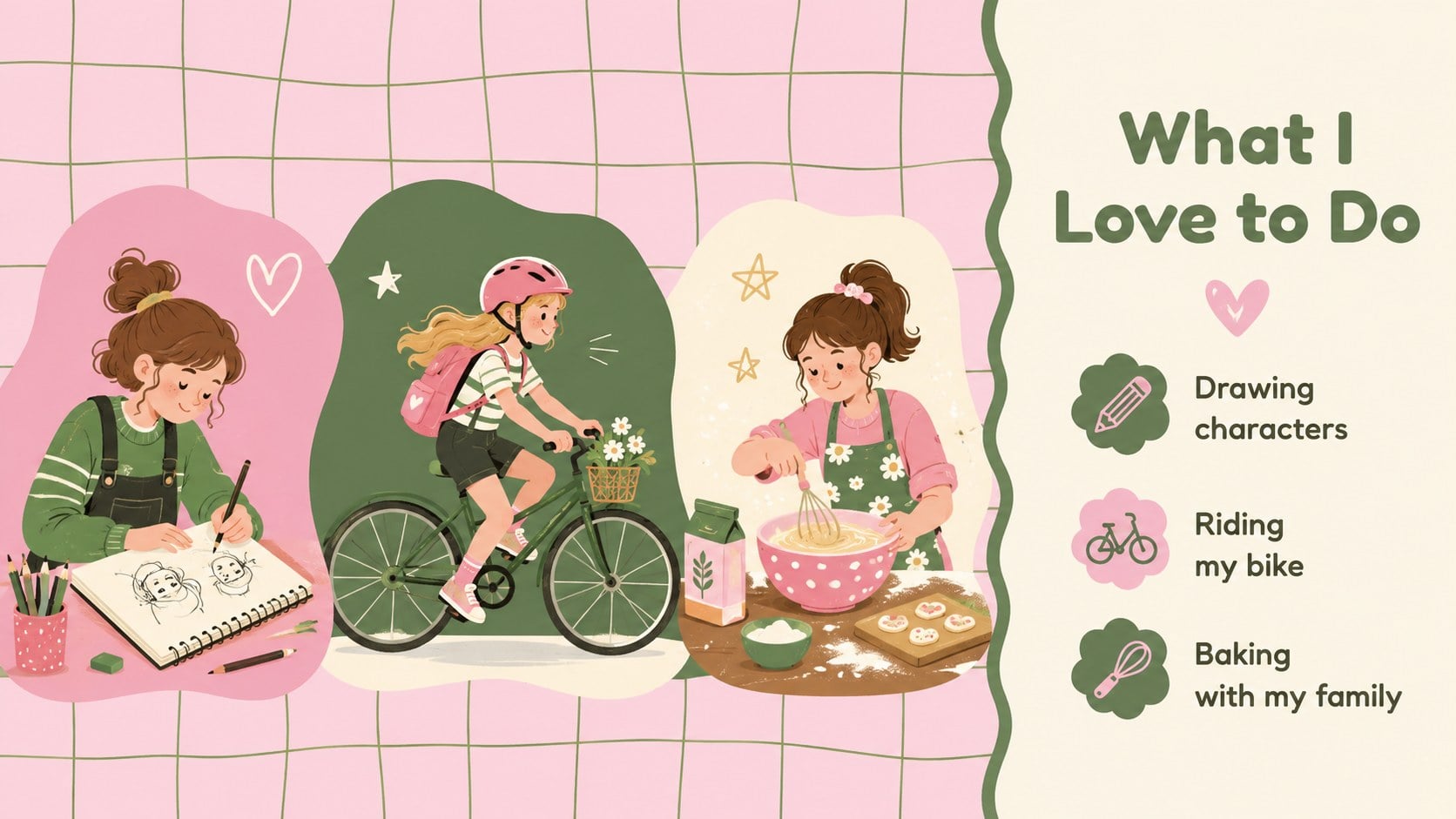
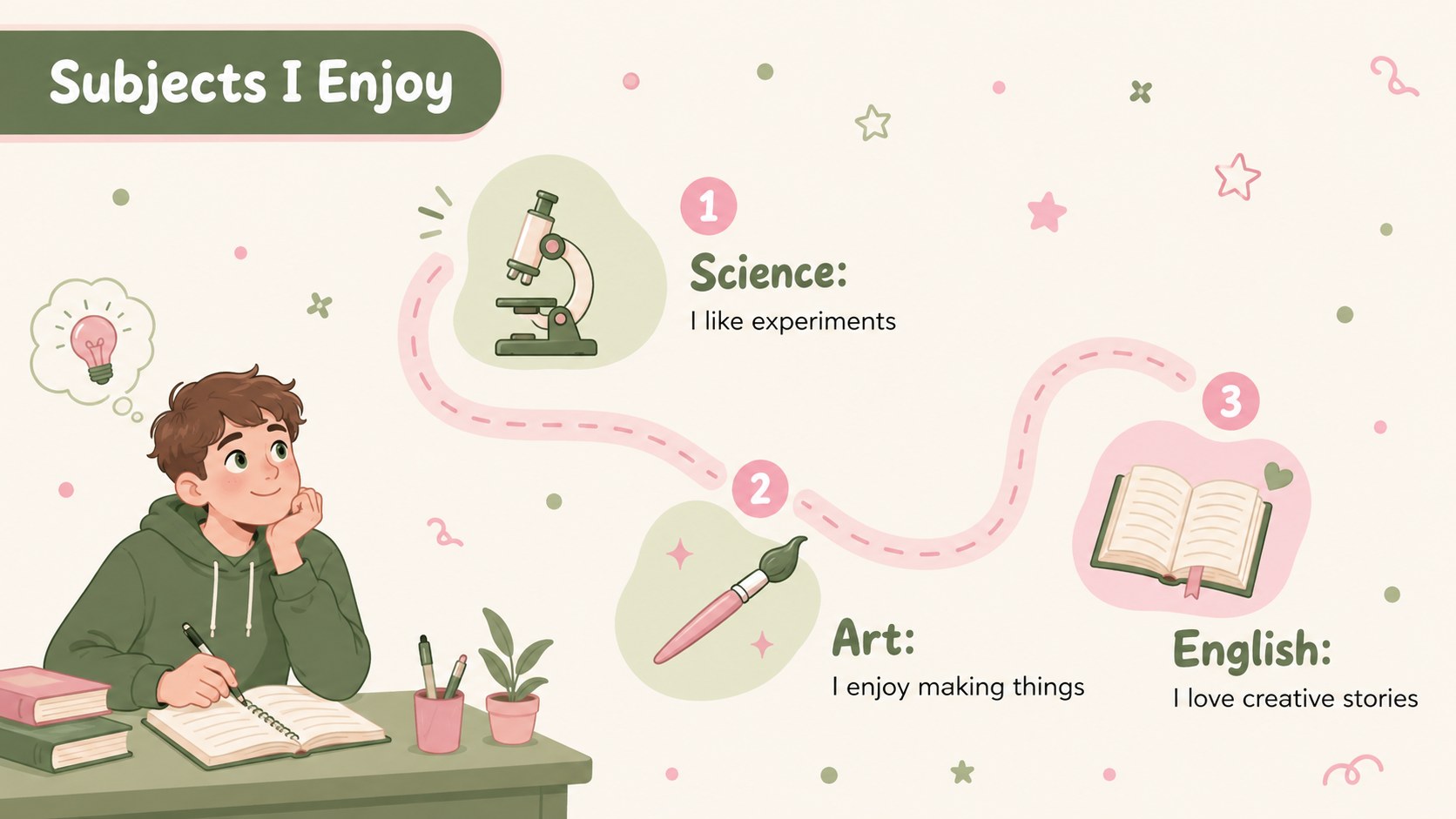
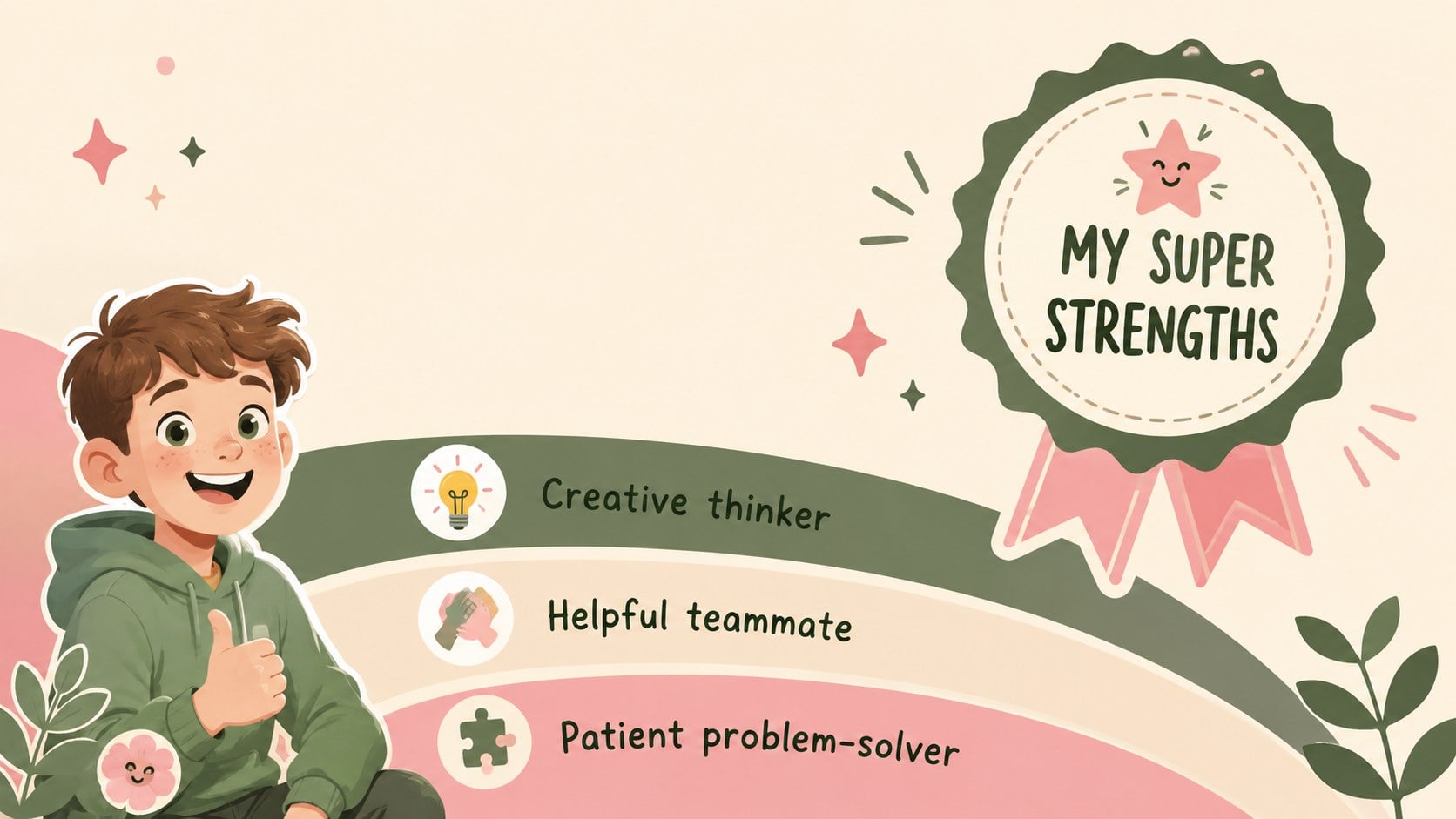
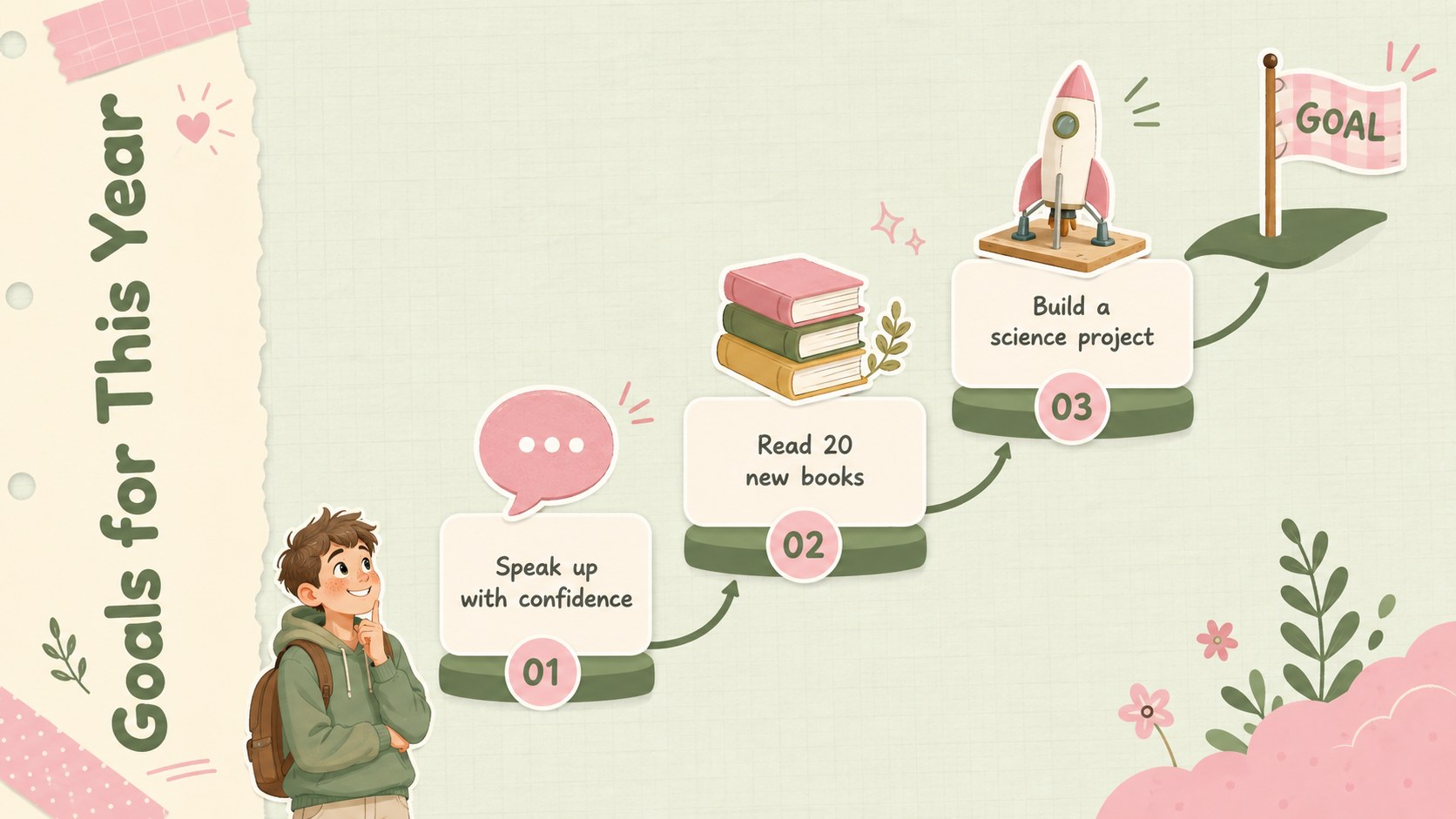
Help students introduce themselves with a student spotlight icebreaker presentation featuring playful green, beige, and pink slides for class.

Design notes
The Student Spotlight Icebreaker Presentation gives learners a friendly, structured way to introduce themselves without facing a blank page. Its cute illustrated look combines fresh green, soft beige, and playful pink with approachable shapes and lively visual details. Students can quickly personalize the slides while keeping their story organized and easy for classmates to follow.
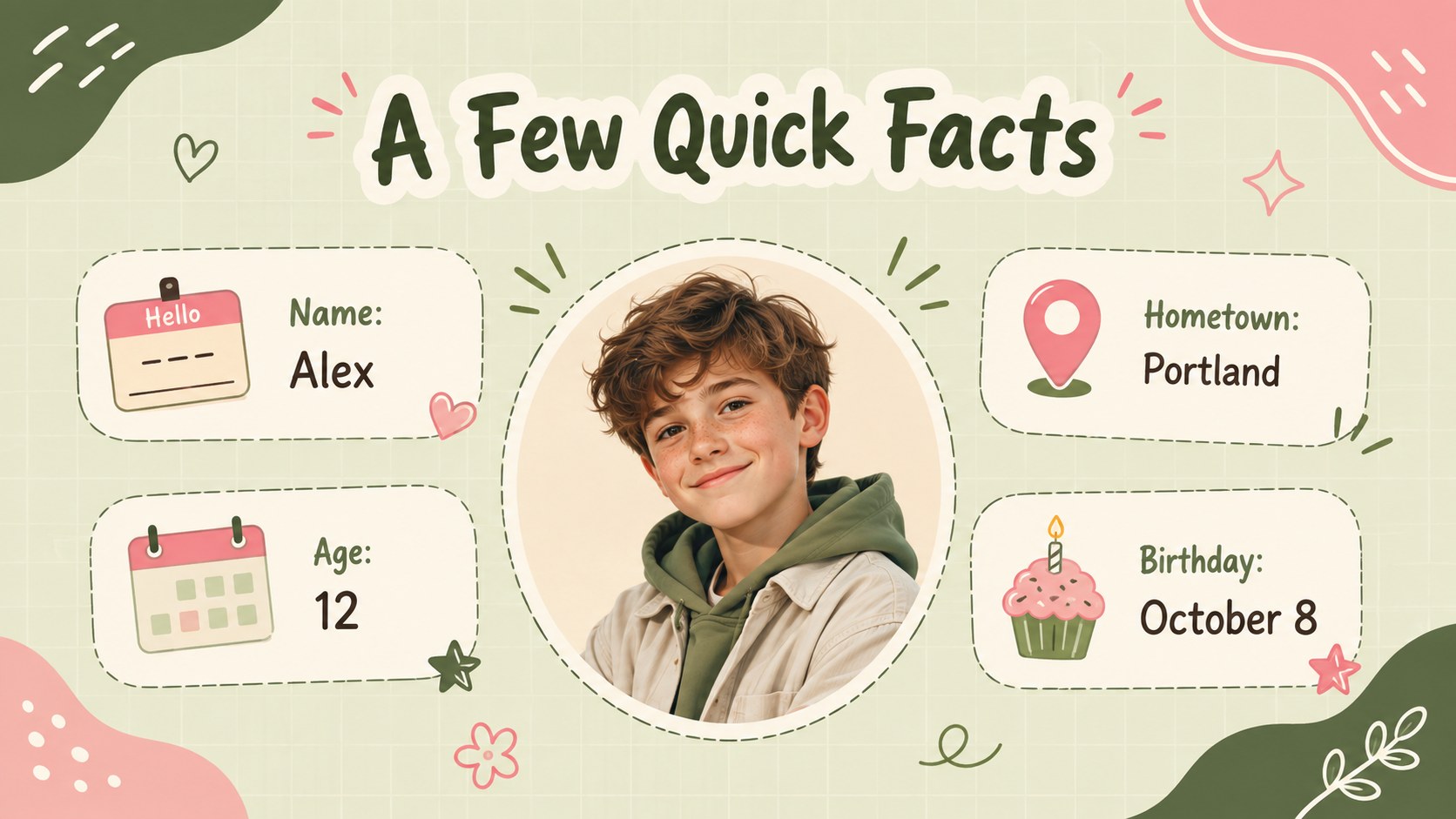
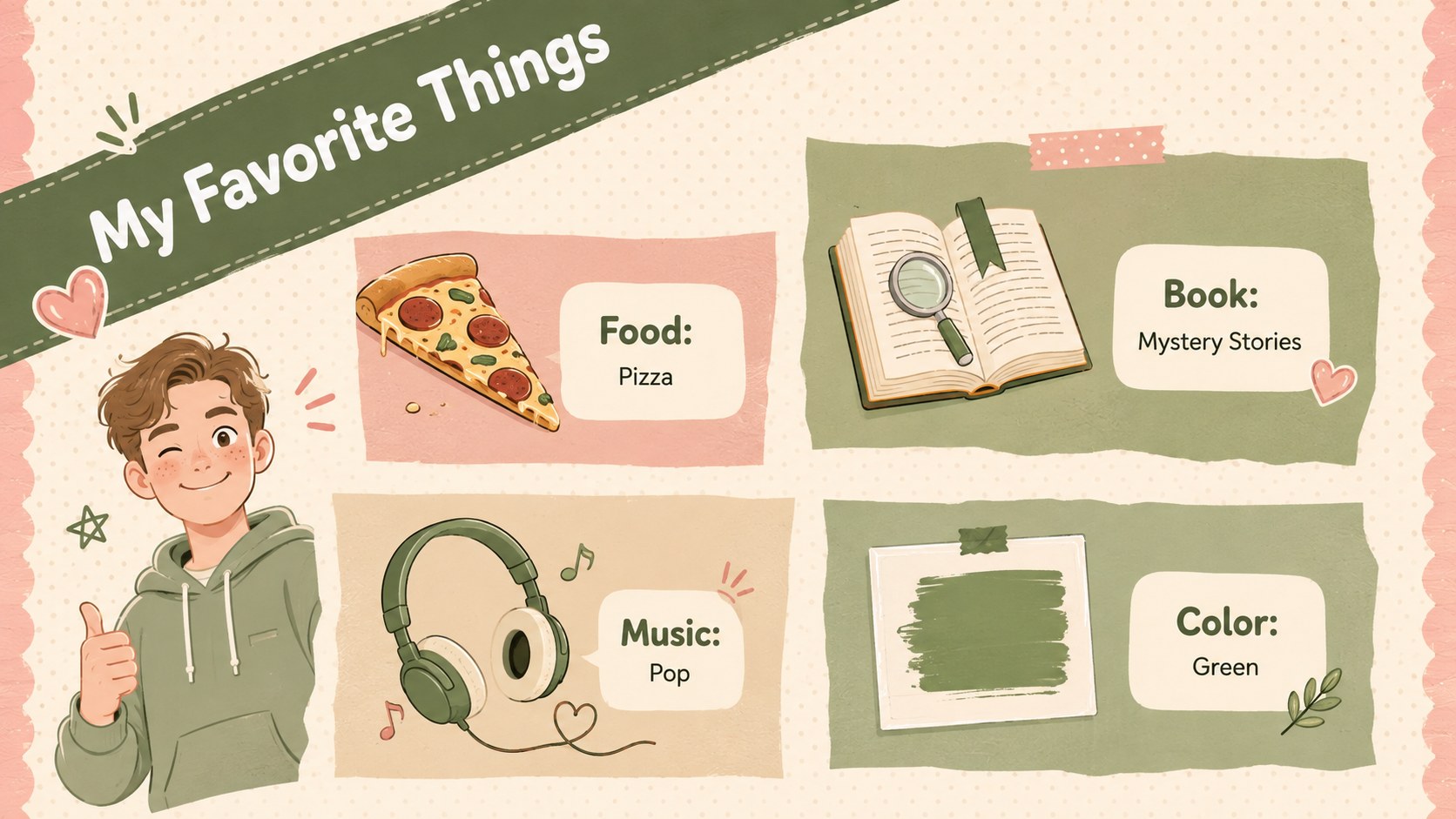
Inside, the deck provides space for quick facts, favorite things, hobbies, school subjects, personal strengths, learning preferences, fun facts, and future goals. It works equally well as a classroom icebreaker presentation template, a meet the student presentation, or an editable about me slideshow for students. The varied layouts support short answers, photos, icons, lists, and simple timelines without making the presentation feel crowded.
Teachers can use the slides during back-to-school activities, advisory periods, orientation sessions, or new-student welcomes. Learners in upper elementary, middle school, and early high school can adapt the prompts to match their age and comfort level. Every 16:9 slide is editable in PowerPoint and Google Slides, allowing colors, fonts, illustrations, and wording to be adjusted for individual students or an entire class. The result is a polished introduction deck that encourages conversation, builds familiarity, and helps each student begin the term with confidence.
Perfect for: first-week classroom introductions; new student welcome activity; back-to-school icebreaker; advisory group introductions; student profile assignment.
Frequently asked questions
Can students edit this presentation themselves? Yes. Students can replace the sample text, add photos, change illustrations, and adjust colors using standard editing tools. Teachers may also duplicate the deck to create one copy for each learner.
Practical details
Yes. Students can replace the sample text, add photos, change illustrations, and adjust colors using standard editing tools. Teachers may also duplicate the deck to create one copy for each learner.
The template is designed for PowerPoint and Google Slides. Its 16:9 format is suitable for classroom screens, projectors, and online presentations.
Yes. Simplify the questions for younger learners or add more detailed reflection prompts for middle and high school students. Slide titles and response areas can be edited without changing the overall design.
Yes. Replace the theme colors with school colors, softer neutrals, or higher-contrast shades. Fonts, backgrounds, shapes, and decorative illustrations can also be updated throughout the deck.
Keep exploring
15Build stronger academic arguments with a college essay thesis builder featuring guided examples, revision prompts, and editable PowerPoint and Google Slides.
 15
15Build an engaging World UFO Day session with this flying saucer history lesson deck, featuring retro green-and-brown slides for PowerPoint and Google Slides.
 14
14Plan a memorable Lunar New Year campaign with the 2036 Dragon Year Celebration Theme, featuring bold red-and-yellow slides for lessons and events.
 15
15Build a thoughtful classroom discussion with this interfaith awareness lesson deck, featuring editable blue-and-white slides for PowerPoint and Google Slides.
 15
15Use this environmental awareness lesson deck to teach climate action through illustrated activities, discussion prompts, and ready-to-edit visuals.
 15
15Build playful lessons and party stories with a kid-friendly zombie celebration theme in purple, green and pastel blue for PowerPoint and Google Slides.
 15
15Build eerie lessons, campaigns, and story pitches with an undead survival scenario theme featuring editable slides for PowerPoint and Google Slides.
 16
16Turn environmental research into a clear story with a Watercolor Ecology Presentation Theme for PowerPoint and Google Slides in calming green and blue.