
 15
15presentation
College Essay Thesis Builder Slides
Build stronger academic arguments with a college essay thesis builder featuring guided examples, revision prompts, and editable PowerPoint and Google Slides.
Google SlidesPowerPoint
presentation · English
Build thoughtful reading reflections with a student reading response slides theme in calm brown and green, ready for PowerPoint and Google Slides.
Design notes
Help students move beyond plot summaries with Student Reading Response Slides, a calm and structured visual tool for exploring books, short stories, and class reading assignments. The warm brown and green palette, geometric accents, and uncluttered layouts create a focused setting for students to connect details from a text with their own interpretations.
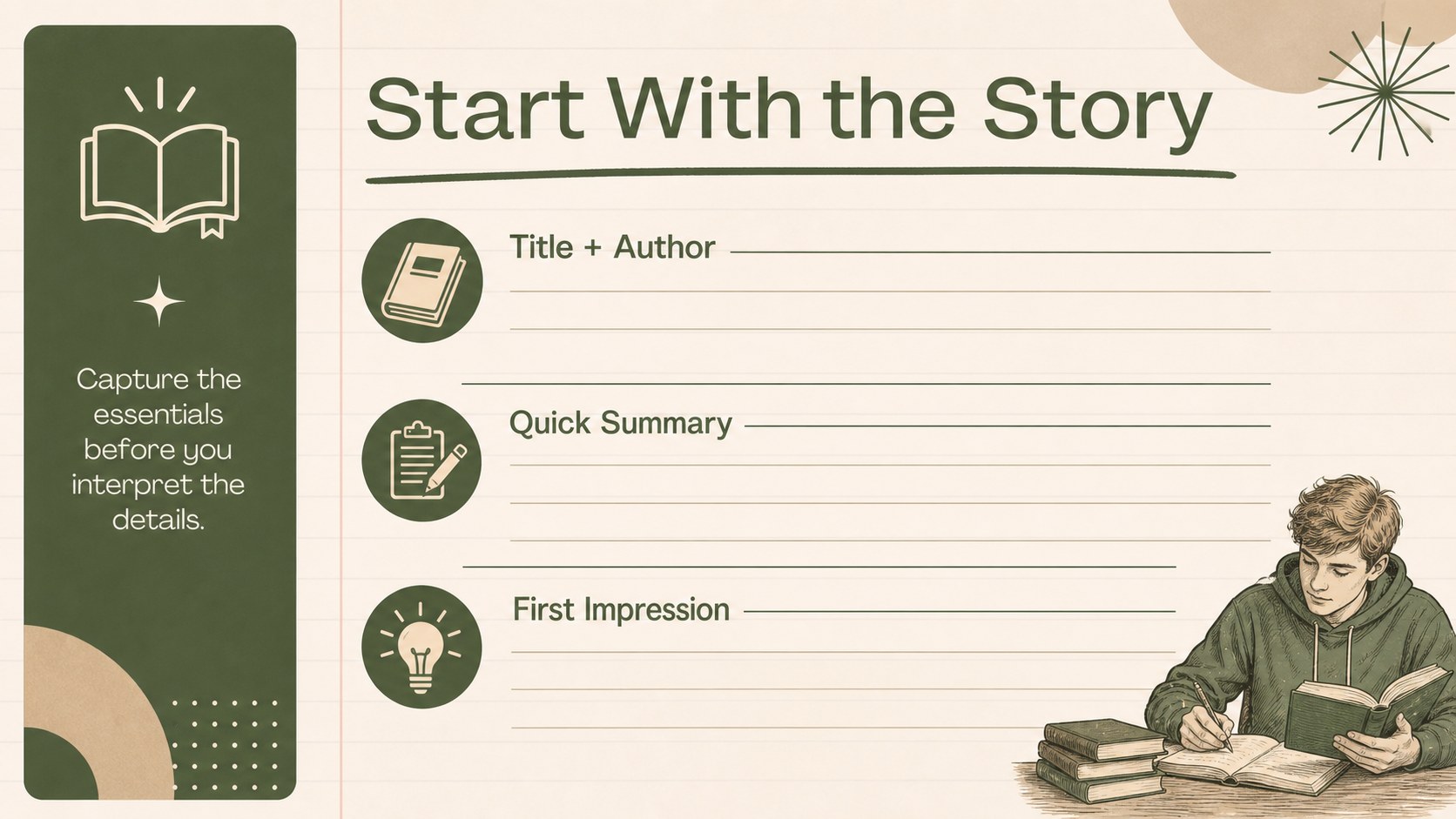
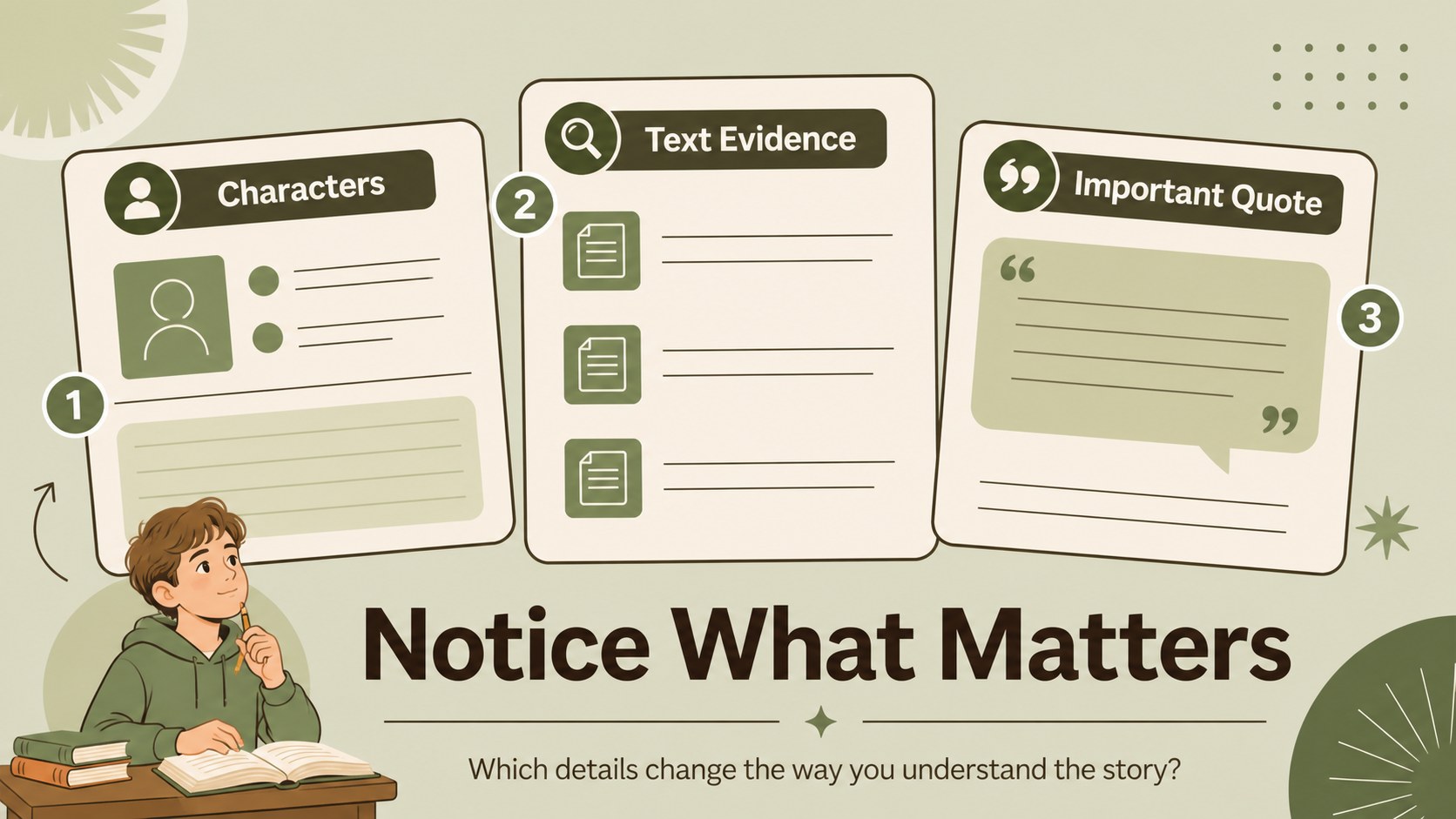
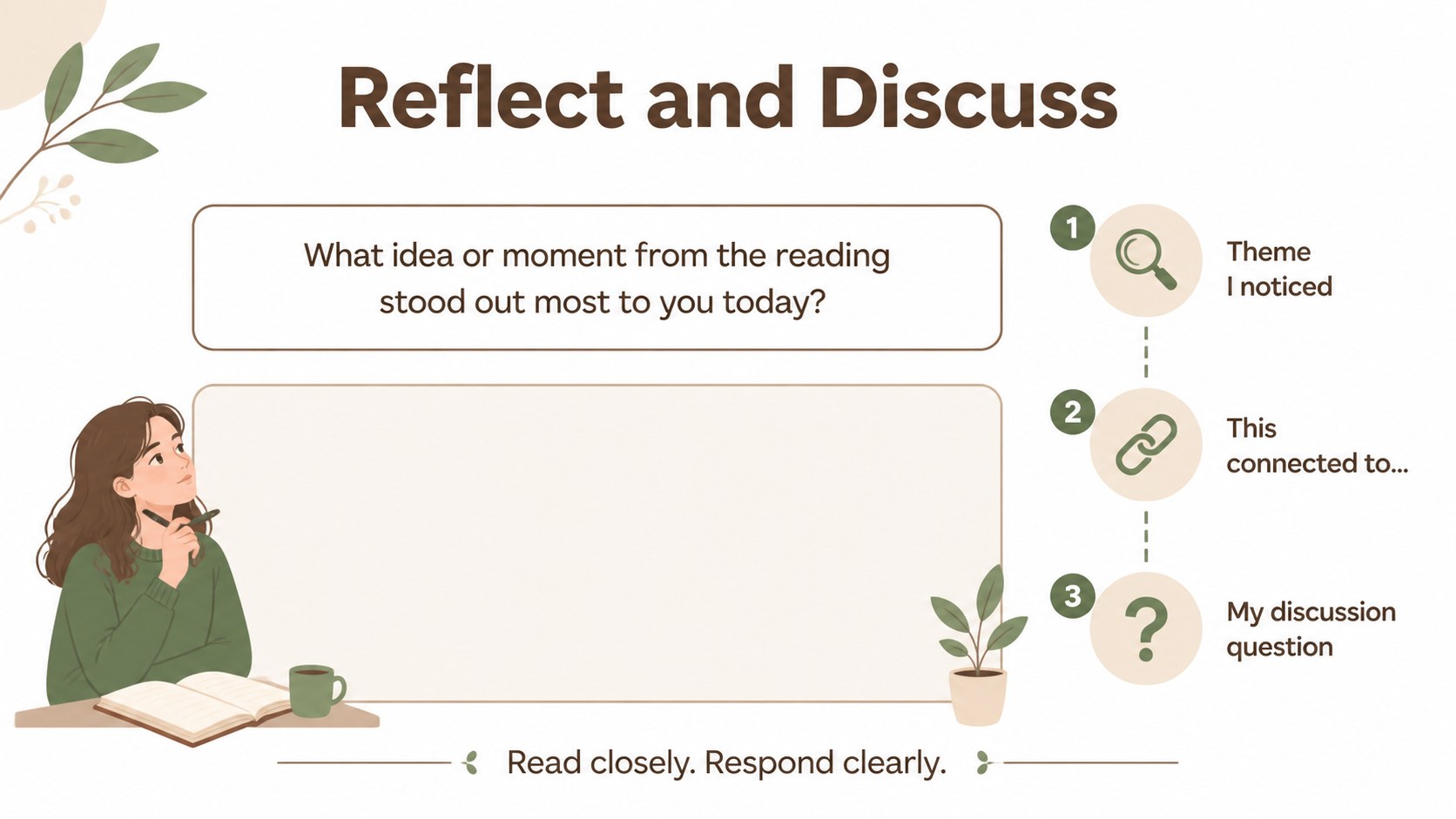
Inside, you will find editable pages for identifying a title and author, summarizing key events, describing characters, recording meaningful quotes, examining themes, and writing a personal response. The layouts can support a printed reading response worksheet, a projected class discussion, or a complete digital assignment. Teachers can duplicate pages for longer novels, adapt prompts for different age groups, or turn the deck into a student reading journal template.
Designed for elementary and middle school educators, literacy coaches, tutors, and homeschool instructors, this presentation works across Google Slides and PowerPoint. Use it for guided reading conferences, independent reading checks, literature circles, or end-of-unit book reflections. Every element is customizable, so you can adjust the questions, fonts, colors, and examples to match your curriculum while keeping the reading activity consistent and easy to follow.
Perfect for: guided reading conference; independent reading reflection; literature circle discussion; digital reading journal; end-of-unit literacy project.
Frequently asked questions
Can I edit the reading prompts? Yes. All text, prompts, shapes, colors, and example content can be edited. Duplicate or remove pages to suit a specific novel, reading level, or lesson sequence.
Practical details
Yes. All text, prompts, shapes, colors, and example content can be edited. Duplicate or remove pages to suit a specific novel, reading level, or lesson sequence.
The template is designed for Google Slides and PowerPoint. You can present it digitally, assign it as an editable activity, or export pages for printing.
Yes. Students can complete the pages online by adding written responses, quotes, and visual notes. Teachers can also duplicate sections to document several books over a term.
The worksheet-style pages are organized for clear reading and can be adapted for print use. Check your chosen platform's page and margin settings before exporting or printing.
Keep exploring
15Build stronger academic arguments with a college essay thesis builder featuring guided examples, revision prompts, and editable PowerPoint and Google Slides.
 15
15Build an engaging World UFO Day session with this flying saucer history lesson deck, featuring retro green-and-brown slides for PowerPoint and Google Slides.
 14
14Plan a memorable Lunar New Year campaign with the 2036 Dragon Year Celebration Theme, featuring bold red-and-yellow slides for lessons and events.
 15
15Build a thoughtful classroom discussion with this interfaith awareness lesson deck, featuring editable blue-and-white slides for PowerPoint and Google Slides.
 15
15Use this environmental awareness lesson deck to teach climate action through illustrated activities, discussion prompts, and ready-to-edit visuals.
 15
15Build playful lessons and party stories with a kid-friendly zombie celebration theme in purple, green and pastel blue for PowerPoint and Google Slides.
 15
15Build eerie lessons, campaigns, and story pitches with an undead survival scenario theme featuring editable slides for PowerPoint and Google Slides.
 16
16Turn environmental research into a clear story with a Watercolor Ecology Presentation Theme for PowerPoint and Google Slides in calming green and blue.