
 15
15presentation
College Essay Thesis Builder Slides
Build stronger academic arguments with a college essay thesis builder featuring guided examples, revision prompts, and editable PowerPoint and Google Slides.
Google SlidesPowerPoint
presentation · English
Make every family conversation focused and constructive with student progress meeting slides for achievements, learning needs, goals, and next steps.
Design notes
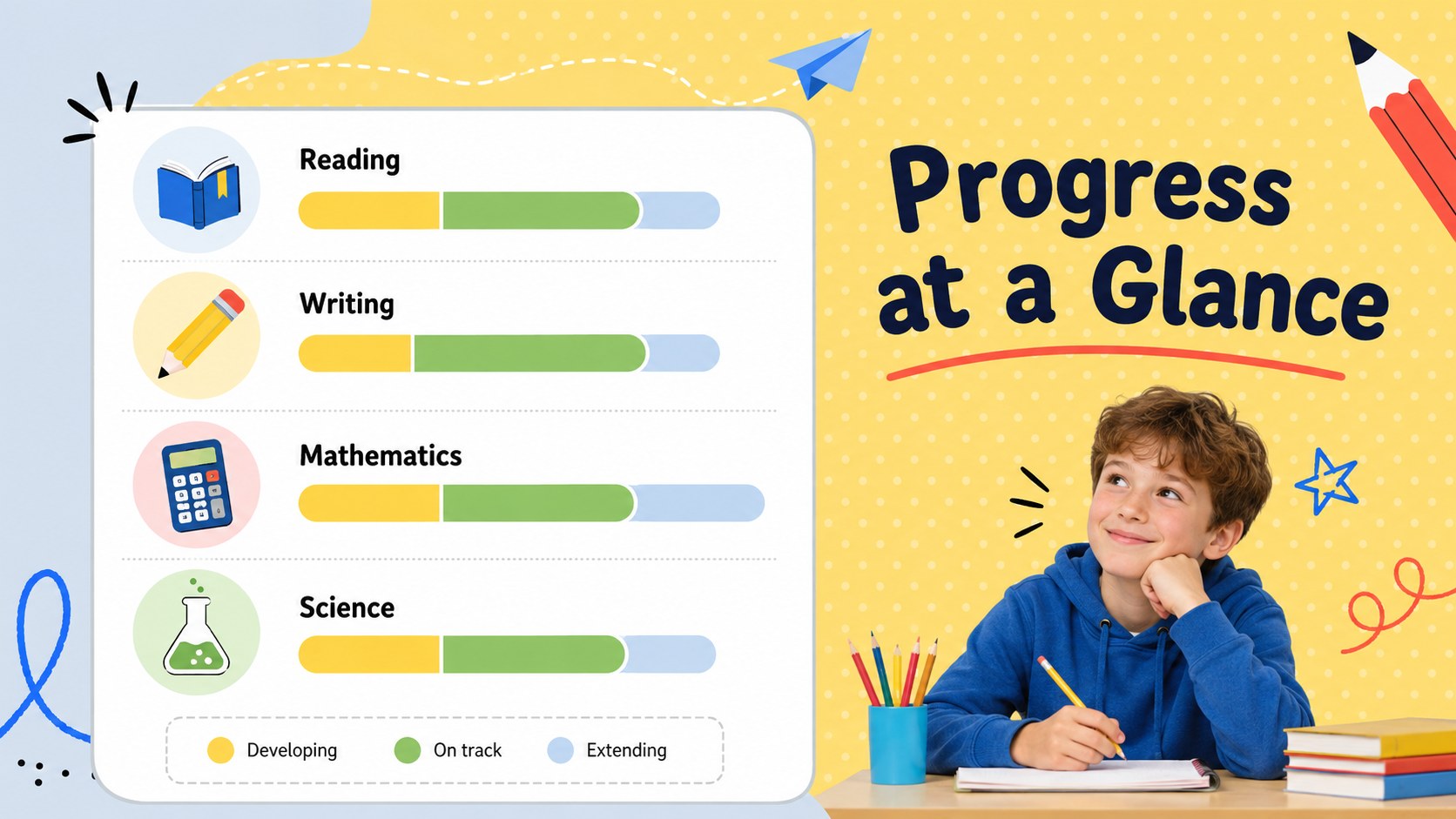
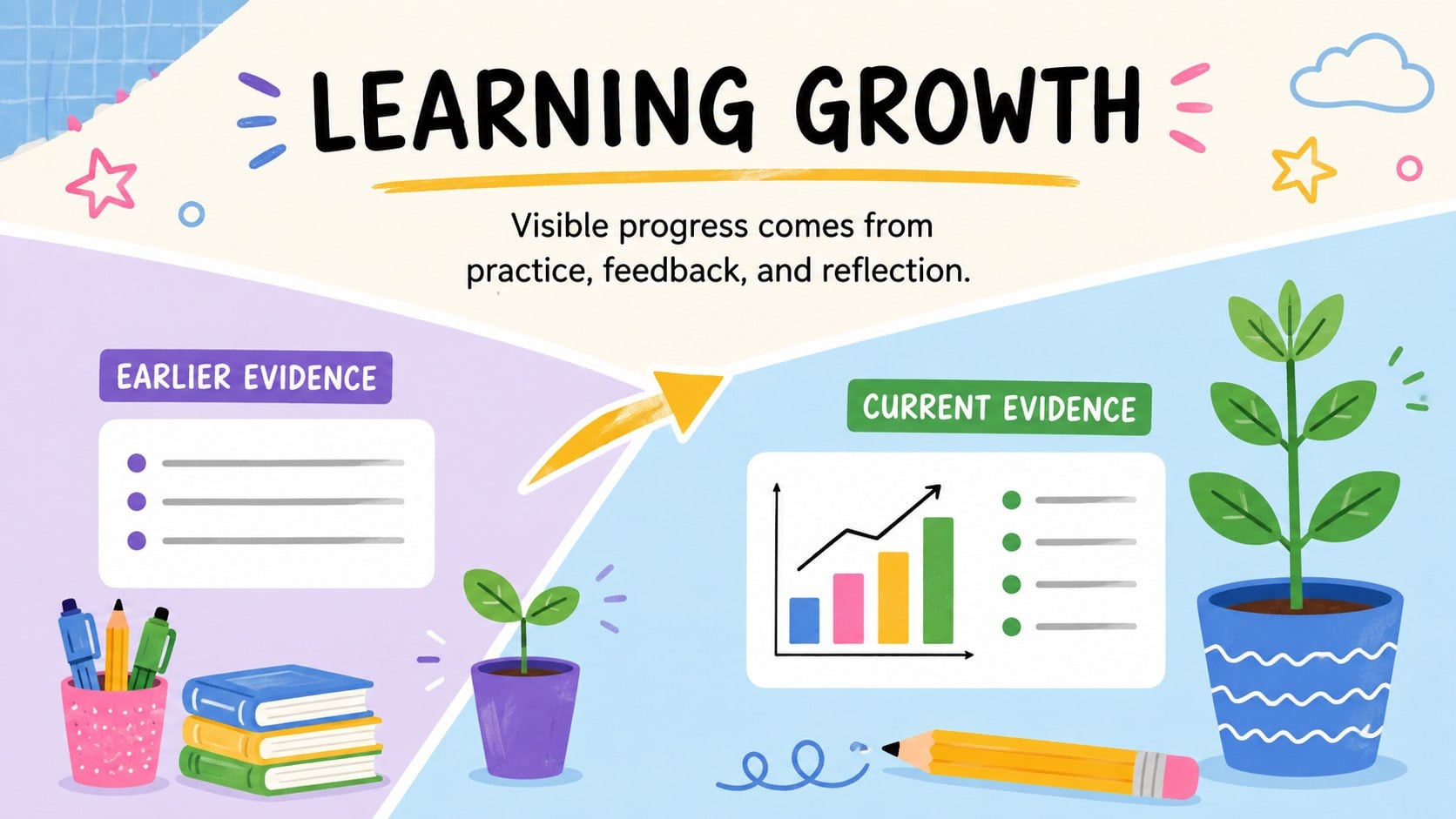
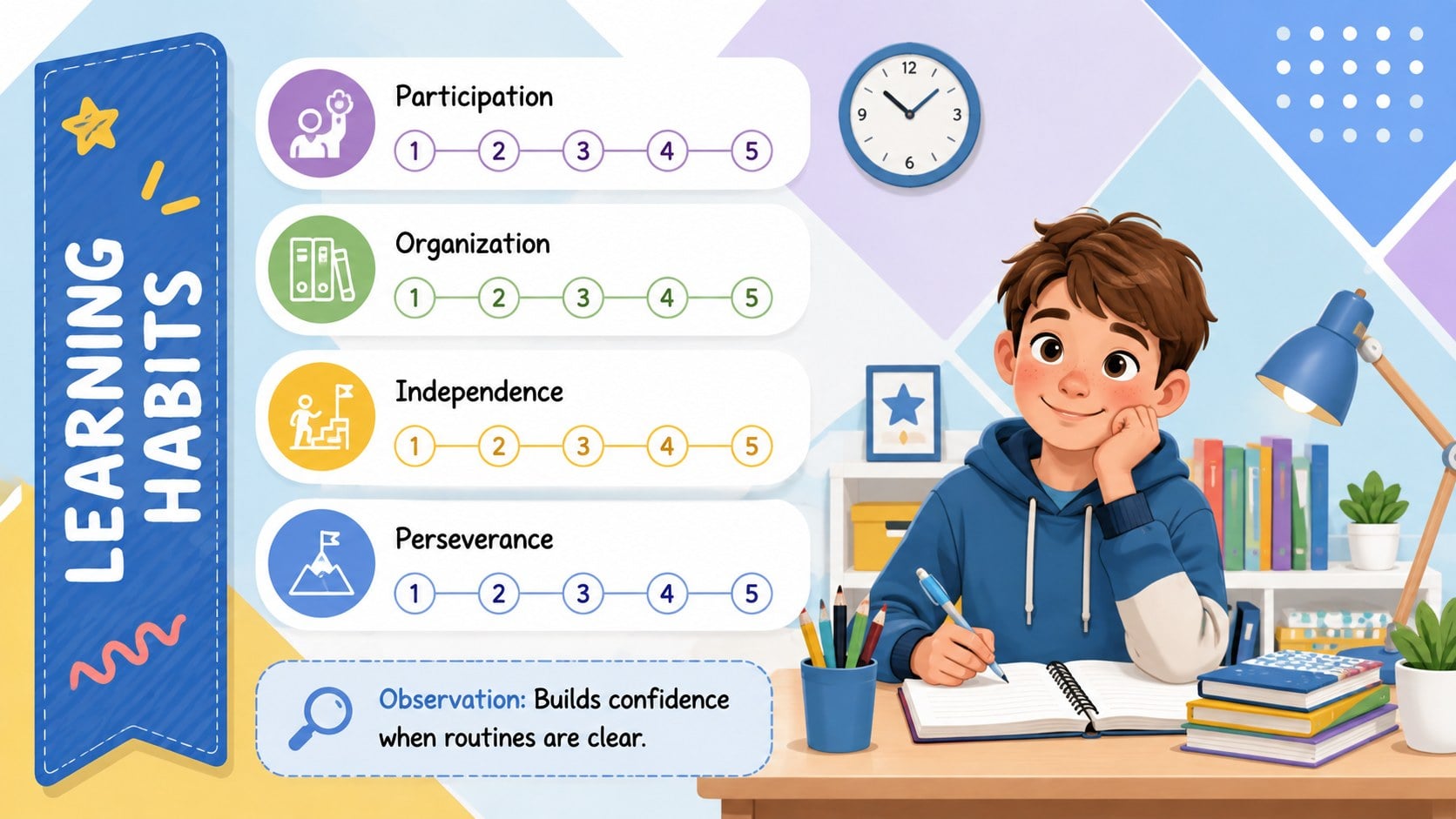
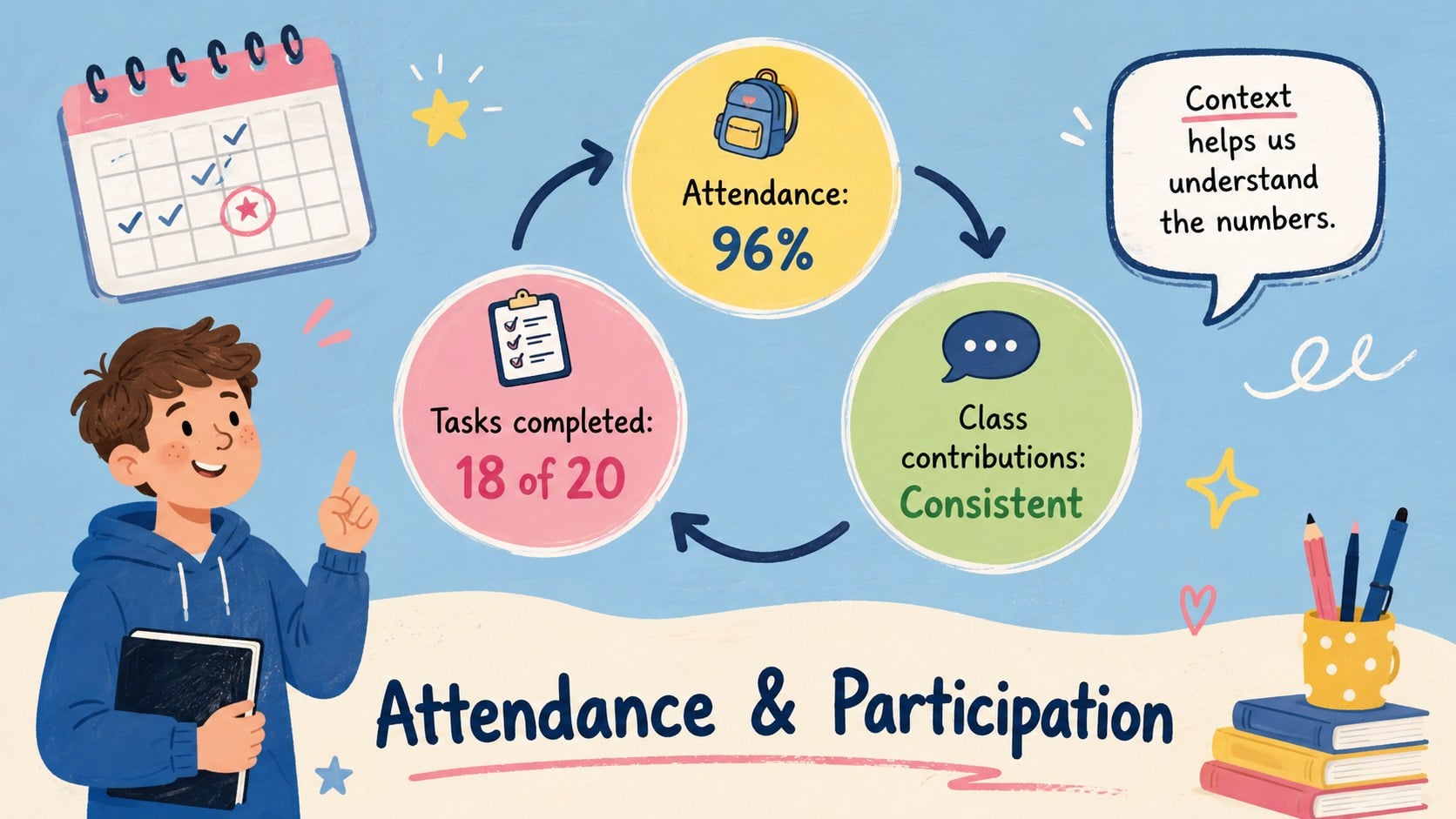
Student Progress Meeting Slides give educators a welcoming, organized way to share learning updates with families. The colorful illustrated design keeps the conversation approachable while helping teachers explain academic development, classroom habits, accomplishments, and areas that may need additional support. Use this elementary parent meeting presentation to keep important details visible without overwhelming families with dense text.
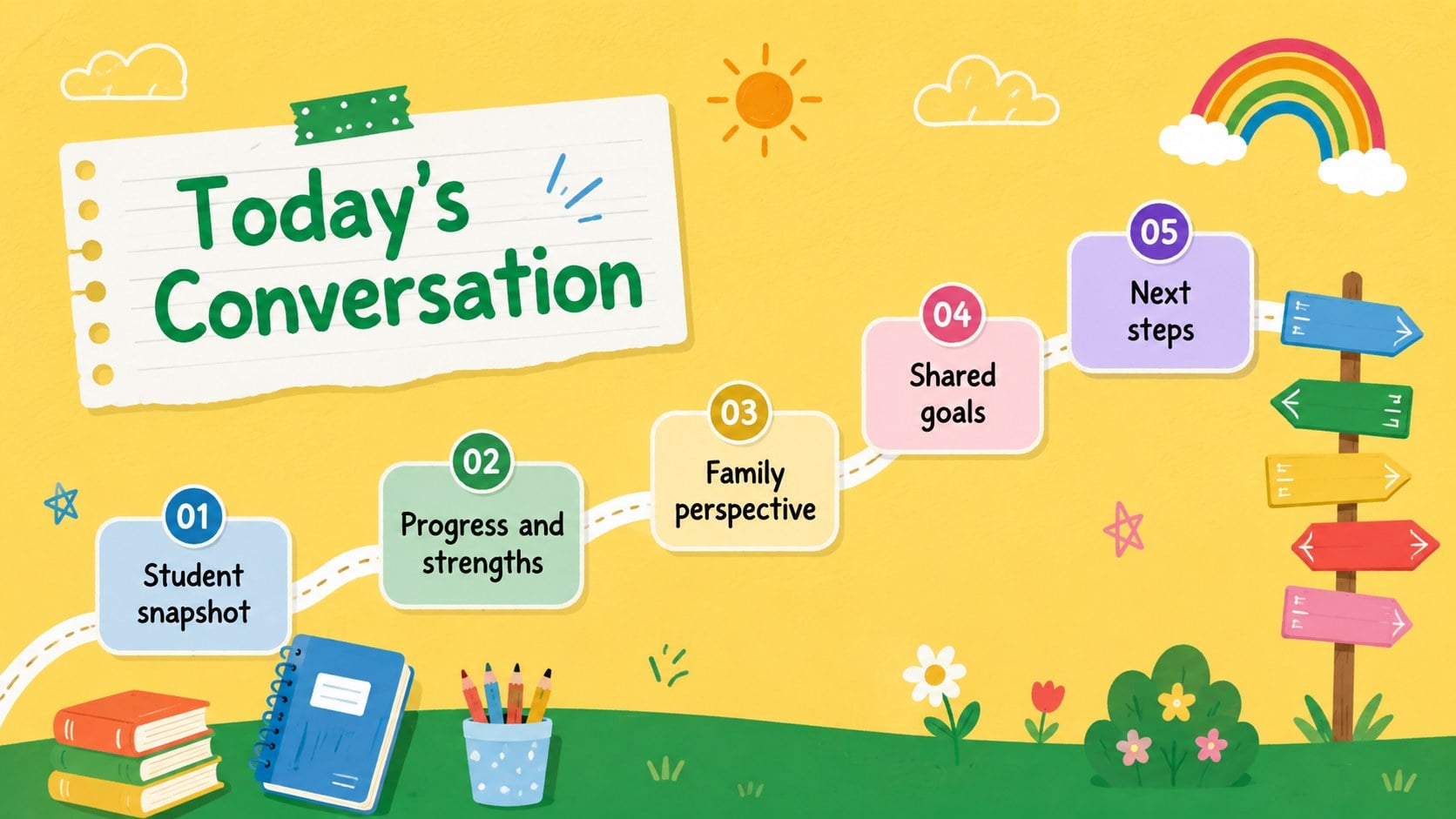
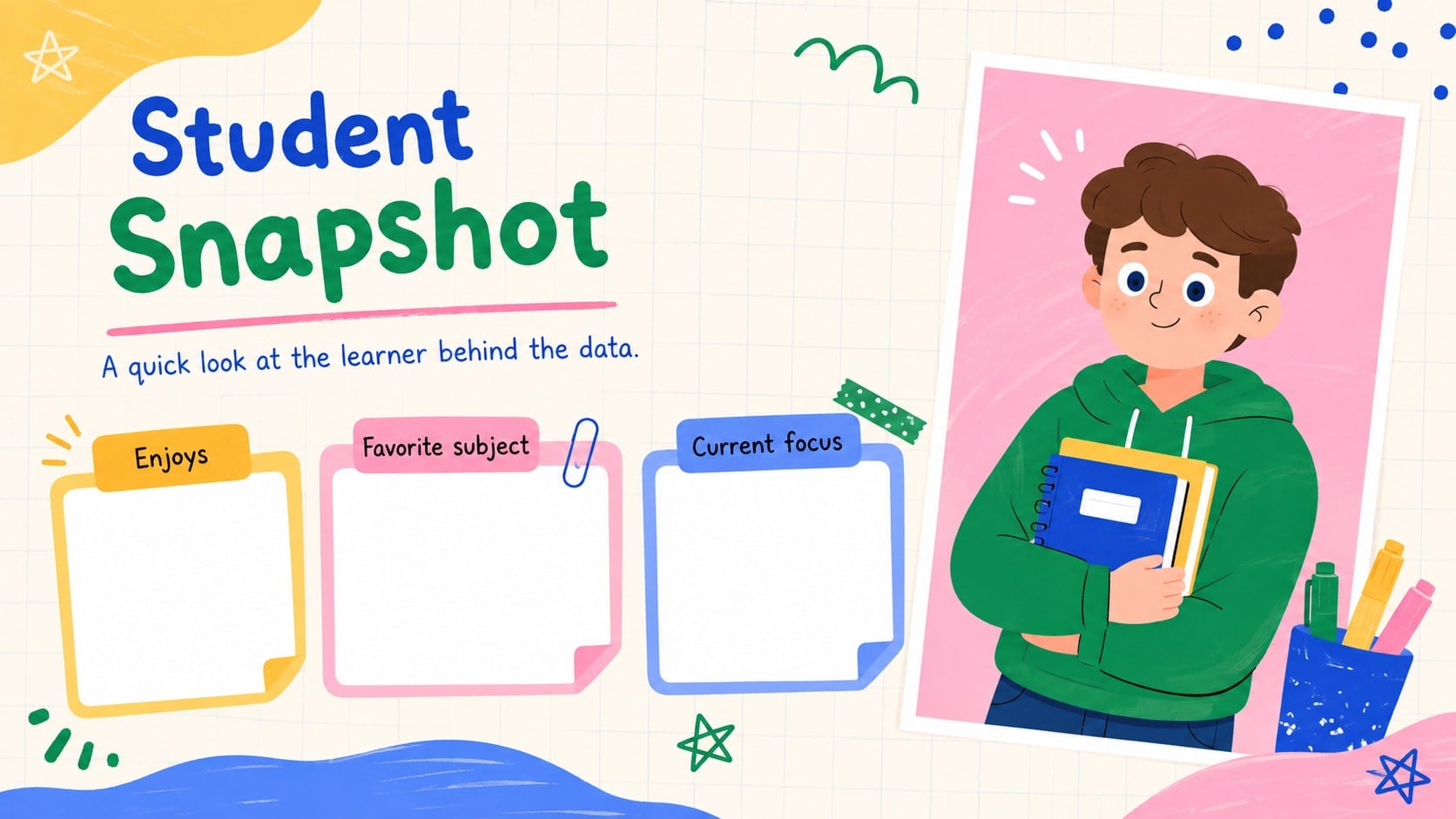
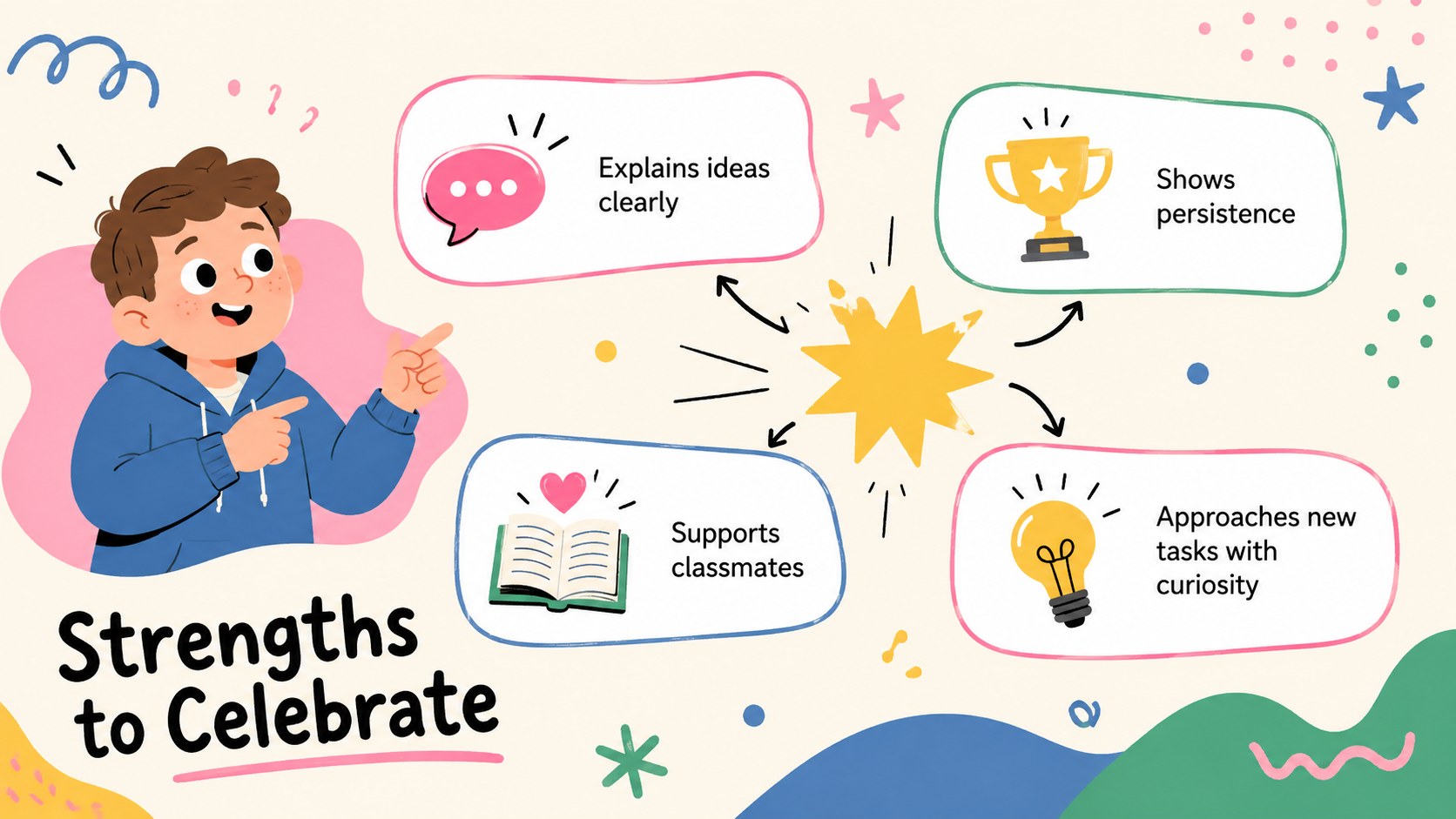
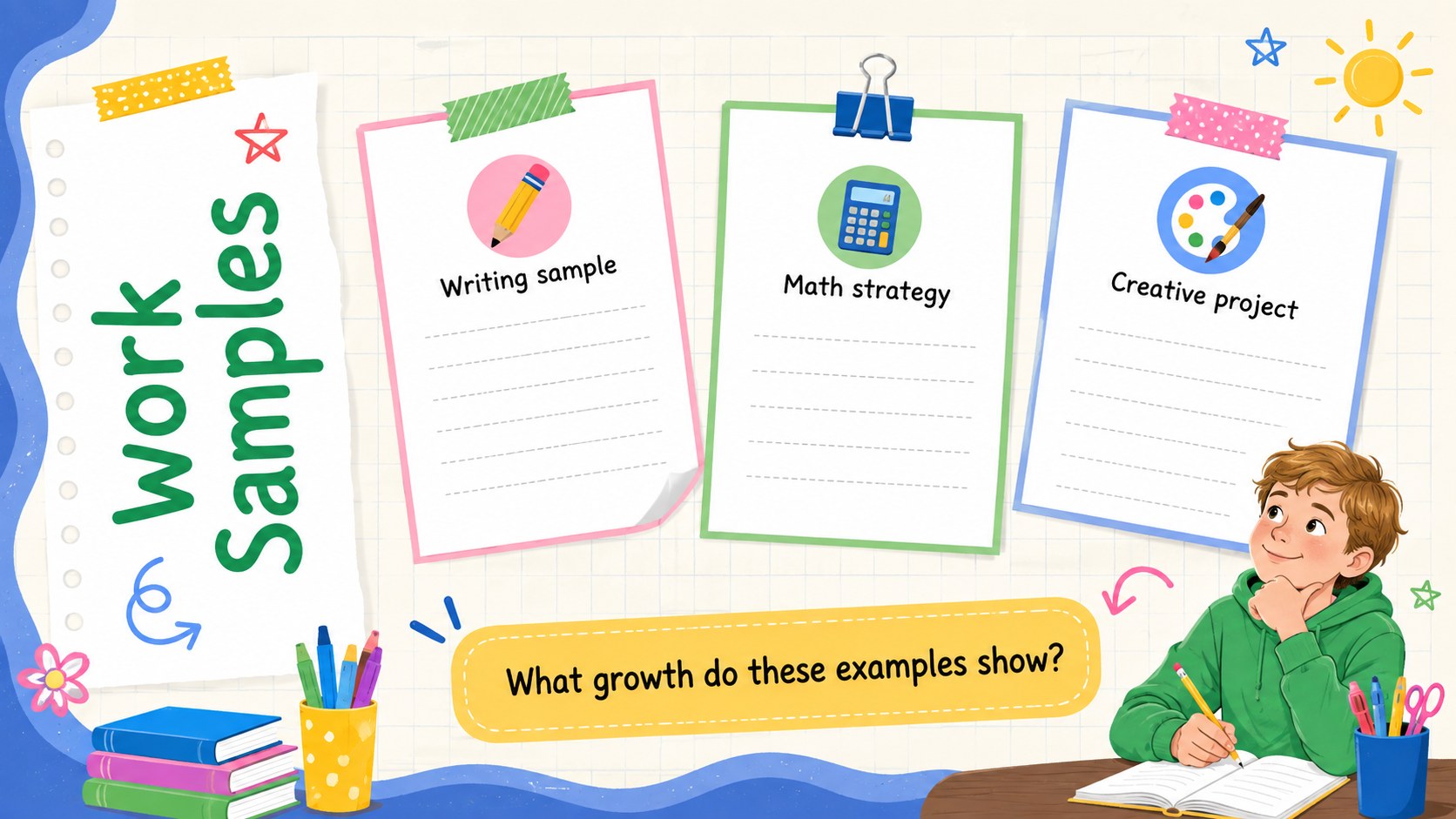
The deck includes layouts for a learner snapshot, meeting roadmap, subject-by-subject progress, key strengths, learning habits, attendance, work samples, family observations, support needs, shared goals, and an action plan. Editable charts, timelines, checklists, and discussion prompts make it a practical student achievement review template for both individual meetings and scheduled conference days. A communication plan and next check-in slide help everyone leave with clear responsibilities.
Designed for elementary and middle school teachers, learning support teams, tutors, and school counselors, this family school progress report deck can be adapted for different ages, subjects, and assessment methods. Change the wording, colors, illustrations, and data in PowerPoint or Google Slides, then present on screen or export selected pages for printed meeting notes. The playful visual style and colorful palette support a positive tone while keeping the focus on evidence, collaboration, and realistic next steps.
Perfect for: individual student progress review; elementary family conference; academic support planning; term learning update; student goal-setting meeting.
Frequently asked questions
Can I edit these slides in PowerPoint and Google Slides? Yes. All text, colors, charts, and layout elements can be adjusted in PowerPoint or Google Slides. Font availability may vary, so check the deck after importing it into your preferred platform.
Practical details
Yes. All text, colors, charts, and layout elements can be adjusted in PowerPoint or Google Slides. Font availability may vary, so check the deck after importing it into your preferred platform.
Replace the sample content with the learner’s current results, strengths, work examples, and support priorities. Remove any sections that do not apply and keep only the evidence needed for a focused conversation.
Yes. The structure works well for elementary and middle school meetings, and the language can be simplified or made more detailed as needed. Illustrations and subject labels can also be changed to suit the learner’s age.
Yes. Export the relevant pages as a PDF or print them directly from PowerPoint or Google Slides. The action plan, shared goals, and communication plan layouts are especially useful as take-home summaries.
Keep exploring
15Build stronger academic arguments with a college essay thesis builder featuring guided examples, revision prompts, and editable PowerPoint and Google Slides.
 15
15Build an engaging World UFO Day session with this flying saucer history lesson deck, featuring retro green-and-brown slides for PowerPoint and Google Slides.
 14
14Plan a memorable Lunar New Year campaign with the 2036 Dragon Year Celebration Theme, featuring bold red-and-yellow slides for lessons and events.
 15
15Build a thoughtful classroom discussion with this interfaith awareness lesson deck, featuring editable blue-and-white slides for PowerPoint and Google Slides.
 15
15Use this environmental awareness lesson deck to teach climate action through illustrated activities, discussion prompts, and ready-to-edit visuals.
 15
15Build playful lessons and party stories with a kid-friendly zombie celebration theme in purple, green and pastel blue for PowerPoint and Google Slides.
 15
15Build eerie lessons, campaigns, and story pitches with an undead survival scenario theme featuring editable slides for PowerPoint and Google Slides.
 16
16Turn environmental research into a clear story with a Watercolor Ecology Presentation Theme for PowerPoint and Google Slides in calming green and blue.