
 15
15presentation
College Essay Thesis Builder Slides
Build stronger academic arguments with a college essay thesis builder featuring guided examples, revision prompts, and editable PowerPoint and Google Slides.
Google SlidesPowerPoint
presentation · English
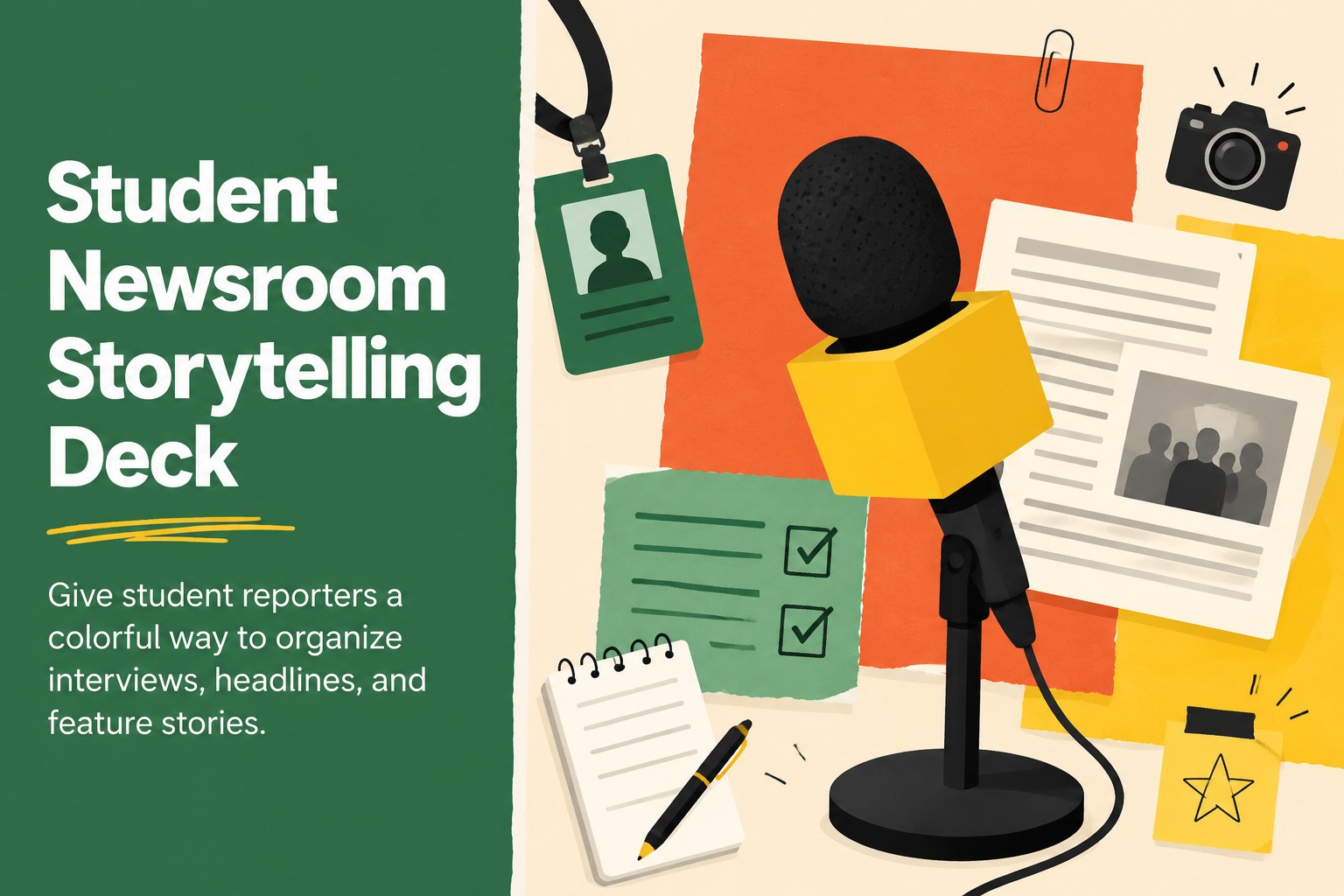
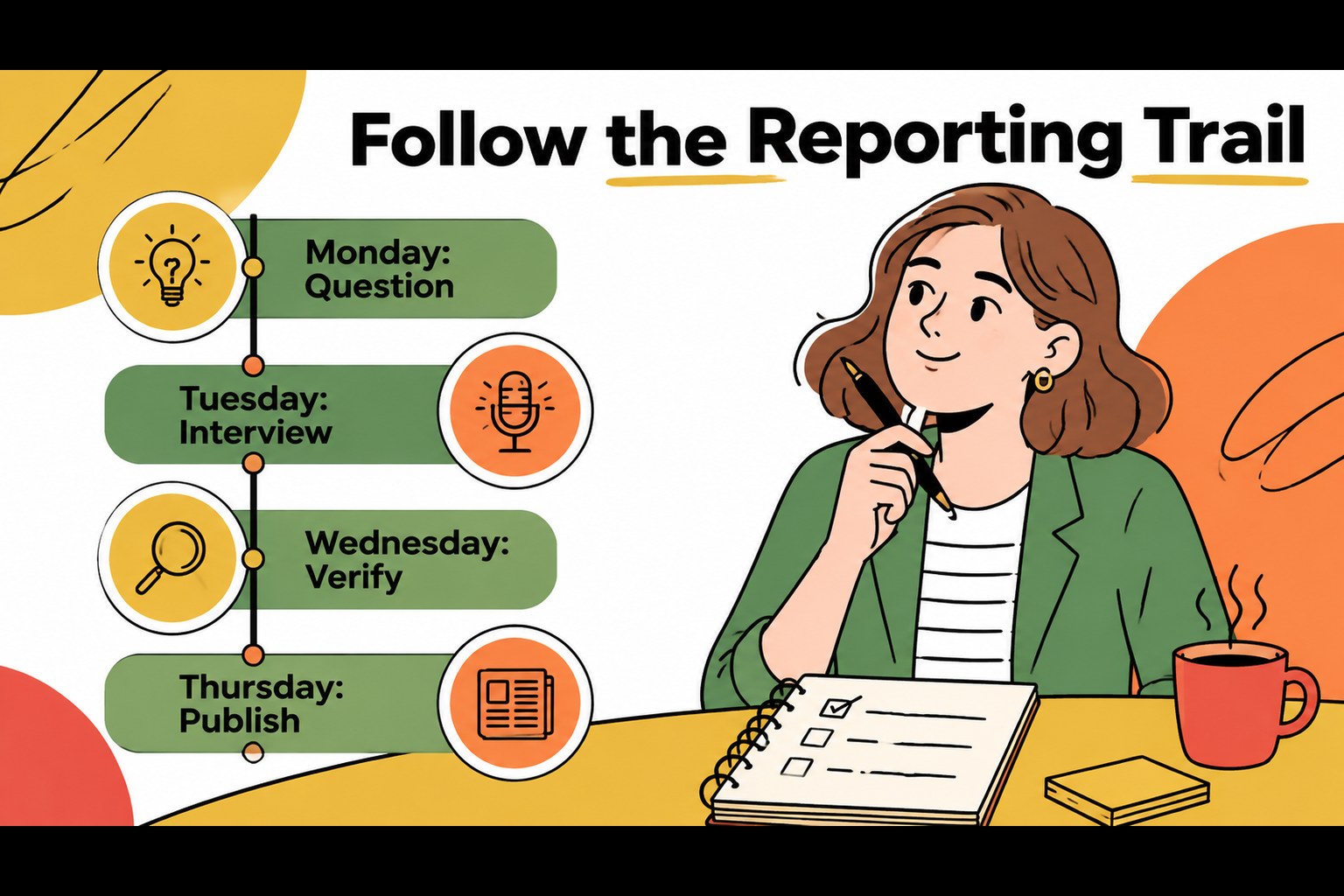
Build a student newsroom storytelling deck with colorful illustrated layouts for school reporting, interviews, headlines, and feature stories in PowerPoint…
Design notes
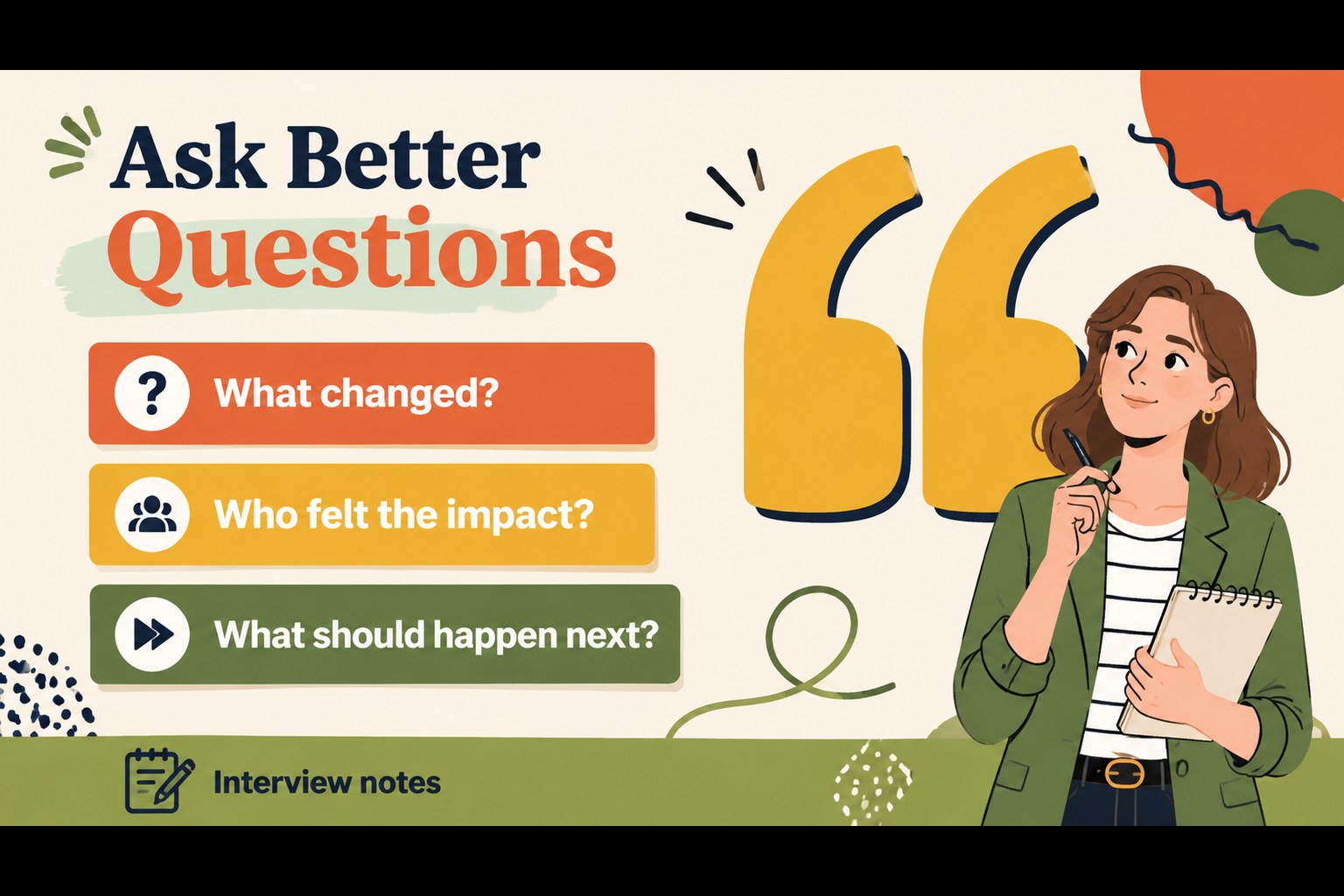
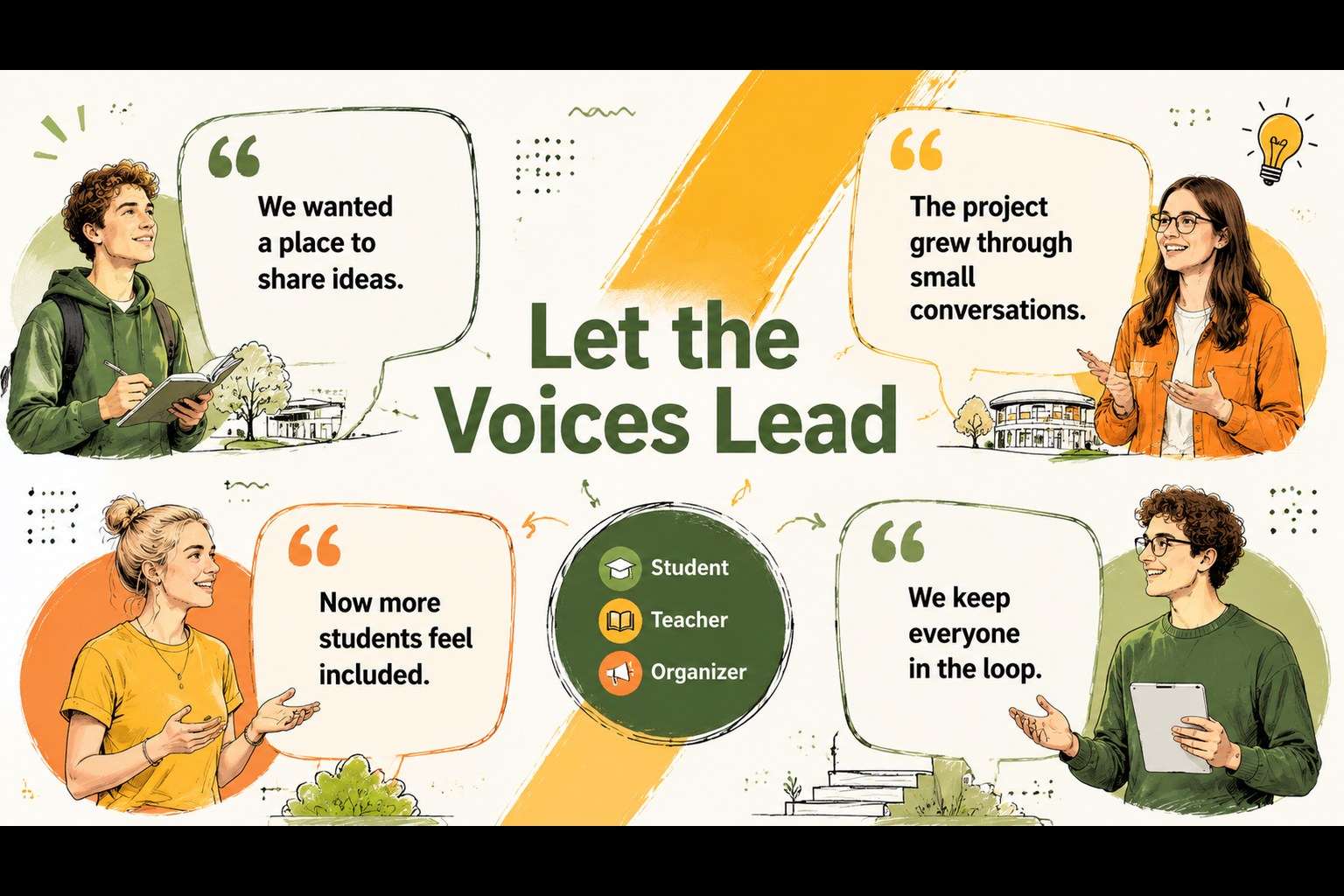
Give student reporters a practical visual system for turning research, interviews, and observations into a polished classroom presentation. The Student Newsroom Storytelling Deck combines colorful illustrated graphics with flexible layouts that help young journalists explain what happened, who was involved, and why the story matters. Its friendly editorial style keeps school reporting approachable while giving each story a clear beginning, middle, and conclusion.
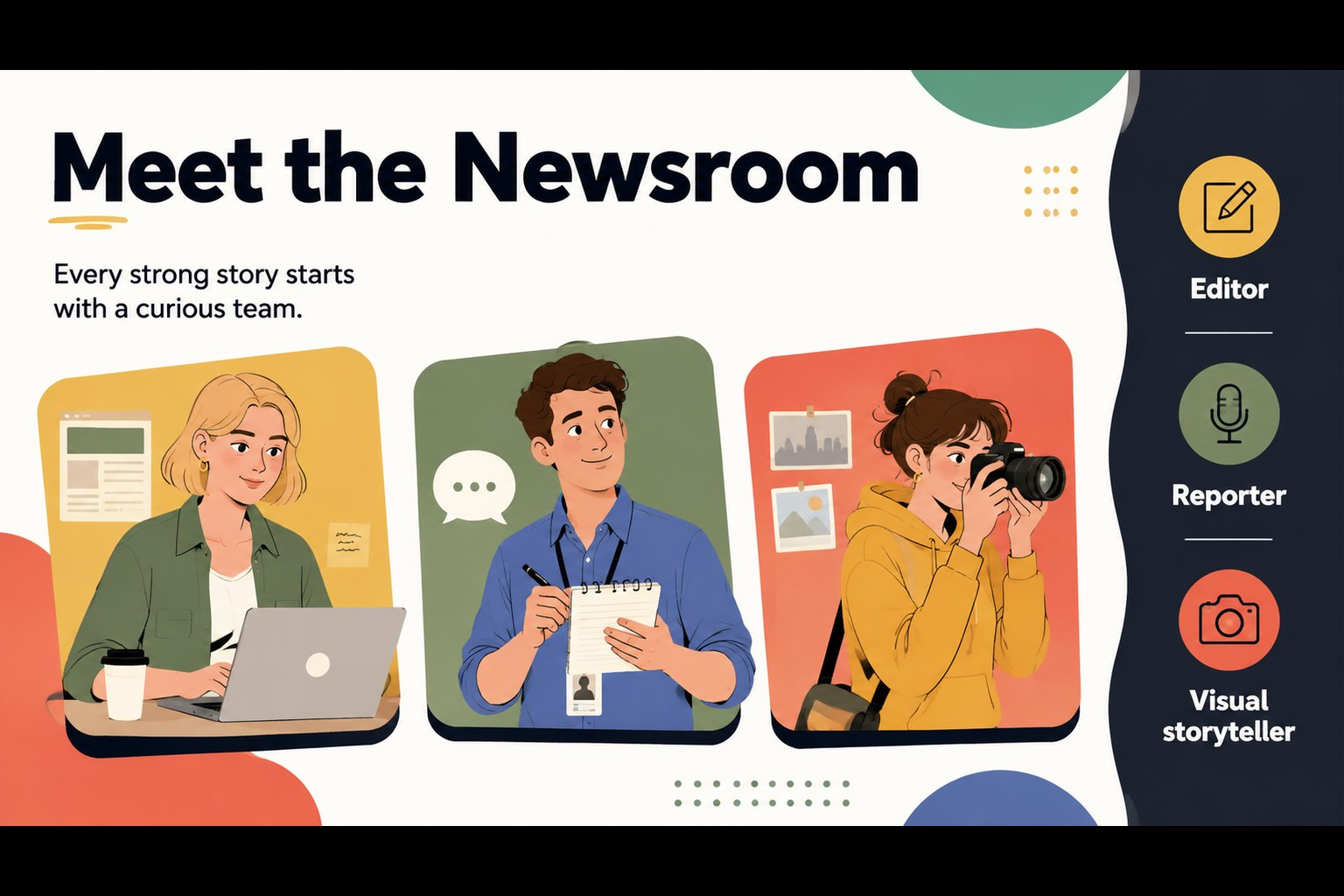
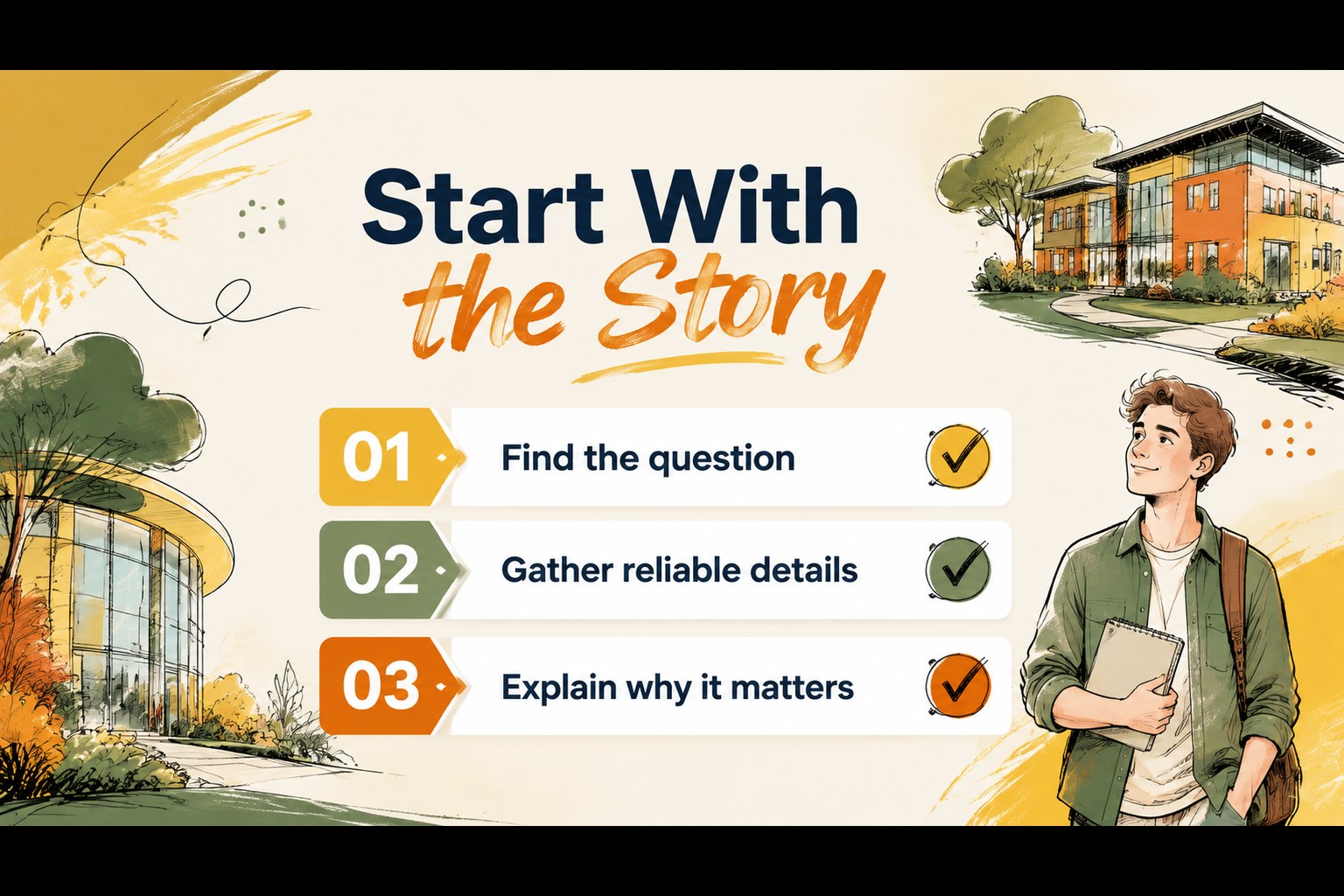
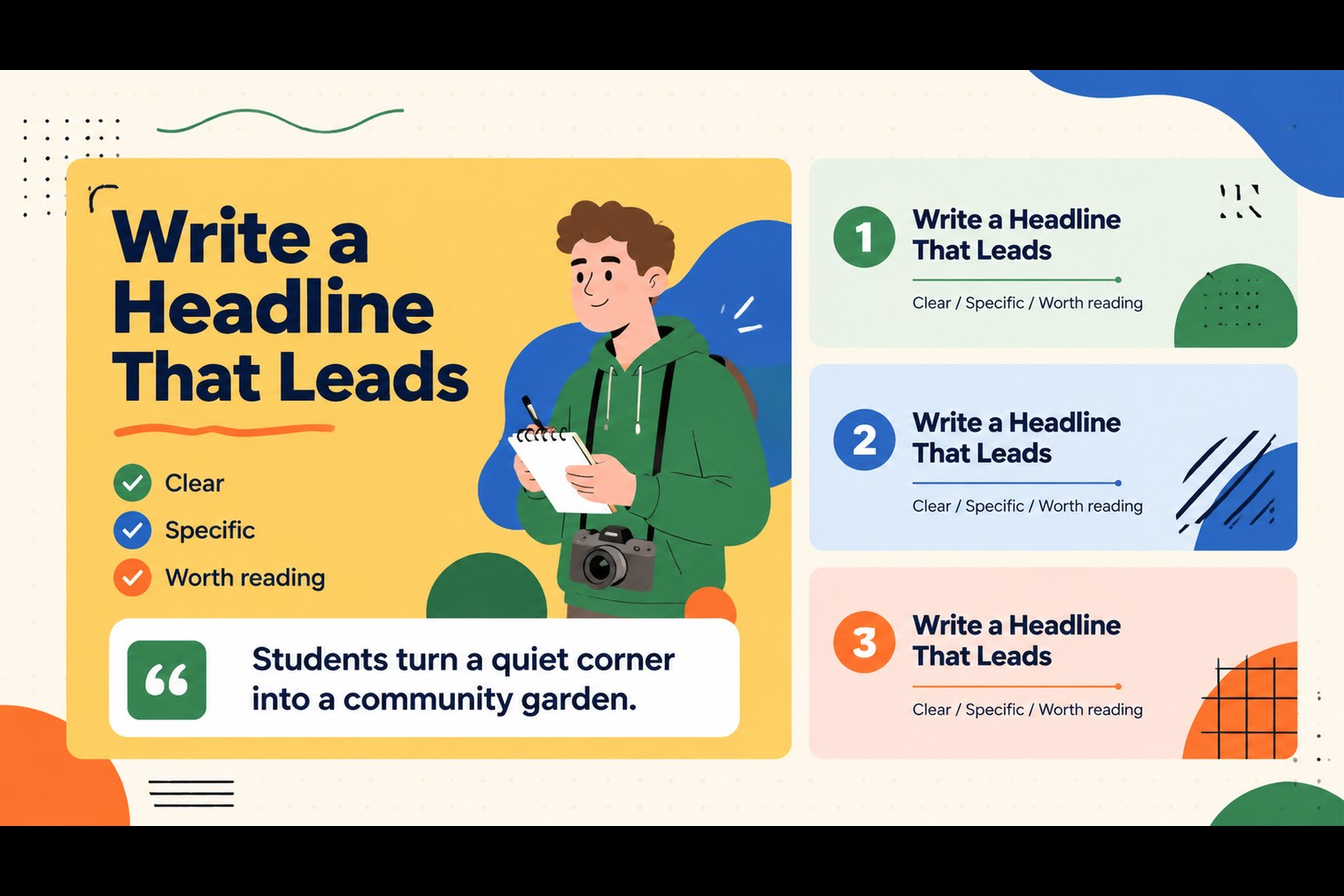
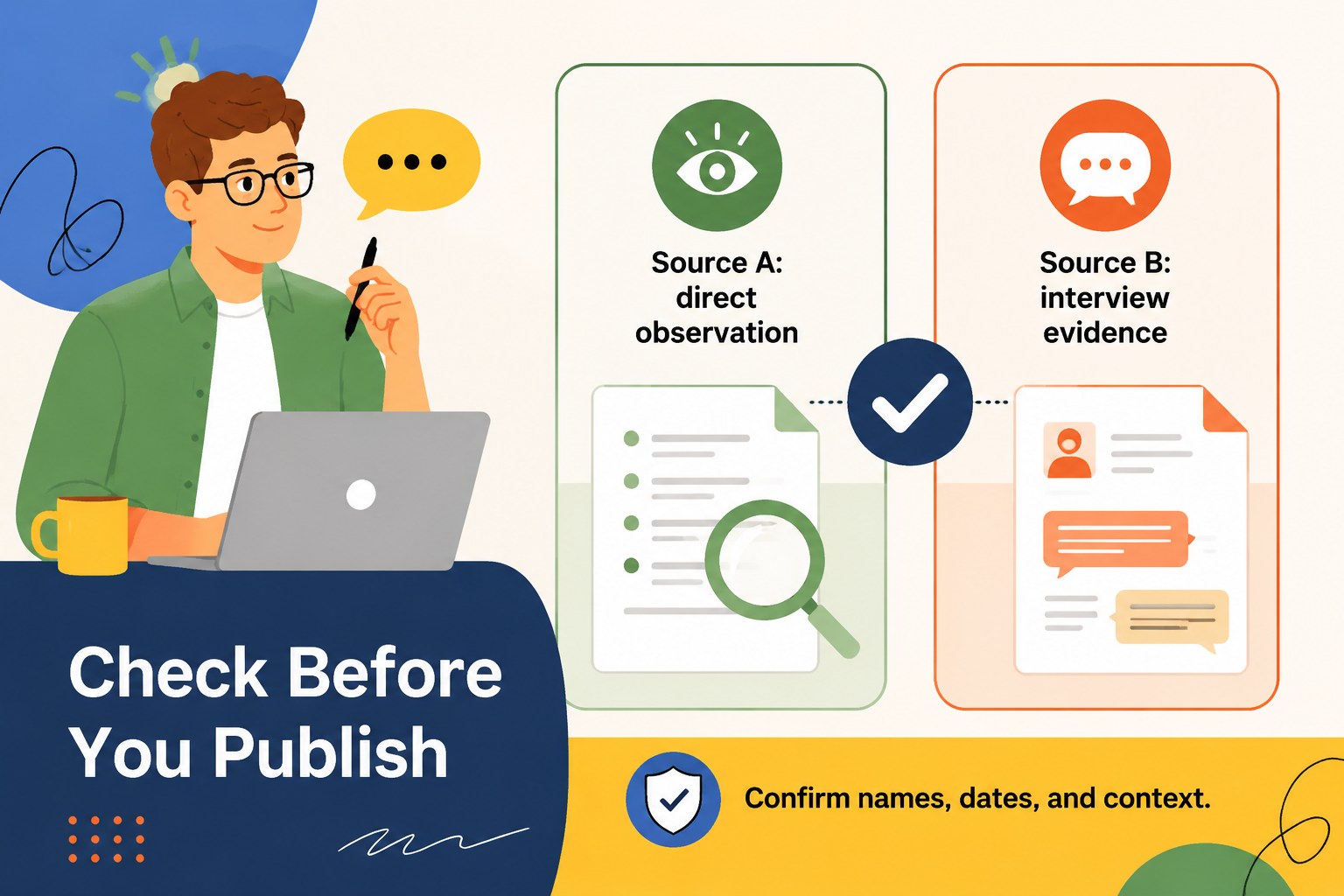
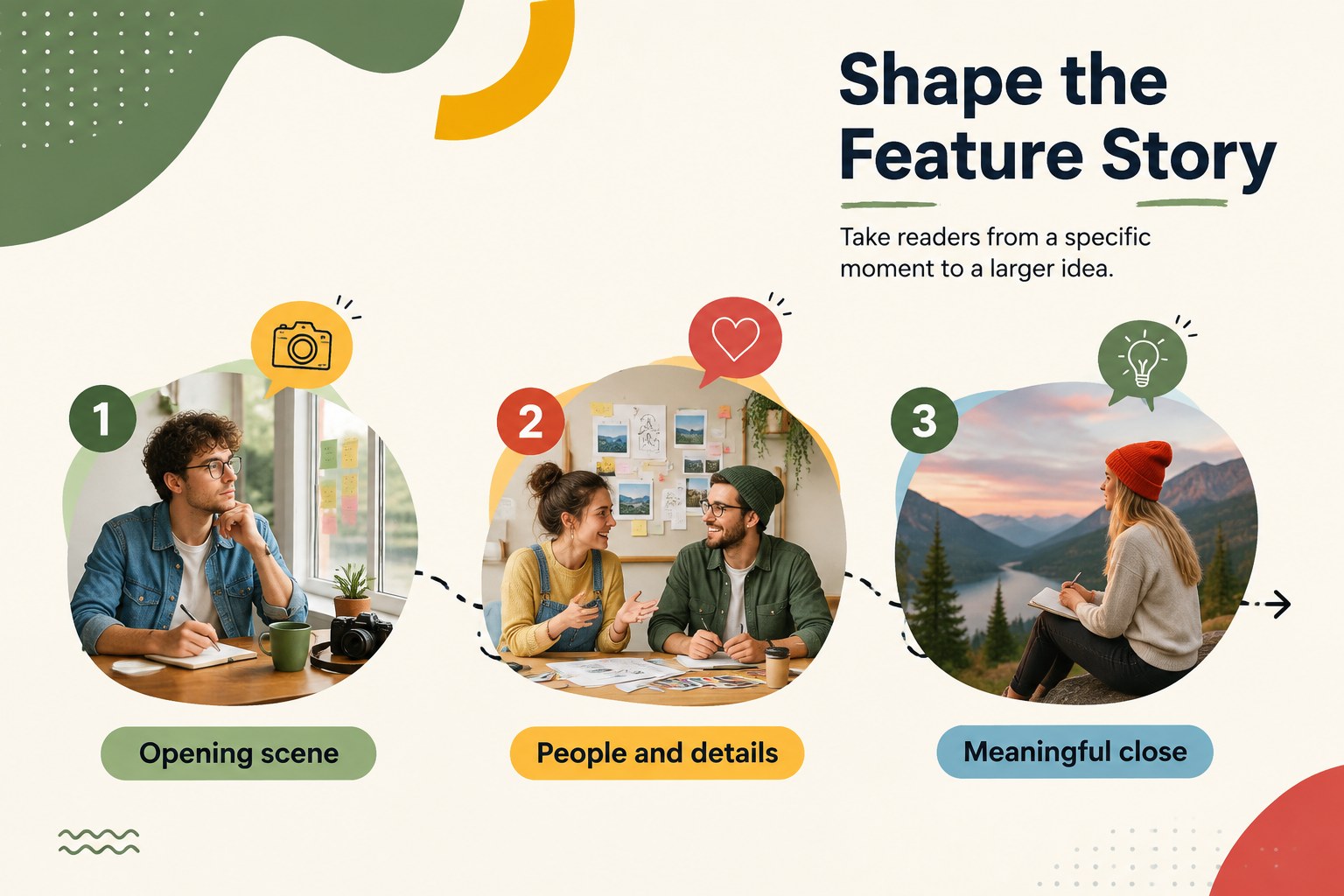
Inside, you’ll find 15 adaptable slides for introducing a newsroom team, outlining reporting goals, presenting headline ideas, profiling an interview subject, organizing quotes, comparing sources, building a feature story, and summarizing key findings. The deck also includes space for timelines, image-led reporting, fact checks, and a final call to action. Its visual structure works well as a student newsroom presentation, a journalism class assignment, or a school newspaper planning session.
Use the template in PowerPoint or Google Slides and adjust the colors, typography, illustrations, and text to match your publication or classroom. It is designed for teachers, media advisers, student editors, and beginner reporters who need a clear storytelling framework without losing personality. The layouts can support breaking news, campus features, interview recaps, and editorial projects.
Perfect for: journalism class assignment; school newspaper planning meeting; student reporter interview recap; campus feature story presentation; classroom news briefing.
Frequently asked questions
Can I edit this deck in PowerPoint and Google Slides? Yes. The presentation is designed for both PowerPoint and Google Slides. You can replace text, resize or remove graphics, and rearrange slides in either platform.
Practical details
Yes. The presentation is designed for both PowerPoint and Google Slides. You can replace text, resize or remove graphics, and rearrange slides in either platform.
Yes. The colorful layouts and guided structure work well for elementary and middle school journalism activities. Teachers can simplify the wording or use only the slides needed for a particular assignment.
You can customize the palette, type, headlines, illustrations, and publication details for a school newspaper or media club. The layouts support interviews, source comparisons, timelines, and feature reporting.
The template preview includes 15 presentation slides. They cover story planning, reporting evidence, interview content, visual storytelling, and a final summary.
Keep exploring
15Build stronger academic arguments with a college essay thesis builder featuring guided examples, revision prompts, and editable PowerPoint and Google Slides.
 15
15Build an engaging World UFO Day session with this flying saucer history lesson deck, featuring retro green-and-brown slides for PowerPoint and Google Slides.
 14
14Plan a memorable Lunar New Year campaign with the 2036 Dragon Year Celebration Theme, featuring bold red-and-yellow slides for lessons and events.
 15
15Build a thoughtful classroom discussion with this interfaith awareness lesson deck, featuring editable blue-and-white slides for PowerPoint and Google Slides.
 15
15Use this environmental awareness lesson deck to teach climate action through illustrated activities, discussion prompts, and ready-to-edit visuals.
 15
15Build playful lessons and party stories with a kid-friendly zombie celebration theme in purple, green and pastel blue for PowerPoint and Google Slides.
 15
15Build eerie lessons, campaigns, and story pitches with an undead survival scenario theme featuring editable slides for PowerPoint and Google Slides.
 16
16Turn environmental research into a clear story with a Watercolor Ecology Presentation Theme for PowerPoint and Google Slides in calming green and blue.