
 15
15presentation
College Essay Thesis Builder Slides
Build stronger academic arguments with a college essay thesis builder featuring guided examples, revision prompts, and editable PowerPoint and Google Slides.
Google SlidesPowerPoint
presentation · English
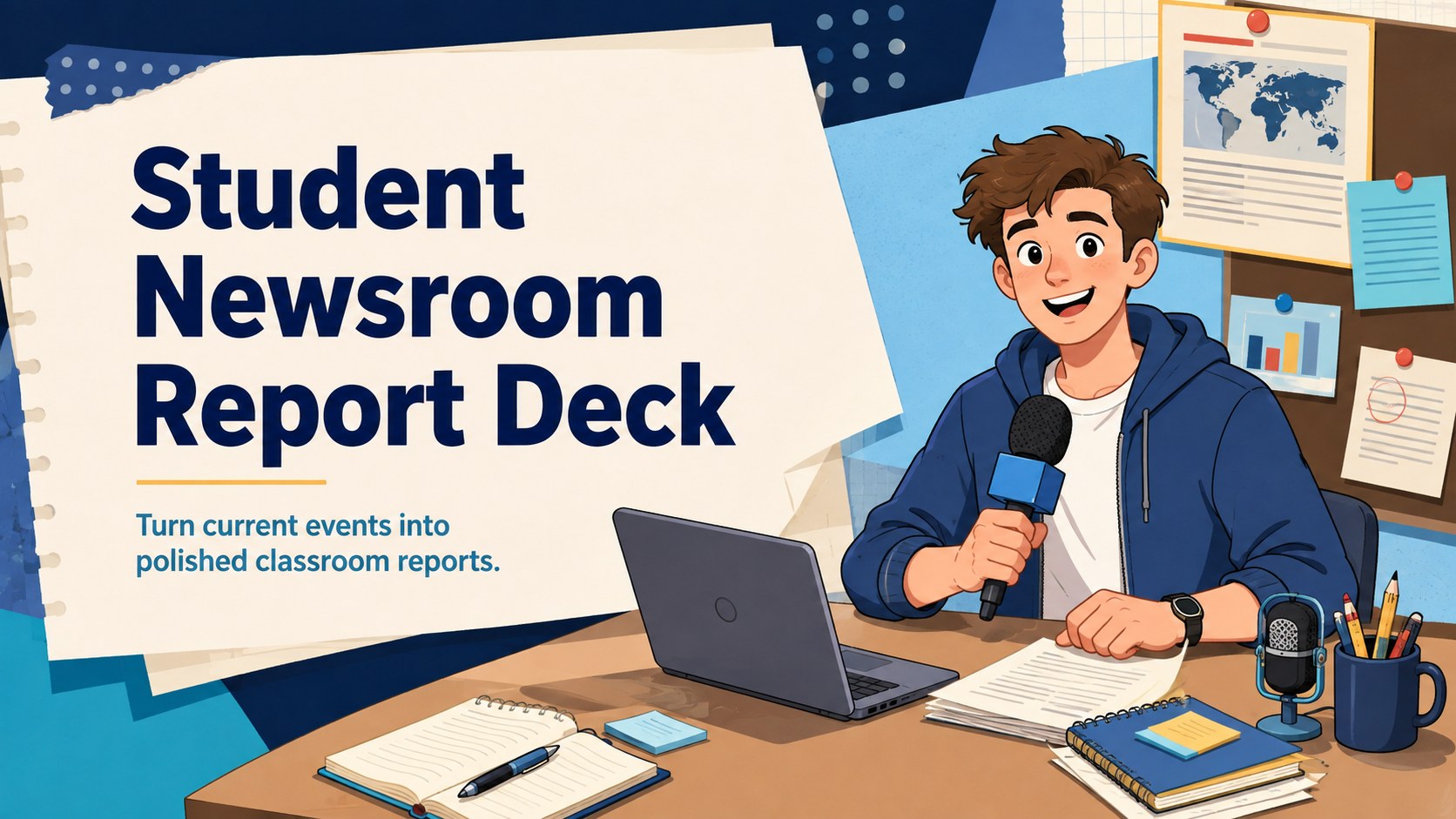
Help learners research and present current events with a Student Newsroom Report Deck featuring editable layouts for PowerPoint and Google Slides.
Design notes
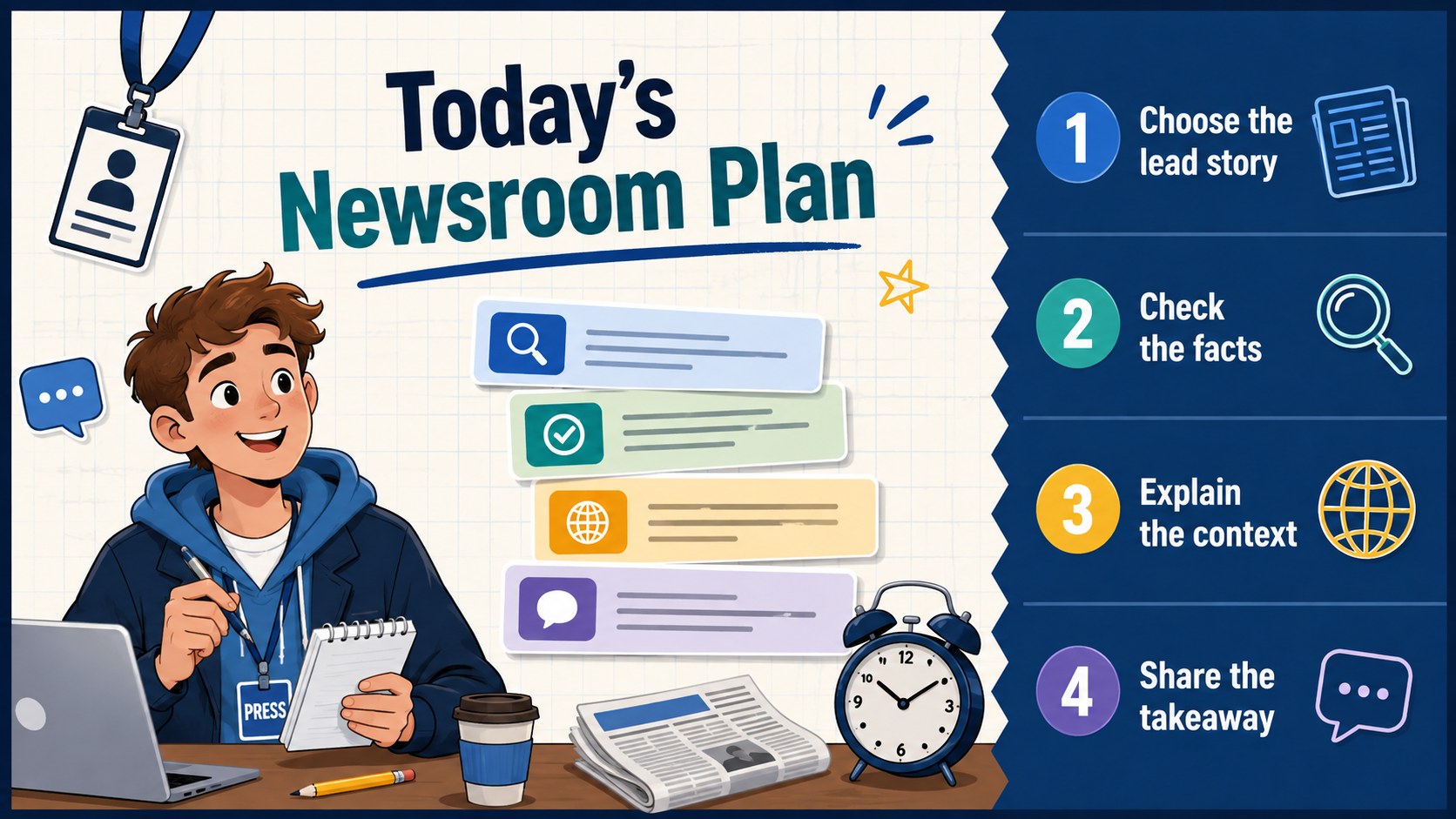
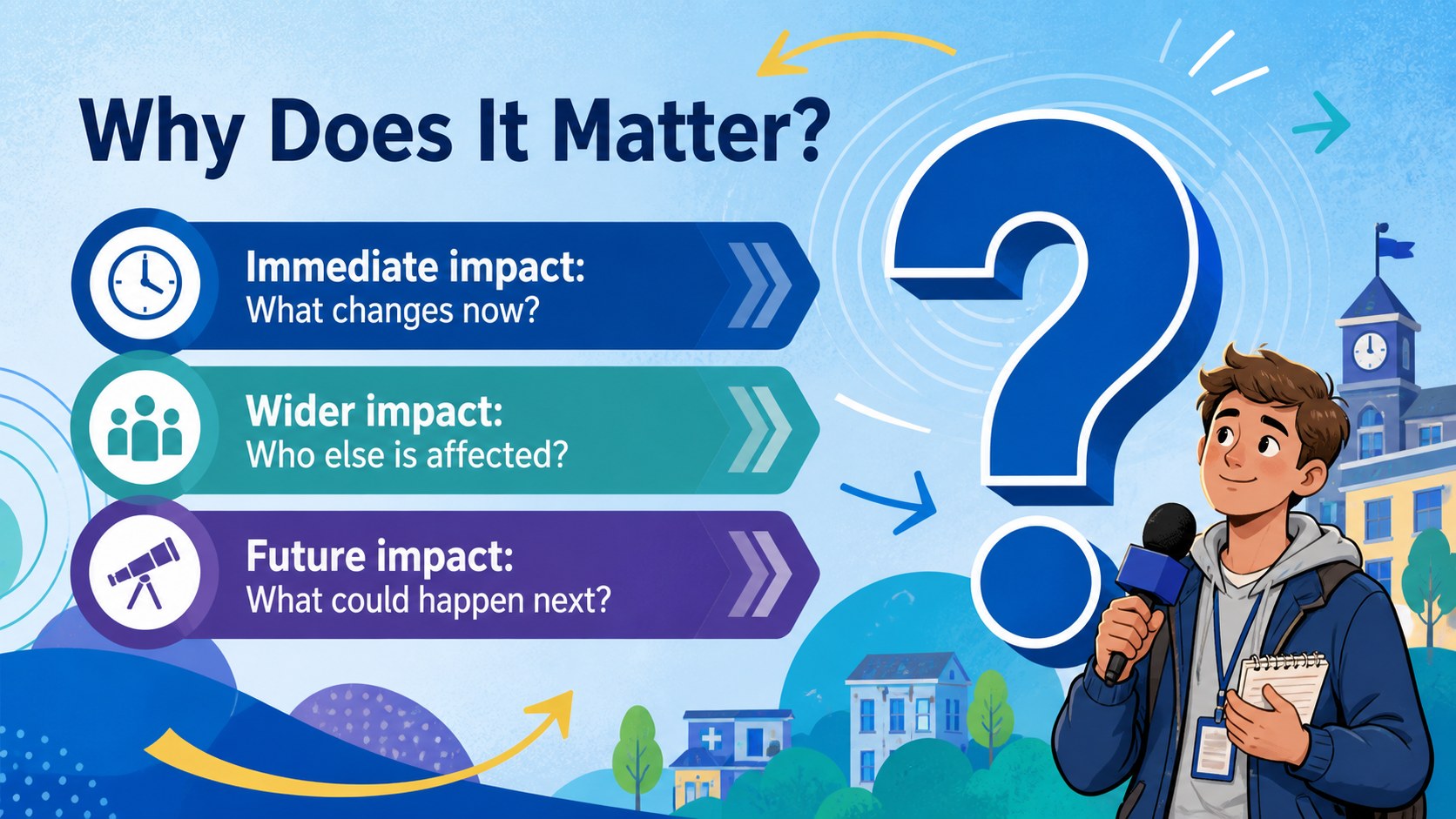
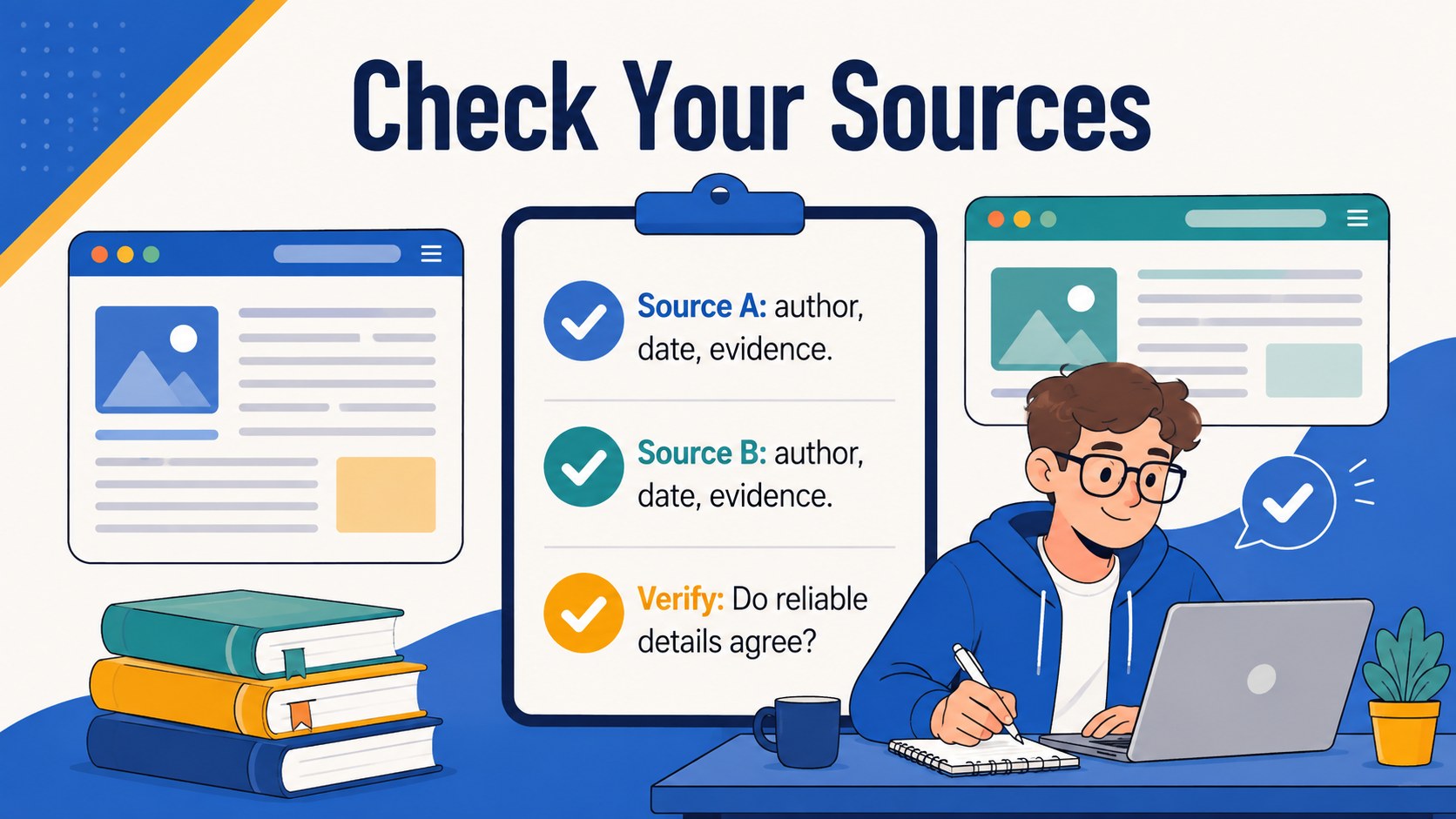
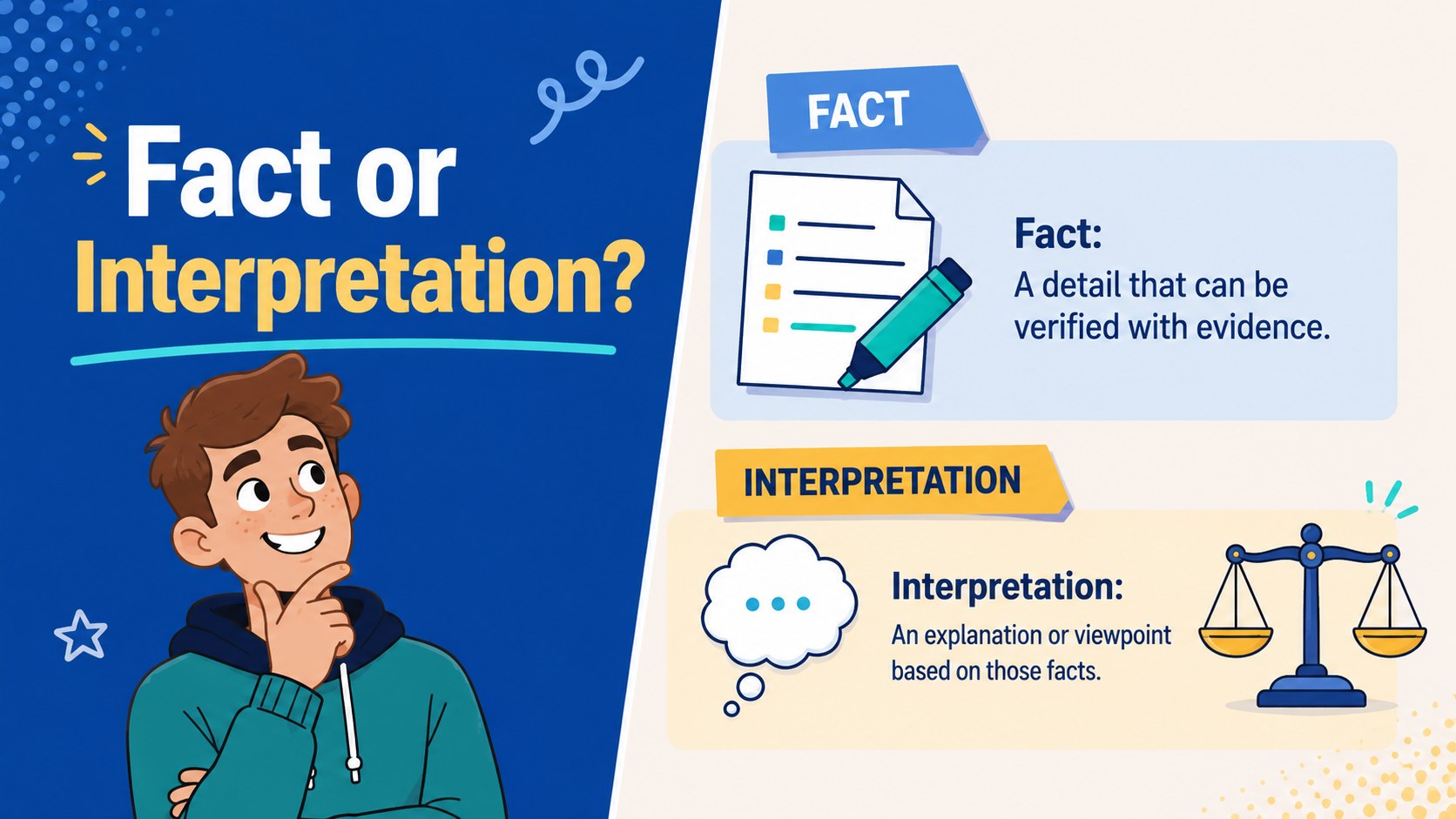
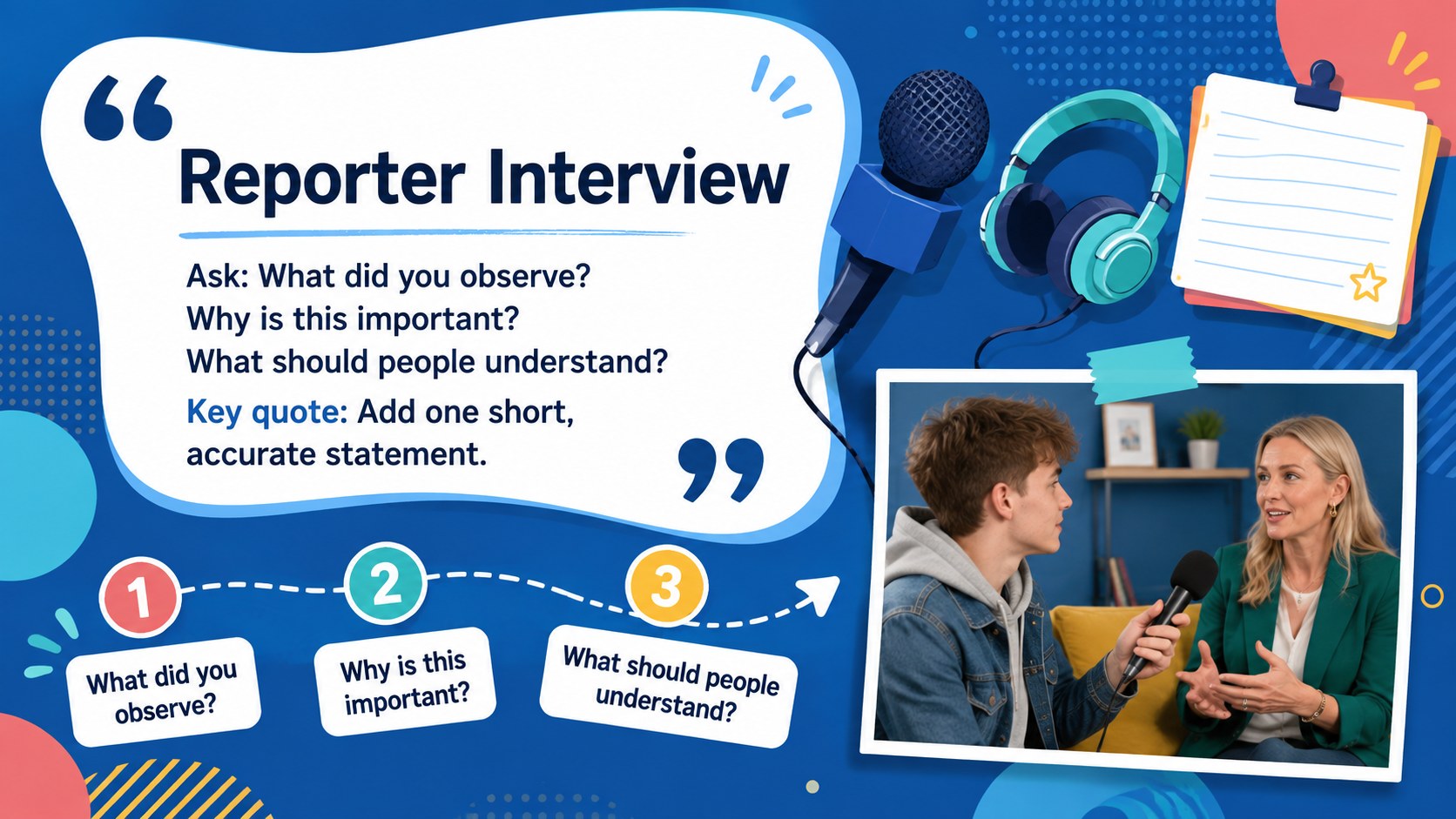
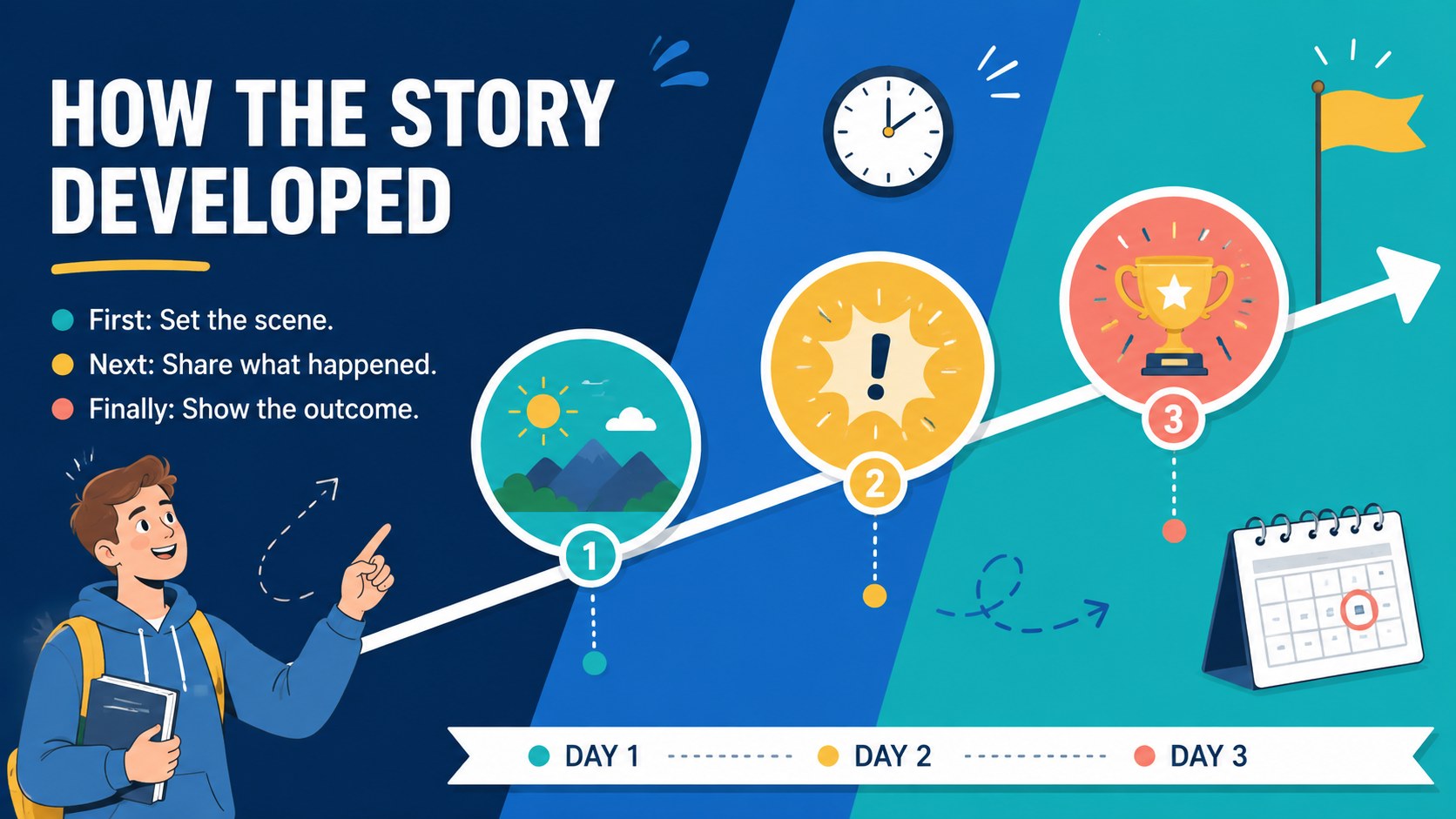
Turn classroom reporting into an organized, engaging activity with the Student Newsroom Report Deck. Its lively blue palette, playful illustrations, and clear editorial layouts help young presenters transform current events into stories their classmates can easily follow. Every slide is editable in PowerPoint and Google Slides, making the deck practical for individual assignments, group projects, or recurring class updates.
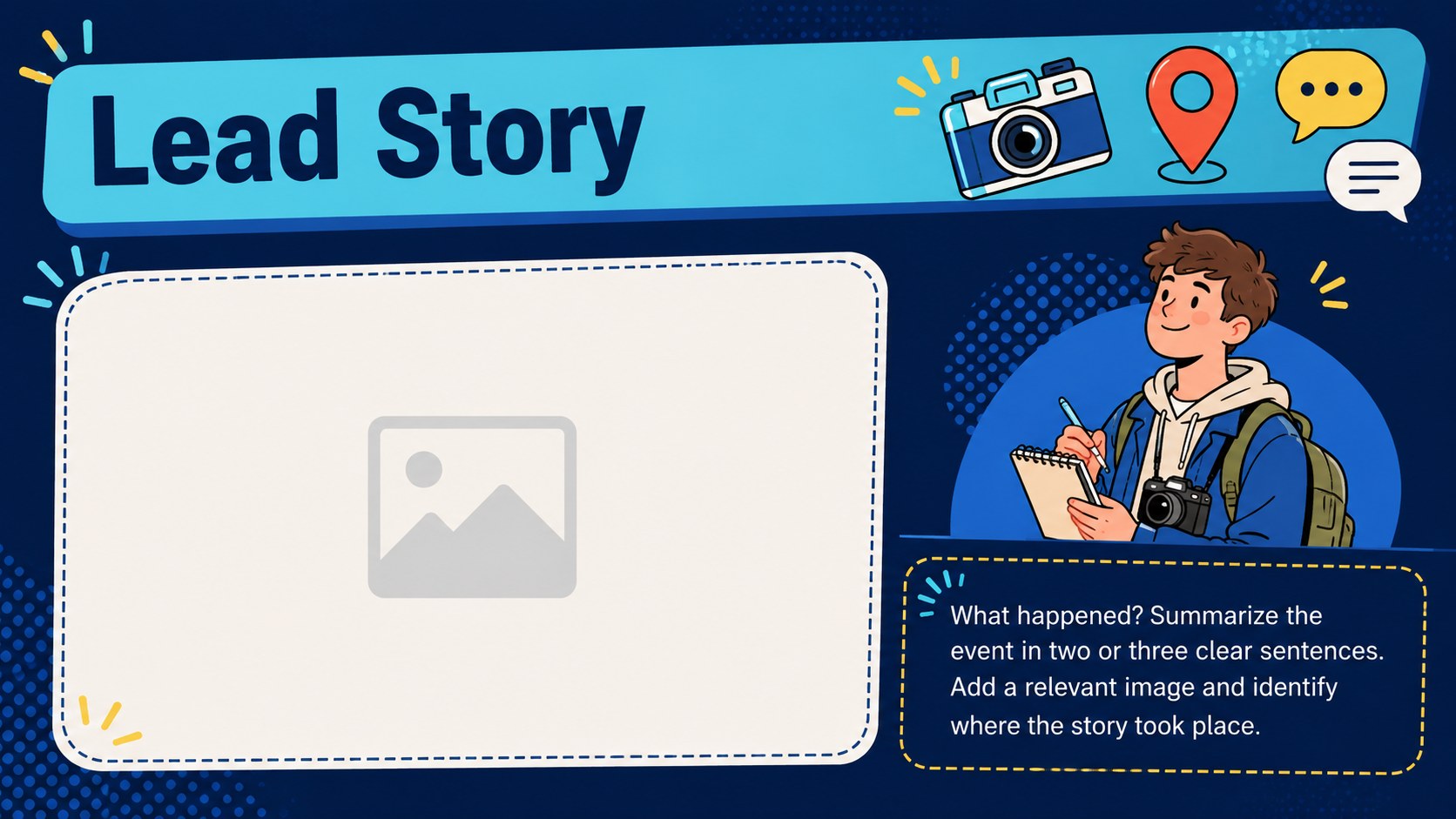
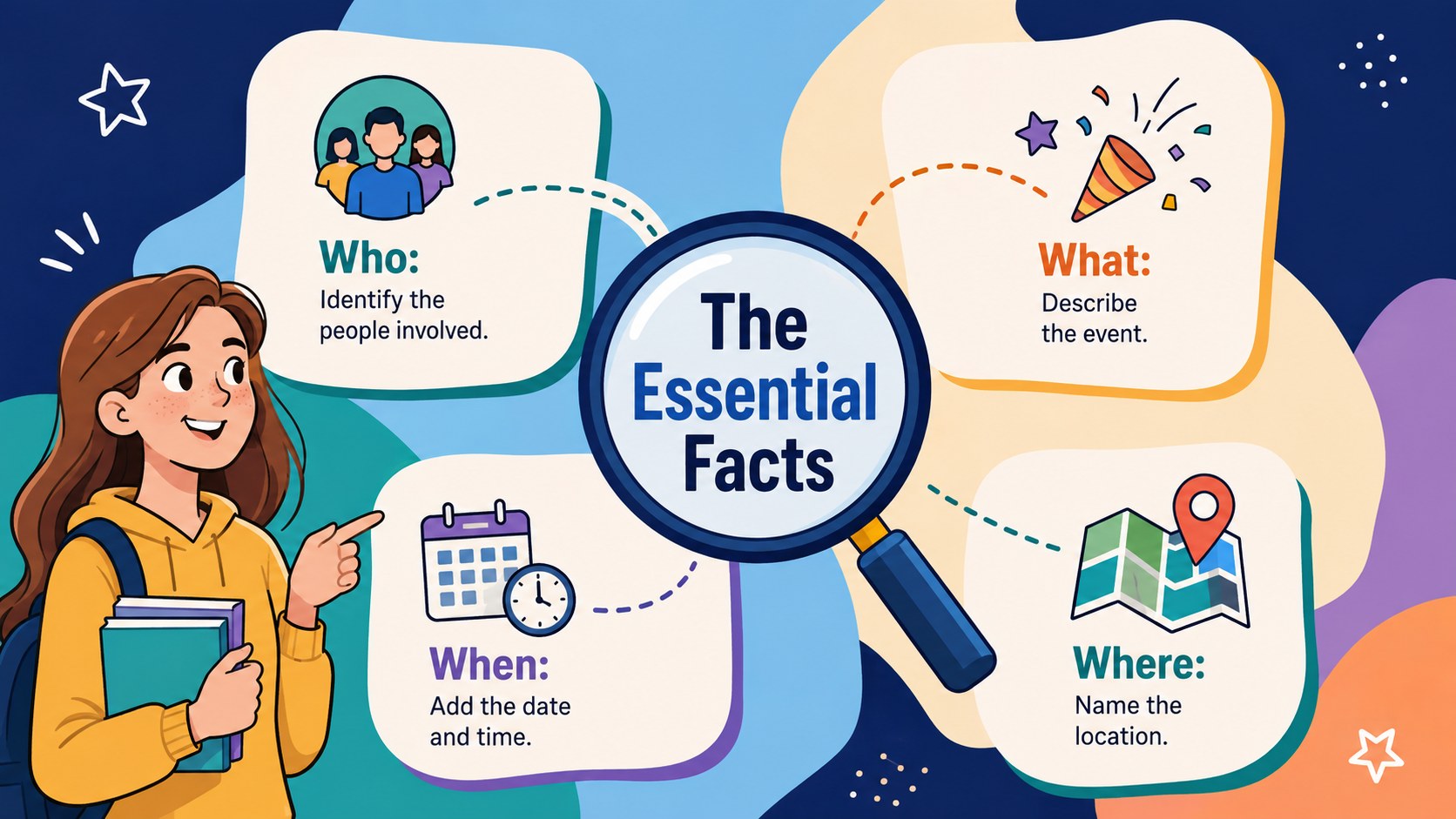
Inside, educators and learners will find layouts for opening headlines, story summaries, key facts, source checks, interviews, timelines, data snapshots, opinion sections, and closing takeaways. The varied structure works as a classroom current events presentation while encouraging students to distinguish evidence from interpretation. It can also serve as a student journalism presentation template for planning and delivering a complete news segment.
Use the deck for media literacy lessons, weekly news roundups, social studies reports, or school announcements. Teachers can adjust prompts, colors, illustrations, and section order to suit different age groups and subjects. Students can add photographs, charts, quotations, and citations without rebuilding the visual system. Whether you need school news report slides for a single story or a reusable format for an ongoing newsroom project, this template keeps research focused, information readable, and presentations visually consistent.
Perfect for: weekly classroom news roundup; student journalism assignment; current events research report; media literacy lesson; school bulletin presentation; social studies group project.
Frequently asked questions
Can students edit every part of the deck? Yes. Headlines, text boxes, colors, illustrations, charts, and image placeholders can be adjusted to match an assignment or class topic.
Practical details
Yes. Headlines, text boxes, colors, illustrations, charts, and image placeholders can be adjusted to match an assignment or class topic.
The template is designed for PowerPoint and Google Slides. Layouts use a widescreen 16:9 format for classroom displays, projectors, and online presentations.
Yes. Duplicate the story sections, replace the reporting prompts, and update the date or topic for each edition. The consistent layout makes it suitable for a recurring student bulletin.
Shorten the reporting prompts, reduce the number of source fields, and replace detailed charts with simple fact boxes. The illustrated visual style can remain while the content is adapted to the class level.
Keep exploring
15Build stronger academic arguments with a college essay thesis builder featuring guided examples, revision prompts, and editable PowerPoint and Google Slides.
 15
15Build an engaging World UFO Day session with this flying saucer history lesson deck, featuring retro green-and-brown slides for PowerPoint and Google Slides.
 14
14Plan a memorable Lunar New Year campaign with the 2036 Dragon Year Celebration Theme, featuring bold red-and-yellow slides for lessons and events.
 15
15Build a thoughtful classroom discussion with this interfaith awareness lesson deck, featuring editable blue-and-white slides for PowerPoint and Google Slides.
 15
15Use this environmental awareness lesson deck to teach climate action through illustrated activities, discussion prompts, and ready-to-edit visuals.
 15
15Build playful lessons and party stories with a kid-friendly zombie celebration theme in purple, green and pastel blue for PowerPoint and Google Slides.
 15
15Build eerie lessons, campaigns, and story pitches with an undead survival scenario theme featuring editable slides for PowerPoint and Google Slides.
 16
16Turn environmental research into a clear story with a Watercolor Ecology Presentation Theme for PowerPoint and Google Slides in calming green and blue.